Blog

  • Suicide Squad: Kill the Justice League Patch 1 – Bug Fixes, Balance Changes, And More!

    Suicide Squad: Kill the Justice League Patch 1 – Bug Fixes, Balance Changes, And More!

    Suicide Squad: Kill the Justice League has just gotten its first major post-launch patch, which includes a range of changes to address many exploitable weaknesses in the game.

    The most notable of them was a flaw identified while giving Burning damage, which allowed players to rapidly compound this elemental effect, making it significantly more dangerous than intended.

    According to the Suicide Squad Discord group, Rocksteady intended for Burn to scale more slowly when players achieved higher Mastery levels in the game’s Elseworld missions. Instead, a “major unintended” problem caused those damage values to skyrocket, which “basically meant that if you used a Burn build, every Mastery Level had the same difficulty,” the developer explained.

    Burning damage will be scaled accurately in this update, and Rocksteady aims to offer a new scoreboard as well. All acquired Mastery Levels, Finite Crisis rank, and items obtained in Elseworld’s missions via the Burn exploit will be retained, and Rocksteady anticipates that players may uncover other game-breaking builds in the future.

    Other major exploits being jettisoned out of the airlock include infinite XP grinds, as players discovered ways to quickly reach each character’s level cap by visiting Toyman to stack XP-generating augments on their gear or by running a Gizmo support squad mission to generate an endless supply of enemies to annihilate.

    Finally, Rocksteady has somewhat altered the Heat Wave’s Molten Skin and The Turtle’s Shell, so anticipate them to lessen the damage by 90% rather than rendering you indestructible for a few seconds.

    Suicide Squad Kill The Justice League Patch 1
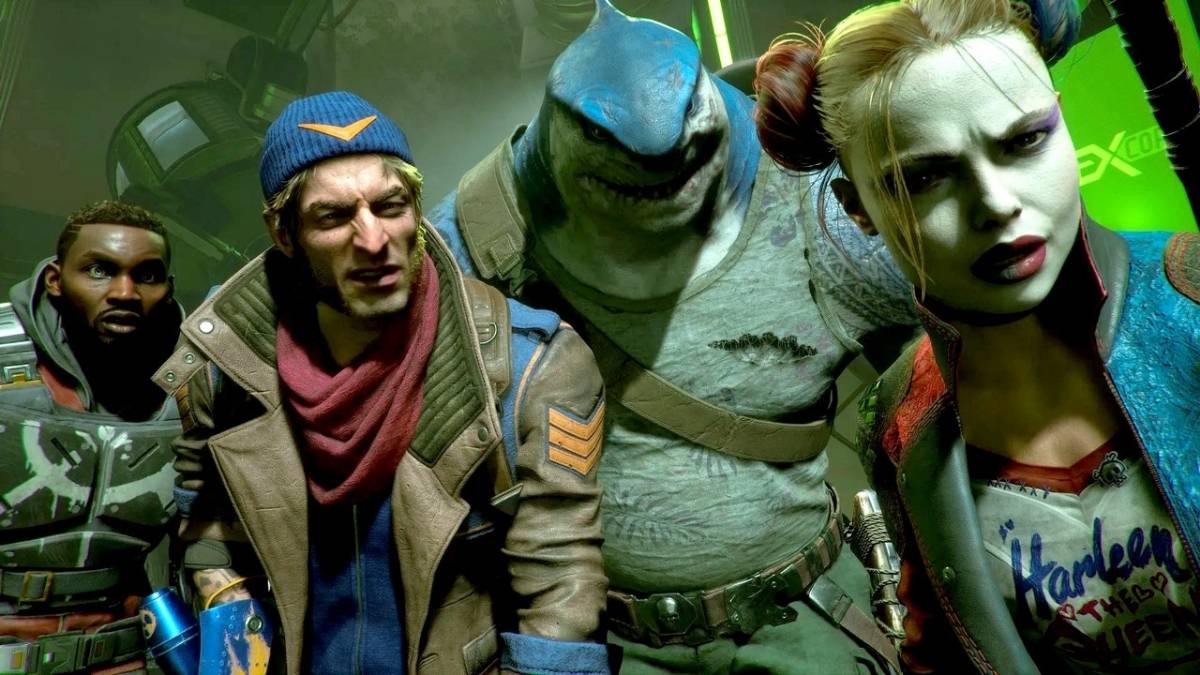
    Suicide Squad Kill the Justice League
    Suicide Squad Kill the Justice League

    Bug fixes

    • Fixed a bug that was causing Burning damage to scale with both player damage buffs and enemy debuffs. Burning damage should only be scaling via enemy debuffs.
    • Fixed a bug that allowed Toyman to stack multiple of the same Augment on your gear.
    • Fixed a bug that sometimes prevented modifications to Augments on your gear from saving after exiting a multi-player session and joining a single-player session.

    Changes in this release

    • Heat Wave’s Molten Skin & The Turtle’s Shell have had their damage reduction reduced from 100% to 90%.
    • Due to some players exploiting certain mission mechanics, vehicle kills during Gizmo’s Support Squad missions no longer grant XP. You are still awarded XP for mission completion.
    • With the fix to Burning damage, players will be less likely to get to the same Mastery Level as before. As a result, we will be creating new Leaderboards in the interest of fairness. Fear not though, as we will be archiving the existing Leaderboards, so those currently atop the rankings will live on in infamy!
    • With the fix coming to Burning damage scaling and hearing the concerns around hitting a wall when climbing Mastery levels, we have reduced enemy health scaling for Mastery levels 46 and above.
    • To keep things challenging, enemies at Mastery level 46 and above will now deal more damage.
  • Overwatch 2 Season 9 Patch Notes: Get Buffed! Hero Health Increases & More

    Overwatch 2 Season 9 Patch Notes: Get Buffed! Hero Health Increases & More

    Season 9 of Overwatch 2 has officially arrived. As you might anticipate, Blizzard has given a list of all the new features coming to the team-based shooter.

    In a recent blog post detailing the patch notes, Blizzard discloses that the new release includes not just season 9, but also a plethora of competitive play enhancements. Most significantly, the developer modified competitive updates, so instead of requiring a player to win five or lose 15, they would now receive updates after each match.

    A new skill tier, Champion, which ranks above Grandmaster, has also been established. Blizzard went on to say that “only an exceedingly small percentage of players will ever occupy this echelon of Competitive Play.”

    Overwatch 2’s Season 9 update also includes a new co-op event called Cosmic Criss. Players will work together with three others to repair their spacecraft, battle off adversaries, and escape the ruins of Ecopoint Antarctica.

    Overwatch 2 Season 9 Patch Notes

    Overwatch 2 'Applying Update' Bug Causes Season Ban for Players
    Overwatch 2 ‘Applying Update’ Bug Causes Season Ban for Players

    Skill Rank Reset

    • Given the significant changes to our heroes and the addition of a new skill tier, this reset is designed to give all players a chance to climb higher than ever before.
    • All roles in Role Queue and Open Queue in Competitive Play have been reset to Unranked.

    Placement Matches

    • Placements have been rebuilt from the ground up. Your predicted rank will be displayed after each placement match.
    • You must complete 10 matches in a role to receive your Skill Rank for that role.
    • Winning your placements will have a significant impact on your final rank.

    Competitive Updates

    • Competitive Updates have been reworked. Instead of requiring five wins or 15 losses to get a Competitive Update, updates now happen after every match.
    • Going forward, the Competitive Updates page now hosts information about your ranks in Role Queue and Open Queue, as well as your progress toward Competitive Point rewards.

    Skill Modifiers

    • Modifiers now appear on the Competitive Progress page after each match.
    • Skill modifiers provide information on how much a rank will gain or lose progress after a match, including win or loss streaks, rank instability, and match favorability.

    New Skill Tier – Champion

    • A new rank has been added above Grandmaster, called Champion, that is more exclusive than any other rank in Overwatch. Only an exceedingly small percentage of players will ever occupy this echelon of Competitive Play.

    Versus Screen

    • The range of ranks for players in a match of Competitive Play is now displayed on the same screen where both teams are shown with their name cards, player icons, and titles.

    New Grouping Requirements

    • Bronze through Diamond Players may group with other players within 2 Skill Tiers of their own Skill Rank.
    • Master players may group with other players within 1 Skill Tier of their own Skill Rank.
    • Grandmaster players may group with other players within 3 Skill Divisions of their own Skill Rank.
    • Champion players may group with only one other player within 3 Skill Divisions of their own Skill Rank.

    Art & UI Updates

    • Skill Tier and Skill Division art for rank icons have been redesigned for improved readability.
    • The Competitive Skill Tier legend has been redesigned to include updated and new relevant information.

    Competitive Points

    • Each win now grants 10 Competitive Points.
    • Each draw now grants 5 Competitive Points.
    • Each loss still grants 0 Competitive Points.

    Competitive Progression

    • Competitive Challenges that award additional Competitive Points at the end of the season have been replaced with a new Competitive Progression system.
    • Every match grants progress toward your Competitive Progression meter, and after earning 30 you will receive an additional 100 Competitive Points.
    • Wins award 3 progress toward your Competitive Progression meter. Draws and Losses award 1 progress.

    Competitive Rewards

    • Jade Weapon Variants have been introduced.
    • Each Jade Weapon Variant costs 3000 Competitive Points to purchase.
    • All players will start this season with a balance of 0 Competitive Points.
    • All existing Competitive Points have been converted into a new currency, Legacy Competitive Points.
    • Each Golden Weapon Variant now costs 3000 Legacy Competitive Points to purchase.
    • At the end of a Competitive Year, any remaining balance of Competitive Points converts to Legacy Competitive Points.

    Matchmaking Rating

    • At the start of this season only, the internal Matchmaking Ratings for all players have been adjusted to push players closer to the normalized average (approximately at Gold 3).
    • Matchmaking Ratings have been decayed. The higher the rank, the more it has been decayed.
    • Most players will start at a lower skill rank and division than their most recent rank.

    Competitive Challenges

    • Competitive challenges removed. Rewards and progress for Competitive Play are now displayed on the Competitive Progress page and titles are rewarded at the end of the season.

    GENERAL UPDATESPLAYER PROGRESSION

    • Added a new set of visual upgrades. Hero/Game Mode badge upgrades start at Level 500. Progression Level badge upgrades start at Level 2500.
    • Wrecking Ball title rewards are renamed from “Champion” to “Champ” to align with Junker Queen’s usage of the title (and to avoid confusion with the new Champion rank).
    • Adjusted amount needed to level up certain sub-badges for Mauga and Illari.

    FRIEND ENDORSEMENTS

    • The endorsement is only eligible if you’re in the match for a set duration.
    • Endorsements are subject to the configured cooldown period of 12 hours.
    • Endorsements are subject to cooldown even if you unfriend the recipient.

    SETTINGS

    • Added a feature for controller/keyboard users that remembers what you had focus when backing out of screens.

    CROSSHAIR UPDATE

    New Reticle Types have been added.

    • Square
    • Box
    • Line
    • Triwing
    • Falloff

    New Reticle Dots have been added.

    • Ring
    • Square
    • Triangle
    • Cross
    • Heart

    New Reticle color options have been added.

    • Brown
    • Dark Red
    • Light Red
    • Light Purple
    • Gray
    • Teal

    HERO UPDATES

    Most damage-dealing projectile sizes have been increased by a new global modifier added to their base size.

    • +0.05 meters for hitscan projectiles with a high rate of fire or spread (e.g., Tracer’s Pulse Pistols or Reaper’s Hellfire Shotguns).
    • +0.08 meters for hitscan projectiles that are more precise (e.g., Cassidy’s Peacekeeper or Soldier:76’s Heavy Pulse Rifle).
    • +0.05 meters for travel time projectiles that are shotguns or have a very high rate of fire (e.g., Roadhog’s Scrap Gun or Ramattra’s Void Accelerator).
    • +0.10 meters for travel time projectile with a speed greater than 50 meters per second (e.g., Zenyatta’s Destruction Orb).
    • +0.15 meters for travel time projectile with a speed less than or equal to 50 meters per second (e.g., Pharah’s Rocket Launcher).
    • Very large projectiles with a base size greater than 0.5 meters have been excluded from these increases (e.g., Orisa’s Energy Javelin or Reinhardt’s Fire Strike).

    Hero combined HP (base health/armor/shields) increased by 15-25%.

    • 150-175 HP heroes increased by 25 HP.
    • 200-300 HP heroes increased by 50 HP.
    • 300+ HP (Tanks) increased by 75-100 HP.
    • Each hero’s precise health increases are listed in their patch notes below.

    Ultimate Charge

    • All Ultimate ability costs increased by 10%.

    Regenerative Passive for All Heroes

    • All heroes now regenerate 20 health per second after 5 seconds of not taking damage.

    Support Role Passive

    • Now reduces the delay before regeneration begins by half (2.5 seconds).

    Damage Role Passive

    • Reload speed bonus on elimination has been removed.
    • New role passive: Dealing damage reduces enemy healing received by 20% for 2 seconds.

    Quick Melee

    • Damage increased from 30 to 40.

    D.Va

    • Pilot health increased from 150 to 175.
    • Mech armor increased from 300 to 375.

    Self Destruct

    • Explosion maximum damage increased from 900 to 1000.
    • Inner explosion radius (range for maximum damage before falloff begins) increased from 4 to 6 meters.

    Doomfist

    • Health increased from 300 to 375.

    Rocket Punch

    • Max impact damage increased from 50 to 75.
    • Max wall slam damage increased from 30 to 40.

    Junker Queen

    • Health increased from 300 to 375.

    Rampage

    • Wound damage over time increased from 60 to 90.

    Mauga

    • Health increased from 300 to 400.

    Orisa

    • Armor increased from 275 to 350.

    Ramattra

    • Health increased from 200 to 275.

    Reinhardt

    • Health increased from 200 to 250.
    • Armor increased from 250 to 275.

    Rocket Hammer

    • Damage increased from 85 to 100.

    Charge

    • Wall impact damage increased from 225 to 275.

    Roadhog

    • Health increased from 550 to 650.

    Sigma

    • Shields increased from 200 to 275.

    Winston

    • Health increased from 200 to 225.
    • Armor increased from 200 to 250.

    Tesla Cannon

    • Damage increased from 60 to 75 damage per second.

    Primal Rage

    • Punch damage increased from 40 to 50.

    Wrecking Ball

    • Armor increased from 100 to 175.

    Zarya

    • Health increased from 100 to 175.

    Particle Cannon

    • Primary fire beam width increased from 0.15 to 0.2 meters.

    DAMAGE

    Ashe

    • Health increased from 200 to 250.

    B.O.B.

    • B.O.B.’s weapon damage increased from 14 to 17.

    Bastion

    • Health increased from 200 to 250.

    Cassidy

    • Health increased from 225 to 275.

    Deadeye

    • Initial damage rate increased from 130 to 150.
    • Damage rate increased from 260 to 300.

    Echo

    • Health increased from 200 to 250.

    Focusing Beam

    • Width increased from 0.2 to 0.25 meters.

    Duplicate

    • Maximum combined health value increased from 300 to 350.

    Genji

    • Health increased from 200 to 250.

    Dragonblade

    Swing recovery decreased from 0.9 to 0.7 seconds.

    Hanzo

    • Health increased from 200 to 250.

    Storm Arrows

    • Damage increased from 65 to 75.
    • Cooldown reduced from 10 to 8 seconds.

    Junkrat

    • Health increased from 200 to 250.

    Frag Launcher

    • Base projectile size reduced from 0.25 to 0.2 meters.

    Mei

    • Health increased from 250 to 300.

    Pharah

    • Health increased from 200 to 250.

    Rocket Launcher

    • Recovery reduced from 0.85 to 0.80 seconds.
    • Projectile speed increased from 35 to 40 meters per second.
    • Explosion self-damage reduced from 50% to 25%.

    Jet Dash

    • New Secondary Fire Ability.
    • Provides a quick horizontal boost in the direction Pharah is moving.
    • 8-second cooldown.
    • Added a setting to activate Jet Dash on Double Jump instead.

    Jump Jet

    • Now restores 50% of Hover Jets fuel and can briefly overfill the maximum fuel amount.
    • Vertical boost height reduced by 20%.
    • Cooldown increased from 10 to 14 seconds.

    Concussive Blast

    • Cooldown decreased from 9 to 7 seconds.
    • Explosion now deals 30 damage to enemy targets.
    • Explosion radius reduced from 8 to 6 meters.
    • Knockback reduced by 10%.

    Barrage

    • Now instantly refills Hover Jets fuel.

    Hover Jets

    • Speed boost increased from 20% to 40%.
    • Now requires landing to recharge fuel.
    • Can now be activated without fuel to slow your descent.

    Reaper

    • Health increased from 250 to 300.

    Sojourn

    • Health increased from 200 to 250.

    Railgun

    • Secondary Fire base projectile size reduced from 0.1 to 0.07 meters.

    Soldier: 76

    • Health increased from 200 to 250.

    Sombra

    • Health increased from 200 to 250.

    Symmetra

    • Shields increased from 100 to 150.

    Photon Projector

    • Primary fire beam width increased from 0.2 to 0.25 meters.

    Torbjörn

    • Health increased from 200 to 250.

    Tracer

    • Health increased from 150 to 175.

    Widowmaker

    • Health increased from 175 to 200.

    SUPPORT

    Ana

    • Health increased from 200 to 250.

    Baptiste

    • Health increased from 200 to 250.

    Brigitte

    • Health increased from 150 to 200.

    Rocket Flail

    • Damage increased from 35 to 45.

    Illari

    • Health increased from 200 to 250.

    Kiriko

    • Health increased from 200 to 250.

    Kunai

    • Base projectile size reduced from 0.18 to 0.15 meters.

    Lifeweaver

    • Health increased from 175 to 225.

    Lúcio

    • Health increased from 200 to 250.

    Soundwave

    • Damage increased from 25 to 35.
    • Knockback increased 12%.
    • Movement lockout duration increased from 0.3 to 0.45 seconds.

    Mercy

    • Health increased from 200 to 250.

    Guardian Angel

    • Active duration on jump/crouch cancel reduced from 1.5 to 1 second.

    Sympathetic Recovery passive

    • Health recovered increased from 25% to 40% of healing dealt.

    Moira

    • Health increased from 200 to 250.

    Biotic Grasp

    • Secondary fire damage increased from 50 to 65 damage per second.
    • Secondary fire target acquisition radius increased from 0.6 to 0.7 meters.

    Zenyatta

    • Health increased from 75 to 100.
    • Shields increased from 150 to 175.

    JUNKERTOWN UPDATE

    • New nighttime lighting theme.
    • New building near the first point to provide more cover & block long sightlines.
    • Added a water tower near the first point to block sightlines from upper choke positions.
    • Added more vehicles near the cliff to provide additional cover & block long sightlines.
    • Reduced the cliffside path to tighten the space and reduce the overall footprint of the area.
    • Removed a small health pack on the second area balcony that was easy for defenders to overuse.
    • Added vertical beam at second choke point to promote movement out of the upper floor & make the choke easier to defend.
    • Widened and added cover in a hallway in the third area to make close quarter fights easier to maneuver.

    BUG FIXES GENERAL

    • Fixed an issue with some shadows that could appear jagged when on any setting below Ultra.
    • Fixed a bug that prevented your skin from changing when using the Change Skin option in Hero Select if you had a Loadout selected.
    • Fixed a bug with Golden Weapons being marked as unspecified and not being purchasable.
    • Fixed a bug with some callouts for pushing the payload playing at incorrect moments.
    • Fixed an issue with Wall Climb failing in some situations.
    • Additional bug fixes for general stability and performance.

    MAPS

    Antarctic Peninsula

    • Fixed lighting in some areas of the map.

    King’s Row

    • Fixed areas of the map that were missing collision.

    Midtown

    • Fixed some locations that could cause some heroes to become stuck

    Shambali Monastery

    • Fixed a location of the map that displayed incorrect textures.

    HEROES

    Doomfist

    • Fixed a bug with Meteor Strike that could result in Doomfist getting inside the environment.
    • Fixed a bug that sometimes prevented Seismic Slam’s damage from going through turrets.
    • Fixed a bug that could prevent Doomfist from acquiring Overhealth in some cases.
    • Fixed a bug where Rocket Punch left a small window of time open to use abilities.

    Echo

    • Fixed an interaction when Duplicating Bastion that prevented the Duplicated Configuration: Artillery’s shots from landing if Duplicate ended before they landed.

    Lifeweaver

    • Fixed a bug that prevented Tree of Life from healing Reaper when in Wraith form.

    Lúcio

    • Amp it Up now goes on cooldown if interrupted by stun during its cast time or when dying while it’s active.

    Mauga

    • Fixed a bug with the burning applied by Mauga not being removed when picking up a health pack.

    Orisa

    • Terra Surge now correctly pulls in and damages enemies that are on uneven slopes/collision, as long as Orisa has a direct line of sight, they will get pulled/damaged.

    Roadhog

    • Fixed a bug with Roadhog’s model becoming distorted with some skins during the Heroic Highlight intro.
    • Fixed a bug with Pig Pen displaying a Junkrat icon when pinged.

    Sombra

    • Fixed an interaction that prevented Hack from being interrupted by Rocket Punch or Shield Bash.
    • Fixed a bug where Sombra would enter Stealth while escorting the robot in some situations.

    Torbjörn

    • Fixed a bug with disabling the Interact Cancel Deploy Turret setting causing you to only destroy a deployed turret and not toss out a new one when the ability is used.

    Winston

    • Fixed a bug with Primal Rage that interrupted the ability to attack if the Ultimate was initiated while Jumping and using Melee at the same time.

    Zenyatta

    • Golden weapon tint should now properly be reflected on all skins.

    You might also be interested in the patch notes for Valorant 8.01 and NBA 2K24 Season 4 New Gen Patch Notes.

  • Baldurs Gate 3 Patch 6 Will Improve Party Management: Say Goodbye To Frustration

    Baldurs Gate 3 Patch 6 Will Improve Party Management: Say Goodbye To Frustration

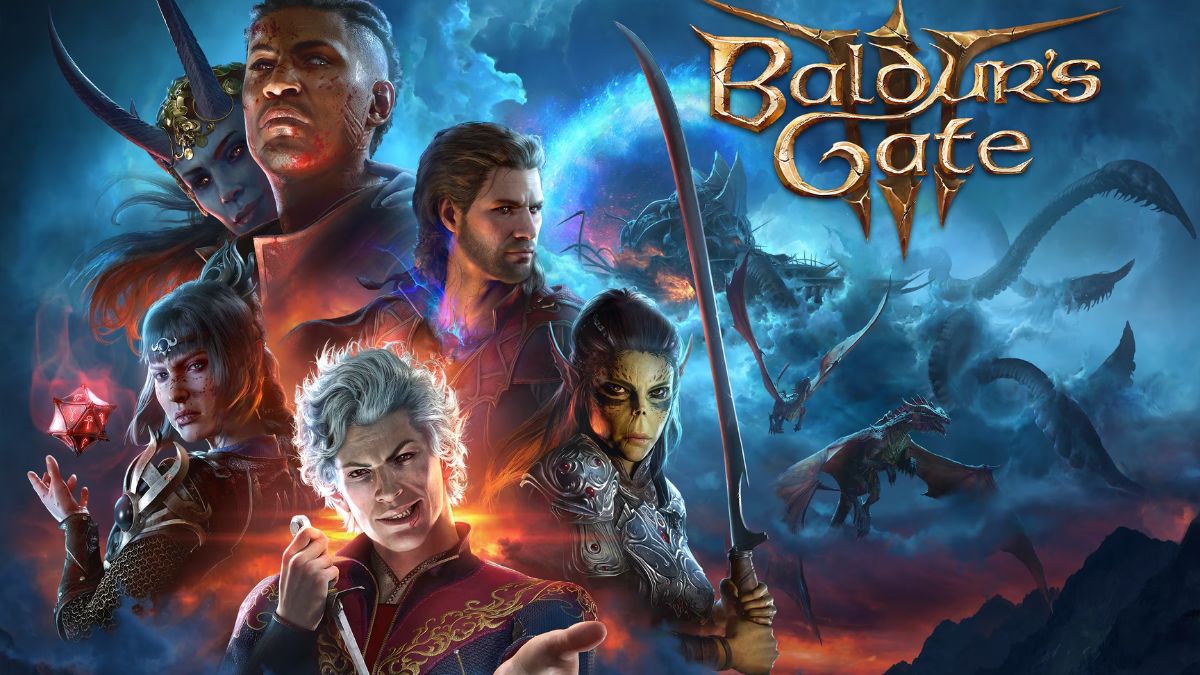
    Larian Studios has stated that Patch 6 will include further updates for Baldur’s Gate 3, as well as a larger installation size.

    Larian has previously announced that the patch will include new idle animations for party members in camp as well as improvements to smooches (just in time for Valentine’s Day).

    In a new discussion on X, Larian said that Patch 6 would include “more than just romance” as well as bug fixes and gameplay changes that should make party management much simpler.

    Patch 6 will allow you to recruit a buddy to your party without first freeing up a place for them. It’s a nuisance to go chat with the companion you wish to dismiss and then locate someone to recruit in camp, thus this is welcomed.

    Patch 6 will also ensure that any automatically prompted speech begins with your character as the speaker, not one of your party members.

    This has been a particular pet hate of me, and it has even prompted me to replay battles due to this exact issue. Fortunately, this should no longer be an issue after Patch 6 is published.

    The patch will be large; Larian stated that Patch 6 is 21GB and will require around 150GB of free space on the PC and Steam Deck. The fix will be available “soon” and on Mac at a later date.

  • Tomb Raider 1-3 Remastered Release Date: Unearthing The Secrets Soon!

    Tomb Raider 1-3 Remastered Release Date: Unearthing The Secrets Soon!

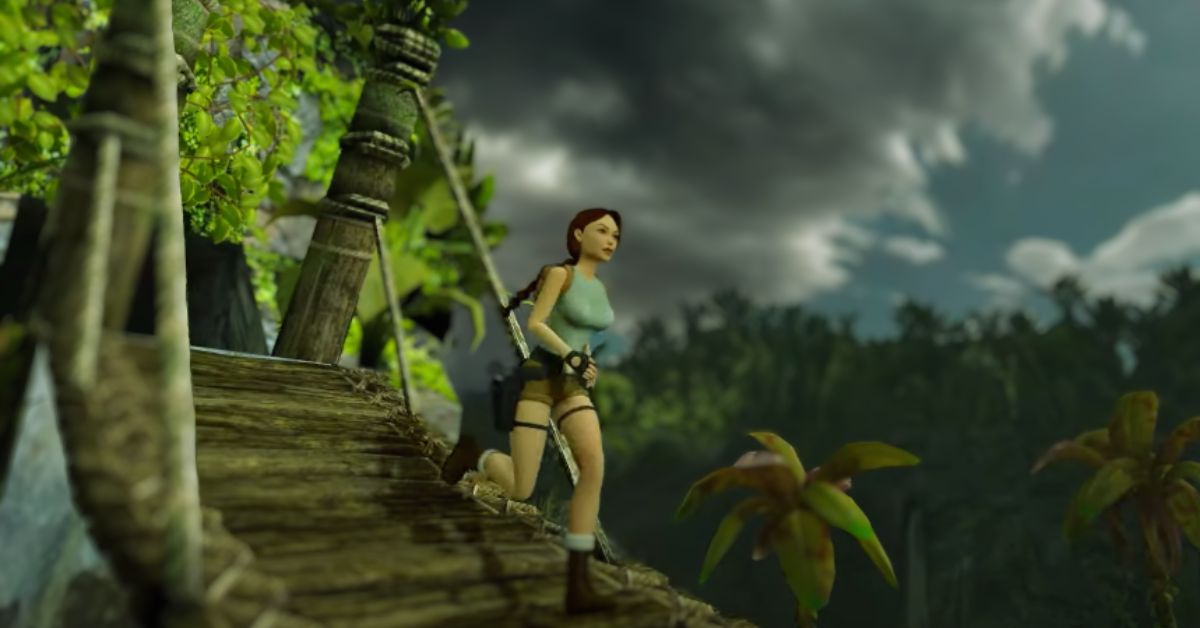
    Tomb Raider 1-3 Remastered has made its premiere, and fans are certainly eager to discover more about when the game will be available on various platforms and in different areas.

    Players who are wondering if the game will be accessible on last-generation consoles will be pleased to know that it will be released for PlayStation 4 and Xbox One. However, it is important to remember that gamers may not be able to enjoy all of the Tomb Raider 1-3 Remastered features available on current-generation platforms.

    That being said, gamers who purchase the game on PlayStation 4 will receive a bonus feature not included in Tomb Raider 1-3 Remastered’s PlayStation 5 edition. The Platinum Trophy is shockingly limited to last-generation systems.

    People who wish to have the trophy in their collection may simply play the PS4 version on their PS5, as consumers receive both versions when purchasing the game.

    Tomb Raider 1-3 Remastered Release Date

    The game’s release date might vary greatly depending on the platform on which it is played. Tomb Raider 1-3 will be released simultaneously on PlayStation and Xbox in all markets.

    It should be noted that Tomb Raider 1-3 Remastered is not presently available on Game Pass, however, it is possible that it will be added in the future. Here are the release dates for PlayStation 4, PlayStation 5, Xbox One, and Xbox Series S/X in various areas.

    • Los Angeles: 12 am, 14th February
    • San Paulo: 12 am, 14th February
    • London: 12 am, 14th February
    • Berlin: 12 am, 14th February
    • Moscow: 12 am, 14th February
    • Australia: 12 am, 14th February

    Unlike the PlayStation and Xbox releases, the release date and time for the Nintendo Switch, Epic Games Store, and Steam editions do not correspond to local time.

    In reality, the release dates have been combined in an unusual way, with the Tomb Raider 1-3 Remastered Nintendo Switch and Epic Games Store editions being published concurrently in each country, while the Steam version has a separate release schedule. The release times for Switch, Epic Games Store, and Steam vary by location.

    Regions Tomb Raider 1-3 Release Time On Switch & Epic Games Store Tomb Raider 1-3 Release Time On Steam
    Los Angeles 9 am, 14th February 10 pm, 13th February
    San Paulo 2 pm, 14th February 3 am, 14th February
    London 5 pm, 14th February 6 am, 14th February
    Berlin 6 pm, 14th February 7 am, 14th February
    Moscow 8 pm, 14th February 9 am, 14th February
    Australia 4 am, 14th February 5 pm, 14th February

    If you want to read more about other games, check out Dicefolk Release Date and Spider Man 2 PS5 New Game Plus Release Date. Thank you for your interest in our website! Make Gameempress.com your go-to website for gaming knowledge.

  • Helldivers 2 New Patch: Server Fixes, Rewards Guaranteed, Dive Back In!

    Helldivers 2 New Patch: Server Fixes, Rewards Guaranteed, Dive Back In!

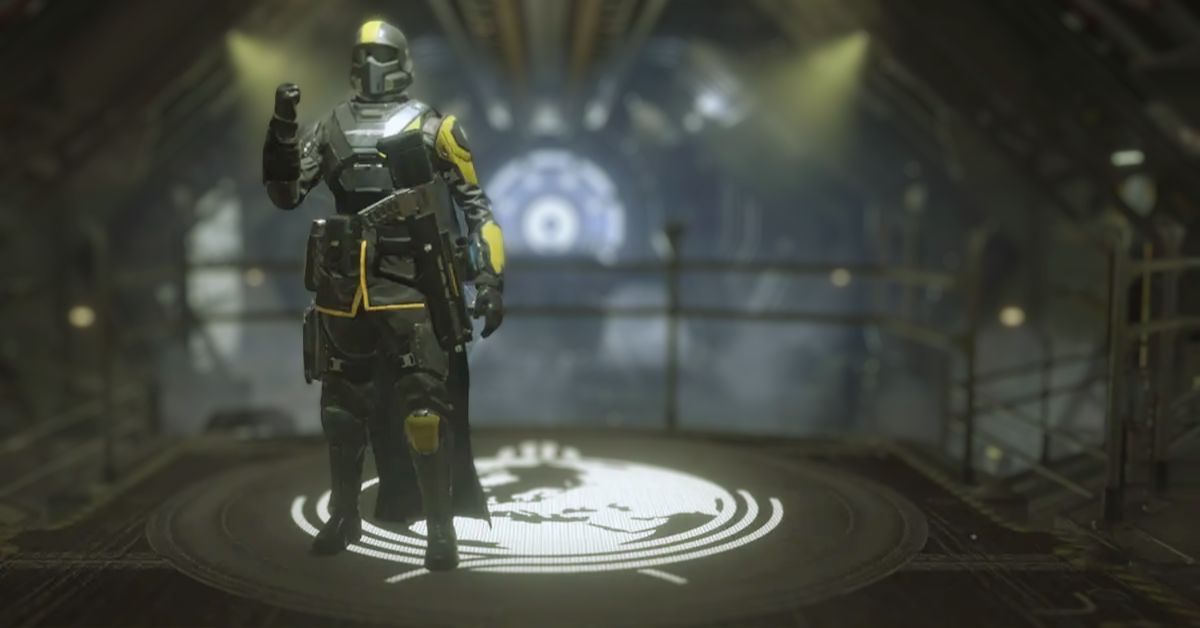
    Arrowhead Games Studios, the developer of Helldivers 2, has released a new patch to fix several matchmaking, performance, and stability issues with the popular cooperative shooter.

    “Recruits, help is on its way!” the developer stated in a Twitter/X post announcing the fix. “We have issued a patch to PC and PS5 players to address general stability (crashes) and stuttering, Defend Events, and matchmaking.”

    Patch 01.000.006 includes some fixes for cutscene-related issues, including one that was reported to occur during extraction at the end of a mission. Other problems involving text-to-speech features and menu items have also been resolved.

    Arrowhead has also worked to enhance Helldivers 2’s ‘backend connectivity’, which should result in a more smooth matchmaking experience and lower the danger of disconnecting during missions.

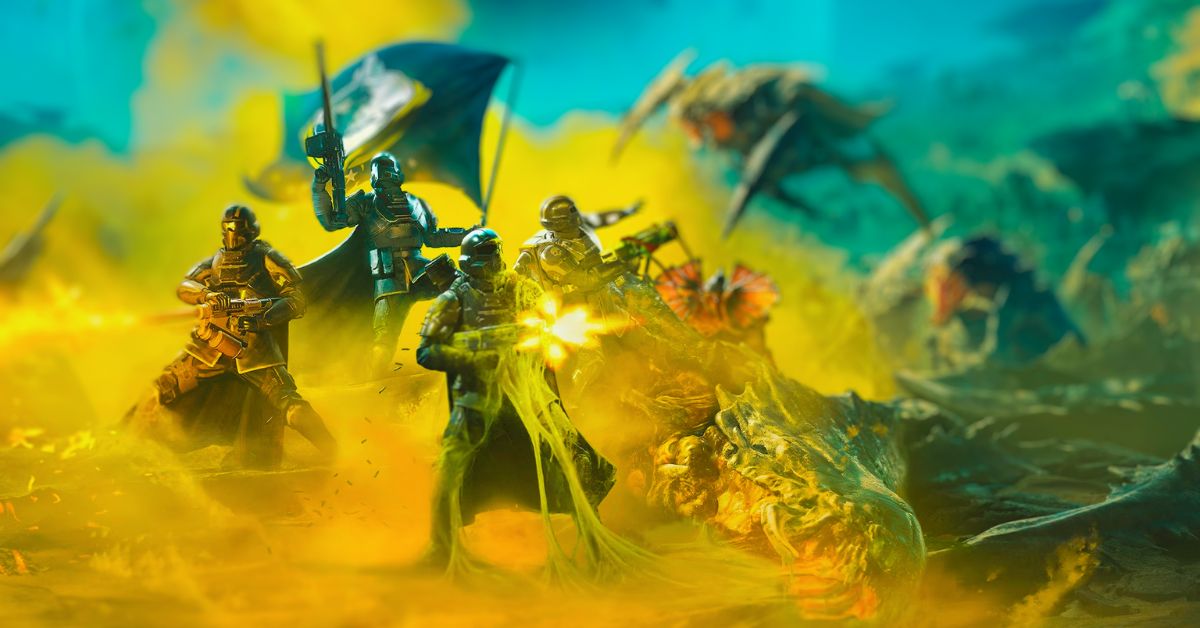
    Helldivers 2 New Patch

    Overview

    • For this patch, we have focused on the following areas:
    • Improved general game stability
    • Prepared build for upcoming server matchmaking improvements.
    • Resolving connectivity and disconnect issues.

    Fixes

    • Fixed crash when application was closed shortly after start
    • Game no longer crashes during extraction cutscene.
    • User profile with too many friends no longer causes crash.
    • Fixed crash when using text-to-speech during extraction cutscene
    • Game no longer crashes when users disconnect during the joining cutscene.
    • Operation Status in Mission Summary no longer causes crash.
    • Fixed crashes caused by leftover visual effects from disconnected players.
    • Game no longer crashes when using ADS.
    • Repaired instability in game data packing that caused increased patch sizes.
    • Improved backend connectivity, reduces likelihood of disconnecting in missions.
    • Improved matchmaking experience and likelihood of success.

    Over 360,000 players attempted to log in at the same time on February 8 to spread controlled democracy by calling down all sorts of powerful weaponry on the bug-like Termanid hordes and robotic Automaton armies.

    This surge of interest strained the game’s online infrastructure, leaving many players upset with advancement troubles and others unable to join in at all.

    Arrowhead has subsequently launched a series of “rapid fixes” to address the most common issues, albeit one of these updates had to be partially pulled back after players noticed a drop in PC performance.

    The creators have subsequently apologised to impacted consumers and vowed to organise a ‘enhanced reward event’ to make up for any missed progression.

    Aside from technical concerns, Helldivers 2 is a fan favourite, with many praising the game’s dynamic opponent engagements and being generally tolerant of the inevitable friendly fire occurrences that accompany high explosive orbital bombardments.

    Some community members are even striving to set etiquette standards that gamers may follow to guarantee that everyone has a good time and that no one is caught in a descending Hellpod.

    Helldivers 2 reached another milestone today, with over 200,000 people logging in to play on PC. Helldivers 2 is Sony’s most successful PC game to date, outperforming God of War.

  • Tomb Raider 1-3 Remastered Introduce Racial And Ethnic Content Advisory

    Tomb Raider 1-3 Remastered Introduce Racial And Ethnic Content Advisory

    Tomb Raider 1-3 Remastered opens with a content warning stating that the trilogy contains “offensive depictions of people and cultures rooted in racial and ethnic prejudices”.

    The statement notes that these portrayals are “inexcusable” but have been maintained intact to acknowledge and learn from their “deeply harmful” presence.

    The remark does not specify the exact components of the games it alludes to, but one plausible example may be found in Tomb Raider 3, according to fans, in which stereotyped South Pacific natives assault Lara Croft with bows and arrows.

    “The games in this collection feature derogatory portrayals of people and civilizations based on racial and ethnic biases. These preconceptions are highly hurtful, and unacceptable, and do not reflect Crystal Dynamics’ principles.

    Tomb Raider 1-3 Remastered adds racial and ethnic content warning
    byu/its_crayg_not_creg inpcgaming

    “Rather than removing this content, we have chosen to present it here in its original form, unaltered, in the hopes that we may acknowledge its harmful impact and learn from it.”

    Statements like these are still unusual in video games, but internet streaming providers have used them to indicate portions of older TV shows and films that are now commonly considered objectionable.

    Tomb Raider 1-3 Remastered is available for PC, PlayStation 4, PlayStation 5, Switch, Xbox One, and Xbox Series X/S. Tomorrow, February 14th, is Lara’s birthday.

  • Securing Your Valorant Experience: Essential Gaming Security Tips

    Securing Your Valorant Experience: Essential Gaming Security Tips

    With the ever-increasing importance of internet security in our digitally driven world, the significance of securing online accounts can’t be overstated. This reality is no different for gamers, especially those frequenting platforms like Valorant, where the excitement of gaming can quickly sour if cyber threats compromise your account. Your achievements, sensitive personal data, and precious in-game commodities are all at risk if the proper precautions aren’t taken.

    A staggering statistic that underscores this peril is the over 12 billion online accounts that have been infiltrated by cybercriminals in recent times. Such a high number serves as a sobering reminder of the necessity for diligence and consistent protective measures when it comes to the security of digital accounts.

    Top Gaming Security Tips

    #1 Enable Two-Factor Authentication

    Fortify your Valorant gameplay experience with the added protection of two-factor authentication (2FA)! When you activate 2FA, it asks for a second form of verification—think of a unique code sent to your phone or email—alongside your regular password. This one-two punch of security measures dramatically lowers the odds of unwanted intruders, even if they’ve managed to snag your password.

    Don’t wait – power up your Valorant account’s defense by turning on two-factor authentication today.

    #2 Use a VPN

    While entertaining in online gaming, you’re likely to encounter various security threats, such as DDoS (Distributed Denial of Service) attacks. These attacks flood your network with overwhelming malicious traffic.

    Using a VPN (Virtual Private Network) can significantly boost your defense, as it encrypts the data you send over the internet. This encryption makes it tougher for cybercriminals to compromise your connection and protects your sensitive information from falling into the wrong hands.

    Furthermore, encryption plays a vital role in concealing your IP address, preventing it from being hijacked for nefarious activities targeted specifically at you. In addition to this, a Valorant VPN offers substantial security when connecting to public Wi-Fi networks – a common hotspot for security exploits against gamers.

    Incorporating a VPN for Valorant in your gaming setup is a smart move, adding a robust protective layer to your online presence and granting you peace of mind as you play. The main condition is the right choice of VPN provider and VeePN would be a wise decision.

    #3 Create Strong Passwords

    To protect your Valorant account effectively, crafting robust and distinctive passwords is key. Construct a password with an intricate mix of upper and lower case letters, digits, and symbols, steering clear of predictable details such as your name, birth date, or simple phrases. Choose hard-to-crack, complex sequences instead.

    For instance: Swap a basic password such as “Valorant123” for a more secure option like “V#Lor4nti5MyG@me!”.

    #4 Secure Your Email Account

    Protecting your online presence starts with your email, the lifeline to your digital world and to your Valorant gameplay. Here’s how to fortify its defenses:

    • Craft a robust password that stands alone for your email.
    • Turn on two-factor authentication, an additional security shield.
    • Keep a vigilant eye on your email for signs of unusual activity or breach attempts.

    #5 Regularly Updating Software

    Up-to-date systems are your best defense against cyber threats, not only in the gaming domain but across all digital platforms. Continual refinements and system upgrades bolster both user experience and security. Nonetheless, the true utility of these advancements is only unlocked through prompt software updates.

    Keep in mind, that bolstering your security isn’t just for gaming apps—it’s a crucial step across all software. Regularly updating your operating system, browsers, and antivirus tools is a smart defense against the constantly evolving tactics of cybercriminals.

    Cyber thieves are slick; they prey on the weak spots of old software, hitting where it hurts most. Keeping your software up-to-date is like adding extra locks to your doors—it’s a smart move that makes it tougher for hackers to sneak into your system. Keep your guard up, refresh your systems regularly, and protect your online space from the ever-looming threat of cyberattacks.

    #6 Be Anonymous

    When you’re gearing up for online gaming with unfamiliar teammates, personal anonymity is key. There’s no requirement to disclose your real identity; your gaming progress should be the main focus.

    Opt for a secure and catchy gamer tag, such as “CyberNinjaWarrior” or “MysteryPlayer42”, avoiding any hints of your real first or last name. Also, when accessing websites, use VPN for Firefox to prevent your account from being hacked through web services. A VPN will protect you from hacking and similar cyber threats.

    Represent yourself with a creative avatar rather than a personal photo. In instances where strangers prompt you to share pictures or activate a webcam, stand your ground and decline. Your gaming skills should be the only thing visible, not your privacy.

    Conclusion

    How to secure Valorant experience? To safeguard your Valorant account from potential threats and unauthorized access, these essential security precautions. The methods listed can protect your Valorant account and your gaming experience. Moreover, they can be applied to other games.

  • Microsoft Surface Team Is Developing The Next Xbox Device: A Gaming Revolution?

    Microsoft Surface Team Is Developing The Next Xbox Device: A Gaming Revolution?

    According to one industry insider, the next-generation Xbox console may not be built by the same team that created the Series X. Instead, the project has been moved to Microsoft’s Surface business.

    The alleged move means that the next Xbox machine may be introduced considerably later than the PS6, depending on how near to the drawing board the project returns as a consequence of the design team change.

    Microsoft’s current-generation system hasn’t fared well in comparison to the PS5, and the worst may be yet to come, with the Redmond-based tech behemoth expecting Xbox hardware sales to fall further until 2024.

    While the firm ceased disclosing specific console sales data in 2015, it broke its quiet in mid-2023, revealing that the Xbox Series X and Series S sold a total of 21 million units, about half of what the PS5 sold at the time.

    Microsoft Surface Team Is Developing The Next Xbox Device

    According to a recent assertion by industry insider Nick Baker, the business chose to change up its console section in response to these issues. During the February 10 episode of The XboxEra Podcast (approximately 1:57:45), Baker stated that he had learned that Microsoft had shifted the duty of creating the next-generation Xbox console to the Surface team.

    Jason Ronald, Microsoft’s Vice President of Xbox Gaming Devices and Ecosystem, formerly headed the project. Ronald oversaw the development of the Xbox Series X/S and Xbox One X throughout his 17-year tenure with the firm, which continues today.

    An Xbox Console from the Surface Team Might Make Sense

    Even if the Series X was doing considerably better than it is now, Microsoft assigning its replacement to the Surface team would not be entirely unexpected if the latest rumor that an Xbox portable console is in the works is true.

    After all, the Surface division focuses on high-performance portable devices. It’s unclear if such a drastic paradigm change would be possible if the current-generation console was performing well.

    Baker’s most recent podcast appearance also saw him react to the newest portable rumors, which were launched by the Xbox News Cast Podcast, especially by co-host MAGG. To that end, the insider stated that he could not vouch for the accuracy of the initial allegation, but that he had received comparable information from a source who informed him that he was not responsible for MAGG’s alleged leak.

    While the original story suggested that the portable would be cheaper and less powerful than the next-generation Xbox, effectively functioning as the Series S replacement, Baker’s source said that it would have equal specs but be more costly.

    Given the recent inflow of Microsoft leaks, there is always the possibility that the business is presently attempting to run a tighter ship by providing multiple departments with slightly different information and watching which version of the narrative emerges online.

    A broken telephone effect might be another, less conspiratorial, reason for the conflicting Xbox handheld rumors, provided they all originate from reliable sources and are reliably reported. Looking at the wider picture, this development is consistent with a recent story that Microsoft told its staff that it will continue to manufacture Xbox hardware.

  • Lockpicking Leveling Guide Classic: How To Master This Rogue Skill?

    Lockpicking Leveling Guide Classic: How To Master This Rogue Skill?

    Lockpicking is a unique skill that only rogues can learn in WoW Classic. It allows you to open locked chests, doors, and other objects without using a key. This can be very useful for finding extra loot, completing quests, or accessing hidden areas.

    However, to unlock higher-level locks, you need to increase your lockpicking skill by practicing on various lockboxes and jukeboxes. In this guide, we will show you how to level up your lockpicking skill from 1 to 300 in WoW Classic, as well as where to find the best places to practice and what benefits you can get from lockpicking.

    How to Learn Lockpicking in WoW Classic?

    Lockpicking Leveling Guide Classic
    Lockpicking Leveling Guide Classic

    To learn lockpicking, you need to be a rogue and complete a class quest that is available at level 16. The quest is different for each faction, but it will teach you the basics of lockpicking and give you a set of Thieves’ Tools that you need to use to pick locks. You can find the quest givers in the following locations:

    • Alliance: Mathias Shaw in Stormwind City or Agent Kearnen in Westfall
    • Horde: Shenthul in Orgrimmar or Therzok in The Cleft of Shadow

    Once you complete the quest, you will be able to pick locks up to a skill level of 5 times your character level. For example, if you are level 20, you can pick locks up to skill level 100. To increase your skill level, you need to find and open lockboxes and junk boxes that are appropriate for your current skill level.

    You can see the level of the lock by hovering over it with your cursor. The color of the lock will indicate the difficulty of picking it: green means easy, yellow means moderate, orange means hard, and red means very hard.

    You should aim for locks that are yellow or orange, as they will give you the most skill points. Green locks will give you fewer skill points, and red locks will be impossible to open.

    Where to Level Up Lockpicking in WoW Classic?

    There are many places where you can find lockboxes and junk boxes to practice your lockpicking skill in WoW Classic. Some of them are fixed locations, such as chests or doors, while others are random drops from enemies or pickpocketing. Here are some of the best places to level up your lockpicking skill in each level range:

    Level 1-100

    • Horde: The easiest way to level up your lockpicking skill from 1 to 100 is to go to the ship near Ratchet in The Barrens and pick the Buccaneer’s Strongboxes that are located inside. They respawn quickly, so you can stay there until you reach skill level 100.
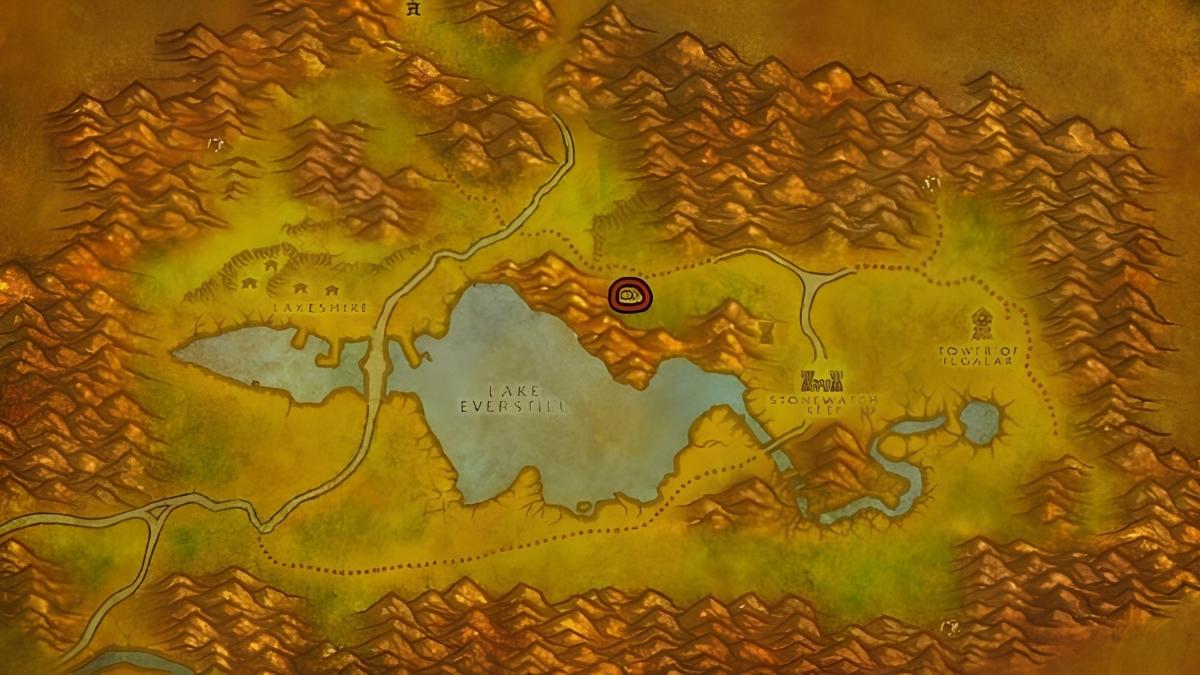
    • Alliance: The easiest way to level up your lockpicking skill from 1 to 100 is to go to the Lake Everstill in Redridge Mountains and pick the Waterlogged Footlockers that are scattered along the shore. They respawn quickly, so you can stay there until you reach skill level 100.
    • Neutral: Another option for both factions is to go to the Windshear Crag in Stonetalon Mountains and pick the Battered Footlockers that are found in the area. They respawn quickly, so you can stay there until you reach skill level 100.

    Level 100-150

    • Horde: The best place to level up your lockpicking skill from 100 to 150 is to go to the Zoram Strand in Ashenvale and pick the Waterlogged Footlockers that are found along the coast. They respawn quickly, so you can stay there until you reach skill level 150.
    • Alliance: The best place to level up your lockpicking skill from 100 to 150 is to go to the Wetlands and pick the Battered Footlockers that are found in the Murloc camps near the shore. They respawn quickly, so you can stay there until you reach skill level 150.
    • Neutral: Another option for both factions is to go to the Durnholde Keep in Hillsbrad Foothills and pick the Dented Footlockers that are found inside the buildings. They respawn quickly, so you can stay there until you reach skill level 150.

    Level 150-200

    • Horde: The best place to level up your lockpicking skill from 150 to 200 is to go to the Angor Fortress in Badlands and pick the Dented Footlockers that are found inside the fortress. They respawn quickly, so you can stay there until you reach skill level 200.
    • Alliance: The best place to level up your lockpicking skill from 150 to 200 is to go to the Stromgarde Keep in Arathi Highlands and pick the Dented Footlockers that are found inside the keep. They respawn quickly, so you can stay there until you reach skill level 200.
    • Neutral: Another option for both factions is to go to the Searing Gorge and pick the Dented Footlockers that are found in the Slag Pit. They respawn quickly, so you can stay there until you reach skill level 200.

    Level 200-250

    • Horde: The best place to level up your lockpicking skill from 200 to 250 is to go to the Lost Rigger Cove in Tanaris and pick the Worn Wooden Chests that are found in the pirate camps. They respawn quickly, so you can stay there until you reach skill level 250.
    • Alliance: The best place to level up your lockpicking skill from 200 to 250 is to go to the Faldir’s Cove in Arathi Highlands and pick the Worn Wooden Chests that are found in the pirate camps. They respawn quickly, so you can stay there until you reach skill level 250.
    • Neutral: Another option for both factions is to go to the Blackrock Depths dungeon and pick the Dark Iron Chests that are found in the various rooms. They respawn quickly, so you can stay there until you reach skill level 250.

     Level 250-300

    • Horde: The best place to level up your lockpicking skill from 250 to 300 is to go to the Azshara and pick the Mossy Footlockers that are found along the shore. They respawn quickly, so you can stay there until you reach skill level 300.
    • Alliance: The best place to level up your lockpicking skill from 250 to 300 is to go to the Eastern Plaguelands and pick the Scarlet Footlockers that are found in the Scarlet camps. They respawn quickly, so you can stay there until you reach skill level 300.
    • Neutral: Another option for both factions is to go to the Dire Maul dungeon and pick the Gordok Chests that are found in the Gordok Commons. They respawn quickly, so you can stay there until you reach skill level 300.

    Conclusion

    Lockpicking is a fun and rewarding skill that only rogues can learn in WoW Classic. It allows you to open locked chests, doors, and other objects without using a key. To level up your lockpicking skill, you need to find and open lockboxes and junkboxes that are suitable for your current skill level.

    You can find these lockboxes and junkboxes in various locations across Azeroth, or get them from enemies or other players. By leveling up your lockpicking skill, you can get many benefits, such as extra loot, quest objectives, rogue reagents, or valuable items.

    You can also read our Street Fighter 6 Character Guide and Diablo Immortal Familiar Guide. Stay up to date with GameEmpress.com for the most recent gaming news and guides.

  • Blox Fruits Leveling Guide: How To Level Up Fast And Easy?

    Blox Fruits Leveling Guide: How To Level Up Fast And Easy?

    Blox Fruits is a popular Roblox game that is inspired by the anime and manga series One Piece. The game allows you to explore a vast open world, fight against enemies, collect and use different types of fruits that grant you special abilities, and join forces with other players.

    The game has a level system that determines your strength, skills, and access to different islands and quests. If you want to become the strongest player in the game, you will need to level up as fast and as easy as possible. In this article, we will show you some tips and tricks on how to level up quickly and efficiently in Blox Fruits.

    How to Level Up in Blox Fruits?

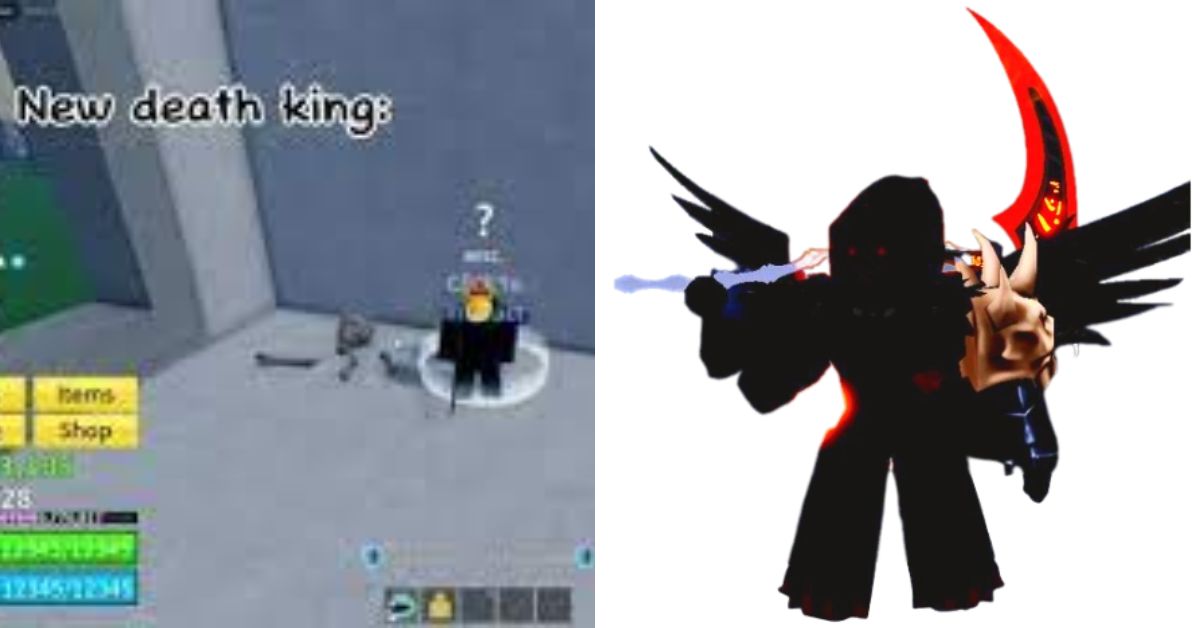
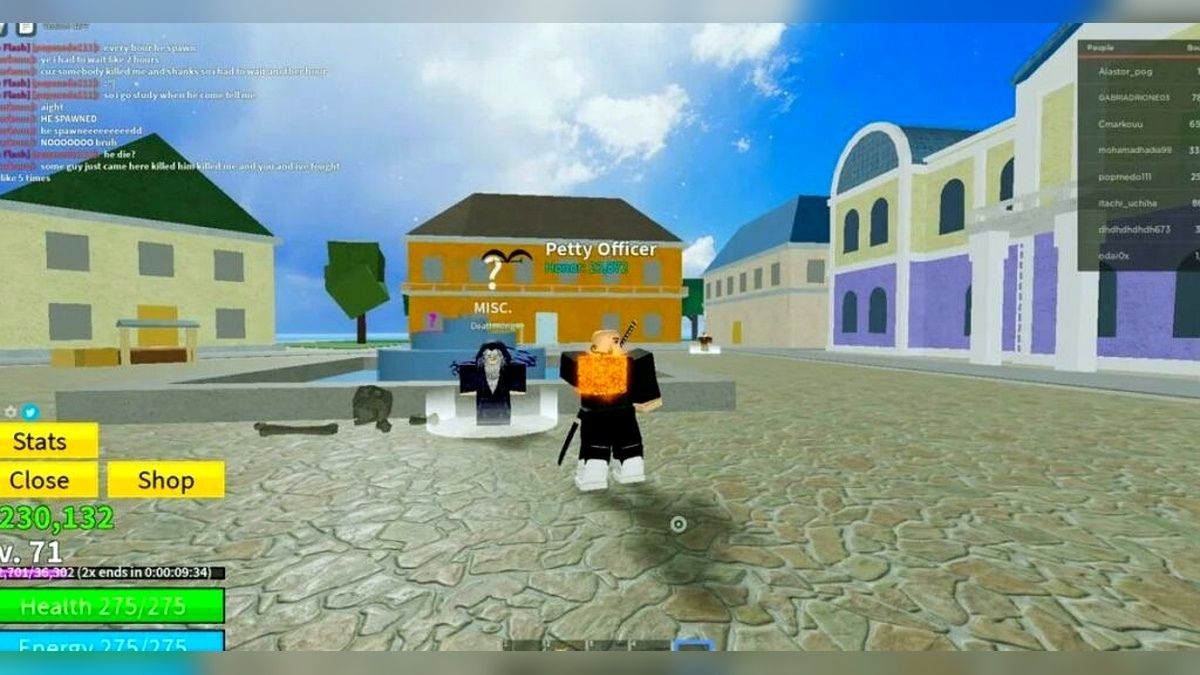
    death king blox fruits
    death king blox fruits

    There are two main ways to level up in Blox Fruits: by completing quests and by defeating enemies. Quests are tasks that are given by NPCs (non-player characters) that usually involve killing a certain number of enemies, collecting items, or delivering something.

    Quests can reward you with money, experience points (XP), and sometimes items or fruits. Enemies are hostile creatures or characters that will attack you on sight or when provoked. Enemies can drop money, XP, items, or fruits when killed.

    To level up in Blox Fruits, you will need to complete quests and defeat enemies that are suitable for your current level. If you try to complete quests or defeat enemies that are too high or too low for your level, you will get less XP or no XP at all.

    You can check your level and the level of the quests and enemies by looking at the numbers above their heads. The color of the numbers also indicates the difficulty of the quests and enemies: green means easy, yellow means medium, orange means hard, and red means very hard.

    Where to Level Up in Blox Fruits?

    Blox Fruits has three different seas or worlds that you can explore: the First Sea, the Second Sea, and the Third Sea. Each sea has different islands that have different quests and enemies that are suitable for different levels.

    You can travel between the seas by using boats or ships, or by using the teleporter at the Middle Island. You can also use the map to see the locations and levels of the islands.

    Here is a list of the islands and their level requirements in each sea:

    The First Sea

    • Starter Island: Level 0 to 10
    • Jungle: Level 15 to 30
    • Pirate Village: Level 30 to 60
    • Desert: Level 60 to 90
    • Middle Island: Level 100
    • Frozen Village: Level 110 to 140
    • Marine Fortress: Level 140 to 170
    • Colosseum: Level 170 to 250
    • Sky Island: Level 250 to 350
    • Underwater City: Level 350 to 450
    • Volcano: Level 450 to 550
    • Fountain Island: Level 550 to 650

    The Second Sea

    • Snow Mountain: Level 700 to 800
    • Magma Village: Level 800 to 900
    • Ice Castle: Level 900 to 1000
    • Shanks’ Ship: Level 1000 to 1100
    • Dark Arena: Level 1100 to 1200
    • Graveyard Island: Level 1200 to 1300
    • Zou Island: Level 1300 to 1400
    • Green Bit: Level 1400 to 1500
    • Dressrosa: Level 1500 to 1600
    • Punk Hazard: Level 1600 to 1700
    • Wano: Level 1700 to 1800

    The Third Sea

    • Fishman Island: Level 1800 to 1900
    • Skypiea: Level 1900 to 2000
    • Enies Lobby: Level 2000 to 2100
    • Impel Down: Level 2100 to 2200
    • Marineford: Level 2200 to 2300
    • Whole Cake Island: Level 2300 to 2400
    • Totland: Level 2400 to 2500
    • New World: Level 2500 to 2550

    How to Level Up Faster and Easier in Blox Fruits?

    Here are some tips and tricks on how to level up faster and easier in Blox Fruits:

    • Use the codes that are given by the developers on their social media pages or on the game’s official Discord server. These codes can give you free money, XP, items, or fruits that can help you level up faster. You can redeem the codes by clicking on the Twitter icon on the left side of the screen and entering the code in the text box.
    • Use the 2x XP game pass that can be purchased for 650 Robux. This game pass will double the amount of XP that you get from quests and enemies, making you level up twice as fast. You can buy the game pass by clicking on the Shop icon on the left side of the screen and selecting the 2x XP option.
    • Use the fruits that can boost your XP gain, such as the Light fruit, the Gravity fruit, or the Buddha fruit. These fruits can give you passive or active abilities that can increase the amount of XP that you get from quests and enemies, such as the Light Flight, the Gravity Field, or the Buddha Transformation. You can find these fruits by buying them from the Blox Fruit Dealer, by finding them on the ground, or by defeating certain bosses.
    • Use the weapons or fighting styles that can deal more damage or hit more enemies, such as the Shark Saw, the Dragon Breath, or the Pole. These weapons or fighting styles can help you kill enemies faster or easier, giving you more XP in less time. You can find these weapons or fighting styles by buying them from the Sword Dealer or the Fighting Style Dealer, by finding them on the ground, or by defeating certain bosses.
    • Use the accessories that can enhance your stats or abilities, such as the Dark Coat, the Sea King’s Heart, or the Raid Suit. These accessories can give you bonuses to your health, damage, speed, defense, or other attributes, making you stronger and more efficient. You can find these accessories by buying them from the Rich Man, by finding them on the ground, or by defeating certain bosses.
    • Use the private servers that can be created or joined for free. These private servers can allow you to play the game without any interference or competition from other players, making you focus on your quests and enemies. You can create or join a private server by clicking on the Private Server icon on the right side of the screen and selecting the Create or Join option.
    • Use the help of your friends or other players who are higher level than you. These players can help you complete quests or defeat enemies that are too hard for you, giving you more XP and money. You can ask for help or offer help by using the chat feature, by joining a crew, or by using the voice chat feature.

    Conclusion

    Blox Fruits is a fun and exciting game that requires you to level up your character to unlock new islands, quests, fruits, weapons, and more. To level up in Blox Fruits, you will need to complete quests and defeat enemies that are suitable for your level.

    You can also use some tips and tricks to level up faster and easier, such as using codes, game passes, fruits, weapons, accessories, private servers, or friends.

    You can also read our Street Fighter 6 Character Guide and Diablo Immortal Familiar Guide. Stay up to date with GameEmpress.com for the most recent gaming news and guides.

  • Is Minecraft Dungeons Crossplay? How To Play With Friends On Different Platforms?

    Is Minecraft Dungeons Crossplay? How To Play With Friends On Different Platforms?

    Minecraft Dungeons is a co-op dungeon crawler game that is set in the Minecraft universe. The game was developed by Mojang Studios and published by Xbox Game Studios. The game was released in 2020 for Windows, Xbox One, PlayStation 4, and Nintendo Switch, and in 2021 for Xbox Series X/S and PlayStation 5.

    If you are interested in playing Minecraft Dungeons with your friends, you might be wondering if the game supports crossplay, meaning that you can play with or against other players on different platforms. In this article, we will answer this question and provide you with some additional information about the game’s cross-play features.

    Is Minecraft Dungeons Crossplay?

    Crossplay is a feature that allows players to play online games with or against other players who are using different platforms or devices. For example, if a game supports crossplay, a player who is playing on a PC can join a game with another player who is playing on a Nintendo Switch, and vice versa.

    Minecraft Dungeons supports crossplay on all platforms, as long as the players have the same version of the game and are signed in to a Microsoft account. This means that you can play with your friends who are using Windows, Xbox, PlayStation, or Nintendo Switch, regardless of which platform you are using.

    However, crossplay does not mean cross-progression, which is the ability to transfer your saved data and achievements between different platforms. Minecraft Dungeons does not support cross-progression, so you will have to start a new game and unlock everything again if you switch to a different platform.

    How to Enable Crossplay for Minecraft Dungeons?

    To enable crossplay for Minecraft Dungeons, you will need to do the following steps:

    • Make sure that you have the latest version of the game installed on your device. You can check for updates in the game’s menu or in your device’s settings.
    • Make sure that you are signed in to a Microsoft account. You will need to link your Microsoft account to your platform account, such as your Xbox Live, PlayStation Network, or Nintendo Switch Online account. You can do this in the game’s menu, under the “Account” tab.
    • Make sure that you have an active internet connection and that your device’s online settings allow you to play online games. You may need to adjust your device’s parental controls or firewall settings to enable online play.
    • Launch the game and select the “Online Game” option from the main menu. You can either join an existing game or create a new game. If you want to join an existing game, you can either use the “Find Game” option to search for a random game or use the “Friends” option to see a list of your friends who are playing the game. You can also invite your friends to join your game by using the “Invite” option. If you want to create a new game, you can either use the “Quick Play” option to start a game with random settings or use the “Custom Game” option to choose your own settings, such as the difficulty level, the mission, and the game mode. You can also set your game to be public or private, depending on whether you want other players to join your game or not.

    You might also be interested in the following games, Crossplay: Evil West Crossplay and Nobody Saves The World Crossplay We appreciate your interest in our website! Make Gameempress.com your go-to site for gaming information.

  • What The Golf System Requirement: Can You Run This Wacky Sports Game?

    What The Golf System Requirement: Can You Run This Wacky Sports Game?

    What the Golf is a hilarious and unconventional golf game that parodies various genres, mechanics, and tropes of video games. The game was developed by Triband and published by Triband and Aspyr.

    The game was released in 2019 for iOS, macOS, and Windows, and in 2020 for Nintendo Switch, PlayStation 4, and Xbox One.

    If you are interested in playing What the Golf on your PC, you might want to know what are the system requirements for this game. In this article, we will show you the minimum and recommended PC requirements for What the Golf and some tips on optimizing your performance and graphics settings.

    What The Golf System Requirement

    What The Golf System Requirement (1)
    What The Golf System Requirement (1)

    The minimum PC requirements for What the Golf are the following:

    • OS: Windows 7 (64-bit) (Recommended: Windows 10)
    • Processor: Intel Core2 Duo E8400
    • Memory: 2 GB RAM
    • Graphics card: Nvidia GeForce 8800 GTS
    • DirectX: Version 10
    • Online connection: 512 KBPS or faster internet connection
    • Hard-drive space: 500 MB available space

    These specs allow the game to be played in 1080p/30fps with graphics settings at “Lowest”.

    The recommended PC requirements for What the developers or the publishers do not officially state the Golf, but based on our own experience and the opinions of other players, we suggest the following specs:

    • OS: Windows 10 (64-bit)
    • Processor: Intel Core i5-3470 or AMD Ryzen 3 3300X
    • Memory: 4 GB RAM
    • Graphics card: Nvidia GeForce GTX 1060 3GB or AMD Radeon RX 580 4GB
    • DirectX: Version 11
    • Online connection: 512 KBPS or faster internet connection
    • Hard-drive space: 500 MB available space

    These specs allow the game to be played in 1080p/60fps with graphics settings at “Standard”.

    How to Optimize What the Golf for PC?

    If you want to optimize What the Golf for your PC, here are some tips that you can follow:

    • Update your drivers: Make sure that your graphics card drivers are up to date, as they can improve the performance and stability of the game.
    • Adjust your graphics settings: You can tweak your graphics settings in the game’s menu, under the “Options” and then “Graphics” tabs. You can change the resolution, frame rate, anti-aliasing, texture quality, shadow quality, and more. You can also use the “Auto” option, which will adjust the settings based on your system specifications.
    • Close unnecessary programs: You can free up some memory and CPU resources by closing any unnecessary programs or background processes that are running on your PC. You can use the Task Manager to check which programs are using the most resources and end them if they are not needed.
    • Use a wired connection: If you are playing online, you might want to use a wired connection instead of a wireless one, as it can reduce latency and packet loss.

    Conclusion

    What the Golf is a fun and quirky game that you can play on your PC, as long as you meet the system requirements. The game requires a 64-bit Windows 7 or 10 OS, a decent processor, a good graphics card, and enough RAM and storage space.

    You can also optimize the game for your PC by updating your drivers, adjusting your graphics settings, closing unnecessary programs, and using a wired connection.

    This is everything you need to know about What The Golf System Requirement. Additionally, you can check our guide on Atomic Heart PC Requirement and Shadow Of The Tomb Raider PC Requirement. Stay connected with GameEmpress.com to get the latest news and guides about the gaming world.

  • Is Tomb Raider 1-3 Remastered Crossplay? Everything You Need To Know

    Is Tomb Raider 1-3 Remastered Crossplay? Everything You Need To Know

    Tomb Raider 1-3 Remastered is a collection of the first three games in the legendary action-adventure series, featuring enhanced graphics, performance, and compatibility. The collection is set to launch on February 14, 2023, for PC, PlayStation 4, PlayStation 5, Xbox One, Xbox Series X/S, and Nintendo Switch.

    If you are interested in playing Tomb Raider 1-3 Remastered, you might be wondering if the game supports crossplay, meaning that you can play with or against other players on different platforms. In this article, we will answer this question and provide you with some additional information about the game.

    Is Tomb Raider 1-3 Remastered Crossplay?

    The short answer is no. Tomb Raider 1-3 Remastered does not support crossplay or cross-progression between different platforms. This means that you can only play with or against other players who are using the same platform as you, and you cannot transfer your saved data or achievements between different devices.

    Is Tomb Raider 1-3 Remastered Crossplay?
    Is Tomb Raider 1-3 Remastered Crossplay?

    This is confirmed by the official website of the game, which states that “Cross Play and Cross Progression are not supported in Tomb Raider I-III Remastered”.

    Why is Tomb Raider 1-3 Remastered Not Crossplay?

    The reason why Tomb Raider 1-3 Remastered does not support crossplay is not officially explained by the developers or the publishers, but we can speculate that it might be due to technical or contractual limitations.

    The original Tomb Raider games were released in the late 1990s and early 2000s, and they were not designed with crossplay in mind. The remastered versions might have some differences in terms of gameplay, graphics, and performance, depending on the platform.

    Moreover, the game is published by different companies on different platforms, such as Aspyr on PC and Nintendo Switch, and Sony Interactive Entertainment on PlayStation consoles. These companies might have different agreements or policies regarding crossplay, which could prevent them from enabling it for Tomb Raider 1-3 Remastered.

    Tomb Raider 1-3 Remastered Features

    Even though Tomb Raider 1-3 Remastered does not support crossplay, it still offers a lot of features and content for fans of the series. Here are some of the highlights of the collection:

    • The collection includes the original three games, Tomb Raider, Tomb Raider II, and Tomb Raider III, as well as their corresponding expansions, Unfinished Business, The Golden Mask, and The Lost Artifact.
    • The games are remastered with improved graphics, performance, and compatibility, allowing you to enjoy them on modern devices and displays.
    • The games support 4K resolution and 60 frames per second on PC and next-gen consoles, and 1080p resolution and 30 frames per second on current-gen consoles and Nintendo Switch.
    • The games allow you to switch between the new and the old graphics at any time, so you can experience the games as they were originally released or as they are remastered.
    • The games feature a new control scheme that is more intuitive and responsive, as well as the option to use the classic control scheme if you prefer.
    • The games include a photo mode that lets you capture and share your favorite moments and scenes from the games.
    • The games have online leaderboards and achievements that let you compare your progress and performance with other players around the world.

    Conclusion

    Tomb Raider 1-3 Remastered is a great way to revisit the origins of Lara Croft’s epic adventures or to discover them for the first time. The collection offers a lot of value and quality for fans of the series, but it does not support crossplay or cross-progression between different platforms.

    This means that you can only play with or against other players who are using the same platform as you, and you cannot transfer your saved data or achievements between different devices.

    You might also be interested in the following games, Crossplay: Evil West Crossplay and Nobody Saves The World Crossplay We appreciate your interest in our website! Make Gameempress.com your go-to site for gaming information.

  • Helldivers 2 Weapon Tier List: The Best Guns For Democracy

    Helldivers 2 Weapon Tier List: The Best Guns For Democracy

    Helldivers 2 is a co-op sci-fi shooter game from Arrowhead Game Studios and Sony Interactive Entertainment. The game is a sequel to the 2015 hit Helldivers, and it features new enemies, weapons, vehicles, and missions.

    The game is set in a dystopian future, where you play as a Helldiver, an elite soldier of the Super Earth Federation, who must fight against the alien threats that seek to destroy humanity.

    One of the most important aspects of the game is choosing the right weapons for your loadout. There are dozens of weapons to choose from, each with its strengths, weaknesses, and playstyles. Some weapons are better suited for certain situations, enemies, or team compositions, while others are more versatile and reliable.

    To help you decide which weapons to use, we have created a Helldivers 2 weapon tier list, based on our own experience and the opinions of other players. We have ranked the weapons from S to D, according to their overall performance, usefulness, and popularity.

    Helldivers 2 Weapon Tier List

    Helldivers 2 Weapon Tier List (1)
    Helldivers 2 Weapon Tier List (1)
    Weapon Name Weapon Type Tier Description
    Railgun Stratagem S The Railgun is the ultimate weapon in Helldivers 2. It can pierce through armor and deal massive damage to any target. It can also be charged for even more power, but at the risk of exploding in your hands. It is ideal for taking down bosses and heavy enemies, but it has a slow reload time and limited ammo.
    Breaker Primary S The Breaker is a devastating shotgun that can shred through enemies at close range. It has a high fire rate, a large magazine, and a wide spread. It is great for crowd control and dealing with fast and agile enemies, but it has a short range and low accuracy.
    Weapon Name Weapon Type Tier Description
    Liberator Primary A The Liberator is the trusty starting assault rifle that can serve you well throughout the game. It has a good balance of damage, fire rate, accuracy, and magazine size. It is effective against most enemies and situations, but it lacks the punch and versatility of higher-tier weapons.
    Defender Secondary A The Defender is a submachine gun that can provide great close-range DPS. It has a very high fire rate, a decent magazine size, and a fast reload time. It can also be equipped with a bayonet for melee attacks. It is useful for clearing out enemies quickly, but it has a low damage per bullet and a high recoil.
    Machine Gun Stratagem A The Machine Gun is a powerful support weapon that can suppress and mow down enemies with ease. It has a very high damage, fire rate, and magazine size, but it also has a high recoil and a slow movement speed. It can be mounted on a bipod for better stability and accuracy, but it also makes you more vulnerable.
    Weapon Name Weapon Type Tier Description
    Stalwart Primary B The Stalwart is a more mobile version of the Machine Gun, with a lower damage, fire rate, and magazine size, but a higher accuracy and movement speed. It can also be fired while sprinting, making it ideal for hit-and-run tactics. It is a good weapon for dealing with medium and large enemies, but it can be outclassed by other weapons in terms of DPS and versatility.
    ARC-3 Primary B The ARC-3 is an arc thrower that can electrocute enemies with a stream of electricity. It can chain to multiple targets and stun them, making it effective against groups of enemies. It can also deal extra damage to robotic enemies, but it has a low damage against organic enemies and a limited range.
    Punisher Primary B The Punisher is a shotgun that can fire explosive shells that deal splash damage. It can deal high damage to enemies and vehicles, but it also has a high recoil, a low fire rate, and a small magazine size. It can also damage yourself and your allies if you are not careful.
    Weapon Name Weapon Type Tier Description
    Redeemer Secondary D The Redeemer is a pistol that can fire mini-nukes that deal massive damage and radiation. It can wipe out enemies and vehicles in a large radius, but it also has a very low fire rate, ammo capacity, and reload time. It can also harm the user and allies if not careful. It is a risky weapon.
    High Explosive Grenade D The High Explosive is a grenade that can explode and deal high damage and knockback. It can be useful for clearing out enemies and vehicles, but it also has a low throw range, ammo capacity, and fuse time. It can also harm the user and allies if not careful. It is a mediocre weapon.

    Conclusion

    Helldivers 2 is a challenging and fun game that requires you to choose the right weapons for your loadout. There are many weapons to choose from, each with its pros and cons. Our Helldivers 2 weapon tier list can help you decide which weapons are the best for your playstyle and situation.

    However, you should also experiment with different weapons and find the ones that suit you the most. Remember, the best weapon is the one that you enjoy using the most. Happy hunting, Helldivers!

    This is all there is to know about Helldivers 2 Weapon Tier List. You can also read our Street Fighter 6 Character Guide and Devil May Cry Peak Of Combat Reroll Guide. Stay up to date with GameEmpress.com for the most recent gaming news and guides.

  • Electric Pals Locations: Where To Find Your Sparky Sidekick In Palworld?

    Electric Pals Locations: Where To Find Your Sparky Sidekick In Palworld?

    Only eleven of the 138 Pals in Palworld are electric, making them difficult to discover unless players know where to search. These uncommon Pals are vital because of their unique ability to power up a base and their resistance against water Pals, which are quite frequent.

    Electric Pals prefer dry, warm surroundings, therefore desert biomes are the best places to locate them. Each Electric Pal may be found in different parts of the world. There is a significant distance between these spawning places, thus gamers looking for Electric Pals will need to explore the landscape extensively.

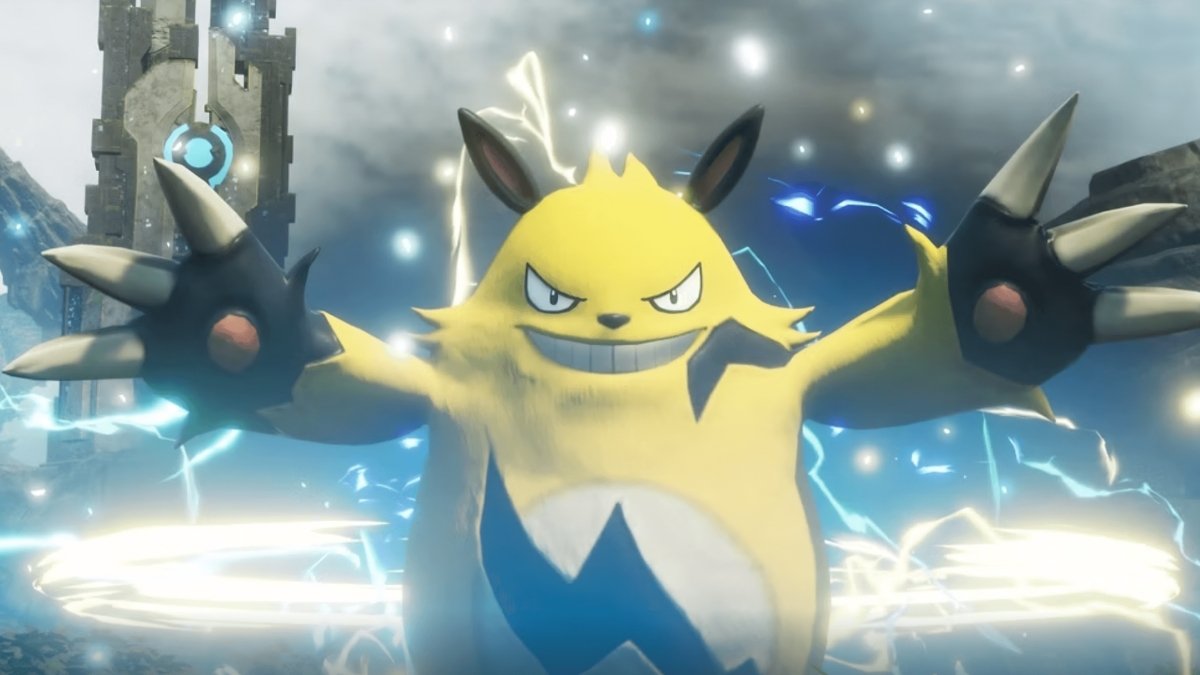
    Electric Pals Locations

    Electric Pals Locations
    Electric Pals Locations

    Desert East Of Investigator’s Fork

    Investigator’s Fork is located slightly northwest of the map’s center. It is a thriving location with plenty of eggs, lifmunk effigies, and alpha Pals to battle or capture. To the east of the region lies a tiny desert. Players that go exploring here should be prepared to deal with sweltering temperatures.

    This is one of two locations where sparks spawn in the wild. These are excellent Electric Pals for the early game and are preferred over jolthogs in the base. However, they are the only Electric Pals that appear in the desert.

    Windswept Hills

    A rocky location known as the Windswept Hills is located near both the Plateau of Beginnings and the first village that players are likely to uncover. Jolthog and Sparkit are two of the game’s greatest early-game Electric Pals.

    In addition to locating these two Electric Pals, the location is ideal for exploration. It is not a desert, thus players do not need to take any weather precautions. Because it is near the beginning region, has no environmental hazards, and is near a town, players should visit it early in the game.

    Deep Sand Dunes

    The map’s northeast part is desert-covered. Deep Sand Dunes refers to the desert’s northernmost part. Players can reach this location from the sea by trekking across the desert or riding swimming or flying Pal. This location is dangerous for lower-level players and should be avoided until about level 40.

    Heat, as well as the Deep Sand Dunes’ high-level Pals and distance from excellent base areas, pose a risk. However, all of these perils are worthwhile to catch a beacon, which only spawns here.

    Deep Bamboo Thicket

    The Deep Bamboo Thicket, like most other sites where Electric Pals spawn, only has one. This location is near Investigator’s Fork. Players can avoid overheating because they are located just west of a desert. This diversified environment is brimming with amazing Water Pals, as well as one of the game’s quickest rides, the Electric Pal Univolt.

    Because the electric unicorn Pal can only be found in this location, gamers looking for a decent mount or Electric Pal should come here after they reach Level 10.

    Wilderness Sanctuary No. 1

    Once players have created a saddle for a flying or swimming Pal, they can simply go to Wilderness Sanctuary Number 1. It is a little island south of the first spawn location in the Plateau of Beginnings that is home to several unusual Pals. Be careful that entering a sanctuary is considered trespassing, therefore hostile human NPCs protect the base.

    Grizzbolt is the Pal featured in most of the game’s marketing and the first monster that players will face. While it is the only electric Pal in this wilderness refuge, players who wish to catch one in the wild (rather than breeding or capturing the boss) must travel here.

    Wilderness Sanctuary No. 3

    Wilderness Sanctuary No. 3 is an island located in the northeast part of the map. It is extremely difficult to access since players must either cross both the Desiccated Desert and the Deep Sand Dunes or travel a considerable distance over the sea.

    Because landing on the island is considered a crime, hostile human NPCs spawn here to assault players, in addition to the many hazardous high-level Pals. This perilous locale is home to one of the game’s greatest Electric Pals, Orserk.

    Desiccated Desert

    The Desiccated Desert is the biggest in Palworld, located northeast of the Plateau of Beginnings. This region has the most Electric Pals in the game. Here you may collect three distinct Electric Pals, including Dinossum’s unique electric form.

    There are only eleven distinct Electric Pals in the game, thus discovering three of them in one area is a relatively large quantity. Players seeking the greatest variety of Electric Pals need to look no further than this huge, sweltering desert.

    This is everything you need to know about Electric Pals Locations. Additionally, you can check our guide on Death King Blox Fruits: Location Guide and Palworld Wheat Seeds Location. Stay connected with GameEmpress.com to get the latest news and guides about the gaming world.

  • Honkai Star Rail Character Builds: Master The Galaxy With Optimized Teams

    Honkai Star Rail Character Builds: Master The Galaxy With Optimized Teams

    Honkai: Star Rail has been releasing two new five-stars and one four-star in each update, but it does not appear that character design inventiveness has suffered as a result. This was demonstrated once more with Misha’s release in the Version 2.0 upgrade.

    Misha is a four-star Destruction character who uses Ice as her fighting type. He shares both of these characteristics with one of the top DPS characters in the game, but that doesn’t mean he doesn’t belong in the meta, especially if built correctly.

    Misha Relics And Planar Ornaments

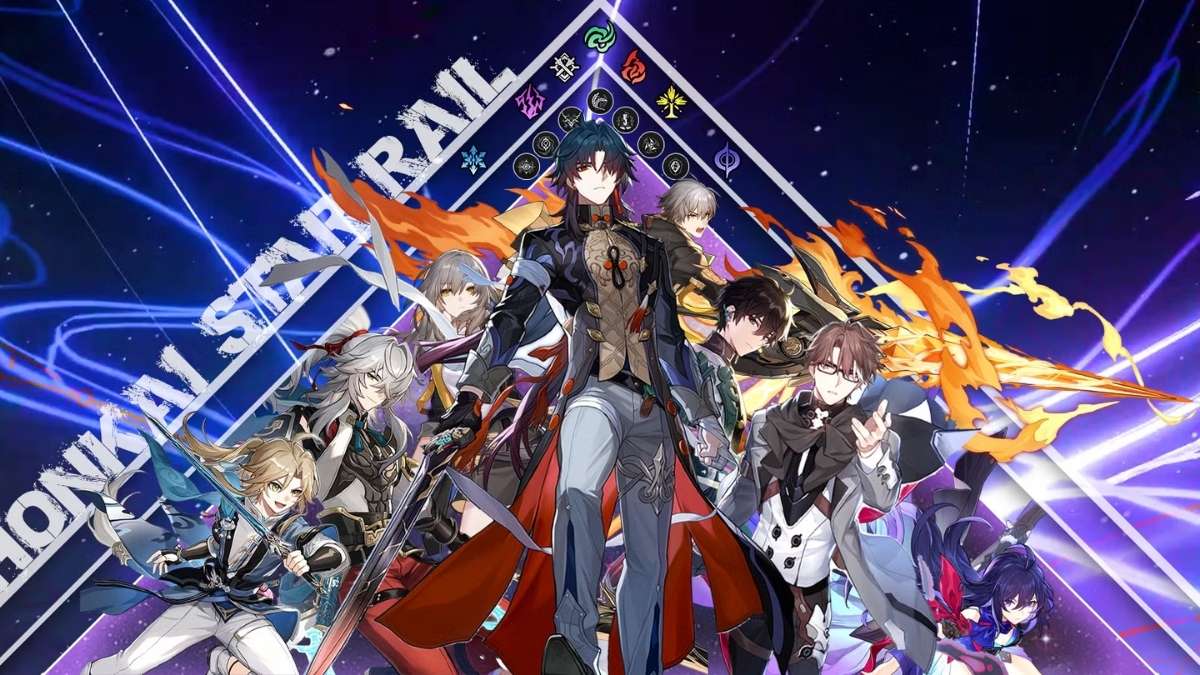
    honkai star rail character builds
    honkai star rail character builds

    In the present state of Honkai: Star Rail, there aren’t many Relics and Planar Ornaments that go well with Misha’s kit. You can still utilize them if you have the necessary stats:

    Type Name Reason For Synergy With Misha
    Relics Hunter of Glacial Forest This is currently the best in slot set for Misha in the game, even if it doesn’t necessarily synergize with his kit. The set increases his Crit DMG for two turns after using the Ultimate.
    However, Misha’s main damage comes from his Ultimate itself, which doesn’t usually get to enjoy this buff.
    Thief of Shooting Meteor You can use this set as a decent replacement for both early and late game on Misha, especially if you’re using him with Ruan Mei.
    He’s quite good at breaking enemy Weakness with a constant barrage of attacks, which makes it easier to use the high Break Effect and get extra Energy.
    Planar Ornaments This set increases your Crit Rate and DMG coming from your Ultimate and follow-up attack. While Misha can’t use the last part of this buff, the rest is quite good for him.
    Inert Salsotto
    Pan-Cosmic Commercial Enterprise Since Misha has a chance of freezing enemies during his Ultimate and already gets some Effect Hit Rate from his kit, this set can stack with it apart from giving you extra ATK.
    It’s perfect if you’re planning to use him as a support unit to constantly freeze enemies.
    Firmament Frontline: Glamoth Finally, if you can build a ton of SPD on Misha (at least 135), this set can give him both an ATK and DMG bonus, which he can use to the full extent.

    Light Cones For Misha

    Much like the Relics, there aren’t many ideal Light Cone options for our local bellboy. However, these are the greatest ones you may use:

    On the Fall of an Aeon This is an F2P-friendly Light Cone, which is also arguably the best for Misha at the moment. It can give you a massive ATK and DMG boost at Superimposition Five.
    Indelible Promise This Light Cone was first released alongside Misha in the game, giving you some free Break Effect. Moreover, it increases your Crit Rate after using your Ultimate.
    Something Irreplaceable You can get quite a decent ATK and DMG bonus from this Light Cone, but it’s only useful if you tag along a character that can increase Misha’s chances of getting attacked like March 7th or Lynx.
    The Moles Welcome You Finally, this is an all-rounder Light Cone that can constantly increase your attack every time Misha gets a turn

    Misha Trace Priority

    Before you start upgrading and using Misha, keep in mind that his Basic Attack and Skill will not deal much damage. This character’s kit is mainly built on feeding stacks into his Ultimate so that it can strike a lot more times, with a maximum stack of ten.

    With that in mind, it’s clear that you need to enhance his Ultimate first. This will significantly boost your damage output, and you may build on it by upgrading the Talent and subsequently the Skill.

    Your Talent enhancement may appear to be ineffective because it just slightly enhances your Energy gain, but this gain is extremely important in the long term.

    You can also read our Firefly Honkai Star Rail and Diablo Immortal Familiar Guide. Stay up to date with GameEmpress.com for the most recent gaming news and guides.