Blog

  • Lost Sector Destiny 2: What Are They And How To Find Them?

    Lost Sector Destiny 2: What Are They And How To Find Them?

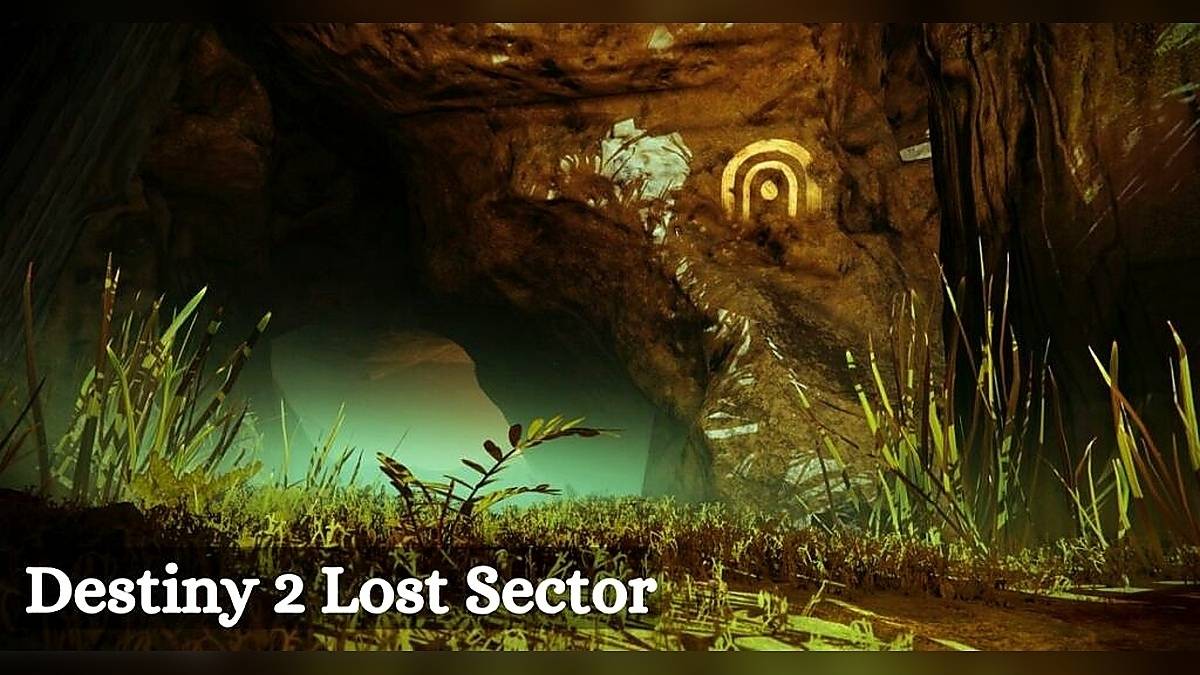
    Lost Sectors are hidden dungeons that can be found on various planets and locations in Destiny 2. A white symbol on the map marks them, but the entrance to them can be hard to spot.

    In each Lost Sector, there is a boss and a chest to loot, as well as some enemies and loot crates along the way. Lost Sectors can be a good source of XP, Glimmer, Legendary Shards, and other rewards, especially if you complete them on higher difficulties.

    How Do You Unlock Legend and Master Lost Sectors?
    Destiny 2 Lost Sector
    Destiny 2 Lost Sector

    Legend and Master Lost Sectors are more challenging versions of the regular Lost Sectors, with higher Power Level requirements, more modifiers, and more Champions. They also offer exclusive Exotic armor pieces and weapons as rewards, depending on the day and the location. To unlock Legend and Master Lost Sectors, you need to do two things:

    • Clear the Lost Sector on the standard difficulty at least once.
    • Reach the soft cap Power Level of 1750.

    Once you do that, you will be able to see the Legend and Master Lost Sectors on the Director under the Europa and Cosmodrome tabs.

    They will also show the name, location, and reward of the Lost Sector, as well as the Power Level, modifiers, and Champions. Legend and Master Lost Sectors are on a daily rotation, so you can check the Director every day to see which ones are available.

    How Do You Prepare For Legend and Master Lost Sectors?

    Legend and Master Lost Sectors are not easy, and you will need to be well-prepared and equipped to complete them. Here are some tips and recommendations to help you succeed:

    • Check the Power Level, modifiers, and Champions of the Lost Sector before you enter. You will need to be at least ten levels below the recommended Power Level to have a chance and, ideally, match or exceed it. You will also need to have the right weapons and mods to deal with the modifiers and Champions. For example, suppose the Lost Sector has Barrier and Unstoppable Champions. In that case, you will need weapons or abilities that can break their shields and stagger them, such as Anti-Barrier and Unstoppable mods, Eriana’s Vow, or Leviathan’s Breath.
    • Choose your subclass, armor, and exotic wisely. Depending on the Lost Sector, you may want to use a different subclass, armor, and unknown to suit your play style and strategy. For example, suppose the Lost Sector has a lot of Solar enemies and shields. In that case, you may want to use a Solar subclass and weapons and an exotic that boosts your Solar damage or resistance, such as Phoenix Protocol, Mask of Bakris, or Loreley Splendor Helm.
    • Use cover and movement to your advantage. Legend and Master Lost Sectors are full of enemies that can kill you in seconds, so you need to be careful and intelligent about your positioning and movement. Use cover to avoid taking unnecessary damage, and move around to flank or escape from enemies. Don’t rush into the open, and don’t stay in one spot for too long. Use your abilities and grenades to create distractions, crowd control, or burst damage when needed.
    • Be patient and persistent. Legend and Master Lost Sectors are not meant to be completed in one try, and you will likely die a lot before you succeed. Don’t get frustrated or give up, and learn from your mistakes. Try different strategies, load-outs, and routes until you find what works for you. Remember that the rewards are worth the effort and that you will get better with practice.

    You might also be interested in the following game guide:

    Conclusion

    Lost Sectors are hidden dungeons that can be found on various planets and locations in Destiny 2. They offer a variety of rewards, such as XP, Glimmer, Legendary Shards, and other items. Legend and Master Lost Sectors are more challenging versions of the regular Lost Sectors, with higher Power Level requirements, more modifiers, and more Champions.

    They also offer exclusive Exotic armor pieces and weapons as rewards, depending on the day and the location. To unlock Legend and Master Lost Sectors, you need to clear the Lost Sector on standard difficulty and reach the soft cap Power Level of 1750.

    To prepare for Legend and Master Lost Sectors, you need to check the Power Level, modifiers, and Champions of the Lost Sector, choose your subclass, armor, and exotic wisely, use cover and movement to your advantage, and be patient and persistent. Lost Sectors are a fun and rewarding activity in Destiny 2, and you should definitely check them out if you haven’t already.

    We appreciate your interest in our website! Make Gameempress.com your go-to site for gaming information.
  • Grand Theft Auto 6 Trailer: Buckle Up For Vice City’s Return!

    Grand Theft Auto 6 Trailer: Buckle Up For Vice City’s Return!

    Grand Theft Auto (GTA) is one of the most successful and influential video game franchises of all time, with over 350 million copies sold worldwide. The series is known for its open-world gameplay, where players can explore, interact, and cause chaos in various fictional cities inspired by real-life locations.

    The latest installment, GTA 5, was released in 2013 and has become one of the best-selling video games ever, with over 150 million copies sold and still counting.

    But what about the next game in the series, GTA 6? When will it be released, and what will it look like? While Rockstar Games, the developer and publisher of the GTA series, has not officially announced or confirmed anything about GTA 6, there have been many rumors, leaks, and speculations about the game’s features, setting, and story.

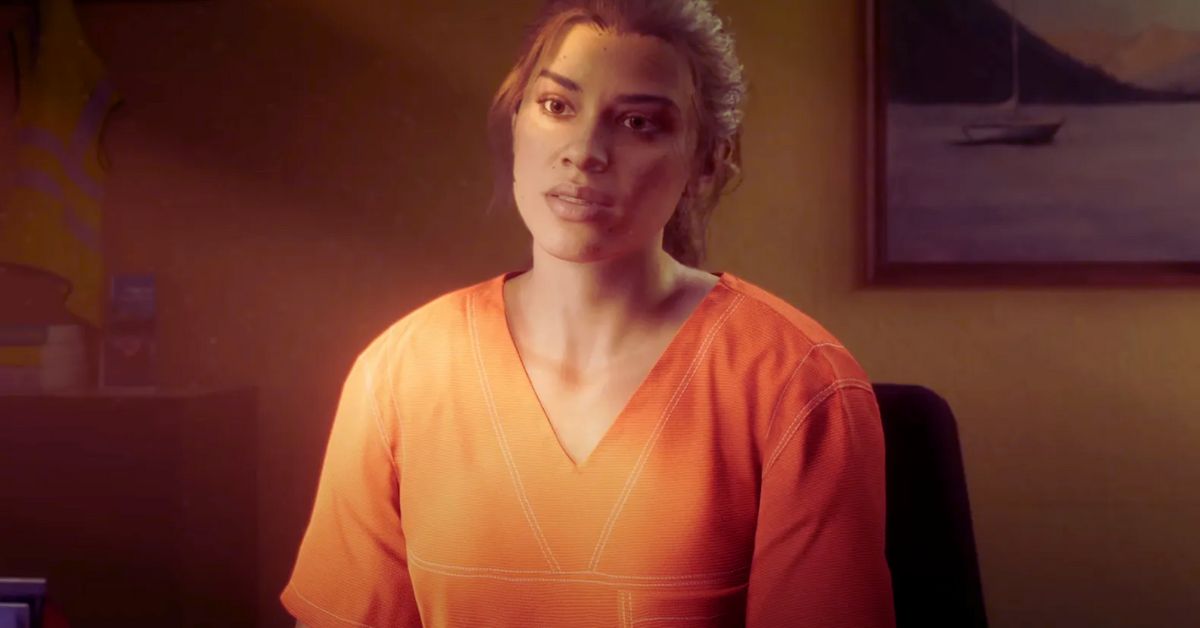
    And finally, on December 4, 2023, Rockstar Games released the first official trailer for GTA 6, giving us a glimpse of what to expect from the highly anticipated game. Here are some of the critical points and details from the GTA 6 trailer:

    The Setting: Vice City and Rio de Janeiro

    The GTA 6 trailer confirmed one of the most persistent and credible rumors about the game’s setting: it will be set in a modern-day rendition of Vice City, the fictional version of Miami that first appeared in GTA: Vice City in 2002.

    The trailer showed various landmarks and locations from the Miami area, such as a football stadium, a tennis court, an airport, and a swampy area. The trailer also showed a large map that covered the city of Vice City and its surrounding areas, including the GTA equivalent of the Florida Keys.

    But Vice City is not the only location in GTA 6. The trailer also revealed that the game would feature a second location based in Rio de Janeiro, Brazil. This is in line with the “Project Americas” leak that emerged in 2018, which claimed that GTA 6 would be inspired by the Netflix series Narcos and would feature a story that spans multiple decades and locations across North and South America.

    The trailer showed some glimpses of the Rio de Janeiro location, such as a favela, a carnival, a statue of Christ the Redeemer, and a cable car.

    The Story: A Drug Lord’s Rise and Fall

    The GTA 6 trailer also gave us some hints about the game’s story and main character. The trailer featured a voice-over narration by a male character with a Hispanic accent, who introduced himself as “Miguel Santos.”

    He said that he was born in Vice City but moved to Rio de Janeiro when he was a kid. He then said that he became involved in the drug trade and rose to become one of the most influential and feared drug lords in South America. He also said that he had enemies everywhere and that he had to fight for his life and his empire.

    The trailer then showed some scenes of Miguel’s life and activities, such as meeting with other drug lords, making deals, smuggling drugs, shooting enemies, escaping from the police, and enjoying his wealth and power.

    The trailer also showed some flashbacks of Miguel’s past, such as his childhood, his family, his friends, and his first love. The trailer also hinted at some of the conflicts and challenges that Miguel will face in the game, such as betrayal, corruption, violence, and revenge.

    The trailer ended with Miguel saying that he had a dream but that it turned into a nightmare. He then said that he had to make a choice and that he chose to “go out with a bang.”

    The trailer then showed a scene of Miguel driving a sports car on a bridge while being chased by helicopters and police cars. The trailer then cut to black and showed the GTA 6 logo.

    The Features: A Dynamic and Evolving World

    The GTA 6 trailer also showcased some of the features and innovations that the game will offer, such as a dynamic and evolving world, a realistic and detailed representation of Vice City and Rio de Janeiro, a diverse and lively wildlife, a functional and interactive public transportation system, a large number of enterable interiors, and a variety of landscapes and biomes.

    The trailer also showed that the game will have a time progression system, where the map and the story will change and evolve depending on the player’s actions and the story’s progression. The trailer showed some examples of this, such as buildings being constructed or demolished, weather and seasons changing, and characters aging or dying.

    The trailer also showed that the game will have a choice and consequence system, where the player’s decisions and actions will have an impact on the game’s world, story, and characters.

    The trailer showed some examples of this, such as choosing to spare or kill an enemy, choosing to cooperate or betray an ally, choosing to be loyal or disloyal to a faction, and choosing to be violent or peaceful.

    The Release Date: Coming Soon

    The GTA 6 trailer did not reveal the exact release date of the game, but it did say that the game is “coming soon.” This suggests that the game is in its final stages of development, and that it will be released in the near future.

    Some sources and analysts have predicted that the game will be released in late 2024 or early 2025, which would coincide with the 10th anniversary of GTA 5.

    The trailer also did not reveal the platforms that the game will be available on, but the game will likely be exclusive to the next-generation consoles, such as the PlayStation 5, the Xbox Series X, and the PC.

    The game will also probably support cross-play and cross-progression, allowing players to play and switch between different devices.

    You might also be interested in the following gaming news:

    Conclusion

    The GTA 6 trailer is a significant milestone for the GTA series and the gaming industry, as it marks the first official confirmation and reveal of the next game in the legendary franchise. The trailer generated a lot of excitement and hype among the fans and the media, as it showed some of the features, details, and innovations that the game will offer.

    The trailer has also raised a lot of questions and expectations, as it teased some of the aspects and elements that the game will include. GTA 6 is one of the most anticipated and speculated video games of all time, and its trailer is one of the most watched and discussed videos ever.

    We appreciate your interest in our website! Make Gameempress.com your go-to site for gaming information.

  • Is Lucia Trans GTA 6? Unveiling The Mystery Of The First Female Lead

    Is Lucia Trans GTA 6? Unveiling The Mystery Of The First Female Lead

    The official Grand Theft Auto 6 teaser has only been out for a few hours, but the internet’s brightest gaming brains have already asked the most essential question: Will there be a trans person in GTA 6? That’s correct; many gamers are concerned that Rockstar Games’ first 3D female player character is transgender.

    This inquiry is not being posed in good faith, in case it isn’t painfully evident. This week, an unexpected tweet grabbed the gaming industry by storm, causing fear over GTA becoming “woke.” In a now-viral tweet, Media Matters’ Ari Drennen summarized the difficulty, adding, “They’re trans investigating GTA 6 characters now.”

    So, how did this happen? It all stems from a unique and unusual myth spread by YouTuber Keemstar’s DramaAlert and how a falsehood travels over the internet faster than the truth.

    Is Lucia Trans GTA 6?

    The big GTA 6 transvestigation began on December 4, when the first official GTA 6 trailer was released. Lucia, the first 3D GTA female player character, was “rumored to be transgender” (and that the creator behind the account “would,” presumably, meet up with her), according to DramaAlert.

    The allegation was made on the DramaAlert Twitter feed, which quoted a Reddit post headlined “Grand Theft Auto 6, 1st ever female protagonist is a trans woman!?!?”

    For the record, there is no proof that GTA 6’s Lucia is trans in the Reddit thread. In July 2022, a Redditor stated that “rumors are circling that Rockstar made the female protagonist a trans woman” and wondered if gamers would still buy the game if the accusation were true.

    The poster presented no proof, nor did they demonstrate that rumors were even spreading. In summary, DramaAlert’s tweet is predicated on a non-existent post.

    Nonetheless, DramaAlert’s post rapidly went viral, instilling dread in gamers that, oh no, Lucia may be trans! “Damn, they got GTA too?” terrified Barstool’s Jack McGuire on Twitter. Another player stated that “if the main character of GTA is transgender, they can keep it.”

    Fortunately, most Twitter users are riffing on DramaAlert for the assertion despite the fact that it lacks evidence. Some said that DramaAlert is simply inciting negative emotions that would lead to hate of trans persons.

    Others stated that the transvestigation conspiracy theory attitude, in which people strive to “prove” that others are concealing their transgender identity, has “done irreparable damage to people’s brains.”

    To be clear, it would be fantastic if Lucia were transgender. As a trans woman who is incredibly enthusiastic about GTA 6, I would want to see myself portrayed front and center in one of our generation’s most significant games.

    You might also be interested in the following gaming news:

    However, many gamers are concerned about Lucia’s gender since they do not want to play as a trans woman in the video game. They perceive it as condescending, humiliating, and “forcing” diversity on their activity. In other words, their inquiry stems from a place of negativity, intolerance, and dread. They are sure that Lucia is a cisgender woman.

    So, no, there is no evidence that Lucia is transgender. Of course, if she were, I would be overjoyed. However, any “rumors” concerning her gender are absolutely false.

    We appreciate your interest in our website! Make Gameempress.com your go-to site for gaming information.
  • How Big Is The GTA 6 Map? Buckle Up For A Massive Open World!

    How Big Is The GTA 6 Map? Buckle Up For A Massive Open World!

    Grand Theft Auto (GTA) is one of the most popular and successful video game franchises in history. The series is known for its open-world gameplay, where players can explore, interact, and cause mayhem in various fictional cities inspired by real-life locations.

    The latest installment, GTA 5, was released in 2013 and has sold over 150 million copies worldwide. The game features a massive map that covers the city of Los Santos (based on Los Angeles) and the surrounding countryside of Blaine County.

    But what about the next game in the series, GTA 6? When will it be released, and more importantly, how big will its map be? While Rockstar Games, the developer and publisher of the GTA series, has not officially announced or confirmed anything about GTA 6, there have been many rumors, leaks, and speculations about the game’s map size, location, and setting.

    In this article, we will try to answer some of the most common questions about the GTA 6 map, based on the available information and evidence.

    Where will GTA 6 be Set?

    One of the most debated topics about GTA 6 is where the game will be set. Will it return to a previous location, such as Vice City (based on Miami) or Liberty City (based on New York), or will it introduce a new location, such as Tokyo or London?

    According to some of the most credible and consistent leaks, GTA 6 will be set in a modern-day rendition of Vice City, and will also include a second location based on Rio de Janeiro, Brazil. This is in line with the “Project Americas” leak that emerged in 2018, which claimed that GTA 6 will be inspired by the Netflix series Narcos, and will feature a story that spans multiple decades and locations across North and South America.

    The Vice City setting was also seemingly confirmed by a leaked development footage that surfaced in September 2022, which showed various landmarks and locations from the Miami area, such as a football stadium, a tennis court, an airport, and a swampy area.

    The footage also showed a large map that covered the city of Vice City and its surrounding areas, including the GTA equivalent of the Florida Keys. The Rio de Janeiro location was also hinted at by some in-game posters and billboards that featured Portuguese words and Brazilian flags.

    How Big Will The GTA 6 Map be?

    Another question that many fans are curious about is how big the GTA 6 map will be. Will it be bigger than GTA 5’s map, which was already huge, or will it be smaller, but more detailed and dense? Again, there is no official answer to this question, but some leaks and calculations have tried to estimate the size of the GTA 6 map, based on the leaked footage and other clues.

    One Reddit user, who claimed to have access to the GTA 6 development build, held an AMA (Ask Me Anything) session and revealed some details about the game’s map size.

    According to them, the GTA 6 map will be smaller than Red Dead Redemption 2’s map, which was estimated to be about twice the size of GTA 5’s map, but will be more varied and realistic. They also said that the map will change and evolve over time, depending on the player’s actions and the story’s progression.

    Another Reddit user, who analyzed the leaked footage and compared it to the real-life locations, calculated that the GTA 6 map will measure 206.8 square kilometers or 79.9 square miles.

    GTA 5, by this user’s calculations, was only 31 square miles, making the possible GTA 6 map a full 2.5 times greater in area. However, this estimate does not include the Rio de Janeiro location, which could add more size and diversity to the map.

    What can we expect from the GTA 6 map?

    While the exact size and location of the GTA 6 map are still uncertain, we can expect that the map will be rich in content, features, and activities, as Rockstar Games is known for creating immersive and dynamic open-world environments. Some of the things that we can look forward to in the GTA 6 map are:

    • A realistic and detailed representation of Vice City and Rio de Janeiro, with accurate landmarks, buildings, streets, and neighborhoods.
    • A variety of landscapes and biomes, such as beaches, swamps, forests, mountains, and islands.
    • A diverse and lively wildlife, including alligators, boars, dogs, snakes, raccoons, birds, frogs, bobcats, and rodents.
    • A functional and interactive public transportation system, such as trams, buses, taxis, and trains.
    • A large number of enterable interiors, such as nightclubs, strip clubs, motels, hotels, restaurants, pawn shops, supermarkets, fast food, gun stores, and metro stations.
    • A dynamic and evolving map, that changes according to the time period, the weather, the seasons, the story events, and the player’s choices.

    You might also be interested in the following gaming news:

    Conclusion

    GTA 6 is one of the most anticipated and speculated video games of all time, and its map is one of the most important and intriguing aspects of the game. While we still don’t have any official confirmation or announcement from Rockstar Games, we can rely on some leaks and rumors to get an idea of what the GTA 6 map will be like.

    Based on the available information, we can expect that the GTA 6 map will be set in Vice City and Rio de Janeiro, and will be bigger, more varied, and more realistic than GTA 5’s map. However, we will have to wait until Rockstar Games reveals more details about the game, or until the game is finally released, to see the GTA 6 map for ourselves.

    We appreciate your interest in our website! Make Gameempress.com your go-to site for gaming information.
  • Rockstar Confirms That The GTA 6 Setting Is Far More Than Just Vice City

    Rockstar Confirms That The GTA 6 Setting Is Far More Than Just Vice City

    Rockstar Games has stated that Grand Theft Auto 6 will be set in Leonida, a state that is effectively the franchise’s version of Florida, expanding the franchise’s reach far beyond Vice City.

    Six years before the game’s release, Vice City was speculated to appear in Grand Theft Auto. After all, with Grand Theft Auto 4 attacking Liberty City and Grand Theft Auto 5 tackling San Andreas, Vice City looked like an obvious next step.

    Rockstar Games Announces GTA 6
    Rockstar Games Announces GTA 6

    With its record-breaking premiere trailer, Grand Theft Auto 6 revealed Vice City as one of its fundamental settings. The clip for Grand Theft Auto 6 also confirmed the game’s playable characters, graphics enhancements, alligators, automobiles, and how Vice City would be improved.

    However, fans should be aware that Vice City is only a tiny part of the larger Grand Theft Auto 6 territory since the game is set in Leonida.

    At the time of writing, no full-fledged Grand Theft Auto 6 map has been shown, but Rockstar has stated that the game is set in Leonida, a fictitious state that comprises Vice City and other regions.

    The official description provided by Rockstar is as follows: “Grand Theft Auto 6 heads to the state of Leonida, home to the neon-soaked streets of Vice City and beyond in the biggest, most immersive evolution of the Grand Theft Auto series yet.”

    It’s unclear how much more Leonida fans will be able to explore, but additional information should become available in the run-up to the game’s final release in 2025.

    One of the most critical details for Grand Theft Auto 6 was revealed at the very end of the unveiling trailer. While there was some anticipation that the open-world criminal game might be released in 2024, it has officially been confirmed that Grand Theft Auto 6 will be released sometime in 2025.

    Time will tell if Rockstar fulfills that deadline or whether the game’s release date is pushed back, but for the time being, fans may look forward to 2025 as the year of GTA 6.

    You might also be interested in the following gaming news:

    Meanwhile, the same description that revealed Grand Theft Auto 6’s setting to be Leonida rather than Vice City also disclosed that the game is presently aiming for a debut on PlayStation 5 and Xbox Series X.

    This appears to indicate that Grand Theft Auto 6 will bypass PC when it is initially launched, which is typical of Rockstar’s titles. It’s unclear how long fans will have to wait for the eventual Grand Theft Auto 6 PC adaptation, but Rockstar’s prior titles indicate that it will take at least a year.

    We appreciate your interest in our website! Make Gameempress your go-to site for gaming information.

  • Darktide Patch 16: What’s New And What’s Fixed?

    Darktide Patch 16: What’s New And What’s Fixed?

    Darktide is a cooperative action game set in the grim future of Warhammer 40,000, where you and your friends fight against the forces of Chaos and the Imperium. Fatshark, the creator of the popular Vermintide series, develops the games.

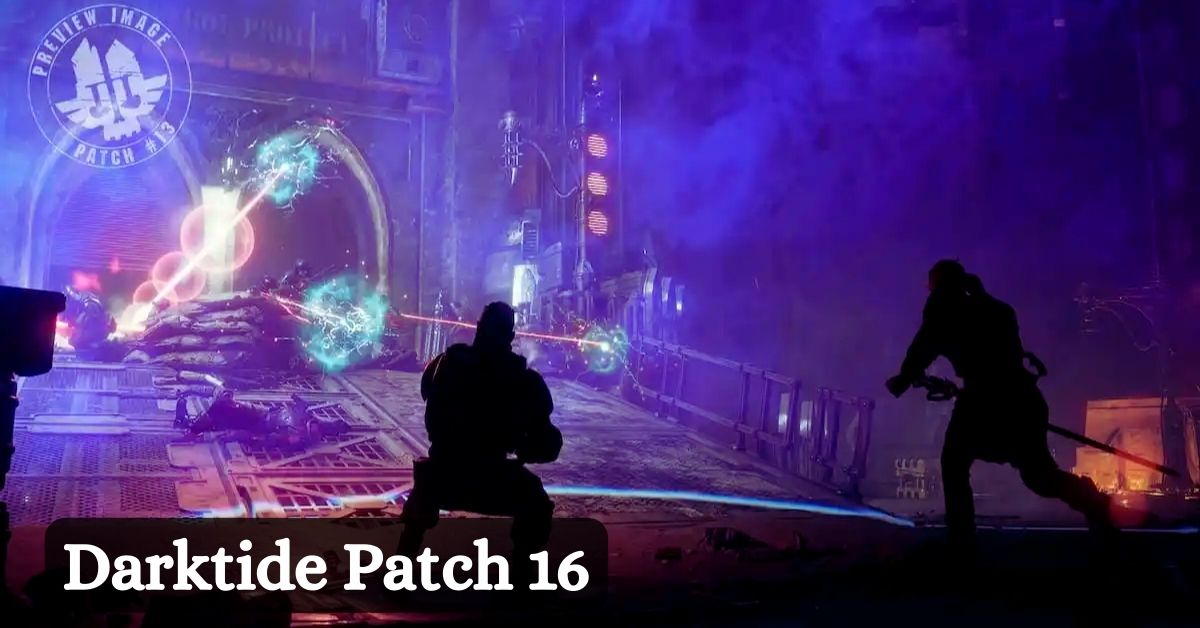
    Darktide was released in October 2023 and has received several updates and patches since then. The latest patch, patch 16, was released on December 5, 2023, and brought some new features, balance changes, and bug fixes to the game.

    Darktide Patch 16

    is warhammer darktide crossplay
    is warhammer darktide crossplay

    New Map: The Traitor Curse Part 2

    • The patch added the second part of the Traitor Curse campaign, which is a continuation of the story from the previous update.
    • The new map is set in a corrupted hive city, where you have to face new enemies, traps, and challenges.
    • The map also introduces a new boss fight, where you have to face a mighty Chaos Lord and his minions.
    • The map is available for all players who have completed the first part of the Traitor Curse campaign.

    New Weapons and Cosmetics

    • The patch also added some new weapons and cosmetics for the different classes and characters.
    • The new weapons include the Crucis Mk II Thunder Hammer, a powerful melee weapon that can deal massive damage and stun enemies, and the Artemia Mk III Purgation Flame, a flamethrower that can set enemies on fire and create fire patches on the ground.
    • The new cosmetics include the Death Korps of Krieg Upperbody, a chest armor that resembles the uniform of the famous Imperial Guard regiment, and the Brute-Brainer Mk III Latrine Shovel. This melee weapon is actually a shovel with spikes and wires attached to it.

    Balance Changes and Bug Fixes

    • The patch also made some balance changes and bug fixes to improve the gameplay and performance of the game.
    • Some of the balance changes include increasing the armor penetration of the Thunder Hammer, reducing the minimum pellet count of the Lorenz Mk V Kickback shotgun, and fixing the attack speed buffs for the Ogryn weapons.
    • Some of the bug fixes include fixing a crash that could happen when a projectile was in the air, fixing an issue where the Veteran talent Onslaught did not affect melee attacks, and fixing a problem where the Accatran MG Mk II Heavy Laspistol was not affected by reload speed or attack speed modifiers.

    You might also be interested in the following gaming news:

    Conclusion

    Darktide patch 16 is a significant update that adds new content, improves the balance, and fixes some issues in the game. The patch is available for all players who own the game and can be downloaded automatically through Steam.

    We appreciate your interest in our website! Make Gameempress your go-to site for gaming information.

  • Fallout 76 Atlantic City: A New Expedition To The Wasteland

    Fallout 76 Atlantic City: A New Expedition To The Wasteland

    Fallout 76 is a multiplayer online role-playing game that takes place in a post-apocalyptic world where players can explore, fight, and survive in the wasteland. The game is constantly updated with new content, features, and events, and one of the most anticipated updates is the Fallout 76 Atlantic City update, which will introduce a new location, factions, enemies, quests, and more.

    In this article, we will give you an overview of the Fallout 76 Atlantic City update, including its release date, features, and how to access it.

    What is Fallout 76 Atlantic City?

    Fallout 76 Atlantic City
    Fallout 76 Atlantic City

    Fallout 76 Atlantic City is the second Expedition in the game, following the Fallout 76: The Pitt Expedition, which was released in July 2023. Expeditions are special missions that take players to new locations outside of Appalachia, the primary setting of the game.

    Expeditions offer new stories, challenges, rewards, and gameplay mechanics, and they can be played solo or with a team.

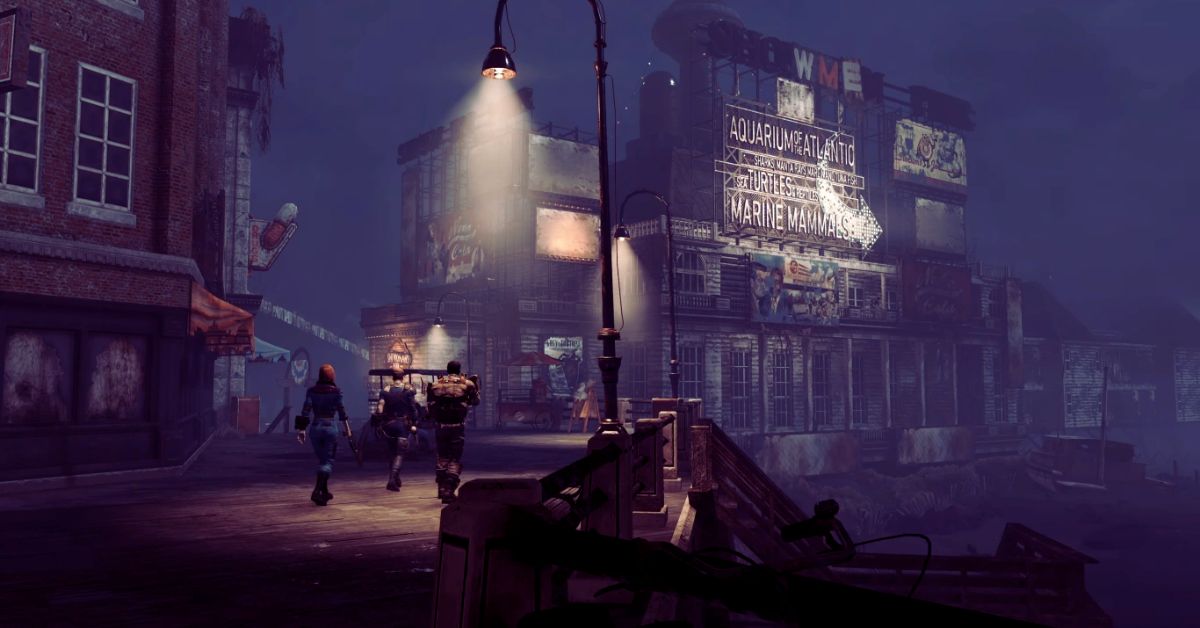
    Fallout 76 Atlantic City will take players to the seaside city of Atlantic City, New Jersey, which was once a popular tourist destination and gambling hub but is now a ruined and dangerous place, overrun by raiders, mutants, and other threats.

    Players will be able to explore the city’s landmarks, such as the Boardwalk, the Aquarium, the Neapolitan Casino, and the Quintinos Club, and encounter new factions, such as the Family, the Showmen, and the Municipal Government, each with their agendas and secrets.

    Fallout 76 Atlantic City will also introduce new enemies, such as the Overgrown, which are plants that have mutated and taken over the city, and the Lesser Devil, which are mysterious creatures that lurk in the shadows. Players will also be able to find new items, such as weapons, armor, consumables, and notes, and complete new quests, such as Tax Evasion, The Most Sensational Game, and an unnamed third expedition.

    You might also be interested in the following gaming news:

    How to Start Fallout 76 Atlantic City?

    To start Fallout 76 Atlantic City, players will need to have completed the main questline of the game, which involves launching a nuclear missile and fighting the Scorchbeast Queen.

    After that, players will be able to access the Expeditions feature from the main menu and select Atlantic City as their destination. Players will then be transported to a train station near Atlantic City, where they will meet a new character, Billy Beltbuckles, who will guide them through the expeditions.

    Players will be able to choose between two difficulty modes for the expeditions: Normal and Hard. Normal mode will offer a balanced challenge and reward, while the Hard way will deliver a higher challenge and reward but also a higher risk of death and item loss.

    Players will also be able to customize their loadout and perks before starting the expeditions and use a new currency, called Boardwalk Bucks, to buy items and services in Atlantic City.

    Players will be able to play the expeditions solo or with a team of up to four players, and they will be able to communicate with other players using a new radio feature. Players will also be able to return to Appalachia at any time and resume their expeditions later.

    We appreciate your interest in our website! Make Gameempress your go-to site for gaming information.

  • Sims 4 Patch Notes December 2023: What’s New And Fixed?

    Sims 4 Patch Notes December 2023: What’s New And Fixed?

    Sims 4 is a life simulation game that allows players to create and control virtual characters, build their homes, pursue their careers, and fulfill their aspirations. The game is constantly updated with new content, features, and bug fixes, and one of the latest updates is the Sims 4 patch notes December 2023, which was released on December 5, 2023.

    In this article, we will give you a summary of the Sims 4 patch notes December 2023, including the new features, improvements, and fixes that the update brings.

    Sims 4 Patch Notes December 2023

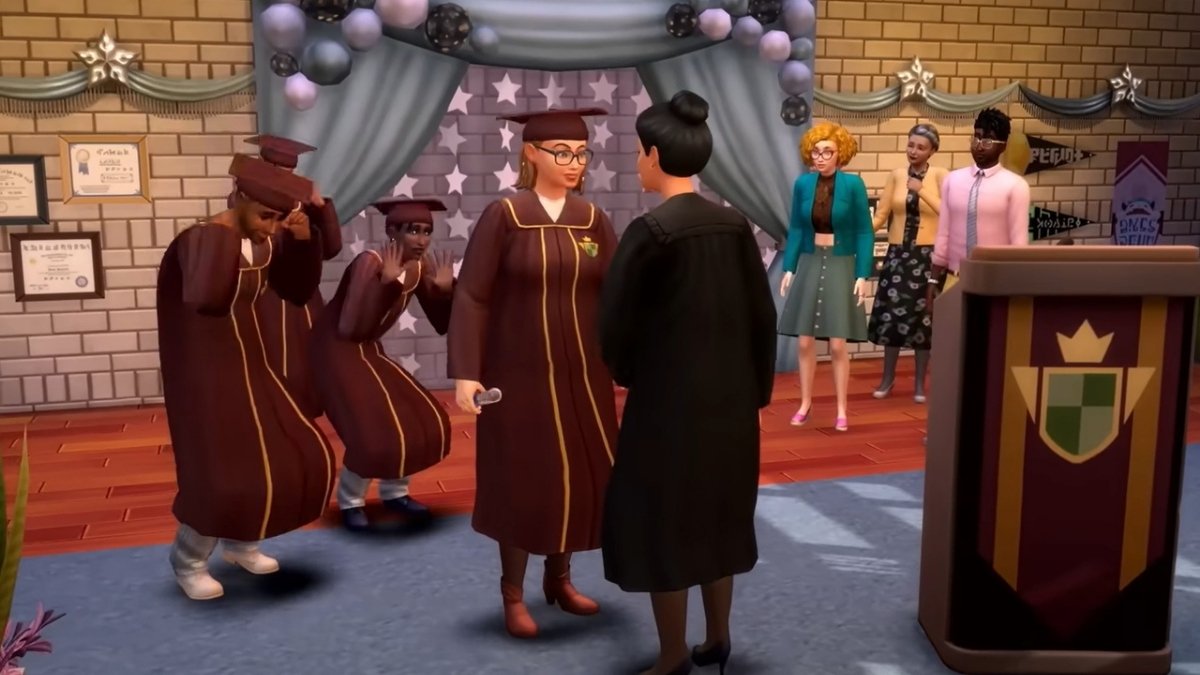
    Sims 4 High School Years Cheats
    Sims 4 High School Years Cheats

    New Features

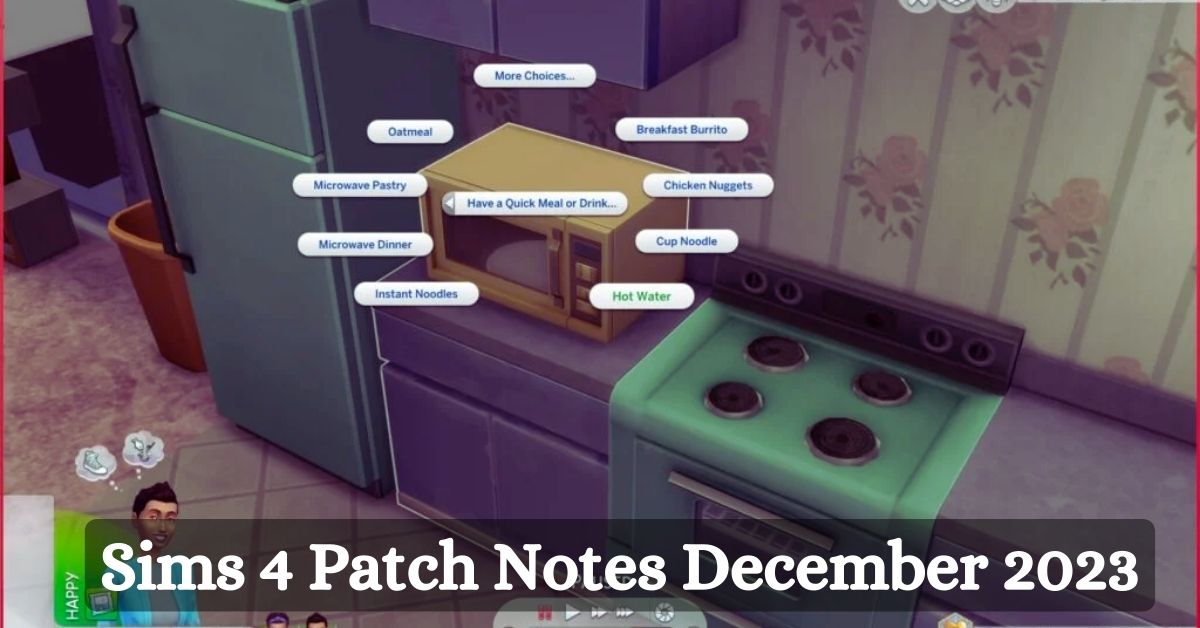
    The Sims 4 patch notes December 2023 introduces two new features to the game: Sink Assignments and Household Control Switching.

    • Sink Assignments: This feature allows players to assign specific sinks to specific Sims, so that they will use them for washing dishes, brushing teeth, and other activities. This can help players to organize their households and avoid conflicts or messes. To assign a sink to a Sim, players need to click on the sink and select “Assign Sink To…”, then choose the Sim they want to assign. Players can also unassign a sink by clicking on it and selecting “Unassign Sink”.
    • Household Control Switching: This feature allows players to switch the control of their household to another household in the same world, without having to go back to the main menu. This can help players to explore different stories and scenarios, and to check on their neighbors or friends. To switch the control of their household, players need to open the map view and click on the household they want to switch to, then select “Switch Control To This Household”. Players can also switch back to their original household by doing the same process.

    Improvements

    The Sims 4 patch notes December 2023 also brings some improvements to the game, such as:

    • Gallery Text Moderation: The game now has a new context-aware profanity checking system for all Gallery uploads, comments, and player bios in all languages that the game supports. This system aims to prevent inappropriate or offensive content from being posted or displayed on the Gallery, and to improve the user experience and safety.
    • Discovery Quests: The game now has a new feature called Discovery Quests, which are quests that help players discover more cool things about the game. These quests will point out key parts of gameplay and help players learn about features and activities key to a great Sims 4 experience. Players can also claim some in-game rewards for completing these quests, such as Simoleons, potions, and satisfaction points. Players can find the Discovery Quests settings in Game Options under Tutorials & Tips.

    Fixes

    The Sims 4 patch notes December 2023 also fixes some bugs and issues that were reported by players, such as:

    • Backpacks will no longer prevent Sims from putting books away on the shelves.
    • Korean – The “take a vacation” option will be unavailable and the correct tooltip displayed during the “Aliens Stole My Parents” scenario.
    • English – Custom pronouns will be correctly reflected in the Odd Job Freelance Career.
    • Loading into a home lot should no longer greet players with error code 123:4a01697a:4adea999, and the Welcome Wagon should work as intended.

    You might also be interested in the following gaming news:

    The Sims 4 patch notes December 2023 is a major update for the game, that adds new features, improvements, and fixes to the game. It is free for all players who own the game, and it is available on PC, PlayStation 4, PlayStation 5, Xbox One, and Xbox Series X/S. Players can download the update from their respective platforms, and enjoy the new and improved Sims 4 experience.

    We appreciate your interest in our website! Make Gameempress your go-to site for gaming information.

  • Is PUBG Cross Platform In 2023? Unveiling The Truth For Console Gamers

    Is PUBG Cross Platform In 2023? Unveiling The Truth For Console Gamers

    PUBG, or PlayerUnknown’s Battlegrounds, is one of the most famous battle royale games in the world, with millions of players across various platforms. But is PUBG cross-platform in 2023?

    Can you play with or against your friends on different devices? In this article, we will answer these questions and explain everything you need to know about the PUBG cross-platform.

    Is PUBG Cross Platform?

    The answer is yes, but only partially. PUBG does support cross-platform, but only for certain combinations of media and only for crossplay, not for cross-progression.

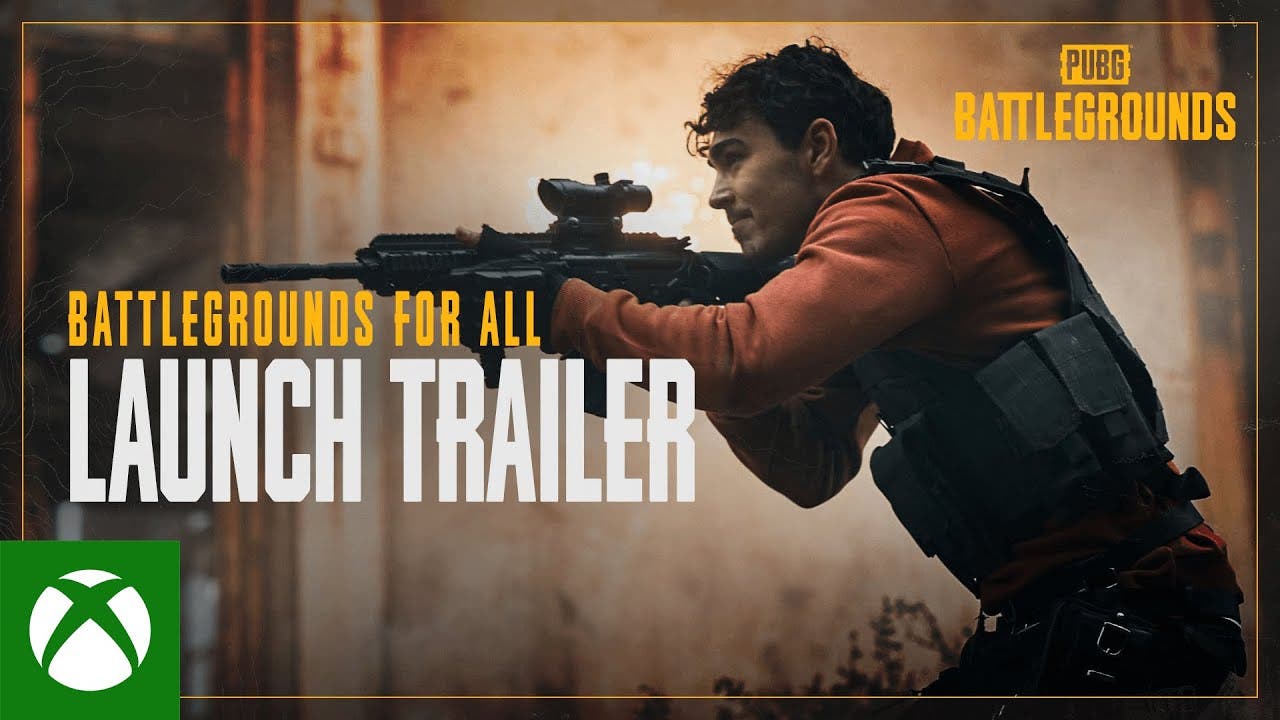
    pubg:-battlegrounds-is-now-free-to-play-for-everyone!

    This means that you can play PUBG with or against players on different platforms in some cases, but you cannot transfer your progress or items between platforms.

    Here are the details of PUBG cross-platform for each platform:

    • PC: PUBG on PC does not support cross-platform at all. You can only play with or against other PC players, and you cannot access your PC progress or items on any other platform.
    • PlayStation: PUBG on PlayStation supports cross-platform with Xbox. You can play with or against players on Xbox One or Xbox Series X/S, and you can also play with or against players on PlayStation 4 or PlayStation 5. However, you cannot play with or against players on PC or mobile, and you cannot access your PlayStation progress or items on any other platform.
    • Xbox: PUBG on Xbox supports cross-platform with PlayStation. You can play with or against players on PlayStation 4 or PlayStation 5, and you can also play with or against players on Xbox One or Xbox Series X/S. However, you cannot play with or against players on PC or mobile, and you cannot access your Xbox progress or items on any other platform.
    • Mobile: PUBG on mobile supports cross-platform with other mobile devices. You can play with or against players on Android or iOS, and you can also play with or against players on PUBG: New State, the new mobile version of the game. However, you cannot play with or against players on PC, PlayStation, or Xbox, and you cannot access your mobile progress or items on any other platform.

    How to Enable Cross Platform in PUBG?

    Enabling cross-platform in PUBG is very easy, and it can be done within the game. Here are the steps to allow cross-platform in PUBG for each forum:

    • PC: You cannot allow cross-platform on PC, as it is not supported.
    • PlayStation: To enable cross-platform on PlayStation, you need to go to the Settings menu, then select Gameplay, then choose Platform Cross Play, and then select On. This will allow you to play with or against players on Xbox. To play with a specific player on Xbox, you need to add them as a friend using their PUBG ID, which is a unique code that can be found in the Friends menu. Then, you can invite them to your party or join their party and start a match together.
    • Xbox: To enable cross-platform on Xbox, you need to go to the Settings menu, then select Gameplay, then choose Platform Cross Play, and then select On. This will allow you to play with or against players on PlayStation. To play with a specific player on PlayStation, you need to add them as a friend using their PUBG ID, which is a unique code that can be found in the Friends menu. Then, you can invite them to your party or join their party and start a match together.
    • Mobile: To enable cross-platform on mobile, you do not need to do anything, as it is enabled by default. You can play with or against players on Android or iOS and also on PUBG: New State. To play with a specific player on another mobile device, you need to add them as a friend using their PUBG ID, which is a unique code that can be found in the Friends menu. Then, you can invite them to your party or join their party and start a match together.

    You might also like to know about if these other games are cross-platform or not:

    Conclusion

    PUBG is a fun and exciting game that can be enjoyed on various platforms, but it is not fully cross-platform. You can play with or against players on different platforms in some cases but not in others, and you cannot transfer your progress or items between platforms.

    Stay connected with GameEmpress to get the latest news and updates about the gaming world. 

  • GPO Codes: How To Get Free Rewards In Grand Piece Online?

    GPO Codes: How To Get Free Rewards In Grand Piece Online?

    Grand Piece Online is a popular Roblox game inspired by the anime One Piece. In this game, you can explore the vast seas, fight against enemies, collect treasures, and unlock new abilities. You can also customize your character’s race, stats, and appearance using different items and fruits.

    One way to get these items and fruits is by using GPO codes, which are unique codes that the developers release from time to time. These codes can give you free rewards such as rerolls, resets, and boosts, which can help you enhance your gameplay experience.

    In this article, we will show you how to find, redeem, and use GPO codes, as well as provide you with a list of the latest working codes for the game.

    How to Find GPO Codes?

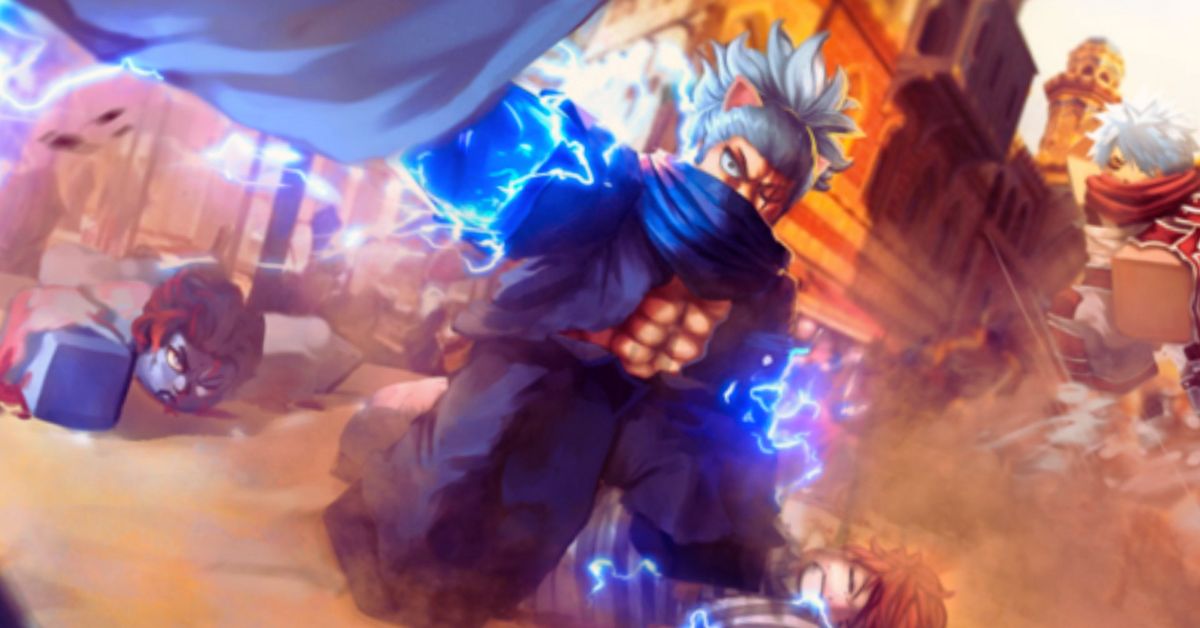
    GPO Codes
    GPO Codes

    The best way to find GPO codes is to follow the official social media accounts of the game and the developers. You can check out their Twitter, Discord, and YouTube channels, where they often announce new codes and updates.

    How to Redeem GPO Codes?

    To redeem GPO codes, you need to follow these simple steps:

    • Launch the game and press the M key on your keyboard to open the main menu.
    • Click on the Settings icon on the bottom right corner of the screen.
    • Click on the Codes tab on the left side of the settings menu.
    • Enter the code you want to redeem in the text box and click on the Redeem button.
    • If the code is valid, you will receive your reward instantly. If the code is expired or invalid, you will see an error message.

    How to Use GPO Codes?

    The rewards you get from GPO codes depend on the type of code you redeem. There are three main types of regulations in the game:

    • SP Reset codes: These codes allow you to reset your stat points and redistribute them as you wish. You can use these codes if you want to change your build or try a different playstyle.
    • DF Reset codes: These codes allow you to reset your devil fruit and get a new one randomly. You can use these codes if you want to change your fruit or try a different ability.
    • Boost codes: These codes give you temporary boosts to your drop rate, exp rate, or fruit notifier. You can use these codes to increase your chances of getting rare items and fruits or to level up faster.

    To use these codes, you need to go to the corresponding menu in the game. For SP Reset codes, you need to go to the Stats menu and click on the Reset button. For DF Reset codes, you need to go to the Fruits menu and click on the Reset button. For Boost codes, you need to go to the Boosts menu and activate the boost you want.

    GPO Codes List

    Here is the list of the latest working GPO codes as of December 2023:

    • FREESPRESET1: SP Reset (New)
    • FREE48HR2XDROP5: 48-hour x2 Drop Boost (New)
    • HAPPYTHANKSGIVING: 30 Race Rerolls

    Make sure to redeem these codes as soon as possible, as they may expire quickly. We will update this list with new regulations when they are available, so stay tuned.

    This is everything you need to know about the GPO Codes. You can also read our guides on Phantasy Star Portable 2 Cheats and Raid Shadow Legends Promo Codes. Stay up to date with GameEmpress for the most recent gaming news and guides.

  • My Bowfriends Back: A Guide To The Deadeye Title In Destiny 2

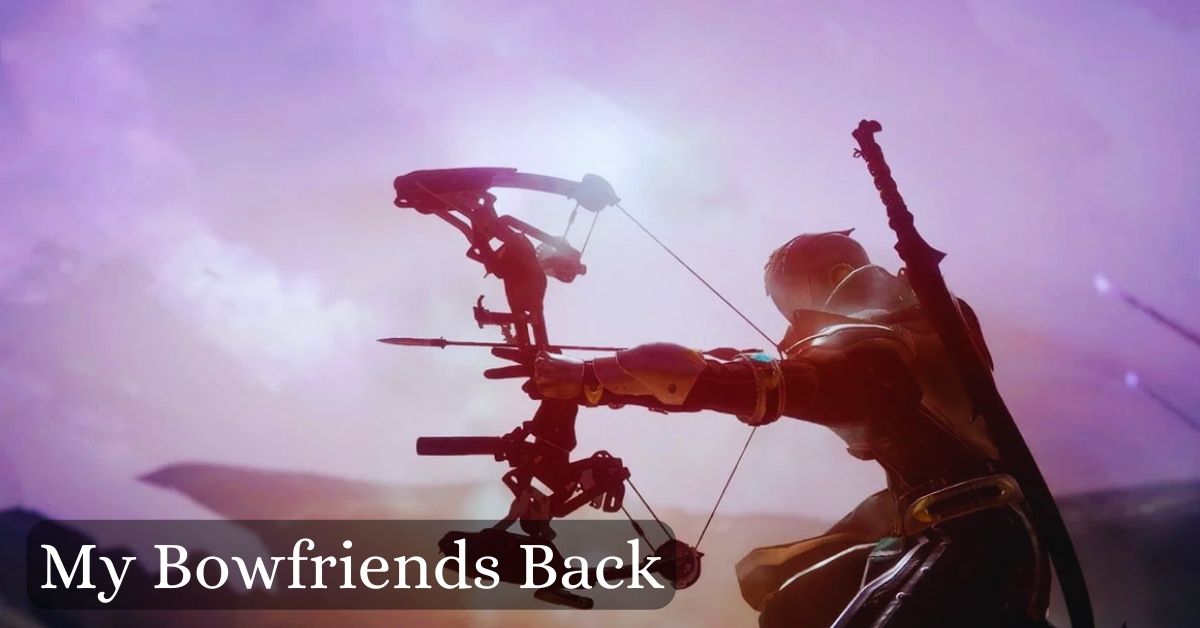
    My Bowfriends Back: A Guide To The Deadeye Title In Destiny 2

    Destiny 2 is a popular online shooter game developed by Bungie, where players can explore various planets, fight enemies, and collect loot. The game also features a variety of titles, which are remarkable achievements that showcase the player’s skill and dedication.

    One of the titles that players can earn in Destiny 2 is Deadeye, which is related to the use of bows, a type of weapon that fires arrows.

    To earn the Deadeye title, players need to complete a series of triumphs, which are specific challenges that test the player’s abilities. One of the triumphs that players need to complete for the Deadeye title is called My Bowfriends Back, which requires the player to get a medal of the same name in the Crucible, the game’s competitive multiplayer mode.

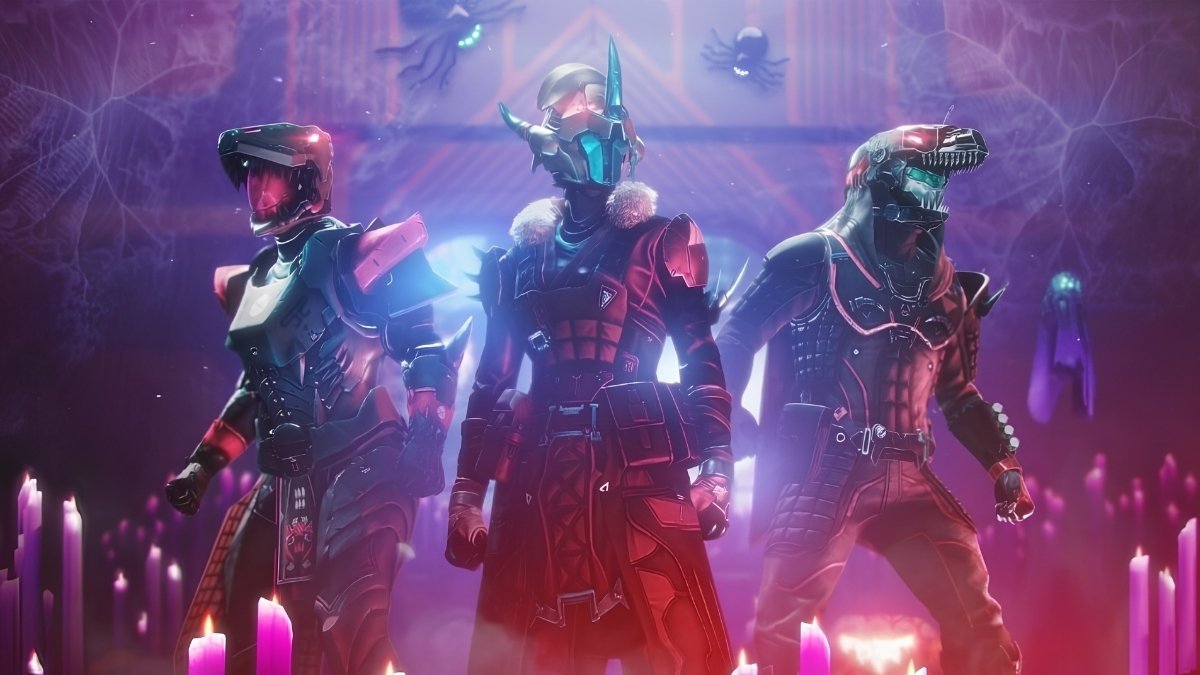
    Destiny 2 Festival of the Lost Rewards
    Image Source Bungie

    The My Bowfriends Back medal is one of the most challenging medals to get in Destiny 2, as it requires the player to land three precision final blows with a bow in a single life.

    This means that the player has to aim for the head of the enemy and avoid getting killed by other players while using a weapon that has a slow rate of fire and a long draw time.

    In this article, we will provide some tips and tricks on how to get the My Bowfriends Back medal in Destiny 2 and earn the Deadeye title.

    Choose the Right Bow

    The first step to getting the My Bowfriends Back medal is to choose the right bow for the task. There are many bows in Destiny 2, each with different stats, perks, and archetypes. Some bubbles are better suited for PvE (player versus environment) activities, while others are more effective in PvP (player versus player) modes.

    For the purpose of getting the My Bowfriends Back medal, we recommend using a bow that has high accuracy, stability, and handling, as these stats affect how well you can aim, draw, and fire the bow.

    It would be best if you also looked for perks that improve the bow’s performance, such as Opening Shot, which increases the accuracy and range of the first shot, or Archer’s Tempo, which increases the draw speed after landing a precision hit.

    Some of the best bows for PvP in Destiny 2 are:

    • Le Monarque: This is an exotic bow that fires poison arrows that deal damage over time and create an explosion on precision kills. This bow can help you weaken your enemies and finish them off with a second shot or let the poison do the work for you.
    • The Vow: This is a legendary bow that has a speedy draw time and a high handling speed, making it ideal for quick and accurate shots. This bow also has the Rapid Hit perk, which increases the stability and reload speed after landing a precision hit, allowing you to fire faster and more accurately.
    • Whispering Slab: This is a legendary bow that has high accuracy and stability and can roll with the Opening Shot perk, which increases the accuracy and range of the first shot. This bow can help you land the first headshot more efficiently and set up the next ones.

    Choose the Right Game Mode

    The next step to getting the My Bowfriends Back medal is to choose the proper game mode for the challenge. There are many game modes in The Crucible, each with different rules, objectives, and maps.

    Some game modes are more suitable for getting the medal than others, depending on the number of players, the respawn time, and the level of competition.

    For the purpose of getting the My Bowfriends Back medal, we recommend playing in game modes that have fewer players, longer respawn times, and lower skill levels, as these factors can reduce the chances of getting killed by other players and give you more opportunities to land precision shots with your bow.

    Some of the best game modes for getting the medal are:

    • Momentum Control: This is a game mode that has 6v6 teams and features increased weapon damage, no radar, and delayed respawns. This game mode can help you get the medal, as most bows can one-shot enemies in the head, and you can avoid being detected by the radar. However, this game mode can also be risky, as you can also get killed easily by other weapons, and you have to wait longer to respawn.
    • Elimination: This is a game mode that has 3v3 teams, features no respawns, and a round-based system. This game mode can help you get the medal, as you have fewer enemies to deal with, and you can focus on landing precision shots with your bow. However, this game mode can also be challenging, as you have to rely on your teammates, and you have to win the round to keep your medal.
    • Rumble: This is a game mode that has six players and features a free-for-all system where everyone is an enemy. This game mode can help you get the medal, as you have more targets to shoot at, and you can take advantage of the chaos and confusion. However, this game mode can also be challenging, as you have to watch your back and you have to deal with more aggressive and skilled players.

    Choose the Right Strategy

    The final step to getting the My Bowfriends Back medal is to choose the right strategy for the challenge. There are many strategies that you can use to get the award, depending on your playstyle, your bow, and your game mode.

    However, there are some general tips and tricks that can help you get the medal, regardless of your situation.

    Some of the best tips and tricks for getting the medal are:

    • Stay with your team: One of the best ways to get the medal is to stay with your team and support them with your bow. You can use your teammates as bait and pick off the enemies that are distracted by them. You can also use your teammates as cover and hide behind them while you draw your bow. Staying with your team can also help you survive longer, as you can get revived by them or get assisted by them.
    • Play smart and safe: Another way to get the medal is to play smart and secure and avoid unnecessary risks. You should avoid rushing into the enemy territory and instead stay on the outskirts of the map and look for sniping spots. You should also avoid engaging in close-range fights and, instead, keep your distance and use your bow’s range to your advantage. Playing smart and safe can also help you preserve your life, as you can avoid getting killed by other weapons or getting caught in the crossfire.
    • Aim for the head: The most obvious way to get the medal is to aim for the head and land precision shots with your bow. You should practice your aim and learn how to compensate for the arrow’s drop and travel time. It would be best if you also used your bow’s perks, such as Opening Shot, to increase your accuracy and range. Aiming for the head can also help you kill your enemies faster, as you can deal more damage with your bow and prevent them from escaping or healing.

    You might also be interested in the following game guide:

    Conclusion

    Getting the My Bowfriends Back medal in Destiny 2 is not an easy task, as it requires skill, patience, and luck. However, by following the tips and tricks in this article, you can increase your chances of getting the medal and earning the Deadeye title.

    We appreciate your interest in our website! Make Gameempress.com your go-to site for gaming information.
  • Raid Shadow Legends Promo Codes: How To Get Free Rewards?

    Raid Shadow Legends Promo Codes: How To Get Free Rewards?

    Raid Shadow Legends is a popular mobile game that lets you collect and battle hundreds of champions from the fantasy world of Teleria. The game is free to play, but you can also spend real money to buy in-game currency and items. However, there is another way to get free rewards in the game, and that is by using promo codes.

    Promo codes are special codes that you can enter into the game to get various rewards, such as silver, energy, XP boosts, and even rare champions. Promo codes are usually released by the game’s developer, Plarium, or by its partners, such as content creators, influencers, or sponsors. Promo codes can be found on the game’s official website, social media, newsletters, or other sources.

    However, promo codes are not always easy to find, and they often expire after a certain period. That’s why we have created this article, where we will list all the active promo codes for Raid Shadow Legends and show you how to redeem them. We will also provide some tips and tricks on how to find more promo codes and how to use them wisely.

    Active Promo Codes for Raid Shadow Legends (December 2023)

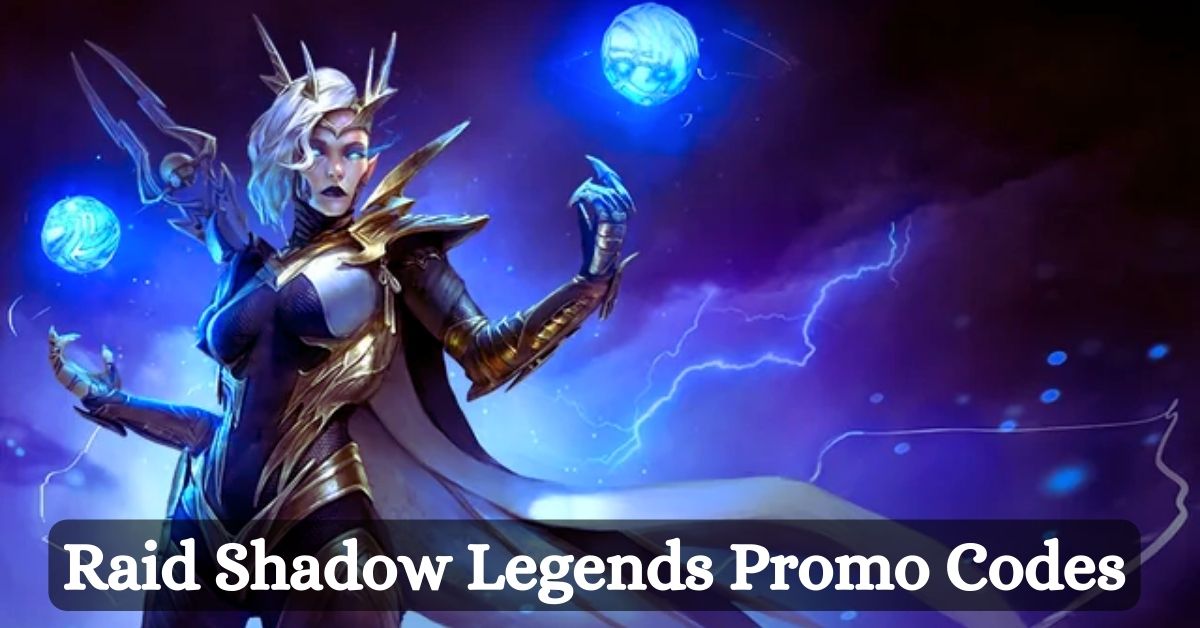
    Raid Shadow Legends Promo Codes
    Raid Shadow Legends Promo Codes

    As of December 2023, there are six active promo codes for Raid Shadow Legends, which you can use to get free rewards. These promo codes are:

    • ILOVERAID: This promo code was shared by Karmazhorus on November 23rd, 2023, and it gives you free bonuses.
    • Spooky2023: This promo code was released for Halloween, and it gives you free rewards.
    • UndeadTreat: This promo code was also released for Halloween, and it gives you free rewards.
    • UDKBday: This promo code was released for the birthday of the game’s community manager, UDK, and it gives you free rewards.
    • GETDELIANA23: This promo code was released for the launch of the new champion, Deliana, and it gives you Deliana, 15 Force Brews, 15 superior Force pots, and 30k Silver.
    • MID12GAME: This promo code was shared by Karmazhorus on November 23rd, 2023, and it gives you free rewards.

    To redeem these promo codes, you need to follow these steps:

    • Launch Raid Shadow Legends and tap on the three-lined button on the top right corner of your screen.
    • Tap on the Gift Codes option from the menu on your screen.
    • Enter the promo code and tap confirm.
    • Your free rewards will then go into your mailbox (at the top right of the screen as a chest icon). Items in the mailbox do expire, so you should claim them before they do (often, you will have seven days).

    How Do You Find More Promo Codes for Raid Shadow Legends?

    The promo codes listed above are not the only ones that exist for Raid Shadow Legends. More promo codes are released regularly, but they may not be widely advertised or easy to find. Here are some tips and tricks on how to find more promo codes for Raid Shadow Legends:

    • Follow the game’s official website, social media, and newsletters, where promo codes are often announced or shared. You can also join the game’s official Discord server, where you can chat with other players and the game’s staff and get notified of new promo codes.
    • Follow the game’s partners, such as content creators, influencers, or sponsors, who may have exclusive promo codes for their followers or subscribers. You can find them on platforms such as YouTube, Twitch, Twitter, Facebook, Instagram, or Reddit. Some of the popular content creators for Raid Shadow Legends are HellHades, Chofly, Ash, StewGaming, and Darth Microtransaction.
    • Participate in the game’s events, contests, and giveaways, where promo codes may be offered as prizes or rewards. You can find these events on the game’s official website, social media, or in-game news. Some of the recent events that gave out promo codes are the Call of the Arbiter series, the Halloween event, and the Deliana launch event.
      Search for promo codes on the internet using keywords such as “Raid Shadow Legends promo codes,” Raid Shadow Legends codes,” or “Raid Shadow Legends free rewards”.”You can use search engines such as Google, Bing, or DuckDuckGo or websites such as Pro Game Guides, MrGuider, or Dexerto, where promo codes are often compiled or updated.

    You might also be interested in the following gaming news:

    How Do You Use Promo Codes Wisely in Raid Shadow Legends?

    Using promo codes in Raid Shadow Legends can help you get free rewards, such as silver, energy, XP boosts, and even rare champions. However, it would be best if you also used promo codes wisely and not waste them on unnecessary or inefficient things. Here are some tips and tricks on how to use promo codes wisely in Raid Shadow Legends:

    • Use promo codes as soon as possible before they expire or run out of stock. Promo codes usually have a limited time or quantity, and they may not work after a specific date or after a certain number of redemptions. Therefore, you should use promo codes as soon as you get them and not wait for too long.
    • Use promo codes when you need them, not when you want them. Promo codes can give you valuable resources, such as silver, energy, or XP boosts, which can help you progress in the game. However, you should not use promo codes just for the sake of using them or when you have enough resources already. It would be best if you use promo codes when you need them, such as when you are low on help, when you are stuck on a level, or when you are trying to achieve a goal.
    • Use promo codes to get rare champions, not common ones. Promo codes can give you free sponsors, which can enhance your team and your collection. However, it would be best if you did not use promo codes to get joint or easy-to-get winners, such as those that you can get from shards, missions, or events. It would be best if you used promo codes to get rare or hard-to-get winners, such as those that are exclusive, limited, or powerful.

    We appreciate your interest in our website! Make Gameempress your go-to site for gaming information.

  • Fortnite Chapter 5 Weapon Case: How To Find And Use Them?

    Fortnite Chapter 5 Weapon Case: How To Find And Use Them?

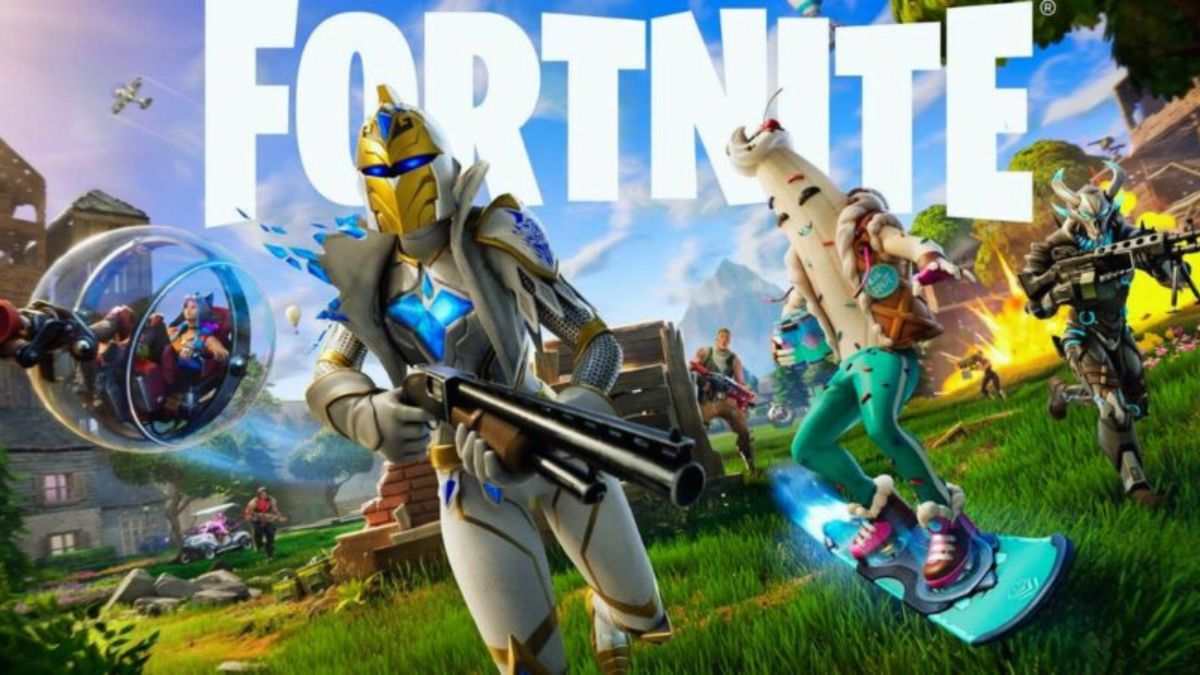
    Fortnite Chapter 5 Season 1 has introduced a lot of new features and changes to the game, including a new map, new characters, new weapons, and new items.

    One of the most exciting additions is the weapon case, which is an extraordinary loot drop that contains a weapon with various attachments. In this article, we will explain what weapon cases are, where to find them, and how to use them in Fortnite Chapter 5.

    What Are Weapon Cases in Fortnite Chapter 5?

    Weapon cases are one of the new types of loot drops in Fortnite Chapter 5, along with weapon mods and mod benches. Weapon cases are marked by a red diamond symbol on the map, and you can see them once the battle bus starts traveling across the map. They are usually located in specific points of interest, such as gas stations, military bases, or farms.

    Fortnite Chapter 4 Season 5 Skin Leaks
    Fortnite Chapter 4 Season 5 Skin Leaks

    Weapon cases contain a weapon that has some attachments equipped, such as scopes, silencers, magazines, or grips. These attachments can improve the weapon’s stats, such as damage, accuracy, fire rate, or reload speed. However, they can also have some drawbacks, such as reduced mobility, increased recoil, or lower ammo capacity.

    You can only carry one weapon case at a time, and you cannot swap the weapon inside the case with another one. You can only open the weapon case and use the gun down inside, or drop the weapon case and leave it for someone else.

    Where Do You Find Weapon Cases in Fortnite Chapter 5?

    Weapon cases are scattered around the map in Fortnite Chapter 5, and they are not very hard to find. However, they are also trendy among players, so you may have to compete with others to get them. Here are some of the locations where you can find weapon cases in Fortnite Chapter 5:

    • Catty Corner: This location has a gas station and a garage, where you can find a weapon case that contains a Nemesis AR, a powerful assault rifle with a scope, and a silencer.
    • Dirty Docks: This location has a warehouse and a shipping yard, where you can find a weapon case that contains a Striker AR, a fast-firing assault rifle with a magazine and a grip.
    • Lazy Lake: This location has a hotel and a shopping center, where you can find a weapon case that contains a Hyper SMG, a rapid-fire submachine gun with a silencer and a laser sight.
    • Misty Meadows: This location has a town and a farm, where you can find a weapon case that contains a Thunder Burst SMG, a burst-fire submachine gun with a scope and a magazine.
    • Slurpy Swamp: This location has a factory and a swamp, where you can find a weapon case that contains a Hammer Pump Shotgun, a powerful shotgun with a silencer, and a choke.

    These are not the only locations where you can find weapon cases, as they can spawn randomly in other places as well. You can also find weapon cases in supply drops, which are marked by blue smoke and a yellow balloon. However, supply drops are also highly contested by other players, so be careful when approaching them.

    How Do You Use Weapon Cases in Fortnite Chapter 5?

    Once you find a weapon case, you have two options: you can either open it and use the weapon inside or drop it and leave it for someone else. To open a weapon case, you need to press and hold the interact button, which is E on PC, X on Xbox, Square on PlayStation, or Y on Switch. This will take a few seconds, and you will be vulnerable during this time, so make sure you are in a safe spot before opening a weapon case.

    Once you open a weapon case, you will automatically equip the weapon inside, and you can use it usually. The gun will have the attachments that were shown on the weapon case, and you can see them in the bottom right corner of your screen.

    You can also see the weapon’s stats, such as damage, fire rate, magazine size, and reload time, by pressing the inventory button, which is I on PC, View on Xbox, Touchpad on PlayStation, or Minus on Switch.

    If you want to modify the weapon’s attachments, you can use a mod bench, which is another new feature in Fortnite Chapter 5. Mod benches are crafting stations that allow you to change the attachments on your weapons or add new ones in exchange for gold bars, which are a new currency in Fortnite Chapter 5.

    You can find mod benches in various locations around the map, such as gas stations, military bases, or farms. To use a mod bench, you need to approach it and press the interact button, which will open a menu where you can select the weapon and the attachment you want to modify.

    You might also be interested in the following gaming news:

    Weapon cases are a new and exciting addition to Fortnite Chapter 5, as they offer a new way to loot and customize your weapons. They can give you an edge in combat or a challenge to overcome, depending on the gun and the attachments you get.

    You can find weapon cases or supply drops in various locations around the map, but you may have to fight for them, as they are trendy among players. You can also use mod benches to change the attachments on your weapons or add new ones in exchange for gold bars.

    We appreciate your interest in our website! Make Gameempress your go-to site for gaming information.

  • How To Run In Fortnite Chapter 5? A Guide For Beginners And Pros

    How To Run In Fortnite Chapter 5? A Guide For Beginners And Pros

    Fortnite Chapter 5 is here, and it brings a lot of new features and changes to the game, including a new map, new characters, new weapons, and new items. One of the most critical aspects of the game, however, remains the same: running.

    Running is essential for moving around the map, escaping from enemies, and reaching the safe zone. But how do you run in Fortnite Chapter 5, and what are the best tips and tricks to master it?

    In this article, we will explain everything you need to know about running in Fortnite Chapter 5, including how to sprint, how to use tactical sprint, and how to run while drinking shield potions.

    How to Sprint in Fortnite Chapter 5?

    Sprinting is the fastest way to run in Fortnite Chapter 5, but it also consumes stamina, which is a new mechanic introduced in this chapter. Stamina is a blue bar that appears above your health and shield bars, and it depletes as you sprint, jump, slide, or use certain items.

    Fortnite Chapter 4 Season 5 Skin Leaks
    Fortnite Chapter 4 Season 5 Skin Leaks

    When your stamina runs out, you will slow down to an average running speed, and you will have to wait for it to recharge before you can sprint again.

    To sprint in Fortnite Chapter 5, the default control is to click on the left stick while already moving, where you’ll then see your character deliver a burst of speed. You can also change the sprint settings in the options menu, where you can choose to toggle sprint, auto-sprint, or sprint by default.

    The best option depends on your personal preference and playstyle. Still, we recommend using sprint by default, as it allows you to sprint automatically without having to press any button, and it frees up the left stick for other actions.

    Sprinting is helpful for covering long distances, outrunning the storm, or chasing down enemies, but it also has some drawbacks. Sprinting makes more noise, which can alert nearby opponents to your presence, and it also prevents you from aiming down sights, which can reduce your accuracy and reaction time.

    Therefore, you should sprint wisely and switch to regular running or crouching when you need to be stealthy or precise.

    How to Use Tactical Sprint in Fortnite Chapter 5?

    Tactical sprint is a new feature in Fortnite Chapter 5, which allows you to run even faster than sprinting, but only for a short duration and at a high stamina cost. Tactical sprint is activated by double-clicking the left stick while already sprinting, where you’ll then see your character lean forward and run with their weapon lowered.

    You can also change the tactical sprint settings in the options menu, where you can choose to toggle tactical sprint, auto-tactical sprint, or tactical sprint by default.

    Tactical sprint is helpful for escaping from dangerous situations, closing the gap with enemies, or reaching the safe zone in a hurry, but it also has some drawbacks. Tactical sprint consumes a lot of stamina, which means you will run out of it quickly and have to wait longer for it to recharge.

    Tactical sprint also makes the most noise, which can attract unwanted attention from other players, and it also prevents you from firing your weapon, which can leave you vulnerable to attacks. Therefore, you should use tactical sprint sparingly and only when you really need to.

    How to Run While Drinking Shield Potions in Fortnite Chapter 5

    One of the most significant changes in Fortnite Chapter 5 is that you can now run while drinking shield potions, which was not possible in previous chapters. Shield potions are items that restore your shield, which is a blue bar that protects your health from damage.

    Shield potions come in different sizes and rarities, and they take different amounts of time to consume. In previous chapters, drinking a shield potion would force you to stand still, which could expose you to enemy fire or prevent you from moving to a better position. In Chapter 5, however, you can drink a shield potion while driving, which gives you more flexibility and mobility.

    To run while drinking a shield potion in Fortnite Chapter 5, the default control is to press the right bumper while already moving, where you’ll then see your character hold the shield potion in their hand and drink it gradually.

    You can also change the shield potion settings in the options menu, where you can choose to toggle shield potion, auto-shield potion, or shield potion by default. The best option depends on your personal preference and playstyle. Still, we recommend using shield potion by default, as it allows you to drink a shield potion automatically without having to press any button, and it frees up the right bumper for other actions.

    Running while drinking a shield potion is helpful in healing yourself on the go, staying in the safe zone, or avoiding enemy fire, but it also has some drawbacks. Running while drinking a shield potion slows you down a bit, which can make you an easier target for snipers or other players.

    Running while drinking a shield potion also prevents you from aiming down sights, which can reduce your accuracy and reaction time. Therefore, you should run while drinking a shield potion carefully and switch to regular running or crouching when you need to be stealthy or precise.

    You might also be interested in the following game guide:

    Running is a vital skill in Fortnite Chapter 5, as it affects your speed, mobility, and survival. In this article, we have explained how to run in Fortnite Chapter 5, including how to sprint, how to use tactical sprint, and how to run while drinking shield potions.

    We have also provided some tips and tricks to help you master running in Fortnite Chapter 5, such as changing the settings, using stamina wisely, and balancing the benefits and drawbacks of each running mode.

    We appreciate your interest in our website! Make Gameempress your go-to site for gaming information.

  • How To Level Up Fast In Fortnite Chapter 5? Tips and Tricks

    How To Level Up Fast In Fortnite Chapter 5? Tips and Tricks

    Fortnite Chapter 5 is the latest season of the popular battle royale game, and it brings a lot of new features and changes to the game, such as a new map, new characters, new weapons, and new items.

    One of the most critical aspects of the game, however, is leveling up. Leveling up allows you to unlock new rewards, such as skins, emotes, gliders, and more. But how do you level up fast in Fortnite Chapter 5, and what are the best ways to earn XP?

    In this article, we will show you some tips and tricks on how to level up fast in Fortnite Chapter 5 and become a pro player in no time.

    How To Level Up Fast In Fortnite Chapter 5?

    Fortnite Big Bang Spectacle
    Fortnite Big Bang Spectacle

    Understand the XP System

    Before you start leveling up, you need to understand how the XP system works in Fortnite Chapter 5. You earn XP by playing matches, completing quests, and collecting items. The amount of XP you make varies depending on the game mode you’re playing, your performance, and your actions.

    The more XP you earn, the higher your level will be. You can check your progress in the Battle Pass tab, where you can also see the rewards you can unlock with your Battle Stars.

    Play the Right Game Modes

    Different game modes offer different amounts of XP. If your goal is to level up fast, you should focus on game modes that provide the most XP. Team Rumble is an excellent mode for XP farming, as you respawn after getting eliminated, and there are a lot of players to stop.

    Also, playing with friends can boost your XP gain by providing a friend bonus. Other modes that can give you a lot of XP are Arena, which is a competitive mode with ranked matches, and Creative, which is a mode where you can play custom maps and games made by other players or yourself.

    Complete Quests and Milestones

    Completing quests and milestones can give you a significant boost in XP. Quests are tasks that you can find in the Quests tab, and they are divided into three categories: Daily, Season, and Milestones.

    Daily quests are simple tasks that reset every day, such as getting eliminations, opening chests, or dealing damage. Season quests are more challenging tasks that are related to the theme of the season, such as finding clues, collecting artifacts, or interacting with characters.

    Milestones are cumulative tasks that track your progress throughout the season, such as traveling a certain distance, harvesting a certain amount of materials, or surviving a certain amount of time. Completing these quests and milestones can earn you thousands of XP points, and some of them also reward you with Battle Stars.

    Use the Victory Crown

    The Victory Crown is a new feature in Fortnite Chapter 5, which is a unique item that you get after winning a match. The Victory Crown gives you a bonus of 10,000 XP for every game you win, and it also increases your chances of finding rare loot.

    However, the Victory Crown can also be lost if you get eliminated, and it can be stolen by other players who stop you. Therefore, you should try to keep your Victory Crown as long as possible and also try to get the Victory Crowns from other players who have them.

    You might also be interested in the following game guide:

    Be Smart and Strategic

    The last tip on how to level up fast in Fortnite Chapter 5 is to be intelligent and strategic. You should always try to improve your skills and strategies, such as aiming, building, editing, and positioning.

    It would be best if you also tried to learn from your mistakes and from other players, such as watching replays, streams, or videos. You should also try to adapt to the changing situations and environments, such as the storm, the loot, and the enemies.

    By being smart and strategic, you can increase your chances of winning matches, getting eliminations, and earning XP.

    We appreciate your interest in our website! Make Gameempress.com your go-to site for gaming information.
  • DBFZ Patch Notes: What’s New in Version 1.33?

    DBFZ Patch Notes: What’s New in Version 1.33?

    DBFZ, or Dragon Ball FighterZ, is a popular fighting game based on the Dragon Ball franchise, developed by Arc System Works and published by Bandai Namco. The game features 3v3 battles, where players can choose from a roster of characters from the anime and manga series, and use their unique abilities and combos to defeat their opponents.

    The game is constantly updated with new content and balance changes, and the latest update is Version 1.33, which was released on August 22, 2023. This update brings a lot of adjustments to the game’s mechanics and characters, aiming to improve the gameplay experience and the competitive scene.

    In this article, we will summarize the main changes and highlights of the DBFZ patch notes for Version 1.33.

    DBFZ Patch Notes

    DBFZ Patch Notes
    DBFZ Patch Notes

    Battle Changes

    The DBFZ patch notes for Version 1.33 include a number of battle changes that affect the game’s system and mechanics. Some of the most notable changes are:

    • Z Assist (C Type): Reduced cooldown time needed before next usage.
    • Ki Gauge: Adjusted amount Ki Gauge is increased for some characters. The following characters are affected by this change: Hit, Zamasu (Fused), Janemba, Gogeta (Super Saiyan 4), Vegito (SSGSS), Gogeta (SSGSS), Android 21 (Lab Coat).
    • Dragon Flash Fist (Heavy): Added invincibility partway through the motion for Goku (Super Saiyan).
    • Kamehameha: Increased stun time (except for the follow-up version) for Goku (Super Saiyan) and Gohan (Teen).
    • Z Assist (A Type): Increased stun time for Goku (Super Saiyan), Piccolo, and Gohan (Teen).
    • Z Assist (B Type): Increased the number of hits and adjusted knockback on hit for Gohan (Teen).
    • You won’t survive this: Blast speed can now be changed with a ← input and the move is now canceled when Frieza takes damage.
    • Z Assist (A Type): Start-up position can now be changed with a ↙ or ↘ input for Frieza.
    • Shining Slash (Light): Increased distance moved during the attack and sped up the mid-air version’s start-up for Trunks.
    • Barrier: Special Moves can now be performed during the attack for Android 18.
    • Support Attack (Medium): Added invincibility partway through the motion for Android 18.
    • Z Assist (A Type): Increased the number of hits and adjusted knockback on hit for Android 18.
    • Z Assist (B Type): Increased the number of hits and adjusted knockback on hit for Android 16.
    • Z Assist (A Type): Increased the number of hits and adjusted knockback on hit for Yamcha.
    • Z Assist (B Type): Increased the number of hits and adjusted knockback on hit for Tien.
    • Z Assist (A Type): Increased the number of hits and adjusted knockback on hit for Nappa.
    • Z Assist (B Type): Increased the number of hits and adjusted knockback on hit for Captain Ginyu.
    • Z Assist (A Type): Increased the number of hits and adjusted knockback on hit for Android 21.
    • Z Assist (B Type): Increased the number of hits and adjusted knockback on hit for Majin Buu.
    • Z Assist (A Type): Increased the number of hits and adjusted knockback on hit for Gotenks.
    • Z Assist (B Type): Increased the number of hits and adjusted knockback on hit for Kid Buu.
    • Z Assist (A Type): Increased the number of hits and adjusted knockback on hit for Beerus.
    • Z Assist (B Type): Increased the number of hits and adjusted knockback on hit for Goku Black.
    • Z Assist (A Type): Increased the number of hits and adjusted knockback on hit for Hit.
    • Z Assist (B Type): Increased the number of hits and adjusted knockback on hit for Goku (SSGSS).
    • Z Assist (A Type): Increased the number of hits and adjusted knockback on hit for Vegeta (SSGSS).
    • Z Assist (B Type): Increased the number of hits and adjusted knockback on hit for Zamasu (Fused).
    • Z Assist (A Type): Increased the number of hits and adjusted knockback on hit for Vegito (SSGSS).
    • Z Assist (B Type): Increased the number of hits and adjusted knockback on hit for Bardock.
    • Z Assist (A Type): Increased the number of hits and adjusted knockback on hit for Broly.
    • Z Assist (B Type): Increased the number of hits and adjusted knockback on hit for Cooler.
    • Z Assist (A Type): Increased the number of hits and adjusted knockback on hit for Android 17.
    • Z Assist (B Type): Increased the number of hits and adjusted knockback on hit for Jiren.
    • Z Assist (A Type): Increased the number of hits and adjusted knockback on hit for Videl.
    • Z Assist (B Type): Increased the number of hits and adjusted knockback on hit for Goku (GT).
    • Z Assist (A Type): Increased the number of hits and adjusted knockback on hit for Janemba.
    • Z Assist (B Type): Increased the number of hits and adjusted knockback on hit for Gogeta (SSGSS).
    • Z Assist (A Type): Increased the number of hits and adjusted knockback on hit for Broly (DBS).
    • Z Assist (B Type): Increased the number of hits and adjusted knockback on hit for Kefla.
    • Z Assist (A Type): Increased the number of hits and adjusted knockback on hit for Goku (Ultra Instinct).
    • Z Assist (B Type): Increased the number of hits and adjusted knockback on hit for Master Roshi.
    • Z Assist (A Type): Increased the number of hits and adjusted knockback on hit for Super Baby 2.
    • Z Assist (B Type): Increased the number of hits and adjusted knockback on hit for Gogeta (Super Saiyan 4).

    You might also be interested in the following gaming news:

    Character Changes

    The DBFZ patch notes for Version 1.33 also include a lot of character changes that affect the game’s balance and diversity. Some of the most notable changes are:

    • Vegeta (Super Saiyan): Added a medium version of Interceptor Kick, which can be used to extend combos and pressure.
    • Piccolo: Increased distance moved during the attack for Standing Light Attack: Follow-up and Standing Light Attack: Follow-up 2, which can improve his neutral game and mix-ups.
    • Frieza: Sped up the attack’s start-up for Standing Light Attack: Follow-up 2, which can make it easier to land and link with other moves.
    • Trunks: Sped up the attack’s start-up for Jumping Heavy Attack, which can improve his air-to-air options and combos.
    • Android 18: Added invincibility partway through the motion for Support Attack (Medium), which can make it safer and more effective to use.
    • Android 16: Increased the number of hits and adjusted knockback on hit for Z Assist (B Type), which can make it more reliable and versatile to use.
    • Yamcha: Increased the number of hits and adjusted knockback on hit for Z Assist (A Type), which can make it more consistent and useful to use.
    • Tien: Increased the number of hits and adjusted knockback on hit for Z Assist (B Type), which can make it more powerful and flexible to use.
    • Nappa: Increased the number of hits and adjusted knockback on hit for Z Assist (A Type), which can make it more effective and reliable to use.
    • Captain Ginyu: Increased the number of hits and adjusted knockback on hit for Z Assist (B Type), which can make it more potent and versatile to use.
    • Android 21: Increased the number of hits and adjusted knockback on hit for Z Assist (A Type), which can make it more efficient and useful to use.
    • Majin Buu: Increased the number of hits and adjusted knockback on hit for Z Assist (B Type), which can make it more formidable and flexible to use.
    • Gotenks: Increased the number of hits and adjusted knockback on hit for Z Assist (A Type), which can make it more dependable and useful to use.
    • Kid Buu: Increased the number of hits and adjusted knockback on hit for Z Assist (B Type), which can make it more powerful and versatile to use.
    • Beerus: Increased the number of hits and adjusted knockback on hit for Z Assist (A Type), which can make it more effective and reliable to use.
    • Goku Black: Increased the number of hits and adjusted knockback on hit for Z Assist (B Type), which can make it more potent and flexible to use.
    • Hit: Increased the number of hits and adjusted knockback on hit for Z Assist (A Type), which can make it more efficient and useful to use.
    • Goku (SSGSS): Increased the number of hits and adjusted knockback on hit for Z Assist (B Type), which can make it more powerful and versatile to use.
    • Vegeta (SSGSS): Increased the number of hits and adjusted knockback on hit for Z Assist (A Type), which can make it more effective and reliable to use.
    • Zamasu (Fused): Increased the number of hits and adjusted knockback on hit for Z Assist (B Type), which can make it more potent and flexible to use.
    • Vegito (SSGSS): Increased the number of hits and adjusted knockback on hit for Z Assist (A Type), which can make it more efficient.

    We appreciate your interest in our website! Make Gameempress your go-to site for gaming information.