Category: Game Guides

In-depth game guides from Game Empress, with walkthroughs, tier lists, location maps, and step-by-step strategies to help you master the games you love.

  • Armored Core 6 PC Requirements: Upgrade Your Gaming Experience

    Armored Core 6 PC Requirements: Upgrade Your Gaming Experience

    What are the system requirements for the Armored Core 6? Armored Core 6: Fires of Rubicon does not require cutting-edge gear to play, as the mecha shooter operates smoothly on older systems. However, According to FromSoftware, you’ll need a lot of disk space to fit the entire adventure on your PC.

    Armored Core 6 PC Requirements

    Minimum System Requirements

    • OS: Windows 10
    • Processor: Intel i7-4790K, i5-8400 – AMD Ryzen 7 1800X, or Ryzen 5 2600
    • Memory: 12 GB RAM
    • Graphics: Geforce 1650 4GB, or RX 480 4GB
    • DirectX: Version 12 (Feature level 12.0)
    • Network: Broadband Internet Connection
    • Storage: 60 GB

    Recommended System Requirements

    • OS: Windows 10 or Windows 11
    • Processor: Intel i7-7700, i5-10400 – AMD Ryzen 7 2700X, or Ryzen 5 3600
    • Memory: 12 GB RAM
    • Graphics: Geforce 1060 6GB, Rx 590 8GB, or Arc A750 8GB
    • DirectX: Version 12 (Feature level 12.0)
    • Network: Broadband Internet Connection
    • Storage: 60 GB

    Why All the Fires of Rubicon Hype?

    Armored Core: Verdict Day for PS3 and Xbox 360 was the series’ most recent installment, released ten years ago in 2013. Since then, we’ve had two console generations and enormous gains in graphics card and processing capability, so there’s obviously a lot of excitement about how wonderful this game looks.

    You control ultra-destructive war machines that may be upgraded with various pieces to increase their power and performance in Fire of Rubicon. Each mech features four weapon slots, one in each arm and two in the back, allowing you to personalize the robots.

    According to game director Masaru Yamamura, you will have access to an astounding selection of melee weaponry. Cluster bombs, bazookas, razor-sharp chainsaw/pulse blades, plasma weapons, and strong lances will be at your disposal. If you’re looking for something out of the ordinary, there are many such “idiosyncratic weapons” waiting to be discovered.

    Armored Core VI includes both a single-player campaign and multiplayer gaming modes. Although the maximum number of players has not been confirmed, speculations linger that Fires of Rubicon’s multiplayer mode will allow 12-player mech combat.

    This is everything you need to know about Final Fantasy 7 Rebirth PC Requirements. Additionally, you can check our guide on Headbangers Rhythm Royale System Requirements and Alan Wake 2 System Requirements. Stay connected with GameEmpress.com to get the latest news and guides about the gaming world.

  • Age of Empires 4 PC Requirements: Make Sure Your PC Is Ready

    Age of Empires 4 PC Requirements: Make Sure Your PC Is Ready

    With this new Age of Empires expansion, you may immerse yourself in the legendary wars of history. Take leadership of troops from all around history as you lead your people to triumph.

    Control Native Americans fighting colonial invasions, lead British Redcoats to conquer the known world and inspire Roman legionnaires to build the greatest empire in history.

    Demonstrate your supremacy as the greatest commander of all time by dominating the battlefield through strategic force placement and maneuvering. In this fascinating fusion of history and war, no force, past or future, can stop you. Will you be the one to lead your people to victory?

    Age of Empires 4 PC Requirements

    Age of Empires 4 PC Requirements
    Age of Empires 4 PC Requirements

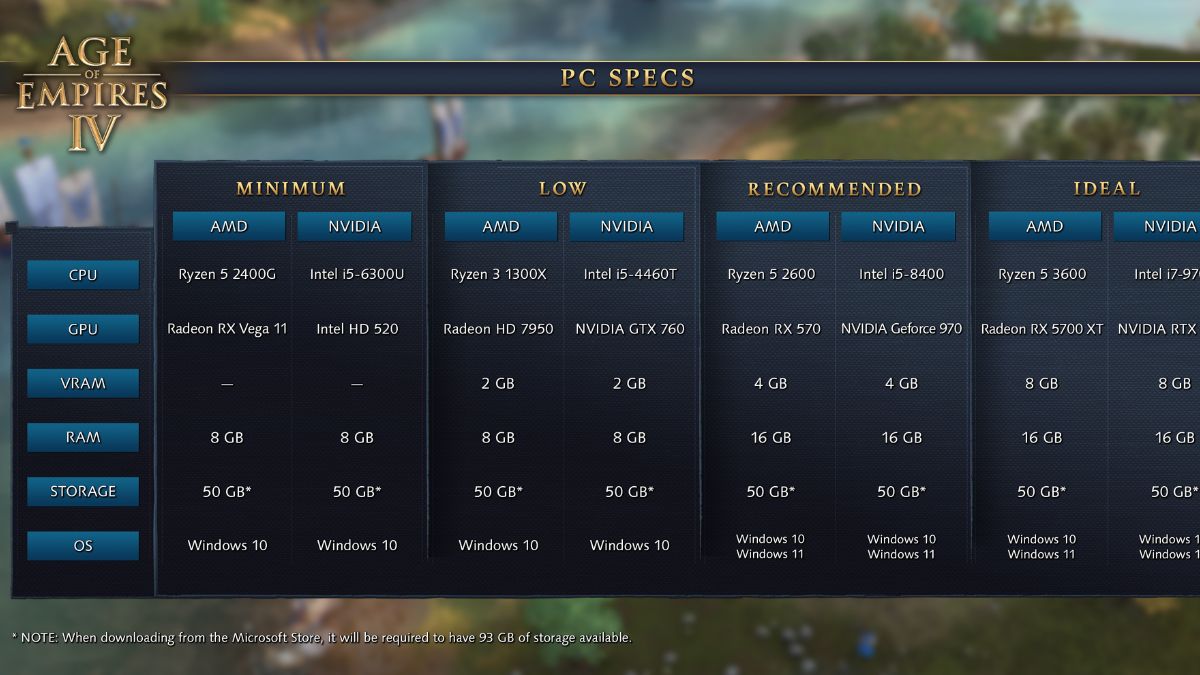
    Minimum Requirements

    • OS: Windows 10 64-bit or Windows 11
    • Processor: Intel Core i5-6300U or AMD Ryzen 5 2400G
    • Memory: 8 GB RAM
    • Graphics: Intel HD 520 or AMD Radeon RX Vega 11
    • DirectX: Version 12
    • Storage: 50 GB available space*
    • Additional Notes: CPU with AVX support required

    Recommended Requirements

    • OS: Windows 10 64-bit or Windows 11
    • Processor: 3.6 GHz 6-core (Intel i5) or AMD Ryzen 5 1600
    • Memory: 16 GB RAM
    • Graphics: Nvidia GeForce 970 GPU or AMD Radeon RX 570 GPU with 4GB of VRAM
    • VRAM: 4GB
    • DirectX: Version 12
    • Storage: 50 GB available space*
    • Additional Notes: CPU with AVX support required

    By matching the Age of Empires 4 PC requirements of a Radeon RX Vega 11 GPU, you may enjoy a stutter-free gaming experience. To really enjoy Age of Empires 4 as the developers intended, your computer should have a GeForce RTX 2070 or Radeon RX 5700 XT GPU to ensure smooth CPU performance.

    Return to real-time in Age of Empires 4 as you lead your people to victory across the ages. As you strategize and command your people to win, you will command hordes of soldiers that alter with the passing of each period.

    Even if your skills are top-notch, a split second of lag caused by bad GPUs might bring your quick victory to a halt. So make sure you match the graphics standards, and you’ll become the land’s true god-emperor in Age of Empires 4.

    This is everything you need to know about Age of Empires 4 PC Requirements. Additionally, you can check our guide on Madden 24 PC Requirements and Cricket 22 System Requirements. Stay connected with GameEmpress to get the latest news and guides about the gaming world.

  • Is Tekken 8 Crossplay Enabled? Unveiling The Truth About Multiplatform Gaming

    Is Tekken 8 Crossplay Enabled? Unveiling The Truth About Multiplatform Gaming

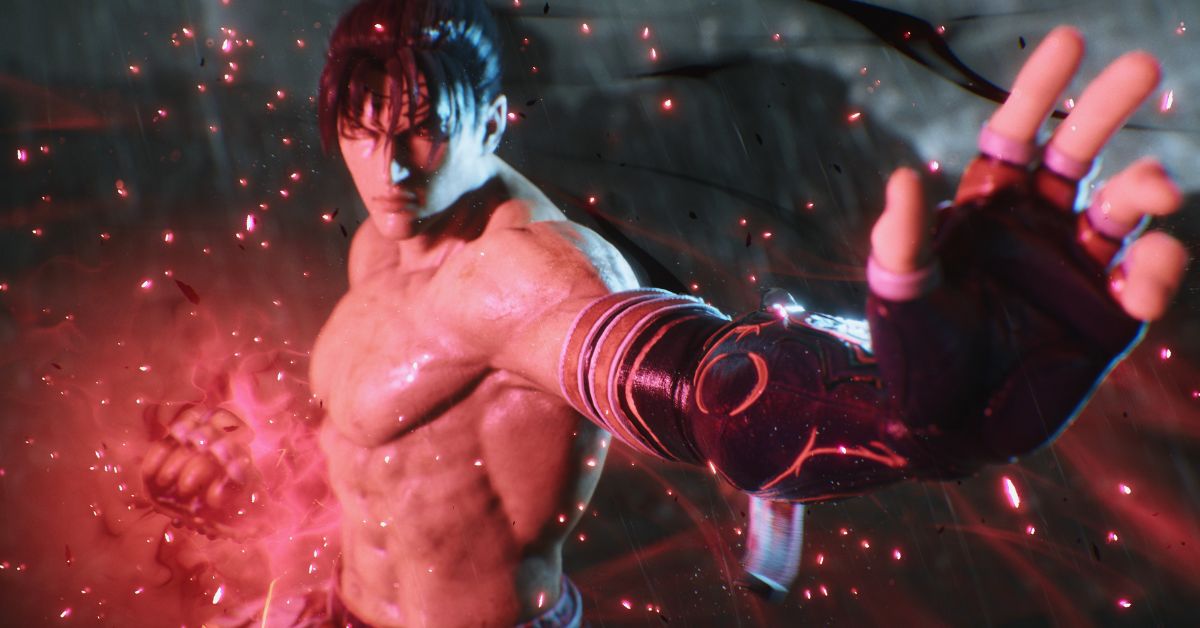
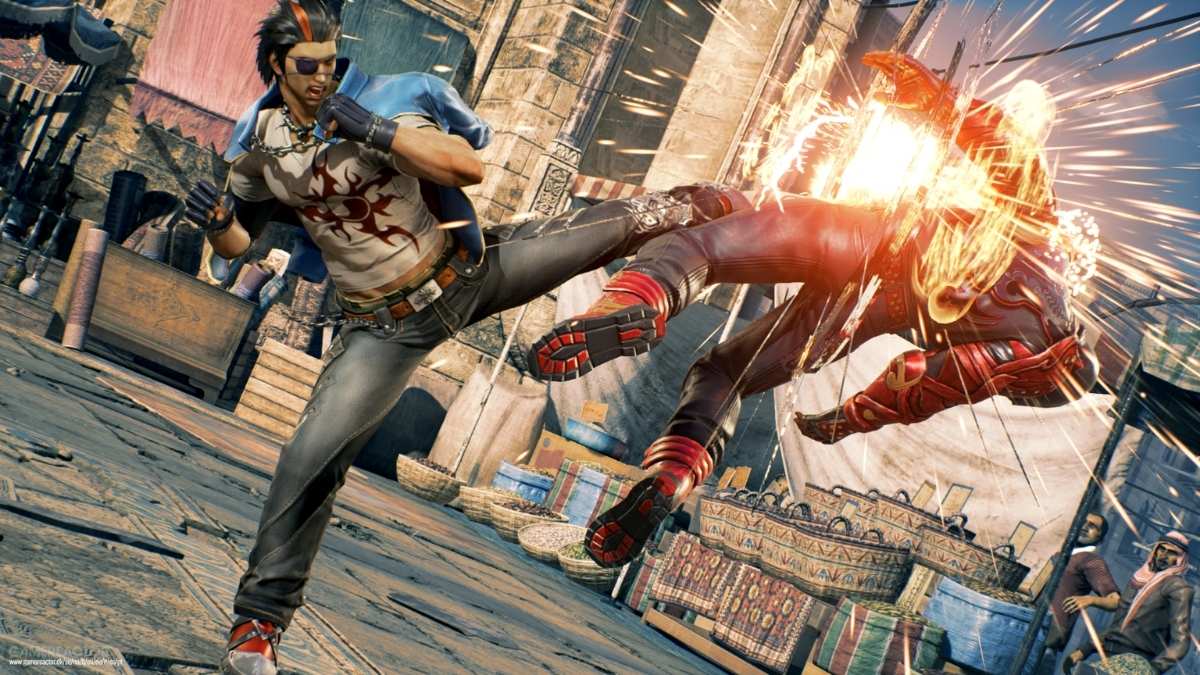
    Crossplay compatibility will be included in Tekken 8, allowing players from many platforms to connect and participate in the game’s online multiplayer modes.

    Is Tekken 8 Crossplay?

    When asked about Tekken 8 crossplay, Harada stated a lot on Twitter. In addition to confirming that the game will feature cross-platform play, the game director revealed why there was no cross-platform play in 2017’s Tekken 7.

    We’re confident that fans will be ecstatic with this announcement, which confirms both PC and console (PlayStation 5 and Xbox Series X|S) gamers will be able to compete. “Crossplay? “Of course,” Harada said on Twitter.

    As previously stated, Harada noted the lack of crossplay on Tekken 7 for PlayStation 4, Xbox One, and PC in the same tweet. According to the game director, he actually suggested crossplay between the “two” platforms (most likely referring to the PS4 and Xbox One). Still, Sony and Microsoft could not agree on crossplay at the time.

    In a subsequent tweet, Harada clarified that while Sony and Microsoft stated that they were open to allowing crossplay, it wasn’t always straightforward for third-party titles. Cross-platform gaming between PlayStation and Xbox is considerably easier, albeit there are still specific barriers.

    You might also like to know about if these other games are cross-platform or not:

    “Remember when they announced they were open to crossplay a few years ago?” wrote the producer. “However, in reality, they did not actively support third parties at the time, and the barriers were quite high.” There are still some issues to work out, but it is doable.”

    Tekken 8 was announced in 2018 for next-generation consoles and PCs, and it will be “built from the ground up for next-gen platforms” utilizing Epic’s Unreal Engine 5. A release date has yet to be revealed, although, as stated in our preview article, an impending release appears to be a long way off.

    “The changes to the visual design aren’t the only major ones coming to Tekken 8 (Paul Phoenix’s change in hairstyle remains another obvious change)”, Kai Powell said in the preview for the game. “All new comeback mechanics and strategies to gain an advantage are coming to Tekken 8 via a system derived from the Rage system introduced in Tekken 6. The addition of recoverable or white gauge health may be new to mainline Tekken (excluding the red health from the Tekken Tag Tournament offshoot). Still, it has been a prevalent feature in Street Fighter titles and other trademark fighting game entries for more than two decades.”

    Stay connected with GameEmpress.com to get the latest news and updates about the gaming world.

  • Is Gotham Knights Crossplay? The Definitive Guide To Cross-Platform Gaming

    Is Gotham Knights Crossplay? The Definitive Guide To Cross-Platform Gaming

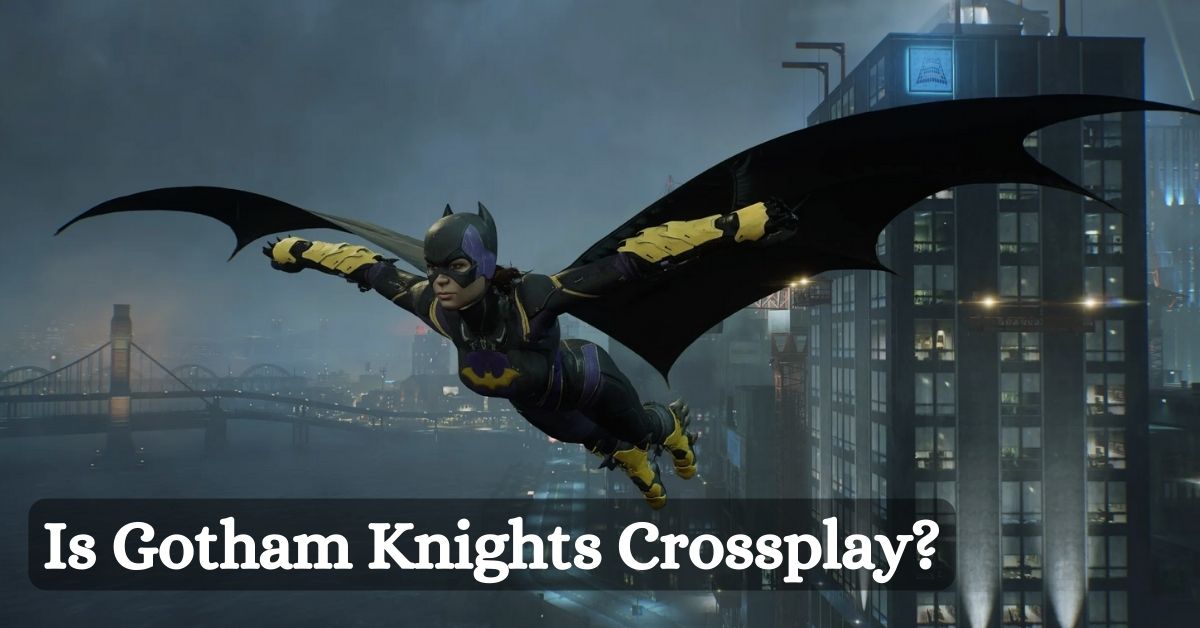
    Have you ever played Gotham Knights? Is Gotham Knights Crossplay? If you are a fan of this game, you may be curious about this question. In this post, MiniTool Partition Wizard provides some helpful information about this game that can answer your question.

    Gotham Knights About

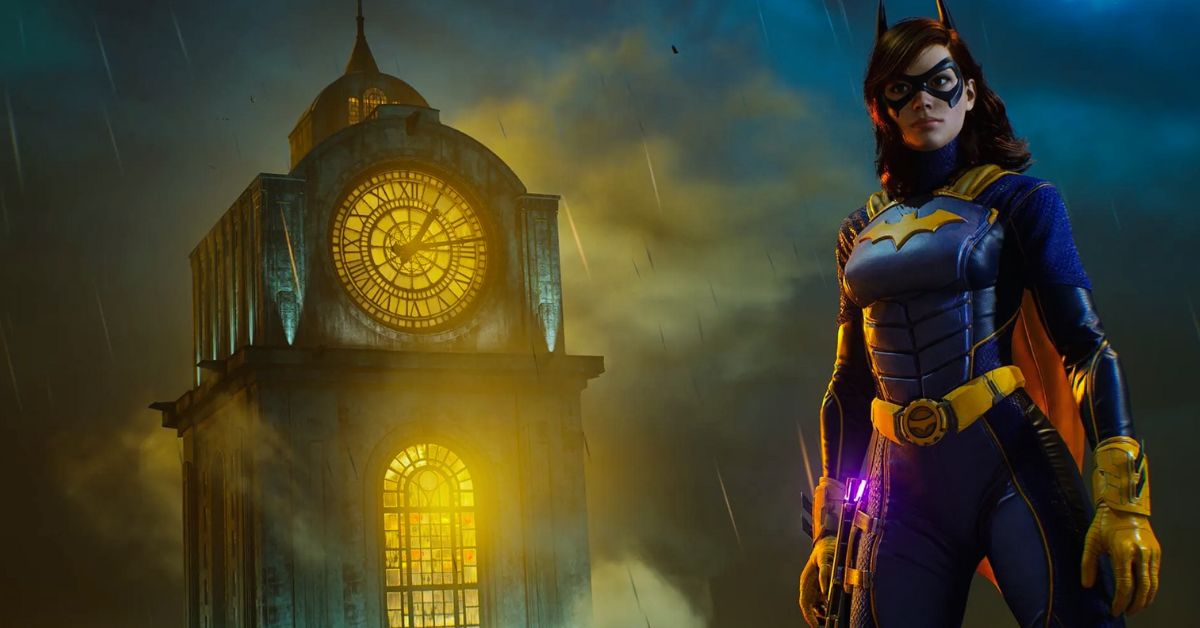
    Gotham Knights is an action role-playing game published by Warner Bros. Games and developed by WB Games Montréal. On October 21, 2022, it was launched for the PlayStation 5, Windows, and Xbox Series X/S for the first time. Although versions for the PlayStation 4 and Xbox One were planned, they were later canceled.

    Is Gotham Knights Crossplay?
    Is Gotham Knights Crossplay?

    The game is presented in third person. You have complete freedom to wander throughout Gotham City, interacting with folks, completing quests, and accumulating experience points and other resources to level up your characters and equipment.

    Meanwhile, this game has an online cooperative multiplayer feature that lets two players play through the single-player campaign together while progressing in their own game. As a result, you can play this game with a friend.

    Is Gotham Knights Crossplay?

    Gotham Knights is available for Windows PC, Xbox Series X/S, and PlayStation 5. However, you may occasionally play the game on a different platform than your buddies. In this situation, you could be wondering if Gotham Knights is a Crossplay game.

    So, is Crossplay in Gotham Knights? I understand that after browsing the Internet for this question and reading all of the official Gotham Knights announcements. No, it does not. Cross-platform play in Gotham Knights is not supported.

    This means you’ll only be able to match up with other players who use the same platform as you. PC users can play with other PC users (regardless of whether they purchased the game from Steam or the Epic Games Store), but not with Xbox Series X|S or PlayStation 5 users.

    If you are on PC and your friend is on PlayStation 5, you will be unable to play Gotham Knights together.

    You might also like to know about if these other games are cross-platform or not:

    Will Gotham Knights be Crossplay?

    Will Gotham Knights be added later? Will you be able to play Gotham Knights with your pals in the future? According to the official Gotham Knights website, “Cross-platform support is not planned at this time.” As a result, online co-op on PC may be the best option. You can co-op online if you and a friend purchase the game from Steam or the Epic Game Store.

    Stay connected with GameEmpress to get the latest news and updates about the gaming world.

  • Is Tekken 7 Crossplay? A Guide To The Fighting Game’s Online Features

    Is Tekken 7 Crossplay? A Guide To The Fighting Game’s Online Features

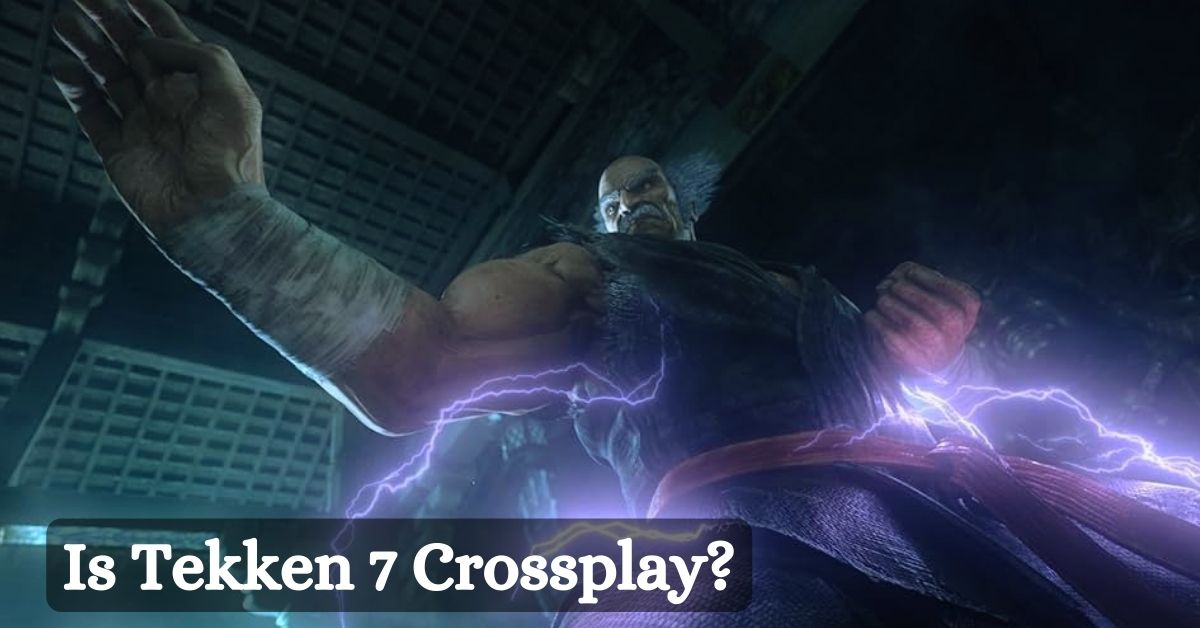
    Tekken 7 is a popular fighting game that is part of the long-running Tekken series. The game was released in 2017 for PlayStation 4, Xbox One, and PC, and it features an extensive roster of characters, a story mode, and various online modes. However, one of the most frequently asked questions about the game is: is Tekken 7 crossplay?

    Is Tekken 7 Crossplay?

    Is Tekken 7 Crossplay?
    Is Tekken 7 Crossplay?

    Crossplay is a feature that allows players to play online with or against other players who are using different platforms or devices. For example, a PlayStation 4 player can play with an Xbox One player or a PC player.

    Crossplay can enhance the online experience of a game, as it can increase the player base, reduce the waiting time for matches, and allow friends to play together regardless of their platform preference.

    However, not all games support crossplay, and Tekken 7 is one of them. Tekken 7 does not have crossplay or cross-progression, which means that players can only play online with other players who are using the same platform as them, and they cannot transfer their progress or data to another platform.

    This can be disappointing for some fans, especially since other fighting games, such as Street Fighter V and Mortal Kombat 11, do have crossplay.

    Why Tekken 7 Does Not Have Crossplay?

    The developers of Tekken 7 have expressed their interest and desire to implement crossplay in the past, but they have also faced some challenges and difficulties in doing so. Some of the reasons why Tekken 7 does not have crossplay are:

    • Technical Issues: Crossplay requires a lot of technical work and optimization, as it involves connecting different platforms and systems, ensuring compatibility and stability, and preventing cheating and hacking. The developers have stated that they have encountered some technical problems and limitations in trying to enable crossplay, especially between PC and consoles.
    • Legal Issues: Crossplay also requires a lot of legal work and negotiation, as it involves dealing with different platform holders and publishers, such as Sony, Microsoft, and Valve. The developers have stated that they have faced some legal hurdles and restrictions in trying to enable crossplay, mainly due to the different policies and regulations of each platform.
    • Community Issues: Crossplay also requires a lot of community feedback and support, as it involves considering the preferences and opinions of the players. The developers have stated that they have received mixed reactions and responses from the community regarding crossplay, mainly due to concerns about the net code and the balance of the game.

    You might also like to know about if these other games are cross-platform or not:

    Will Tekken 7 Have Crossplay in the Future?

    The developers of Tekken 7 have not given up on the possibility of adding cross-play in the future. Still, they have also not confirmed or announced any plans or updates regarding it. The game is currently in its fourth season, which includes new characters, stages, features, and improvements.

    The game has also received some patches and fixes to address some of the issues and complaints about the net code and the online performance of the game.

    However, the game is also nearing the end of its life cycle, as it has been four years since its release, and the developers may be working on a new project or a sequel. Therefore, it is unlikely that the game will have crossplay anytime soon unless the developers decide to surprise the fans with a significant update or a re-release of the game.

    Stay connected with GameEmpress to get the latest news and updates about the gaming world.

  • Diablo 4 Season 2 Boss Loot Table: How To Farm Unique Items From The New Endgame Bosses?

    Diablo 4 Season 2 Boss Loot Table: How To Farm Unique Items From The New Endgame Bosses?

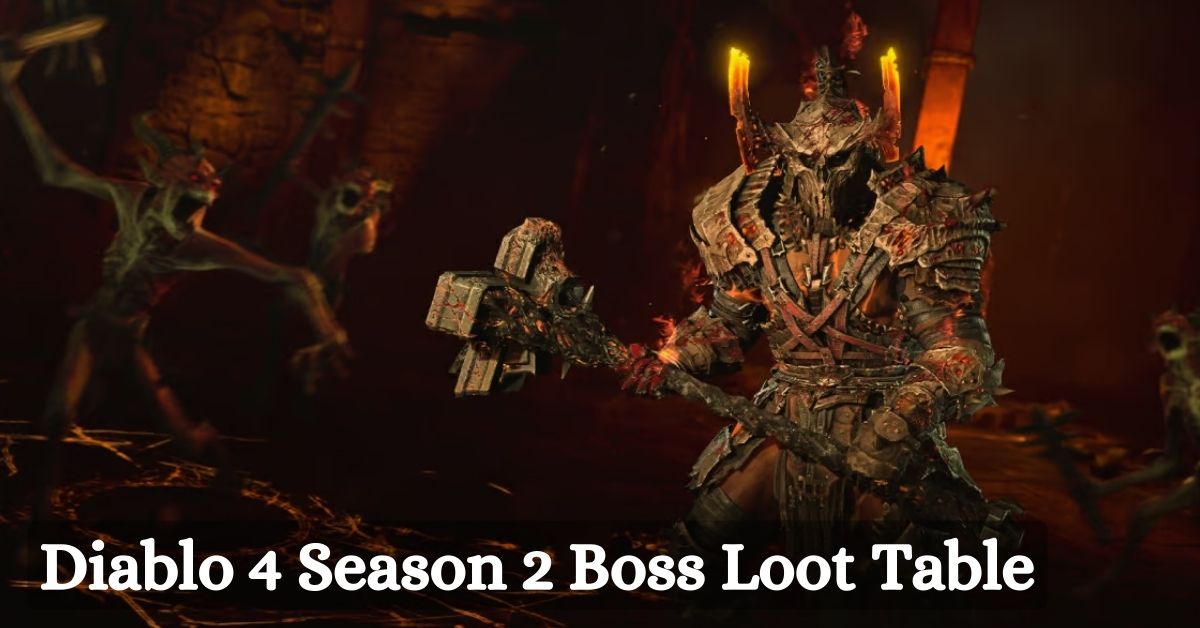
    Diablo 4 Season 2, also known as the Season of Blood, is the second major update for the game, which introduces new features, content, and changes to the game.

    Diablo 4 Season 2 Boss Loot Table

    Diablo 4 Season 2 Boss Loot Table
    Diablo 4 Season 2 Boss Loot Table

    One of the most exciting additions is the new endgame bosses, which are robust and challenging enemies that can drop unique and legendary items. These bosses are:

    • Gregoire, the Galvanic Saint: A corrupted angel who wields lightning and holy power.
    • Echo of Varshan: A twisted reflection of the fallen hero Varshan, who commands the forces of shadow and blood.
    • Lord Zir: A dark master who manipulates the souls of the dead and the living.
    • The Beast in the Ice: A monstrous creature that lurks in the frozen depths of the world.
    • Duriel, King of Maggots: A prime evil who rules over pain and suffering.

    These bosses can be summoned by using unique components that can be obtained by completing certain activities in the game, such as world bosses, legion events, or dungeons.

    Each boss has a specific loot table, which contains unique items that are exclusive to that boss, as well as other items that can be found elsewhere. These individual items have special effects and bonuses that can enhance the player’s build and playstyle.

    In this article, we will provide a comprehensive guide on how to farm unique items from the new endgame bosses in Diablo 4 Season 2, including how to summon them, how to defeat them, and what are their loot tables.

    How to Summon the New Endgame Bosses?

    To summon the new endgame bosses, the player needs to collect a certain amount of components that are specific to each boss. These components can be obtained by completing various activities in the game, such as world bosses, legion events, or dungeons. The amount and type of parts required to summon each boss are as follows:

    • Gregoire, the Galvanic Saint: 10 Galvanic Cores, which can be obtained by defeating world bosses in World Tier 4 or higher or by completing legion events in World Tier 4 or higher.
    • Echo of Varshan: 10 Exquisite Blood, which can be obtained by defeating world bosses in World Tier 4 or higher or by completing legion events in World Tier 4 or higher.
    • Lord Zir: 10 Dark Essence, which can be obtained by completing dungeons in World Tier 4 or higher or by completing legion events in World Tier 4 or higher.
    • The Beast in the Ice: 10 Frozen Hearts can be obtained by completing dungeons in World Tier 4 or higher or by completing legion events in World Tier 4 or higher.
    • Duriel, King of Maggots: 10 Maggot Eyes, which can be obtained by completing dungeons in World Tier 4 or higher or by completing legion events in World Tier 4 or higher.

    Once the player has collected enough components, they can use them to activate a portal to the boss’s lair, which can be found in various locations in the world. The portal will remain open for a limited time, and the player can enter it alone or with a party. The portal will also display the boss’s name, level, and difficulty, as well as the possible rewards.

    How to Defeat the New Endgame Bosses?

    To defeat the new endgame bosses, the player needs to have a good strategy, a muscular build, and a lot of skill and patience. The bosses are mighty and have various abilities and mechanics that can challenge the player’s survival and damage.

    The bosses also have different phases and forms, which can change their behavior and attacks. The player should study the boss’s patterns and weaknesses and use the appropriate skills and items to counter them.

    You might also be interested in the following game guide:

    What are the Loot Tables of the New Endgame Bosses?

    The loot tables of the new endgame bosses are the lists of items that can drop from them, which include unique and legendary items, as well as other items that can be found elsewhere. The individual items are exclusive to each boss and have special effects and bonuses that can enhance the player’s build and playstyle.

    The legendary items are rare and powerful items that can have random affixes and properties. The other items include rare and magic items, as well as crafting materials and gold.

    Here are the loot tables of each boss, along with the names and descriptions of the unique items:

    Grigoire, the Galvanic Saint

    Unique Items

    • Penitent Greaves: Boots that increase the player’s movement speed and resistance to all elements and reduce the cooldown of the player’s skills.
    • Razorplate: Chest armor that increases the player’s damage and critical strike chance and reflects damage to attackers.
    • Temerity: Amulet that increases the player’s damage and attack speed and grants a chance to cast a lightning nova when hit.
    • X’Fal’s Corroded Signet: Ring that increases the player’s damage and resource regeneration and grants a chance to cast a chain of lightning when attacking.
    • Soulbrand: Sword that increases the player’s damage and resource generation and grants a chance to cast a holy bolt when attacking.
    • Banished Lord’s Talisman: Off-hand item that increases the player’s damage and healing and grants a chance to cast a holy shield when hit.

    Legendary Items:

    • Random legendary items that can have random affixes and properties.

    Other Items:

    • Random rare and magic items that can have random affixes and properties.
    • Random crafting materials and gold.

    Echo of Varshan:

    Unique Items:

    • Flickerstep: Boots that increase the player’s movement speed and stealth and grant a chance to teleport when hit.
    • Tassets of the Dawning Sky: Pants that increase the player’s damage and resistance to all elements and grant a chance to cast a meteor when hit.
    • Tibault’s Will: Amulet that increases the player’s damage and resource regeneration and grants a chance to cast a blood nova when hit.
    • Sanguine Band: Ring that increases the player’s damage and life steal and grants a chance to cast a blood explosion when killing an enemy.
    • Blood Moon: Dagger that increases the player’s damage and critical strike chance and grants an opportunity to cast a blood curse when attacking.
    • Lidless Wall: Shield that increases the player’s damage and block chance and grants an opportunity to cast a shadow shield when blocking.

    We appreciate your interest in our website! Make Gameempress your go-to site for gaming information.

  • Madden 24 PC Requirements: How To Make Sure You Can Play?

    Madden 24 PC Requirements: How To Make Sure You Can Play?

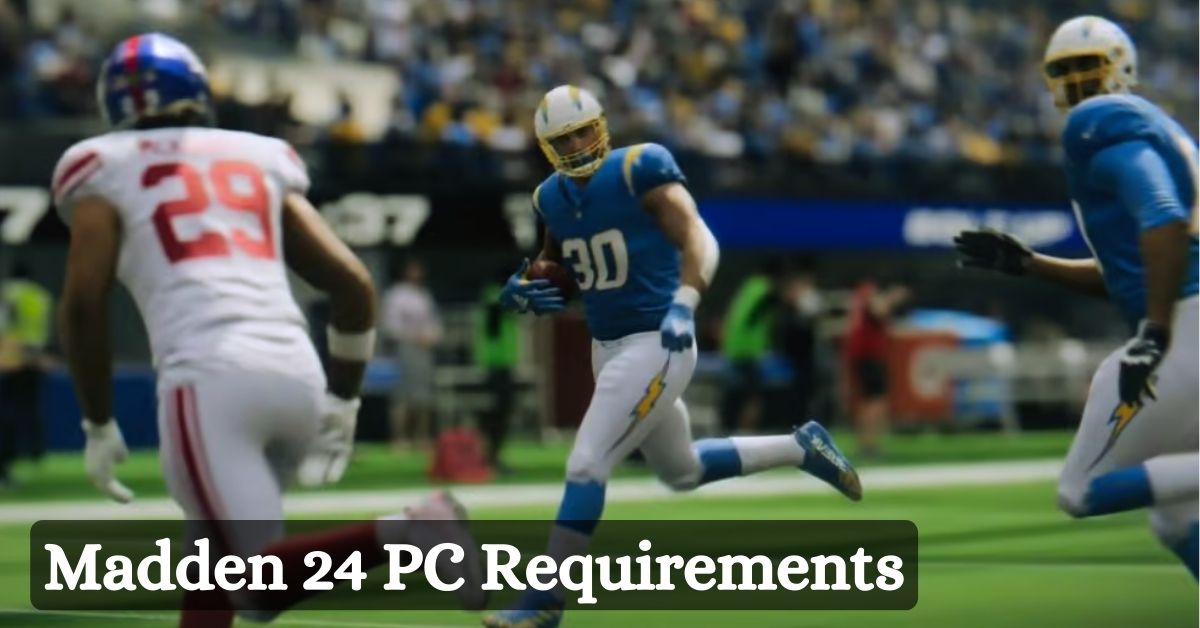
    What kind of computer is needed to play Madden 24? This week marks the release of the newest Madden video game edition from EA Sports, and fans are starting to experience unprecedented levels of enthusiasm.

    Many are interested to see what the game will have to offer this time around because it is getting a lot of new features and updates. The release date of Madden 24 is rapidly approaching. As the countdown approaches, fans’ curiosity about the new game has grown even more.

    Naturally, fans are now interested in learning some of the vital information regarding their preferred gaming systems and how Madden 24 will function on them. This is particularly true for PC gamers, who also need to consider Madden 24’s system requirements.

    Madden 24 PC Requirements

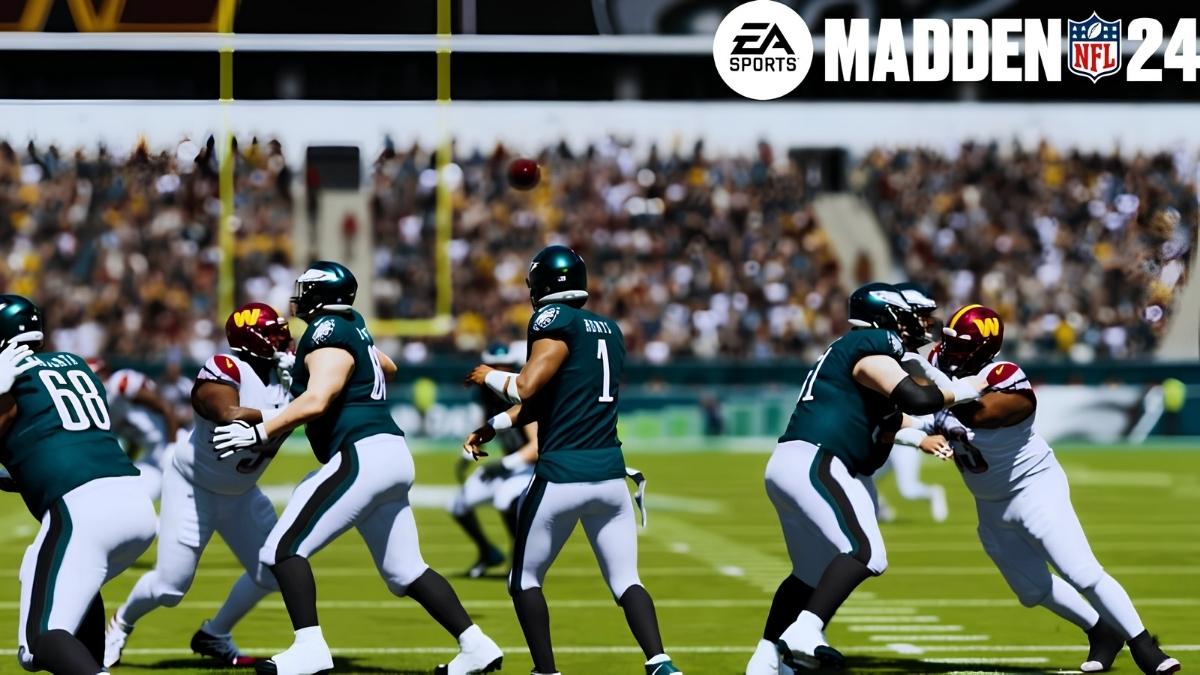
    Madden NFL 24 Gameplay
    Madden NFL 24 Gameplay

    Minimum Requirements

    • CPU: Intel Core i5 6700K*(4-cores; 8-threads) or AMD Ryzen 5 1600
    • RAM: 10 GB
    • VIDEO CARD: NVIDIA GeForce GTX 1050 Ti or AMD Radeon RX 570
    • DEDICATED VIDEO RAM: 4096 MB
    • PIXEL SHADER: 5.1
    • VERTEX SHADER: 5.1
    • OS: Windows 10
    • FREE DISK SPACE: 50 GB
    • SOUND CARD: Integrated

    Recommended Requirements

    • CPU: Intel Core i7 8700 (6-core; 12-thread) or AMD Ryzen 7 2700X
    • RAM: 12 GB
    • VIDEO CARD: NVIDIA GeForce GTX 1660 or AMD Radeon RX 5600 XT
    • DEDICATED VIDEO RAM: 6144 MB
    • PIXEL SHADER: 5.1
    • VERTEX SHADER: 5.1
    • OS: Windows 10
    • FREE DISK SPACE: 50 GB
    • SOUND CARD: Integrated

    Which PC Platforms Does Madden 24 Run On?

    When Madden 24 launches later this summer, PC gamers will have access to it on a number of PC platforms through the Epic Games Store, Steam, and the EA App for Windows.

    The Madden community on PC has expanded over the years to such an extent that PC fans will now be able to enjoy cross-platform play with other next-generation consoles.

    This is significant since Madden 24 will debut new features and updates that PC gamers will also be able to take advantage of. Before Madden 23, PC gamers were lumped in with the current generation of gamers, whose gaming experiences have significantly diminished.

    However, if you intend to get a copy of Madden 24 for PC, make sure to review the following section’s system requirements to ensure that the game will operate as smoothly as possible.

    What’s New for PC Users in Madden 24?

    There is a significant new feature for PC gamers in addition to the most recent version of the FieldSense gameplay system, more intelligent AI improvements, new SAPIEN technology, and the return of Superstar mode, which includes the all-new Superstar Showdown.

    Players of PCs, PS5, and Xbox Series X|S will be able to fight against one another on different platforms thanks to Madden 24’s complete cross-platform integration.

    Madden Ultimate Team will be the game where this new feature appears most frequently. It will be up to you whether you take on competitors who might be on a different console because fans can turn crossplay on and off.

    We go over the Madden 24 Franchise Deep Dive that EA unveiled in June here, in case you missed it. Here’s the complete Top 20 list if you’d like to know what the new Madden 24 WR ratings are.

    Both the Standard Edition and Deluxe Edition of Madden 24 are currently available for pre-order, with fantastic benefits, including early access, virtual in-game stuff, and NFL Marble Bills gear, among other things.

    This is everything you need to know about Madden 24 PC Requirements. Additionally, you can check our guide on Final Fantasy 7 Rebirth PC Requirements and Headbangers Rhythm Royale System Requirements. Stay connected with GameEmpress.com to get the latest news and guides about the gaming world.

  • Warcraft Rumble Heroic Guide: How To Beat The Hardest Mode In The Game

    Warcraft Rumble Heroic Guide: How To Beat The Hardest Mode In The Game

    Warcraft Rumble is a mobile game that combines the elements of tower defense, card collection, and real-time strategy.

    The game features various factions, leaders, and minis from the Warcraft universe and allows players to create their decks and battle against other players or the AI. The game has four modes: Normal, Hard, Heroic, and Dungeon. In this article, we will focus on the Heroic mode, which is the most challenging and most rewarding mode in the game.

    What is the Heroic Mode, and Why Should You Play It?

    Warcraft Rumble Heroic Guide
    Warcraft Rumble Heroic Guide

    The Heroic mode is a mode that challenges players to face the AI in a series of missions, each with different objectives, conditions, and enemies. The Heroic Way is divided into four zones, each with ten missions. The zones are:

    • The Barrens: A desert-like zone with a lot of open space and some obstacles. The enemies are mostly Horde factions, such as orcs, trolls, and Tauren.
    • The Deadmines: A mine-like zone with a lot of narrow paths and traps. The enemies are mostly Alliance factions, such as humans, dwarves, and gnomes.
    • Blackrock Mountain: A volcanic zone with a lot of lava and fire. The enemies are primarily neutral factions, such as dragons, elementals, and ogres.
    • Gnomeregan: A mechanical zone with a lot of gadgets and machines. The enemies are primarily gnomes, robots, and mechs.

    The Heroic mode is the most challenging in the game, as the AI is more intelligent, faster, and stronger than in the other methods. The AI also has access to more powerful and unique minis, such as the Lich King, Deathwing, and Ragnaros.

    The missions also have more challenging and varied objectives, such as destroying a certain number of towers, surviving for a certain amount of time, or collecting a certain amount of gold.

    The Heroic mode is also the most rewarding in the game, as it offers more gold, experience, and loot than the other modes.

    The loot includes rare and legendary minis, as well as dungeon talents, which are special abilities that can enhance the player’s deck and leader. The Heroic mode also unlocks the Dungeon mode, which is a mode that allows players to explore and loot randomly generated dungeons with their friends or other players.

    You might also be interested in the following games guide:

    How to Beat the Heroic Mode in the Game?

    To beat the Heroic mode in the game, players need to have a good strategy, a strong deck, and a lot of skill and patience. Here are some tips and tricks on how to beat the Heroic mode in the game:

    • Choose the right leader and deck for each mission. The leader and the deck are the most critical factors in the game, as they determine the player’s playstyle, strengths, and weaknesses. The player should choose a leader and a deck that suits the mission’s objective, condition, and enemy. For example, if the task requires the player to destroy a lot of towers, the player should choose a leader and a deck that has a lot of damage and push potential, such as Rend Blackhand and his dragon deck. If the mission requires the player to survive for a long time, the player should choose a leader and a balcony that has a lot of defense and healing potential, such as Tyrion Fordring and his paladin deck. The player should also consider the map and the environment and choose a leader and a deck that can adapt and take advantage of them, such as Maiev Shadowsong and her stealth deck for the Deadmines or Drakkisath and his elemental deck for Blackrock Mountain.
    • Use the best minis and upgrade them. The minis are the units that the player can summon and control in the game, and they have different stats, abilities, and costs. The player should use the best minis for their deck and leader and upgrade them as much as possible. The player can upgrade their minis by spending gold and experience, which can be earned by playing the game. The player can also use the minis tier list to see which minis are the most effective and versatile in the game. Some of the best minis in the game are:
      • Huntress: A fast and cheap mini that can deal a lot of damage and stun enemies with her glaive.
      • Earth Elemental: A tanky and unbound mini that can absorb a lot of damage and taunt enemies with his rock throw.
      • Pyromancer: A ranged and AoE mini that can deal a lot of fire damage and burn enemies with his fireball.
      • Quilboar: A swarm and fast mini that can spawn more quilboars and overwhelm enemies with their numbers.
      • Gryphon Rider: A flying and ranged mini that can deal a lot of damage and avoid ground enemies with his lightning bolt.
    • Use the best dungeon talents and traits. The dungeon talents and traits are special abilities that can enhance the player’s deck and leader, and they can be obtained by playing the Dungeon mode or the Heroic mode. The player can equip up to three dungeon talents and three traits for each leader, and they can change them before each mission. The player should use the best dungeon talents and traits for their deck and leader and experiment with different combinations. Some of the best dungeon talents and traits in the game are:
      • Dragon’s Breath: A dungeon talent that gives the player’s leader a fire breath that can deal damage and burn enemies in a cone.
      • Divine Shield: A dungeon talent that gives the player’s leader a shield that can block all damage for a short time.
      • Bloodlust: A dungeon talent that gives the player’s leader and minis a boost of attack speed and movement speed for a short time.
      • Critical Strike: A trait that gives the player’s leader and minis a chance to deal double damage with their attacks.
      • Regeneration: A trait that gives the player’s leader and minis a passive healing over time.
      • Spell Power: A trait that gives the player’s leader and minis a bonus of damage and healing with their abilities.
    • Use the best strategies and tactics for each mission. The strategy and tactics are the ways that the player can play and win the game, and they depend on the mission’s objective, condition, and enemy. The player should use the best strategies and tactics for each task, and adapt and improvise according to the situation. Some of the best techniques and tactics in the game are:
      • Rush: A strategy that involves attacking the enemy’s base and towers as fast and as hard as possible, using fast and cheap minis, and ignoring the side lanes and the gold mines. This strategy is effective for missions that require the player to destroy a certain number of towers or to finish the task in a short time.
      • Control: A strategy that involves controlling the map and the resources, using tanky and unbound minis, and capturing the side lanes and the gold mines. This strategy is effective for missions that require the player to survive for a long time or to collect a certain amount of gold.
      • Combo: A strategy that involves using the player’s leader and minis’ abilities and synergies to create powerful and devastating effects, such as setting enemies on fire, poisoning them, or stunning them. This strategy is effective for missions that require the player to deal a lot of damage or to kill a certain number of enemies.
      • Counter: A tactic that involves using the player’s leader and minis’ abilities and strengths to counter the enemy’s leader and minis’ skills and weaknesses, such as using fire against ice or flying against ground. This tactic is effective for missions that feature a specific enemy leader or mini or a particular faction of the enemy.

    We appreciate your interest in our website! Make Gameempress your go-to site for gaming information.

  • The Forest Crafting Guide: How To Craft Items And Survive In The Game?

    The Forest Crafting Guide: How To Craft Items And Survive In The Game?

    The Forest is a survival horror game that challenges players to survive in a forest full of cannibals, mutants, and animals. The game, which was released in 2018, features a crafting system that allows players to create various items and tools that can help them in their survival.

    Crafting is a crucial mechanic in the game, as it can provide players with weapons, armor, food, medicine, shelter, and more. Here is a comprehensive guide on how to craft items and survive in the game.

    How to Craft Items in the Game?

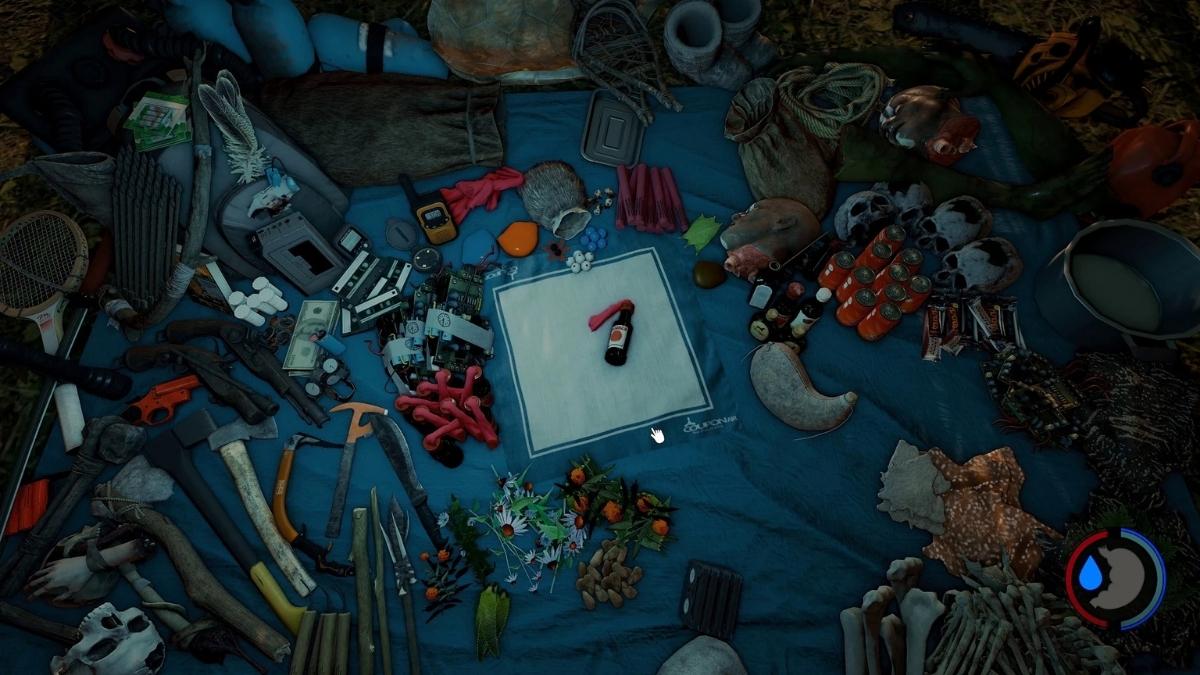
    The Forest Crafting Guide
    The Forest Crafting Guide

    Crafting items in the game is relatively simple and intuitive. To prepare an article, players need to open their inventory by pressing the “I” button. In the inventory screen, players can see their things, their stats, their hunger, their thirst, their health, and their stamina.

    In the middle of the screen, there is a crafting mat where players can place the items they want to combine. To put an article on the crafting mat, players need to right-click on the item in their inventory.

    When the correct items are placed on the crafting mat, a gear icon will appear below the items, indicating that the items can be crafted. To craft the item, players need to right-click on the gear icon. To put the crafted item in their inventory, players need to right-click on the item again.

    Some items can be crafted with multiple combinations of things, such as arrows, bombs, and spears. To see the different varieties, players can hover their cursor over the gear icon, and a list of possible recipes will appear.

    To select a recipe, players can use the arrow keys or the mouse wheel to scroll through the list and then right-click on the gear icon to craft the item.

    Some items can also be upgraded or modified, such as weapons, tools, and armor. To upgrade or change an object, players need to place the item and the upgrade material on the crafting mat and then right-click on the gear icon.

    You might also be interested in the following games guide:

    What are the Crafting Recipes in the Game?

    There are many crafting recipes in the game, which can create different items and tools. Here is a list of some of the most valuable and everyday crafting recipes in the game, along with their ingredients and effects.

    • Crafted Axe: 1 Stick + 1 Rock + 1 Rope. An essential axe that can be used to chop trees and fight enemies.
    • Crafted Bow: 1 Stick + 1 Cloth + 1 Rope. A bow that can be used to shoot arrows at enemies and animals.
    • Crafted Club: 1 Stick + 1 Skull. A club that can be used to bash enemies and break objects.
    • Crafted Spear: 2 Sticks. A spear that can be used to stab enemies and fish.
    • Upgraded Spear: 1 Crafted Spear + 3 Bones + 2 Cloth. A stronger spear that can be thrown and retrieved.
    • Slingshot: 1 Stick + 1 Cloth + 1 Electrical Tape. A slingshot that can be used to shoot small rocks at enemies and animals.
    • Repair Tool: 2 Sticks + 1 Rock + 2 Cloth + 10 Sap. A tool that can be used to repair buildings and structures.
    • Arrows: 1 Stick + 5 Feathers. Five indicators that can be used with the bow.
    • Bone Arrows: 5 Bones + 1 Stick + 5 Feathers. Five stronger arrows that can be used with the bow.
    • Fire Arrows: 5 Arrows + 1 Cloth + 1 Booze. Five arrows that can be set on fire and used with the bow.
    • Poison Arrows: 5 Arrows + 4 Twinberries or 4 Snowberries or 1 Jack Mushroom or 1
    • Amanita Mushroom. Five arrows that can poison enemies and animals are used with the bow.
    • Molotov: 1 Cloth + 1 Booze. A bottle that can be set on fire and thrown at enemies and objects.
    • Bomb: 1 Circuit Board + 1 Coin + 1 Booze + 1 Watch. A bomb that can be detonated and thrown at enemies and objects.
    • Head Bomb: 1 Bomb + 1 Head. A more potent bomb that can be detonated and thrown at enemies and objects.
    • Sticky Bomb: 1 Bomb + 1 Sap. A bomb that can stick to enemies and objects and be detonated.
    • Lizard Skin Armor: 1 Lizard Skin. A piece of armor that can protect the player from damage.
    • Stealth Armor: 1 Lizard Skin + 15 Leaves. A piece of armor that can reduce the player’s visibility and noise.
    • Bone Armor: 6 Bones + 3 Cloth. A piece of armor that can protect the player from more damage.
    • Snowshoes: 5 Sticks + 2 Rope. A pair of shoes that can reduce the player’s stamina consumption in snow.
    • Rabbit Fur Boots: 3 Rabbit Fur + 2 Rope. A pair of boots that can increase the player’s stealth and warmth.
    • Warmsuit: 1 Raccoon Skin + 4 Boar Skin + 6 Deer Skin + 1 Rabbit Fur + 1 Cloth + 2 Rope. A suit that can protect the player from cold and wetness.
    • Water Skin: 2 Deer Skin + 1 Rope. A container that can store water and be drunk from.
    • Pouch: 2 Rabbit Fur. A bag that can store berries and mushrooms.
    • Stick Bag: 1 Rabbit Fur + 2 Rope + 3 Cloth. A bag that can increase the player’s stick-carrying capacity.
    • Rock Bag: 1 Boar Skin + 3 Rope + 4 Cloth. A bag that can increase the player’s rock-carrying capacity.
    • Small Rock Bag: 1 Rabbit Fur + 1 Rope. A bag that can increase the player’s small rock-carrying capacity.
    • Quiver: 3 Rabbit Fur + 1 Rope. A quake that can increase the player’s arrow-carrying capacity.
    • Spear Bag: 2 Boar Skin + 2 Deer Skin + 2 Cloth + 3 Rope. A bag that can increase the player’s spear-carrying capacity.
    • Herbal Medicine: 1 Aloe Vera + 1 Marigold. A medicine that can heal the player’s health.
    • Herbal Medicine+: 1 Aloe Vera + 1 Marigold + 1 Coneflower. A stronger medicine that can heal the player’s health and stamina.
    • Energy Mix: 1 Chicory + 1 Coneflower. A mix that can restore the player’s stamina.
    • Energy Mix+: 1 Chicory + 1 Coneflower + 1 Aloe Vera. A more robust mix that can restore the player’s stamina and health.

    We appreciate your interest in our website! Make Gameempress.com your go-to site for gaming information.

  • Is Warhammer Darktide Crossplay? Blast Your Way Through The Hive With Friends On Different Platforms

    Is Warhammer Darktide Crossplay? Blast Your Way Through The Hive With Friends On Different Platforms

    Warhammer Darktide is a co-op action game set in the grim and dark future of the Warhammer 40,000 universe. The game, which was released in August 2023, lets players team up with up to three friends and fight against hordes of enemies, such as cultists, mutants, and daemons.

    The game is available on PC (Steam and Microsoft Store) and Xbox Series X|S and supports Xbox Game Pass. But does the game also help crossplay? Here is everything you need to know about Warhammer Darktide crossplay.

    Is Warhammer Darktide Crossplay?

    The answer is yes, but only partially. Warhammer Darktide supports crossplay between PC platforms, meaning that players who are using Steam or Microsoft Store can play together online.

    is warhammer darktide crossplay
    is warhammer darktide crossplay

    However, Warhammer Darktide does not support crossplay between PC and Xbox platforms, meaning that players who are using PC cannot play with players who are using Xbox, and vice versa. This is a limitation that has disappointed some fans who were hoping to play the game with their friends who are using different platforms.

    Why Does Warhammer Darktide Not Support Crossplay Between Pc and Xbox?

    The developers of Warhammer Darktide, Fatshark, have not given a clear or official explanation for why the game does not support crossplay between PC and Xbox platforms. However, some possible reasons could be:

    • Technical difficulties: Crossplay between PC and Xbox platforms might require more work and resources to implement and maintain, especially considering the different hardware and software specifications and requirements of each forum. Crossplay might also introduce some issues or bugs that could affect the performance and stability of the game.
    • Balance issues: Crossplay between PC and Xbox platforms might create some balance issues or unfair advantages for some players, especially considering the different input methods and controls of each forum. For example, players who are using a mouse and keyboard might have more accuracy and precision than players who are using a controller, or vice versa.
    • Design choices: Crossplay between PC and Xbox platforms might not fit the vision or the style of the game that the developers had in mind. For example, the developers might have wanted to create a more immersive and authentic experience for the players, and crossplay might break the immersion or the atmosphere of the game.

    Will Warhammer Darktide Support Crossplay Between PC and Xbox in the Future?

    The answer is maybe. The developers of Warhammer Darktide have not confirmed or denied the possibility of adding crossplay between PC and Xbox platforms in the future.

    However, they have said that they are listening to the feedback and suggestions of the community and that they are working hard to improve and update the game. Therefore, there is still some hope that crossplay between PC and Xbox platforms might be added in the future, but there is no guarantee or timeline for when or if it will happen.

    You might also like to know about if these other games are cross-platform or not:

    How Do You Turn Crossplay on or Off in Warhammer Darktide?

    If you are playing Warhammer Darktide on PC platforms, you can turn crossplay on or off in the game settings. To do so, follow these steps:

    • Launch the game and go to the main menu.
    • Click on the Options button and go to the Gameplay tab.
    • Find the Crossplay option and toggle it on or off, depending on your preference.
    • Click on the Apply button and return to the main menu.

    If you are playing Warhammer Darktide on Xbox platforms, you can also turn crossplay on or off in your Microsoft account settings. To do so, follow these steps:

    • Go to the Settings app on your Xbox console and select Account.
    • Select Privacy & Online Safety and then Xbox Live Privacy.
    • Select View Details and Customize and then Communication & multiplayer.
    • You can play with people outside of the Xbox Live option and toggle it on or off, depending on your preference.
    • Return to the Settings app and launch the game.

    Stay connected with GameEmpress.com to get the latest news and updates about the gaming world.

  • Cities Skylines 2 Roadmap: What’s Coming Next For The City Builder?

    Cities Skylines 2 Roadmap: What’s Coming Next For The City Builder?

    Cities Skylines 2 is the sequel to the famous city builder game Cities Skylines, which was released in 2015 and received numerous updates and expansions over the years. The sequel, which was announced in June 2023 and launched in August 2023, aims to improve and expand on the original game with new features, mechanics, and content.

    The game allows players to create and manage their cities, from planning and zoning to transportation and services, while also dealing with various challenges and scenarios.

    Cities Skylines 2 has received positive reviews from critics and players alike, who praised its realistic and detailed simulation, its creative and flexible tools, and its vibrant and dynamic world.

    However, the game also faced some criticism and feedback, especially regarding its performance issues, its lack of content compared to the original game, and its need for more polish and optimization.

    The developers of Cities Skylines 2, Colossal Order, have been listening to the community and working hard to improve and update the game. They have also revealed their roadmap for the upcoming planned content coming to the game in 2023 and 2024. Here is what we can expect from the Cities Skylines 2 roadmap.

    Cities Skylines 2 Roadmap

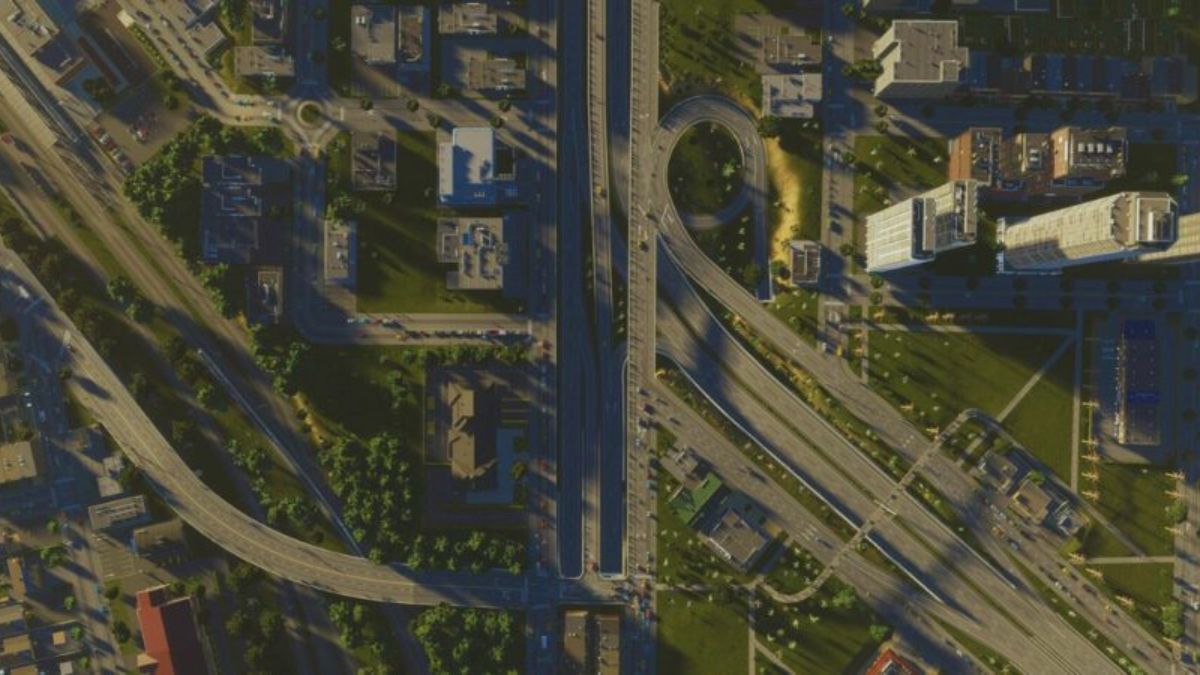
    Cities Skylines 2 Hydroelectric Dam
    Cities Skylines 2 Hydroelectric Dam

    Free Updates and Patches

    The priority for Colossal Order is to fix the bugs and glitches that the players have reported and to improve the performance and stability of the game. They have already released several patches and hotfixes since the launch of the game, addressing some of the most common and urgent issues.

    They have also been communicating with the players on the Steam forums and the official Discord server, providing updates and feedback on the development progress.

    Colossal Order has also promised to add some free features and content to the game based on the suggestions and requests of the players. Some of the free updates that have been confirmed or hinted at are:

    • A new map editor will allow players to create and share their custom maps with different terrains, climates, and biomes.
    • A new scenario editor will allow players to create and share their custom scenarios with different objectives, conditions, and events.
    • A new animal-themed expansion will add more wildlife and pets to the game, as well as new buildings and policies related to animal welfare and conservation.
    • A new weather system will add more variety and realism to the game, with different weather patterns, effects, and disasters.
    • A new traffic management system will improve the AI and behavior of vehicles and pedestrians and add more options and tools for the players to control and optimize their traffic flow.

    Paid DLCs and Expansions

    In addition to the free updates and patches, Colossal Order has also announced several paid DLCs and expansions that will add more content and features to the game. These DLCs and expansions are part of the Ultimate Edition of the game, which includes the base game and the Expansion Pass.

    However, they will also be sold separately for those who only have the Standard Edition of the game. Here are the paid DLCs and expansions that have been confirmed or hinted at:

    • The San Francisco Set, which is a pre-order bonus for the Ultimate Edition of the game, adds some iconic landmarks and buildings from the city of San Francisco, such as the Golden Gate Bridge, the Transamerica Pyramid, and the Coit Tower.
    • The Beach Properties Asset Pack, which is expected to hit sometime in 2023, adds some beachfront properties and assets to the game, such as hotels, resorts, villas, and marinas.
    • The Modern Architecture Content Creator Pack, which is coming in Q1 2024, adds some modern and futuristic styles and assets to the game, such as skyscrapers, towers, domes, and arcologies.
    • The Urban Promenades Content Creator Pack, which is coming in Q1 2024, adds some environmentally friendly and pedestrian-oriented styles and assets to the game, such as parks, plazas, walkways, and bike lanes.
    • The Bridges and Ports Expansion, which is coming in Q2 2024, adds more depth and complexity to the game’s bridge and port systems, such as lighthouses, ferries, cargo ships, and marine industries.

    Radio Stations and Music Packs

    Another type of content that Colossal Order has planned for the game is the radio stations and music packs, which add more variety and flavor to the game’s soundtrack and audio.

    These radio stations and music packs are also part of the Ultimate Edition of the game, but they will also be sold separately for those who only have the Standard Edition of the game. Here are the radio stations and music packs that have been confirmed or hinted at:

    • The Deluxe Relax Station, which is coming in Q4 2023, adds some soothing and relaxing music to the game, such as ambient, chillout, and lounge genres.
    • The Soft Rock Radio, which is coming in Q1 2024, adds some mellow and melodic music to the game, such as pop, rock, and indie genres.
    • The Cold Wave Channel, which is coming in Q2 2024, adds some dark and atmospheric music to the game, such as synth wave, electro, and industrial genres.

    You might also be interested in the following gaming news:

    Modding and Workshop Support

    One of the most important and popular aspects of Cities Skylines 1 was its modding and workshop support, which allowed the players to create and share their custom content and features for the game, such as buildings, assets, maps, scenarios, mods, and more.

    Cities Skylines 2 also supports modding and workshops. Colossal Order has been working with some of the most talented and experienced modders and content creators from the community to ensure that the game is mod-friendly and compatible.

    Colossal Order has also provided some tools and resources for the modders and content creators, such as the Asset Editor, the Modding API, and the Modding. They have also been encouraging and promoting the modding and workshop scene by featuring some of the best and most popular mods and content on their social media and official channels.

    We appreciate your interest in our website! Make Gameempress your go-to site for gaming information.

  • Hisuian Arcanine Pokemon Go: How To Catch, Evolve, And Use The Fire And Rock Type Pokemon?

    Hisuian Arcanine Pokemon Go: How To Catch, Evolve, And Use The Fire And Rock Type Pokemon?

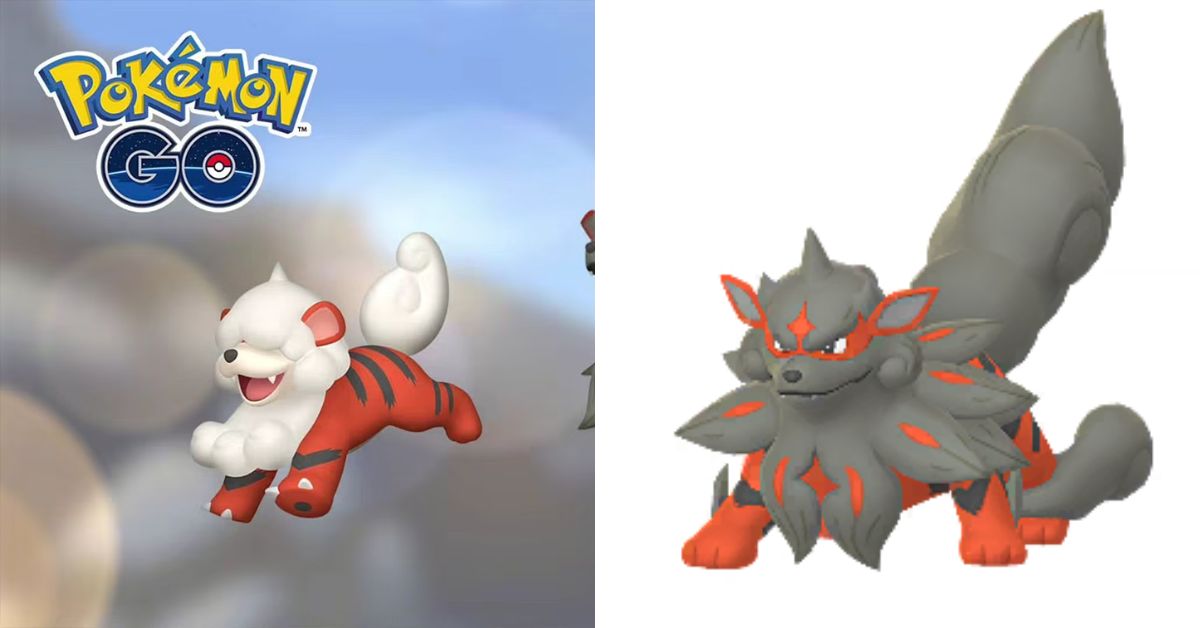
    Hisuian Arcanine is a regional variant of Arcanine that was introduced in Pokemon Go as part of the Secrets of the Jungle event. Hisuian Arcanine is a Fire and Rock type Pokemon that has a different appearance, stats, and moveset than its original form.

    In this article, we will tell you everything you need to know about Hisuian Arcanine in Pokemon Go, including how to catch, evolve, and use it in battles.

    How to Catch Hisuian Arcanine in Pokemon Go?

    Hisuian Arcanine Pokemon Go
    Hisuian Arcanine Pokemon Go

    Hisuian Arcanine is not available in the wild in Pokemon Go. The only way to catch it is to evolve it from Hisuian Growlithe, which is also a regional variant of Growlithe. Hisuian Growlithe can be found in the wild, in raids, in eggs, and as a reward for completing specific tasks during the Secrets of the Jungle event.

    Hisuian Growlithe is exclusive to specific regions, such as India, Nepal, Bhutan, Pakistan, Bangladesh, Sri Lanka, and Maldives. If you are not in these regions, you can still get Hisuian Growlithe by trading with someone who has it or by using a Remote Raid Pass to join a raid that features it.

    How to Evolve Hisuian Arcanine in Pokemon Go?

    To evolve Hisuian Growlithe into Hisuian Arcanine in Pokemon Go, you need to collect 50 Growlithe Candy. Unlike Sneasel and Qwilfish’s Hisuian variants, there is no special requirement other than collecting Growlithe candy to evolve it into Hisuian Arcanine.

    You can get Growlithe candy by catching, hatching, transferring, or feeding berries to Growlithe or Arcanine or by walking with Growlithe as your buddy. You can also use Rare Candy to speed up the process.

    How to Use Hisuian Arcanine in Pokemon Go?

    Hisuian Arcanine is a Fire and Rock type Pokemon that has a Max CP of 3556, an Attack of 232, a Defense of 165, and a Stamina of 216 in Pokemon Go. It is weak to Ground, Water, Fighting, and Rock-type moves and resistant to Normal, Flying, Poison, Bug, Ice, Fairy, and Fire-type moves.

    It is weather boosted by Sunny and Partly Cloudy weather, and it was initially found in the Kanto region. Shiny Hisuian Arcanine is not available in Pokemon Go.

    Hisuian Arcanine has a variety of moves that it can learn, such as Fire Fang, Snarl, Rock Smash, Flamethrower, Rock Slide, Wild Charge, and Crunch. The best moveset for Hisuian Arcanine in Pokemon Go is Snarl and Wild Charge for offense and Rock Smash and Wild Charge for defense.

    Snarl is a type of move that has high energy generation, allowing Hisuian Arcanine to access its charge moves sooner. Wild Charge is an Electric-type move that has high damage output but also lowers Hisuian Arcanine’s defense.

    Rock Smash is a Fighting type move that has high base power but low energy generation. Rock Slide is a Rock-type move that has decent damage and coverage but costs more energy than Wild Charge.

    Hisuian Arcanine can be used in various modes and situations in Pokemon Go, such as raids, gym battles, PvP battles, and Team Rocket battles. Hisuian Arcanine can deal good damage to Pokemon that are weak to Fire, Rock, or Electric-type moves, such as Ice, Grass, Bug, Flying, or Water-type Pokemon.

    However, Hisuian Arcanine can also take a lot of damage from Pokemon that are strong against Fire, Rock, or Electric-type moves, such as Ground, Water, Fighting, or Rock-type Pokemon. Therefore, you should always check the kind of matchups and use Hisuian Arcanine wisely and strategically.

    You might also be interested in the following gaming news:

    Hisuian Arcanine is a regional variant of Arcanine that has a unique type combination and moveset. It is not very common or easy to obtain in Pokemon Go, but it can be a powerful and versatile Pokemon if used correctly.

    You can catch, evolve, and use Hisuian Arcanine in Pokemon Go by following the tips and tricks in this article. Have fun, and good luck with your Hisuian Arcanine adventure!

    We appreciate your interest in our website! Make Gameempress your go-to site for gaming information.

  • Call Of Duty Modern Warfare 3 Tips And Tricks: How To Improve Your Skills And Dominate The Battlefield?

    Call Of Duty Modern Warfare 3 Tips And Tricks: How To Improve Your Skills And Dominate The Battlefield?

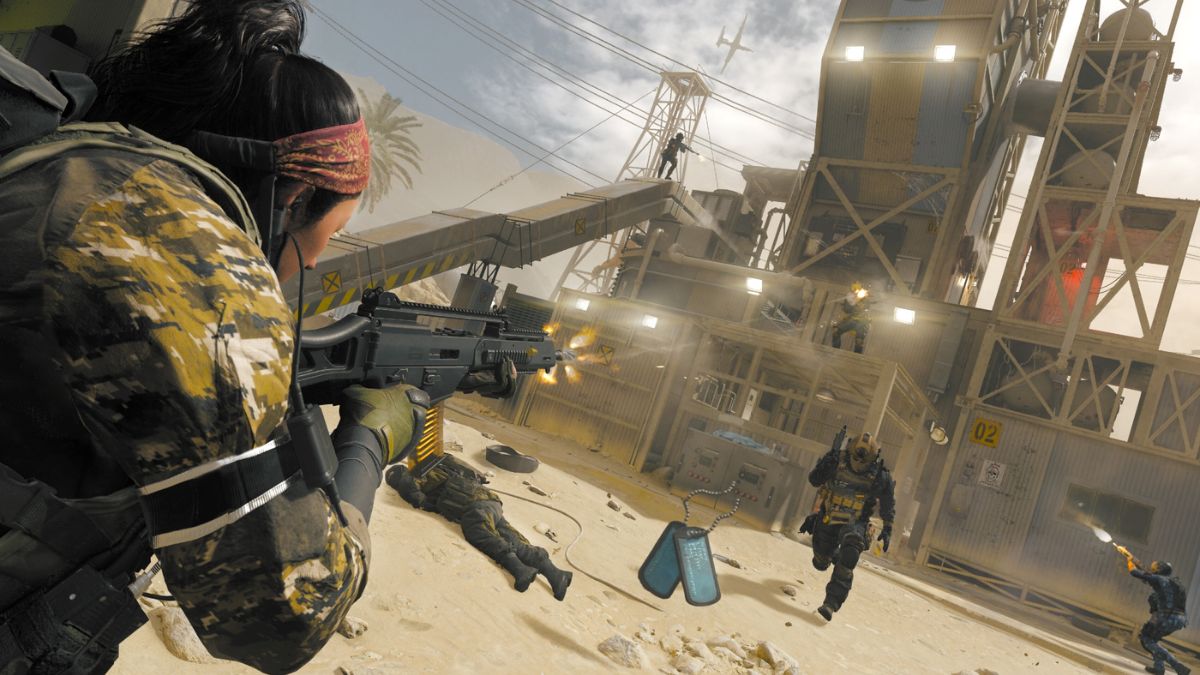
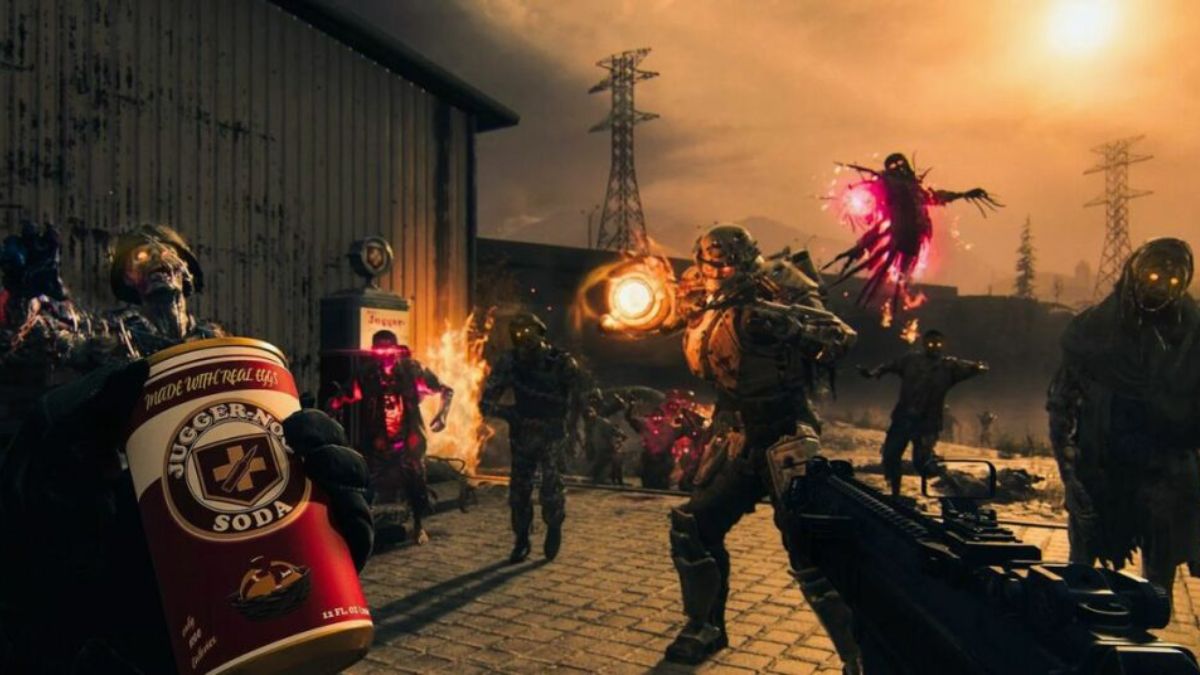
    Call of Duty Modern Warfare 3 is a first-person shooter game that features a variety of modes, maps, weapons, and perks. Whether you are a beginner or an expert, you may want to improve your skills and dominate the battlefield. Here are some tips and tricks that can help you achieve that goal.

    Call of Duty Modern Warfare 3 Tips and Tricks

    Call of Duty: Modern Warfare 3 Zombies mode guide
    Call of Duty: Modern Warfare 3 Zombies mode guide

    Sprinting and Knowing When to Do It

    Sprinting is a helpful way to move faster and cover more ground, but it also has some drawbacks. When you sprint, you cannot fire your weapon, and you have a delay before you can aim down sight.

    This can put you at a disadvantage if you encounter an enemy while sprinting. Therefore, you should dash wisely and know when to do it. Some situations where you should fly are:

    • When you are in a safe area or behind cover, and you want to reach a better position or objective.
    • When you are in quarter combat, and you want to close the gap or escape from an enemy.
    • When you are using a weapon or perk that benefits from sprinting, such as a shotgun, a knife, or Extreme Conditioning.

    Some situations where you should avoid sprinting are:

    • When you are in an open area or a choke point, you expect to encounter enemies.
    • When you are using a weapon or perk that penalizes sprinting, such as a sniper rifle, a launcher, or Steady Aim.
    • When you are low on health or ammo and you need to reload or heal.

    Create Classes for Different Playstyles

    One of the best features of Call of Duty Modern Warfare 3 is the ability to create your custom classes. You can choose your primary and secondary weapons, attachments, perks, lethal and tactical equipment, and killstreak rewards.

    You can also unlock different proficiencies and camouflages for your weapons as you level them up. Creating classes for different playstyles can help you adapt to different situations and modes. For example, you can create a class for:

    • Stealth and assassination, using a silenced weapon, Assassin, Dead Silence, and a UAV Jammer.
    • I was rushing and flanking, using an SMG or a shotgun, Extreme Conditioning, Quickdraw, and a Portable Radar.
    • Sniping and camping, using a sniper rifle or a marksman rifle, Blind Eye, Marksman, and a Claymore.
    • Support and teamwork, using an LMG or an assault rifle, Recon, Hardline, and a SAM Turret.

    Controller Settings

    Another way to improve your skills and performance is to adjust your controller settings. You can change the sensitivity, button layout, aim assist, and vibration of your controller. Sensitivity is how fast your camera moves when you move your thumbstick.

    You can choose a higher sensitivity if you want to turn and aim faster or a lower sensitivity if you want to be more precise and stable. The button layout is how you map the functions of your controller buttons. You can choose a different button layout if you want to have easier access to specific actions, such as knifing, sprinting, or crouching.

    Aim assist is how much the game helps you to aim at your target. You can choose to turn it on or off, depending on your preference. Vibration is how much your controller shakes when you fire your weapon or get hit. You can choose to turn it on or off, depending on your comfort.

    Develop Weapon Knowledge

    Knowing your weapons and their strengths and weaknesses can give you an edge over your enemies. It would be best if you familiarized yourself with the different weapon categories, such as assault rifles, SMGs, shotguns, sniper rifles, LMGs, pistols, launchers, and special weapons.

    It would be best if you also learned the stats and characteristics of each weapon, such as damage, range, accuracy, fire rate, recoil, magazine size, and reload time. It would be best if you also learned different attachments, such as scopes, silencers, grips, extended mags, and rapid fire. Various branches can affect your weapon’s performance and suitability for different situations.

    Adjusting Your Killstreaks

    Killstreaks are rewards for Othercbranchesgetting a certain number of kills or points without dying. You can choose from three different strike packages: Assault, Support, and Specialist. Assault strike package rewards are offensive and powerful, such as Predator Missile, Attack Helicopter, and AC-130.

    However, they reset when you die. Support strike package rewards are defensive and supportive, such as UAV, Counter-UAV, and Advanced UAV. They do not reset when you die, but they are less lethal. Specialist strike package rewards are perks that you can unlock by getting kills, such as Sleight of Hand, Scavenger, and Stalker.

    They reset when you die, but they can make you very versatile and powerful. You should adjust your killstreaks according to your playstyle, mode, and map. For example, you can use the Assault strike package if you are confident and aggressive, the Support strike package if you are cautious and helpful, and the Specialist strike package if you are skilled and adaptable.

    Dealing With Enemy UAVs

    UAVs are one of the most common and valuable killstreaks in the game. They reveal the location of enemies on the mini-map, giving you and your team a tactical advantage. However, they can also be a nuisance and a threat if the enemy uses them. There are several ways to deal with enemy UAVs, such as:

    • I was shooting them down with a launcher, a sniper rifle, or a LMG. This can earn you points and prevent the enemy from seeing you.
    • It uses the Blind Eye perk, which makes you undetectable by enemy air support, including UAVs. This can keep you off the radar and avoid being targeted.
    • It uses the Assassin perk, which makes you immune to enemy UAVs, portable radars, thermal scopes, and heartbeat sensors. This can make you invisible and stealthy.
    • They are using the Counter-UAV killstreak, which jams the enemy’s mini-map, making their UAVs useless. This can confuse and disorient the enemy and give you an edge.

    Utilize Cover and the Environment

    Using cover and the environment can help you survive and win gunfights. You should always be aware of your surroundings and use them to your advantage. Some tips to utilize cover and the environment are:

    • Use walls, crates, cars, and other objects to protect yourself from enemy fire and explosives. You can also peek and shoot from behind cover or move from body to cover to reduce your exposure and risk.
    • Use windows, doors, rooftops, and other vantage points to get a better view and angle of the enemy. You can also use them to surprise and flank the enemy or escape from danger.
    • Use shadows, foliage, smoke, and other elements to conceal yourself and blend in with the environment. You can also use them to ambush and sneak up on the enemy or avoid detection.
    • Use explosive barrels, cars, gas tanks, and other environmental hazards to damage and kill the enemy. You can also use them to create diversions and distractions or clear a path.

    Adjust Your Audio

    Audio is an essential aspect of the game that can affect your awareness and performance. You should adjust your audio settings to suit your preference and situation. Some tips to change your audio are:

    • Use a headset or headphones to hear the game sounds better and more clearly. You can also use them to communicate with your teammates and coordinate your strategies.
    • Use the volume slider to set the level of the game sounds. You can increase the volume to hear the enemy footsteps, gunfire, and callouts better or decrease the book to avoid being distracted or annoyed by the game sounds.
    • Use the audio mix option to choose the balance of the game sounds. You can choose from different presets, such as Studio Reference, Boost, Boost High, Boost Low, and Dynamic Home Theater. You can also customize your mix by adjusting the sliders for master volume, music volume, dialogue volume, and effects volume.

    This is everything you need to know about the Call Of Duty Modern Warfare 3 Tips And Tricks. You can also read our guides on Super Mario RPG Level Up Bonus Guide and Mega Kangaskhan Raid Guide. Stay up to date with GameEmpress for the most recent gaming news and guides.

  • Super Mario RPG Level Up Bonus Guide: Maximize Your Stats And Conquer The Kingdom!

    Super Mario RPG Level Up Bonus Guide: Maximize Your Stats And Conquer The Kingdom!

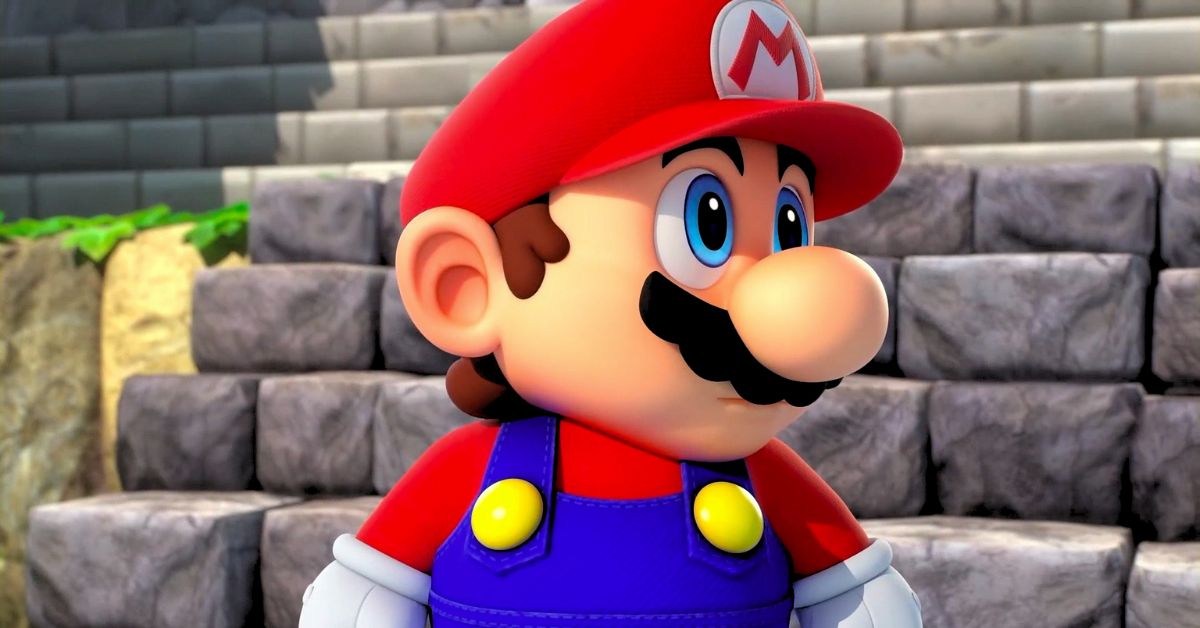
    When a character levels up in Super Mario RPG, you have the option of boosting one of numerous stats. However, some characters will benefit more than others from stat boosts.

    Each character has a more traditional RPG role, although they all eventually get the ability to take and send out damage reasonably equitably. Mallow is a caster, Geno is an all-arounder, Bowser is a bruiser, and Peach is a healer.

    Super Mario RPG Level Up Bonus Guide

    Super Mario RPG Reveals New Gameplay Trailer
    Screenshot By GameEmpress

    Having stated that, you should prioritize the following stats for each character:

    • Mario: Attack
    • Mallow: Magic Attack
    • Geno: Attack and Magic Attack
    • Bowser: Attack and HP
    • Peach: Magic Attack

    After you’ve improved those attributes a little, you may concentrate on improving the other stats for each character. If you see a particular party member dying frequently, you should prioritize HP.

    You should be aware that increasing Attack boosts all of a member’s regular attacks while increasing Magic Attack boosts all of their special attacks. Yes, while it appears like Mario’s Super Jump attack would be improved by a high Attack stat, it is actually his Magic Attack stat that makes it stronger.

    However, you should simply boost up according to your playstyle. If you enjoy attacking with Mallow’s staffs and cymbals, you can increase his Power. Boost Mario’s Star if you enjoy employing his unique jumps. Even when faced with extra bosses, the game does not punish you severely for simply doing what you want.

    The Best Mario Level-Up Bonus in Super Mario RPG

    Some will say that it is ideal to construct Mario as a jack-of-all-trades, focusing equally on Physical and Magic upgrades during a playthrough. This makes sense, considering that he’ll be a mainstay in most parties and has the stats to suit either proficiency, but there’s an equally solid case for going with a Physical-only construct.

    This is due to Mallow joining the party early on and excelling at Magic, putting the onus on Mario to provide a physical threat rather than spending FP. As the game progresses, Peach will most likely replace Mallow as their primary Magic user, while Geno will most likely become the Jack-of-all-trades, favoring a Physical Mario build.

    Mallow’s Best Level-Up Bonus in Super Mario RPG

    Mallow is a natural spellcaster who starts with a deadly AoE spell. As a result, players should gift Mallow flowers every time he levels up to increase his already impressive Magic stats.

    He’s an excellent choice for dealing with significant numbers of adversaries rapidly, and increasing his Magic Attack with Flowers makes him even more effective.

    The Best Geno Level-Up Bonus in Super Mario RPG

    Geno is by far the most adaptable of the five party members in Super Mario RPG and may thus be constructed in any way the player desires.

    Some may feel he’s a jack-of-all-trades, in which case they should concentrate on improving only one area based on their chosen style of play. However, because Peach is often regarded as the better all-around Magic user, most will likely go toward physical.

    You might also be interested in the following gaming news:

    The Best Bowser Level-Up Bonus in Super Mario RPG

    Bowser, as his stature suggests, is a bit of a brawler and, hence, is best built as a Physical attacker. Players should mostly offer him hammers, although they may want to pick up one of the other things now and again to improve his HP and Magic Defense stats and make him a little more durable.

    The Best Peach Level-Up Bonus in Super Mario RPG

    Peach, like Mallow, is an excellent Magic user. Thus players should start by improving their Magic Attack and Magic Defense stats.

    After a while, they can consider increasing her HP slightly, but some may argue that this isn’t actually necessary. Given that she tends to make the majority of people’s end-game parties, gamers should carefully consider how they create Peach.

    We appreciate your interest in our website! Make Gameempress your go-to site for gaming information.

  • Is 2K24 Crossplay? Unlocking Next-Gen Gaming Possibilities

    Is 2K24 Crossplay? Unlocking Next-Gen Gaming Possibilities

    NBA 2K24 is the latest installment in the popular basketball simulation game series developed by Visual Concepts and published by 2K Sports. The game was released on September 8, 2023, for PlayStation 4, PlayStation 5, Xbox One, Xbox Series X/S, Nintendo Switch, and PC.

    The game features various modes, such as MyCareer, MyTeam, MyLeague, MyGM, and The City, where players can create their custom characters, build their teams, manage their franchises, and explore a massive open-world environment.

    One of the most anticipated and exciting features of NBA 2K24 is the crossplay feature, which allows players to play with and against each other across different platforms and generations.

    This feature is a first for the NBA 2K series, and it opens up new possibilities and opportunities for the players and the community. However, the crossplay feature also comes with some limitations and conditions, which may affect the players’ experience and expectations.

    In this article, we will explain everything you need to know about the crossplay feature in NBA 2K24, such as how it works, which platforms and modes support it, and how to enable or disable it.

    Is 2k24 Crossplay?

    Is 2K24 Crossplay?
    Is 2K24 Crossplay?

    Crossplay is a feature that enables players to play together online regardless of the platform or generation they are using. For example, a player using a PlayStation 5 can play with a player using an Xbox Series X, or a player using a PlayStation 4 can play with a player using an Xbox One.

    This feature allows players to enjoy the game with their friends and family, even if they have different devices or preferences. It also allows players to access a more extensive and more diverse pool of opponents and teammates, which can enhance the game’s competitiveness and variety.

    However, Crossplay in NBA 2K24 is not available for all platforms and modes. Crossplay is only available for PlayStation 5 and Xbox Series X/S, and it supports all game modes in NBA 2K24.

    This means that players using these two platforms can play with and against each other in any mode, such as MyCareer, MyTeam, MyLeague, MyGM, and The City. However, players using different platforms, such as PlayStation 4, Xbox One, Nintendo Switch, and PC, cannot use Crossplay, and they can only play with and against players using the same platform as them.

    The reason why Crossplay is only available for PlayStation 5 and Xbox Series X/S is because these two platforms have similar hardware and performance capabilities, which can ensure a smooth and fair gameplay experience.

    On the other hand, other platforms have different hardware and performance capabilities, which can cause issues and imbalances in the gameplay experience.

    For example, PC players may have an advantage over console players due to higher frame rates, graphics settings, and keyboard and mouse controls. Similarly, Nintendo Switch players may have a disadvantage over other console players due to lower frame rates, graphics settings, and screen size.

    Therefore, Crossplay in NBA 2K24 is limited to PlayStation 5 and Xbox Series X/S, and it supports all game modes in NBA 2K24.

    How to Enable or Disable Crossplay in NBA 2K24?

    If you are using a PlayStation 5 or an Xbox Series X/S, and you want to use Crossplay in NBA 2K24, you need to enable it in the game settings. To do that, you need to follow these steps:

    • Launch NBA 2K24 on your device, and go to the main menu.
    • Select the Options/Features tab, and then select the Settings option.
    • Scroll down to the Online Settings section, and then select the Crossplay option.
    • Toggle the Crossplay option to On or Off, depending on your preference.
    • Confirm your choice, and exit the settings menu.

    If you enable Crossplay, you will be able to play with and against players using PlayStation 5 or Xbox Series X/S in any mode in NBA 2K24.

    If you disable Crossplay, you will only be able to play with and against players using the same platform as you in any mode in NBA 2K24.

    You can change the crossplay option at any time, but you need to restart the game for the changes to take effect. You can also check the crossplay status of other players in the game by looking at the icons next to their names.

    A PlayStation icon means the player is using a PlayStation 5, an Xbox icon means the player is using an Xbox Series X/S, and a cross icon means the player is using a different platform than you.

    You might also like to know about if these other games are cross-platform or not:

    Crossplay is a feature that allows players to play together online across different platforms and generations. NBA 2K24 is the first game in the NBA 2K series to support Crossplay, but it is only available for PlayStation 5 and Xbox Series X/S, and it supports all game modes in NBA 2K24.

    Players using these two platforms can turn Crossplay on or off in the game settings, and they can check the crossplay status of other players in the game by looking at the icons next to their names. Crossplay in NBA 2K24 is a feature that can enhance the game’s fun and diversity, but it also comes with some limitations and conditions.

    Stay connected with GameEmpress to get the latest news and updates about the gaming world.
  • Is Gang Beasts Crossplay? Unleashing The Ultimate Multiplayer Mayhem

    Is Gang Beasts Crossplay? Unleashing The Ultimate Multiplayer Mayhem

    Gang Beasts are likely to come to mind when it comes to multiplayer beat-them-up games. Despite its simplistic graphics and lack of a captivating storyline, this game, which has been around since 2014, continues to interest gamers.

    Gang Beasts’ essence resides in its simple gameplay and the fun it gives when shared with friends. The game’s attractiveness is even more vital when it includes cross-platform capabilities, allowing users on different platforms to play together. So, is Gang Beasts indeed a cross-platform title?

    Is Gang Beasts Crossplay?

    Is Gang Beasts Crossplay?
    Is Gang Beasts Crossplay?

    This question has two answers: yes and no. Gang Beasts presently supports cross-platform play between the Microsoft Store PC Client and the Xbox system family, which means you can quickly queue up and play with your friends on an Xbox console if you’re playing the game on PC.v This entertaining game is also available on Xbox Game Pass.

    However, the same is not available for other platforms; therefore, attempting to join up with pals from other consoles, such as a PlayStation or Nintendo, is not currently viable.

    The developers have said on their official website’s FAQ page that they are investigating ways to enable this functionality for more platforms. Be sure to check back frequently, as we will update this area when more information is disclosed.

    You might also like to know about if these other games are cross-platform or not:

    Difficulties in Implementing Cross-platform Play

    While the appeal of cross-platform play is apparent, its implementation is fraught with difficulties. Developing a game on a single platform is far easier and less expensive than customizing it for several systems.

    This difficulty is magnified in games that were not created with cross-platform capabilities in mind. Retroactively implementing platform compatibility necessitates recording in a common language, which can be both resource-intensive and time-consuming.

    Various political and marketing issues also come into play. Console makers with the highest global sales may be unwilling to enable their exclusive titles to be played on competing platforms, influencing cross-platform compatibility decisions.

    Stay connected with GameEmpress to get the latest news and updates about the gaming world.