Category: Game Guides

In-depth game guides from Game Empress, with walkthroughs, tier lists, location maps, and step-by-step strategies to help you master the games you love.

  • A Master Gamers Guide to The Top VR Games in 2023

    A Master Gamers Guide to The Top VR Games in 2023

    Playing VR games goes beyond traditional gaming by immersing gamers in intriguing virtual worlds. The sheer enjoyment of experiencing experiences in three-dimensional surroundings and realistic interactions provides an unequalled level of exhilaration.

    Beyond amusement, VR gaming has cognitive benefits, such as improving spatial awareness, problem-solving skills, and hand-eye coordination. The physical exertion necessary in certain games adds to a healthy gaming experience. The social components of multiplayer VR games create connections, making gaming a shared and joyful pastime.

    As technology advances, the enjoyment and benefits of playing VR games improve, making it a dynamic and fulfilling form of entertainment. In this article, we’ll look at some of the best virtual reality games enthralling gamers in 2023.

    Superhot

    Superhot VR is a game that combines strategic gameplay with a distinct visual style. The primary element of the game is time manipulation – time only moves when you move.

    The unique fighting style requires players to carefully plan each action, transforming each encounter into a tactical problem. With its basic graphics and captivating tale, Superhot VR provides a completely immersive experience that tests reflexes and with.

    Beat Saber

    Beat Saber is the best VR game for people looking for a combination of music, precision, and lightsaber-wielding action. Players cut through blocks with lightsabers to the beat of appealing tunes, creating a harmonious marriage of rhythm and action.

    Beat Saber is a must-play title for every VR enthusiast thanks to its straightforward controls, enormous music collection, and active community that continually generates new content.

    Video Poker

    Video Poker takes the thrill of poker to the virtual table if you prefer a more laid-back and communal gaming experience. It enables you to join a global community of cards, where you may compete in poker tournaments and informal games in a virtual casino setting.

    If you like online gambling, you can play Video Poker on NetBet. Its vivid environments will improve your poker strategy and how to carry out virtual interactions. It will keep you entertained and provide various other games you can play. Ensure that you gamble for entertainment purposes and not for money.

    Elite: Dangerous
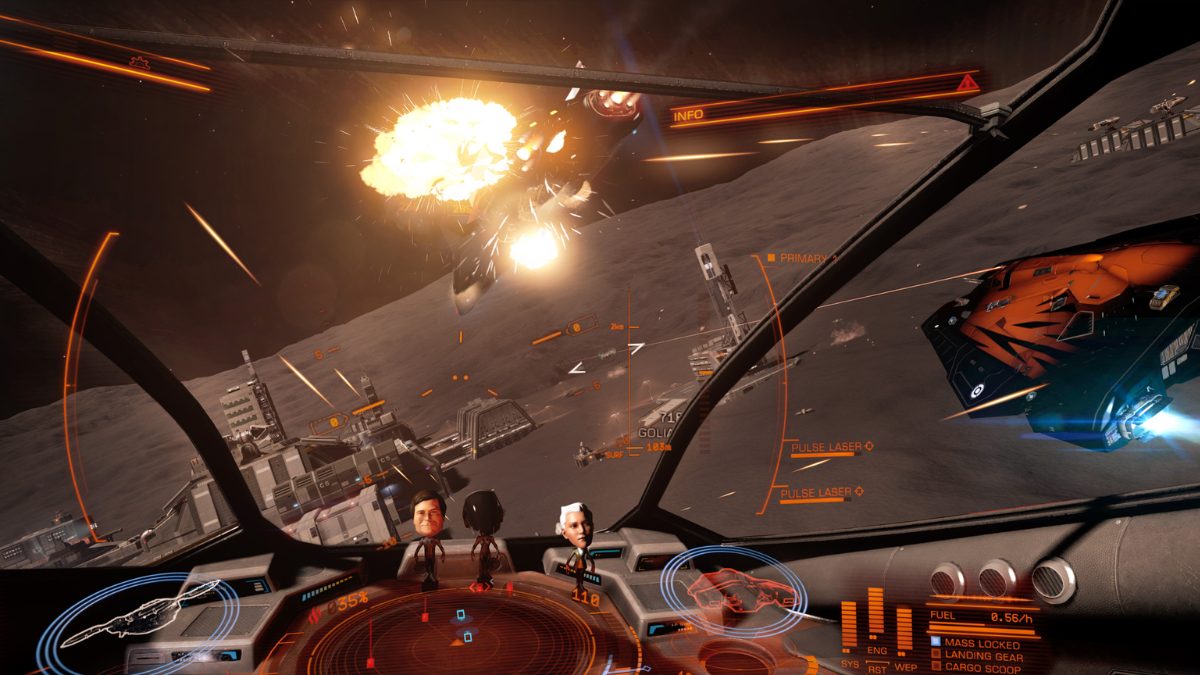
    Elite: Dangerous VR, a space exploration and trading simulation game that pushes the frontiers of what’s possible in virtual reality, takes you on a stunning voyage through the cosmos. Elite: Dangerous VR provides a unique spacefaring experience with a massive, open-world galaxy to explore, realistic physics, and gorgeous visuals.

    Whether you’re trading commodities, fighting in space combat, or simply exploring the vastness of the universe, this game provides VR enthusiasts with a really immersive and expansive trip.

    Beyond Realms

    “Beyond Realms” provides a dynamic and adrenaline-fueled experience for those looking for furious multiplayer action. This VR multiplayer spectacular raises the bar for competitive gaming by letting players engage in epic fights over magical settings.

    “Beyond Realms” assures that every match is a unique and heart-pounding adventure with various game types and a large arsenal of weapons. Dive into the competitive virtual reality fighting world as a skilled gamer and show off your talents in this immersive multiplayer masterpiece.

    Blade and Sorcery

    Blade and Sorcery VR is a must-play for those looking for dramatic and realistic fantasy fighting. This physics-based combat sandbox allows players to wield various weapons, cast strong spells, and participate in violent one-on-one confrontations with tough enemies. The realistic physics engine adds a depth of authenticity to the fight, making each encounter exhilarating and demanding.

    Conclusion

    Virtual reality gaming provides a wide range of experiences for all game lovers. Consider the suggestions in this guide, as they will offer you a unique and fascinating experience.

  • Steel Grass Pokemon: A Guide To The Thorny Duo Of Ferroseed And Ferrothorn

    Steel Grass Pokemon: A Guide To The Thorny Duo Of Ferroseed And Ferrothorn

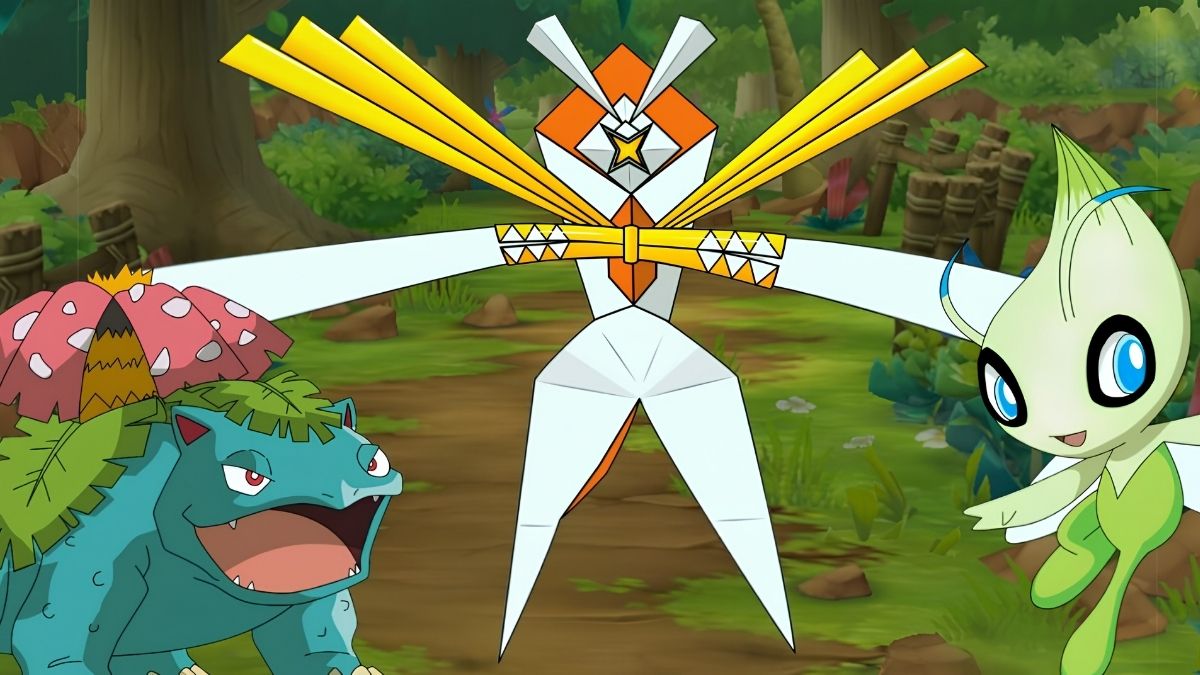
    Steel Grass Pokemon are a rare and unique combination of types that have many advantages and disadvantages in battle. Among the few Pokemon that belong to this category, the most prominent are Ferroseed and Ferrothorn, the Thorn Seed Pokemon.

    Steel Grass Pokemon
    Steel Grass Pokemon

    These Pokemon are known for their spiky appearance, their high Defense, and their ability to absorb minerals from rocks. In this article, we will explore the characteristics, abilities, moves, and evolution of these steel grass Pokemon and how to use them effectively in your team.

    What Are Ferroseed and Ferrothorn?

    Ferroseed and Ferrothorn are dual-type Grass / Steel Pokemon introduced in Generation V. They are based on durians, a type of fruit that has a complex and spiky shell. Ferroseed is a small and round Pokemon that has many green thorns around its body.

    Ferrothorn is a larger and more complex Pokemon that has four metallic legs and three green spikes on its head, body, and tail. Ferroseed and Ferrothorn are cave-dwelling Pokemon that prefer living in mossy caves. They can stick their ends into cave walls and absorb the minerals from the rocks.

    They can also shoot their spikes as projectiles when threatened or use them to climb or swing on ropes. They have a symbiotic relationship with moss, as they can use it to grow their spikes and produce oxygen.

    Ferroseed evolves into Ferrothorn, starting at level 40. Ferroseed and Ferrothorn are the only known Pokemon that can learn to move Gyro Ball by leveling up.

    What Are the Abilities of Ferroseed and Ferrothorn?

    Ferroseed and Ferrothorn have the same ability, Iron Barbs, which damages the opponent if they make direct contact with them. This ability can be beneficial for deterring physical attackers, especially if combined with moves like Rocky Helmet or Spiky Shield. However, it also makes them vulnerable to activities like Fire Fang or Thunder Fang, which can deal extra damage and inflict status conditions.

    What Are Ferroseed and Ferrothorn’s Moves?

    Ferroseed and Ferrothorn can learn a variety of moves, both by leveling up and by other methods. Some of their notable activities are:

    • Gyro Ball: A Steel-type move that deals more damage the slower the user is compared to the target. This is a signature move of Ferroseed and Ferrothorn and one of their most powerful attacks, as they have deficient Speed.
    • Power Whip: A Grass-type move that has high power and accuracy but low PP. This is a reliable move for Ferroseed and Ferrothorn, as it can deal with Water, Ground, and Rock types that are resistant to Steel.
    • Leech Seed: A Grass-type move that plants a seed on the target, draining their HP every turn and restoring the user’s HP. This is a valuable move for Ferroseed and Ferrothorn, as it can help them recover their low HP and stall their opponents.
    • Spikes: A Ground-type move that sets up points on the opponent’s side of the field, damaging them when they switch in. This is a strategic move for Ferroseed and Ferrothorn, as it can chip away at the opponent’s HP and pressure them to switch out.
    • Stealth Rock: A Rock-type move that sets up rocks on the opponent’s side of the field, damaging them when they switch in. This is another strategic move for Ferroseed and Ferrothorn, as it can deal more damage to Fire, Flying, Bug, and Ice types that are weak to Rock.
    • Iron Defense: A Steel-type move that sharply raises the user’s Defense. This is a defensive move for Ferroseed and Ferrothorn, as it can boost their already high Defense and make them harder to take down.
    • Curse: A Ghost-type move that lowers the user’s Speed and raises their Attack and Defense. This is a risky move for Ferroseed and Ferrothorn, as it can make them stronger and more challenging but also slower and more vulnerable to priority moves.

    You might also be interested in the following games guide:

    How Do You Use Ferroseed and Ferrothorn in Battle?

    Ferroseed and Ferrothorn are best suited for defensive roles, as they can take hits and set up hazards for the opponent. They can also deal some damage with their moves, especially Gyro Ball and Power Whip.

    However, they need to watch out for their weaknesses, especially Fire, which can easily KO them. They also need to be careful of status conditions, such as Burn or Poison, which can reduce their effectiveness and longevity.

    Some possible strategies for using Ferroseed and Ferrothorn in battle are:

    • Lead with Ferroseed or Ferrothorn and set up Spikes and Stealth Rock, then switch out to a more offensive Pokemon. This can help wear down the opponent’s team and create an advantage for your team.
    • Use Ferroseed or Ferrothorn as a pivot, switching in to resist or absorb attacks, then switching out to a more suitable Pokemon. This can help preserve your team’s HP and momentum and also activate Iron Barbs and Rocky Helmet to damage the opponent.
    • Use Ferroseed or Ferrothorn as a wall, staying in and tanking hits while using Leech Seed and Protect to recover HP and stall the opponent. This can help weaken the opponent’s team and force them to switch out or waste their PP.
    • Use Ferroseed or Ferrothorn as a sweeper, boosting their stats with Curse and Iron Defense, then attacking with Gyro Ball and Power Whip. This can help surprise the opponent and deal massive damage, especially if they are low on HP or have no Fire types left.

    We appreciate your interest in our website! Make Gameempress your go-to site for gaming information.

  • Dead Space Remake Cheats: How To Unlock Secrets And Easter Eggs?

    Dead Space Remake Cheats: How To Unlock Secrets And Easter Eggs?

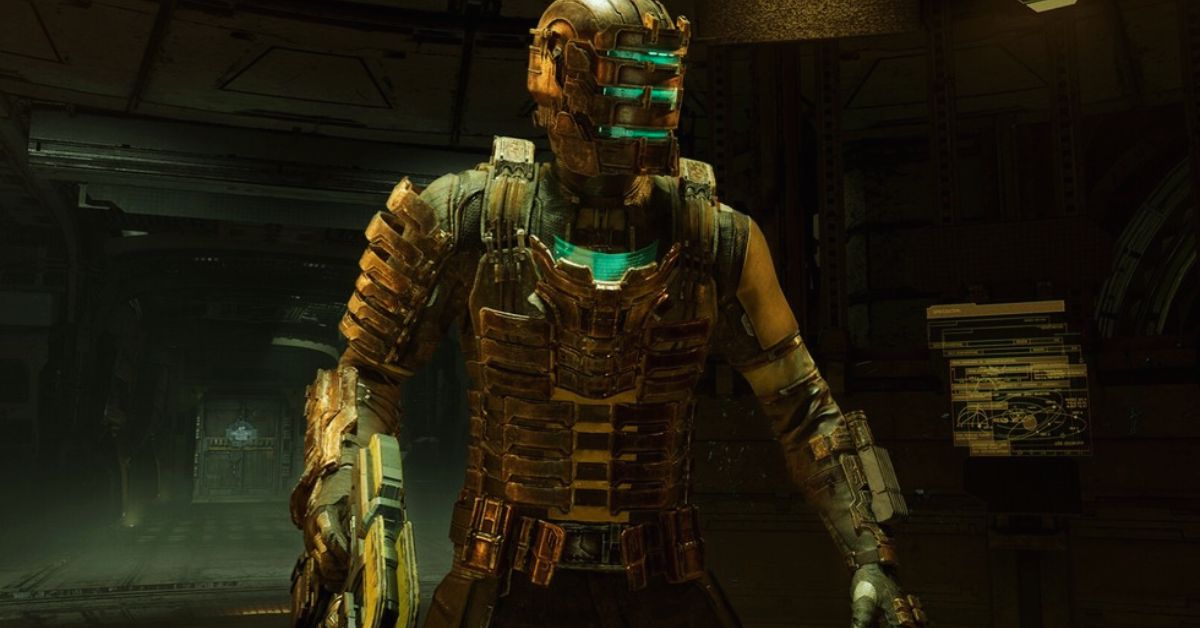
    Dead Space Remake is a horror survival game that reimagines the original Dead Space from 2008 with improved graphics, gameplay, and story. The game follows Isaac Clarke, an engineer who is sent to investigate a distress signal from the USG Ishimura. This massive mining ship has been overrun by horrific creatures called Necromorphs.

    Isaac must fight for his survival, uncover the truth behind the Necromorph outbreak, and find his girlfriend Nicole, who was aboard the Ishimura. While Dead Space Remake does not have any cheat codes that can give the player an advantage in the game, such as infinite health, ammo, or credits, it does have some secrets and easter eggs that can be unlocked by performing specific actions or finding hidden items.

    Dead Space Remake Cheats
    Dead Space Remake Cheats

    These secrets and easter eggs can add some fun and humor to the otherwise dark and terrifying game, as well as reward the player with extra content and achievements. Here are some of the cheats and secrets that we know of so far in Dead Space Remake:

    Sea Shanty Audio Log

    This is a hidden audio log that can be found in the breakroom on Floor 3 of The Bridge, where Isaac can listen to a catchy sea shanty sung by the Ishimura crew. To unlock this audio log, the player must stand in the red circle on the floor and input a specific sequence of actions using the melee and stomp buttons.

    The sequence is melee, stomp, melee, melee, stomp, melee, stomp, melee, melee, melee, melee, melee, melee, melee. After completing the series, the audio log will appear on the table and can be played.

    Secret Alternate Ending

    This is a hidden ending that can be unlocked after completing the main story of the game and starting a New Game Plus mode. In this mode, the player can find 12 Marker Fragments scattered throughout the game, which are pieces of the mysterious alien artifact that is the source of the Necromorph infection.

    Collecting all 12 Marker Fragments will unlock a secret ending that reveals a shocking twist and sets up the sequel. The locations of the Marker Fragments are:

    • Chapter 1: On a shelf in the tram station, near the save station.
    • Chapter 2: On a table in the medical lab, where Isaac first encounters the Hunter.
    • Chapter 3: On a shelf in the store room, where Isaac finds the Level 3 Suit Schematic.
    • Chapter 4: On a crate in the asteroid defense room, Isaac activates the ADS cannon.
    • Chapter 5: On a shelf in the chemical research lab, Isaac mixes the poison to kill the Leviathan.
    • Chapter 6: On a table in the executive lounge, where Isaac finds the Captain’s RIG.
    • Chapter 7: On a shelf in the cargo bay, where Isaac fights the Slug.
    • Chapter 8: On a crate in the mining control room, where Isaac activates the gravity tethers.
    • Chapter 9: On a shelf in the morgue, where Isaac finds Nicole’s RIG.
    • Chapter 10: On a table in the shuttle bay, where Isaac repairs the shuttle.
    • Chapter 11: On a shelf in the marker chamber, Isaac returns the Marker to its pedestal.
    • Chapter 12: On a crate in the hangar bay, where Isaac escapes from the Ishimura.

    New Game Plus Sequel Tease

    This is a hidden text log that can be found in the RIG’s side missions log menu after completing the standard campaign and starting a New Game Plus mode. The text log references The Sprawl, a vast space station operated by EarthGov and the primary setting of Dead Space 2. The text log reads:

    “Attention all personnel: Due to recent events, all transfers to The Sprawl have been temporarily suspended. We apologize for any inconvenience this may cause. Please get in touch with your supervisor for more information. I appreciate your cooperation. – EarthGov”

    This text log may be a hint that EA Motive, the developer of Dead Space Remake, is planning to remake Dead Space 2 as well, following the success and positive reception of the first remake.

    Revisiting Nicole and Isaac’s Video Call

    This is a hidden audio log that can be found in the side mission Scientific Methods, which focuses on Nicole’s story and perspective. The audio record shows Nicole’s side of the video call that she had with Isaac at the beginning of Dead Space 2, where she tells him that she loves him and that she keeps forgetting the time difference. The audio log can be found in Storage Container 2 on the fourth floor of Mining, and it is titled “Thank you, Isaac.”

    You might also be interested in the following games guide:

    Hidden Chapter Message

    This is a hidden message that can be seen after completing the game and looking at the 12-chapter titles. The first letter of each chapter title can be arranged to form a sentence that spoils the main twist of the game. The sentence is:

    “Nicole is dead.”

    This message reveals that Nicole, Isaac’s girlfriend, was killed by the Necromorphs shortly after the outbreak and that Isaac has been hallucinating her throughout the game due to his exposure to the Marker. This message was also present in the original Dead Space, and it is a clever way of foreshadowing the game’s ending.

    We appreciate your interest in our website! Make Gameempress your go-to site for gaming information.

  • Is Halo Wars 2 Cross Platform? Unraveling The Multiplayer Frontier

    Is Halo Wars 2 Cross Platform? Unraveling The Multiplayer Frontier

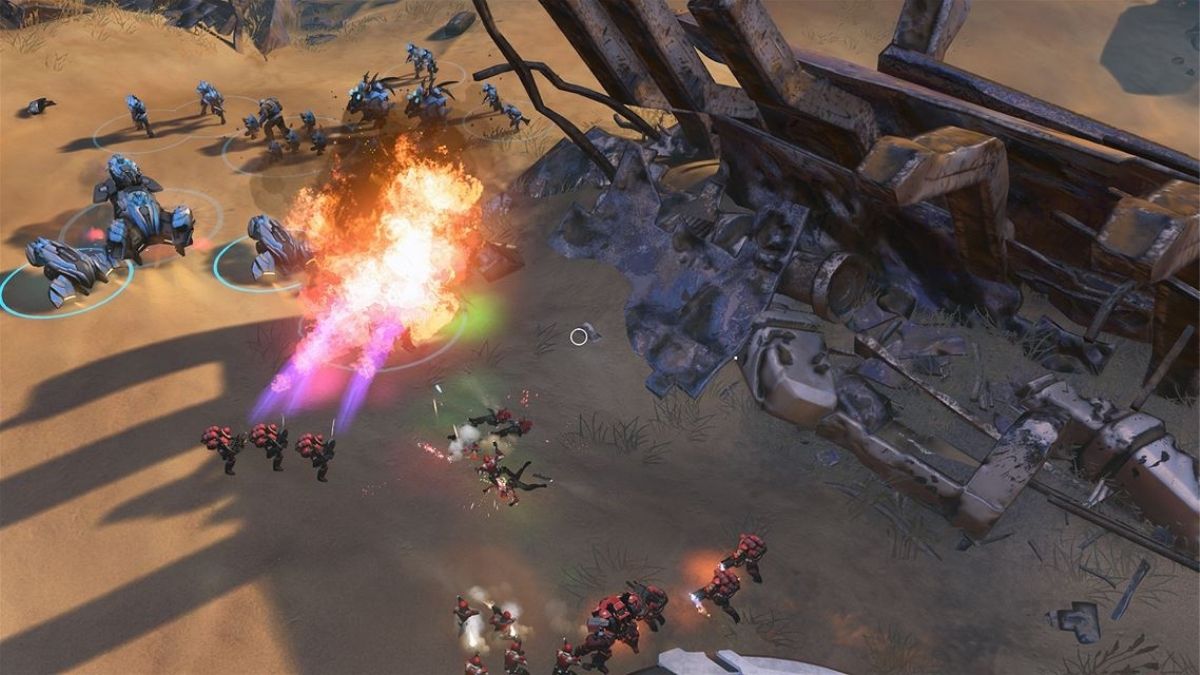
    Halo Wars 2 is a real-time strategy game set in the Halo universe. It was released in 2017 for Windows PC and Xbox One. The game features a single-player campaign, a multiplayer mode, and a cooperative way.

    But is Halo Wars 2 cross-platform in 2023? Can you play with your friends across different devices and consoles? Here is everything you need to know about Halo Wars 2 crossplay.

    Is Halo Wars 2 Cross Platform?

    Yes, Halo Wars 2 supports cross-platform gaming. This means that players who own the game on Windows PC and Xbox One can play together online. Halo Wars 2 supports crossplay for all its modes, including the campaign, multiplayer, and cooperative modes.

    is halo wars 2 cross platform
    is halo wars 2 cross platform

    Halo Wars 2 also supports Xbox Play Anywhere, which means that players who buy the game digitally on either PC or Xbox One can play it on both platforms without paying extra.

    How do you enable cross-platform gaming in Halo Wars 2?

    To enable cross-platform gaming in Halo Wars 2, you need to follow these steps:

    • Make sure you have the latest version of the game installed on your device.
    • Make sure you have an active Xbox Live Gold or Xbox Game Pass Ultimate subscription if you are playing on Xbox One.
    • Make sure you have a Microsoft account and sign in with it on your device.
    • Launch the game and go to the main menu.
    • Select the mode you want to play and choose the option to create or join a lobby.
    • Invite your friends who are playing on the same or different platform, or join a public lobby with other players.
    • Enjoy playing Halo Wars 2 with cross-platform gaming.

    What are the Benefits of Cross-Platform Gaming in Halo Wars 2?

    There are many benefits of cross-platform gaming in Halo Wars 2, such as:

    • You can play with your friends who own the game on different platforms and enjoy the game together.
    • You can access a larger pool of players and find matches faster and easier.
    • You can experience the game on different devices and consoles and switch between them freely.
    • You can save your progress and achievements across platforms and resume your game from where you left off.

    What are the Limitations of Cross-Platform Gaming in Halo Wars 2?

    There are also some limitations of cross-platform gaming in Halo Wars 2, such as:

    • You cannot play with players who own the game on PlayStation or Switch, as the game is not available on those platforms.
    • You may encounter some performance or compatibility issues depending on your device and network settings.
    • You may face some communication or coordination challenges with players who use different input methods or languages.

    You might also like to know about if these other games are cross-platform or not:

    Conclusion

    Halo Wars 2 is a cross-platform game that allows players to play together online across Windows PC and Xbox One. Halo Wars 2 supports crossplay for all its modes and also supports Xbox Play Anywhere. Halo Wars 2 crossplay offers many benefits but also some limitations.

    Stay connected with GameEmpress to get the latest news and updates about the gaming world.

  • Is Battlefield V Cross Platform? Unraveling The Multiplayer Landscape

    Is Battlefield V Cross Platform? Unraveling The Multiplayer Landscape

    Battlefield V is a first-person shooter game that takes place during World War II. It was released in 2018 for Windows PC, PlayStation 4, and Xbox One. The game features a single-player campaign, a multiplayer mode, and a cooperative way.

    But is Battlefield V cross-platform in 2023? Can you play with your friends across different devices and consoles? Here is everything you need to know about Battlefield V crossplay.

    Is Battlefield V Cross Platform?

    is battlefield v cross platform
    is battlefield v cross platform

    No, Battlefield V does not support cross-platform gaming. This means that players on different platforms, such as PC, PlayStation, and Xbox, cannot play together. Battlefield V does not support crossplay for any of its modes, including the campaign, multiplayer, and cooperative modes. Battlefield V is a platform-specific game, which means that players can only play with other players who own the game on the same platform.

    Why Does Battlefield V Not Support Cross-Platform Gaming?

    There are several reasons why Battlefield V does not support across-platforming, such as:

    • Technical challenges: Battlefield V uses the Frostbite engine, which is designed to deliver stunning visuals and physics, but it may pose compatibility issues when attempting to connect players across different platforms. The game also has different settings and features for each forum, such as frame rates, resolution, graphics, and input methods, which may affect the gameplay and balance.
    • Platform limitations: Battlefield V is not available on some platforms, such as PlayStation 5, Xbox Series X|S, and Nintendo Switch. Therefore, crossplay is not possible with these platforms. Moreover, some venues may have policies and restrictions regarding crossplay, such as requiring a subscription or an account.
    • Developer’s focus: DICE, the developer of Battlefield V, has prioritized delivering high-quality gameplay, graphics, and immersive experiences, which has left little room for the implementation of crossplay. The developer has also focused on other aspects of the game, such as updates, patches, and new content, rather than crossplay.

    Will Battlefield V ever support cross-platform gaming?

    It is unlikely that Battlefield V will ever support cross-platform gaming, as the developer has not made any official announcements or plans about adding crossplay to the game. Moreover, the game is nearing the end of its life cycle, as the next installment of the series, Battlefield 2042, is set to release in October 2023.

    Battlefield 2042 has confirmed cross-platform support, which means that players will be able to play with their friends across different platforms, such as PC, PlayStation, Xbox, and even mobile devices. Therefore, it is more likely that the developer will focus on the new game rather than the old one.

    You might also like to know about if these other games are cross-platform or not:

    Battlefield V is not a cross-platform game, and it does not support crossplay for any of its modes. Players can only play with other players who own the game on the same platform. The lack of crossplay in Battlefield V can be attributed to various factors, such as technical challenges, platform limitations, and developer’s focus.

    However, the future of gaming is rapidly evolving, and the demand for crossplay is only growing. As the new Battlefield title, Battlefield 2042, will support crossplay, players can look forward to playing with their friends across different platforms in the near future. You can find more information about Battlefield V on its official website.

    Stay connected with GameEmpress to get the latest news and updates about the gaming world.

  • Is Green Hell Cross Platform? Unraveling The Interconnected Gameplay

    Is Green Hell Cross Platform? Unraveling The Interconnected Gameplay

    Green Hell is a survival simulation game that challenges you to survive in the Amazon rainforest using realistic techniques and skills. You can start fires, build camps, hunt animals, treat diseases, and more. But can you play this game with your friends across different platforms? Here is everything you need to know about Green Hell cross-platform support.

    Is Green Hell Cross Platform?

    Green Hell is currently available on PC, PlayStation 4, and Xbox One. The game also supports backward compatibility on PlayStation 5 and Xbox Series X/S. However, Green Hell is not cross-platform at the moment.

    Is Green Hell Cross Platform?
    Is Green Hell Cross Platform?

    This means that you can only play with other players who are using the same platform as you. For example, if you are playing on a PC, you can only join or host games with other PC players.

    The developers of Green Hell, Creepy Jar, have stated that they are working on cross-platform support for the game, but they have not given a specific release date or roadmap for this feature.

    They have also mentioned that cross-platform support will depend on the technical limitations and requirements of each platform, as well as the feedback and demand from the players.

    Why is Cross Platform Gaming Important?

    Cross-platform gaming is essential for several reasons. First, it allows players to enjoy their favorite games with their friends and family, regardless of what hardware they own. This can enhance the social and cooperative aspects of gaming, as well as reduce the barriers and costs of entry for new players.

    Second, it can increase the longevity and popularity of a game, as it can attract and retain more players from different platforms. This can also improve the matchmaking and online experience of a game, as it can reduce the waiting times and ensure a balanced and diverse pool of opponents and teammates.

    Third, it can foster a more inclusive and unified gaming community, as it can bridge the gaps and differences between various platforms and systems.

    What are Some Other Cross Platform Games?

    Cross-platform gaming is becoming more widespread, especially for multiplayer and online games. Some of the most notable cross-platform games include:

    • Among Us: Android, iOS, PC, Nintendo Switch
    • Apex Legends: Xbox One, PS4, PC, Switch
    • Call of Duty: Warzone: PS4, Xbox One, PC, Xbox Series X, PS5
    • Fortnite: PS4, Xbox One, PC, Switch, Android, iOS
    • Minecraft: Xbox One, PS4, PC, Switch, iOS, Android
    • Rocket League: Xbox One, PS4, PC, Switch
    • Sea of Thieves: Xbox One, PC

    You might also like to know about if these other games are cross-platform or not:

    Green Hell is a survival simulation game that puts you in the harsh and unforgiving environment of the Amazon rainforest. You can play this game solo or with up to three other players in co-op mode. However, Green Hell is not cross-platform yet, so you can only play with players who are using the same platform as you.

    The developers are working on adding cross-platform support in the future, but they have not announced a specific date or plan for this feature. Cross-platform gaming is essential for many reasons, such as enhancing the social and cooperative aspects of gaming, increasing the longevity and popularity of a game, and fostering a more inclusive and unified gaming community.

    There are many other cross-platform games that you can enjoy with your friends and family across different platforms, such as Among Us, Apex Legends, Call of Duty: Warzone, Fortnite, Minecraft, Rocket League, and Sea of Thieves.

    Stay connected with GameEmpress to get the latest news and updates about the gaming world.

  • Is Dead By Daylight Crossplay? How To Play With Friends On Different Platforms?

    Is Dead By Daylight Crossplay? How To Play With Friends On Different Platforms?

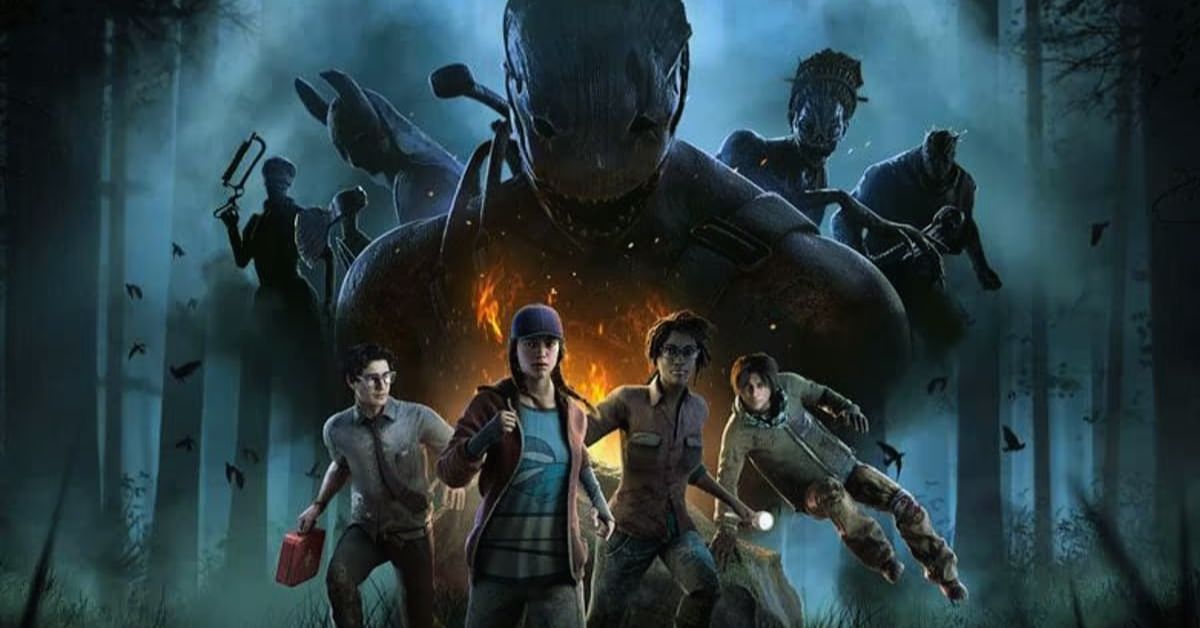
    Dead by Daylight is a horror-themed multiplayer game that pits four survivors against one killer in a deadly game of cat and mouse. The game was developed by Behaviour Interactive and published by Starbreeze Studios, and it features various licensed and original characters, maps, and modes.

    Dead by Daylight is available on PC, PlayStation 4, PlayStation 5, Xbox One, Xbox Series X/S, Nintendo Switch, and mobile devices, but can you play with your friends across different platforms? Here is everything you need to know about Dead by Daylight crossplay.

    Is Dead by Daylight Crossplay?

    Is Dead By Daylight Crossplay?
    Is Dead By Daylight Crossplay?

    Yes, Dead by Daylight does support crossplay between all platforms except for mobile devices. The game introduced crossplay and cross-friends features in August 2020, allowing players to connect and play with each other regardless of their platform¹. The game also uses a universal account system, which means that your progress, items, and purchases are shared across all platforms.

    How do you turn crossplay on or off in Dead by Daylight?

    Crossplay is enabled by default in Dead by Daylight, and you can choose to turn it off if you prefer. To do this, you need to go to the settings menu, select online, and change the crossplay option to off. This will ensure that you only play with players on the same platform as you. However, disabling crossplay may result in longer queue times and fewer matches.

    How do you play with friends on different platforms in Dead by Daylight?

    If you want to play with your friends on different platforms in Dead by Daylight, you need to use the cross-friends feature. The game allows you to add and view your friends from other venues within the game itself. You can also invite them to join your party or send them messages. Here are the steps to add and play with cross-friends in Dead by Daylight:

    • To add a cross-friend, go to the main menu and select the friends icon in the top right corner. You will see a list of your current friends and a button to add a new friend. Click on the button and enter the username of the friend you want to add. You can also use the search function to find your friend by their platform or region. Once you find your friend, click on the add button and wait for them to accept your request.
    • To play with a cross-friend, go to the main menu and select the friends icon in the top right corner. You will see a list of your current friends and their online status. Click on the friend you want to play with and select the invite option. You can also send them a message or view their profile. Once your friend accepts your invite, you will be added to the same party, and you can play with them in various modes.

    What are the Benefits and Drawbacks of Crossplay in Dead by Daylight?

    Crossplay has many benefits and drawbacks for Dead by Daylight players. Here are some of them:

    Benefits

    • You can play with more players and have shorter queue times.
    • You can play with your friends on different platforms and enjoy the game together.
    • You can switch between platforms and keep your progress, items, and purchases.

    Drawbacks

    • You may encounter players who have an advantage or disadvantage due to their platform or input method.
    • You may experience lag or performance issues due to the different network conditions of other platforms.
    • You may have communication difficulties with players who speak different languages or use other voice chat systems.

    You might also like to know about if these other games are cross-platform or not:

    Dead by Daylight is a crossplay game that allows you to play with players on all platforms except for mobile devices. You can turn crossplay on or off in the settings menu, and you can add and play with cross-friends using the friends icon on the main menu. Crossplay has its benefits and drawbacks, but it is a great feature that makes Dead by Daylight more accessible and fun for everyone.

    Stay connected with GameEmpress to get the latest news and updates about the gaming world.

  • Is Texas Chainsaw Massacre Crossplay? How To Play With Friends On Different Platforms?

    Is Texas Chainsaw Massacre Crossplay? How To Play With Friends On Different Platforms?

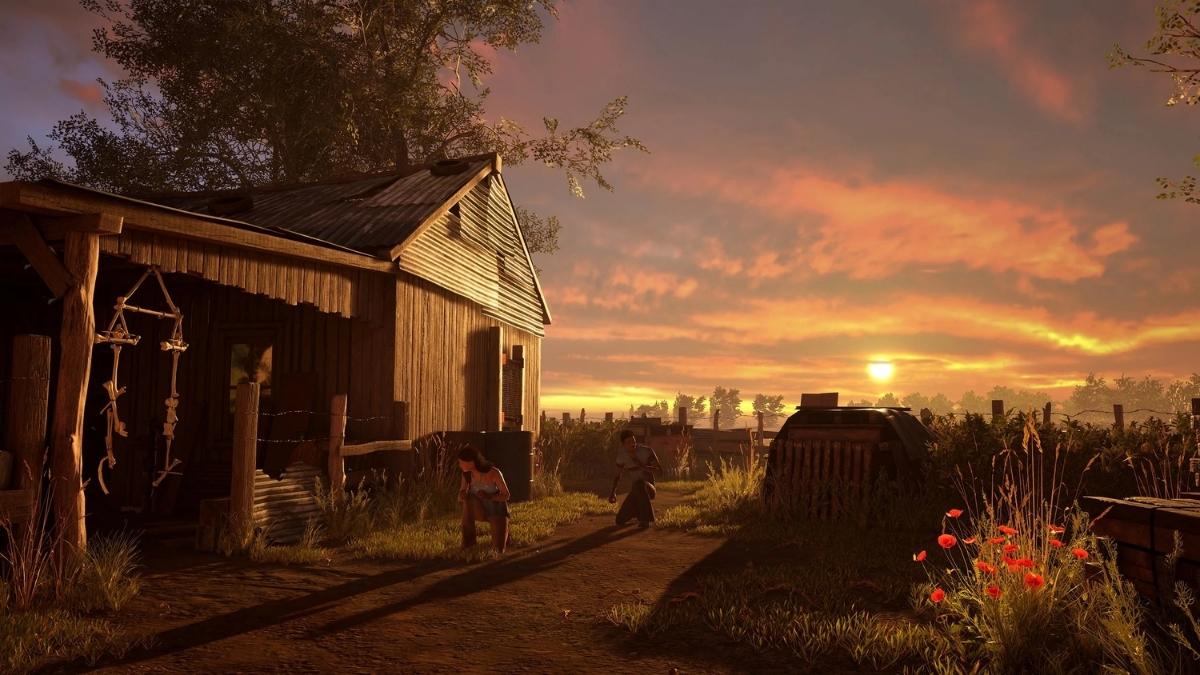
    Texas Chainsaw Massacre is a horror-themed multiplayer game that lets you play as either a victim or a member of the murderous Sawyer family. The game is based on the iconic 1974 film of the same name and features various locations, weapons, and characters from the movie.

    The game is developed by Gun Media and IllFonic, the same studios behind Friday the 13th: The Game. Texas Chainsaw Massacre is available on PC, PlayStation 4, PlayStation 5, Xbox One, and Xbox Series X/S, but can you play with your friends across different platforms? Here is everything you need to know about Texas Chainsaw Massacre crossplay.

    Is Texas Chainsaw Massacre Crossplay?

    Yes, the Texas Chainsaw Massacre does support crossplay between some platforms. However, the crossplay feature is not available for all platforms and generations. The game has different matchmaking options depending on the platform and age you play on.

    Is Texas Chainsaw Massacre Crossplay?
    Is Texas Chainsaw Massacre Crossplay?

    PC, PlayStation 5, and Xbox Series X/S can play with each other, but not with PlayStation 4 and Xbox One. PlayStation 4 and Xbox One can only play with players on the same platform and generation. This means that if you are playing on PlayStation 4, you cannot play with your friends on PlayStation 5, Xbox One, Xbox Series X/S, or PC.

    How do you enable or disable crossplay in the Texas Chainsaw Massacre?

    Crossplay is enabled by default in Texas Chainsaw Massacre, and there is no option to turn it off. This means that you will always be matched with players from different platforms.

    However, you can choose to play with players who use the same input method as you, such as a keyboard and mouse or controller. To do this, you need to go to the settings menu, select gameplay, and change the input-based matchmaking option to on. This will ensure that you only play with players who use the same input method as you, regardless of their platform.

    How do you play with friends on different platforms in the Texas Chainsaw Massacre?

    If you want to play with your friends on different platforms in the Texas Chainsaw Massacre, you need to use the game-generated invite codes. The game does not feature a crossplay friends list, so you cannot add or view your friends from different platforms within the game itself.

    You need to communicate with your friends through other means, such as Discord or social media, and share the invite codes with them. Here are the steps to create and join a crossplay party in Texas Chainsaw Massacre:

    • To create a crossplay party, go to the main menu and select the party icon on the top right corner. You will see a six-digit code on the bottom left corner of the screen. This is your party invite code. Share this code with your friends on different platforms and ask them to join your party using the code.
    • To join a crossplay party, go to the main menu and select the party icon on the top right corner. You will see an option to enter a party invite code on the bottom left corner of the screen. Enter the six-digit code that your friend shared with you and press join. You will be added to your friend’s party and you can play with them in various modes.

    Once you are in a crossplay party, you will see which players are on different platforms. They will appear with unique naming and icons to indicate that they are on those separate platforms. You can also send messages to your party members using the chat feature.

    What Are the Benefits and Drawbacks of Crossplay in Texas Chainsaw Massacre?

    Crossplay has many benefits and drawbacks for Texas Chainsaw Massacre players. Here are some of them:

    Benefits

    • You can play with more players and have shorter queue times.
    • You can play with your friends on different platforms and enjoy the game together.
    • You can switch between platforms and keep your progress, items, and purchases.

    Drawbacks

    • You may encounter players who have an advantage or disadvantage due to their platform or input method.
    • You may experience lag or performance issues due to the different network conditions of different platforms.
    • You may have communication difficulties with players who speak different languages or use different voice chat systems.

    You might also like to know about if these other games are cross-platform or not:

    Texas Chainsaw Massacre is a crossplay game that allows you to play with players on some platforms. You can create or join a crossplay party using the game-generated invite codes and play with your friends in various modes.

    You can also choose to play with players who use the same input method as you, such as keyboard and mouse or controller. Crossplay has its benefits and drawbacks, but it is a great feature that makes Texas Chainsaw Massacre more accessible and fun for everyone.

    Stay connected with GameEmpress to get the latest news and updates about the gaming world.

  • Is Rogue Company Crossplay? Unleash The Ultimate Cross-Platform Showdown

    Is Rogue Company Crossplay? Unleash The Ultimate Cross-Platform Showdown

    Rogue Company is a free-to-play online shooter game that features a variety of characters, weapons, and modes. The game was developed by First Watch Games and published by Hi-Rez Studios, the same company behind popular games like Smite, Paladins, and Realm Royale.

    Rogue Company is available on PC, PlayStation 4, Xbox One, and Nintendo Switch, but can you play with your friends across different platforms? Here is everything you need to know about Rogue Company crossplay.

    Is Rogue Company Crossplay?

    Yes, Rogue Company does support crossplay between all platforms. The game launched with crossplay enabled by default, and you can easily add your friends from different platforms to your in-game friends list.

    Rogue Company Patch Notes
    Rogue Company Patch Notes

    You can also invite them to join your party or send them messages. Rogue Company uses a universal account system, which means that your progress, items, and purchases are shared across all platforms.

    How do you turn crossplay on or off in Rogue Company?

    Crossplay is enabled by default in Rogue Company, and there is no option to turn it off. This means that you will always be matched with players from different platforms, regardless of your preference.

    However, you can choose to play with players who use the same input method as you, such as a keyboard and mouse or controller. To do this, you need to go to the settings menu, select gameplay, and change the input-based matchmaking option to on. This will ensure that you only play with players who use the same input method as you, regardless of their platform.

    What are the Benefits and Drawbacks of Crossplay in Rogue Company?

    Crossplay has many benefits and drawbacks for Rogue Company players. Here are some of them:

    Benefits

    • You can play with more players and have shorter queue times.
    • You can play with your friends on different platforms and enjoy the game together.
    • You can switch between platforms and keep your progress, items, and purchases.

    Drawbacks

    • You may encounter players who have an advantage or disadvantage due to their platform or input method.
    • You may experience lag or performance issues due to the different network conditions of other platforms.
    • You may have communication difficulties with players who speak different languages or use other voice chat systems.

    You might also like to know about if these other games are cross-platform or not:

    Rogue Company is a crossplay game that allows you to play with players on different platforms. You can add your friends from other platforms to your in-game friend list, invite them to join your party and play with them in various modes.

    You can also choose to play with players who use the same input method as you, such as a keyboard and mouse or controller. Crossplay has its benefits and drawbacks, but it is a great feature that makes Rogue Company more accessible and fun for everyone.

    Stay connected with GameEmpress to get the latest news and updates about the gaming world.

  • Is Infinite Warfare Crossplay? How To Play With Friends On Different Platforms?

    Is Infinite Warfare Crossplay? How To Play With Friends On Different Platforms?

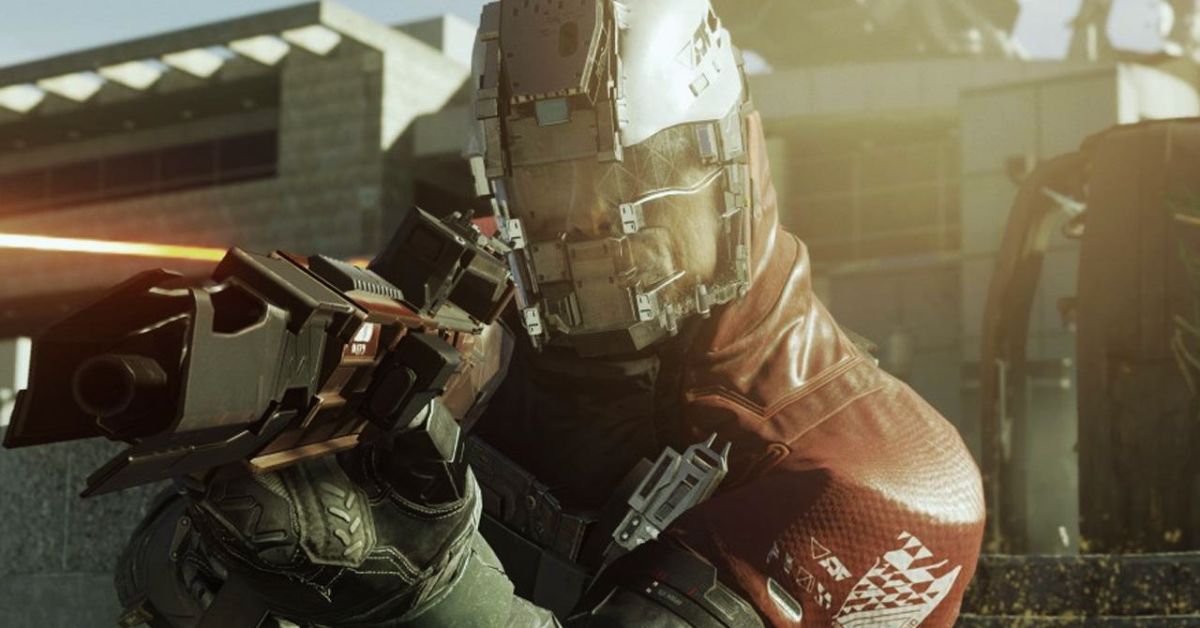
    Infinite Warfare is a first-person shooter game that was released in 2016 by Activision. The game is set in the future, where humanity is engaged in a war with a hostile faction called the Settlement Defense Front. The game features various modes, such as campaign, multiplayer, and zombies.

    Crossplay is a feature that allows players to play online games with and against each other on different platforms, such as PC, PlayStation, Xbox, and Nintendo Switch. Crossplay can enhance the gaming experience, as it can increase the player base, reduce the matchmaking time, and allow players to play with their friends and family regardless of their platform preference.

    However, not all games support crossplay, and some games may have different levels or types of crossplay, depending on the developer’s decision and the platform’s policy. So, is Infinite Warfare crossplay? How can you play with your friends on different platforms? In this article, we will answer these questions and provide some facts and updates about Infinite Warfare crossplay.

    Is Infinite Warfare Crossplay?

    The short answer is no; Infinite Warfare is not crossplay. If you purchased an edition of Infinite Warfare from the Windows store, you will only be able to play with other players who have the same version. This means that you cannot play with players who have the Steam version or the PlayStation or Xbox versions.

    Is Infinite Warfare Crossplay?
    Is Infinite Warfare Crossplay?

    The reason for this restriction is to ensure the compatibility and the performance of the game, as the Windows store version and the Steam version have different features and requirements.

    For example, the Windows store version does not support DirectX 12, while the Steam version does. Therefore, allowing crossplay between the two versions would create technical issues and disadvantages for some players.

    The same applies to the PlayStation and Xbox versions, as they have different network and hardware capabilities. For example, the PlayStation 4 and Xbox One versions can support up to 18 players in a match, while the PlayStation 4 Pro and Xbox One X versions can support up to 24 players.

    Therefore, allowing crossplay between the two platforms would create an imbalance and a disadvantage for some players.

    How Do You Play With Friends on Different Platforms?

    Since Infinite Warfare is not crossplay, you cannot play with your friends on different platforms. However, you can still play with your friends on the same platform, as long as you have the same version of the game. To play with your friends on the same platform, you need to follow these steps:

    • From the main menu of the game, select the Multiplayer option.
    • From the Multiplayer menu, select the Play Online option.
    • From the Play Online menu, select the Friends option.
    • From the Friends menu, select the friend that you want to invite, and press the Invite button.
    • The invited friend will receive a notification and can accept or decline the invitation.
    • If the invited friend accepts the invitation, they will join your party and can play with you in any mode.

    You can also join your friends’ parties by following these steps:

    • From the main menu of the game, select the Multiplayer option.
    • From the Multiplayer menu, select the Play Online option.
    • From the Play Online menu, select the Friends option.
    • From the Friends menu, select the friend that you want to join, and press the Join button.
    • You will join your friend’s party and can play with them in any mode.

    You might also like to know about if these other games are cross-platform or not:

    Infinite Warfare is not crossplay, and you cannot play with your friends on different platforms. You can only play with your friends on the same platform, and only if you have the same version of the game.

    This is to ensure the compatibility and the performance of the game, and to avoid technical issues and disadvantages for some players. However, you can still enjoy the game with your friends on the same platform, and experience the various modes and features of the game.

    Stay connected with GameEmpress to get the latest news and updates about the gaming world.

  • Does Fallout 76 Have Crossplay? Unraveling The Cross-Platform Mystery

    Does Fallout 76 Have Crossplay? Unraveling The Cross-Platform Mystery

    It’s no surprise that the addition of crossplay will improve the game’s enjoyment, considering there was no crossplay option in Fallout 76 when it was released in October 2018. Because Microsoft has subsequently bought Bethesda, they now have a lot more money to deal with; crossplay may be in the future.

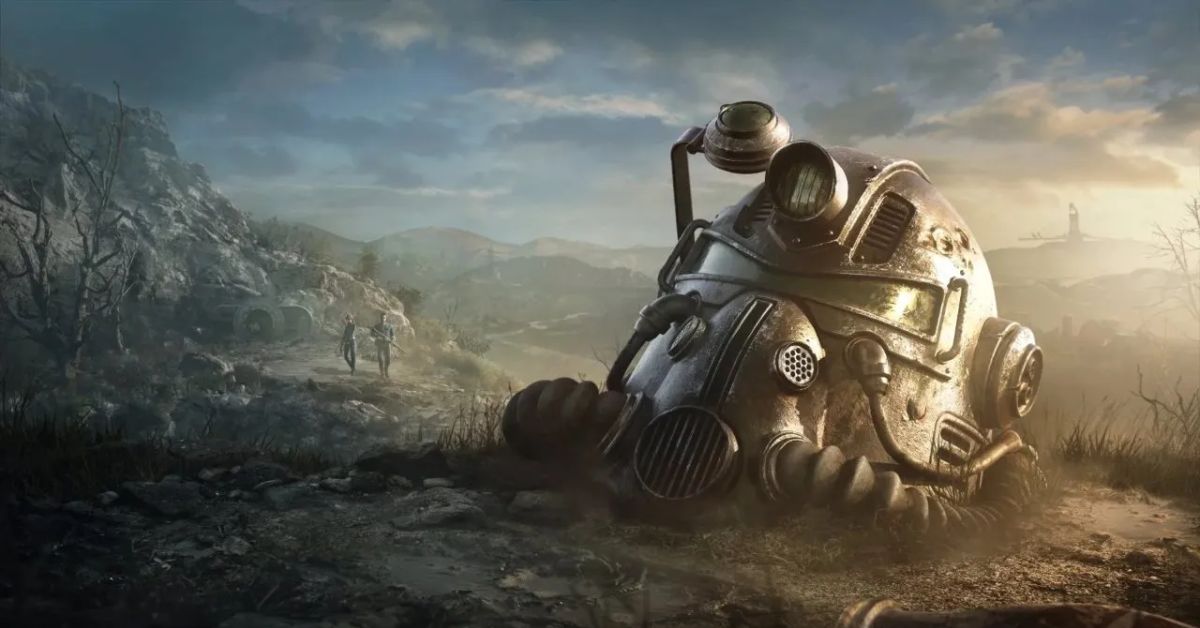
    Fallout 76 supports a wide range of platforms, allowing gamers from all around the world to participate. It takes place 25 years after the bombs fall in the series, making it one of the first Fallout games. As a consequence, Bethesda has a lot of leeway without upsetting too much of the existing canon.

    Does Fallout 76 Have Crossplay?

    Fallout 76 Update 1.81 Patch Notes
    Image Source Bethesda

    Fallout 76 currently does not enable cross-platform or cross-gen play; thus, if you possess a PlayStation 4, you will be unable to play with a buddy who has a PlayStation 5. One exception to this regulation is that Game Pass players can play alongside people who own the game on Steam.

    You might also like to know about if these other games are cross-platform or not:

    Will Fallout 76 Ever Support Crossplay?

    Do not hold out hope for any future crossplay or cross-platform play. Microsoft controls Bethesda. Thus, there’s no reason for PlayStation players to be able to play with Xbox players. Fallout 76 appears to be benefiting gamers, and Microsoft would be wise to accept it if it was a financially prudent decision.

    However, fans may find it weird that the service does not enable crossplay, not allowing crossplay advantages to the specific consoles rather than the game itself. This will help those same folks to purchase online services in addition to persuading them to buy the version their buddy plays. If you have a buddy who owns the same game on a different platform but has crossplay, there is no need for you to buy the game on that platform.

    Furthermore, introducing a feature like that to the game is costly, time-consuming, and does not have a strong demand among the Fallout 76 community. According to Bethesda’s Pete Hines, crossplay was not included since it was not on the company’s radar, and it was not desirable to have a feature that would only operate on specific systems.

    With a game that takes place so far in the past and is chronologically first in the Fallout canon, it seems like a no-brainer to get Fallout 76’s crossplay future up and running, given the plethora of possibilities that can be harnessed and brought to fulfillment for Fallout fans all around the world.

    Stay connected with GameEmpress to get the latest news and updates about the gaming world.

  • How To Beat Terrakion In Pokemon Go? Tips And Tricks

    How To Beat Terrakion In Pokemon Go? Tips And Tricks

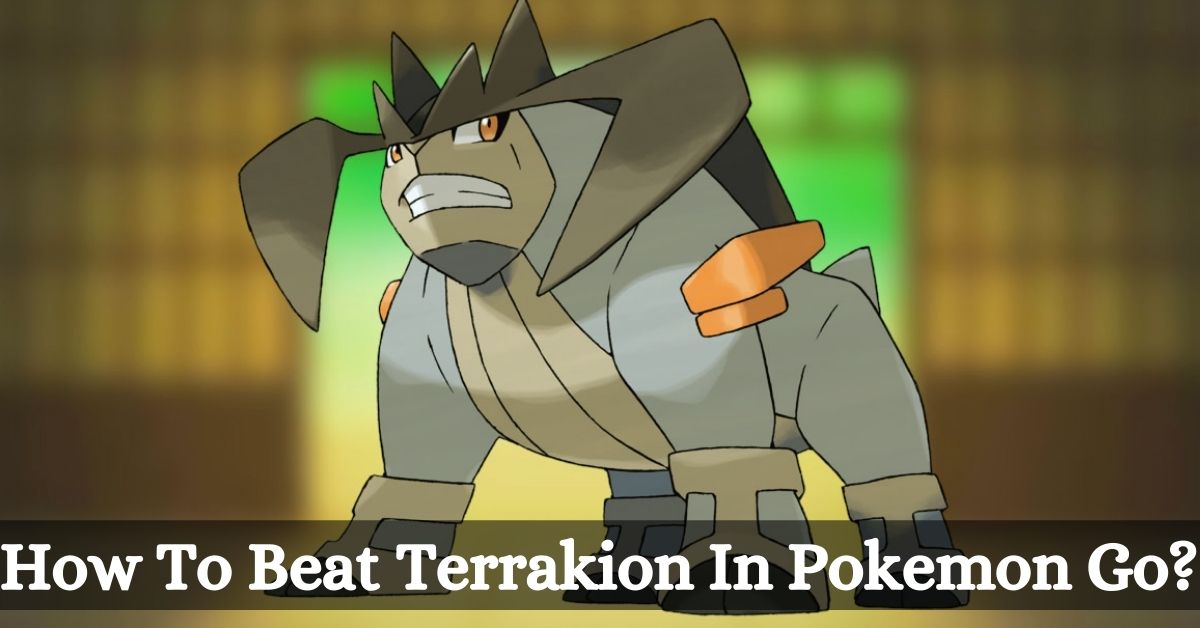
    Terrakion is a legendary Rock and Fighting type Pokemon that can be encountered in five-star raids in Pokemon Go. Terrakion is part of the Swords of Justice trio, along with Cobalion and Virizion, and it is based on the character of Porthos from The Three Musketeers.

    Terrakion is a powerful and versatile Pokemon that can deal a lot of damage with its attacks, but it also has many weaknesses that can be exploited. In this article, we will show you how to beat Terrakion in Pokemon Go, including its moveset, counters, and best strategies.

    Terrakion’s Moveset in Pokemon Go

    Pokemon GO Datamine Reveal New Pikachu Summer Costume
    Pokemon GO Datamine Reveal New Pikachu Summer Costume

    Terrakion can have two possible fast moves and three possible charged moves as a raid boss, and they are:

    • SmackDown (Rock)
    • Zen Headbutt (Psychic)
    • Close Combat (Fighting)
    • Earthquake (Ground)
    • Rock Slide (Rock)

    Terrakion’s moveset can vary in difficulty and effectiveness depending on the weather and the counters you use. Generally, SmackDown and Rock Slide are the most dangerous moves, as they can deal super effective damage to many of Terrakion’s counters, especially Flying and Fire types.

    Zen Headbutt and Earthquake are less threatening, as they can be resisted by many of Terrakion’s counters, especially Steel and Psychic types. Close Combat is the easiest move to deal with, as it lowers Terrakion’s defense and can be resisted by many of Terrakion’s counters, especially Fairy and Psychic types.

    Terrakion’s Counters in Pokemon Go

    Terrakion has seven types that it is weak to, which are Fighting, Ground, Steel, Water, Grass, Psychic, and Fairy. This gives you a lot of options to choose from when building your team of counters.

    However, some types of Pokemon are better than others, depending on the weather and Terrakion’s moveset. Here are some of the best counters for Terrakion in Pokemon Go:

    • Mewtwo: Mewtwo is the best overall counter for Terrakion, as it can deal massive damage with its Psychic moves, especially Psystrike, and resist Zen Headbutt and Close Combat. Mewtwo can also use Shadow Ball or Focus Blast as a secondary move to hit Terrakion for neutral damage. Mewtwo is boosted by Windy weather, which also enables Terrakion’s Zen Headbutt, so be careful of that.
    • Metagross: Metagross is another excellent counter for Terrakion, as it can deal super effective damage with its Steel moves, especially Meteor Mash, and resist Rock, Psychic, and Fairy moves. Metagross can also use Earthquake as a secondary move to hit Terrakion for super-effective damage. Metagross is boosted by Snowy weather, which also enables Terrakion’s SmackDown and Rock Slide, so be wary of that.
    • Lucario: Lucario is an excellent counter for Terrakion, as it can deal super effective damage with its Fighting moves, especially Aura Sphere, and resist Rock and Dark moves. Lucario can also use Shadow Ball as a secondary move to hit Terrakion for neutral damage. Lucario is boosted by Cloudy weather, which also enables Terrakion’s Close Combat, so be prepared for that.
    • Conkeldurr: Conkeldurr is a good counter for Terrakion, as it can deal super effective damage with its Fighting moves, especially Dynamic Punch, and resist Rock and Dark moves. Conkeldurr can also use Stone Edge as a secondary move to hit Terrakion for neutral damage. Conkeldurr is boosted by Cloudy weather, which also enables Terrakion’s Close Combat, so be ready for that.
    • Kyogre: Kyogre is a firm counter for Terrakion, as it can deal super effective damage with its Water moves, especially Surf, and resist Rock and Fire moves. Kyogre can also use Thunder as a secondary move to hit Terrakion for neutral damage. Kyogre is boosted by Rainy weather, which also enables Terrakion’s Earthquake, so be cautious of that.
    • Gyarados: Gyarados is a solid counter for Terrakion, as it can deal super effective damage with its Water moves, especially Hydro Pump, and resist Rock and Fire moves. Gyarados can also use Crunch as a secondary move to hit Terrakion for neutral damage. Gyarados are boosted by Rainy weather, which also enables Terrakion’s Earthquake, so be careful of that.
    • Machamp: Machamp is a decent counter for Terrakion, as it can deal super effective damage with its Fighting moves, especially Dynamic Punch, and resist Rock and Dark moves. Machamp can also use Rock Slide as a secondary move to hit Terrakion for neutral damage. Machamp is boosted by Cloudy weather, which also enables Terrakion’s Close Combat, so be alert for that.

    You might also be interested in the following game guide:

    How to Beat Terrakion in Pokemon Go?

    Here are some tips and tricks on how to beat Terrakion in Pokemon Go:

    • Use the recommended group size. Terrakion is a demanding raid boss that can deal a lot of damage and take a lot of hits. You will need a group of at least three to five trainers with high-level and well-equipped counters to beat it. If you have fewer trainers or lower-level counters, you might need more time, revives, and potions to complete the raid.
    • Use the best weather. The weather can have a significant impact on the raid, as it can boost or weaken certain types of moves and Pokemon. The best weather to fight Terrakion is Foggy weather, as it increases none of Terrakion’s activities and boosts some of its counters, such as Mewtwo, Lucario, and Gyarados. The worst weather to fight Terrakion is Partly Cloudy weather, as it strengthens both of Terrakion’s Rock moves and weakens many of its counters, such as Kyogre, Machamp, and Conkeldurr.
    • Use the best moves. The moveset of your counters can make a big difference in the raid, as some activities are more effective and efficient than others. You should always use activities that match the type of your Pokemon, as they will benefit from the Same Type Attack Bonus (STAB), which increases their damage by 20%. It would be best if you also used moves that are super effective against Terrakion, as they will deal double the damage. You should avoid using activities that are not very effective or resisted by Terrakion, as they will deal half or less damage.
    • Dodge the charged moves. The assigned activities of Terrakion can deal a lot of damage and knock out your counters in one hit, especially if they are super effective or boosted by the weather. You can dodge the charged moves by swiping left or right on the screen when you see the yellow flash or the warning message. Avoiding the assigned actions can save you from taking damage, and wasting revives and potions. However, swerving can also cause some glitches and lag in the game, so be careful of that.

    We appreciate your interest in our website! Make Gameempress your go-to site for gaming information.

  • What Is A Storm Flip In Fortnite And How To Use It?

    What Is A Storm Flip In Fortnite And How To Use It?

    Fortnite is a popular online game that combines shooting, building, and survival elements. The game has various modes, such as Battle Royale, Creative, and Save the World, where players can compete or cooperate.

    One of the features of the game is the Storm, which is a deadly zone that shrinks over time and forces the players to move closer to each other. The Storm can deal damage to the players who are caught in it, and the damage increases as the game progresses.

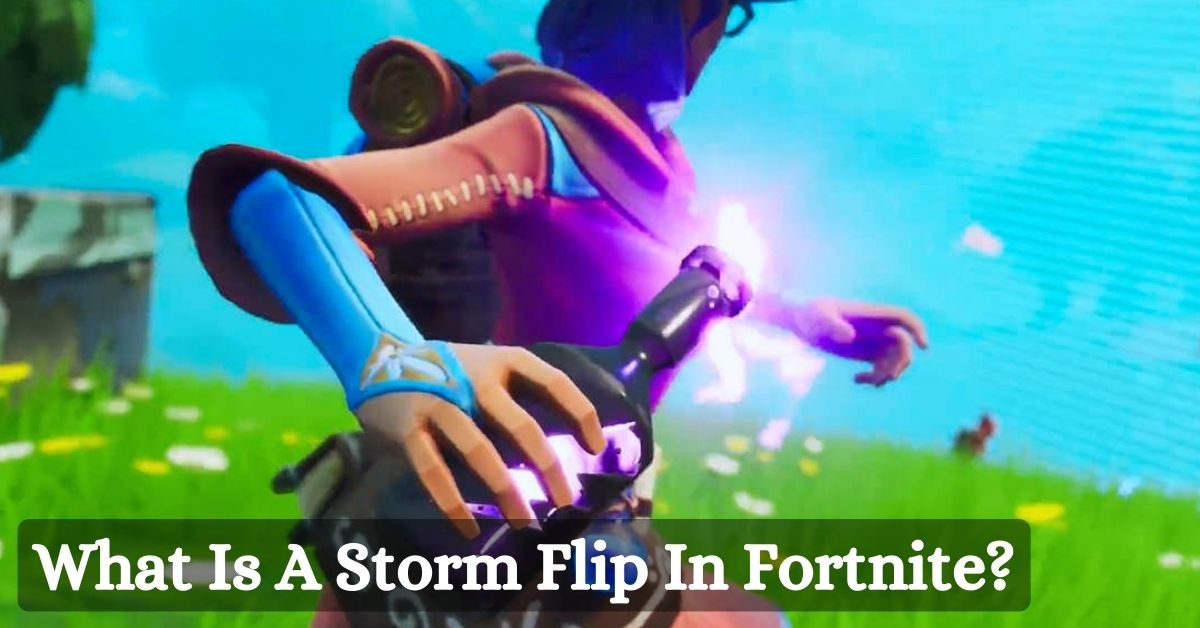
    However, there is an item in the game that can manipulate the Storm and create an advantage or disadvantage for the players. This item is called the Storm Flip, and it is a throwable item that can make a sphere-shaped zone that either protects or harms the players inside it. In this article, we will explain what the Storm Flip is, how it works, and how to use it effectively.

    What Is A Storm Flip In Fortnite?

    Fortnite Chapter 4 Season 5 Skin Leaks
    Fortnite Chapter 4 Season 5 Skin Leaks

    The Storm Flip is a consumable item in Fortnite that was introduced in Season 9 and vaulted in Season X. It was briefly brought back in Season OG, which was a special event that featured items and weapons from previous seasons.

    The Storm Flip is an Epic rarity item that can be found in floor loot, chests, and vending machines. It drops in stacks of one and has a maximum accumulation of one.

    The Storm Flip looks like a glass bottle filled with purple liquid with a lightning bolt symbol on it. When thrown, it explodes on impact and creates a sphere-shaped zone that has different effects depending on where it is thrown. The area lasts for 20 seconds before dissipating.

    How the Storm Flip Works?

    The Storm Flip works by flipping the Storm and the safe zone in a particular area. This means that where the sphere overlaps the Storm, it will create a secure location, and where the sphere overlaps a safe place, it will create a Storm zone.

    The Storm Flip deals the same damage as the current Storm, which means that it can deal more damage in the later stages of the game.

    For example, if the Storm Flip is thrown into the Storm, it will create a giant sphere that removes all passive Storm damage when inside it for the duration of the item. This can be useful for escaping or surviving the Storm, especially when the Storm damage is high.

    On the other hand, if the Storm Flip is thrown out of the Storm, it will create a giant sphere that deals the same damage as the current Storm to anyone inside it for the duration of the item. This can be useful for attacking or trapping enemies, especially when they are hiding or healing.

    If the Storm Flip is thrown at the border of the Storm, it will flip each area accordingly. This can create a complex and chaotic situation, as the Storm and the safe zone will change rapidly and unpredictably.

    You might also be interested in the following games guide:

    How to Use the Storm Flip Effectively?

    The Storm Flip is a powerful and versatile item that can be used for various purposes and strategies. However, it also requires careful timing and positioning, as it can also backfire or harm the user and their teammates. Here are some tips and tricks on how to use the Storm Flip effectively:

    • Use the Storm Flip to escape or survive the Storm. If you are caught in the Storm and have no other way out, you can throw the Storm Flip to create a temporary safe zone and heal yourself or your teammates. You can also use the Storm Flip to extend your stay in the Storm and loot or ambush enemies who are unaware of your presence.
    • Use the Storm Flip to attack or trap enemies. If you spot enemies who are in a safe zone, you can throw the Storm Flip to create a Storm zone and deal damage to them. You can also use the Storm Flip to block their escape routes or force them to move into unfavorable positions. You can combine the Storm Flip with other items or weapons, such as grenades, rockets, or fire, to increase the damage and pressure on the enemies.
    • Use the Storm Flip to create confusion and chaos. If you want to create a distraction or a diversion, you can throw the Storm Flip at the border of the Storm and flip the areas randomly. This can cause the enemies to panic and lose track of their surroundings, giving them an opportunity to attack or escape. You can also use the Storm Flip to mess with the final circle and make the Storm area even larger, forcing the enemies to move closer to you or each other.
    • Be careful of the friendly fire and the visibility. The Storm Flip can also affect you and your teammates, so make sure to communicate and coordinate with them before using it. You can also accidentally hit yourself or your teammates with the Storm Flip if you throw it too close or too far. Additionally, the Storm Flip can reduce the visibility inside the sphere, making it harder to see and aim at the enemies or the items.

    We hope that this article has helped you understand what the Storm Flip is and how to use it in Fortnite. The Storm Flip is a unique and fun item that can create various situations and outcomes in the game.

    However, it is also a risky and unpredictable item that can have positive or negative effects on the players. Therefore, use it wisely and enjoy the game.

    We appreciate your interest in our website! Make Gameempress your go-to site for gaming information.

  • Where To Find Baller Fortnite? Uncover The Hidden Locations Of Fortnite’s Rollers

    Where To Find Baller Fortnite? Uncover The Hidden Locations Of Fortnite’s Rollers

    Fortnite Ballers underwent an extended period of isolation within the vault prior to their triumphant return to the island for the ongoing season. However, they are more confined to a single point of interest on the map and are not as prevalent as other vehicles.

    A ride in one of these enormous hamster spheres will encase you in a protective bubble that shields you from incoming damage. However, their only offensive capability is to collide with objects, making them more suitable for long-distance travel.

    By utilizing the retractable plunger in conjunction with the substantial boost provided by the anchor points to which you affix a line, it is possible to propel oneself through the air in Fortnite or propel the orb up steep inclines that would be unsurmountable otherwise.

    In the past, the Fortnite Ballers were tasked with various weekly responsibilities, including the removal of Fortnite Runaway Boulders and the construction of a Fortnite wind tunnel at The Screwballer.

    Additionally, they are required to complete a single-match task involving the use of a Baller, a Fortnite zipline, and a Fortnite eruption; therefore, you should focus your efforts in the vicinity of Reality Falls and Rave Cave.

    Additionally, you will need to dismantle structures and accumulate travel distance using them; therefore, we have every Fortnite Ballers location to assist you in accomplishing each of these objectives.

    Where to Find Baller Fortnite?

    Fortnite Chapter 4 Season 5 Skin Leaks
    Fortnite Chapter 4 Season 5 Skin Leaks

    At the moment, Fortnite Ballers are prevalent in the vicinity of Rave Cave, situated in the northwest corner of the island. Alongside the extensive and meandering rollercoaster track that traverses this region are stations and pods that house Ballers situated in the subsequent areas:

    • Within the enormous pink Cuddle the cranium of the team leader atop Rave Cave.
    • Midway up the Rave Cave mountain, on the vibrant east side platform
    • Immediately inside the entrance to Rave Cave on the lower ground level
    • In the vicinity of Rave Cave to the west of the rollercoaster track
    • In the vicinity of Rave Cave to the north of the rollercoaster track

    How to Get Around in a Fortnite Baller?

    Once you’ve inside a Fortnite Baller, you can use the left stick to guide it around and the Boost button to gain speed. You can’t make the Baller jump, so if you want to launch through the air or climb up a steep slope, you’ll need to use a combination of the Shoot/Retract and Extend triggers – fire your plunger on a rope at a solid object to latch on, then swing yourself around before releasing to let momentum and gravity do their thing.

    For both a Zero Week entry and recurring Milestones in the Fortnite missions, you’ll need to rack up mileage travelled in a Baller, but this may be difficult because this vehicle relies on electric power, which means it can’t be refueled by visiting a gas station, unlike other modes of transportation in the Battle Royale.

    However, suppose you step onto the rollercoaster tracks that run around Rave Cave. In that case, you’ll be transported along automatically while burning no battery charge, so you can comfortably sit back and watch your trip distance in a Baller rapidly increase.

    You might also be interested in the following games guide:

    How to Destroy Structures in Fortnite Using a Baller?

    To demolish structures with a Baller in Fortnite, you should target fragile wooden structures because this vehicle can’t deliver much damage. Once you’ve chosen an appropriate target, use your boost or a grappling swing to hit it quickly, and it should be destroyed on impact.

    You may also construct your own wooden constructions and then smash them with a Baller, which may be easier than locating them in the environment.

    We appreciate your interest in our website! Make Gameempress your go-to site for gaming information.

  • Warzone 2 PC Requirements: How To Make Sure Your PC Can Handle The Action?

    Warzone 2 PC Requirements: How To Make Sure Your PC Can Handle The Action?

    It is crucial to be aware of the Warzone system requirements if you intend to participate in the action during Season 6. Warzone requires potent hardware to function correctly; therefore, if you want to play, you must be aware that your system is capable of running the game.

    Developers frequently introduce methods to further optimize the game in addition to a plethora of new content, such as the FR Avancer or a battle pass containing an assortment of unlockable items.

    Before we divulge information regarding the Warzone system requirements, please review our other guides that demonstrate methods to access The Boys Operators and the most effective firearms to incorporate into a loadout.

    Warzone 2 PC Requirements

    These system prerequisites serve as a foundation for determining whether or not your system is capable of efficiently running Warzone. The following are the recommended and minimum specifications:

    Warzone 2 PC Requirements
    Warzone 2 PC Requirements

    Minimum Specifications

    • OS: Windows 10 64 Bit (latest update)†
    • CPU: Intel Core i3-6100 / Core i5-2500K or AMD Ryzen 3 1200
    • RAM: 8 GB
    • Hi-Rez Assets Cache: Up to 32 GB
    • Video Card: NVIDIA GeForce GTX 960 or AMD Radeon RX 470
    • Video Memory: 2 GB

    Recommended Specifications

    • OS: Windows 10 64 Bit (latest update) or Windows 11 64 Bit (latest update)†
    • CPU: Intel Core i5-6600K / Core i7-4770 or AMD Ryzen 5 1400
    • RAM: 12 GB
    • Hi-Rez Assets Cache: Up to 32 GB
    • Video Card: NVIDIA GeForce GTX 1060, AMD Radeon RX 580, or Intel ARC A770
    • Video Memory: 4 GB

    Competitive Specifications

    • OS: Windows 10 64 Bit (latest update) or Windows 11 64 Bit (latest update)†
    • CPU: Intel Core i7-8700K or AMD Ryzen 7 1800X
    • RAM: 16 GB
    • Hi-Rez Assets Cache: Up to 32 GB
    • Video Card: NVIDIA GeForce RTX 3060Ti or AMD Radeon RX 5700XT
    • Video Memory: 8 GB

    Ultra 4K Specifications

    • OS: Windows 10 64 Bit (latest update) or Windows 11 64 Bit (latest update)†
    • CPU: Intel Core i9-9900K or AMD Ryzen 9 3900X
    • RAM: 16 GB
    • Hi-Rez Assets Cache: Up to 64 GB
    • Video Card: NVIDIA GeForce RTX 3080 or AMD Radeon RX 6800 XT
    • Video Memory: 10 GB

    Having 8GB of RAM also eliminates the need for an exceptional gaming laptop when playing on the go; however, for a more fluid experience, you may wish to upgrade to 12GB. If you played the original Warzone on a PC that met the minimum requirements for competition, you would already surpass the recommended specifications for Warzone 2.

    Upon becoming immersed in the game, it is highly recommended that you review the optimal Warzone 2 loadout for the ongoing season.

    This is everything you need to know about Warzone 2 PC Requirements. Additionally, you can check our guide on Madden 24 PC Requirements and Final Fantasy 7 Rebirth PC Requirements. Stay connected with GameEmpress to get the latest news and guides about the gaming world.

  • Need for Speed Payback Cheats: How To Unlock Everything And Boost Your Performance?

    Need for Speed Payback Cheats: How To Unlock Everything And Boost Your Performance?

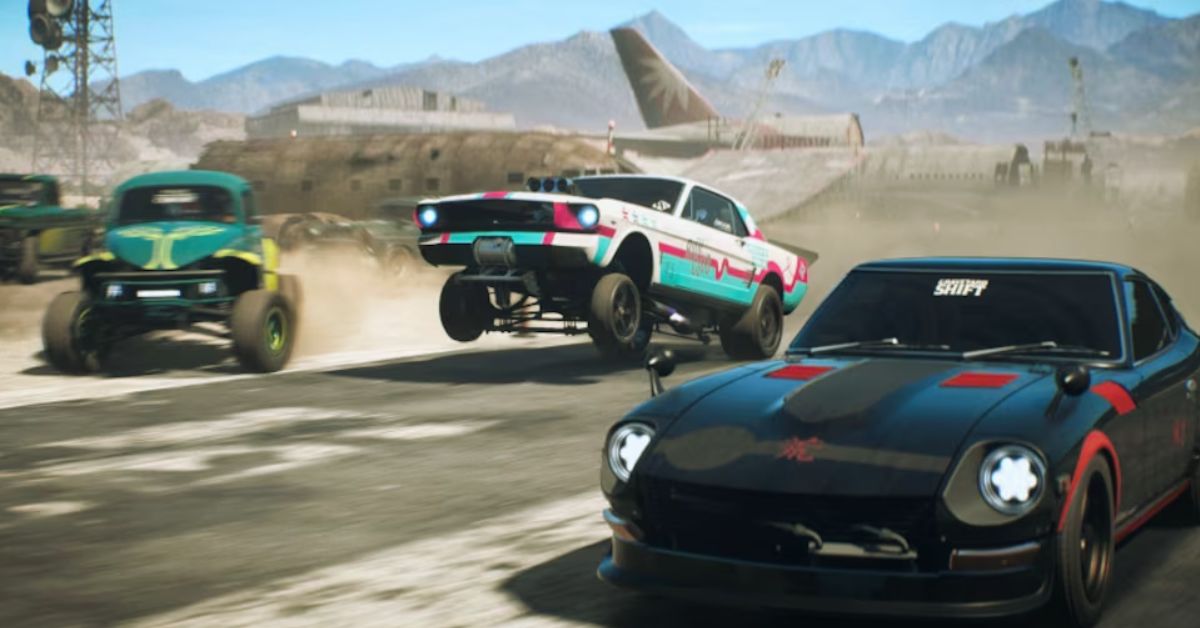
    Need for Speed Payback is a racing game that lets you customize your cars, compete in various events, and escape from the police. The game also features a story mode that follows the exploits of three characters, Tyler, Mac, and Jess, as they try to take down a criminal cartel known as The House.

    However, if you want to skip the grind and enjoy the game to the fullest, you might be interested in using some cheat codes that can unlock everything and boost your performance. In this article, we will show you how to use cheat codes for Need for Speed Payback, as well as some tips and tricks to improve your gameplay.

    How to Use Cheat Codes for Need for Speed Payback?

    need for speed payback cheats
    need for speed payback cheats

    Cheat codes are unique phrases that you can enter on the main menu of the game to activate various effects. However, you should be aware that using cheat codes may affect your game progress and achievements, as well as reduce the challenge and fun of the game. Therefore, use them at your own risk and discretion.

    To use cheat codes for Need for Speed Payback, you need to follow these steps:

    • Go to the main menu of the game.
    • Enter the cheat code using your keyboard or controller.
    • Press Enter or Start to confirm the code.
    • If the code is valid, you will see a confirmation message on the screen.
    • Enjoy the effects of the cheat code.

    Here are some of the cheat codes that you can use for Need for Speed Payback:

    • `iammostwanted`: This code unlocks all the cars and events in the game. This is useful if you want to try out different vehicles and races without having to earn them through the story mode or the in-game currency.
    • `extinguisher`: This code gives you infinite nitrous, which allows you to boost your speed indefinitely. This is helpful in high-speed races or police chases, as you can outrun your opponents and escape from the cops easily.
    • `repair car`: This code instantly repairs any damage to your car, which can save you from losing performance or getting busted by the police.
    • `cooldown`: This code resets the cooldown on your nitrous, which means you can use it again right away. This can give you an edge in tight situations or when you need a burst of speed.

    Tips and Tricks for Need for Speed Payback

    Apart from using cheat codes, there are also some tips and tricks that you can use to improve your gameplay and experience in Need for Speed Payback. Here are some of them:

    • Tune your cars for different modes. You can customize your vehicles with various parts and upgrades that can affect their performance and handling. Depending on the way you are playing, you might want to tune your cars differently. For example, for drift mode, you might want to lower the tire pressure, increase the steering angle, and adjust the suspension and differential. For drag mode, you might want to increase the horsepower, torque, and nitrous. For off-road mode, you might want to raise the ride height, add some off-road tires, and reduce the weight.
    • Collect the derelict car parts. There are five derelict cars that you can find and restore in the game: the Ford Mustang 1965, the Nissan Fairlady 240ZG 1971, the Volkswagen Beetle 1963, the Chevrolet C10 Stepside Pickup 1965, and the Chevrolet Bel Air 1955. To find them, you need to collect the derelict car parts that are scattered around the map. Each car has five components: a chassis, an engine, a drivetrain, a body, and an accessory. Once you collect all the parts, you can rebuild the car and customize it to your liking. The derelict cars are some of the best and most unique vehicles in the game, so it is worth the effort to find them.
    • Smash the billboards. There are 30 billboards that you can smash in the game, which are usually located in high places or hard-to-reach spots. Beating them will reward you with some cash and reputation, as well as unlock some customization options for your cars. To beat them, you need to use ramps, jumps, or speed to reach them. Some of them might require a specific vehicle or skill to break, so be prepared to experiment and try different approaches.
    • Use the fast travel option. The game has a large open world that you can explore, but sometimes you might want to save some time and travel to a specific location quickly. To do that, you can use the fast travel option, which allows you to teleport to any gas station or garage that you have discovered. To use the fast travel option, you need to open the map, select the location you want to go to, and press the quick travel button. However, keep in mind that using the fast travel option will cost you some cash, so use it wisely and sparingly.

    This is everything you need to know about the Need for Speed Payback Cheats. You can also read our guides on Victoria 3 Cheats and Baldurs Gate 3 Cheats. Stay up to date with GameEmpress for the most recent gaming news and guides.