In-depth game guides from Game Empress, with walkthroughs, tier lists, location maps, and step-by-step strategies to help you master the games you love.
In an era where online multiplayer gameplay has taken center stage, the charm of local co-op modes where friends and family can play together on a single console has its unique appeal.
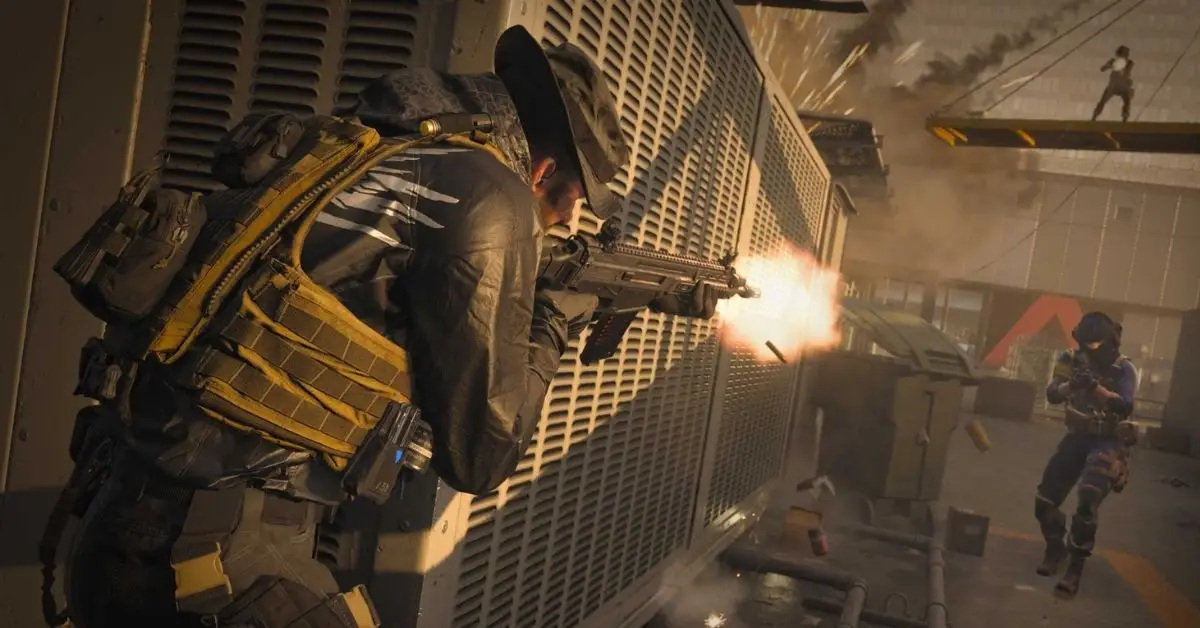
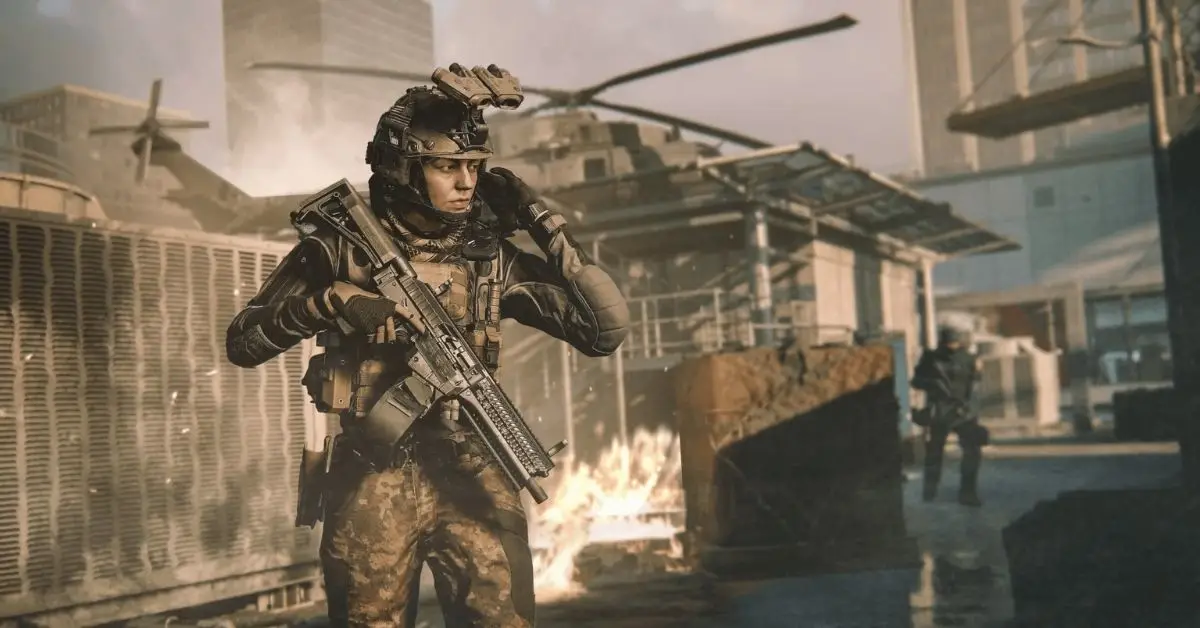
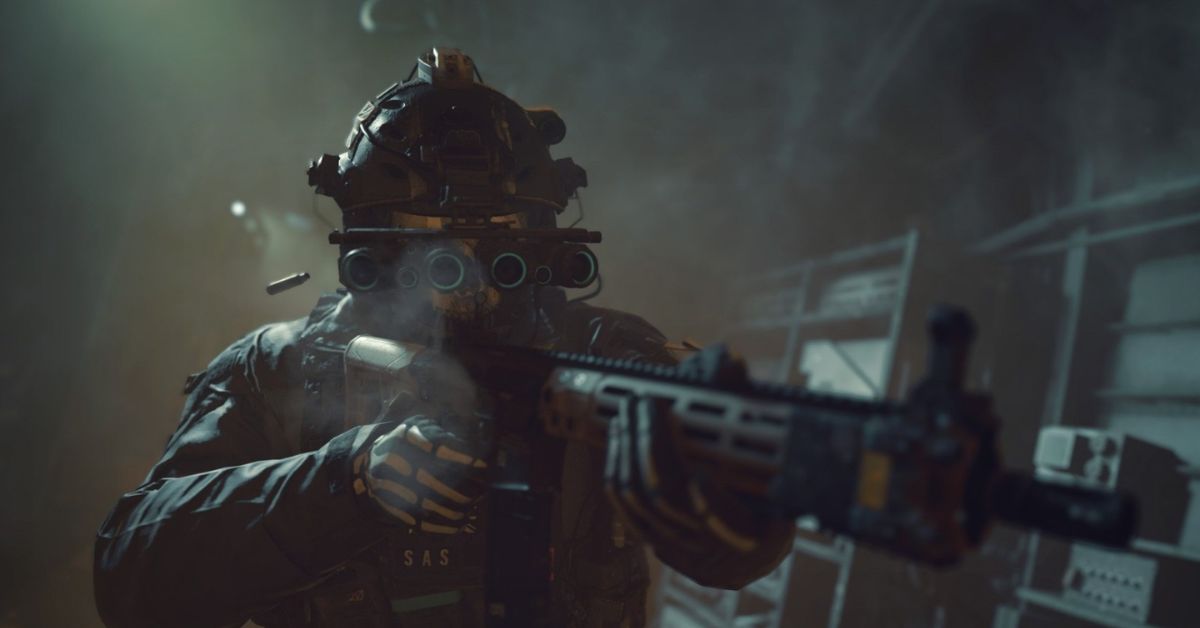
One game that has been part of many discussions around this topic is Call of Duty: Modern Warfare 3. This article explores whether Modern Warfare 3 supports split-screen mode and delves into the specifics of this feature.
Will Modern Warfare 3 Have Split-Screen?
Right now, we’re not sure if you can play Modern Warfare 3 in split-screen mode. Nowadays, fewer games have this feature because more people have their gaming consoles.
It seems like Sledgehammer Games might not include split-screen, but since there’s still time before the full launch, there’s a chance they could add it later so you can play with your friends on the same screen.
Image Source Activision
What’s New and Exciting in Modern Warfare 3 Multiplayer?
Activision Blizzard is bringing exciting changes to the multiplayer mode, including:
1. Tac Stance: It’s a cool new way to shoot that’s between just shooting from the hip and aiming down sights.
2. Evolving Loadouts: Now, you can customize your gear with advanced military stuff like gloves, tactical vests, boots, and more.
3. After-market Parts: Build your special weapon setups to match how you like to play using extra parts.
Apart from these new features, the creators added a Cutthroat Mode where three teams battle on core maps. To sum up, having split-screen multiplayer in past Call of Duty games has been popular, creating a friendly and competitive atmosphere for players sharing one screen.
But because people really want games that connect and feel real with awesome graphics, the developers decided not to include a split-screen in the new game.
This is everything you need to know about Modern Warfare 3 Split-screen. Additionally, you can check our guide on Modern Warfare 3 release date for the latest info on the game’s editions and modes. Stay connected with GameEmpress.com to get the latest news and guides about the gaming world.
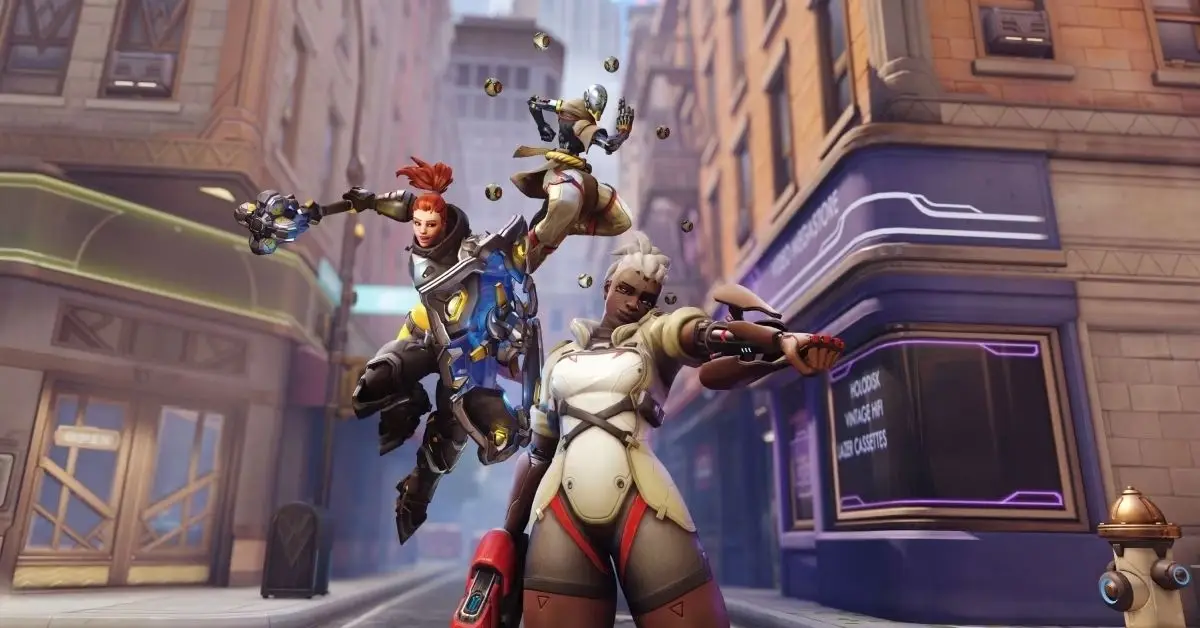
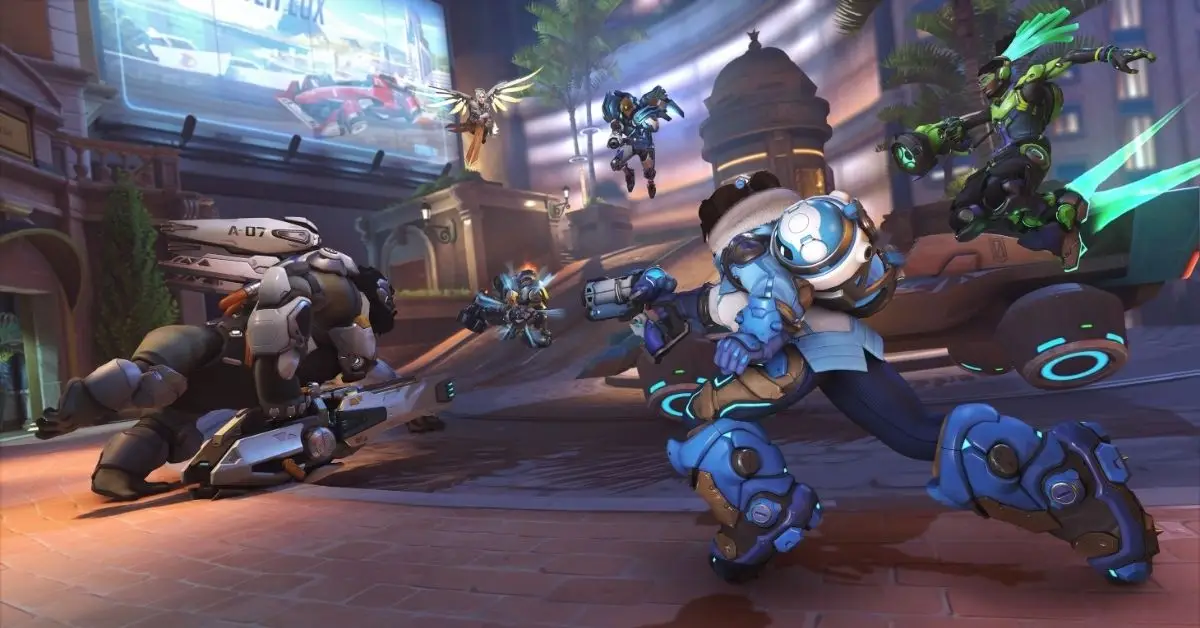
Overwatch 2 is getting a lot of attention. One cool thing it has is cross-platform play, where players on different gaming systems can play together. This breaks down the usual walls between players and makes gaming more social. This article explains how cross-platform play works in Overwatch 2 and gives players the lowdown on what to expect.
Is Overwatch 2 Cross Platform?
Yes, in Overwatch 2, you can play with friends on different game systems using cross-platform play. Just add your friends through Blizzard’s Battle.net, and you can play together, no matter which platform each person is using. You can team up whether you’re on Steam (PC), Windows PC, PS4, PS5, Nintendo Switch, Xbox One, or Xbox Series S/X.
Image Source Blizzard Entertainment
Is Overwatch 2 Support Cross-Progression?
Besides the cross-play feature, Overwatch 2 also supports cross-progression, which is a boon for players who switch between different platforms. This means that your game progress, unlocks, and accolades are not tied to a single platform but are accessible across multiple platforms, providing a seamless gaming experience.
How to Connect Your Console to Battle.net?
To play with friends on different devices and use crossplay, Blizzard announces that you must connect your console to your Battle.net account. Here’s what you should do:
4. Pick ‘account settings’ from the menu that drops down.
5. Choose “connections.”
6. Connect your Battle.net to your Xbox Live, PlayStation Network, or Nintendo account from the list.
7. Start playing games with your friends.
How to Play Overwatch 2 with Friends on Different Platforms?
In Overwatch 2, you can play with friends on different systems, except in Competitive mode. Competitive players are divided into two groups: one for console players and one for PC players.
To keep things fair, PC and console players won’t compete together in Competitive matches. So, if you’re on PC and playing with console friends, it’s only in non-competitive modes. Mixed groups will be matched with PC players.
If you use a mouse & keyboard, you can’t join the console player pool, no matter who you’re playing with. And if console players want to challenge PC players, they won’t get Aim Assist when playing together—it’s turned off by default to make the match fair.
This is everything you need to know about Overwatch 2 Cross Platform. Additionally, you can check our guide on Black Ops 3 Cross Platform. Stay connected with GameEmpress.com to get the latest news and guides.
Elden Ring has many NPC questlines in the Lands Between. These side stories are interesting, but figuring out how to complete them can be tricky. Some characters, like Blaidd, disappear at some point, making them hard to find later. Seluvis is one of those where your choices have consequences that aren’t easy to guess at first.
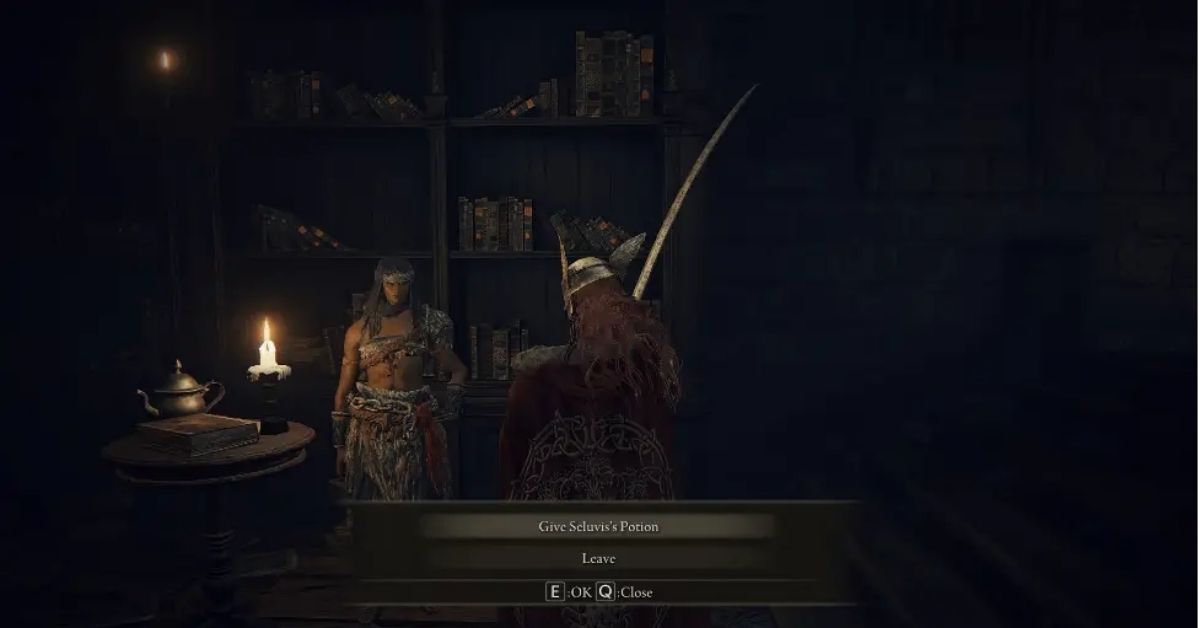
Quite early in Seluvis’ story, he’ll give you a potion and ask you to give it to Nepheli Loux. You get to choose whether to do it or not. Surprisingly, there’s a third option that many don’t know about. I’ll walk you through each choice, explain what to do, and share my opinion on the best one.
How to Follow Seluvis’ Quest Without Harming Nepheli and Kenneth?
Image Source FromSoftware
If you choose to follow Seluvis, keep going with Nepheli’s story until she’s in the Roundtable Hold. Give her the potion, rest at a Site of Grace, and she’ll end up at Seluvis’ lab.
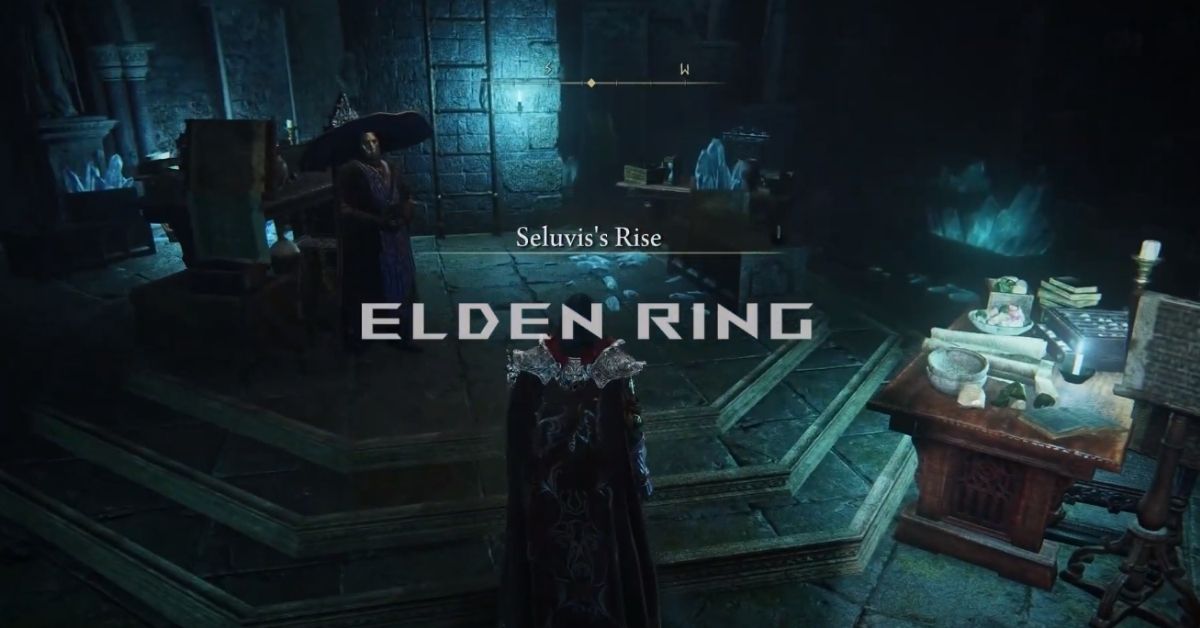
Find the lab in the ruins north of Seluvis’ Rise. Hit the illusionary floor in the middle to reveal a passage, then go down. Inside, there’s another illusionary wall at the end of the main room. You’ll need to get into this lab to get the puppets Seluvis offers later in the quest.
Choosing this path won’t give you many benefits. When Nepheli becomes Seluvis’ puppet, you can buy her ashes from him, and she can help you in battles. However, her ashes aren’t that great, and it’s not worth it.
Plus, you’ll miss out on the quests of both Nepheli and Kenneth Haight, meaning you won’t get a free Ancient Dragon Smithing Stone. You’ll need these stones to upgrade your weapons fully, and they’re hard to get. Fortunately, there’s a better way to keep going with Seluvis’ story.
How to Use Seluvis’ Potion to Get Dung Eater’s Ashes?
If you don’t want to lie to Seluvis but continue his story, you can give the potion to someone else – The Loathsome Dung Eater. To do this, you have to go through his story until you find him in the Sewers under Leyndell.
He’ll be tied to a chair, asking for Seedbed Curses. Instead of giving him what he wants, you can decide to use Seluvis’ potion on him. Just like with Nepheli, Dung Eater will head to Seluvis and become his puppet.
If you go with this choice, you can buy Dung Eater’s ashes from Seluvis. This lets you summon his powerful spirit to help you. After giving the potion to Dung Eater, talk to Seluvis more until he sees you as his accomplice. Then, ask him for a puppet, and he’ll ask for 5 Starlight Shards. Give him those shards, and you’ll have your own Dung Eater puppet.
Choosing Dung Eater’s summon is a smart move because it has a lot of health, good armor, and can deal decent damage while causing enemies to bleed. It’s especially great if you’re using a bleed build with Seppuku or Rivers of Blood.
However, there’s a bit of a tradeoff. Picking this option means you won’t be able to follow Dung Eater’s questline for a specific ending. But that’s the only thing you miss out on. If you’re not aiming for that particular ending, using Seluvis’ potion for the spirit summon is a fantastic choice because it’s just too good to ignore.
How to Avoid Seluvis’ Questionable Experiments?
If you don’t want to help Seluvis with his questionable experiments, you can go to Sir Gideon Ofnir at the Roundtable. Let him know you’re assisting the wizard and show him Seluvis’ potion. Sir Gideon will offer to take it and get rid of it.
If you agree, he’ll take the potion and advise you to lie to Seluvis. According to Sir Gideon, Seluvis’ big ego will prevent him from suspecting anything. You can then go back to Seluvis and say you gave the potion to Nepheli, and the wizard won’t know about your trick. After this, you can carry on with Seluvis’ quest as usual.
Choosing this morally upright path is good, but it doesn’t bring you any real benefits. While you won’t miss out on any questlines, you also won’t gain any exciting new items. That’s why I recommend giving the potion to Dung Eater during your playthrough.
He’s not the nicest creature, so you don’t have to feel bad about it, and you’ll get a strong summon without closing the door on Nepheli’s questline and its rewards. Unless you’re aiming for Dung Eater’s ending specifically, I’d say this option is the best by a long shot.
This is everything you need to know about Elden Ring Seluvis Potion. Additionally, you can check our guide on Elden Ring Fire Giant Boss Battle. Stay connected with GameEmpress.com to get the latest news and guides about the gaming world.
The Prestige and Ranks system in Call of Duty: Modern Warfare 2 is all about rewarding players as they level up and play the game. This guide will help you understand how it works and what rewards you can get.
Modern Warfare 2 Rank and Prestige System
In Modern Warfare 2, your Rank is like your account level as you play the game. You move up in Rank by getting experience points from playing and completing challenges.
Your Rank and Prestige progression applies to Multiplayer, Warzone 2.0, and DMZ mode, so you can level up no matter which mode you play. In Modern Warfare 2, when you reach Rank 55, you can start earning Prestige levels.
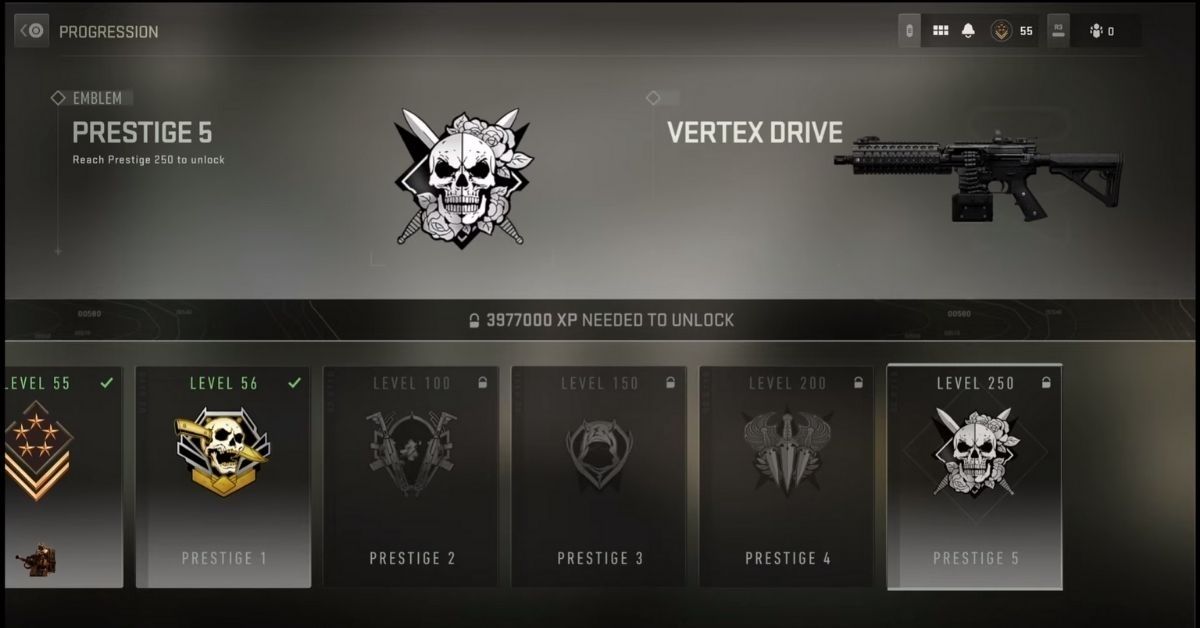
At Rank 56, you automatically become Prestige Rank 1 and get a special emblem and challenges for a calling card. After that, every 50 levels, you can earn a new Prestige Rank, each with its emblem and challenges for a calling card.
The highest Prestige Rank right now in Modern Warfare 2 is Prestige 9, Rank 450. Season 2 introduced four new Prestige Ranks, and there will be more added in future seasons. Here are the Modern Warfare 2 Prestige levels and the Rank at which you unlock each one:
Prestige 1: Unlocked at Rank 56
Prestige 2: Unlocked at Rank 100
Prestige 3: Unlocked at Rank 150
Prestige 4: Unlocked at Rank 200
Prestige 5: Unlocked at Rank 250
Image Source Activision
Prestige 6: Unlocked at Rank 300
Prestige 7: Unlocked at Rank 350
Prestige 8: Unlocked at Rank 400
Prestige 9: Unlocked at Rank 450 (max Season 2 level)
How to Use Prestige Emblems and Calling Cards in Modern Warfare 2?
Here’s how to use Prestige Emblems and Calling Cards in Modern Warfare 2:
1. Open Call of Duty and go to the main menu.
2. Pick your game mode: Multiplayer, Warzone 2.0, or DMZ mode.
3. Click on the Customize tab at the top.
4. Select Emblem or Calling Card to see all your available items locked and unlocked.
5. If you have unlocked Prestige Emblems and Calling Cards, pick them from your inventory to use.
6. Other players will see the Emblem and Calling Card you choose in the game.
This is everything you need to know about MW2 Prestige Levels. Additionally, you can check our guide on Modern Warfare 3 release date for the latest info on the game’s editions and modes. Stay connected with GameEmpress.com to get the latest news and guides about the gaming world.
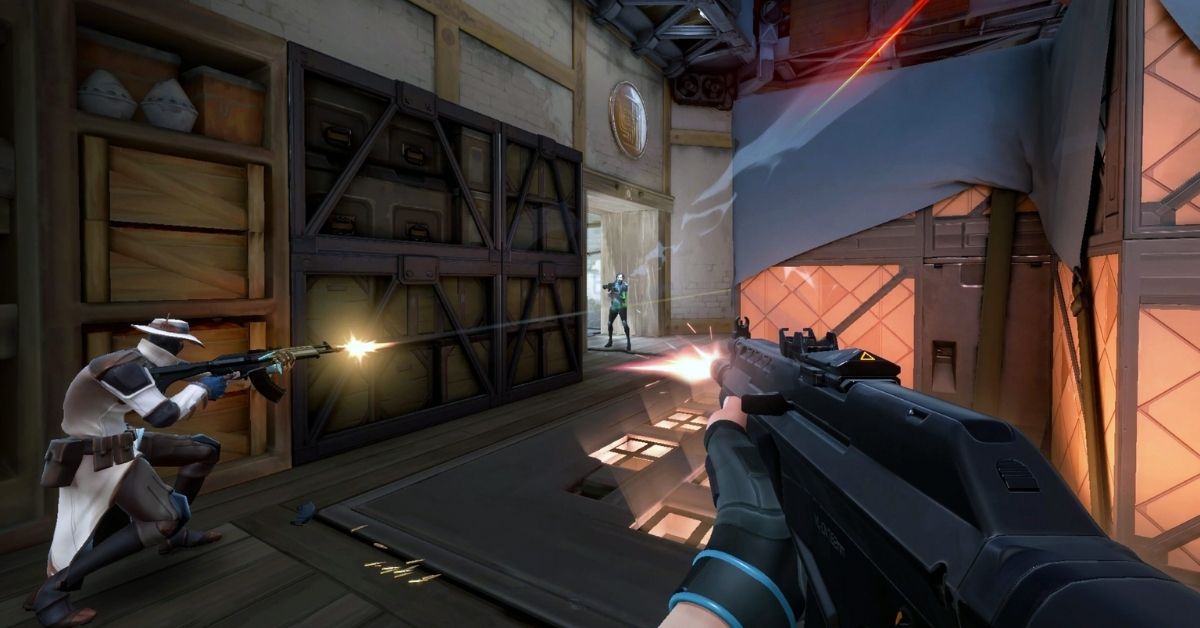
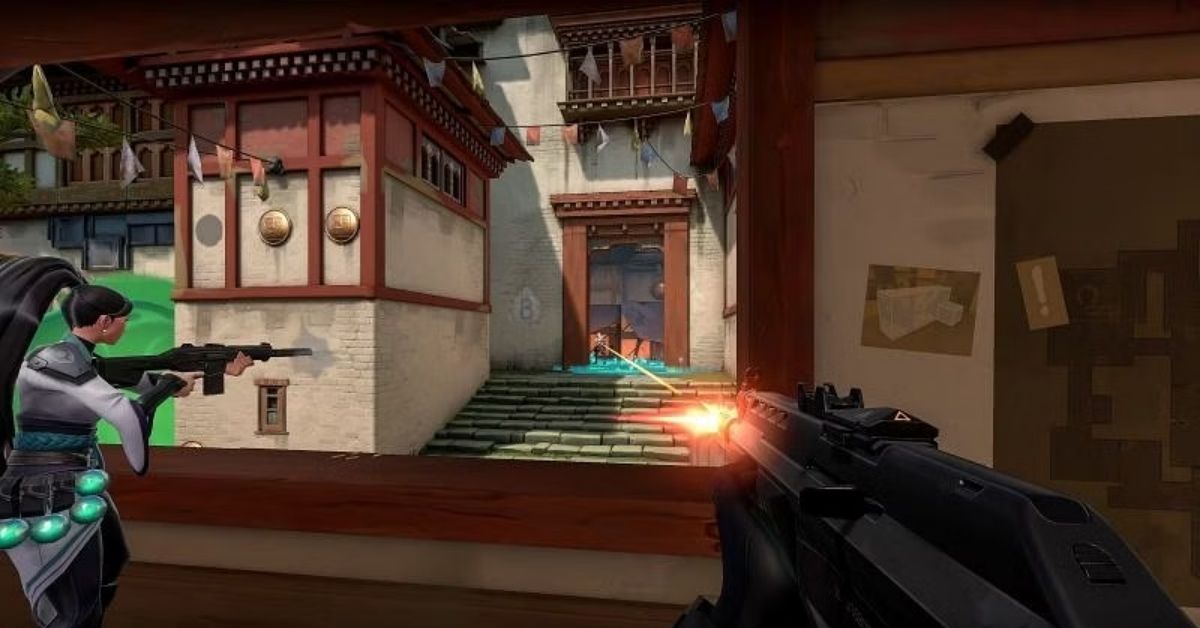
You might have seen that your favorite streamer’s Valorant game looks a bit different from yours. Some streamers and pro players use a stretched screen to change how they see things in the game. In this guide, we’ll talk about Valorant FOV, stretched screens, and how to set them up.
FOV and Stretched Resolutions
FOV (field of view) is like the view your character has in a game. In some games, a small FOV makes things look bigger, and you see less of the game. A big FOV lets you see more of the game.
In Valorant, the FOV is always 103 degrees, and you can’t change it like in other games. But you can use special screen settings to make it look like the FOV changes. Valorant’s regular screen size is 1920×1080, which is the same as most screens and monitors.
Stretching resolutions in games means taking a regular widescreen picture and making it wider to fit different shapes, like 4:3 or 16:10. This stretching makes the game’s graphics wider. Still, it might not look as good as the original.
In games like Valorant, some players use stretched resolutions instead of the default widescreen. This is because many pro Valorant players used to play CS:GO, where trying the resolution is common and can sometimes help them play better.
Best Stretched Screen Resolutions for Valorant
There isn’t a single best-stretched screen look for Valorant, but we do have some popular options to suggest if you want to change from the standard 1920×1080.
Image Source Riot Games
1. 1280×960 (4:3): This is a common stretched view used in Counter-Strike. Because many esports players stick to what they know, some CS:GO pros have carried over this resolution when switching to Valorant.
2. 1680×1050 (16:10): 1680×1050 has a screen shape that’s a bit wider than the usual. It’s a good choice if you want a slightly stretched view in Valorant but don’t want it to be as extreme as the 4:3 option.
3. 1024×768 (4:3): If you’re on a tight budget and play Valorant on a less fancy gaming PC, choosing a 1024×768 resolution can help your game run faster. However, keep in mind that this resolution doesn’t look as pretty but can make your game smoother. We suggest it for players who have trouble keeping a steady 60 FPS.
How to Change to a Stretched Screen in Valorant?
Changing to a stretched screen in Valorant is easy. Here’s how:
1. Start Valorant and open settings by pressing ESC in the game or clicking the settings icon at the top right on the main menu.
2. Go to Video Settings and click on the General tab. Choose your preferred resolution and aspect ratio from the dropdown menu.
3. After selecting your resolution, click the Apply button next to “Aspect Ratio Method.” Then, click the Close Settings button at the bottom. Your screen will update to the new resolution.
You can use a stretched resolution without worrying about changing your mouse sensitivity. It will remain the same no matter the resolution you pick.
How Stretched Resolutions Affect Valorant Gameplay?
Using a stretched resolution in Valorant can be helpful, but it’s not quite the same as in other games. In Valorant, the field of view (FOV) always remains fixed at 103, regardless of your screen resolution.
This means that stretching the resolution won’t give you a competitive advantage, as player models and objects maintain the same size.
However, stretching your resolution does change the in-game user interface (UI), so your crosshair will appear wider with a broader aspect ratio. Some players like this wider crosshair look, which isn’t possible with the standard resolution.
What Resolutions Do Professional Valorant Players Use?
We looked at what resolutions professional Valorant players prefer by checking their in-game settings.
75% of the pros we follow use the game’s default resolution, which is 1920×1080 (16:9).
The second most popular resolution we found is 1280×960, chosen by 11% of the pros.
When it comes to aspect ratios, 82% of pros prefer the standard 16:9 ratio, 14% opt for a 4:3 ratio, and 4% go for a 16:10 ratio.
How Stretched Resolution Affects Valorant FPS?
Using a stretched resolution in Valorant can make the game run smoother, especially for your FPS. Stretched resolutions are typically lower-quality versions of the standard 1920×1080 resolution.
If you want better performance in Valorant, you don’t have to use a stretched resolution. You can lower the resolution to something like 1280×720 while keeping the 16:9 screen shape. This way, the game will run better without the strange stretched look.
This is everything you need to know about Best FOV and Stretched Resolutions for Valorant. Additionally, you can check our guide on VALORANT Purchase History. Stay connected with GameEmpress.com to get the latest news and guides about the gaming world.
If you like playing VALORANT and want to see what you’ve bought in the game, it’s easy! You can check your purchase history with just a few simple steps. Whether you’re curious about your spending on VP, skins, bundles, or other items you’ve bought, this guide will help you easily check your VALORANT purchase history.
VALORANT is a free game made by Riot Games where you shoot things in a virtual world. In the game, there are different characters, each with special powers, and you can make your guns look cool with different skins.
To buy these skins and other cosmetic goods in VALORANT, you need VP (Valorant Points), which is the game’s special money. You can get VP by playing the game and leveling up, or you can buy them with real money if you want.
VALORANT Purchase History
You can check what you bought in VALORANT by using the purchase history. It shows when, how much, and what you bought with real money. In VALORANT, lots of players like to change how their characters and guns look by getting skins, sprays, cards, and titles.
You can earn these cool items by playing the game, finishing missions, buying them with in-game money, or doing tasks in the game.
How to Check Your VALORANT Purchase History?
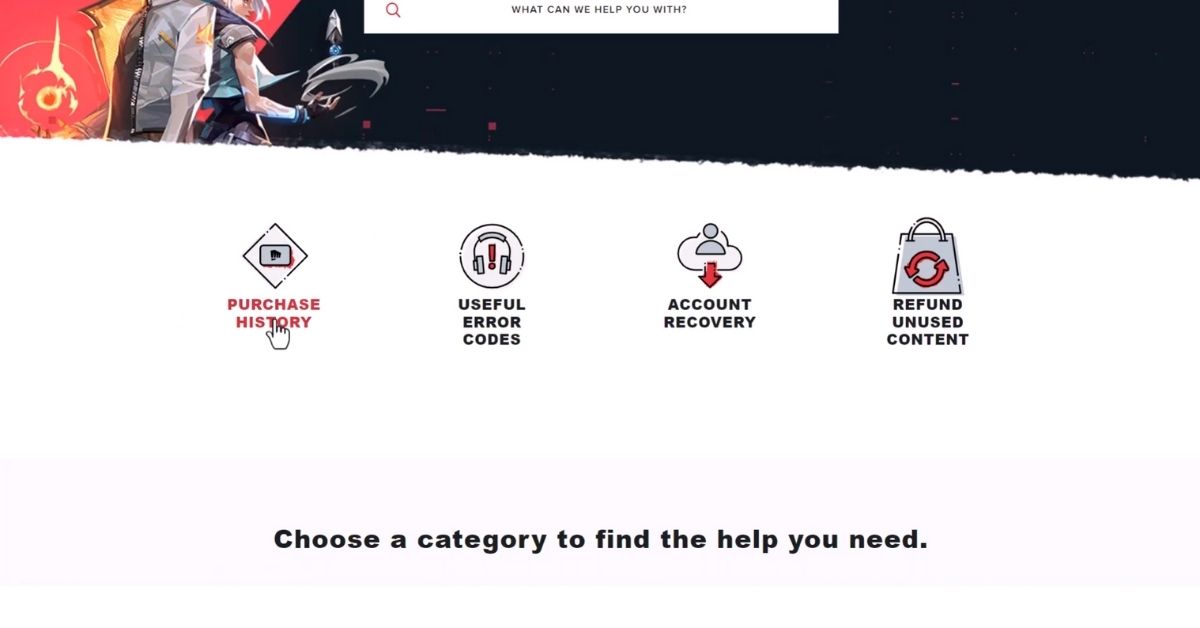
To check what you’ve spent in VALORANT, go to Riot Support and log in with your Riot account. You’ll see a list of all the VP purchases you’ve made since you started playing, along with the total money spent in your currency.
Keep in mind, though, that this won’t show specific skins or bundles or what you did with the VP. To see your purchased or unlocked items, head to the collection tab in the VALORANT game. For a step-by-step guide on checking VALORANT purchase history, check out this guide.
Keep an eye on what you spend in VALORANT by checking your purchase history. This helps you control your spending and catch any unusual activity that might be fraud. If you spot any issues, just reach out to Riot Support for assistance.
Why You Should Check VALORANT Purchase History?
While it’s okay to spend money on VALORANT, it’s important to know how much and why. Check your VALORANT purchase history for these reasons:
1. Keep track of your spending and make a suitable budget.
2. Confirm that your purchases and transactions are correct.
3. Contact Riot Support for help with any issues or mistakes.
4. Enjoy your cosmetic items and figure out how much you’ve spent on the game you love.
How to Get a Refund in VALORANT?
If you’re not happy with something you bought, you can get your money back within 14 days, as long as you haven’t used what you bought. But keep in mind things like character contract levels, battle passes, weapon skins, Radianite points, and bundles can’t be refunded.
VALORANT Weapon Skin Refunds
According to VALORANT’s support website, you can’t get a refund for upgraded or used weapon skins and skin levels. However, if you want a refund for a valid reason, you must request it within 14 days of buying the skin or level.
This is everything you need to know about VALORANT Purchase History. Additionally, you can check our guide on Best Phantom Skins In Valorant. Stay connected with GameEmpress.com to get the latest news and guides about the gaming world.
Mortal Kombat 1 announced when the new DLC fighters will be coming out in Kombat Pack 1. The game has gotten great impressions for its intense battles, awesome graphics on PC, PlayStation, and Xbox, and a bunch of cool fighters to choose from.
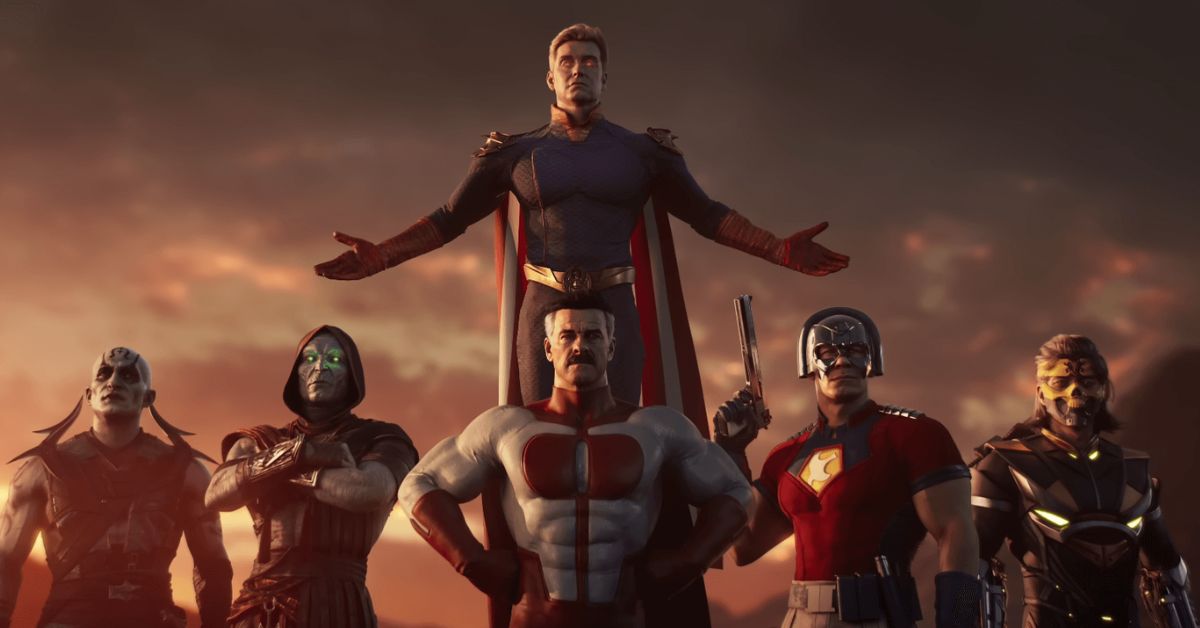
In Mortal Kombat 1, these guest fighters are all from comic books. The first DLC fighter to join the game after its launch will be Omni-Man from Invincible, and he’s expected to arrive in November 2023.
At New York Comic Con, NetherRealm shared when Omni-Man will be released, and they also revealed the DLC schedule for the game. Omni-Man will be coming in November, along with Tremor.
Then, in winter 2023/2024, Quan Chi is joining, followed by Peacemaker in the same season. Ermac and Homelander from The Boys are expected to arrive in the spring of 2024. The final addition to the Mortal Kombat 1 roster in Kombat Pack 1 is Takeda Takahashi, set to be available in summer 2024.
Mortal Kombat 1 Kombat Pack Release Schedule
Character
Release Window
Omni-Man
November 2023
Tremor (Kameo)
November 2023
Quan Chi
Winter 2023/2024
Peacemaker
Winter 2023/2024
Ermac
Spring 2024
Homelander
Spring 2024
Takeda Takahashi
Summer 2024
Ferra (Kameo)
TBA
Janet Cage (Kameo)
TBA
Khameleon (Kameo)
TBA
Mavado (Kameo)
TBA
After Tremor arrives in November, Mortal Kombat 1 hasn’t shared exact release details for the other DLC Kameo Fighters. Fans are aware that Ferra, Janet Cage, Khameleon, and Mavado are on their way to Mortal Kombat 1, but when exactly is still uncertain.
It’s possible they might be released alongside other DLC characters, similar to Tremor coming with Omni-Man in the same month. However, the specific pairings might not have been decided yet.
Image Source NetherRealm
There’s a rumor going around that more Mortal Kombat 1 DLC is on the way, possibly in Kombat Pack 2. While nothing official has been announced, leaks have suggested a lineup.
Fans should be cautious, though, as past Mortal Kombat leaks haven’t always been accurate. If these leaks are true, we might see Deathstroke, Doomslayer, Harley Quinn, Kano, Noob Saibot, and Sareena as playable fighters.
Additionally, Bo’ Rai Cho, Drahmin, Hsu Hao, Moloch, and Rain could become Kameo Fighters. Right now, it’s best for fans to focus on Kombat Pack 1 and the officially confirmed DLC characters.
Stay connected with GameEmpress.com to get the latest news and guides about the gaming world.
Every season, Bungie adds new special items to Destiny 2 for players to try and get. In the Season 19 pass, players usually get one special weapon, like the Manticore SMG.
But there are other ways to get special items, like by completing special quests, beating tough challenges, or finding them as part of the regular loot in the game. Since a lot of new items are added regularly, not all of them become favorites among the fans.
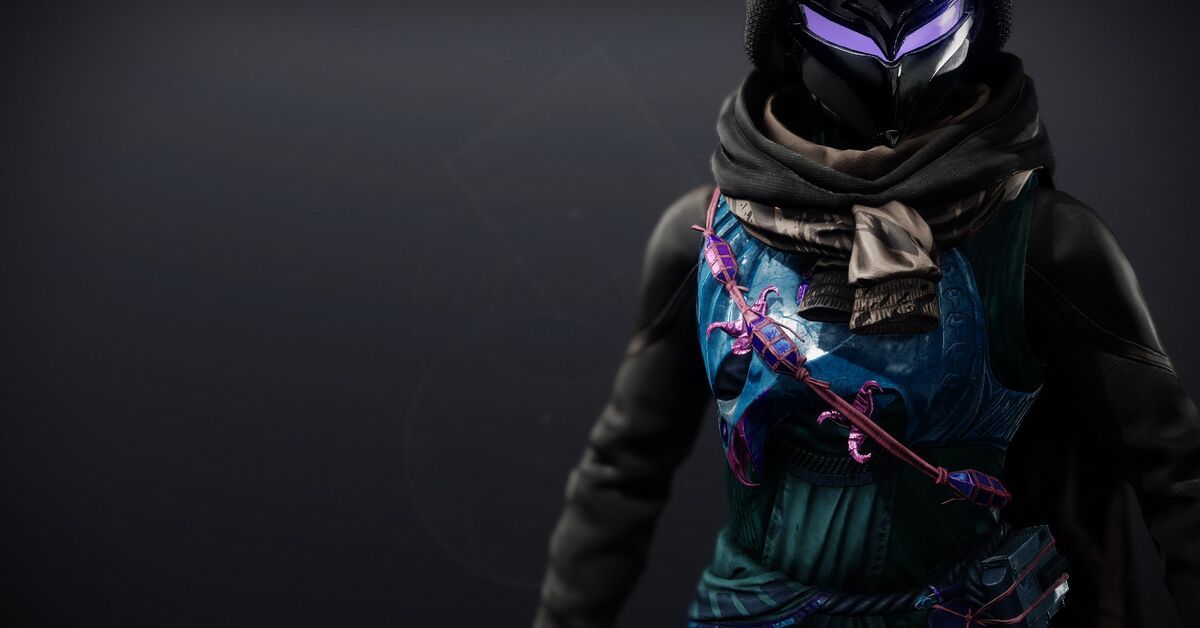
But Hunters seem to have found something really good with Gyrfalcon’s Hauberk. This special chest piece first came out in the pirate-themed Season of Plunder.
Other classes got their cool armor, like Warlocks getting the Fallen Sunstar and Titans getting the Point-Contact Cannon Brace. There are also some special weapons, like the returning Touch of Malice scout rifle and the talked-about Quicksilver Storm Auto Rifle.
But among these special items, Gyrfalcon’s Hauberk is often talked about more than the rest. Players like it because it’s powerful and really helps when tackling tough challenges in Destiny 2. Even though it’s valuable, there are only a couple of ways to get this special item.
How to Get Gyrfalcon’s Hauberk in Destiny 2?
Image Source Bungie
Like other new exotic armor in the fourth year of the game (after Beyond Light), you can only get Gyrfalcon’s Hauberk by completing Legendary and Master Lost Sectors. It won’t just randomly drop from activities or enemies.
Every day in Destiny 2, the Lost Sectors change, and players need to figure out which ones are active. They also have to make sure the right armor type is available. If you want Gyrfalcon’s Hauberk, wait until the exotic reward is for chest armor.
Plus, you have to finish the Lost Sectors alone for a rare shot at getting an exotic. The harder Master versions have a bit higher drop rate, but they’re tougher and take more time. For quick farming, Legendary versions might be a smarter choice.
Finishing a Legendary/Master Lost Sector doesn’t always give you an exotic item. The loot can be things like Enhancement Cores, weapons, or other Destiny 2 items.
Even if you get an exotic, it might not be Gyrfalcon’s Hauberk. The game might give you a different exotic armor you don’t have. Keep grinding these activities, and eventually, you’ll get what you want.
How to Use Gyrfalcon’s Hauberk in Destiny 2?
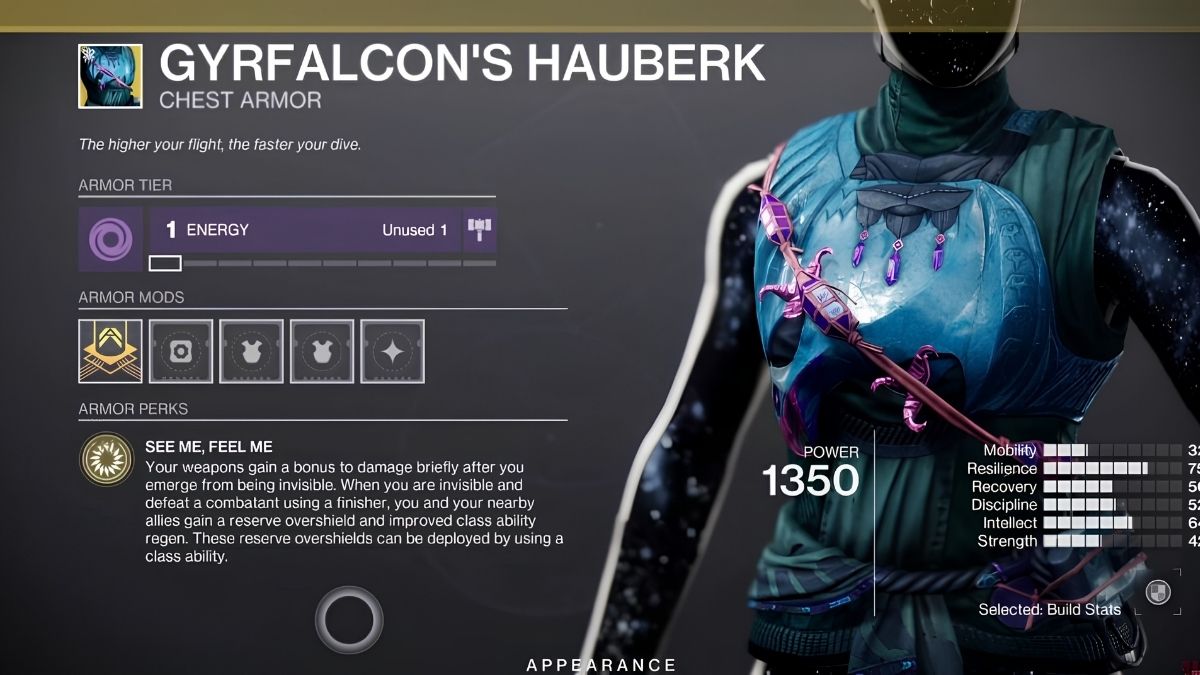
Now that you know how to get the Gyrfalcon’s Hauberk, let’s talk about what it does. This special chest armor has a cool ability called See Me, Feel Me. It works best with the Nightstalker Void subclass and void weapons.
When you go invisible and then come back, your void weapons get special powerful bullets. Suppose you use a finishing move while you’re invisible and beat an enemy. In that case, all your weapons get extra power, and your friends nearby get a protective overshield and faster class ability recovery.
In the Season of the Seraph, Nightstalker Hunters are still a top choice. Many players who aren’t Hunters find them a bit hard to catch in competitive Crucible modes. The Gyrfalcon’s Hauberk gives them an extra shield, which is nice.
But what makes this exotic really powerful is the damage boost when they become visible again, especially in PvE activities. When they use strong Void weapons like Collective Obligation or Taipan-4FR it, Nightstalker Hunters can deal a lot of damage.
Escape from Tarkov is a game filled with various quests that challenge the players’ survival and combat skills. One such quest is “The Cult Part 1,” which requires players to investigate a cult’s actions and locate a missing informant. Here is a step-by-step guide on how to complete this quest in Escape from Tarkov.
The Cult Part 1 Quest Requirements
Players need to reach level 12 in order to initiate this quest. Before taking on “The Cult Part 1” quest, players are required to complete the “Humanitarian Supplies” quest.
The peacekeeper says, “I’m having this strange feeling lately. You know, you’re not the only person I work with, other people provide me with some other services. One particularly sharp informant has been out of touch for a while. The last message from him was about some strange glow in the area of the old village and voices he heard there. Apparently, he then decided to have a look at what is going on there and went missing. The village was abandoned long ago and mainly consists of wooden huts. Try to find the informant or at least investigate what you can.”
How to Complete The Cult Part 1 Quest in Escape from Tarkov?
Quest Objective
Locate the missing informant on Shoreline
Survive and extract from the location
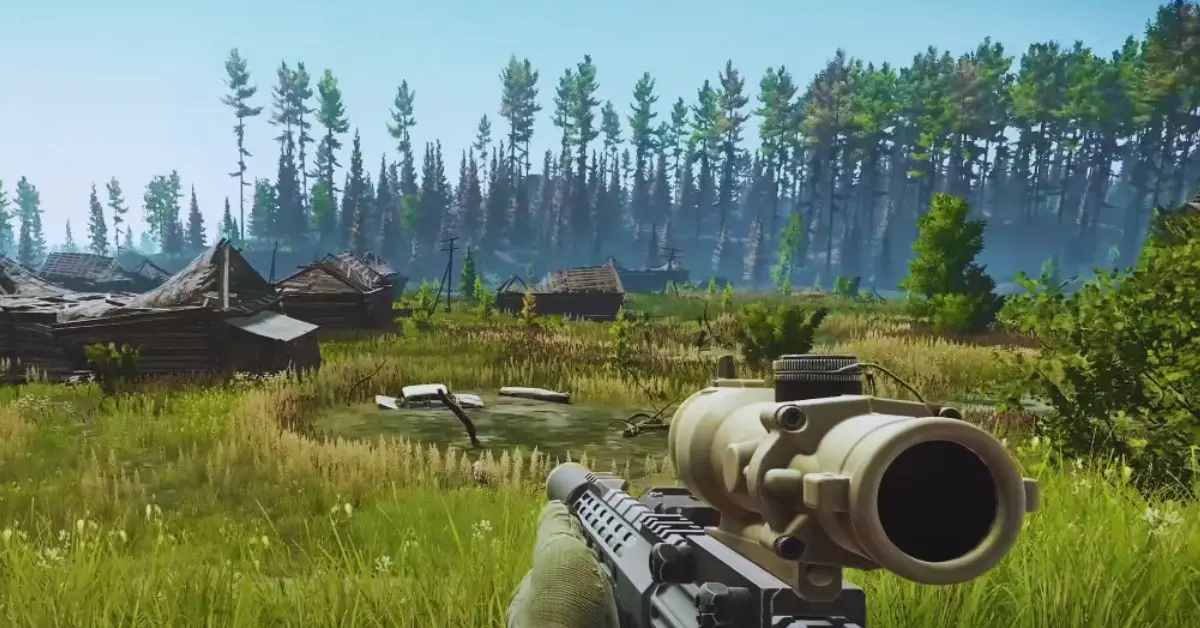
Your quest begins with a journey to the Shoreline map. This is where the missing informant was last reported to be. Once on Shoreline, make your way to the old village, which is known for its swampland.
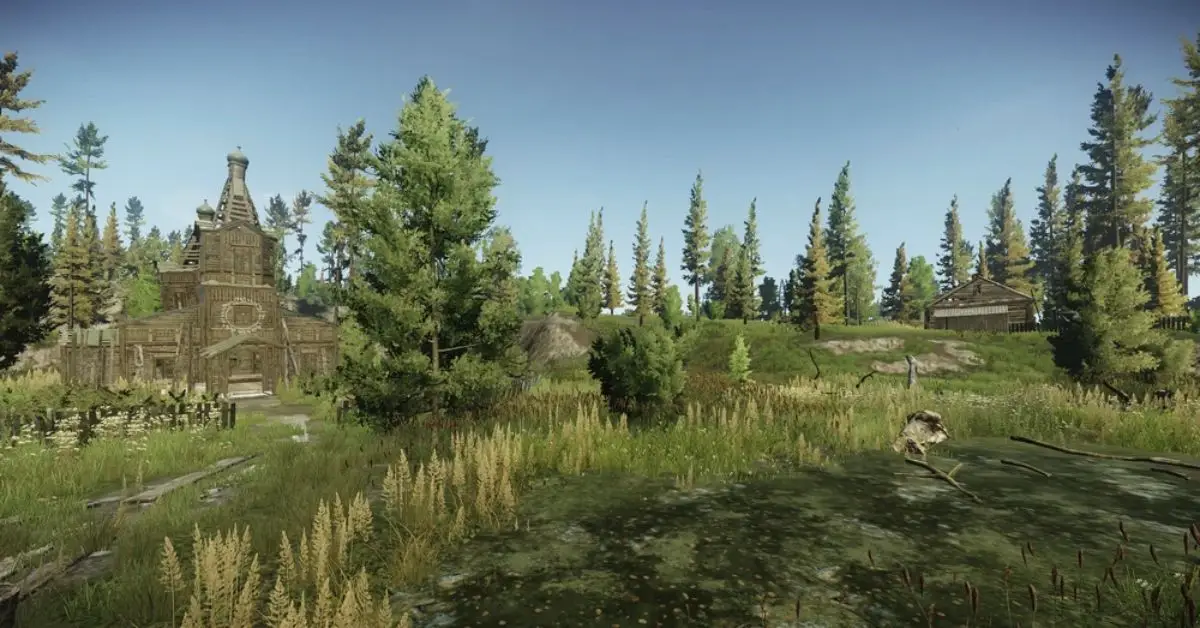
Exercise caution as you navigate through, sticking to the wooden planks as much as possible to avoid getting stuck in the mud. According to the narrative, cultists have eliminated the informant inside a church and moved his body to a nearby house.
Image Source Battlestate Games
Your objective is to locate this house, find the informant’s body, and extract any crucial information available. After acquiring the necessary information from the informant’s body, ensure to extract from the location to complete the quest safely.
The Cult Part 1 Quest Rewards
After finishing the Cult Part 1 quest, you get these rewards:
+6,200 EXP
Peacekeeper Rep +0.02
700 Dollars
Intelligence Center Level 1: Total 735 Dollars
Intelligence Center Level 2: Total 805 Dollars
3× Golden neck chain
Unlocks purchase of 5.56x45mm M855A1 at Peacekeeper LL3
This is everything you need to know about The Cult Part 1 quest. Additionally, you can check our guide on Tigr Safari Quest. Stay connected with GameEmpress.com to get the latest news and guides about the gaming world.
Improving your aim in Fortnite can be tough, and some people use tools like Aimbot to help. Don’t worry! This guide is here to help you understand aimbots, how to get them, and how to use them safely. Remember, cheating goes against Fortnite’s rules. This guide is to teach you about it, not to encourage cheating.
What is an Aimbot and How Does It Work?
An aimbot is like a tool in video games that aims and shoots targets automatically for you. It makes it easier to hit enemies accurately. In Fortnite, using aimbots can give you a big advantage, but it’s against the game rules. If you’re caught using them, you could get banned from playing.
Why You Should Not Use Aimbots in Fortnite?
Before we talk about getting Aimbot in Fortnite, it’s important to know the dangers. Using aimbots or cheats breaks Fortnite’s rules, and if you’re caught, your account could be banned forever. Also, getting third-party aimbot software can put your device at risk of getting malware, viruses, and other online threats.
How to Get Aimbot on Fortnite?
Image Source Epic Games
Here are three common ways people try to use Aimbot in Fortnite. It’s important to know that we don’t support cheating, and we’re sharing this information for educational purposes only.
1. Aimbot Software
To install the Aimbot software, do these steps:
Get the Aimbot software from a reliable source.
Install it on your device by following the instructions.
Customize the aimbot settings as you like.
Open Fortnite and play with the aimbot turned on.
Controller Mods and Adapters
To get better at aiming in Fortnite without using outside software, you can try using controller mods and adapters. Here are some popular choices:
Cronus Zen: This gadget mimics a controller and lets you use mods and scripts, including aim assist.
XIM Apex: This device allows you to use a keyboard and mouse on consoles, giving you better aiming accuracy.
KontrolFreek: These are thumbstick extenders that you can attach to your controller for improved aim and control.
To use these mods or adapters, follow the instructions provided by the manufacturer for installation and setup.
Adjusting Your Fortnite Settings
Improve your aim in Fortnite by adjusting settings and practicing specific techniques. Follow these tips:
Use Aim Assist: Turn on Aim Assist in the game settings to enhance your accuracy. Go to Settings and enable it.
Aimbot on Fortnite Mobile
If you play Fortnite on your phone, it’s harder to get an aimbot because most aimbots are made for computers or game consoles. Still, some aimbot programs say they can work on phones too. But be careful; using an aimbot on your phone is just as risky as using it on other devices. You might get banned or face other punishments.
This is everything you need to know about Aimbot in Fortnite. Additionally, you can check our guide on Fortnite XP Map Code. Stay connected with GameEmpress.com to get the latest news and guides about the gaming world.
Microsoft has finished buying Activision Blizzard for $68.7 billion, including popular games like Call of Duty. This means Microsoft can potentially include these games in its Game Pass for Xbox and PC.
With Call of Duty: Modern Warfare 3 coming soon on Nov. 10, people are curious about when these games, especially the latest one, will be available on Game Pass.
When Will Call of Duty Be on Game Pass?
Activision Blizzard has given us some information about Game Pass. They mentioned on October 9 that Call of Duty: Modern Warfare 3 and Diablo 4, which are big releases in 2023, won’t be on Game Pass this year. However, starting in 2024, the company does have plans to start adding games to Game Pass.
Activision Blizzard said on Twitter, “As we continue to work toward regulatory approval of the Microsoft deal, we’ve been getting some questions whether our upcoming and recently launched games will be available via Game Pass.”
They continue, “While we do not have plans to put Modern Warfare® III or Diablo IV into Game Pass this year, once the deal closes, we expect to start working with Xbox to bring our titles to more players around the world. And we anticipate that we would begin adding games into Game Pass sometime in the course of next year.”
It’s awesome to see anticipation building for Call of Duty®: Modern Warfare® III. As we continue to work toward regulatory approval of the Microsoft deal, we’ve been getting some questions whether our upcoming and recently launched games will be available via Game Pass.
Activision Blizzard’s message doesn’t directly say that Call of Duty: Modern Warfare 3 and Diablo 4 will be on Game Pass in 2024, but it doesn’t say they won’t be either.
By looking at this statement and how fast Bethesda games joined Game Pass after Microsoft got Zenimax Media, we can make some smart guesses about when Activision Blizzard games might join Game Pass.
When Can You Play Old Call of Duty Games on Game Pass?
Microsoft started putting Bethesda games on Game Pass shortly after finalizing the deal in March 2021. Initially, they added 20 games, mostly older ones. The next games from Bethesda, Deathloop and Ghostwire: Tokyo, had exclusive deals with PlayStation.
Image Source Infinity Ward
It wasn’t until this year that Bethesda started releasing games on Game Pass on the same day they came out, including Hi-Fi Rush, Redfall, and Starfield.
Activision Blizzard won’t be putting games on Game Pass very fast. However, we can anticipate older games from their collection, like the last two Modern Warfare Call of Duty games, to be available on the service in early 2024. Newer games might take more time to be added.
Even though Activision Blizzard doesn’t have a special deal with PlayStation, there’s a marketing agreement with Sony for Modern Warfare 3. This means the game might not come to Game Pass for about six months to a year.
Activision also has a fixed plan for marketing and business for Call of Duty, which Microsoft might not want to disrupt. So, it’s likely that we’ll see Modern Warfare 3 on Game Pass around late 2024, maybe alongside next year’s Call of Duty release.
When Will Other Activision Blizzard Games Come to Game Pass?
Activision Blizzard probably won’t quickly add Diablo 4 to Game Pass for similar reasons. Unlike Modern Warfare 3, there’s no PlayStation marketing deal causing a delay. Diablo 3 and Diablo 2: Resurrected could be among the first older games added to the service for subscribers, maybe sooner than Modern Warfare 3.
A big question is about World of Warcraft. The game turns 20 in 2024 and has many players who pay a monthly fee. It’s unclear if Microsoft will risk losing this money to make Game Pass better. They might decide to do it, but it’s a tough choice, so don’t expect it to happen soon, if ever.
Overwatch 2 is free to play so that part is not as important. However, Game Pass members have already gotten some bonuses, like unlocking certain heroes right away. More perks for Overwatch 2 could be added to Game Pass around early 2024.
This is everything we know about Call of Duty on Game Pass. Additionally, you can check our guide on Call of Duty Lobby Leaks. Stay connected with GameEmpress.com to get the latest news and guides about the gaming world.
Seaside Vacation is a mission in Escape from Tarkov, assigned by a trader named Elvira Khabibullina, also known as ‘Therapist.’ Since the update on December 28, 2022, players have been busy completing quests and improving their hideouts in the game after a fresh start with the wipe.
One notable addition in this update is the Gym expansion in the hideout, allowing players to upgrade a room and enhance their character stats through workouts. This article will help you navigate through the Seaside Vacation mission in the game.
It’s important to note that this quest takes you to the Lighthouse location. Here’s all you need to know about the Seaside Vacation quest provided by “Therapist” in Escape from Tarkov.
Tigr Safari Quest Requirements
You need to be level 17 to begin this quest. It becomes available after accepting the “Therapist” quest called Disease History.
How to Complete the Seaside Vacation Quest in Escape from Tarkov?
Quest Objective
Find the informant’s briefcase on Lighthouse
Hand over the found package
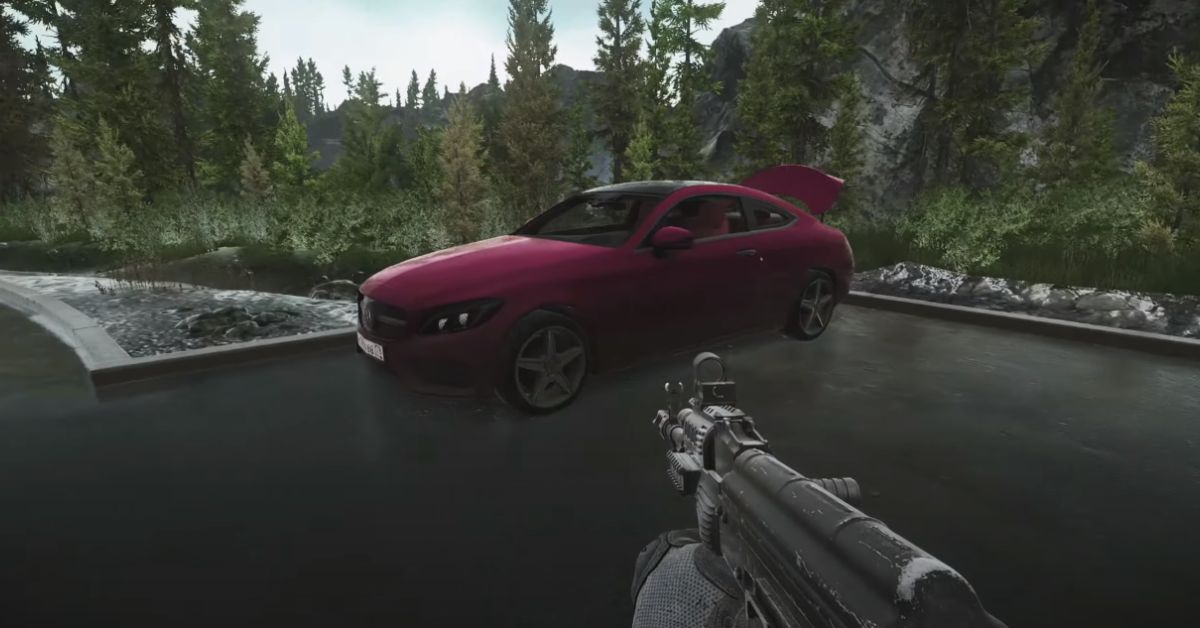
To do this quest, head to the Docks near the Lighthouse and make your way to the parking lot. Once you’re in front of the red car, go to your right towards the seaside cottages. In the leftmost cottage, go to the second floor and enter the first bedroom on your left.
Image Source Battlestate Games
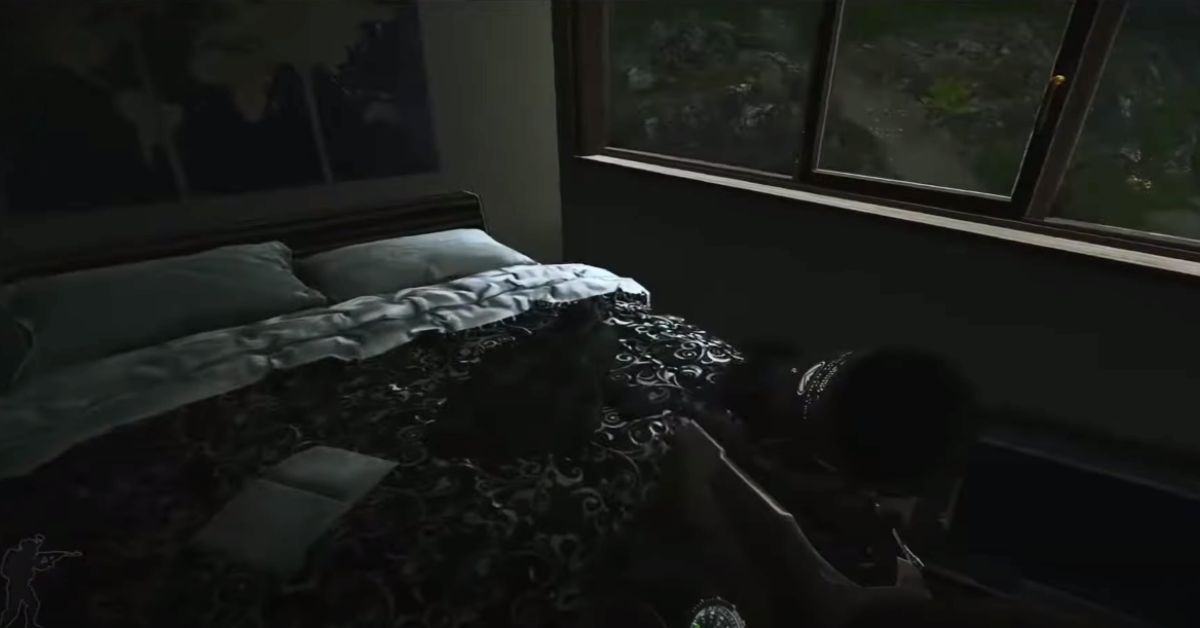
Jump onto the bed, and you’ll discover the package under the mattress near the window. This is the informant’s briefcase you’re looking for. Be careful, though – if you don’t make it out safely, you’ll have to start everything from the beginning if you don’t survive.
Image Source Battlestate Games
Seaside Vacation Quest Rewards
After finishing the Seaside Vacation quest, you get these rewards:
8,000 EXP
Therapist Reputation increases by 0.02
50,000 Roubles (if you don’t have an Intelligence Centre)
52,500 Roubles (with Intelligence Center Level 1)
57,500 Roubles (with Intelligence Center Level 2)
Unlocks the ability to buy an Aluminum splint at Therapist T3
This is everything you need to know about Seaside Vacation Quest. Additionally, you can check our guide on Tigr Safari Tarkov. Stay connected with GameEmpress.com to get the latest news and guides about the gaming world.
To make sure Call of Duty: Modern Warfare 3 is fair and fun for everyone, Activision is updating its Ricochet Anti-Cheat system. This big change will help stop cheaters and make sure the game is fair for honest players. It’s all about keeping things balanced so skill and strategy can shine in the gaming world.
Cheating in first-person shooter games is a big problem that developers have been trying hard to tackle. It messes up fair play and takes away from the achievements of honest players.
Image Source Infinity Ward
Unfortunately, even the super popular Call of Duty games face this issue. They’ve tried many things to stop cheaters, but it’s still a tough fight to keep the game fair for everyone.
On October 6, Activision released a test version of MW3 for PlayStation consoles. Unfortunately, some players were caught cheating, and there were worries about cheating in the PC beta starting on October 12. A group warned that cheats were being given out for free during the PC beta.
PC MW3 will be riddled with cheaters. A provider is giving out free cheats for the entire beta to promote their cheat further. pic.twitter.com/MMUHSiM8pb
— Anti-Cheat Police Department 🕵️ (@AntiCheatPD) October 11, 2023
But Call of Duty assured everyone that when the game officially launches on November 10, they will be using a better Ricochet Anti-Cheat system to stop cheating. This new system promises to be better at finding and preventing cheaters.
🛡 #MW3#TeamRICOCHET will be ready for the #MW3 launch with a new suite of detections and protections set to go live on launch day, November 10.
Additionally, a post from Call of Duty recognized the problems encountered in the first weekend of Activision’s Modern Warfare 3 beta. They mentioned that Ricochet had already dealt with a small number of cheating accounts.
They also pledged to step up their actions for the second weekend of the beta by closely watching gameplay and permanently banning any account caught cheating, no matter the gaming platform.
#TeamRICOCHET actioned against a small number of accounts for cheating during MP BETA Weekend One. For Weekend Two, the team will be actively monitoring the BETA and will enforce permanent bans against any account detected to be cheating, across all platforms.
We’ll have to wait and see how well the anti-cheat system works against cheaters, but it’s clear that the developer is taking the beta phase very seriously. Sledgehammer Games has already made changes to Call of Duty: Modern Warfare 3 based on the helpful feedback from the beta testing.
For example, they’ve lessened the power of the Battle Rage equipment. Along with these changes, some of the new items in Modern Warfare 3 have been well-liked by the gaming community.
Stay connected with GameEmpress.com to get the latest news and guides about the gaming world.
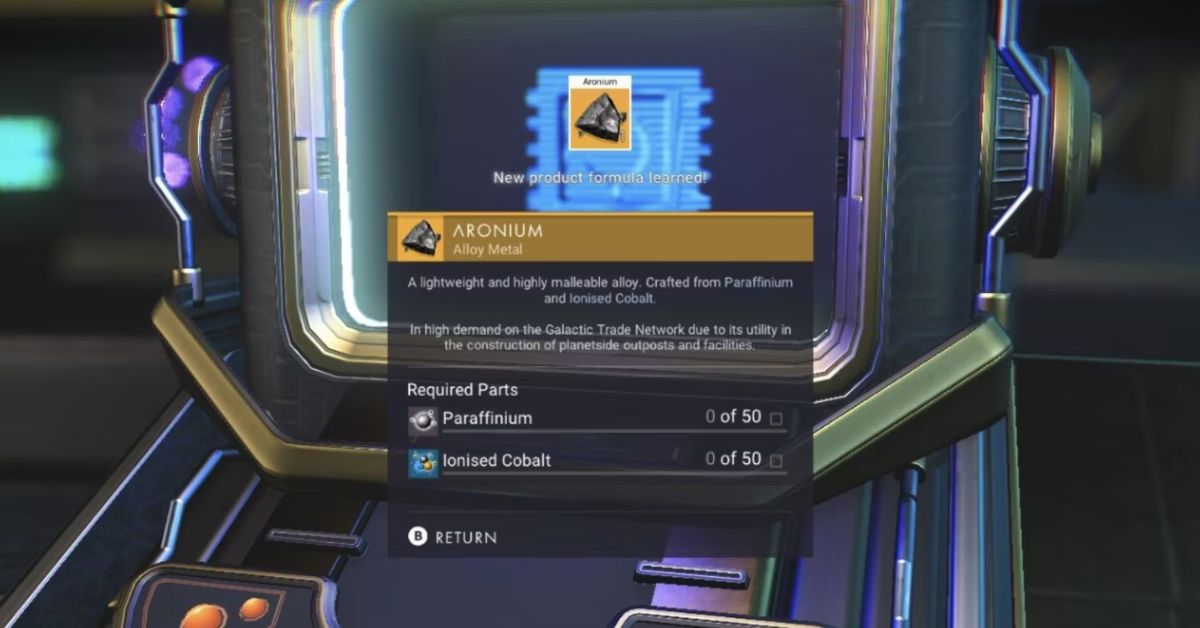
In No Man’s Sky, Aronium is a super important metal alloy. People really want it because it helps make bases and facilities on planets. You also need it to make Iridesite and refine silver. It’s great for folks who love building on planets, and it’s helpful in many recipes all over the galaxy.
This guide will show you how to get Aronium, where to buy it, and what to do if you can’t make it. Whether you like crafting or want to sell it for profit, Aronium is always handy and valuable in the game.
Where to Find Aronium in No Man’s Sky?
You can get Aronium in different ways:
Find or buy a blueprint to make it yourself.
Purchase Aronium directly (we’ll explain how later).
Get it from frigate expeditions.
Crack open a Glowing Mineral by pressing “E” in your inventory. There are eleven valuable minerals you can get this way, and one of them is Aronium.
How to Get the Aronium Blueprint?
You can discover an Aronium blueprint at the Manufacturing Facility. You can locate these facilities using Planetary Charts or by exploring random planets.
Keep in mind that two individuals guard the blueprint, and there’s an alarm that activates if you attempt to enter. But, if you give the right answers to the terminal’s questions, the alarm will stop, and you can grab the blueprint.
After you get the blueprint, you can create it using:
50 Paraffinium
50 Ionised Cobalt
Alternatively, you can buy the blueprint for 250 Nanite Clusters at the Synthesis laboratory in space stations.
Image Source Hello Games
Where to Buy Aronium
You can buy Aronium from the Galactic Market. You’ll find it at the Galactic Trade Terminals, which are all over the place—on space stations, trading posts on the ground, or out in the open fields. You can get Aronium at the Galactic Market, which you can access through Galactic Trade Terminals.
These terminals are found in space stations, trading posts on the ground, or even out in the open. The cost of Aronium depends on the system you’re in. If the system doesn’t focus on metals, it will be cheaper. But because Aronium is rare and handy, it’s usually pricey, no matter where you buy it.
This is everything you need to know about Aronium. Additionally, you can check our guide on No Man’s Sky Runs Without A Dedicated GPU. Stay connected with GameEmpress.com to get the latest news and guides about the gaming world.
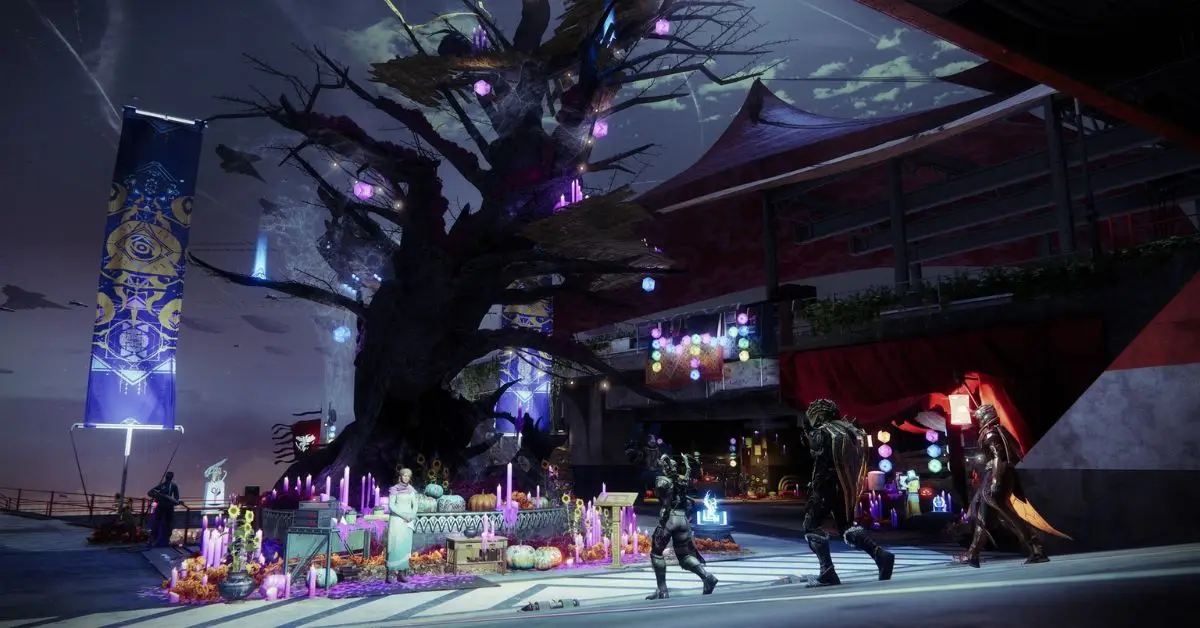
Bungie shared info about what loot you can get and a new game mode in this year’s Destiny 2 Festival of the Lost. They talked about it in a blog post and also mentioned some changes coming to Destiny 2’s PVP modes. Festival of the Lost is Destiny 2’s Halloween celebration.
Eva Levante, the event vendor, gives players a special mask for a fun activity called Haunted Sectors. Wearing the mask while playing earns you candy, which you need to get more rewards. This year, Bungie has made some significant changes to the event, shaking things up a bit.
Image Source Bungie
In the latest Destiny 2 blog post, Bungie shared exciting updates about the Festival of the Lost. This time around, there are new kinds of loot and game modes to enjoy. They’re introducing something called Eerie engrams, and you can get them by completing Haunter Sectors.
There’s also a special kind of Haunter Sector called Legend Haunted Sectors, which are harder but give you an even better chance of getting Eerie Engrams.
One thing coming with the festival is Hocus Focusing. This feature lets you use Eerie Engrams to focus on specific Festival of the Lost Weapons and Exotic Armor. This means you can get awesome Exotic Armor pieces without using up your valuable materials. Just head to Master Rahool and focus away.
This year’s event has a new item – a random drop from Festival of the Lost activities called the textured black leather Memento. Also, in the Checkmate game mode, Bungie is tweaking the damage for Hand Cannons and Pulse Rifles and reducing how often Heavy ammo spawns.
They’re also making some adjustments to matchmaking and spawns in Crucible. These are small changes, but the bigger Season 23 for Destiny 2 will bring even more PvP updates. Season 23 is bringing a fresh Iron Banner Mode called Tribute, inspired by the current Supremacy mode.
But that’s not all—Legendary Shards are slowly saying their goodbyes and will be gone for good when the Final Shape expansion drops. Also, get ready for Foundry Weapon focus in Season 23, where you can focus on Hakke, Omolon, Veist, and Suros weapons.
Destiny 2 Festival of the Lost 2023 Release Date
The Destiny 2 Halloween 2023 event (Festival of the Lost) is released on October 17, 2023, at various times, including 1 p.m. ET and 10:00 a.m. PT.
Although Bungie hasn’t officially confirmed the start time, it’s based on past schedules and other indicators within the Destiny 2 community. The event is expected to continue until November 7, 2023.
This is everything you need to know about Destiny 2 Festival of the Lost 2023. Additionally, you can check our guide on Destiny 2 Solstice Event 2023. Stay connected with GameEmpress.com to get the latest news and guides about the gaming world.
The Tigr Safari quest in Escape from Tarkov is like a treasure hunt. It happens on Customs, which is the second map in the game. Customs has a customs terminal, fuel storage, offices, and dorms, among other things.
Trader Tadeusz Pilsudski, also called Peacekeeper, gives the Tigr Safari quest. To start this quest, you first need to finish the Fishing Gear quest. Here’s everything you need to complete the Tigr Safari quest in Escape from Tarkov.
Tigr Safari Quest Requirements
To undertake the Tigr Safari quest, players need to reach level 10 in the game. The quest is provided by the trader Peacekeeper and takes place on the Customs map. Peacekeeper says, “Russia has kindly provided the UNTAR mission with several Tigr LAVs. Today the mission has virtually collapsed, and the vehicles are left to rot in the rain. I need you to locate those three abandoned armored trucks on Customs and mark them with beacons.”
How to Complete the Tigr Safari Quest in Escape from Tarkov?
Quest Objectives:
Mark the first Tigr vehicle with an MS2000 Marker on Customs
Mark the second Tigr vehicle with an MS2000 Marker on Customs
Mark the third Tigr vehicle with an MS2000 Marker on Customs
Survive and extract from the location
Image Source Battlestate Games
Here’s some simple information about the beacons called MS2000 Markers:
You can get MS2000 Markers from traders Prapor and Ragman.
It’s a good idea to keep MS2000 Markers in special slots or pouches to avoid losing them if your character dies.
Once you use and mark with MS2000 Markers, they disappear from your inventory automatically.
Put the markers on the armored cars. After placing them, you have to stay alive until the timer finishes, or you’ll need to put them again.
Image Source Battlestate Games
Just head to the main area near the Sniper tower and factories in Customs. The first Tigr vehicle is close to the ‘hole in the fence’ by the Sniper factory.
After marking it, turn around and walk straight until you spot the next Tigr vehicle. Be cautious of sniper Scavs in the area. To find the third one, keep running straight past the bus station.
Tigr Safari Quest Rewards
After finishing the Top Secret quest, you get these rewards:
+5,900 EXP
Peacekeeper Rep +0.03
900 Dollars
945 Dollars with Intelligence Center Level 1
1,035 Dollars with Intelligence Center Level 2
1× Direct Action Thunderbolt compact chest rig
2× M67 hand grenade
Unlocks purchase of B&T MP9 9×19 submachine gun at Peacekeeper LL1
This is everything you need to know about Tigr Safari Quest. Additionally, you can check our guide on Chemical Part 1 Quest. Stay connected with GameEmpress.com to get the latest news and guides about the gaming world.