Category: Game Guides

In-depth game guides from Game Empress, with walkthroughs, tier lists, location maps, and step-by-step strategies to help you master the games you love.

  • Modern Warfare 3 Lockpick Operator Skin Pack: How to Get It?

    Modern Warfare 3 Lockpick Operator Skin Pack: How to Get It?

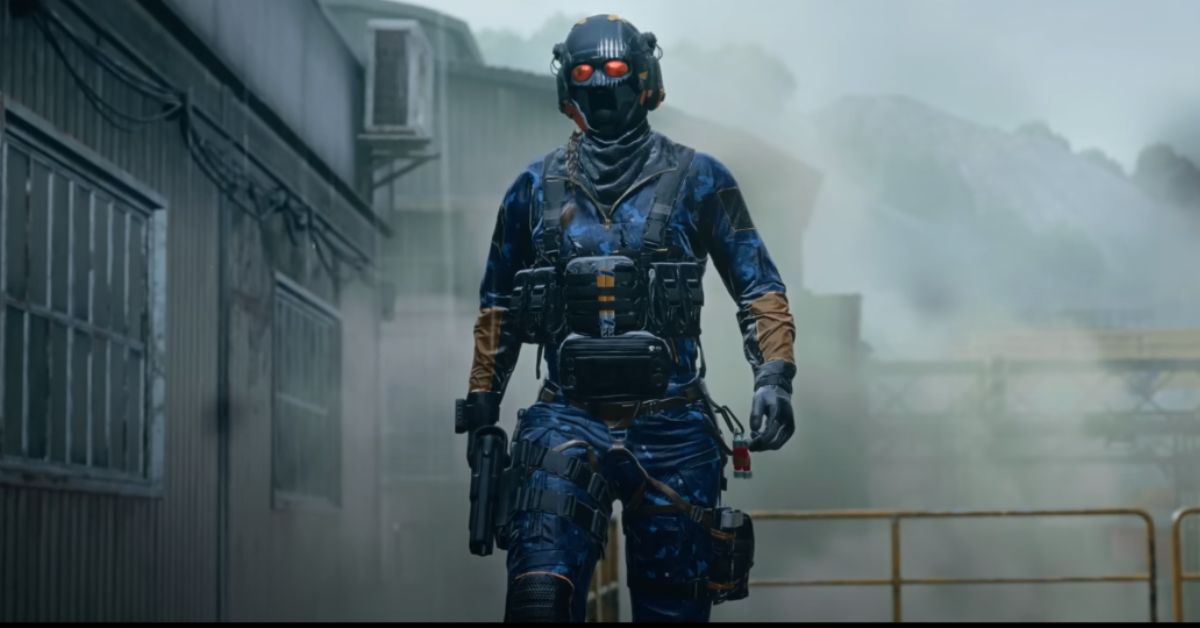
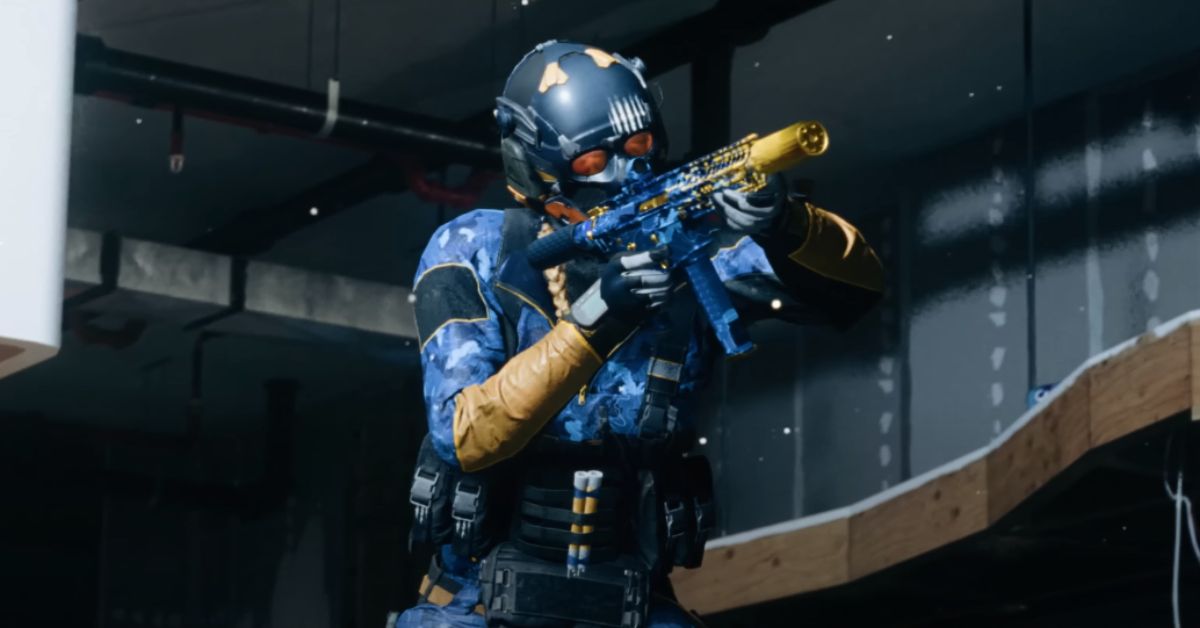
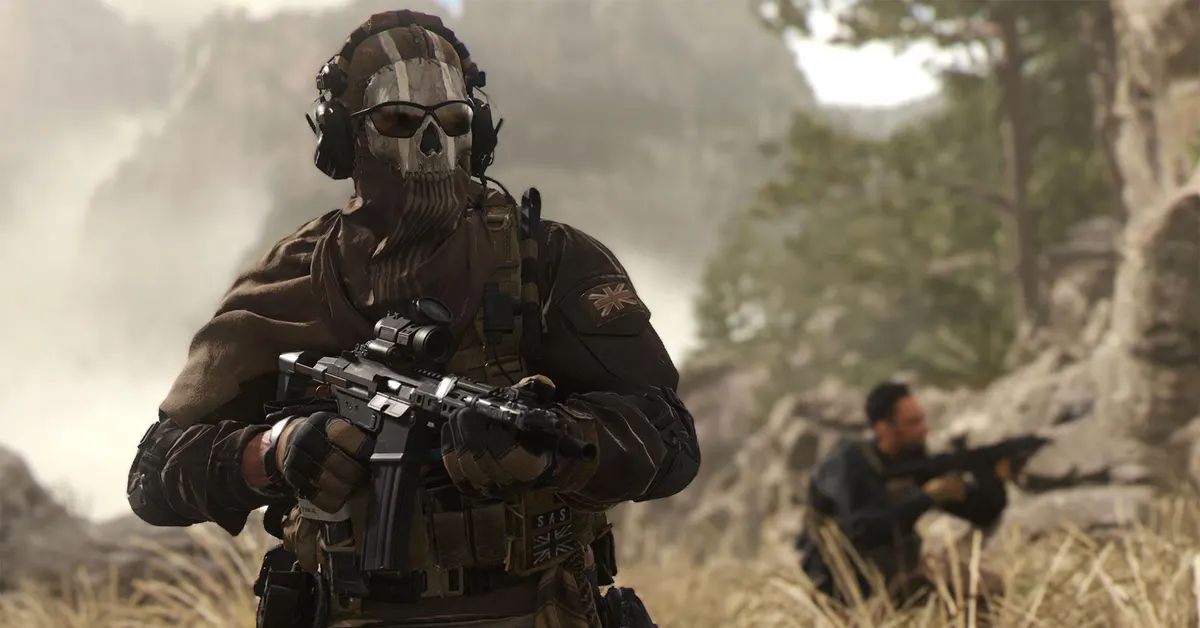
    Activision announced a special Lockpick Operator skin pack for Call of Duty: Modern Warfare 3, exclusively for PlayStation. If you pre-order the game on the PlayStation store, you’ll get this pack, and it will be ready for you to use when the game comes out in November.

    Call of Duty: Modern Warfare 3 is the third game in the new Modern Warfare series. It follows Captain Price and Task Force 141 as they face off against an old enemy, Vladimir Makarov.

    There’s a chance General Shepherd and Phillip Graves from the previous game might make a return, adding more twists to the story. In a recent Call of Duty event, Activision shared some extra rewards for PlayStation users.

    A new video on the official Call of Duty YouTube channel showed off something cool for people who pre-order the game on PlayStation. It’s called the Lockpick Operator bundle, and only PlayStation users can get it.

    This special offer includes a cool character skin, and you also get the blueprints for the Amrican Gothic and Starry Knife weapons. If you play on PlayStation, you get to try out a demo of Call of Duty: Modern Warfare 3.

    Activision wants to make the Call of Duty: Modern Warfare 3 campaign more exciting with something called Open Combat Missions. This means players can choose whether to be sneaky or go all out with their guns in each mission. They can even use vehicles and things around them to help.

    Also, two popular features, slide cancel, and the red dot minimap, are making a comeback, and fans are really happy about it. Some people watching the released footage think there might be a mission similar to the intense “No Russian” mission from the 2009 Call of Duty: Modern Warfare 2.

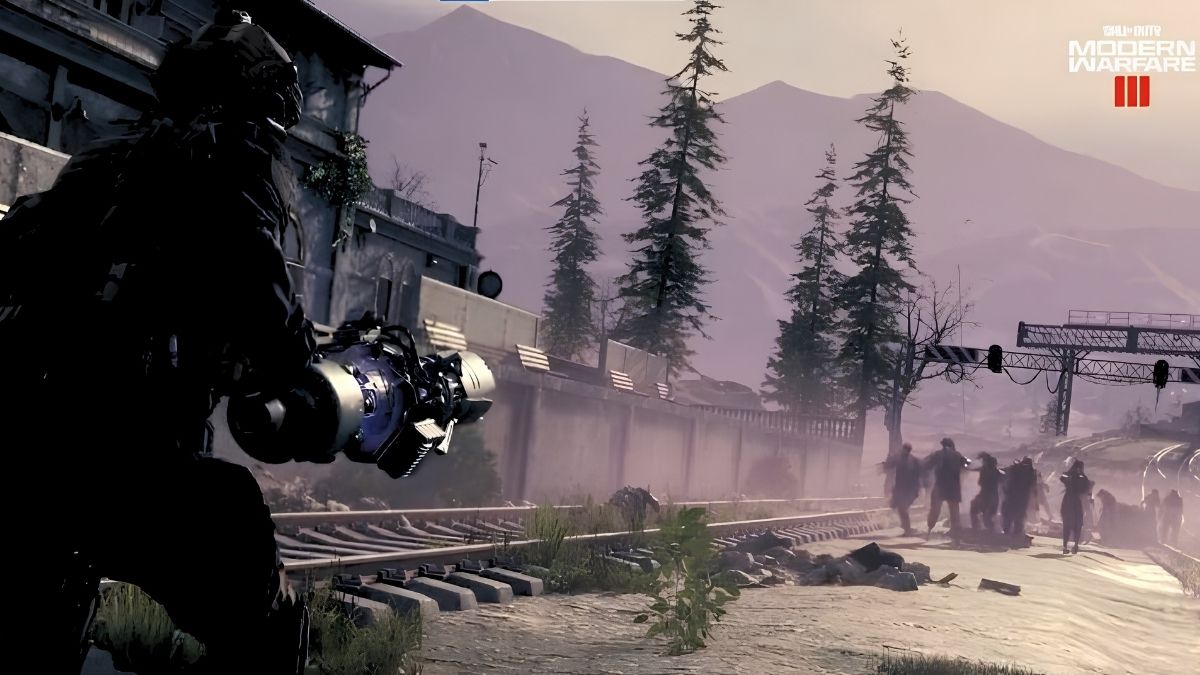
    In the new Call of Duty game, Modern Warfare 3, they’re changing up the Zombies mode. Instead of playing in rounds, now it’s like a big open world. You and your squad team up to fight off zombies, using both classic and new weapons.

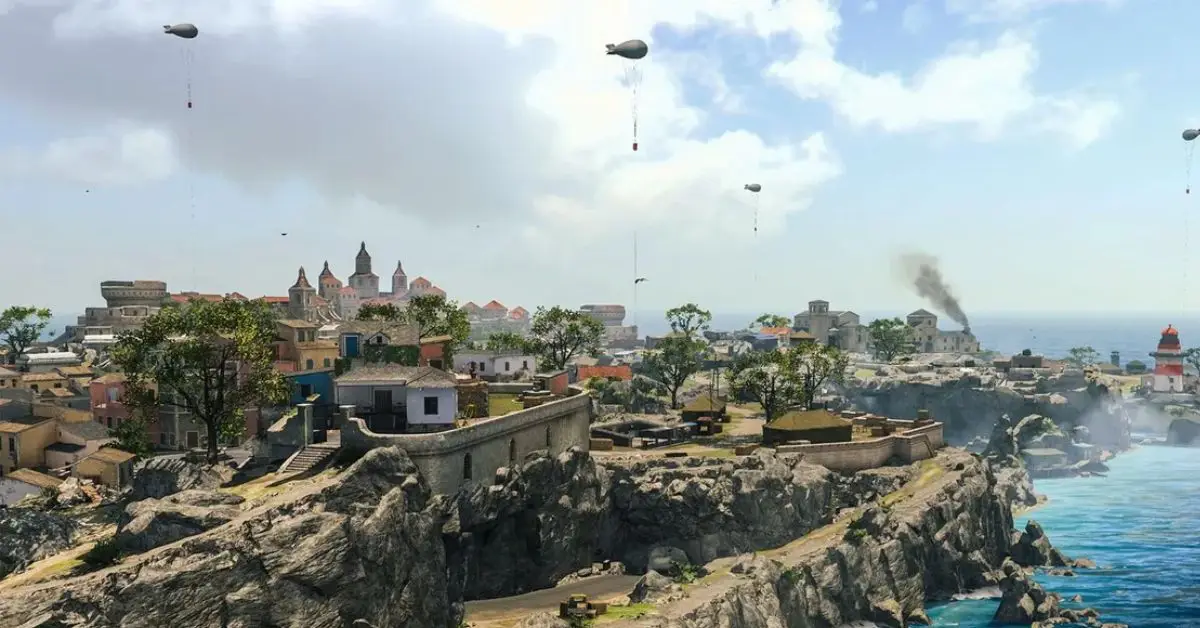
    What’s cool is that this mode is happening in the Warzone map called Urzikstan. So, it’s not just surviving rounds anymore, it’s like a whole zombie adventure.
    Call of Duty: Modern Warfare 3 Lockpick Operator Skin Pack
    Image Source Activision

    MW3 Lockpick Operator Skin Release Date

    If you pre-order MW3 on PlayStation, you can get the Lockpick Operator Skin Pack in the game on November 10. You can’t use the skin in MW2 & Warzone 2 before MW3’s release, but it’ll be there for you when you start playing. That’s how you unlock the Lockpick Operator Skin Pack in MW3 to get the special look as soon as you can.

    How to Get Lockpick Operator Skin for MW3

    To get the special Lockpick Operator Pack in MW3, here’s what you need to do:

    1. Go to the PlayStation store using your console or web browser.

    2. Log in to your main account.

    3. Purchase Modern Warfare 3. It doesn’t matter if you choose the Standard or Vault Edition; both versions come with exclusive skin.

    It’s important to note that this unique cosmetic is only available to those who pre-order MW3 through the PlayStation store. Unfortunately, if you play Call of Duty on PC or Xbox, you won’t be able to get this particular skin, as it’s exclusive to PlayStation users.

    Make sure to pre-order before November 10, as the Lockpick Operator Pack won’t be accessible after the game’s release. So, if you’re a PlayStation user looking to stand out in MW3, don’t miss the chance to grab this exclusive cosmetic by pre-ordering.

    This is everything you need to know about Call of Duty: Modern Warfare 3 Lockpick Operator Skin Pack. Additionally, you can check our guide on Call of Duty Lobby Leaks. Stay connected with GameEmpress.com to get the latest news and guides about the gaming world.
  • NBA 2K23 Patch Notes Update 6.0 (October 2023): Gameplay Fixes and More

    NBA 2K23 Patch Notes Update 6.0 (October 2023): Gameplay Fixes and More

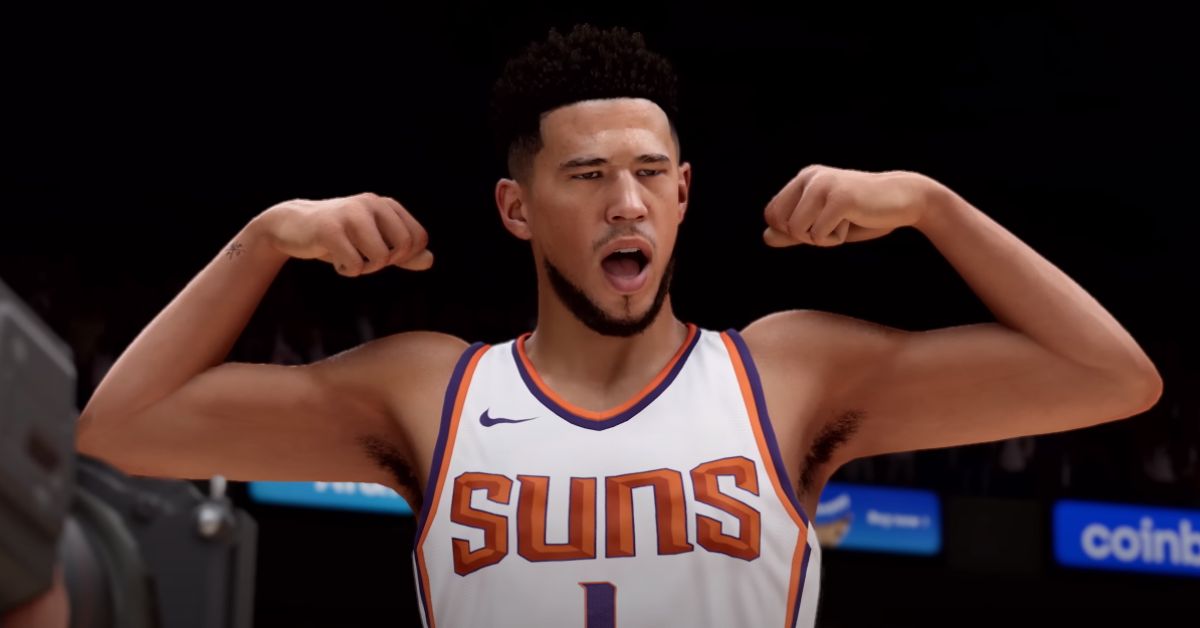
    A new NBA 2K23 update is out for Season 6. It makes MyCareer, MyTeam, and overall gameplay better. Season 6 of NBA 2K23 starts on April 7, and you’ll see some tweaks as you get into this season.

    The patch was made available for PlayStation 4, PlayStation 5, Xbox One, Xbox Series X|S, and PC, providing a wide range of gamers with the updated experience. Check out the patch notes for all the details on the update 6.0.

    NBA 2K23 Patch Notes Update 6.0
    Image Source 2K Games

    New Gen Updates

    General Updates

    • The “RM” stripe to honor former owner Red McCombs has been added to the San Antonio Spurs uniforms
    • The “19” stripe to honor Willis Reed has been added to the New York Knicks uniforms
    • The number color on the Los Angeles Lakers alternate uniforms has been corrected
    • Resolved an issue with the Sacramento Kings crowd causing some fans to have the incorrect team logo on the back of their shirts

    General likeness updates or adjustments made:

    • Precious Achiuwa (dynamic hair update)
    • Bol Bol (dynamic hair update)
    • Anthony Davis (dynamic hair update)
    • Aaron Gordon (dynamic hair update)

    The following historic players have received new or updated sculpts:

    • Craig Ehlo (dynamic hair update)

    Gameplay Updates

    • Fixed an issue that was allowing players to double-dribble after a pump fake without a violation called during 1v1 games

    MyCareer/City Updates

    • Continued improvements to performance and stability have been made to enhance the overall experience in the City
    • Addressed an issue that could cause losing teams to get stuck in the Event Center when an event ends
    • Fixed a timing issue with the “It’s a Cole World” quest that could prevent it from being completed in rare circumstances
    • The requirements to play games on the Dreamer Park court have been clarified to ensure all players know how to access them
    • The Commentary Language option can now be adjusted from within MyCAREER mode
    • Favorited clothing items will no longer appear at the end of the inventory list

    MyTEAM/MyNBA/THE W. Updates

    • Continued stability fixes and improvements have been made for MyTEAM, MyNBA, MyNBA Online, and The W.

    Current Gen Updates

    General Updates

    • A new “Waist” closet category has been added for belts and other specialty items
    • Resolved an issue preventing the Duck Innertubes at Swag’s from being purchased/equipped
    • Fixed various issues with larger hairstyles clipping through certain hats
    • The Miami Heat Iicon jerseys will now properly appear on MyPLAYER when equipped
    • The ‘High Band’ elbow accessory can now be properly equipped within Roster Creator

    Gameplay Updates

    • Fixed an issue that was allowing players to double-dribble after a pump fake without a violation called during 1v1 games

    MyCareer Updates

    • Resolved an issue that could cause MyCAREER camera settings to be reset
    • Addressed a rare disconnect that could occur when returning from certain events
    • Ball trails will now correctly be visible in the Neighborhood
    • Fixed a rare issue where a player could see Got Next markers in the Promenade
    • Resolved a possible hang when joining another squad member from an Off-Ship event and going back to the Neighborhood
    • Addressed a rare error when attempting to open the MyHEALTH tab in the Neighborhood

    MyLeague Updates

    • Fixed a hang that could occur when selecting a player for the 3PT Contest or Dunk Contest after beginning a Start Today season in MyLEAGUE

    This update aimed to enhance the overall gaming experience in NBA 2K23, ensuring that players have smoother and more enjoyable gameplay as they transition into Season 6.

    The uniform updates added a touch of homage to significant figures associated with the NBA, enriching the game’s realism and connection to the actual NBA league. For more, you can check our guide on NBA 2K23 Season 8. Stay connected with GameEmpress.com to get the latest news and guides about the gaming world.
  • Baldur’s Gate 3 Hotfix 9 Patch Notes Brings New Features and Bug Fixes

    Baldur’s Gate 3 Hotfix 9 Patch Notes Brings New Features and Bug Fixes

    You can now get the ninth update for Baldur’s Gate 3. Larian Studios shared the news on Friday. This comes right after they released the eighth patch, which happened only three days after they made some small changes to the game.

    The Belgian studio has been busy improving its newest RPG since Baldur’s Gate 3 was praised on August 3. They’ve released a total of twelve patches, with three big updates that brought changes to balance and even some extra stuff.

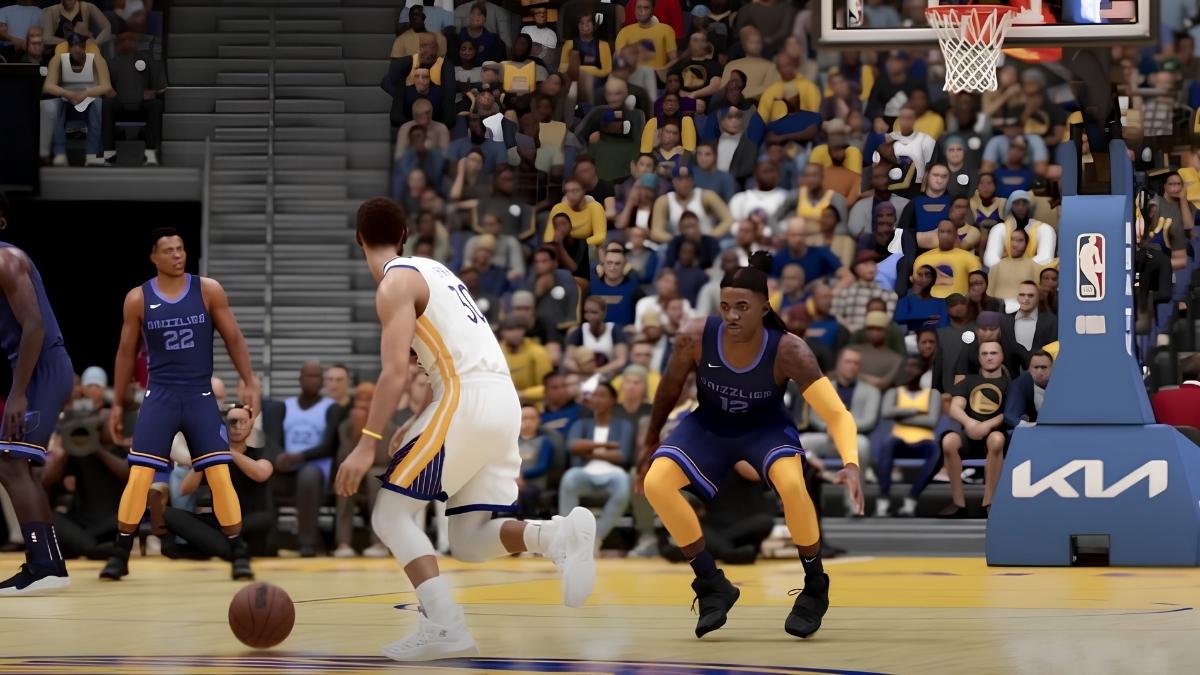
    Even though the newest update for Baldur’s Gate 3 is just a quick fix, it brings a couple of cool additions. Now, you can change your main character’s name using the Magic Mirror in the game.

    Baldur’s Gate 3 Hotfix 9 Patch Notes Update
    Image Source Larian Studios

    This magical mirror, introduced in September, can also tweak the looks of hirelings, those extra helpers you can get from Withers at the camp to sub in for your main crew during fights.

    So, there’s a new update for Baldur’s Gate 3 that came out on October 6. They made some changes to how things like traps and items are seen in the game.

    The update also fixed 15 different issues, from small bugs to bigger technical problems that could make the game crash. And good news for split-screen players on the PS5—there’s a fix for a problem that sometimes made the screen go black during multiplayer.

    The ninth hotfix for Baldur’s Gate 3 will bring the game’s version number to 4.1.1.3767641. If you’re using Steam, the update will be downloaded automatically. The same goes for PS5 users as it’s the default setting.

    However, if the PlayStation version doesn’t update on its own, even with an internet connection, players should make sure that the Automatic Updates option in the Saved Data and Game/App Settings menu is turned on.

    The Xbox Series X/S version of Baldur’s Gate 3 will have all the updates released by Larian so far when it launches. But, it doesn’t have a release date yet. It got delayed compared to the PS5 version because Larian faced challenges making split-screen multiplayer work smoothly on the Series S.

    Baldur’s Gate 3 Hotfix 9 Patch Notes

    • You can now use the Magic Mirror on hirelings.
    • You can now change your name through the Magic Mirror.
    • Fixed a rare crash that could occur when unloading or quick-loading a game.
    • Fixed an issue causing GPU crashes on PS5 Vulkan.
    • Fixed the Guardian Statue repeatedly falling into a chasm, causing the server to stall.
    • Fixed a split screen issue on PS5 that could cause a black screen when listening in on a dialogue.
    • Fixed unpreparing spells not removing their buffs if the spell was upcasted.
    • Fixed buffs being removed by unpreparing spells if the buff came from a different source (e.g. a scroll).
    • Fixed some character positions and animations breaking if you skip lines in certain dialogues.
    • Fixed the previews not working correctly in the Accessibility options.
    • Fixed an issue causing Minthara’s romance to unreliably trigger.
    • Fixed Minthara’s dialogue after you kill Orin not triggering properly when you talk to her.
    • Fixed the Adamantine Splint Armour sometimes making your legs transparent.
    • Fixed a geometry stretching bug introduced in Hotfix 8 on Vulkan.
    • Fixed characters showing up in their underwear in some intimate scenes even if you have nudity enabled.
    • Fixed Feign Death causing an infinite leave–join combat loop in certain circumstances.
    • Fixed prices in dialogues not displaying correctly in savegames that were made while the price was on screen.
    • Optimized the line-of-sight system for entities with no sight range, like items.

    This is everything you need to know about Baldur’s Gate 3 Hotfix 9 Patch Notes. Additionally, you can check our guide on Baldurs Gate 3 Moon Puzzle. Stay connected with GameEmpress.com to get the latest news and guides about the gaming world.

  • GTA 5 Dirt Bike Cheat Codes: How to Get It

    GTA 5 Dirt Bike Cheat Codes: How to Get It

    The GTA games always have lots of vehicles, and there’s a wide variety to choose from. Fans are never disappointed with the selection. GTA games have a lot of different vehicles, from powerful sports cars to tough tow trucks. In GTA 5, you can pick from a wide variety of vehicles, and they’re based on real cars from well-known companies.

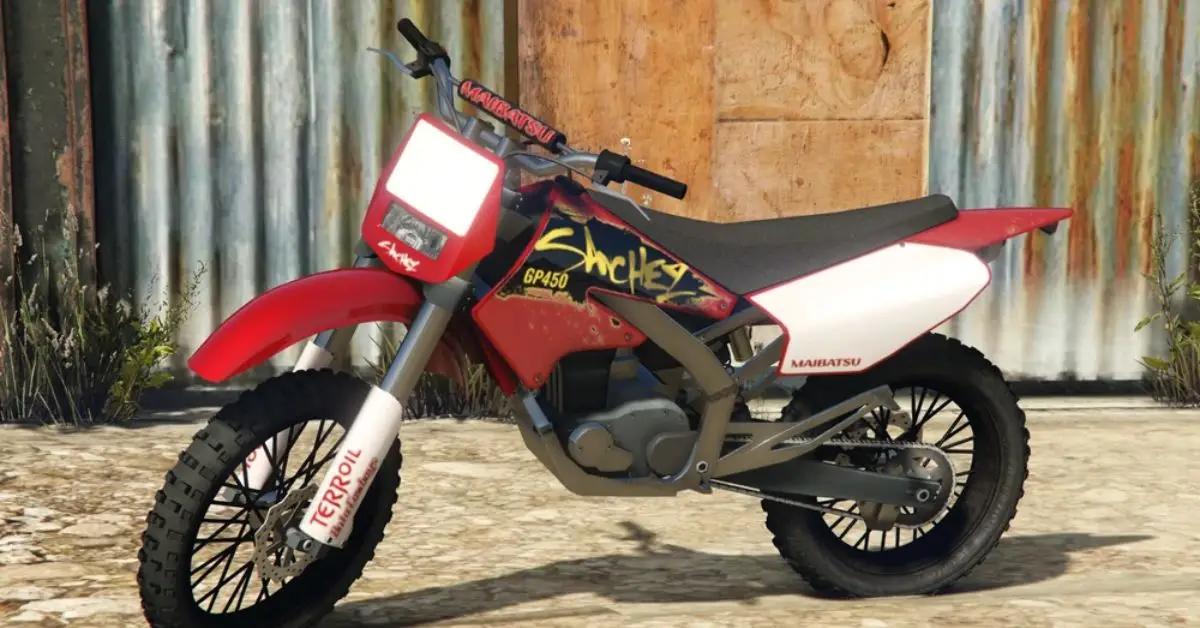
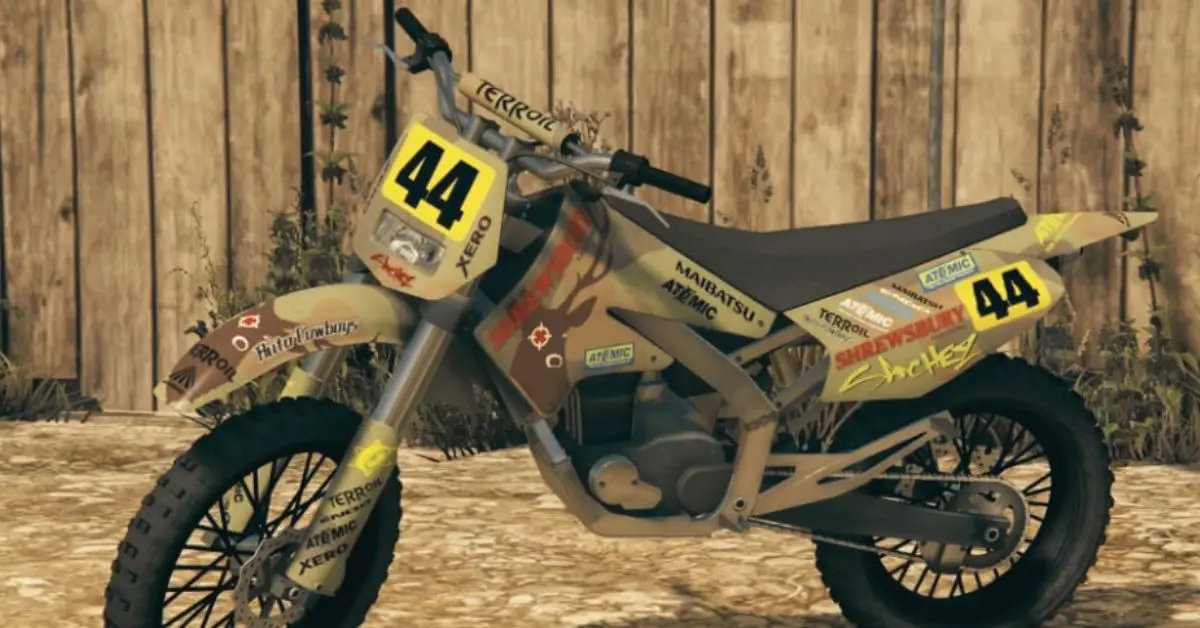
    One of the best-loved vehicles in GTA 5 is the Sanchez, a dirt bike. The Sanchez is a really versatile bike with awesome handling, good acceleration, and a super satisfying sound.

    However, obtaining a dirt bike in GTA 5 can be challenging especially when you’re far away from your garage or safehouse. Fortunately, the game provides cheat codes to spawn a dirt bike instantly, ensuring the fun continues uninterrupted.

    GTA 5 Dirt Bike Cheat Codes

    Cheat codes are a swift and easy method to spawn a dirt bike in GTA 5. Below is the cheat code you would need to enter, based on your gaming platform.

    GTA 5 Dirt Bike Cheat Codes
    Image Source Rockstar Games
    • PC: Type “OFFROAD” (without quotes) after pressing the tilde key (~) to open the cheat console.
    • Xbox 360/Xbox One: Press the following keys in sequence: B, A, LB, B, B, LB, B, RB, RT, LT, LB, LB.
    • PS3/PS4: Press the following buttons in sequence: Circle, X, L1, Circle, Circle, L1, Circle, R1, R2, L2, L1, L1.
    • Cell Phone: Dial 1-999-633-7623 on your in-game cellphone.

    Executing the Cheat Code on PC

    1. Launch GTA 5 and enter single-player mode.

    2. Press the tilde key (~) on your keyboard to open the console.

    3. Type “OFFROAD” (without quotes) and press enter. The Sanchez dirt bike should spawn near your character.

    Utilizing Cell Phone

    Besides the traditional methods, players can also use their in-game cell phone to enter the cheat code. Simply dial 1-999-633-7623 and the Sanchez dirt bike will appear, ready for use.

    Precautions

    Saving Game: It’s advisable to save your game in a different slot before using cheat codes as they disable the ability to earn any achievements or trophies in that particular game session.

    How to Find a Dirt Bike in GTA 5?

    Dirt bikes are scattered across the map in GTA 5. They can be found in rural areas, particularly around the Sandy Shores and the Alamo Sea. They are also available for purchase online in the game. However, if you wish to summon a dirt bike instantly, cheat codes are your best bet.

    How to Steal a Dirt Bike in GTA 5?

    An alternative, albeit risky method, is to steal a dirt bike. They can often be found in the countryside or being ridden by NPCs. Once you spot a dirt bike, quickly approach it, overpower the rider if there’s one, and claim your new ride.

    How to Purchase a Dirt Bike Online in GTA 5?

    If you prefer a more legitimate method to obtain a dirt bike, you can purchase one online through your in-game smartphone. Navigate to the Southern San Andreas Super Autos website and browse through the selection to find and purchase a dirt bike.

    This is everything you need to know about GTA 5 Dirt Bike Cheat Codes. Additionally, you can check our guide on GTA 5 Cheat. Stay connected with GameEmpress.com to get the latest news and guides about GTA 5.

  • Call of Duty Lobby Leaks: How to Protect Your COD Account?

    Call of Duty Lobby Leaks: How to Protect Your COD Account?

    The Call of Duty games are loved by gamers everywhere for their exciting gameplay and multiplayer action. But there’s a problem: some reports say that information from Call of Duty game lobbies is being shared on the dark web. This article wants to talk about leaked information from Call of Duty games.

    What is the Dark Web?

    The dark web is like a hidden part of the internet that regular search engines can’t find. It uses special networks that keep users anonymous while visiting different websites. People often use it for illegal stuff, like selling stolen information, drugs, or weapons.

    How Does It Work?

    To go on the dark web, you need special software, like Tor. This software hides your identity and makes your internet activity secret. Because of this, it becomes a safe place for cybercriminals to do illegal things without getting caught easily by the police.

    Call of Duty’s Multiplayer Playrooms

    Call of Duty is now one of the most loved video game series globally, with millions of players on various platforms. The game provides an exciting shooting experience, drawing in both casual and serious gamers.

    A significant aspect of Call of Duty is its multiplayer playrooms, where players come together for online battles. These playrooms enable players to talk, team up, and challenge each other. Yet, worries about the security of player details have arisen due to recent leaks in these virtual spaces.

    What Are Call of Duty Lobby Leaks?

    Call of Duty lobby leaks happen when player information like usernames, IP addresses, and payment details gets revealed without permission. This info is then traded or sold on the dark web. These leaks happen because of security problems or breaches in the game’s system.

    When Call of Duty info gets out in the open, it can be a big deal. On the lighter side, things like usernames and basic player stats might be leaked. But in serious situations, email addresses, passwords, and credit card details could be at risk.

    Call of Duty Lobby Leaks
    Image Source Activision

    How Leaked Call of Duty Lobby Information Affects Players?

    Privacy Issues: When Call of Duty lobby information is leaked, it’s a big invasion of privacy for players. Personal details being exposed can make players open to identity theft, hacking, and cybercrime. This breach of privacy can cause serious problems for those whose information gets leaked.

    Effects in the Game: Apart from the real-world dangers, leaked lobby info can also mess up the gaming experience. Players who have personal data might start harassing, stalking, or cheating, making the game less enjoyable for everyone else.

    How Scammers Use Leaked Lobby Info to Target Gamers?

    Selling Lobby Info: When lobby info gets leaked, it usually ends up on the dark web, where some guys sell it to make money. They use this data for all sorts of bad things, like trying to hack into accounts, tricking people with scams, and making fake in-game deals.

    Identity Theft and Tricks: The leaked info can lead to identity theft, where bad guys pretend to be players to do sneaky stuff. Also, scammers might use the leaked data to fool players into sharing more private info or falling for tricky schemes.

    How to Protect Your Call of Duty Account from Leaks?

    To make sure your Call of Duty account stays secure, follow these steps:

    1. Enable Two-Factor Authentication: Add an extra layer of protection to your account.

    2. Use Strong and Unique Passwords: Create passwords that are hard to guess, and avoid using the same password for different accounts.

    3. Update Passwords Regularly: Change your passwords from time to time to keep them fresh and secure.

    4. Keep Your Info to Yourself: Don’t share your account details or personal info with others while playing. Protect your privacy by not giving away sensitive data like your full name or address.

    Playing It Safe in Multiplayer

    When you’re in Call of Duty lobbies, be careful about sharing personal info:

    1. Stay Anonymous: Avoid revealing too much about yourself to protect your privacy.

    2. Be Cautious with Details: Don’t share sensitive information like your full name or address that could be used against you.

    Reporting Leaks

    If you think your lobby info got leaked, take action:

    1. Report to Activision: Let them know what happened so they can investigate and prevent more leaks.

    By following these steps, you play a role in keeping the Call of Duty community safe from leaks.

    How Activision is Working to Prevent Lobby Leaks?

    Activision’s Job: As the boss of Call of Duty, Activision has a big job to make sure players are safe and their secrets stay secret. When lobby leaks happen, Activision is on the case. They’re working hard to make things better and keep players safe.

    Better Security: To stop leaks, Activision is doing a bunch of things. They’re always updating their systems, checking for problems, and teaming up with tech experts to fix any issues. Activision wants to make sure playing Call of Duty is safe and sound for everyone, so they’re always making their security stronger.

    The Future of Online Gaming Security

    Fixing Problems: When Call of Duty experiences leaks in its game lobbies, it shows how important it is to fix weaknesses in online gaming systems. The developers who create these games need to stay alert and quickly fix any security issues to stop unauthorized people from getting hold of player information. Continuous work in cybersecurity will be crucial in making sure online gaming platforms are well-protected.

    Protecting Player Secrets: Game creators should make sure to keep player secrets safe. They can do this by using strong data protection methods, like encryption and secure storage rules. Also, teaching players about the risks of sharing information online and encouraging good online behavior can make playing games online safer for everyone.

    This is everything you need to know about Call of Duty Lobby Leaks. Additionally, you can check our guide Call of Duty: Modern Warfare 3. Stay connected with GameEmpress.com to get the latest news and guides about the gaming world.

  • Is Red Dead Redemption 2 Cross Platform Between Console and PC?

    Is Red Dead Redemption 2 Cross Platform Between Console and PC?

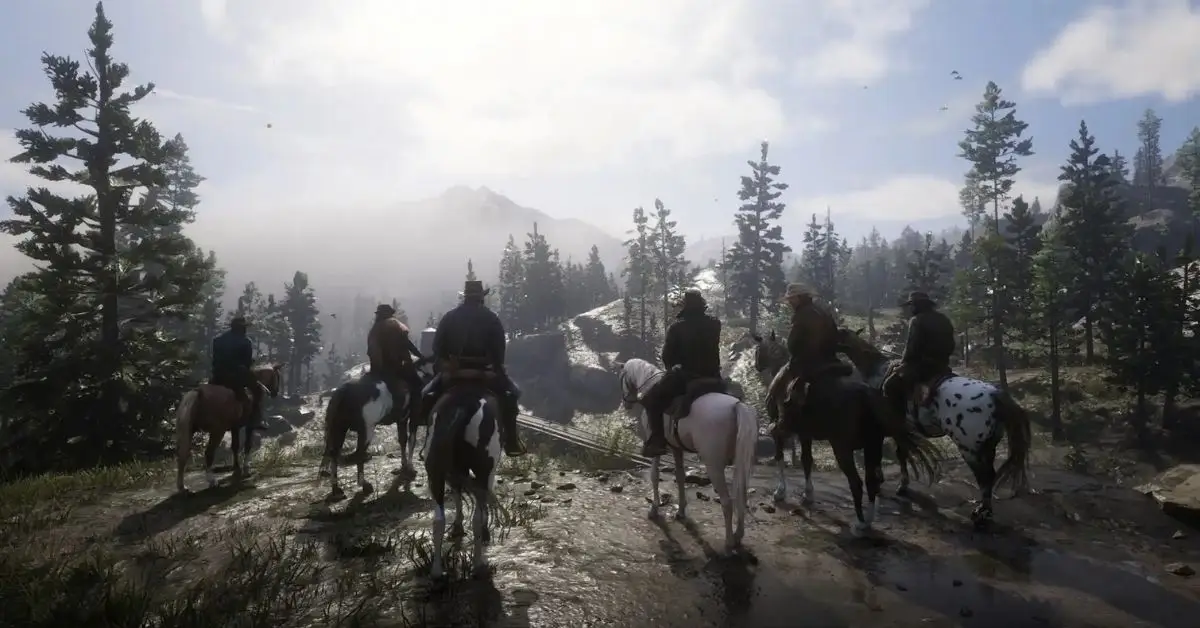
    In theory, having cross-platform play in Red Dead Redemption 2 seems like a no-brainer. The game’s multiplayer mode, known as Red Dead Online, revolves around the concept of lone adventurers teaming up in posses, collaborating on missions, and exploring the vast American West together.

    Given that Red Dead Redemption 2 achieved a record-shattering launch in 2018, becoming the second-highest-grossing entertainment launch ever, it’s been quite a few years since its impressive debut.

    With the multiplayer experience at the forefront, the lingering question remains: Does Red Dead Online support crossplay? Let’s delve into the details.

    Is Red Dead Redemption 2 Cross Platform?

    Red Dead Redemption 2 does not support cross-platform play, which means players cannot play together on different gaming platforms like Xbox, PlayStation, and PC. This limitation extends to Red Dead Online as well, the online multiplayer component of Red Dead Redemption.

    However, the game does feature cross-generation play, allowing players within the same console family (e.g., Xbox One and Xbox Series X/S or PS4 and PS5) to play together.

    Is Red Dead Redemption 2 Cross Platform
    Image Source Rockstar Games

    Is Red Dead Redemption 2 Cross-Progression?

    Red Dead Online 2 does not support cross-platform progression, which means players are tied to a single device and cannot carry over their game progress from one platform to another such as from PC to Xbox or PlayStation, and vice versa.

    Players on Reddit have also expressed the desire for a cross-progression system, highlighting that it’s a feature that could potentially revive the game for many who have switched platforms and find starting from scratch to be a daunting task.

    Another discussion on Reddit reflects a similar sentiment where players are inquiring about cross-progression between PC and console, with responses indicating that Rockstar Games, the developer, hadn’t provided this option at the time of the discussion.

    Why is Cross-platform Progression So Important to Gamers?

    It’s really annoying for gamers that when you switch from Xbox to PlayStation, you can’t continue your game where you left off. You have to start from the beginning, and people aren’t happy about it.

    This not only messes up your personal gaming experience but also makes it harder to enjoy multiplayer games. Just think about putting in a ton of time and effort to level up and earn money in a game, only to lose it all when you switch devices. No wonder so many gamers are upset about this.

    Stay connected with GameEmpress.com to get the latest news and guides about the gaming world.
  • Rebirth Island and Fortune’s Keep Confirmed for Return to Warzone in 2024

    Rebirth Island and Fortune’s Keep Confirmed for Return to Warzone in 2024

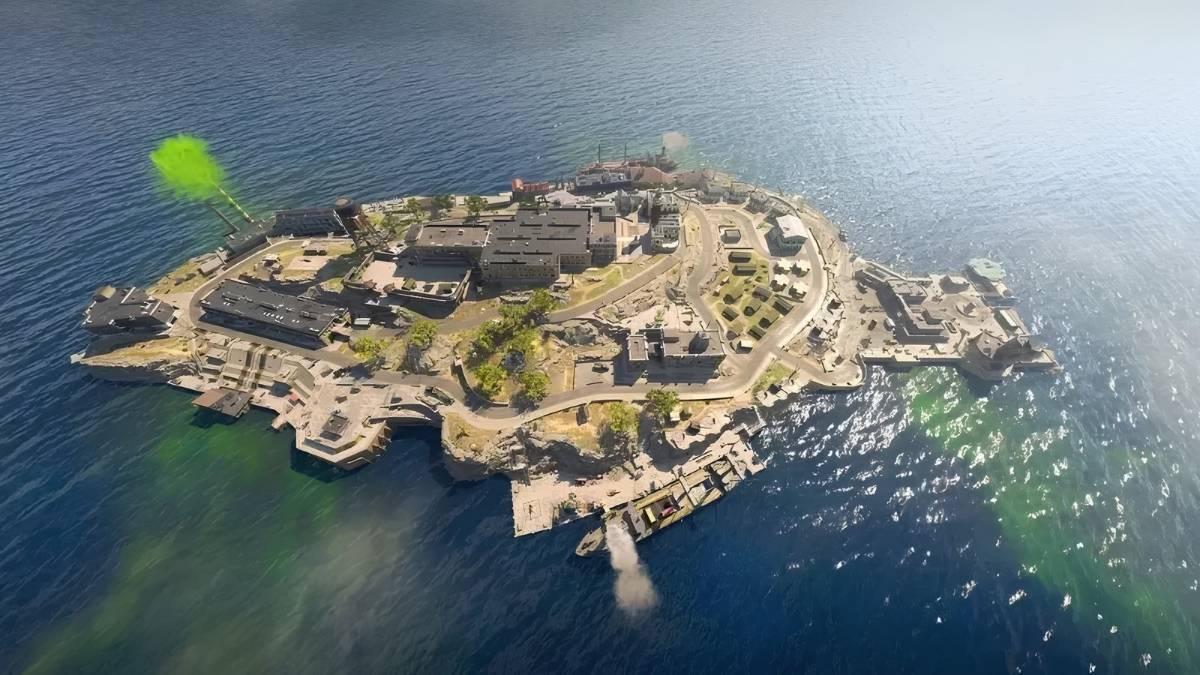
    In 2024, Call of Duty: Warzone is bringing back two favorite maps, Fortune’s Keep and Rebirth Island. Even though many new maps have come and gone in the past three years, players are excited to revisit these classics. Activision is making it happen next year.

    Rebirth Island came out for Call of Duty: Warzone in December 2020. It was different from Verdasnk because it only allowed 40 players. The Fortune’s Keep map was released on June 22, 2022, during Season 4 of Call of Duty: Vanguard.

    Like Rebirth Island, it also had 40 players and was based on the Resurgence mode with respawns. Both maps were taken out when Warzone 2 launched in late 2022 because Activision wanted to focus on Al Mazrah.

    After Call of Duty: Warzone 2 came out, players really wanted Rebirth Island or Fortune’s Keep to come back. Well, good news! Activision just said that both maps are making a comeback.

    Activision shared this news during the Call of Duty Next Showcase, where they also hinted at what’s coming next in Call of Duty, like Call of Duty: Modern Warfare 3 and more.

    Unfortunately, Rebirth Island and Fortune’s Keep won’t be back right away. First up is Fortune’s Keep, expected to return early next year. Rebirth Island is set to follow in 2024. The big news is that Resurgence will make a grand return in 2024, creating the most varied map lineup ever in Call of Duty: Warzone.

    Call of Duty Warzone Rebirth Island Fortune Maps
    Image Source Activision

    Call of Duty: Warzone has exciting plans ahead, beyond just bringing back old maps. One of the upcoming additions is a brand-new map called Urzikstan, set to be included in the integration with Call of Duty: Modern Warfare 3. Urzikstan is a lively map designed for quick and energetic gameplay, featuring dense environments.

    Call of Duty Warzone Rebirth Island Fortune Maps
    Image Source Activision

    Lots of exciting maps are coming soon to Call of Duty: Warzone. Some fans are really hyped about Rebirth Island and Fortune’s Keep making a comeback, maybe even more than Urzikstan. Anyway, there’s lots of awesome stuff to expect when Call of Duty: Modern Warfare 3 drops for all Warzone players.

    Stay connected with GameEmpress.com to get the latest news and guides about the gaming world.
  • Call of Duty: Modern Warfare 3 Zombies Introduces New Powerful Weapon

    Call of Duty: Modern Warfare 3 Zombies Introduces New Powerful Weapon

    In Call of Duty: Modern Warfare 3’s Zombies mode, there’s a powerful new weapon called The Scorcher. This dangerous equipment was revealed during the latest Call of Duty Next event, where they also showed the Modern Warfare 3 multiplayer trailer.

    Zombie mode first showed up in the 2008 game Call of Duty: World at War. It became a regular feature in almost every game of the series after that. The next version is set to come out on November 10 as part of the new Modern Warfare 2 sequel.

    Call of Duty: Modern Warfare 3 Zombies Scorcher Wonder Weapon
    Image Source Activision

    Fans have different hopes for this mode, but a lot of Call of Duty: Modern Warfare 3 Zombie fans agree on one thing: the game should have more cool weapons called Wonder Weapons.

    The game developers seem to agree with that idea. They recently revealed a new powerful weapon called The Scorcher for Call of Duty Zombies in Modern Warfare 3.

    This weapon is basically a big laser cannon that shoots purple energy blasts, melting through zombies and making them disappear. However, it takes a bit of time to charge up, around two seconds as shown in a short video during Call of Duty Next.

    The new Wonder Weapon shoots a concentrated blast that doesn’t spread much. This means players in Modern Warfare 3 need to be careful with where they stand and aim. It’s best to wait for enemies to line up for the most impact.

    But if there’s a huge group of enemies and waiting isn’t an option, the weapon has a cool feature. Players can use its alternate fire mode to launch themselves into the air with a wingsuit, giving them a quick getaway to safety.

    In the new Modern Warfare 3 game, special weapons like The Scorcher won’t be limited to specific Zombie maps, unlike in the past. Instead, the Zombies mode will ditch the usual round-based levels for an open world with three different danger zones, similar to Black Ops Cold War’s Outbreak.

    This new mode will use Urzikstan, a map also coming to Warzone in mid-December. Interestingly, Modern Warfare 3 will have Zombies from the start, giving players a sneak peek at the new map.

    Stay connected with GameEmpress.com to get the latest news and guides about the gaming world.
  • Call of Duty: Warzone Announces New Urzikstan Map Arriving in December

    Call of Duty: Warzone Announces New Urzikstan Map Arriving in December

    Call of Duty: Warzone officially announced a new map called Urzikstan, set to arrive in December. The game has seen big changes since its 2020 release, starting with the loved Verdansk map, which got replaced by the less-liked Caldera.

    The old Warzone with Caldera is closed down. Now, everyone’s excited about the new Call of Duty: Warzone. It has the Al Mazrah map and some smaller ones for players to fight on. People have been talking about a big new Warzone map for a while, and now it’s finally shown to the fans of the game.

    After the new update, Urzikstan will be one of three maps in Warzone. The other two maps are Resurgence maps, named Ashika Island and Vondel.

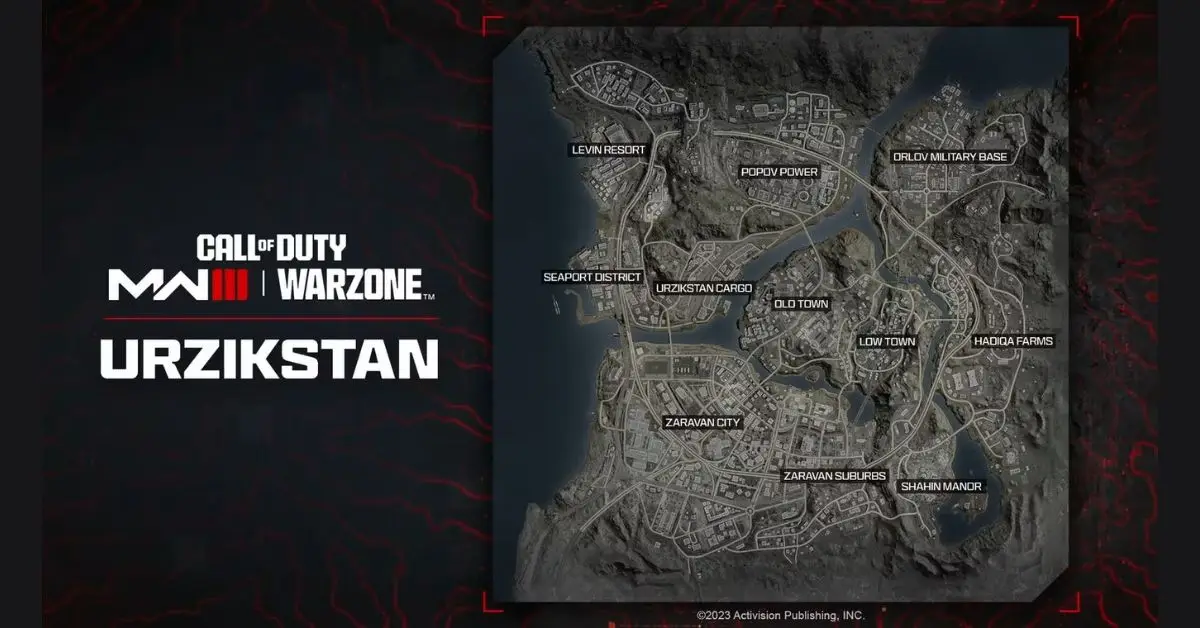
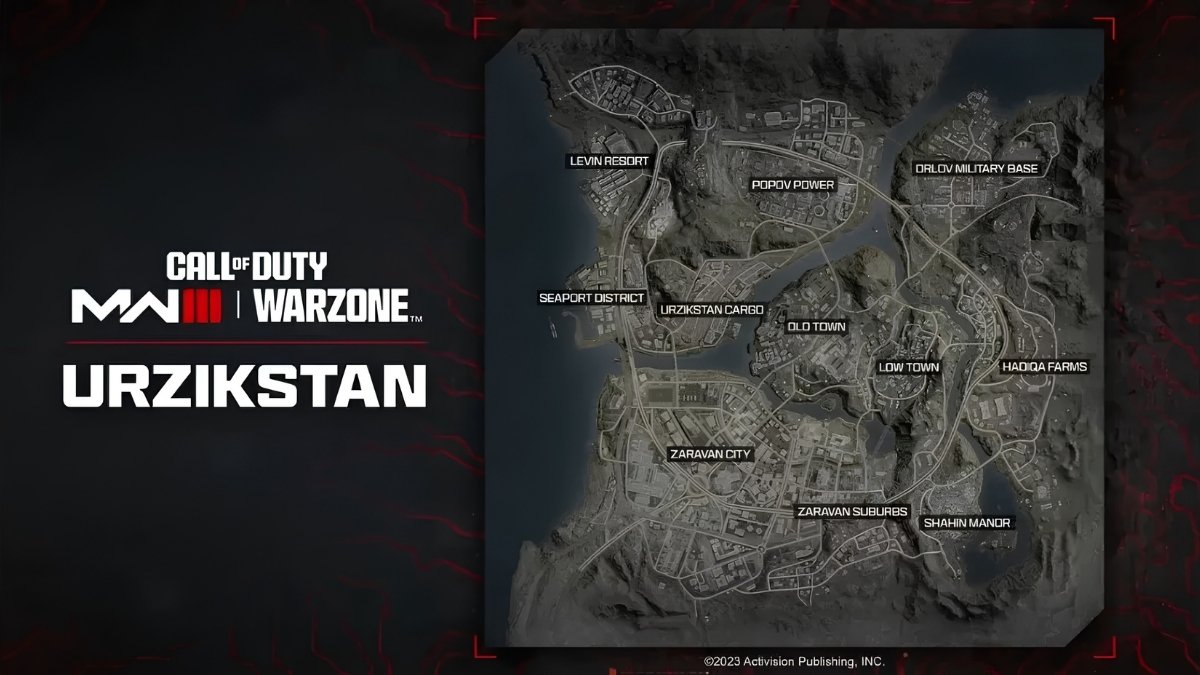
    In December, a big update is coming to Call of Duty: Warzone. Players will get to explore the fresh Urzikstan map with 11 different places to check out.

    • Hadiqa Farms
    • Levin Resort
    • Low Town
    • Old Town
    • Orlov Military Base
    • Popov Power
    • Seaport District
    • Shahin Manor
    • Urzikstan Cargo
    • Zaravan City
    • Zaravan Suburbs
    Call of Duty: Warzone New Urzikstan Map POIs
    Image Source Activision

    Even though Urzikstan is smaller than the Al Mazrah map, it’s still a big one and more packed with denser than other Warzone maps. This new map in Warzone will also have some other cool improvements that fans are sure to like.

    Call of Duty: Warzone Urzikstan Map New Features and Improvements

    There are new things in the game, like red dots on the map and the chance to drive the train in Urzikstan. If you die, there’s a basic Gulag, but there are also different versions, like one where you use night vision.

    Players can expect some nice improvements in the game, like gas masks being always ready without distracting animation. Plus, players will always have a pistol when on ladders or underwater.

    The game will have a longer Time to Kill, horizontal ziplines, and movement similar to Modern Warfare 3 multiplayer. It seems like the new Warzone is making changes based on what fans wanted, and it’ll be cool to see how it all works out in the actual game.

    In a recent Call of Duty event called Call of Duty Next, they showed us a brand-new Warzone map. Fans got a good look at the Modern Warfare 3 multiplayer and a big Zombies mode set in an open world.

    Surprisingly, the Zombies mode will take place on the fresh Warzone map. It seems like Activision is putting a lot into this map, and we’ll have to wait and see if it turns out to be a smart move.

    Stay connected with GameEmpress.com to get the latest news and guides about the gaming world.
  • Apex Legends October 2 Patch Notes: Fixes and Improvements

    Apex Legends October 2 Patch Notes: Fixes and Improvements

    Looking ahead to the upcoming Apex Legends seasonal update, Respawn Entertainment has revealed the details of all the changes in the October 2 patch notes for Apex Legends.

    Usually, small updates for the battle royale game only have a couple of tiny changes, and that’s exactly what’s happening with this set of adjustments. This is good news, especially if you’re finding it hard to pick the best weapons to use.

    Apex Legends Update 2.34 Patch Notes

    • Rev shell damage event challenge lowered from 1000 to 500
    • Fixes for Switch graphics and performance
    • Resolved an issue preventing battle pass upgrades
    • Fixes for PC graphics related to the Dynamic Streaming Budget setting

    Respawn Entertainment mentioned that the list above includes only some of the fixes from the October 2 patch. Since these changes are small, there’s a good possibility that they enhance the gaming experience without affecting the performance of Legends and weapons.

    Apex Legends Patch Notes Update 2.34
    Image Source Respawn Entertainment

    Apex Legends Season 19 Release date

    Apex Legends Season 19 will come out on Tuesday, October 31. It usually starts around 10 am PT, 1 pm ET, and 6 pm GMT, following the pattern of previous seasons. Season 18 will also end on the same day, October 31.

    Stay connected with GameEmpress.com to get the latest news and guides about the gaming world.
  • Sandra Skins Pack: How to Get All Minecraft Skins for Free on Mobile

    Sandra Skins Pack: How to Get All Minecraft Skins for Free on Mobile

    Most gamers really like Sandbox games because they let you build whatever you want. Minecraft is a well-known free game where there are no set goals—you decide how to play. It’s super popular worldwide, with millions of active players.

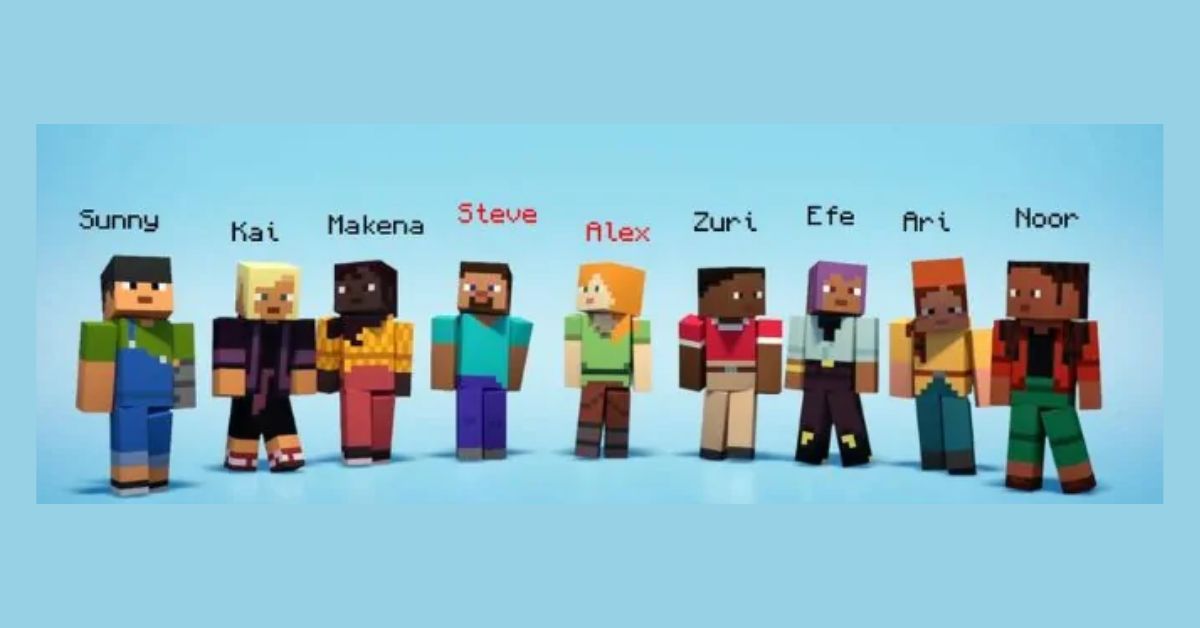
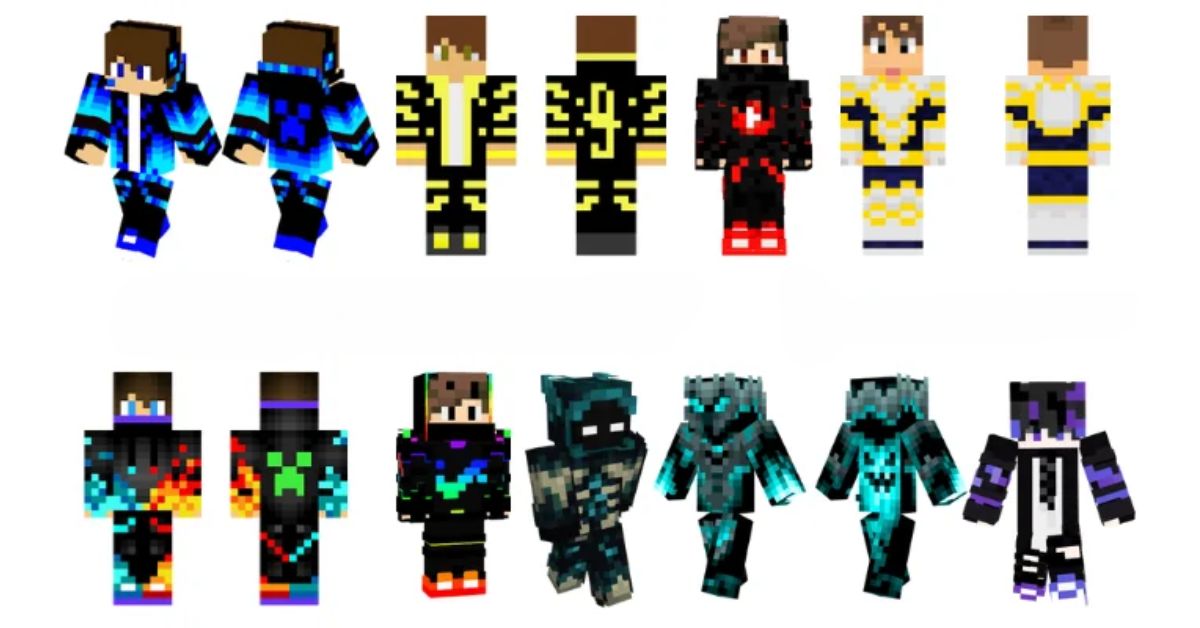
    You can play it on different consoles like XBOX, PS, and PC, and even on your phone. One cool thing is you can change your character’s appearance with different skins. Sandra Skins Pack APK is an app that gives you access to all the cool premium skins for free on Minecraft Mobile.

    What is Sandra Skins Pack APK?

    Sandra Skins Pack APK is an app for Android made by someone else that lets you get all the Minecraft skins for free. With this app, you can unlock all the fancy Minecraft skin packs without paying anything.

    It doesn’t matter if you’re into Anime Legends II, Dogs VS cats, Blockheads, Block Camo, Stranger Things, or any other cool skin pack – Sandra Skins for Minecraft PE has got it covered. The app gives you access to both the old and newest skin packs, all in one convenient place on your Android device.

    Sandra Skins Pack
    Sandra Skins Pack

    How to Install and Use Sandra Skins Pack APK?

    Sandra Skins Pack APK is a simple app that helps you change your Minecraft character’s skins without any complicated steps like rooting your device or messing with the game files. It’s user-friendly and doesn’t require any technical know-how. Just follow these easy steps to switch up your Minecraft PE skins using the Sandra Skins Pack Mobile APK:

    1. Get Sandra Skins Pack APK from our website and install it on your device, just like any other app.

    2. Open the app and sign in with your Minecraft PE account.

    3. Agree to the app’s terms and conditions.

    4. Explore a variety of new and classic skins on the main screen.

    5. Pick your favorite skin and tap the download button.

    6. Open Minecraft PE on your phone, and you’ll find your newly downloaded skins ready to use.

    7. You’ve successfully changed your character’s skin using Sandra Skin Pack APK.

    Sandra Skins Pack APK Features

    1. Skin Variety: The pack boasts a vast array of skins, providing more than 100 choices for gamers to select from, making the gaming experience more engaging and personalized.

    2. In-game Items Access: Besides skins, players gain free access to other in-game items like pets, further enriching the gameplay.

    3. Customizable Themes and Live Wallpapers: Gamers can also customize themes and set live wallpapers in the game, enhancing visual appeal.

    4. Ease of Access: The skin pack is easy to download and use, requiring no registration, making it user-friendly and accessible.

    5. Cost-effective: All these features come at no cost, making it an attractive option for gamers on a budget.

    Why Minecraft Players Change Their Skins?

    In Minecraft, you can make your character look different by changing its skin, which is like its outfit since Minecraft is a game where you can play with others worldwide, players like to have cool and trendy skins for their characters.

    People try various ways to get the newest skins to impress their friends and other players. This article is all about getting as many Minecraft PE skins as you want, and the best part is it won’t cost you anything.

    How to Change Minecraft Skins?

    Changing the look of your Minecraft character is pretty easy. You can get new skins in different ways. Some are free in the game’s store, while others need real money. You can also find skins on websites and add them to your Microsoft account for free.

    But if you’re playing Minecraft PE on your phone and want lots of skins without paying, you can use a third-party app. One good choice is Sandra Skin Pack APK. It helps you get as many skins as you want without spending any money.

    This is everything you need to know about Sandra Skins Pack. Check out our other guides about Minecraft 1.20 Update. Stay connected with GameEmpress.com to get the latest news and guides about the gaming world.

  • Overwatch 2 Introduces New Diablo 4 Crossover PvE Mode

    Overwatch 2 Introduces New Diablo 4 Crossover PvE Mode

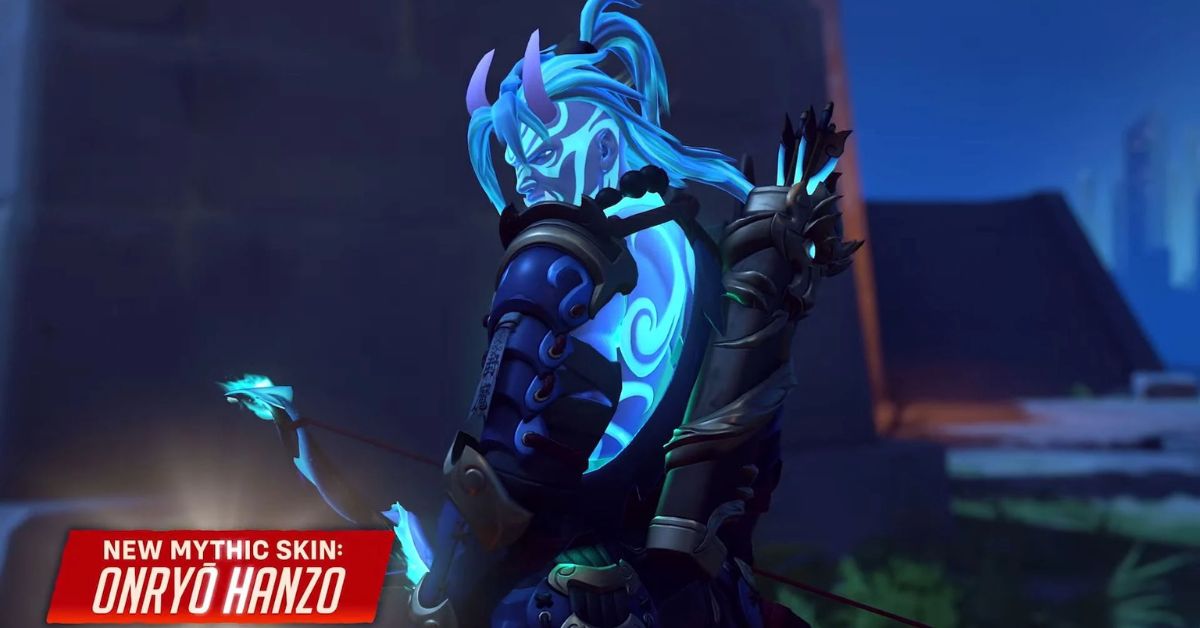
    Overwatch 2 recently introduced a new game mode called Trials of Sanctuary. It’s inspired by Diablo 4 and is all about teaming up to take on challenges. You’ll see some well-known characters from Sanctuary in Overwatch 2 facing an exciting survival challenge together.

    Overwatch 2 is making Season 7, called Rise of Darkness, a big Halloween celebration. They’re adding lots of spooky skins to the game, with some even inspired by the world of Diablo.

    But wait, the exciting Diablo skins in Overwatch 2 aren’t just for looks. In the Halloween Terror event, there’s a new game mode called Trials of Sanctuary. It’s like a Diablo adventure in a dark version of Blizzard World.

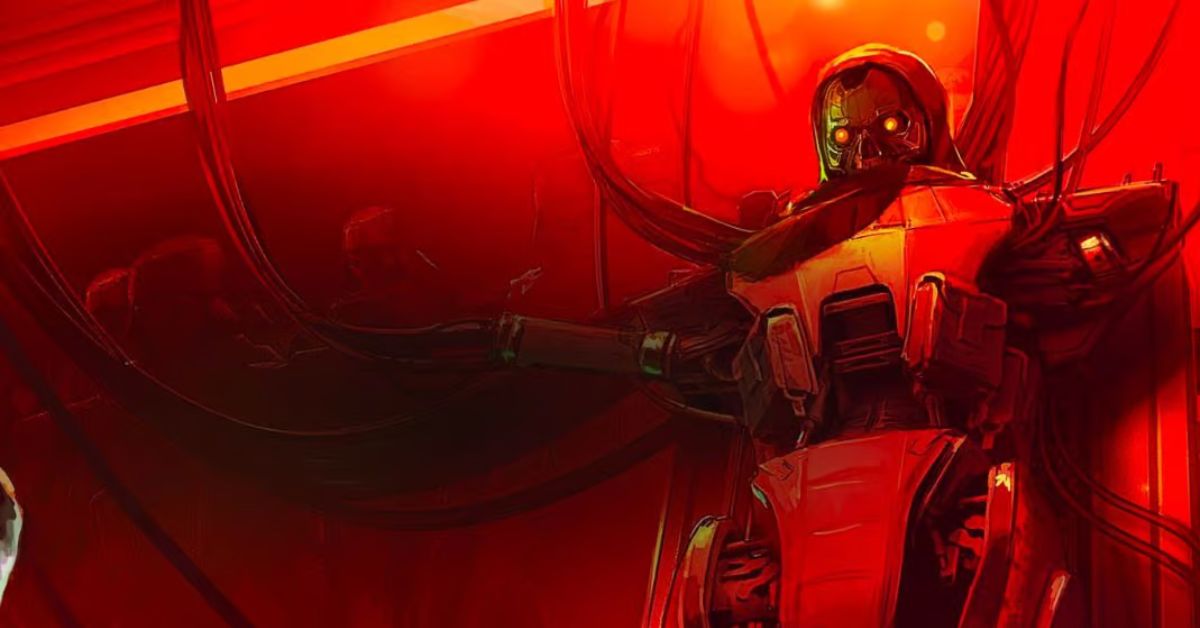
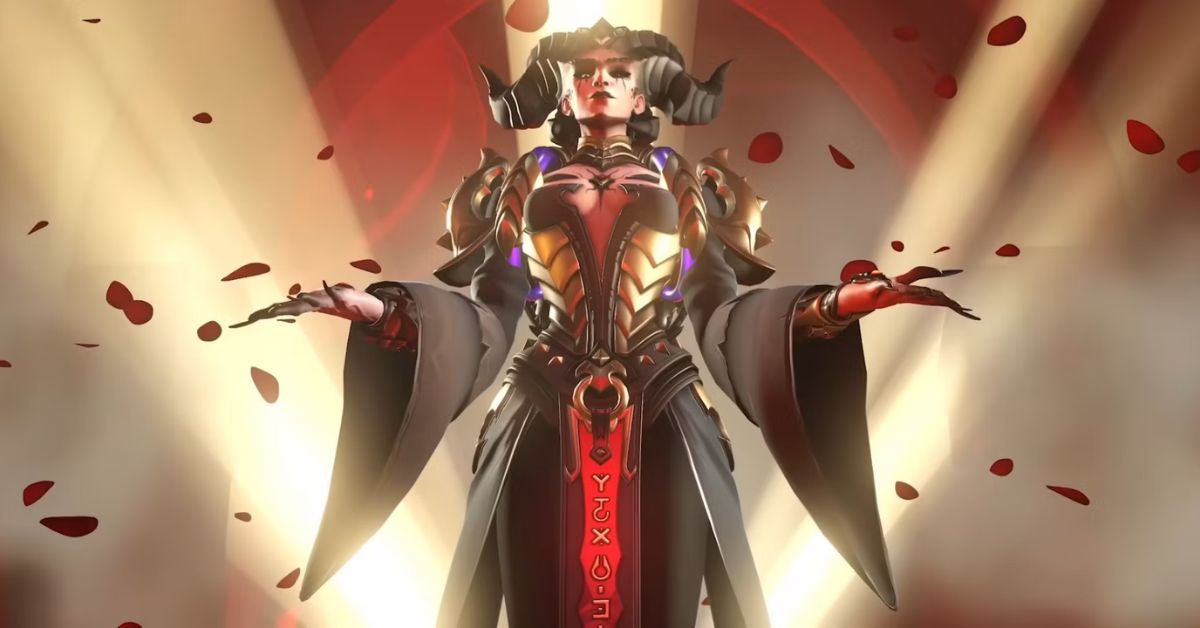
    Players team up to tackle hordes of zombie-like robots and other enemies, working together to survive. To get ready for big boss battles like Butcher Roadhog, Azmodan Wrecking Ball, and Lilith Moira, players can grab power-ups. These power-ups make their abilities even cooler, like shooting extra stuff or making damaging zones.

    Overwatch 2 Diablo Crossover Trials of Sanctuary PvE Game Mode
    Image Source Blizzard

    In the new Overwatch 2 PvE mode called Trials of Sanctuary, players can pick from these heroes:

    • Barbarian Zarya
    • Cleric Lifeweaver
    • Demon Hunter Sombra
    • Inarius Pharah
    • Night Raven Illari
    • Imperious Reinhardt

    In the Halloween event for Overwatch 2, there’s more fun PvE content. Junkenstein’s Revenge and Wrath of the Bride modes are back, and there are new challenges to try. Finish these challenges to get Overwatch Credits, Battle Pass XP, and creepy cosmetics for different characters.

    After the holiday season, Overwatch 2 Season 7: Rise of Darkness has lots of other things to come. There’s a new Samoa Control map for players to explore, and the Route 66 map is getting a makeover to make it easier for attackers at the first checkpoint. Plus, Sombra is getting an update at the start of the season, and Roadhog will get one before Season 8 kicks off.

    BlizzCon is happening in Season 7, and there’s an exciting first glimpse into Season 8. At the convention, the next tank hero for Overwatch 2 will be revealed, and everyone is eager to see who it is. The wait won’t be too long to find out.

    Stay connected with GameEmpress.com to get the latest news and guides about the gaming world.
  • Is Genshin Impact on Xbox Series X|S and Xbox One?

    Is Genshin Impact on Xbox Series X|S and Xbox One?

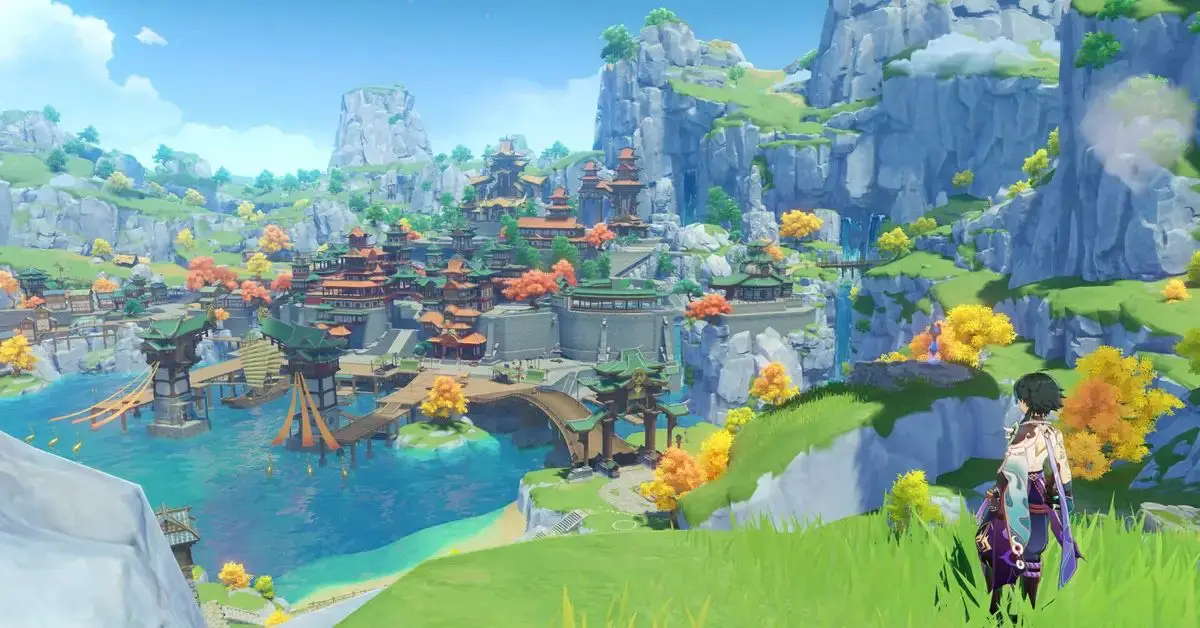
    Genshin Impact by HoYoverse is a super popular game that people love to play on their phones, PCs, and PlayStations. It’s been going strong for three years now, and with the new 4.0 update, there’s a bunch of content for players to check out.

    Players can use their Primogems on exclusive characters available in special banners. Plus, there’s a big world to explore with five different regions, including the new water-filled Fontaine.

    Xbox players haven’t been able to play in the Teyvat world yet. You might be curious if the game will be on Xbox in the future. Here’s what we know about a possible Xbox release so far.

    Is Genshin Impact Coming to Xbox?

    Unfortunately, you can’t play Genshin Impact on Xbox Series X|S or Xbox One right now. If you want to dive into HoYoverse’s free anime game, you have to get it on PC, PlayStation, or your mobile device.

    Genshin Impact Xbox
    Image Source HoYoverse

    Genshin Impact Xbox Release Date

    As of now, HoYoverse hasn’t shared when Genshin Impact will be available on Xbox. The game first came out globally on September 28, 2020, and there haven’t been any updates about an Xbox release since then.

    It’s very doubtful that Genshin will come out on Xbox. The game creators haven’t talked about it, and we’ll let you know if anything changes.

    Why Isn’t Genshin Impact on Xbox?

    Reuters report talks about why Microsoft is paying more attention to the Chinese game industry. One of the reasons is that Microsoft didn’t get the chance to benefit from the success of Genshin Impact. This game has made a lot of money, especially on mobile devices, and Sony likely earned a lot from it on PlayStation 4 and 5.

    According to a secret informant mentioned by Reuters, Xbox had talks with MiHoYo (now HoYoverse) during the early stages of Genshin Impact’s development but couldn’t make a deal. Now, Microsoft wishes they had.

    Another insider says this missed opportunity is pushing Microsoft to look for Chinese developers. They also mention that Genshin Impact has brought in a lot of cash for Sony, although the exact amount is unknown because there’s no public data on how much the game earned on PlayStation.

    HoYoverse shared that Genshin Impact is coming to Nintendo Switch, but there’s no news about it coming to Xbox yet. Microsoft wants to find a game like Genshin Impact for Xbox, and they’re putting together a new team to look for great games from Chinese developers, as mentioned in the Reuters report.

    Stay connected with GameEmpress.com to get the latest news and guides about Genshin Impact.

  • Fortnite XP Map Code: How to Level Up Quickly

    Fortnite XP Map Code: How to Level Up Quickly

    Fortnite is a popular video game that keeps players interested for a long time. It’s known for its exciting adventures. But recently, in the last few seasons, Epic Games made it harder for players to earn rewards.

    Even in the season, Chapter 3 Season 3, players are still facing this issue. Many players have asked Epic Games to make it easier to earn rewards, but so far, their requests have been ignored.

    Luckily, gamers have found Creative Map XP glitches, making it easier to level up. Thanks to these Creative Map XP tricks, players can overcome big problems in the game. The glitch offers bonus rewards of around 1,000,000 XP per minute, but figuring it out requires some clever thinking from the players.

    So, people are doing different things to get more XP. Some say there’s plenty of time to reach level 200 in the Battle Pass, but not everyone wants to play a lot. Considering all that talk from the community, here are four really good Fortnite maps to boost your XP.

    Top 4 Best Fortnite XP Maps to Level Up Fast

    1. FFA With Weapons

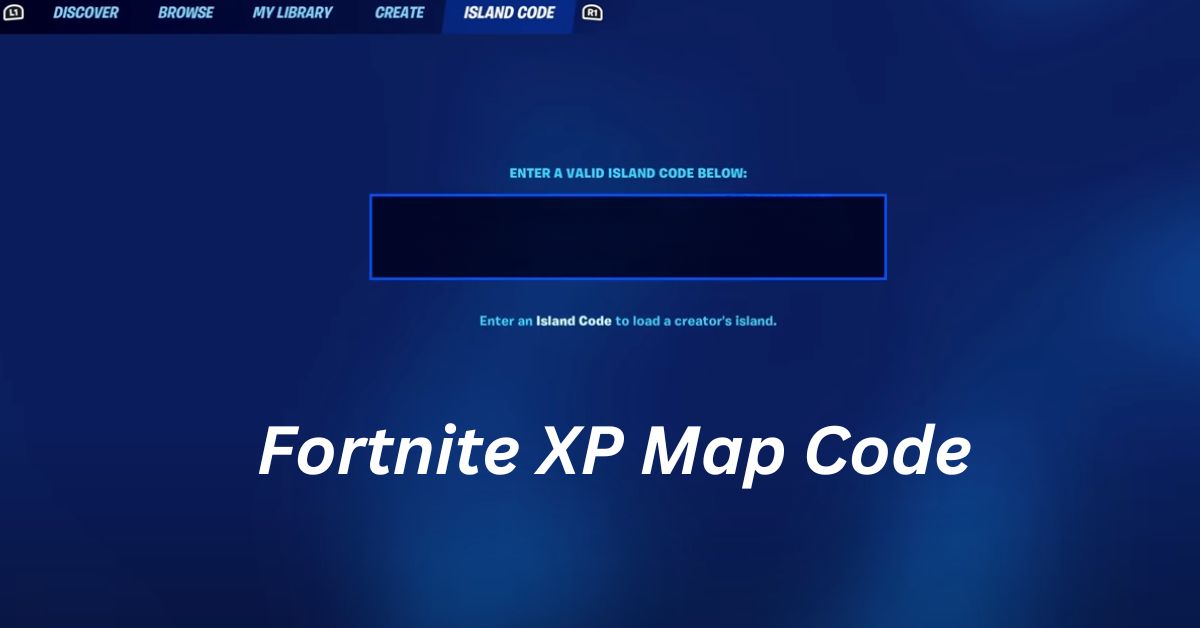
    To use this map, type in the code 0634-8919-1438. After that, follow the steps below to get AFK XP:

    1. Get into the small box at the bottom and jump off the ramp.

    2. Look for the “XP Shop” button and explore it.

    3. You’ll be taken to another room.

    4. Inside, find the button labeled “AFX XP.”

    5. After that, go into a room with a Durr Burger Head.

    6. Once inside, turn left and walk to the corner of the wall.

    7. Interact with the secret button to level up and unlock a bonus after the countdown ends.

    Fortnite XP Map Code
    Screenshot By GameEmpress

    2. 1v1 with Weapons (Newest)

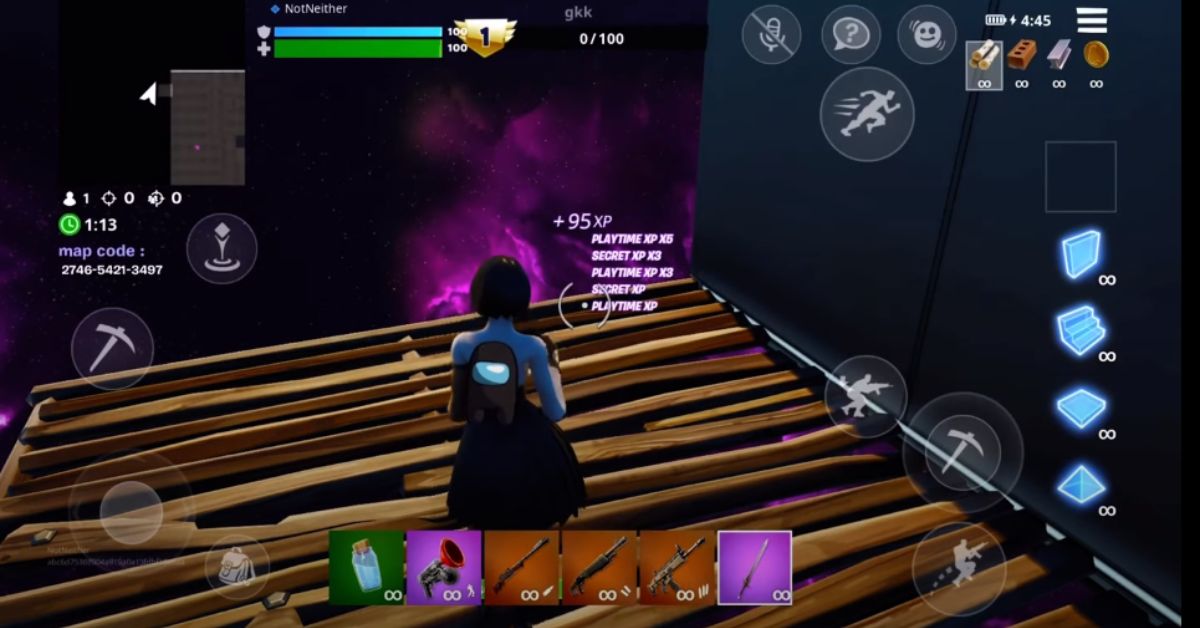
    To use this map, type in the code 2746-5421-3497. After entering the code, follow these steps:

    1. Use the Grappler or build to reach the vault at the edge of the map.

    2. Build a floor behind the vault on the ground.

    3. Do any emote to start earning XP.

    4. Walk to the other end of the map with the Renegade Raider picture for more XP.

    5. Behind the picture, look down and interact with a secret button to boost your XP.

    Fortnite XP Map Code
    Screenshot By GameEmpress

    3. 1v1 Mythic Build Fights

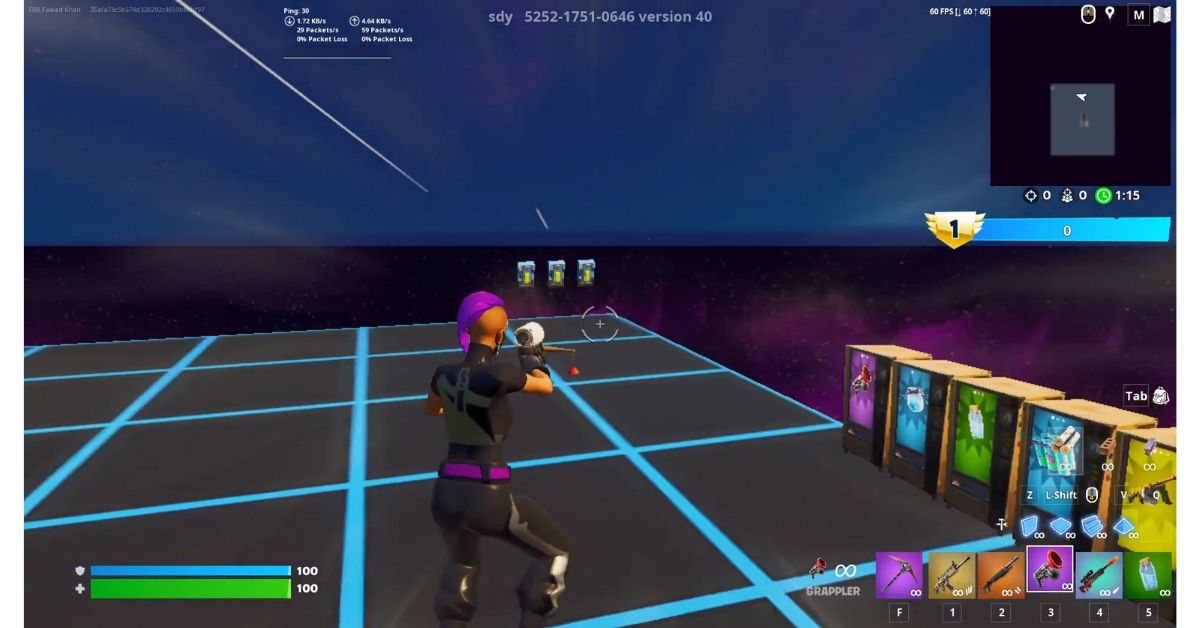
    Use the code 5252-1751-0646 to enter this map with two layers of XP gain. The first layer is slow, but the second one speeds up over time. Follow these steps to start earning XP:

    1. Once you’re inside, follow the Vending Machines until you find the one that gives Grapplers.

    2. Paste the code, then walk along the map’s edge carefully in the corner.

    3. Press the secret button to start earning XP.

    4. Go back and head to the Vending Machine selling Pulse Assault Rifles.

    5. Build a floor behind it and locate a secret button behind the second Vending Machine in that row.

    6. Press it to speed up your XP gain.

    Fortnite XP Map Code
    Screenshot By GameEmpress

    4. Smooth 1v1 Build Fights

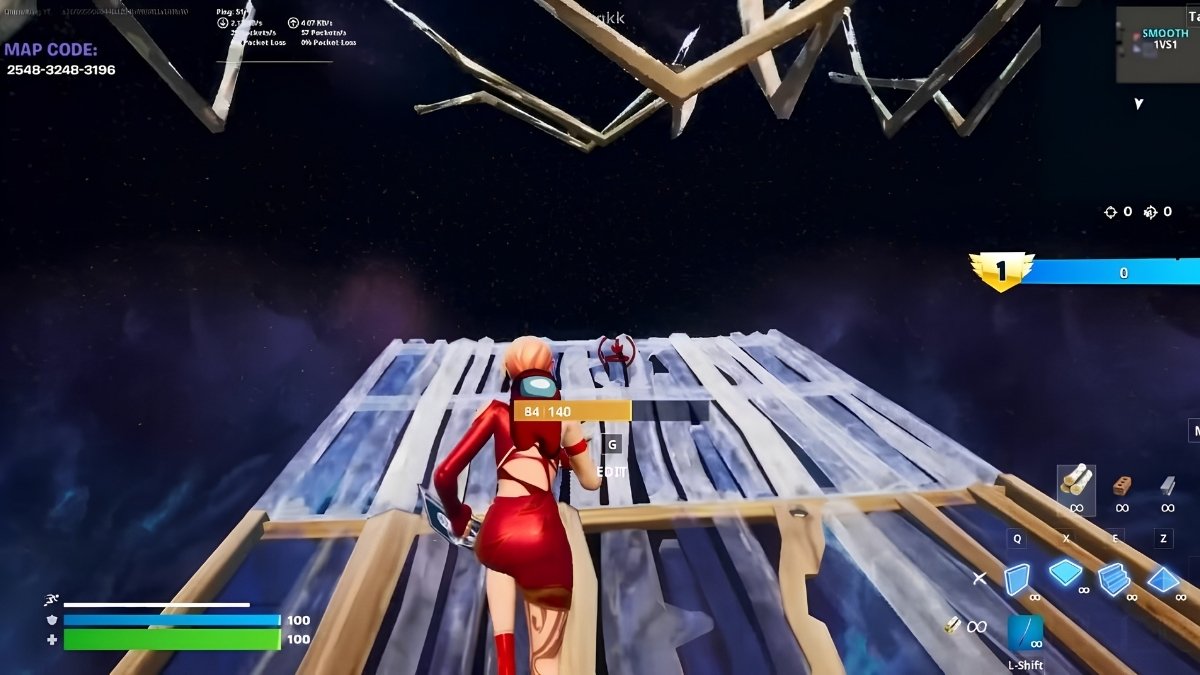
    The Smooth 1v1 Build Fights Fortnite XP map is awesome! But, it needs some skill to use. Just enter this code 2548-3248-3196 and follow the steps below:

    1. Find the whiteboard with “XP” written on it.

    2. Look for a button called “XP Shop” next to the whiteboard.

    3. Press the button and go into the new area.

    4. Turn right and go into the room with the Tomato head.

    5. There’s a button on the right wall labeled “AFK XP.”

    6. Go to the opposite side of the room.

    7. Stop before reaching the Boom Sniper Rifle advertisement.

    8. Jump onto the invisible floor.

    9. Look up in the corner of the roof for a secret button.

    10. Press the button, wait for a five-minute countdown to end, and your XP will increase faster.

    Fortnite XP Map Code
    Screenshot By GameEmpress

    This is everything you need to know about the best Fortnite XP maps to make your game more exciting. To learn more about Fortnite and related content, make sure to check out the blogs on GameEmpress.com!

  • Ultra Unfair Codes: How to Get Free Rewards

    Ultra Unfair Codes: How to Get Free Rewards

    Are you on the hunt for the newest Ultra Unfair codes in Roblox? You’re in for a treat! In Roblox games, codes are like secret keys that unlock loads of free resources and make your game experience even more awesome. Whether you’re a newbie or a seasoned player, these codes are a fantastic way to level up and get cool rewards.

    Roblox games come in different types, and Ultra Unfair is one of the action games where you fight enemies. You make your characters stronger with cool abilities and stats, and using these codes will get you awesome rewards. If you want more Roblox goodies, don’t forget to explore our other guides for extra codes.

    Ultra Unfair Codes (October 2023)

    Active Codes

    17KLIKES!!!: Redeem for Cash and Boosts (NEW)

    !16KLIKES: Redeem for Cash and Boosts

    !WEEKEND: Redeem for Fast Roll Time

    !update4: Redeem for Cash and Boosts

    ⭐!update2: Redeem for Cash and Boosts

    !awesome10klikes: Redeem for Cash and Boosts

    !7500likesyay: Redeem for Cash and Boosts

    !6000likes!: Redeem for Cash and Boosts

    PitySystem: Redeem for 10 minutes fast roll

    !10KMEMBERS!

    !5KLIKES!

    !Group: Redeem for 500,000 cash, must be level 3 and in a group

    !a mongoose: Redeem for in-game rewards

    !100k: Redeem for 1 million cash

    Expired Codes

    No codes have expired yet.

    How to Redeem Codes in Ultra Unfair?

    Using your codes is super simple:

    1. Open Ultra Unfair in Roblox.

    2. When you’re in the game, click on the chat window.

    3. Type in the code from the list.

    4. Press the enter key to get your reward.

    How to Get More Ultra Unfair Codes?

    Ultra Unfair codes come from BtKing Studios, the game’s creator. They usually share codes when the game hits certain goals or during special events. This could be when the game reaches a certain number of players or favorites or during specific events. Remember to save this page and check it often to grab the newest codes.

    How to Fix Ultra Unfair Codes That Are Not Working?

    If your Ultra Unfair codes aren’t working, first try copying and pasting the code directly from this page; if that doesn’t do the trick, close Roblox and reopen the game. If it still doesn’t work, the code might be invalid or expired.

    This is everything you need to know about Ultra Unfair Codes. Check out our other guides about Roblox Base Battles Codes. Stay connected with GameEmpress.com to get the latest news and guides about the gaming world.
  • Dwarf Fortress: How to Make Mugs and Goblets

    Dwarf Fortress: How to Make Mugs and Goblets

    Dwarves in Dwarf Fortress can drink alcohol without mugs, but it’s not a good idea. Without mugs, they get unhappy, and that can lead to problems later. Luckily, making mugs in the game is easy, and this guide will show you how.

    In Dwarf Fortress, cups, goblets, and mugs do the same thing. They use different materials and workshops to make them. You can learn more in the following details, but if you’re a fan of colony sim games, make the one you can.

    How to Make Mugs in Dwarf Fortress?

    Most of the time, it’s easiest to make drinking cups from rocks and wood, which are easy-to-find materials. To craft them in a Craftdwarf’s Workshop, click on the workshop, choose “add new task,” and then pick “rock” or “wood” from the menu where you’ll find the cups.

    If you have a manager in Dwarf Fortress, you can also use the work order menu to create a new order and look for “rock mug” or “wooden cup.”

    Dwarf Fortress How to Make Mugs
    Image Source Bay 12 Games

    If Dwarf Fortress players want metal or glass goblets, it’s a bit more complicated. For metal goblets, you’ll need to make charcoal with a Furnace, smelt metal ores into bars at a Smelter using the charcoal, and then shape those bars into goblets at a Metalsmith’s Forge.

    For glass goblets, you’ll use a Glass Furnace to gather sand and then use that furnace and some fuel to make the cups. No matter which drinking cups you make, don’t forget to put them in your Dwarf Fortress taverns once they’re ready.

    Just place a chest inside the tavern, and your dwarves will automatically fill it with mugs. You can control how many goblets are stored by opening the zone menu, selecting the tavern, clicking on the magnifying glass icon below the tavern’s name, and then using “+” or “-” next to “Goblets (Desired).”

    This is everything you need to know about making mugs in Dwarf Fortress. Check out our other guides about Dwarf Fortress Stepladder. Stay connected with GameEmpress.com to get the latest news and guides about the gaming world.