Category: Game Guides

In-depth game guides from Game Empress, with walkthroughs, tier lists, location maps, and step-by-step strategies to help you master the games you love.

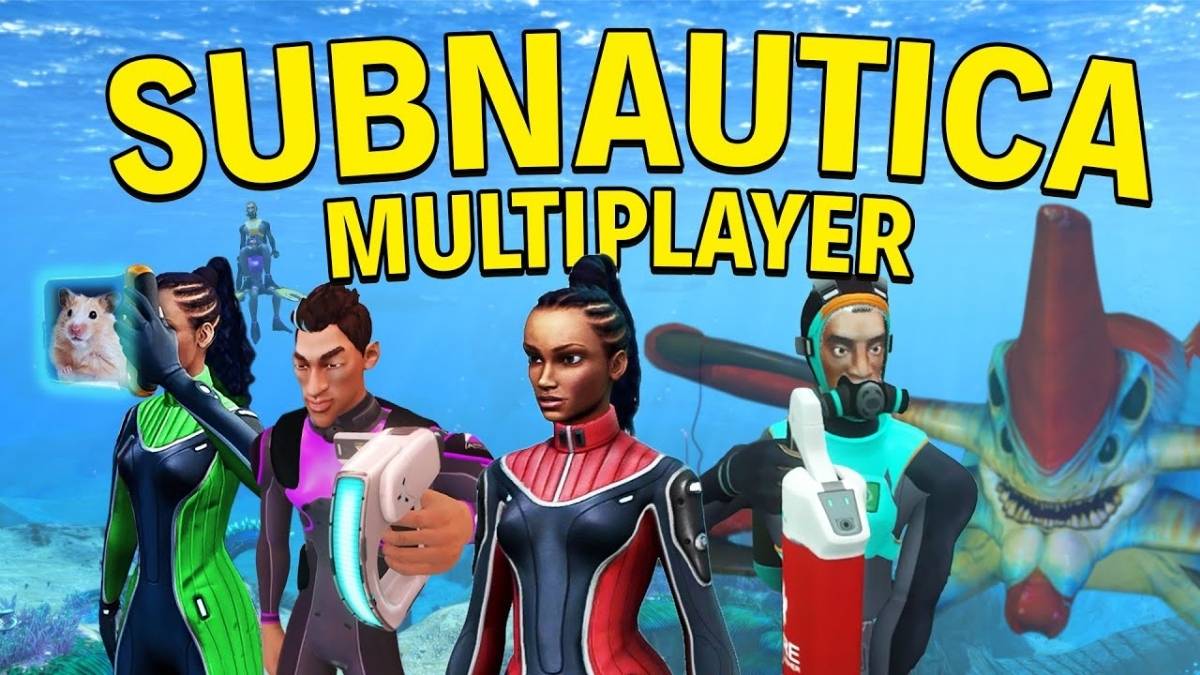
  • Is Subnautica Multiplayer? How To Play With Friends In The Underwater Survival Game

    Is Subnautica Multiplayer? How To Play With Friends In The Underwater Survival Game

    Subnautica is a game that challenges you to survive and explore a vast alien ocean, where you can encounter diverse creatures, craft equipment, and uncover secrets. The game was developed and published by Unknown Worlds Entertainment, and it is available for PC, PS4, PS5, Xbox One, and Xbox Series X|S.

    The game features a single-player mode, where you can follow a story-driven campaign, or a sandbox mode, where you can create your adventure. However, many players wonder if Subnautica also has a multiplayer mode, where they can play with their friends in the same world. In this article, we will answer this question and provide some details about the multiplayer feature in Subnautica.

    Is Subnautica Multiplayer?
    Is Subnautica Multiplayer (1)
    Is Subnautica Multiplayer (1)

    The short answer is no, Subnautica does not have an official multiplayer mode. The game is designed to be a solo experience, where you are the only human survivor of a crashed spaceship, and you have to face the dangers and mysteries of the ocean alone.

    The developers of Subnautica stated that adding multiplayer to the game would require either rebuilding the engine from scratch or devoting an entire team to squeezing it into its current iteration.

    They also said that multiplayer would change the tone and the balance of the game and that they wanted to focus on creating a rich and immersive single-player experience.

    How to Play Subnautica with Friends?

    However, the lack of an official multiplayer mode does not mean that you cannot play Subnautica with your friends at all. If you are on PC, you can use a fan-made mod called Nitrox, which enables co-op multiplayer in Subnautica.

    Nitrox is a mod that allows you to host or join a server with up to 100 players, and play together in the same world. You can share resources, build bases, explore the ocean, and even fight the leviathans together. Nitrox is still in development, and it may have some bugs and compatibility issues, but it is a viable option if you want to enjoy Subnautica with your friends.

    To play Subnautica with Nitrox, you need to follow these steps:

    • First, you need to have Subnautica installed on your PC and make sure that it is updated to the latest version. You also need to have a stable internet connection and a Steam account.
    • Next, you need to download Nitrox from its official website and extract the zip file to a folder of your choice. You may need to disable your antivirus software, as Nitrox may trigger some false alarms.
    • Then, you need to run the Nitrox Launcher as an administrator and select the Subnautica folder from your Steam library. You also need to downgrade your Subnautica version to the legacy version, by going to the Steam properties of the game and selecting the legacy option from the betas tab.
    • Finally, you need to either host or join a server with Nitrox. If you want to host a server, you need to click on the server tab and start the server. You also need to set up port forwarding on your router and give your IP address and port number to your friends. If you want to join a server, you need to click on the play game tab and enter the IP address and port number of the host. You also need to enter a username and a password, if the server is password-protected.

    By following these steps, you can play Subnautica with Nitrox, and enjoy the game with your friends. However, you need to keep in mind that Nitrox is not an official mod, and it may not work with some features or updates of Subnautica. You also need to be careful with your save files, as Nitrox may overwrite or corrupt them.

    What are the Pros and Cons of Playing Subnautica with Friends?

    Playing Subnautica with your friends can have some pros and cons, such as:

    Pros

    • Playing Subnautica with your friends can make the game more fun and social, as you can chat, cooperate, and compete with your friends in the same world.
    • Playing Subnautica with your friends can also make the game easier and safer, as you can share resources, help each other, and fight the enemies together.
    • Playing Subnautica with your friends can also make the game more diverse and dynamic, as you can create your scenarios, challenges, and stories with your friends.

    Cons

    • Playing Subnautica with your friends can also make the game less immersive and scary, as you lose the sense of isolation and loneliness that the game creates.
    • Playing Subnautica with your friends can also make the game less balanced and stable, as the game is not designed for multiplayer, and it may have some bugs, glitches, or lag issues.
    • Playing Subnautica with your friends can also make the game less accessible and convenient, as you need to use a third-party mod, and set up a server and port forwarding, which may be complicated or risky.

    Conclusion

    Subnautica is a game that challenges you to survive and explore a vast alien ocean, where you can encounter diverse creatures, craft equipment, and uncover secrets. The game does not have an official multiplayer mode, as it is designed to be a solo experience, where you are the only human survivor of a crashed spaceship.

    However, if you are on PC, you can use a fan-made mod called Nitrox, which enables co-op multiplayer in Subnautica. Nitrox is a mod that allows you to host or join a server with up to 100 players, and play together in the same world.

    You might also be interested in the following games, Crossplay: Evil West Crossplay and Nobody Saves The World Crossplay We appreciate your interest in our website! Make Gameempress.com your go-to site for gaming information.

  • Devil May Cry Peak Of Combat Reroll Guide: How To Get The Best Characters And Weapons?

    Devil May Cry Peak Of Combat Reroll Guide: How To Get The Best Characters And Weapons?

    Devil May Cry Peak of Combat is a mobile action game that features the iconic characters and weapons from the Devil May Cry series. The game also features a gacha system, where you can summon different characters and weapons with different rarities and abilities. However, the gacha system is based on luck, and you may not get the characters and weapons that you want.

    That’s why some players choose to reroll, which is a process of creating a new account and summoning again until you get the desired results.

    How to Reroll on Android, iOS, and PC?

    Rerolling in Devil May Cry Peak of Combat is relatively easy and fast, as you can skip the tutorial and get enough currency to summon 10 times for free.

    Devil May Cry Peak Of Combat Reroll Guide
    Devil May Cry Peak Of Combat Reroll Guide

    However, the reroll process is slightly different depending on the platform that you are using. Here are the steps for rerolling on Android, iOS, and PC:

    Android

    • Launch the game and choose the Guest option to create a temporary account
    • Skip the tutorial and go to the gacha menu
    • Use the Vault system to summon a legendary item (see below for more details)
    • If you are not satisfied with the results, go to the settings menu and log out of the game
    • Go to your device settings and clear the game data
    • Launch the game again and repeat the process until you get what you want

    iOS

    • Launch the game and choose the Guest option to create a temporary account
    • Skip the tutorial and go to the gacha menu
    • Use the Vault system to summon a legendary item (see below for more details)
    • If you are not satisfied with the results, go to the settings menu and log out of the game
    • Go to your device settings and delete the game
    • Download the game again from the App Store and repeat the process until you get what you want

    PC

    • Launch the game on the official 64-bit emulator and choose the Guest option to create a temporary account
    • Skip the tutorial and go to the gacha menu
    • Use the Vault system to summon a legendary item (see below for more details)
    • If you are not satisfied with the results, go to the settings menu and log out of the game
    • Go to the emulator manager menu and create a clone of the game
    • Launch the clone and repeat the process until you get what you want
    • You can also delete the clones that you don’t need from the emulator manager menu

    How to Get the Best Characters and Weapons?

    The gacha system in Devil May Cry Peak of Combat has four rarity tiers: common, rare, epic, and legendary. The higher the rarity, the better the stats and abilities of the characters and weapons. However, the higher the rarity, the lower the chance of getting them. The gacha rates are as follows:

    • Common: 60%
    • Rare: 30%
    • Epic: 9%
    • Legendary: 1%

    The best characters and weapons in the game are the legendary ones, as they have the highest power and potential. However, getting them is very difficult and depends on luck. That’s why rerolling is a good option to increase your chances of getting them. Here are some of the best characters and weapons that you can aim for when rerolling:

    • Dante: The main protagonist of the series and a versatile character who can use various weapons and styles. His legendary weapon is Rebellion, a sword that can unleash powerful slashes and combos.
    • Nero: The son of Vergil and a fast and agile character who can use his Devil Breaker arm and his Red Queen sword. His legendary weapon is Blue Rose, a revolver that can fire explosive bullets and charge shots.
    • Vergil: The brother of Dante and a powerful and elegant character who can use his Yamato sword and his Devil Trigger form. His legendary weapon is Beowulf, a pair of gauntlets and greaves that can deliver devastating punches and kicks.
    • Lady: A human demon hunter and a ranged and explosive character who can use various firearms and grenades. Her legendary weapon is Kalina Ann, a rocket launcher that can fire multiple rockets and missiles.
    • Trish: A demoness and an ally of Dante who can use her Sparda sword and her lightning powers. Her legendary weapon is Luce & Ombra, a pair of pistols that can fire rapid and accurate shots.

    How to Use the Vault System?

    The Vault system is a unique feature in Devil May Cry Peak of Combat that allows you to summon a legendary item for free. The Vault system is available after you finish the tutorial and go to the gacha menu. The Vault system works as follows:

    • You can choose one of the four legendary items that are displayed on the screen
    • You can use the Vault Key to open the Vault and get the item that you chose
    • You can get one Vault Key for free every day
    • You can also get more Vault Keys by completing missions or buying them with real money

    The Vault system is a great way to get a legendary item without spending any currency or relying on luck. However, the Vault system has some limitations, such as:

    • You can only use the Vault system once per day
    • You can only choose one of the four legendary items that are randomly selected
    • You can only get the legendary items that are available in the Vault system, which may not include the ones that you want

    How to Transfer Your Reroll Account?

    After you get the characters and weapons that you want from rerolling, you may want to transfer your reroll account to your main account or to another device. To do that, you need to follow these steps:

    • Go to the settings menu and choose the Bind Account option
    • Choose the platform that you want to bind your account to, such as Facebook, Google, or Apple
    • Log in to your platform account and confirm the binding
    • Go to the device or platform that you want to transfer your account to and launch the game
    • Choose the Login option and log in with the same platform account that you bound your account to
    • Confirm the transfer and enjoy your reroll account

    Some tips and tricks for transferring your reroll account are:

    • You can only bind your account to one platform at a time, so make sure to choose the one that you prefer and trust
    • You can only transfer your account to the same server that you created your account on, so make sure to choose the server that suits your location and preference
    • You can only transfer your account once every 30 days, so make sure to transfer your account wisely and carefully

    Conclusion

    Devil May Cry Peak of Combat is a mobile action game that features the iconic characters and weapons from the Devil May Cry series. The game also features a gacha system, where you can summon different characters and weapons with different rarities and abilities.

    However, the gacha system is based on luck, and you may not get the characters and weapons that you want. That’s why some players choose to reroll, which is a process of creating a new account and summoning again until you get the desired results.

    This is all there is to know about Devil May Cry Peak Of Combat Reroll Guide. You can also read our Genshin The Catch Guide and MapleStory Afterlands Guide. Stay up to date with GameEmpress.com for the most recent gaming news and guides.

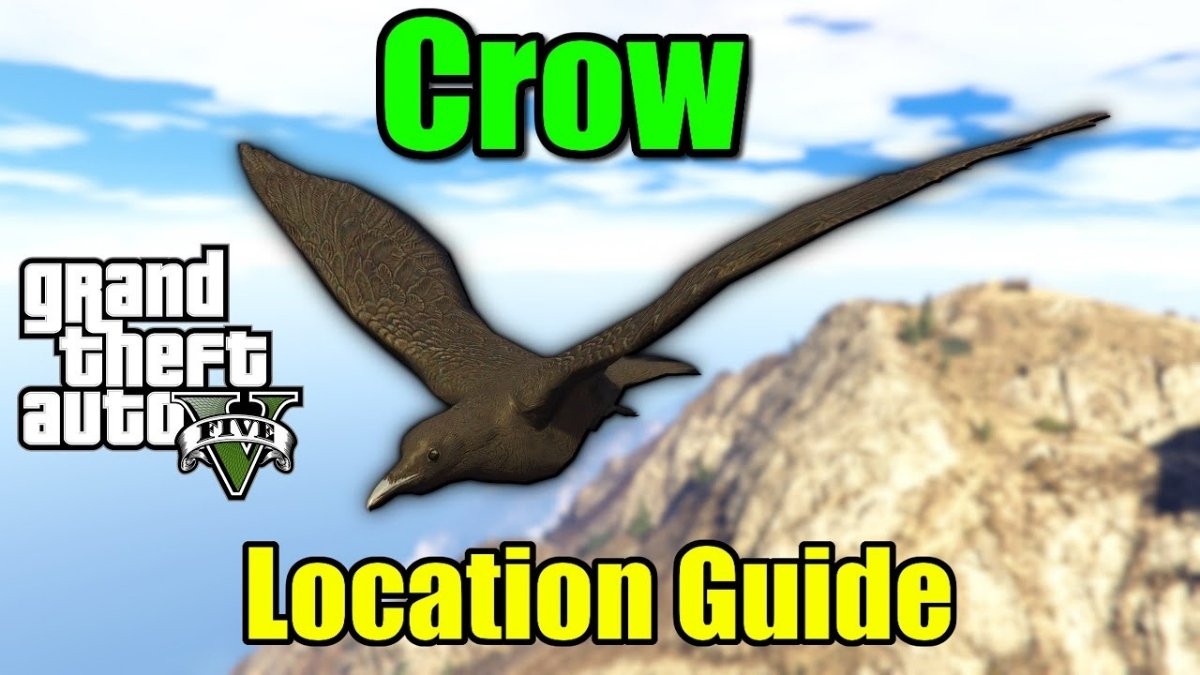
  • GTA 5 Online Crow Location: Ultimate Guide To Finding Every Crow In Los Santos

    GTA 5 Online Crow Location: Ultimate Guide To Finding Every Crow In Los Santos

    With the January 2024, weekly update, a new Photography Challenge was added to GTA 5 Online. This event requires players to photograph specific animals and birds throughout Los Santos and Blaine County in exchange for cash and RP. The crow is one of the birds in this new challenge, and it may be found flying around in the desert.

    However, its precise location is not shown on the map, and because the desert is large, finding it may take some time. Nonetheless, this article will assist individuals taking part in this Photography Challenge by exposing the position of the crow in Grand Theft Auto 5 Online.

    GTA 5 Online Crow location

    GTA 5 Online Crow Location
    GTA 5 Online Crow Location

    In GTA Online, the Animals Photography Challenge, also known as the Wildlife Photography Challenge, allocates three critters to be photographed each day. You can find the crow in the Grand Senora Desert if you have been given it.

    In the graphic below, the red circle represents the search region for the crow’s location in Grand Theft Auto 5 Online:

    The bird can be seen flying in this area. When you spot a crow, use the Snapmatic app on your in-game smartphone to photograph it. Then, click the option to email the photo to the LS Tourist Board.

    This will get you $20,000 and 500 RP. In reality, the same sum will be awarded for each photograph of an animal or bird.

    Notably, the Animals Photography Challenge Chicken Hawk location in GTA Online is located in Blaine County’s Grand Senora Desert.

    Those interested in learning more about how this event might get established should go to the LS Tourist Board in Chiliad Mountain State Wilderness. Its location will be indicated on the map with a purple icon, as illustrated in the image below:

    When you arrive, step close to the board and push the button instructed in the top left corner of the screen to begin the challenge. However, it should be noted that Wildlife Photography Challenge map locations for animals and birds will not be highlighted on the map, and that this event is only available in the multiplayer versions of the PS5 and Xbox Series X/S.

    This new photography challenge includes not only wild animals but also pet dogs such as the Pug in GTA 5 Online. Furthermore, its benefits aren’t only monetary; after completing your first Wildlife Photography Challenge list for the day, you’ll be rewarded with The Zoophilist costume.

    Photographing one animal in this event also unlocks the Declasse Park Ranger in Warstock Cache and Carry. It costs somewhat less than three million dollars, but you can unlock its Trade Price by photographing ten animals.

    For additional information on other titles, see GTA Online Hen Location and GTA Online Adds Albany Cavalcade XL. Thank you for visiting our website! Gameempress.com is the place to go for gaming news.

  • Bonelab Multiplayer Mod: How To Install And Play With Friends?

    Bonelab Multiplayer Mod: How To Install And Play With Friends?

    Bonelab is a VR game that lets you create and experiment with physics-based simulations of bones, muscles, and organs. The game is a lot of fun and can be played solo or with up to four players locally. But what if you want to play with your friends online? Is there a way to do that? The answer is yes, thanks to the Bonelab multiplayer mod.

    The Bonelab multiplayer mod is a fan-made mod that adds online multiplayer functionality to the game. The mod allows you to join or create your servers, and play with other players from around the world. The mod also adds some new features and improvements to the game, such as voice chat, custom maps, and bug fixes.

    In this article, we will provide a detailed guide on how to install and play the Bonelab multiplayer mod, as well as some tips and tricks to enhance your experience. We will also provide some information on the mod’s development and future updates.

    How to Install the Bonelab Multiplayer Mod?

    Bonelab Multiplayer Mod
    Bonelab Multiplayer Mod

    The Bonelab multiplayer mod is compatible with the PC version of the game, which can be purchased from Steam or the Oculus Store. The mod is not compatible with the Quest version of the game, which is a standalone version that does not support mods.

    To install the Bonelab multiplayer mod, you need to follow these steps:

    • Download the latest version of the mod from the GitHub page. The mod is a zip file that contains several files and folders.
    • Extract the zip file to a location of your choice. You should see a folder called “BONELAB-Fusion”.
    • Locate the folder where you installed Bonelab. This is usually in the Steam or Oculus library folders, under “steamapps/common/Bonelab” or “Software/keen-games-bonelab”.
    • Copy the contents of the “BONELAB-Fusion” folder to the Bonelab folder. You should overwrite any existing files and folders.
    • Launch Bonelab from Steam or Oculus. You should see a new menu option called “Multiplayer” on the main menu.

    How to Play the Bonelab Multiplayer Mod?

    To play the Bonelab multiplayer mod, you need to have an internet connection and a microphone. You also need to have a basic knowledge of the game’s controls and mechanics, which can be learned from the tutorial or the help menu.

    To play the Bonelab multiplayer mod, you need to follow these steps:

    • Launch Bonelab from Steam or Oculus. You should see a new menu option called “Multiplayer” on the main menu.
    • Choose whether you want to join or create a server. A server is a virtual room where you can play with other players online.
    • If you want to join a server, select “Join Server” and choose the server you want to join from the list of available servers. You can also filter the list by name, region, or mode. You can also join a server by entering its IP address or by using the invite link from the server owner.
    • If you want to create a server, select “Create Server” and choose the settings you want, such as the name, the region, the mode, the password, and the max players.
    • You can also choose the map you want to play on or create your custom map using the map editor. You can also invite other players to join your server by using the invite button on the pause menu.
    • Once you are on a server, you can play with other players in various modes, such as free play, sandbox, challenge, or custom. You can also use the voice chat or the text chat to communicate with other players. You can also access the server settings, the player list, and the mod settings from the pause menu.

    Tips and Tricks for the Bonelab Multiplayer Mod

    The Bonelab multiplayer mod is a fun and creative way to play the game with your friends online. However, there are some tips and tricks that can help you enhance your experience and avoid some common issues. Here are some of them:

    • Make sure you have a stable internet connection and a good game performance. The mod can be laggy or buggy if your connection or your PC is not optimal. You can adjust the graphics settings, the network settings, and the mod settings from the pause menu to improve your performance.
    • Make sure you have a compatible version of the mod and the game. The mod is updated regularly to fix bugs and add new features, so you should always download the latest version from the GitHub page. You should also update your game to the latest version from Steam or Oculus. If you have a mismatched version of the mod or the game, you may encounter errors or crashes.
    • Make sure you have a respectful and friendly attitude. The mod is a community-driven project that relies on the cooperation and the feedback of the players. You should respect the rules and the preferences of the server owners and the other players. You should also report any bugs or issues to the mod developers on the GitHub page or the Discord server.
    • Have fun and be creative. The mod is a sandbox game that allows you to create and experiment with physics-based simulations of bones, muscles, and organs. You can also play with various modes, maps, and items that the mod offers. You can also create your custom maps and share them with other players. The mod is a playground for your imagination and curiosity, so enjoy it and have fun.

    The Development and the Future of the Bonelab Multiplayer Mod

    The Bonelab multiplayer mod is a fan-made mod that was created by a group of modders led by Lakatrazz, who is also the creator of the Portal Knights multiplayer mod. The mod was inspired by the Bonelab VR game, which was developed by Keen Games, the same studio behind Portal Knights. The mod was started in 2020 and has been updated and improved ever since.

    The mod is still in development, and the modders are working hard to fix bugs and add new features. Some of the planned features for the future include:

    • A lobby system, where players can browse and join servers more easily
    • A friend system, where players can add and invite their friends to play with them
    • A chat system, where players can send messages and emojis to other players
    • A spectator mode, where players can watch other players play without joining the server
    • A tutorial mode, where players can learn how to use the mod and the game
    • A mod manager, where players can download and install other mods for the game
    • A workshop, where players can upload and download custom maps and items for the game

    The mod is a free and non-profit project that is supported by donations and the feedback of the players. If you want to support the mod, you can do so by:

    • Donating to the mod developers on the GitHub page or the Patreon page
    • Giving feedback and reporting bugs on the GitHub page or the Discord server
    • Sharing and promoting the mod on social media and other platforms
    • Creating and sharing custom maps and items for the game
    • Playing and enjoying the mod with your friends

    Conclusion

    Bonelab multiplayer mod is a fan-made mod that adds online multiplayer functionality to the Bonelab VR game. The mod allows you to join or create your servers, and play with other players from around the world. The mod also adds some new features and improvements to the game, such as voice chat, custom maps, and bug fixes.

    The mod is compatible with the PC version of the game, which can be purchased from Steam or the Oculus Store. The mod is not compatible with the Quest version of the game, which is a standalone version that does not support mods.

    This is everything you need to know about Bonelab Multiplayer Mod. Additionally, you can check our guide on Badass Company Mod and Hogwarts Legacy Mods. Stay connected with GameEmpress.com to get the latest news and guides about the gaming world.

  • RS3 Thieving Guide: How To Train And Level Up Your Thieving Skill?

    RS3 Thieving Guide: How To Train And Level Up Your Thieving Skill?

    Thieving is a support skill in RuneScape 3 that allows you to steal items and coins from various NPCs and objects. Thieving can also help you access restricted areas, unlock doors, and disarm traps. Thieving is a useful skill for making money, completing quests, and enhancing your gameplay experience.

    The Best Methods and Locations for Thieving Training

    RS3 Thieving Guide
    RS3 Thieving Guide

    There are many ways to train your thieving skill, but some methods are faster, easier, or more profitable than others. The best methods and locations for thieving training depend on your thieving level, your available resources, and your personal preference. Here are some of the most recommended methods and locations for thieving training, along with their level requirements, experience rates, and additional benefits.

    • Levels 1-5: Pompous Merchants in Lumbridge. This is the easiest and fastest way to start your thieving training. You can pickpocket the pompous merchants near the Lumbridge castle for 8 XP and 3 coins each. You can also get some low-level equipment and food from them. You can expect to get around 8,000 XP per hour from this method.
    • Levels 5-15: Bakery Stalls in Ardougne. This is a simple and convenient way to train your thieving skills at low levels. You can steal from the bakery stalls in the Ardougne market for 16 XP and some cakes each. You can also use the cakes as food to heal yourself. You can expect to get around 10,000 XP per hour from this method.
    • Levels 15-62: Thieves’ Guild Doors in Lumbridge. This is a fast and consistent way to train your thieving skill at mid-level. You can pick the locks of the doors in the Thieves’ Guild for 100 XP each. You can also complete some mini-quests and tasks in the guild for extra XP and rewards. You can expect to get around 60,000 XP per hour from this method.
    • Levels 62-99+: Safecracking in Various Locations. This is the fastest and most profitable way to train your thieving skills at high levels. You can crack the safes in various locations around the world for 70-2000 XP and some loot each. You can also exchange the loot for more XP and rewards at the Thieves’ Guild. You can expect to get around 300,000-800,000 XP and 1-3 million coins per hour from this method.

    The Useful Items and Boosts for Thieving Training

    There are some items and boosts that can help you improve your thieving training, such as:

    • Magpie, Abyssal Lurker, or Crystal Skillchompa Summoning Familiars. These familiars can give you a temporary boost to your thieving level and increase your chance of success when thieving.
    • Torstol Incense Sticks. These items can give you a permanent boost to your base XP gain when thieving.
    • Black Ibis Outfit or Camouflage Outfit. These outfits can give you a bonus to your thieving XP and increase your chance of success when thieving. You can also combine the two outfits to get the Master Camouflage Outfit, which has even more benefits.
    • Trahaearn Exoskeleton Set. This set can give you a bonus to your thieving XP and prevent you from being stunned when thieving. You can also combine it with the Master Camouflage Outfit to get the best of both sets.
    • Crystal Mask Spell or Light Form Prayer. These abilities can give you a bonus to your chance of success when thieving and reduce the chance of being stunned when thieving.

    The Quests and Achievements for Thieving Training

    Some quests and achievements can give you thieving XP and unlock new thieving methods and locations, such as:

    • Buyers and Cellars. This quest can give you 5,000 thieving XP and access to the Thieves’ Guild, where you can train your thieving skill and complete more quests and tasks for more XP and rewards.
    • The Feud. This quest can give you 15,000 thieving XP and access to the blackjacking method, where you can knock out and pickpocket bandits and graphites for XP and coins.
    • A Guild of Our Own. This mini-quest can give you 40,000 thieving XP and access to the safecracking method, where you can crack safes for XP and loot.
    • Safecracker. This achievement can give you 50,000 thieving XP and access to more safes to crack, as well as more rewards to exchange for XP and loot.

    The Tips and Tricks for Thieving Training

    There are some tips and tricks that can help you optimize your thieving training, such as:

    • Use the highest level familiar, outfit, and boost that you can afford and access to maximize your thieving XP and success rate.
    • Use the Freedom ability to break free from stuns and continue thieving without interruption.
    • Use the Ardougne Cloak 3 or 4 to get a bonus to your thieving success rate in Ardougne and a teleport to the Ardougne Monastery, where you can recharge your prayer points.
    • Use the Thieving Cape or the Max Cape to get a bonus to your thieving success rate everywhere and a teleport to the Thieves’ Guild, where you can exchange your loot and access more thieving methods and locations.
    • Use the Lodestone Network or the Fairy Ring Network to travel quickly and easily between different thieving locations.

    Conclusion

    Thieving is a support skill that allows you to steal items and coins from various NPCs and objects. Thieving can also help you access restricted areas, unlock doors, and disarm traps. Thieving is a useful skill for making money, completing quests, and enhancing your gameplay experience.

    To train and level up your thieving skill, you can use the best methods and locations for thieving training, the useful items and boosts for thieving training, the quests and achievements for thieving training, and the tips and tricks for thieving training.

    This is everything you need to know about RS3 Thieving Guide. Additionally, you can check our guide on MapleStory Inner Ability Guide and Harvest Moon 64 Guide. Stay connected with GameEmpress.com to get the latest news and guides about the gaming world.

  • Is Elder Scrolls Online Cross Platform in 2024?

    Is Elder Scrolls Online Cross Platform in 2024?

    Elder Scrolls Online is a massively multiplayer online role-playing game (MMORPG) that allows players to explore the vast world of Tamriel with their friends or solo. The game is available on various platforms, such as PC, Mac, PS4, PS5, Xbox One, Xbox Series X/S, and Stadia. But is Elder Scrolls Online cross platform?

    Can players from different platforms play together online? In this article, we will answer these questions and provide more information about Elder Scrolls Online cross platform features.

    Is Elder Scrolls Online Cross Platform?

    The Elder Scrolls VI PC Requirements
    The Elder Scrolls VI PC Requirements

    Unfortunately, Elder Scrolls Online is not cross platform compatible. This means that players who have purchased the game on different platforms, such as PC, PS4, or Xbox, cannot play together online. Additionally, PC gamers are also unable to join forces with console gamers in this game.

    However, Elder Scrolls Online does support cross-generation play, which means that players who have purchased the game on the same platform family, but on different generations, can play together online.

    For example, PS4 players and PS5 players can play together, and Xbox One players and Xbox Series X/S players can play together. Stadia players can also play with PC and Mac players, as they share the same server.

    The cross-generation play feature was introduced in 2020 when the new generation of consoles was released. Elder Scrolls Online also received a graphical and performance upgrade for the PS5 and Xbox Series X/S versions, which made the game look and run better than ever before.

    The cross-generation play feature is available for all players, regardless of whether they have purchased the base game or any of the expansions or DLCs. However, players need to have an active subscription to PlayStation Plus or Xbox Live Gold to access the online features of the game.

    Why is Elder Scrolls Online Not Cross Platform?

    The reason why Elder Scrolls Online is not cross-platform is not officially confirmed by the developers, ZeniMax Online Studios. However, based on some interviews and statements, we can speculate that some technical and logistical difficulties prevent the game from being cross-platform.

    One of the possible reasons is that Elder Scrolls Online uses different servers for different platforms, which makes it hard to synchronize and integrate them. For example, PC players use the North American and European servers, while PS4 and Xbox players use the PlayStation and Xbox servers. Each server has its own database, patch cycle, and maintenance schedule, which can cause discrepancies and conflicts between them.

    Another possible reason is that Elder Scrolls Online has different gameplay and balance issues between different platforms, which makes it hard to ensure a fair and consistent experience for all players.

    For example, PC players have access to mods and add-ons, which can enhance their gameplay and interface, while console players do not. PC players also have different input methods, such as keyboard and mouse, which can give them an advantage over console players who use controllers.

    A third possible reason is that Elder Scrolls Online has different contractual and legal obligations between different platforms, which makes it hard to negotiate and cooperate with them.

    For example, Sony and Microsoft may have different policies and requirements for allowing crossplay on their platforms, such as fees, permissions, and exclusivities. These factors can affect the profitability and feasibility of implementing cross-play for the game.

    Will Elder Scrolls Online Ever Be Cross Platform?

    The possibility of Elder Scrolls Online becoming cross-platform in the future is not completely ruled out by the developers, but it is also not very likely. The developers have stated that they are aware of the demand and the benefits of crossplay, but they also have to consider the challenges and the limitations of it.

    In a 2019 interview with Game Informer, the game director of Elder Scrolls Online, Matt Firor, said that crossplay is “one of those things that’s always on the list, but it’s never at the top of the list”. He also said that crossplay is “not impossible, but it’s not something that we’re actively working on”.

    In a 2020 interview with Eurogamer, Firor reiterated that crossplay is “something we talk about all the time”, but he also admitted that “it’s a lot of work”. He also said that crossplay is “not something that’s going to happen soon”.

    In a 2021 interview with IGN, Firor said that crossplay is “something we’re always looking at”, but he also said that “it’s not something that’s on the roadmap right now”. He also said that crossplay is “something that we would love to do someday, but it’s not something that we’re actively working on”.

    Based on these statements, we can conclude that crossplay is not a priority or a reality for Elder Scrolls Online at the moment, but it is also not a complete impossibility. The developers may consider adding crossplay in the future if the technical and logistical barriers are overcome, and if the demand and the interest are high enough.

    Conclusion

    Elder Scrolls Online is a popular and immersive MMORPG that allows players to explore the world of Tamriel with their friends or solo. The game is available on various platforms, such as PC, Mac, PS4, PS5, Xbox One, Xbox Series X/S, and Stadia.

    However, the game is not cross-platform compatible, which means that players from different platforms cannot play together online. The game does support cross-generation play, which means that players from the same platform family, but of different generations, can play together online.

    You might also be interested in the following games, Crossplay: Evil West Crossplay and Nobody Saves The World Crossplay We appreciate your interest in our website! Make Gameempress.com your go-to site for gaming information.

  • Is Call Of Duty Vanguard Crossplay? Squad Up Across Consoles And PC!

    Is Call Of Duty Vanguard Crossplay? Squad Up Across Consoles And PC!

    Call of Duty: Vanguard is the latest installment of the popular first-person shooter franchise that features a World War II campaign, a multiplayer mode, and a zombie mode.

    The game is available on various platforms, such as PC, PS4, PS5, Xbox One, Xbox Series X/S, and Stadia. But is Call of Duty: Vanguard crossplay? Can players from different platforms play together online? In this article, we will answer these questions and provide more information about Call of Duty: Vanguard crossplay features.

    Is Call of Duty Vanguard Crossplay?

    Call Of Duty Vanguard
    Call Of Duty Vanguard

    Yes, Call of Duty: Vanguard supports crossplay across all platforms. This means that players who have purchased the game on different platforms, such as PC, PS4, PS5, Xbox One, Xbox Series X/S, or Stadia, can play together online. Additionally, PC gamers are also able to join forces with console gamers in this game.

    The cross-play feature was introduced in 2019, with the release of Call of Duty: Modern Warfare, and has been continued with subsequent titles, such as Call of Duty: Black Ops Cold War and Call of Duty: Warzone. The cross-play feature allows players to enjoy a unified and seamless experience, regardless of their platform of choice.

    The cross-play feature is available for all players, regardless of whether they have purchased the base game or any of the expansions or DLCs. However, players need to have an active subscription to PlayStation Plus or Xbox Live Gold to access the online features of the game.

    How to Enable and Use Crossplay?

    To enable and use crossplay in Call of Duty: Vanguard, players need to follow these steps:

    • Create or link an Activision account. An Activision account is required to access the crossplay feature, as it allows players to connect and communicate with other players across different platforms. Players can create or link an Activision account by following the instructions on the screen when they launch the game for the first time, or by visiting the Activision website.
    • Enable crossplay in the game settings. Crossplay is enabled by default, but players can disable it if they prefer to play only with players on the same platform. To enable or disable crossplay, players need to go to the Options menu, then to the Account tab, then to the Crossplay option, and toggle it on or off.
    • Add friends from different platforms. To play with friends from different platforms, players need to add them as Activision friends, using their Activision ID, which is their username followed by a hashtag and a number (e.g., Player#1234). Players can find their own Activision ID in the Account tab of the Options menu, or the Social menu of the game. Players can add Activision friends by going to the Social menu, then to the Add Friends tab, then to the Activision option, and entering their Activision ID.
    • Join or invite friends to a party. To play with friends from different platforms, players need to join or invite them to a party, which is a group of up to 20 players who can play together online. Players can join or invite friends to a party by going to the Social menu, then to the Friends tab, then to the Activision option, and selecting their friends from the list. Players can also use the Quick Join option to join a friend’s party that is already in progress, or the Quick Invite option to invite a friend to their party.
    • Choose a game mode and start playing. To play with friends from different platforms, players need to choose a game mode that supports crossplay, such as multiplayer or zombies. Players can choose a game mode by going to the Play menu, then to the desired mode, and selecting it. Players can also customize their game settings, such as the map, the rules, and the difficulty, by going to the Custom Games option. Once the game mode is selected, the party leader can start the game by pressing the Start Match button.

    What are the Benefits and Limitations of Crossplay?

    Crossplay in Call of Duty: Vanguard has many benefits and limitations, such as:

    Benefits

    • Players can play with their friends and family across different platforms, which can enhance their social and cooperative experience.
    • Players can access a larger and more diverse player base and matchmaking pool, which can improve their game quality and variety.
    • Players can enjoy a unified and seamless experience, regardless of their platform of choice, which can increase their game satisfaction and loyalty.

    Limitations

    • Players may encounter some gameplay and balance issues between different platforms, such as input lag, frame rate, aim assist, and cheating, which can affect their game fairness and performance.
    • Players may face some technical and legal issues between different platforms, such as network compatibility, voice chat, parental controls, and privacy, which can affect their game functionality and security.
    • Players may have some preferences and expectations between different platforms, such as graphics, controls, features, and updates, which can affect their game enjoyment and feedback.

    Conclusion

    Call of Duty: Vanguard is a thrilling and immersive first-person shooter game that features a World War II campaign, a multiplayer mode, and a zombie mode. The game is available on various platforms, such as PC, PS4, PS5, Xbox One, Xbox Series X/S, and Stadia.

    The game also supports crossplay across all platforms, which means that players from different platforms can play together online. The cross-play feature allows players to enjoy a unified and seamless experience, regardless of their platform of choice.

    You might also be interested in the following games, Crossplay: Evil West Crossplay and Nobody Saves The World Crossplay We appreciate your interest in our website! Make Gameempress.com your go-to site for gaming information.
  • Genshin The Catch Guide: How To Get And Upgrade The Best F2P Polearm?

    Genshin The Catch Guide: How To Get And Upgrade The Best F2P Polearm?

    Genshin Impact is a popular open-world RPG that features a variety of characters, weapons, and items to collect and customize. One of the most sought-after weapons in the game is The Catch, a 4-star polearm that can boost the damage and critical rate of your elemental bursts.

    The Catch is widely considered to be the best free-to-play polearm in the game, as it can rival some of the 5-star polearms in terms of performance.

    How to Unlock Fishing and Get the Fishing Rod?

    Genshin Impact Leak Five-star Character Fontaine Cycle
    Image Source HoYoverse

    Fishing is a new feature that was added to Genshin Impact in version 2.1. Fishing allows you to catch various fish that can be used for exchanging items, crafting dishes, or feeding pets. To unlock fishing, you need to complete the following steps:

    • Reach Adventure Rank 30 or above
    • Complete the Archon Quest “Ritou Escape Plan”
    • Complete the World Quest “Exploding Population”

    After completing these steps, you will be able to access the fishing association in Mondstadt, Liyue, and Inazuma. There, you can talk to the fishing association NPCs and get the fishing rod, as well as some fishing baits and recipes. You can also exchange your fish for various items, including The Catch and its refinement materials.

    How to Get The Catch and Its Refinement Materials?

    The Catch is a 4-star polearm that can be obtained by exchanging fish at the Inazuma Fishing Association. The Catch has the following stats and effects:

    • Base Attack: 42
    • Secondary Stat: Energy Recharge
    • Weapon Effect: Shanty – Increases Elemental Burst DMG by 16% and Elemental Burst CRIT Rate by 6%.

    To get The Catch, you need to exchange the following fish:

    • 20 Rusty Koi
    • 20 Golden Koi
    • 6 Raimei Angelfish

    To refine The Catch, you need to exchange the following fish for Ako’s Sake Vessel, which is the refinement material for The Catch:

    • 10 Pufferfish
    • 10 Bitter Pufferfish
    • 3 Raimei Angelfish

    You can exchange up to 5 Ako’s Sake Vessels per month, which means you can refine The Catch up to level 5 within 5 months.

    How to Find the Best Fishing Spots and Catch the Required Fish?

    To catch the fish required for The Catch and its refinement materials, you need to find the best fishing spots and use the appropriate fishing baits. The fishing spots are marked by a fish icon on the map, and you can also use the fishing handbook to check the location and information of each fishing spot.

    The fishing baits are crafted from various ingredients, and you can also get more baits from the fishing association NPCs or some quests and events.

    The following table shows the best fishing spots and baits for each fish:

    Fish Fishing Spot Bait
    Rusty Koi Liyue Harbor, Stone Gate, Dihua Marsh, Qingce Village, Luhua Pool, Mt. Aozang, Guili Plains, Yaoguang Shoal, Guyun Stone Forest, Cuijue Slope, Jueyun Karst, Mingyun Village, Qingyun Peak, Tianqiu Valley Fake Fly Bait
    Golden Koi Liyue Harbor, Stone Gate, Dihua Marsh, Qingce Village, Luhua Pool, Mt. Aozang, Guili Plains, Yaoguang Shoal, Guyun Stone Forest, Cuijue Slope, Jueyun Karst, Mingyun Village, Qingyun Peak, Tianqiu Valley Fake Fly Bait
    Raimei Angelfish Tatarasuna, Kujou Encampment, Jakotsu Mine, Araumi, Musoujin Gorge, Yashiori Island, Kannazuka, Tsurumi Island False Worm Bait
    Pufferfish Stormbearer Mountains, Stormbearer Point, Starfell Lake, Dawn Winery, Springvale, Windrise, Wolvendom, Dragonspine, Mondstadt Fruit Paste Bait
    Bitter Pufferfish Stormbearer Mountains, Stormbearer Point, Starfell Lake, Dawn Winery, Springvale, Windrise, Wolvendom, Dragonspine, Mondstadt Fruit Paste Bait

    To catch the fish, you need to follow these steps:

    • Equip the fishing rod and the bait from the inventory menu
    • Approach a fishing spot and press the interact button to start fishing
    • Aim and cast the fishing rod by holding and releasing the attack button
    • Wait for the fish to bite and hook it by pressing the attack button
    • Reel in the fish by pressing the attack button repeatedly and adjusting the direction of the fishing rod
    • Catch the fish by pressing the interact button when the fish is close enough

    How to Refine and Ascend The Catch?

    To refine The Catch, you need to use Ako’s Sake Vessel, which can be obtained by exchanging fish at the Inazuma Fishing Association. Each refinement level will increase the weapon effect of The Catch by 4% for both Elemental Burst DMG and Elemental Burst CRIT Rate. The maximum refinement level is 5, which will increase the weapon effect of The Catch to 36% for both Elemental Burst DMG and Elemental Burst CRIT Rate.

    To ascend The Catch, you need to use the following materials:

    Ascension Level Mora Materials
    1 5,000 3 Grain of Aerosiderite, 3 Fragile Bone Shard, 2 Damaged Mask
    2 15,000 3 Piece of Aerosiderite, 12 Fragile Bone Shard, 8 Damaged Mask
    3 20,000 6 Piece of Aerosiderite, 6 Sturdy Bone Shard, 6 Stained Mask
    4 30,000 3 Bit of Aerosiderite, 12 Sturdy Bone Shard, 9 Stained Mask
    5 35,000 6 Bit of Aerosiderite, 9 Fossilized Bone Shard, 6 Ominous Mask
    6 45,000 4 Chunk of Aerosiderite, 18 Fossilized Bone Shard, 12 Ominous Mask

    The maximum ascension level is 6, which will increase the base attack of The Catch to 510 and the energy recharge to 45.9%.

    How to Use The Catch and Which Characters Are Best Suited for It?

    The Catch is a polearm that can boost the damage and critical rate of your elemental bursts, which makes it ideal for characters who rely on their elemental bursts for damage or support. The Catch also has a high energy recharge, which can help you charge your elemental bursts faster and more frequently. The Catch is especially good for characters who have high elemental burst costs, such as Raiden Shogun, Zhongli, Xiangling, and Rosaria.

    The following table shows some of the best characters for The Catch and their recommended builds:

    Character Role Artifact Set Main Stats Sub Stats
    Raiden Shogun DPS/Support Emblem of Severed Fate x4 ATK%, Electro DMG%, CRIT Rate% or CRIT DMG% CRIT Rate%, CRIT DMG%, ATK%, Energy Recharge
    Zhongli Support Archaic Petra x2, Noblesse Oblige x2 HP%, Geo DMG%, CRIT Rate% or CRIT DMG% CRIT Rate%, CRIT DMG%, HP%, Energy Recharge
    Xiangling Support Emblem of Severed Fate x4 ATK%, Pyro DMG%, CRIT Rate% or CRIT DMG% CRIT Rate%, CRIT DMG%, ATK%, Energy Recharge
    Rosaria DPS/Support Blizzard Strayer x4 ATK%, CRIT Rate% or CRIT DMG%, CRIT DMG% CRIT Rate%, CRIT DMG%, ATK%, Energy Recharge

    Conclusion

    The Catch is a 4-star polearm that can be obtained by exchanging fish at the Inazuma Fishing Association. The Catch can boost the damage and critical rate of your elemental bursts, as well as your energy recharge. The Catch is the best free-to-play polearm in the game and can be used by many characters who rely on their elemental bursts.

    Stay connected with GameEmpress.com to get the latest news and guides about Genshin Impact.

  • Badass Company Mod: How To Turn Your Lethal Company Game Into A Crazy Co-Op Adventure?

    Badass Company Mod: How To Turn Your Lethal Company Game Into A Crazy Co-Op Adventure?

    Lethal Company is a co-op horror game that lets you and your friends explore abandoned moon bases and collect scrap while avoiding deadly monsters. The game is already a lot of fun and hilarious, but what if you want to make it even more crazy and chaotic? That’s where the Badass Company mod comes in.

    The Badass Company mod is a fan-made mod that adds a ton of new features and content to the game, such as new weapons, items, enemies, maps, modes, and more. The mod also allows you to play with up to 40 players online, and customize your characters with various accessories and outfits. The mod is designed to make the game more challenging, diverse, and entertaining, and to give you more freedom and creativity in your co-op adventure.

    In this article, we will provide a detailed guide on how to install and play the Badass Company mod, as well as some tips and tricks to enjoy the mod to the fullest.

    How to Install the Badass Company Mod?

    Badass Company Mod
    Badass Company Mod

    The Badass Company mod is compatible with the PC version of the game, which can be purchased from Steam or the Oculus Store. The mod is not compatible with the Quest version of the game, which is a standalone version that does not support mods.

    To install the Badass Company mod, you need to follow these steps:

    • Download the latest version of the mod from the GitHub page. The mod is a zip file that contains several files and folders.
    • Extract the zip file to a location of your choice. You should see a folder called “BadassCompany”.
    • Locate the folder where you installed Lethal Company. This is usually in the Steam or Oculus library folders, under “steamapps/common/Lethal Company” or “Software/keen-games-lethal-company”.
    • Copy the contents of the “BadassCompany” folder to the Lethal Company folder. You should overwrite any existing files and folders.
    • Launch Lethal Company from Steam or Oculus. You should see a new menu option called “Badass Company” on the main menu.

    How to Play the Badass Company Mod?

    The Badass Company mod is a mod that adds a lot of new features and content to the game and lets you play with up to 40 players online. The mod also has a manual scan feature that can scan and generate a report of all the broken mods in the game, and provide links to the updated or fixed versions of the mods. The mod also has a help and resources section that can provide links and guides for fixing common mod issues.

    To play the Badass Company mod, you need to follow these steps:

    • Launch Lethal Company from Steam or Oculus. You should see a new menu option called “Badass Company” on the main menu.
    • Choose whether you want to join or create a server. A server is a virtual room where you can play with other players online.
    • If you want to join a server, select “Join Server” and choose the server you want to join from the list of available servers. You can also filter the list by name, region, or mode. You can also join a server by entering its IP address or by using the invite link from the server owner.
    • If you want to create a server, select “Create Server” and choose the settings you want, such as the name, the region, the mode, the password, and the maximum players.
    • You can also choose the map you want to play on or create your custom map using the map editor. You can also invite other players to join your server by using the invite button on the pause menu.
    • Once you are on a server, you can play with other players in various modes, such as free play, sandbox, challenge, or custom. You can also use the voice chat or the text chat to communicate with other players. You can also access the server settings, the player list, and the mod settings from the pause menu.

    Tips and Tricks for the Badass Company Mod

    The Badass Company mod is a fun and creative way to play the game with your friends online, but it can also be challenging, chaotic, and buggy. Here are some tips and tricks that can help you enhance your experience and avoid some common issues:

    • Make sure you have a stable internet connection and a good game performance. The mod can be laggy or buggy if your connection or your PC is not optimal. You can adjust the graphics settings, the network settings, and the mod settings from the pause menu to improve your performance.
    • Make sure you have a compatible version of the mod and the game. The mod is updated regularly to fix bugs and add new features, so you should always download the latest version from the GitHub page. You should also update your game to the latest version from Steam or Oculus. If you have a mismatched version of the mod or the game, you may encounter errors or crashes.
    • Make sure you have a respectful and friendly attitude. The mod is a community-driven project that relies on the cooperation and the feedback of the players. You should respect the rules and the preferences of the server owners and the other players. You should also report any bugs or issues to the mod developers on the GitHub page or the Discord server.
    • Have fun and be creative. The mod is a sandbox game that allows you to create and experiment with physics-based simulations of bones, muscles, and organs. You can also play with various modes, maps, and items that the mod offers. You can also create your custom maps and share them with other players. The mod is a playground for your imagination and curiosity, so enjoy it and have fun.

    Conclusion

    Badass Company mod is a mod that adds a ton of new features and content to the Lethal Company game, such as new weapons, items, enemies, maps, modes, and more. The mod also allows you to play with up to 40 players online, and customize your characters with various accessories and outfits.

    The mod is compatible with the PC version of the game, which can be purchased from Steam or the Oculus Store. The mod is not compatible with the Quest version of the game, which is a standalone version that does not support mods.

    This is everything you need to know about Badass Company Mod. Additionally, you can check our guide on Sims 4 Car Mod and Hogwarts Legacy Mods. Stay connected with GameEmpress.com to get the latest news and guides about the gaming world.

  • Therian Tornadus Pokemon Go: How To Catch The Legendary Flying Pokemon?

    Therian Tornadus Pokemon Go: How To Catch The Legendary Flying Pokemon?

    Therian Tornadus is a legendary Flying-type Pokemon that is part of the Forces of Nature trio, along with Therian Thundurus and Therian Landorus. Therian Tornadus is the alternate form of Incarnate Tornadus, and has a different appearance and stats.

    Therian Tornadus is currently available in Pokemon Go as a Tier 5 raid boss, from January 10 to January 17, 2024. In this article, we will provide a detailed guide on how to catch Therian Tornadus in Pokemon Go, including its best counters, moveset, stats, and shiny form.

    Therian Tornadus Stats and Moveset

    Therian Tornadus Pokemon Go
    Therian Tornadus Pokemon Go

    Therian Tornadus has the following stats and moveset in Pokemon Go:

    • Max CP: 3,215
    • Attack: 238
    • Defense: 189
    • Stamina: 188
    • Type: Flying
    • Weakness: Rock, Electric, Ice
    • Resistance: Fighting, Bug, Grass, Ground
    • Fast Moves: Gust, Bite (Legacy)
    • Charged Moves: Hurricane, Heat Wave, Psychic, Focus Blast, Dark Pulse (Legacy), Grass Knot (Legacy)

    Therian Tornadus has a higher attack and a lower defense than its Incarnate form, making it more glassy but also more powerful. Its best moveset is Gust and Hurricane, which gives it the highest DPS and STAB (Same Type Attack Bonus). However, it can also use other moves to surprise its opponents, such as Heat Wave, Psychic, or Focus Blast.

    Therian Tornadus Counters and Strategy

    Therian Tornadus is a pure Flying-type Pokemon, which means it is weak to Rock, Electric, and Ice-type moves. It is also resistant to Fighting, Bug, Grass, and Ground-type moves. Therefore, the best counters for Therian Tornadus are Pokemon that can deal super effective damage with these types, while also resisting or avoiding its attacks.

    The following table shows the top 10 counters for Therian Tornadus, based on their DPS, TDO (Total Damage Output), and survivability³. The table also shows the recommended moveset, weather boost, and mega evolution for each counter.

    Pokemon Moveset Weather Boost Mega Evolution DPS TDO
    Rampardos Smack Down / Rock Slide Partly Cloudy No 28.9 372.6
    Zekrom Charge Beam / Wild Charge Rainy No 24.7 622.2
    Darmanitan (Galarian Zen) Ice Fang / Avalanche Snowy No 24.5 411.8
    Xurkitree Thunder Shock / Discharge Rainy No 24.4 518.4
    Thundurus (Therian) Thunder Shock / Thunderbolt Rainy No 23.9 507.8
    Mega Abomasnow Powder Snow / Weather Ball Snowy Yes 23.8 596.9
    Terrakion Smack Down / Rock Slide Partly Cloudy No 23.7 603.8
    Reshiram Fire Fang / Fusion Flare Sunny No 23.6 595.1
    Galarian Darmanitan Ice Fang / Ice Punch Snowy No 23.5 395.1
    Mega Manectric Charge Beam / Wild Charge Rainy Yes 23.4 470.9

    The strategy for catching Therian Tornadus is similar to any other Tier 5 raid boss. You will need a team of at least 3-4 trainers with high-level and well-equipped counters, or more if you are lower level or have less optimal counters. You should also coordinate with your team to use the best weather boost and mega evolution for your counters, as well as the best raid lobby code and remote raid pass for your location.

    You should also pay attention to the moveset of Therian Tornadus, as it can affect your choice of counters and your dodging strategy. For example, if Therian Tornadus has Hurricane, you should avoid using Flying-type counters, such as Mega Pidgeot or Rayquaza, as they will take super effective damage.

    If Therian Tornadus has Heat Wave, you should avoid using Ice-type counters, such as Galarian Darmanitan or Mamoswine, as they will also take super effective damage. If Therian Tornadus has Psychic, you should avoid using Fighting-type counters, such as Lucario or Conkeldurr, as they will take super effective damage as well.

    You should also dodge the charged moves of Therian Tornadus, especially if they are super effective against your counters, as they can deal a lot of damage and KO your Pokemon.

    Therian Tornadus Catch Rate and Shiny Form

    After defeating Therian Tornadus, you will have a chance to catch it with a limited number of Premier Balls. The catch rate of Therian Tornadus is 2%, which means you have a 2% chance of catching it with each throw, assuming no other factors. However, you can increase your catch rate by using various factors, such as:

    • Curveball: +1.7x
    • Nice Throw: +1x
    • Great Throw: +1.5x
    • Excellent Throw: +1.85x
    • Golden Razz Berry: +2.5x
    • Silver Pinap Berry: +1.8x
    • Bronze Flying Medal: +1.1x
    • Silver Flying Medal: +1.2x
    • Gold Flying Medal: +1.3x

    The maximum catch rate you can achieve with these factors is 15.65%, which means you have a 15.65% chance of catching Therian Tornadus with each throw if you use a Golden Razz Berry, a curveball, and an excellent throw, and have a gold flying medal. You can use this catch rate calculator to find out your exact catch rate with different factors.

    Therian Tornadus also has a shiny form, which has a different color scheme than its normal form. The shiny form of Therian Tornadus is green instead of purple and has yellow eyes instead of red.

    The shiny form of Therian Tornadus is very rare and has a 1 in 20 chance of appearing after defeating it in a raid. You can tell if Therian Tornadus is shiny by looking at its color and the sparkles around it. You can also use this shiny checklist to keep track of your shiny encounters.

    Conclusion

    Therian Tornadus is a legendary Flying-type Pokemon that is part of the Forces of Nature trio, along with Therian Thundurus and Therian Landorus. Therian Tornadus is currently available in Pokemon Go as a Tier 5 raid boss, from January 10 to January 17, 2024.

    To catch Therian Tornadus, you will need a team of high-level and well-equipped counters, such as Rampardos, Zekrom, Galarian Darmanitan, and Mega Abomasnow. You will also need to use the best weather boost, mega evolution, raid lobby code, remote raid pass, and dodging strategy for your location and situation.

    If you are interested in knowing more articles related to Pokemon Go, you can check Mega Glalie Raid Guide and Vanillite Shiny In Pokemon Go. We appreciate your interest in our website! Make Gameempress.com your go-to site for gaming information.
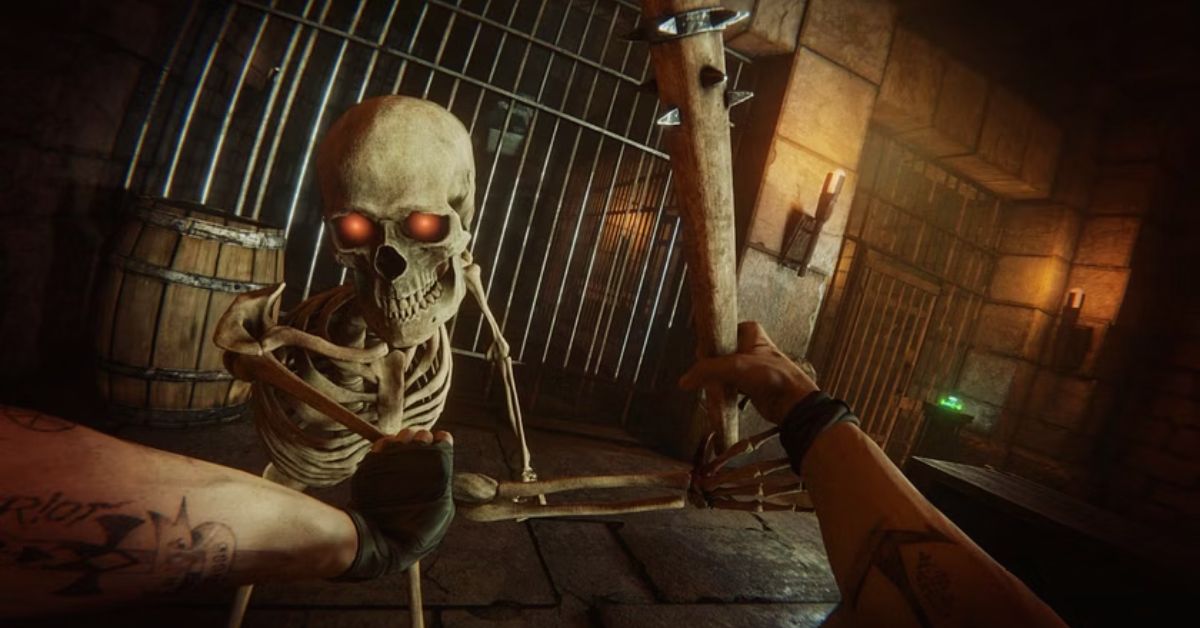
  • Is Overcooked 2 Cross Platform? How To Play With Your Friends On Different Devices?

    Is Overcooked 2 Cross Platform? How To Play With Your Friends On Different Devices?

    Overcooked 2 is a co-op cooking game that challenges you and your friends to prepare and serve delicious dishes in various chaotic kitchens. The game is a lot of fun and can be played with up to four players online or locally. But what if you and your friends have different devices? Is Overcooked 2 cross platform? Here’s what you need to know.

    Is Overcooked 2 Cross Platform?

    Is Overcooked 2 Cross Platform?
    Is Overcooked 2 Cross Platform?

    The answer is yes, but it depends on which version of the game you have. Overcooked 2 has two main versions: the base game and the All You Can Eat edition. The base game is the original version of the game, which was released in 2018.

    The All You Can Eat edition is a remastered version of the game, which was released in 2020. It includes the base game, all the DLCs, and some new features, such as 4K resolution, 60 FPS, and accessibility options.

    The base game of Overcooked 2 only supports crossplay between PC platforms, such as Steam, Epic Games Store, and GOG. This means that if you have the base game on PC, you can play with other PC players, but not with console players.

    The console versions of the base game, such as Nintendo Switch, PlayStation 4, Xbox One, and Amazon Luna, do not support crossplay at all. This means that if you have the base game on a console, you can only play with other players who have the same console as you.

    The All You Can Eat edition of Overcooked 2, on the other hand, supports crossplay between all platforms, including PC and consoles. This means that if you have the All You Can Eat edition on any device, you can play with other players who have the All You Can Eat edition on any device. However, you cannot play with players who have the base game, even if they are on the same platform as you.

    How to play crossplay in Overcooked 2?

    If you want to play crossplay in Overcooked 2, you need to have the All You Can Eat edition of the game, and a valid online subscription, such as Nintendo Switch Online, PlayStation Plus, or Xbox Live Gold.

    You also need to have an internet connection and a communication system, such as voice chat or text chat, to coordinate with your teammates. You also need to have a basic knowledge of the game mechanics, such as the recipes, the controls, and the strategies to overcome the challenges.

    To play crossplay in Overcooked 2, you need to follow these steps:

    • Launch the game and select Online from the main menu.
    • Choose whether you want to host a game or join a game.
    • If you want to host a game, select Create Game and choose the settings you want, such as the game mode, the difficulty, the level, and the number of players. You can also create a password to make your game private or leave it open to the public.
    • If you want to join a game, select Join Game and choose the game you want to join from the list of available games. You can also filter the list by friends, favorites, or recent players.
    • Once you are in the game, you can invite or join other players by using the Invite to Game button on the pause menu. You can also use the voice chat or the text chat to communicate with other players.

    Conclusion

    Overcooked 2 is a cross-platform game, but only if you have the All You Can Eat edition of the game. This edition allows you to play with your friends on different devices, as long as you have an online subscription and an internet connection.

    The base game of Overcooked 2 only allows you to play with other PC players, or with other players who have the same console as you.

    The game is currently available for Windows 10 PCs, Xbox One and Series X/S, PlayStation 4 and 5, Nintendo Switch, iOS, and Android devices. The game is also available for pre-order soon, with exclusive bonuses for early buyers. The game is a lot of fun and can be played with up to four players online or locally.

    You might also be interested in the following games, Crossplay: Evil West Crossplay and Nobody Saves The World Crossplay We appreciate your interest in our website! Make Gameempress.com your go-to site for gaming information.
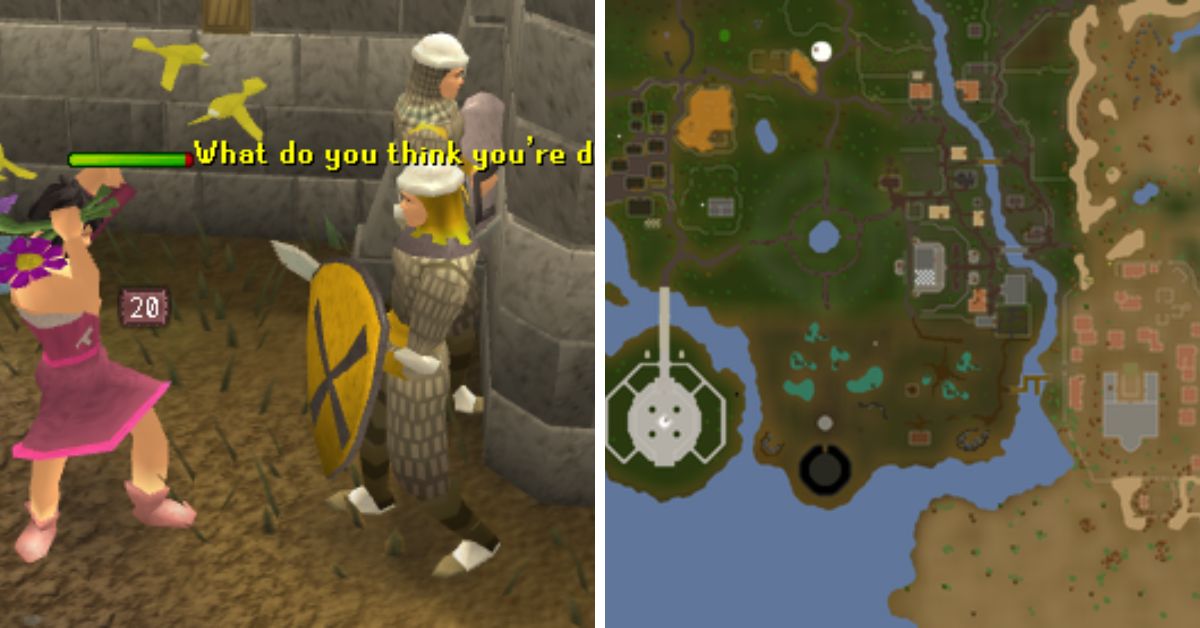
  • Is Helldivers 2 Crossplay? Exploring Multiplatform Gaming Possibilities

    Is Helldivers 2 Crossplay? Exploring Multiplatform Gaming Possibilities

    Helldivers 2 is the sequel to the acclaimed co-op shooter Helldivers, developed by Arrowhead Game Studios and published by Sony Interactive Entertainment. The game was announced during the PlayStation Showcase event in September 2023, and is set to launch later this year on PlayStation 5 and PC.

    Helldivers 2 promises to deliver more action, chaos, and democracy than ever before, as players join the elite Helldivers unit and fight against alien threats across the galaxy.

    But is Helldivers 2 crossplay? Can you play with your friends on different platforms? In this article, we will answer this question and explain everything you need to know about Helldivers 2 crossplay.

    Is Helldivers 2 Crossplay?

    helldivers 2 crossplay
    helldivers 2 crossplay

    According to the official website, Helldivers 2 does support crossplay between PlayStation 5 and PC platforms. This means that players on both systems will have the ability to connect and play together, regardless of their chosen platform.

    However, Helldivers 2 does not support crossplay with other consoles, such as PlayStation 4, Xbox Series X/S, or Nintendo Switch. This is because Helldivers 2 is a PlayStation-exclusive title, and Sony has not allowed crossplay with other console platforms for its exclusive games.

    Additionally, Helldivers 2 does not support crossplay with the original Helldivers game, which was released in 2015 on PlayStation 4, PlayStation 3, PlayStation Vita, and PC. This is because Helldivers 2 is a completely new game, with a different engine, graphics, gameplay, and features, and is not compatible with the previous game.

    How to Enable Crossplay in Helldivers 2?

    To enable crossplay in Helldivers 2, you need to have an active PlayStation Network account and a stable internet connection. You also need to have the latest version of the game installed on your platform.

    To enable crossplay in Helldivers 2, follow these steps:

    • Launch the game from your platform’s dashboard or home screen.
    • Select the Online mode from the main menu.
    • Choose the Create or Join option to create or join a game session.
    • If you want to play with your friends on a different platform, you need to use the
    • Friend Code feature. This is a unique code that you can generate or enter to invite or join your friends’ game sessions across platforms.
    • To generate a Friend Code, select the Invite option from the game session menu, and choose the Generate Friend Code option. You will see a six-digit code that you can share with your friends on a different platform.
    • To enter a Friend Code, select the Join option from the game session menu, and choose the Enter Friend Code option. You will see a keypad where you can enter the six-digit code that your friends have shared with you.
    • Once you have entered or shared the Friend Code, you will be able to join or invite your friends to game sessions across platforms.
    • Enjoy the game with your crossplay friends.

    Conclusion

    Helldivers 2 is a co-op shooter that supports crossplay between PlayStation 5 and PC platforms. This means that you can play with your friends on different platforms, as long as you have a PlayStation Network account and a Friend Code. Helldivers 2 does not support crossplay with other consoles or with the original Helldivers game. Helldivers 2 is set to launch later this year on PlayStation 5 and PC.

    You might also be interested in the following games, Crossplay: Evil West Crossplay and Nobody Saves The World Crossplay We appreciate your interest in our website! Make Gameempress.com your go-to site for gaming information.

  • Is Zombie Army 4 Crossplay? How To Play With Your Friends On Different Devices?

    Is Zombie Army 4 Crossplay? How To Play With Your Friends On Different Devices?

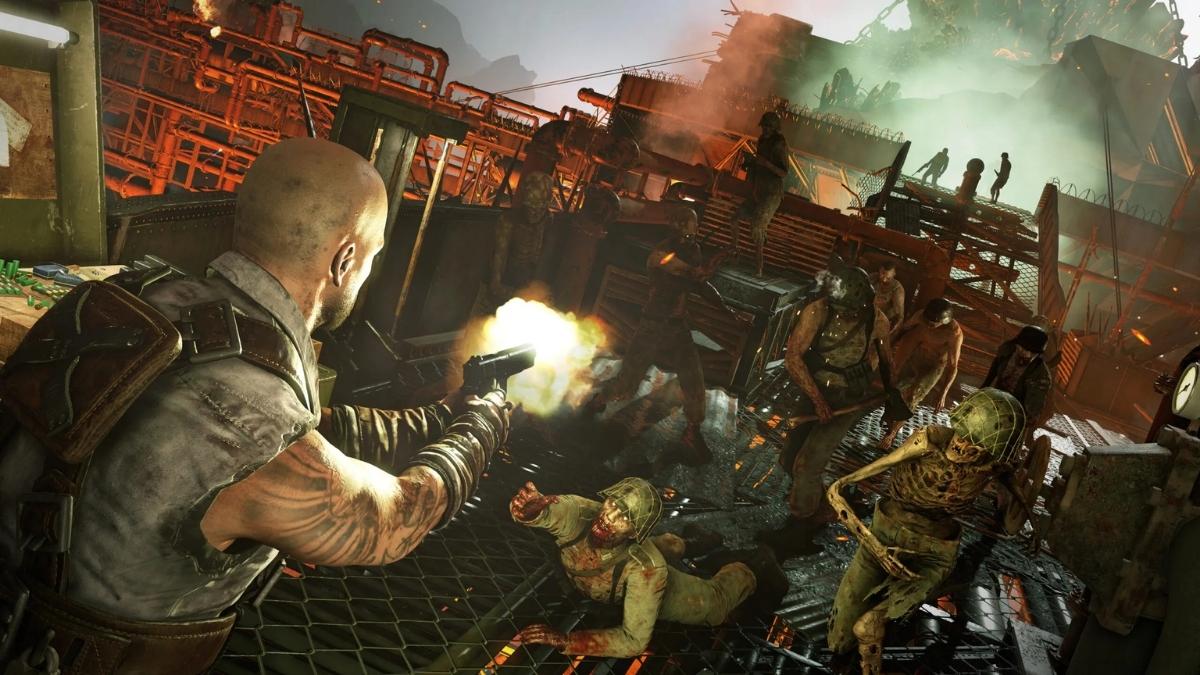
    Zombie Army 4 is a co-op shooter game that pits you and your friends against hordes of undead Nazis in a post-apocalyptic Europe. The game is a lot of fun and can be played with up to four players online or locally. But can you play with your friends across different platforms? Is Zombie Army 4 crossplay? Here’s what you need to know.

    Is Zombie Army 4 Crossplay?

    Is Zombie Army 4 Crossplay?
    Is Zombie Army 4 Crossplay?

    Yes, Zombie Army 4 supports crossplay between all platforms, including PC, PlayStation 4, PlayStation 5, Xbox One, Xbox Series X/S, iOS, and Android devices.

    This means that you can play with your friends on any of these platforms, as long as you have an internet connection and a Ubisoft account. However, some limitations and requirements depend on which platform you are using.

    How to play crossplay on PC and consoles?

    If you are playing Zombie Army 4 on PC or consoles, the crossplay process is simple. All you need to do is:

    • Launch the game and sign in with your Ubisoft account. You can create a free account on the official website.
    • Choose whether you want to join or create a crew. A crew is a group of up to four players who can play together online.
    • If you want to join a crew, select Join Crew and choose the crew you want to join from the list of available crews. You can also filter the list by friends, favorites, or recent players.
    • If you want to create a crew, select Create Crew and choose the settings you want, such as the crew name, the crew tag, and the crew emblem. You can also invite other players to join your crew by using the Invite to Crew button on the pause menu.
    • Once you are in a crew, you can play with your crew members in various modes, such as free roam, races, events, and challenges. You can also use the voice chat or the text chat to communicate with your crew members.

    How to play crossplay on mobile devices?

    If you are playing Zombie Army 4 on iOS or Android devices, the crossplay process is slightly different and requires an extra step. This is because mobile devices are not directly connected to the Ubisoft network, so you need to use the Ubisoft Connect app to link your accounts and play with other players. Here’s what you need to do:

    • Launch the game and sign in with your Ubisoft account. You can create a free account on the official website.
    • Choose whether you want to join or create a crew. A crew is a group of up to four players who can play together online.
    • If you want to join a crew, select Join Crew and choose the crew you want to join from the list of available crews. You can also filter the list by friends, favorites, or recent players.
    • If you want to create a crew, select Create Crew and choose the settings you want, such as the crew name, the crew tag, and the crew emblem. You can also invite other players to join your crew by using the Invite to Crew button on the pause menu.
    • Once you are in a crew, you need to launch the Ubisoft Connect app on your mobile device and sign in with your Ubisoft account. You can download the app for free from the App Store or the Google Play Store.
    • In the app, you can join or invite other players to your crew by using the Ubisoft Connect party system. You can also use the voice chat or the text chat to communicate with your crew members.
    • Once you are in a Ubisoft Connect party, you can play with your crew members in various modes, such as free roam, races, events, and challenges.

    Conclusion

    Zombie Army 4 is a crossplay game, which means that you can play with your friends on different devices, as long as you have an internet connection and a Ubisoft account. The game supports crossplay between all platforms, including PC, PlayStation 4, PlayStation 5, Xbox One, Xbox Series X/S, iOS, and Android devices.

    However, you need to use the Ubisoft Connect app if you are playing on mobile devices. The game is currently available for purchase and can be played with up to four players online or locally.

    You might also be interested in the following games, Crossplay: Evil West Crossplay and Nobody Saves The World Crossplay We appreciate your interest in our website! Make Gameempress.com your go-to site for gaming information.
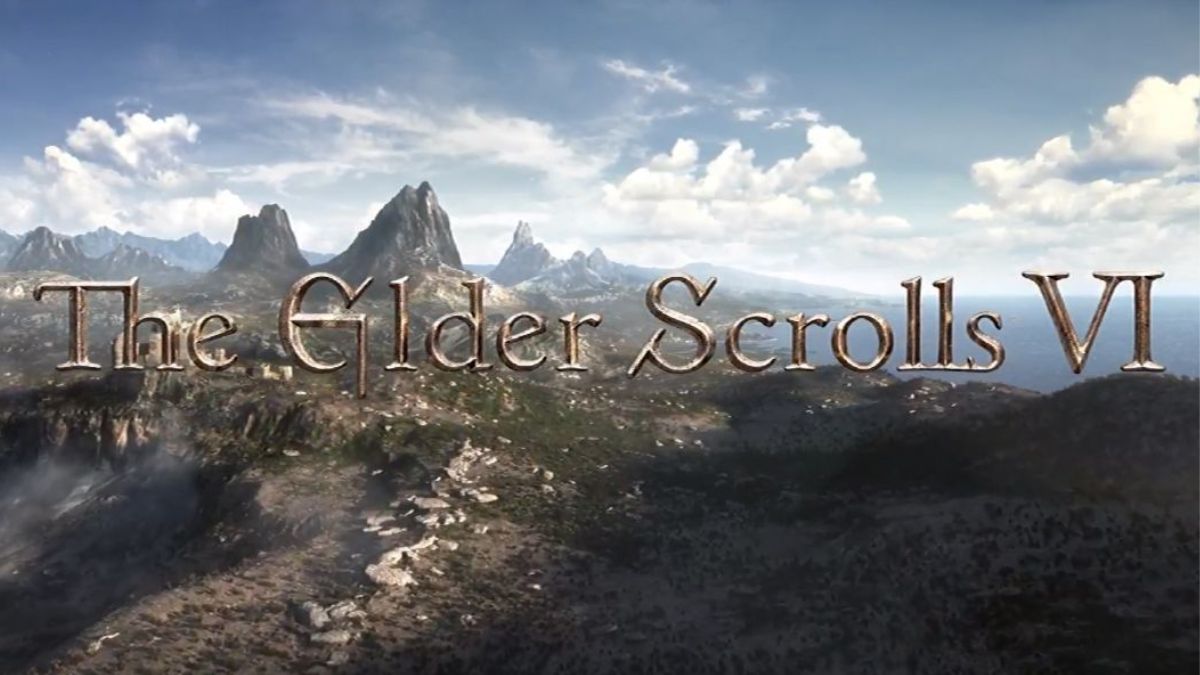
  • Is The Crew Motorfest Crossplay? How To Play With Your Friends On Different Devices?

    Is The Crew Motorfest Crossplay? How To Play With Your Friends On Different Devices?

    The Crew Motorfest is a racing game that lets you explore and customize a vast open world of Hawaii, with over 600 vehicles from various disciplines, such as cars, bikes, boats, and planes.

    The game also features online multiplayer modes, where you can join or create your crew, and compete or cooperate with other players. But can you play with your friends across different platforms? Is The Crew Motorfest crossplay? Here’s what you need to know.

    Is The Crew Motorfest Crossplay?

    Is The Crew Motorfest Crossplay?
    Is The Crew Motorfest Crossplay?

    Yes, The Crew Motorfest supports crossplay between all platforms, including PC, PlayStation 4, PlayStation 5, Xbox One, Xbox Series X/S, iOS, and Android devices.

    This means that you can play with your friends on any of these platforms, as long as you have an internet connection and a Ubisoft account. However, some limitations and requirements depend on which platform you are using.

    How to play crossplay on PC and consoles?

    If you are playing The Crew Motorfest on PC or consoles, the crossplay process is simple. All you need to do is:

    • Launch the game and sign in with your Ubisoft account. You can create a free account on the official website.
    • Choose whether you want to join or create a crew. A crew is a group of up to four players who can play together online.
    • If you want to join a crew, select Join Crew and choose the crew you want to join from the list of available crews. You can also filter the list by friends, favorites, or recent players.
    • If you want to create a crew, select Create Crew and choose the settings you want, such as the crew name, the crew tag, and the crew emblem. You can also invite other players to join your crew by using the Invite to Crew button on the pause menu.
    • Once you are in a crew, you can play with your crew members in various modes, such as free roam, races, events, and challenges. You can also use the voice chat or the text chat to communicate with your crew members.

    How to play crossplay on mobile devices?

    If you are playing The Crew Motorfest on iOS or Android devices, the crossplay process is slightly different and requires an extra step. This is because mobile devices are not directly connected to the Ubisoft network, so you need to use the Ubisoft Connect app to link your accounts and play with other players. Here’s what you need to do:

    • Launch the game and sign in with your Ubisoft account. You can create a free account on the official website.
    • Choose whether you want to join or create a crew. A crew is a group of up to four players who can play together online.
    • If you want to join a crew, select Join Crew and choose the crew you want to join from the list of available crews. You can also filter the list by friends, favorites, or recent players.
    • If you want to create a crew, select Create Crew and choose the settings you want, such as the crew name, the crew tag, and the crew emblem. You can also invite other players to join your crew by using the Invite to Crew button on the pause menu.
    • Once you are in a crew, you need to launch the Ubisoft Connect app on your mobile device and sign in with your Ubisoft account. You can download the app for free from the App Store or the Google Play Store².
    • In the app, you can join or invite other players to your crew by using the Ubisoft Connect party system. You can also use the voice chat or the text chat to communicate with your crew members.
    • Once you are in a Ubisoft Connect party, you can play with your crew members in various modes, such as free roam, races, events, and challenges.

    Conclusion

    The Crew Motorfest is a crossplay game, which means that you can play with your friends on different devices, as long as you have an internet connection and a Ubisoft account. The game supports crossplay between all platforms, including PC, PlayStation 4, PlayStation 5, Xbox One, Xbox Series X/S, iOS, and Android devices.

    However, you need to use the Ubisoft Connect app if you are playing on mobile devices. The game is currently available for pre-order and will be released on October 24, 2024. The game is a lot of fun and offers a lot of variety and customization for racing fans.

    You might also be interested in the following games, Crossplay: Evil West Crossplay and Nobody Saves The World Crossplay We appreciate your interest in our website! Make Gameempress.com your go-to site for gaming information.

  • Is Riders Republic Crossplay? Can You Play Riders Republic With Friends On Other Systems?

    Is Riders Republic Crossplay? Can You Play Riders Republic With Friends On Other Systems?

    Riders Republic is a multiplayer sports game that lets you explore and compete in a massive open world of iconic US national parks, with various activities such as biking, skiing, snowboarding, wingsuiting, and rocket wingsuiting. The game is a lot of fun and can be played with up to 50 players online or locally. But can you play with your friends across different platforms? Is Riders Republic crossplay? Here’s what you need to know.

    Is Riders Republic Crossplay?

    Is Riders Republic Crossplay
    Is Riders Republic Crossplay

    Yes, Riders Republic supports crossplay between all platforms, including PC, PlayStation 4, PlayStation 5, Xbox One, Xbox Series X/S, Stadia, and Amazon Luna. This means that you can play with your friends on any of these platforms, as long as you have an internet connection and a Ubisoft account. However, some limitations and requirements are depending on which platform you are using.

    How to Play Crossplay on PC and Consoles?

    If you are playing Riders Republic on PC or consoles, the crossplay process is straightforward. All you need to do is:

    • Launch the game and sign in with your Ubisoft account. You can create a free account on the official website.
    • Choose whether you want to join or create a group. A group is a team of up to six players who can play together online.
    • If you want to join a group, select Join Group and choose the group you want to join from the list of available groups. You can also filter the list by friends, favorites, or recent players.
    • If you want to create a group, select Create Group and invite other players to join your group by using the Invite to Group button on the pause menu.
    • Once you are in a group, you can play with your group members in various modes, such as free roam, races, events, and challenges. You can also use the voice chat or the text chat to communicate with your group members.

    How to Play Crossplay on Mobile Devices?

    If you are playing Riders Republic on iOS or Android devices, the crossplay process is slightly different and requires an extra step. This is because mobile devices are not directly connected to the Ubisoft network, so you need to use the Ubisoft Connect app to link your accounts and play with other players. Here’s what you need to do:

    • Launch the game and sign in with your Ubisoft account. You can create a free account on the official website.
    • Choose whether you want to join or create a group. A group is a team of up to six players who can play together online.
    • If you want to join a group, select Join Group and choose the group you want to join from the list of available groups. You can also filter the list by friends, favorites, or recent players.
    • If you want to create a group, select Create Group and invite other players to join your group by using the Invite to Group button on the pause menu.
    • Once you are in a group, you need to launch the Ubisoft Connect app on your mobile device and sign in with your Ubisoft account. You can download the app for free from the App Store or the Google Play Store.
    • In the app, you can join or invite other players to your group by using the Ubisoft Connect party system. You can also use the voice chat or the text chat to communicate with your group members.
    • Once you are in a Ubisoft Connect party, you can play with your group members in various modes, such as free roam, races, events, and challenges.

    Conclusion

    Riders Republic is a crossplay game, which means that you can play with your friends on different devices, as long as you have an internet connection and a Ubisoft account. The game supports crossplay between all platforms, including PC, PlayStation 4, PlayStation 5, Xbox One, Xbox Series X/S, Stadia, and Amazon Luna.

    However, you need to use the Ubisoft Connect app if you are playing on mobile devices. The game is currently available for purchase and can be played with up to 50 players online or locally. The game is a lot of fun and offers a lot of variety and customization for sports fans.

    You might also be interested in the following games, Crossplay: Evil West Crossplay and Nobody Saves The World Crossplay We appreciate your interest in our website! Make Gameempress.com your go-to site for gaming information.

  • Animal Crossing New Horizons Fish Guide: How To Catch, Sell, And Donate Fish?

    Animal Crossing New Horizons Fish Guide: How To Catch, Sell, And Donate Fish?

    Animal Crossing New Horizons is a life simulation game that lets you create your island paradise, interact with various villagers and visitors, and enjoy various activities, such as fishing, gardening, and crafting. The game was developed by Nintendo EPD and published by Nintendo, and it is available for Nintendo Switch.

    The game features a dynamic day and night cycle, a seasonal system, and a real-time clock, which affects the gameplay and the appearance of the island. One of the most popular and relaxing activities in the game is fishing, which allows you to catch various fish and use them for different purposes, such as selling, donating, or decorating.

    In this article, we will show you how to catch, sell, and donate fish in Animal Crossing New Horizons, and provide a full list of fish in the game, along with their locations, prices, and availability.

    How to Catch Fish in Animal Crossing New Horizons?

    Animal Crossing New Horizons Fish Guide
    Animal Crossing New Horizons Fish Guide

    To catch fish in Animal Crossing New Horizons, you need to follow these steps:

    • First, you need to have a fishing rod, which is a tool that you can use to fish. You can get a fishing rod from various sources, such as crafting, buying, or receiving as a gift. You can craft a fishing rod from materials, such as wood or iron nuggets, using a DIY recipe, which you can get from various sources, such as villagers, bottles, or balloons. You can buy a fishing rod from shops, such as Nook’s Cranny or the Nook Stop, using bells, which are the main currency in the game. You can also receive a fishing rod as a gift from villagers or visitors, such as Tom Nook or Wilbur.
    • Next, you need to find a fishing spot, which is a place where you can fish. You can fish in various bodies of water, such as rivers, ponds, lakes, or oceans, which are located on your island or on other islands that you can visit. You can also fish in special locations, such as the pier, the mouth of the river, or the clifftop, which has different types of fish. You can identify a fishing spot by looking for a fish shadow, which is a dark shape that moves in the water. The size and shape of the fish shadow indicate the type and rarity of the fish.
    • Then, you need to cast your fishing rod, which is the action of throwing your fishing line into the water. You can cast your fishing rod by pressing the A button on your controller while facing the water. You need to aim your fishing rod at the fish shadow and make sure that your fishing line lands in front of the fish shadow. If your fishing line lands too far or too close to the fish’s shadow, the fish will not notice it, and you will have to cast your fishing rod again.
    • Finally, you need to reel in your fishing rod, which is the action of pulling your fishing line out of the water. You can reel in your fishing rod by pressing the A button on your controller when the fish bites your fishing line. You will know that the fish bites your fishing line when you hear a splash sound and see a bubble pop on the water. You need to be quick and attentive and press the A button as soon as the fish bites your fishing line. If you press the A button too early or too late, the fish will escape, and you will have to cast your fishing rod again.

    By following these steps, you can catch fish in Animal Crossing New Horizons. You can catch as many fish as you want, as long as you have enough space in your inventory, which is the place where you store your items.

    You can also use bait, which is an item that you can use to attract fish and make them appear more frequently and randomly. You can craft bait from manila clams, which are items that you can dig up from the beach, using a DIY recipe, which you can get from Wilbur, who is a visitor who can take you to other islands.

    How to Sell Fish in Animal Crossing New Horizons?

    Animal Crossing New Horizons Fish Guide (1)
    Animal Crossing New Horizons Fish Guide (1)

    To sell fish in Animal Crossing New Horizons, you need to follow these steps:

    • First, you need to have fish, which are items that you can catch by fishing. You can catch fish from various bodies of water, such as rivers, ponds, lakes, or oceans, using a fishing rod, which is a tool that you can use to fish. You can also catch fish from special locations, such as the pier, the mouth of the river, or the clifftop, which has different types of fish. You can catch as many fish as you want, as long as you have enough space in your inventory, which is the place where you store your items.
    • Next, you need to find a buyer, which is a person or a place that can buy your fish. You can sell your fish to various buyers, such as shops, villagers, or visitors, which are located on your island or on other islands that you can visit. You can also sell your fish to special buyers, such as C.J., who is a visitor who can buy your fish for a higher price, and Flick, who is a visitor who can buy your bugs for a higher price. You can identify a buyer by looking for a sign, a dialogue, or a request, that indicates that they can buy your fish.
    • Then, you need to select your fish, which is the action of choosing the fish that you want to sell. You can select your fish from your inventory, which is the place where you store your items. You can access your inventory by pressing the X button on your controller, and then pressing the R button on your controller, to switch to the fish tab. You can select your fish by pressing the A button on your controller while hovering over the fish that you want to sell. You can select as many fish as you want, as long as the buyer can accept them.
    • Finally, you need to confirm your sale, which is the action of finalizing the transaction and receiving the payment. You can confirm your sale by pressing the A button on your controller while talking to the buyer. You will see a confirmation screen, where you can see the total price of your fish, and the option to sell or cancel. You can confirm your sale by pressing the A button on your controller, or cancel your sale by pressing the B button on your controller. You will receive the payment in bells, which are the main currency in the game, and the fish will be removed from your inventory.

    By following these steps, you can sell fish in Animal Crossing New Horizons. You can sell as many fish as you want, as long as you have enough fish in your inventory, and the buyer can accept them. You can also use the Nook’s Cranny drop-off box, which is a place where you can sell your items at any time, but for a lower price, and the payment will be delivered the next day.

    How to Donate Fish in Animal Crossing New Horizons?

    To donate fish in Animal Crossing New Horizons, you need to follow these steps:

    • First, you need to have fish, which are items that you can catch by fishing. You can catch fish from various bodies of water, such as rivers, ponds, lakes, or oceans, using a fishing rod, which is a tool that you can use to fish. You can also catch fish from special locations, such as the pier, the mouth of the river, or the clifftop, which has different types of fish. You can catch as many fish as you want, as long as you have enough space in your inventory, which is the place where you store your items.
    • Next, you need to find the museum, which is a place where you can donate your fish. The museum is a building that is located on your island, and it is run by Blathers, who is a visitor who can accept your donations. You can identify the museum by looking for a sign, a logo, or a building, that indicates that it is the museum. You can also access the museum by using the map, which is a feature that you can use to see the layout of your island. You can access the map by pressing the minus button on your controller, and then pressing the A button on your controller, to switch to the map tab.
    • Then, you need to talk to Blathers, who is a visitor who can accept your donations. Blathers is an owl who wears a green vest and a red bow tie, and he is the curator of the museum. You can talk to Blathers by pressing the A button on your controller while standing in front of him. You will see a dialogue screen, where you can choose from various options, such as donate, assess fossils, or tell me about this. You need to choose the donate option, which will allow you to donate your fish to the museum.
    • Finally, you need to select your fish, which is the action of choosing the fish that you want to donate. You can select your fish from your inventory, which is the place where you store your items. You can access your inventory by pressing the X button on your controller, and then pressing the R button on your controller, to switch to the fish tab. You can select your fish by pressing the A button on your controller while hovering over the fish that you want to donate. You can select as many fish as you want, as long as the museum does not have them yet.

    This is everything you need to know about Animal Crossing New Horizons Fish Guide. Additionally, you can check our guide on MapleStory Inner Ability Guide and Harvest Moon 64 Guide. Stay connected with GameEmpress.com to get the latest news and guides about the gaming world.