In-depth game guides from Game Empress, with walkthroughs, tier lists, location maps, and step-by-step strategies to help you master the games you love.
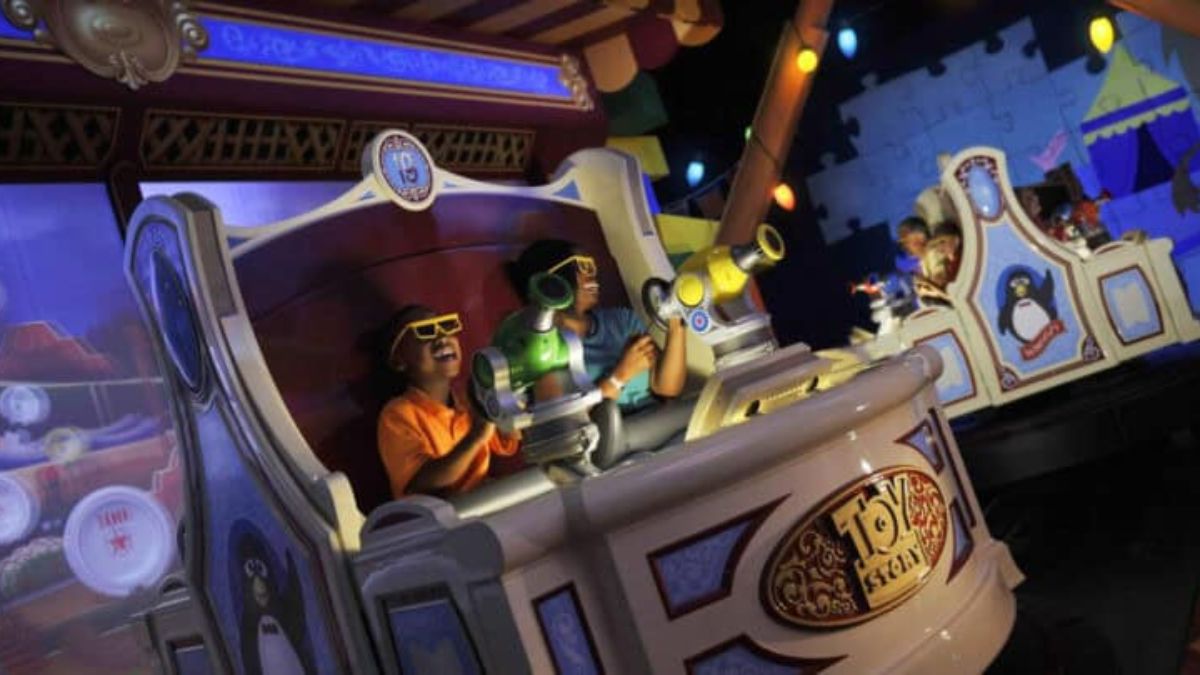
Toy Story Mania is one of the most popular attractions at Disney’s Hollywood Studios and Disney California Adventure. It is a 3D shooting game that features five mini-games based on the Toy Story movies. You can compete with your partner or other riders to see who can get the highest score.
But how can you improve your skills and beat the competition? In this article, we will reveal the best tips and tricks for each mini-game, and how to unlock the hidden secrets and bonuses. Let’s get started!
How To Score High On Toy Story Mania?
How To Score High On Toy Story Mania
Pie Throwing Practice Booth
The first mini-game is a warm-up round where you can practice throwing pies at the targets held by the Toy Story characters. There are no points in this game, so you don’t have to worry about hitting anything.
However, you can use this opportunity to get familiar with the aiming and shooting mechanism and to conserve your energy for the main event. Don’t tire your arm by shooting too fast or too hard. Just aim for the center of the target and pull the string gently.
Hamm & Eggs
The second mini-game is Hamm & Eggs, where you have to throw eggs at the farm animals and other objects. The key to scoring high in this game is to flip the barn as many times as possible. To do this, you have to hit all three animals that are running around the barn: the horse, the chicken, and the mouse.
Each time you hit them, they will disappear and reappear in a different spot. Once you hit all three, the barn will flip over and reveal a new scene with higher point values. The more you flip the barn, the more points you can get.
Another tip is to aim for the fox that pops up from the henhouse occasionally. He is worth 1,000 points, and if you hit him, he will drop a golden egg that is worth 5,000 points. Try to hit the golden egg before it falls off the screen.
Rex and Trixie’s Dino Darts
The third mini-game is Rex and Trixie’s Dino Darts, where you have to pop balloons with darts. There are a lot of balloons to pop, but some are more valuable than others. The most important ones are the three long lava balloons that appear in front of the volcano a few seconds into the game.
They are worth 500 points each, and if you pop all three, you will trigger a comet to appear on each side of the screen. You and your partner have to hit the comet three times each to make the volcano erupt and release a bunch of 500-point balloons. This is the best way to rack up points in this game.
Another tip is to aim for the green army men that parachute down from the sky. They are worth 1,000 points each, and if you hit them, they will drop a green balloon that is worth 2,000 points. Try to hit the green balloon before it floats away.
Green Army Men Shoot Camp
The fourth mini-game is Green Army Men Shoot Camp, where you have to break plates with baseballs. This is probably the hardest game to score high, as the plates are small and fast-moving. The trick is to focus on the 2,000-point plate that pops up on each side of the dirt mountain.
You and your partner have to hit the plate on your side to make a tank appear. The tank will fire a rocket that will break all the plates on the screen and give you a bonus of 5,000 points. This is the only way to get a big score in this game.
Another tip is to aim for the green army men who are hiding behind the bushes and barrels. They are worth 500 points each, and if you hit them, they will drop a gold star that is worth 2,000 points. Try to hit the gold star before it disappears.
Buzz Lightyear’s Flying Tossers
The fifth and final mini-game is Buzz Lightyear’s Flying Tossers, where you have to toss rings at the aliens and other objects. This is the easiest game to score high, as the rings are large and slow-moving.
The trick is to aim for the rocket that is flying across the top of the screen. It is worth 5,000 points, and if you hit it, it will launch and reveal a hidden planet that is worth 10,000 points. Try to hit the planet as many times as you can before the game ends.
Another tip is to aim for the aliens that are holding the signs that say “500” or “1,000”. They are worth the amount shown on the sign, and if you hit them, they will drop a ring that is worth the same amount. Try to catch the ring and throw it at another target for extra points.
Conclusion
Toy Story Mania is a fun and challenging attraction that tests your accuracy and speed. By following these tips and tricks, you can improve your score and impress your friends and family. Remember to practice, collaborate, and have fun. And don’t forget to smile for the camera at the end of the ride!
This is everything you need to know about How To Score High On Toy Story Mania. Additionally, you can check our guide on Dragonflight Alchemy Guide and Diablo 4 Uber Lilith Guide. Stay connected with GameEmpress.com to get the latest news and guides about the gaming world.
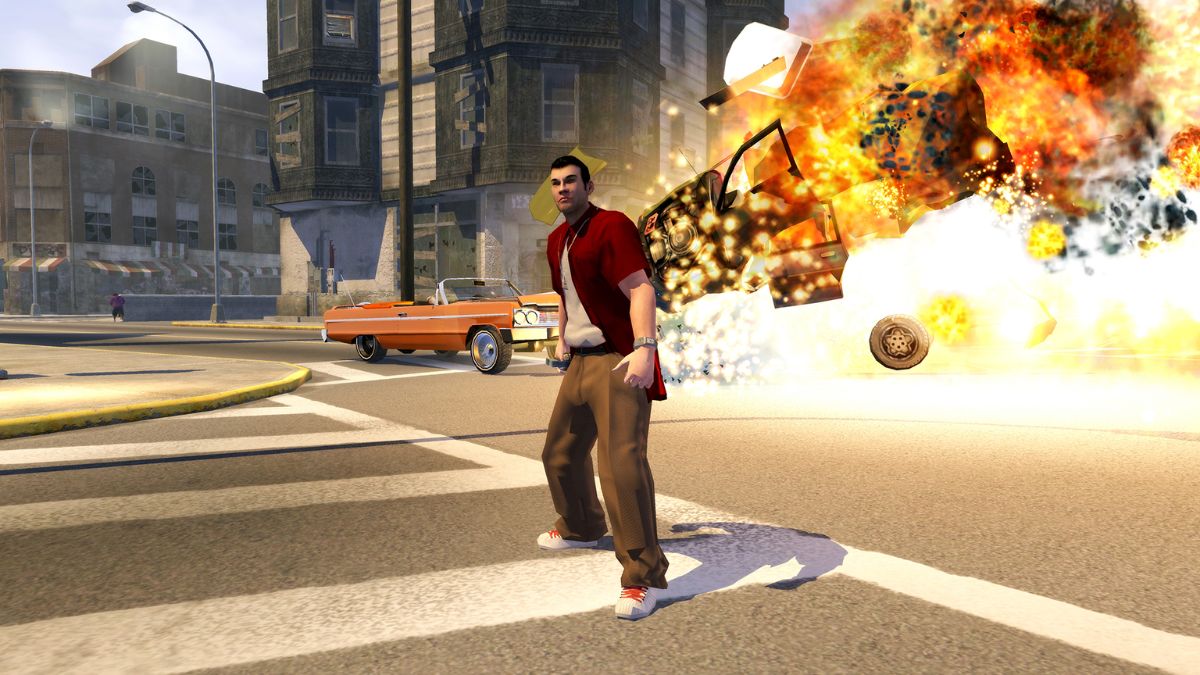
Saints Row 2022 is a reboot of the popular action-adventure game series that was released in 2023 by Volition and Deep Silver. The game is set in Santo Ileso, a fictional city in the American Southwest, where the players can create their characters and lead a new gang called the Saints.
The game features a vast and vibrant open world, where the players can explore, customize, and cause mayhem.
Saints Row 2022 is a game that does not take itself too seriously and encourages the players to have fun and experiment with different scenarios and possibilities. One way to do that is to use cheat codes, which are special commands that can alter the gameplay and the features of the game.
Cheat codes can give the players advantages, such as unlimited money, health, and ammo, or disadvantages, such as increased difficulty, police, and enemies. Cheat codes can also change the appearance, behavior, or physics of the game, such as low gravity, big heads, or exploding bullets.
However, not all players may know how to unlock and use cheat codes in Saints Row 2022, as the game does not have a dedicated cheat menu or a clear tutorial. In this article, we will explain how to unlock and use cheat codes in Saints Row 2022, and what are the benefits and drawbacks of using them.
How to Unlock Cheat Codes in Saints Row 2022?
Before using cheat codes in Saints Row 2022, the players need to unlock them first. Unlike the previous Saints Row games, where the players could enter cheat codes at any time by accessing their phone or the pause menu, Saints Row 2022 requires the players to find and collect cheat codes in the game world.
Saints Row 2022 Cheats
Cheat codes are hidden in various locations, such as billboards, posters, graffiti, signs, or buildings, and the players need to scan them with their phone camera to unlock them.
To scan a cheat code in Saints Row 2022, the players need to follow these steps:
Find a cheat code in the game world. The cheat codes are usually marked with a purple icon and a hashtag symbol, such as #money or #nocops.
Equip the phone camera by pressing the D-pad left button on the controller or the C key on the keyboard.
Aim the phone camera at the cheat code and press the right trigger button on the controller, or the left mouse button on the keyboard, to scan it.
A message will appear on the screen, confirming that the cheat code has been unlocked and added to the phone.
The players can also unlock cheat codes by completing certain activities, missions, or challenges in the game, or by purchasing them from the in-game store with real money. However, these methods are optional and not necessary to unlock all the cheat codes in the game.
How to Use Cheat Codes in Saints Row 2022?
After unlocking cheat codes in Saints Row 2022, the players can use them at any time by accessing their phones. To use a cheat code in Saints Row 2022, the players need to follow these steps:
Open the phone menu by pressing the D-pad up button on the controller, or the Tab key on the keyboard.
Select the Cheats option from the phone menu, and press the A button on the controller, or the Enter key on the keyboard, to open it.
Select the cheat code that the player wants to use from the list, and press the A button on the controller, or the Enter key on the keyboard, to activate it.
A message will appear on the screen, confirming that the cheat code has been activated and applied to the game.
The players can also deactivate a cheat code by selecting it again from the list and pressing the A button on the controller, or the Enter key on the keyboard, to toggle it off. A message will appear on the screen, confirming that the cheat code has been deactivated and removed from the game.
Benefits and Drawbacks of Using Cheat Codes in Saints Row 2022
Using cheat codes in Saints Row 2022 can have both benefits and drawbacks, depending on the player’s preference and playstyle. Some of the benefits of using cheat codes are:
They can make the game easier, more fun, or more varied, by giving the players advantages, such as unlimited money, health, and ammo, or by changing the appearance, the behavior, or the physics of the game, such as low gravity, big heads, or exploding bullets.
They can allow the players to experiment with different scenarios and possibilities, and to create their own rules and challenges, by giving the players disadvantages, such as increased difficulty, police, and enemies, or by disabling certain features, such as saving, loading, or fast travel.
They can enhance the gaming experience, as they are part of the game’s humor and charm, and reflect the game’s tone and theme, which are not meant to be realistic or serious, but rather absurd.
Some of the drawbacks of using cheat codes are:
They can make the game too easy, boring, or repetitive, by giving the players advantages, such as unlimited money, health, and ammo, or by changing the appearance, the behavior, or the physics of the game, such as low gravity, big heads, or exploding bullets.
They can ruin the game’s balance, difficulty, and progression, by giving the players disadvantages, such as increased difficulty, police, and enemies, or by disabling certain features, such as saving, loading, or fast travel.
They can disable the game’s achievements, trophies, and rewards, as the game will detect that the players are using cheat codes, and will prevent them from earning or unlocking them.
Therefore, the players should use cheat codes in Saints Row 2022 with caution and moderation, and only if they are comfortable with the consequences and the trade-offs. The players should also make sure to have a backup save file before using cheat codes, in case they want to revert to normal gameplay mode.
Conclusion
Saints Row 2022 is a game that supports and encourages the use of cheat codes, which are special commands that can alter the gameplay and the features of the game. Cheat codes can give the players advantages, disadvantages, or changes, depending on the code and the effect.
Cheat codes can be unlocked by finding and scanning them in the game world, by completing certain activities, missions, or challenges, or by purchasing them from the in-game store. Cheat codes can be used by accessing the phone menu and selecting the cheat code from the list. Cheat codes can have both benefits and drawbacks, depending on the player’s preference and playstyle.
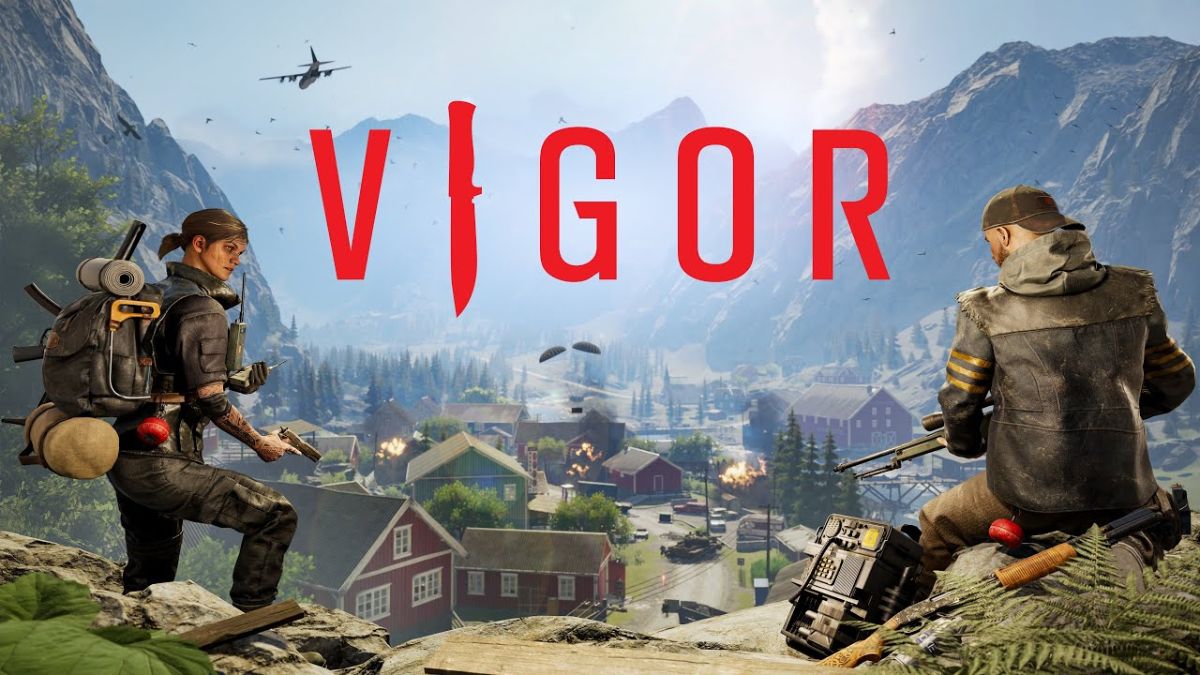
Vigor is a free-to-play online shooter game that is set in post-apocalyptic Norway. The game was developed by Bohemia Interactive and was released in 2019 for Xbox One, and later for Nintendo Switch, PlayStation 4, and PlayStation 5.
The game allows players to scavenge for resources, build shelters, and engage in combat with other players. But is Vigor crossplay? Can you play with your friends on different platforms? In this article, we will answer these questions and more.
Is Vigor Crossplay?
Is Vigor Crossplay
Yes, Vigor does support crossplay, but only between select platforms.
This means that you can play with your friends on Xbox, Switch, or PlayStation, regardless of the generation of your console. However, you cannot play with your friends on PC, as the game is not available on PC yet.
The developers have stated that they are working on bringing the game to PC in the future, but they have not given a specific date or confirmed if crossplay will be supported with PC.
How to Play Vigor with Crossplay?
To play Vigor with crossplay, you need to follow these steps:
Make sure you have the latest version of the game installed on your platform.
Launch the game and go to the main menu.
Select the Online option and choose a mode and a map.
If you want to join a friend’s game, select the Friends option and choose their name from the list. You can also invite them to your game by pressing the Invite button.
If you want to join a random game, select the Quick Play option and wait for the game to find a suitable match for you.
Enjoy the game with your crossplay friends.
Tips and Tricks for Vigor
Here are some tips and tricks to help you improve your skills and have more fun in Vigor:
Experiment with different weapons and tools. Each weapon and tool has its advantages and disadvantages, such as damage, range, accuracy, and durability. Find the ones that suit your playstyle and situation.
Use the environment to your advantage. You can hide behind cover, climb on rooftops, swim in water, and more. You can also interact with some objects, such as cars, barrels, and generators, to create explosions or distractions.
Be careful with your loot. You can scavenge for resources and items in the game, but you can also lose them if you die or leave the match. You can secure your loot by using the exit points, which are marked on the map. You can also use the airdrop, which is a crate that contains valuable loot, but it also attracts other players.
Work as a team. Vigor is a game that rewards teamwork and cooperation. You can communicate with your teammates, share resources and items, and coordinate your actions and strategies. You can also use the Team Up option to join a team with your friends.
Conclusion
Vigor is a game that supports crossplay between Xbox, Switch, and PlayStation platforms. This means that you can play with your friends on different platforms, as long as they are not on PC. You can also enjoy the game’s features, such as scavenging, building, and fighting. Vigor is a game that offers a challenging and immersive survival shooter experience.
You might also be interested in the following games, Crossplay: BO3 Crossplay and NFS Heat Crossplay We appreciate your interest in our website! Make Gameempress.com your go-to site for gaming information.
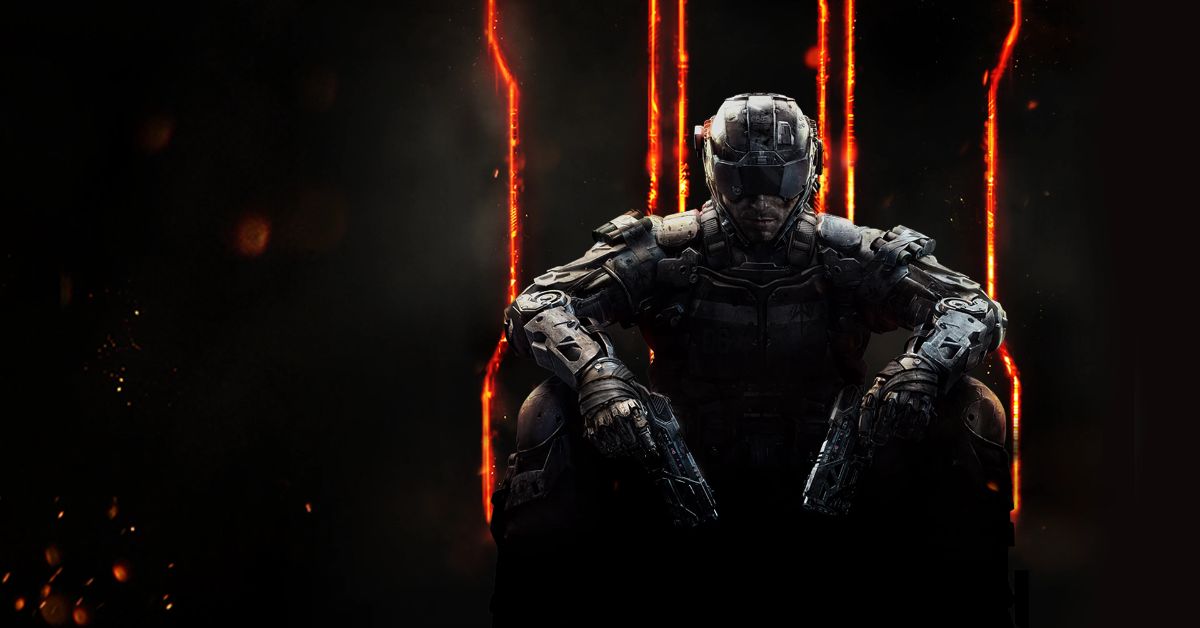
BO3, or Call of Duty: Black Ops 3, is a first-person shooter game that was released in 2015 for various platforms, such as PC, PlayStation, Xbox, and Mac. The game is set in a dystopian future where humans are enhanced with cybernetics and biotechnology, and features a campaign mode, a multiplayer mode, and a zombies mode. But is BO3 crossplay? Can you play with your friends on different devices? In this article, we will answer these questions and more.
Is BO3 Crossplay?
Unfortunately, the answer is no. BO3 does not support crossplay between any platforms. This means that you can only play with other players who are on the same platform as you. For example, if you are on PC, you can only play with other PC players, and not with PlayStation or Xbox players.
Is BO3 Crossplay
This may be disappointing for some fans, especially since some newer Call of Duty games, such as Modern Warfare and Black Ops Cold War, do support crossplay. However, BO3 was released before crossplay became a common feature in the gaming industry, and the developers, Treyarch, did not add crossplay support to the game later on.
Why is BO3 Not Crossplay?
There are several possible reasons why BO3 is not crossplay, but the exact reason is not officially confirmed by the developers or the publisher, Activision. Some of the potential reasons are:
Technical limitations: BO3 was developed using an older version of the IW engine, which may not have the capabilities to support crossplay. Moreover, BO3 was released on different platforms with different features and specifications, such as the PC, PlayStation 4, Xbox One, PlayStation 3, Xbox 360, and Mac. This may make it difficult to ensure compatibility and balance between the platforms.
Licensing agreements: BO3 was released during a time when Sony had an exclusive deal with Activision, which gave PlayStation players early access to DLCs and other content. This may have prevented Activision from allowing crossplay between PlayStation and other platforms, as it would have reduced the value of the deal.
Business decisions: BO3 was released during a time when crossplay was not a popular or expected feature in the gaming industry. Therefore, Activision may not have seen the need or the benefit of investing in crossplay support for BO3, as it may not have increased the sales or the player retention of the game.
Will BO3 Ever Be Crossplay?
It is unlikely that BO3 will ever be crossplay, as the game is already six years old and has been succeeded by several newer Call of Duty games. The developers and the publisher may not have the interest or the resources to update the game and add crossplay support, as they may be focused on current and future projects.
Moreover, the player base of BO3 may have declined over the years, as many players may have moved on to other games, which may reduce the demand and the incentive for crossplay support.
Therefore, if you want to play BO3 with your friends on different platforms, you may have to buy the game on the same platform as them or hope for a remastered version of the game that supports crossplay in the future.
Conclusion
BO3 is a game that does not support crossplay between any platforms. This means that you can only play with other players who are on the same platform as you. The reason why BO3 is not crossplay is not officially confirmed, but it may be due to technical limitations, licensing agreements, or business decisions.
It is unlikely that BO3 will ever be crossplay, as the game is already old and has been replaced by newer Call of Duty games. Therefore, if you want to play BO3 with your friends on different platforms, you may have to buy the game on the same platform as them or wait for a remastered version of the game that supports crossplay in the future.
Shotgun Farmers is a multiplayer shooter game that features a unique mechanic: your bullets grow new guns. The game was developed by Megastorm Games and was released in 2020 for various platforms. But is Shotgun Farmers crossplay? Can you play with your friends on different devices? In this article, we will answer these questions and more.
What is Shotgun Farmers?
Shotgun Farmers is a game that combines fast-paced shooting action with farming elements. The game is set on a rural farm where you can choose from different modes and maps, such as Team Deathmatch, Capture the Pig, Chicken Run, and King of the Crow. You can also customize your farmer with different outfits, hats, and accessories.
Is Shotgun Farmers Crossplay?
The game’s main feature is that your bullets grow new guns. Whenever you shoot, your bullets plant seeds in the ground. These seeds grow into new guns that you or your enemies can pick up and use. The longer a gun grows, the more ammo it has. You can also harvest crops and use them as weapons, such as corn grenades, carrot rocket launchers, and watermelon shotguns.
The game has a colorful and cartoonish style, with humorous sound effects and voice lines. The game also supports local and online multiplayer, with up to 10 players per match.
Is Shotgun Farmers Crossplay?
Shotgun Farmers is the multiplayer FPS where missed shots grow new guns! The longer a gun grows, the more ammo you will get. 🌽
Out now on Xbox, Playstation, Switch, Steam, and Epic, with cross-play!
— Shotgun Farmers – Grow Your Guns! (@ShotgunFarmers) May 25, 2023
Yes, Shotgun Farmers is a cross-platform game, that allows players on different platforms to connect and play together. The supported platforms for Shotgun Farmers are:
PC (Steam)
PlayStation 4 and 5
Xbox One and Series X|S
Nintendo Switch
Steam Deck
This means that you can play the game with friends no matter what platform they are on. You can also switch between platforms and keep your progress and unlocks.
How to Play Shotgun Farmers with Crossplay?
To play Shotgun Farmers with crossplay, you need to follow these steps:
Make sure you have the latest version of the game installed on your device.
Launch the game and go to the main menu.
Select the Online option and choose a mode and a map.
If you want to join a friend’s game, select the Friends option and choose their name from the list. You can also invite them to your game by pressing the Invite button.
If you want to join a random game, select the Quick Match option and wait for the game to find a suitable match for you.
Enjoy the game with your crossplay friends.
Tips and Tricks for Shotgun Farmers
Here are some tips and tricks to help you improve your skills and have more fun in Shotgun Farmers:
Experiment with different guns and crops. Each weapon has its advantages and disadvantages, such as range, damage, accuracy, and reload speed. Find the ones that suit your playstyle and situation.
Aim for the head. Headshots deal more damage and can take down your enemies faster. You can also get bonus points and achievements for headshots.
Use the environment to your advantage. You can hide behind cover, jump on rooftops, slide on hay bales, and more. You can also interact with some objects, such as barrels, tractors, and scarecrows, to create explosions or distractions.
Harvest your guns. If you run out of ammo, you can always pick up a new gun from the ground. You can also harvest your guns by shooting at the soil and waiting for them to grow. You can also steal your enemies’ guns by shooting at their crops.
Work as a team. Shotgun Farmers is a game that rewards teamwork and cooperation. You can communicate with your teammates, share ammo and health, and coordinate your attacks and defenses. You can also use the Team Up option to join a team with your friends.
Conclusion
Shotgun Farmers is a game that offers a fun and unique shooting experience with crossplay support. You can play the game on various platforms, such as PC, PlayStation, Xbox, Nintendo Switch, and Steam Deck, and join your friends on different devices. You can also enjoy the game’s features, such as growing guns, harvesting crops, and customizing your farmer. Shotgun Farmers is a game that is easy to learn, hard to master, and fun to play.
Lethal Company is a survival horror game that was released in 2023 by Zeekerss, an indie developer. The game is set in a dystopian future, where the players are scavengers who explore abandoned moons for scrap metal.
The game features a co-op mode, where up to four players can work together to survive the dangers of the moons, such as hostile creatures, environmental hazards, and rival scavengers.
However, some players may want to play with more than four players, either to increase the challenge, the fun, or the social aspect of the game. Unfortunately, there is no official way to increase the number of players in Lethal Company beyond the default of four.
However, there is a popular mod called MoreCompany that allows you to play with up to eight players with the option to go up to 32 or even 50, although these higher numbers may cause stability issues. In this article, we will explain how to download and install the MoreCompany mod, and how to use it to play with more players in Lethal Company.
How to Download and Install the More Company Mod?
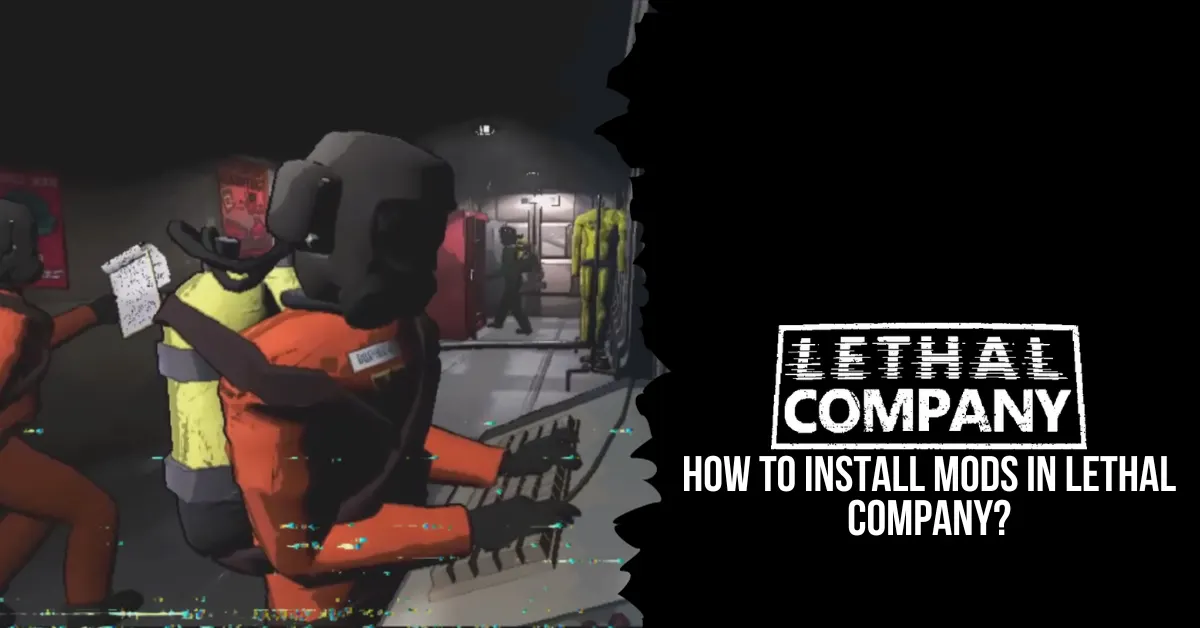
how to install mods in lethal company
Before downloading and installing the MoreCompany mod, you will need to install some essential tools and files that will allow the game to run the mod. These are:
Thunderstore Mod Manager: A software that enables the installation and management of mods for various games, including Lethal Company.
BepInExPack: A collection of plugins and patches that are required for most mods.
LC API: An application programming interface that provides access to the game’s functions and variables.
To install these tools and files, follow these steps:
Download the zip files from the links above and extract them to a folder of your choice.
Open Thunderstore Mod Manager and create a Lethal Company profile by selecting the game and clicking the Create Profile button. You can name the profile anything you like.
Install BepInExPack by searching for it in Thunderstore Mod Manager and clicking the Install button. This will install a Unity mod framework required for other mods to work.
Install LC API by copying and pasting the LC API.dll file into the BepInEx/plugins folder in the game’s root folder.
After installing these tools and files, you can proceed to download and install the MoreCompany mod. To do so, follow these steps:
Download the MoreCompany mod and extract it to a folder of your choice.
Copy and paste the MoreCompany.dll file into the BepInEx/plugins folder in the game’s root folder.
Launch the game with Thunderstore Mod Manager by clicking the Modded button. This will launch the game with the MoreCompany mod enabled.
How to Use the MoreCompany Mod?
The MoreCompany mod allows you to host or join lobbies with more than four players, up to a maximum of 50. However, the mod does not change the game’s user interface, so you will not be able to see the extra players in the lobby screen or the in-game HUD.
To see the actual number of players in the lobby, you will need to use the chat command /playercount. To invite or join other players, you will need to use the Steam invite system or the in-game friend list.
To host a lobby with more than four players, follow these steps:
Launch the game with Thunderstore Mod Manager by clicking the Modded button.
From the main menu, select the Multiplayer option and then the Host option.
Choose the game mode, the map, and the difficulty, and click the Start button.
Invite your friends by using the Steam invite system or the in-game friend list. You can invite up to 46 friends, although higher player counts may cause stability issues.
Enjoy the game with more players.
To join a lobby with more than four players, follow these steps:
Launch the game with Thunderstore Mod Manager by clicking the Modded button.
From the main menu, select the Multiplayer option and then the Join option.
Accept an invite from your friend by using the Steam invite system or the in-game friend list. Make sure your friend has the MoreCompany mod installed and enabled.
Enjoy the game with more players.
Conclusion
Lethal Company is a survival horror game that does not support more than four players by default. However, you can use the MoreCompany mod to play with up to eight players, or even more, with some stability issues.
To use the MoreCompany mod, you will need to download and install some essential tools and files, and then download and install the mod itself. You will also need to use Thunderstore Mod Manager to launch the game with the mod enabled, and use the chat command /playercount to see the actual number of players in the lobby.
Starfield is a sci-fi role-playing game that was released in 2023 by Bethesda Game Studios and Bethesda Softworks. The game is set in the 22nd century, where humanity has colonized the stars and faces various threats and mysteries. The game features a vast and open universe, where players can create their character, explore different planets, and engage in various quests and activities.
Why Are People So Negative Over Starfield?
Starfield is one of the most anticipated and hyped games of the decade, as it is the first new IP from Bethesda in 25 years, and the first game to use their new Creation Engine 2. The game was also marketed as a “next-generation” game, with stunning graphics, advanced physics, and immersive gameplay.
Top 9 WORST Things In Starfield
However, despite the high expectations and the positive reviews from critics, the game has also received a lot of negative feedback and criticism from players, who have expressed their disappointment and frustration with the game.
Why are people so negative over Starfield? What are the main issues and complaints that the players have with the game? In this article, we will explore some of the reasons and factors that contribute to the negativity over Starfield.
Technical Problems
One of the main reasons why people are so negative about Starfield is the technical problems that plague the game. The game is riddled with bugs, glitches, crashes, and performance issues, that affect the gameplay and the enjoyment of the players. Some of the common technical problems that the players have reported are:
Long and frequent loading screens, especially when traveling between planets or entering buildings.
Low and inconsistent frame rates, especially on consoles and lower-end PCs.
Graphical errors and glitches, such as pop-in, clipping, texture flickering, and lighting issues.
Audio errors and glitches, such as missing, delayed, or overlapping sounds and voices.
Gameplay errors and glitches, such as broken quests, missing items, invisible enemies, and incorrect physics.
Save file corruption and deletion, resulting in loss of progress and data.
These technical problems are not only annoying and frustrating, but also immersion-breaking and game-breaking, as they prevent the players from experiencing the game as intended and expected. The players have also complained that the game is poorly optimized and unpolished and that the developer has not fixed or addressed these problems adequately, despite releasing several patches and updates.
Design Choices
Another reason why people are so negative about Starfield is the design choices that the developer has made for the game. The game has made some changes and additions to the gameplay and the features of the previous Bethesda games, such as Fallout and The Elder Scrolls, that have not been well-received or appreciated by the players. Some of the design choices that the players have criticized are:
The dialogue system, which is locked and linear, does not allow the players to choose their responses or influence the outcome of the conversations.
The quest system is mostly composed of fetch quests, where the players have to travel to a location, collect or deliver an item, and return to the quest giver, with little variation or challenge.
The exploration system, is unrewarding and repetitive, as the players find mostly empty and generic locations, with few secrets, loot, or enemies.
The combat system, which is simplistic and clunky, does not offer much strategy or customization, as the players have to rely on the same weapons, skills, and tactics.
The crafting system, which is tedious and limited, and does not allow the players to create their items, but only to modify and upgrade the existing ones.
The character system is shallow and restrictive and does not allow the players to develop their personality, backstory, or role, but only to follow the predefined path of the game.
These design choices are seen as disappointing and boring, as they reduce the depth, variety, and freedom of the game, and make it feel like a generic and linear sci-fi game, rather than a unique and immersive role-playing game.
Unrealistic Expectations
A final reason why people are so negative about Starfield is the unrealistic expectations that the players had for the game. The game was hyped and marketed as a “next-generation” game, that would revolutionize the genre and the industry, and deliver an unprecedented and unparalleled gaming experience.
The game was also compared and contrasted to other popular and successful sci-fi games, such as Mass Effect, Star Wars, and No Man’s Sky, and was expected to surpass or match them in quality and content. The game was also influenced and inspired by the developer’s previous games, such as Fallout and The Elder Scrolls, and was expected to retain or improve their gameplay and features.
However, the game failed to meet or exceed these expectations and instead delivered a game that was flawed, mediocre, and underwhelming. The game did not offer anything new or innovative, but rather recycled and reused the same elements and mechanics of the previous Bethesda games, with some minor changes and additions.
The game also did not live up to the standards or the expectations of the other sci-fi games, but rather fell short or behind them in terms of graphics, story, and gameplay. The game also did not satisfy or please the fans of the previous Bethesda games, but rather alienated or disappointed them with the changes and the choices that the developer made for the game.
Therefore, the game was seen as a letdown and a failure, as it did not fulfill or justify the hype and the anticipation that the players had for the game, and made them feel cheated and betrayed by the developer and the publisher.
Starfield is a sci-fi role-playing game that was released in 2023 by Bethesda Game Studios and Bethesda Softworks. The game is set in the 22nd century, where humanity has colonized the stars and faces various threats and mysteries.
The game features a vast and open universe, where players can create their character, explore different planets, and engage in various quests and activities.
Starfield is one of the most anticipated and hyped games of the decade, as it is the first new IP from Bethesda in 25 years, and the first game to use their new Creation Engine 2. The game was also marketed as a “next-generation” game, with stunning graphics, advanced physics, and immersive gameplay.
Top 9 WORST Things In Starfield
However, despite the high expectations and the positive reviews from critics, the game has also received a lot of negative feedback and criticism from players, who have expressed their disappointment and frustration with the game.
What are the worst things in Starfield? What are the main issues and complaints that the players have with the game? In this article, we will list the top 10 worst things in Starfield, based on the web search results.
9. The Dialogue System
One of the worst things in Starfield is the dialogue system, which is locked and linear, and does not allow the players to choose their responses or influence the outcome of the conversations. The dialogue system is similar to the one in Fallout 4, where the players can only select from four pre-written options, which are often vague, sarcastic, or irrelevant.
The dialogue system also does not reflect the personality, backstory, or role of the character, and does not affect the reputation, relationship, or alignment of the character with the NPCs. The dialogue system is seen as disappointing and boring, as it reduces the depth, variety, and freedom of the game, and makes it feel like a generic and linear sci-fi game, rather than a unique and immersive role-playing game.
8. The Quest System
Another worst thing in Starfield is the quest system, which is mostly composed of fetch quests, where the players have to travel to a location, collect or deliver an item, and return to the quest giver, with little variation or challenge.
The quest system is similar to the one in Fallout 4, where the players are often given radiant quests, which are randomly generated and endlessly repeatable, and which do not have any impact or consequence on the story or the world.
The quest system is seen as disappointing and boring, as it does not offer any meaningful or memorable experiences, and makes the game feel like a chore and a grind, rather than a fun and an adventure.
7. The Exploration System
Another worst thing in Starfield is the exploration system, which is unrewarding and repetitive, as the players find mostly empty and generic locations, with few secrets, loot, or enemies. The exploration system is similar to the one in Fallout 4, where the players are often disappointed by the lack of content and diversity in the locations, and where the locations are often reused and recycled, with the same layout, design, and assets.
The exploration system is seen as disappointing and boring, as it does not offer any incentive or motivation to explore the vast and open universe, and makes the game feel like a waste and a missed opportunity, rather than a wonder and a discovery.
6. The Combat System
Another worst thing in Starfield is the combat system, which is simplistic and clunky, and does not offer much strategy or customization, as the players have to rely on the same weapons, skills, and tactics.
The combat system is similar to the one in Fallout 4, where the players are often frustrated by the lack of balance and difficulty in the combat, and where the combat is often affected by technical problems and glitches, such as the poor AI, the inaccurate hit detection, and the inconsistent damage.
The combat system is seen as disappointing and boring, as it does not offer any challenge or satisfaction, and makes the game feel like a hassle and a nuisance, rather than a thrill and fun.
5. The Crafting System
Another bad thing in Starfield is the crafting system, which is tedious and limited, and does not allow the players to create their items, but only to modify and upgrade the existing ones.
The crafting system is similar to the one in Fallout 4, where the players are often bored by the lack of creativity and variety in the crafting, and where the crafting is often affected by technical problems and glitches, such as the inventory management, the resource scarcity, and the interface issues.
The crafting system is seen as disappointing and boring, as it does not offer any innovation or customization, and makes the game feel like a chore and a grind, rather than a fun and an expression.
4. The Character System
Another worst thing in Starfield is the character system, which is shallow and restrictive, and does not allow the players to develop their personality, backstory, or role, but only to follow the predefined path of the game.
The character system is similar to the one in Fallout 4, where the players are often dissatisfied by the lack of depth and freedom in the character creation and development, and where the character is often affected by the design choices and limitations of the game, such as the dialogue system, the quest system, and the alignment system.
The character system is seen as disappointing and boring, as it does not offer any role-playing or immersion, and makes the game feel like a generic and linear sci-fi game, rather than a unique and immersive role-playing game.
3. The Technical Problems
Another worst thing in Starfield is the technical problems that plague the game. The game is riddled with bugs, glitches, crashes, and performance issues, that affect the gameplay and the enjoyment of the players. Some of the common technical problems that the players have reported are:
Long and frequent loading screens, especially when traveling between planets or entering buildings.
Low and inconsistent frame rates, especially on consoles and lower-end PCs.
Graphical errors and glitches, such as pop-in, clipping, texture flickering, and lighting issues.
Audio errors and glitches, such as missing, delayed, or overlapping sounds and voices.
Gameplay errors and glitches, such as broken quests, missing items, invisible enemies, and incorrect physics.
Save file corruption and deletion, resulting in loss of progress and data.
These technical problems are not only annoying and frustrating, but also immersion-breaking and game-breaking, as they prevent the players from experiencing the game as intended and expected.
The players have also complained that the game is poorly optimized and unpolished and that the developer has not fixed or addressed these problems adequately, despite releasing several patches and updates.
2. The Unrealistic Expectations
Another worst thing in Starfield is the unrealistic expectations that the players had for the game. The game was hyped and marketed as a “next-generation” game, that would revolutionize the genre and the industry, and deliver an unprecedented and unparalleled gaming experience.
The game was also compared and contrasted to other popular and successful sci-fi games, such as Mass Effect, Star Wars, and No Man’s Sky, and was expected to surpass or match them in quality and content. The game was also influenced and inspired by the developer’s previous games, such as Fallout and The Elder Scrolls, and was expected to retain or improve their gameplay and features.
However, the game failed to meet or exceed these expectations and instead delivered a game that was flawed, mediocre, and underwhelming. The game did not offer anything new or innovative, but rather recycled and reused the same elements and mechanics of the previous Bethesda games, with some minor changes and additions.
The game also did not live up to the standards or the expectations of the other sci-fi games, but rather fell short or behind them in terms of graphics, story, and gameplay. The game also did not satisfy or please the fans of the previous Bethesda games, but rather alienated or disappointed them with the changes and the choices that the developer made for the game.
Therefore, the game was seen as a letdown and a failure, as it did not fulfill or justify the hype and the anticipation that the players had for the game, and made them feel cheated and betrayed by the developer and the publisher.
1. The Lack of Content
Another worst thing about Starfield is the lack of content that the game offers. The game boasts a vast and open universe, where players can explore different planets, and engage in various quests and activities. However, the game does not have enough content to fill and populate the universe, and to keep the players engaged and entertained. The game suffers from a lack of content in several aspects, such as:
The story is short and shallow and does not have any branching paths, choices, or consequences.
The planets, are large and empty and do not have any unique features, landmarks, or biomes.
The quests, are few and repetitive and do not have any impact or reward on the story or the world.
The activities, are limited and boring and do not offer any challenge or fun.
The NPCs, are bland and generic and do not have any personality, dialogue, or interaction.
The enemies, are scarce and weak and do not pose any threat or variety.
The items, which are rare and useless, and do not offer any customization or upgrade.
The lack of content is seen as disappointing and boring, as it does not offer any incentive or motivation to play the game, and makes the game feel like a waste and a missed opportunity, rather than a wonder and a
For more gaming tips and tricks, read our guides on how to beat Mega Scizor and how to level up fast in Fortnite Chapter 5. We appreciate your interest in our website! Make Gameempress.com your go-to site for gaming information.
Starfield is a massive space RPG from Bethesda that lets you explore the Settled Systems and beyond. Whether you are a veteran of Bethesda games or a newcomer to the genre, Starfield can be overwhelming and confusing at times. That’s why we have compiled this list of 10 essential tips and tricks that will help you succeed in your space adventure.
10 Tips Every Starfield Player Should Know
01. Mainline a Chunk of the Story
If you mainline the campaign, even for a little while, you’ll encounter some mechanics without any trouble. Once you’ve created your character, you can get a ship to transport you away from the moon.
Playing through Starfield’s campaign unlocks more and more gameplay features, including this one. You won’t feel rushed to finish it because, as with many Bethesda games, it’s not long. Gain access to the fundamentals by completing the quest up to Into the Unknown or somewhat beyond.
02. The Skills that Make Your Life Easier
The best approach to playing Starfield is by playing according to your heart, but if you’re starting, make a note of the most important abilities from our beginner tips and techniques. Boost Pack Training, Persuasion, and Security should be your top priorities if you want to simplify your life.
Only veterans of Bethesda should enroll in Persuasion and Security. Some tasks, like convincing someone or opening a safe, call for deft handling. Together, these two abilities will allow you to open locked products in a symbolic and figurative sense. With these abilities, you can obtain anything you desire, be it a weapon hidden within a crate or someone demanding an excessive amount of money from you.
03. Booster Pack Use Instructions
Gaining proficiency in Boost Pack Training is yet another worthwhile endeavor. This ability grants you access to the in-game equivalent of a jetpack. Unless you unlock the talent, even the most essential basics, like pickpocketing, remain locked. You can use this booster to soar above foes or go to specific locations; you’ll find it early on. Unlocking Boost Pack Training with points is a must for its usefulness.
Qualities, such as increased defense and stats, will vary throughout packs. Find ones that say “boost pack” and utilize those. After you’re ready, you can launch yourself into the air by pressing the jump button once again.
04. Automatically Hack, Lockpick, and Persuade
You can’t promise that you’ll be able to hack, persuade, or open a locked door. In Starfield, using the automated button is recommended for these mechanics. You can get a freebie that will help you finish the task or advance in the game. More slots to employ this automatic feature will be granted to you the more you succeed at this.
05. Set Course Makes Traveling Stress-Free
There are a lot of pointers for newcomers to learn about navigating the galaxy and planets in Starfield because the game isn’t exactly user-friendly. There are a lot of menus in the game, so you’ll appreciate shortcuts whenever you see them.
You may find the Set Course button on the Galaxy map’s bottom right. Pressing this will immediately transport you to a quick travel marker. Set Course is useful if you’re trying to save time or are having trouble figuring out where on a planet you can travel.
06. Convert Your Scanner Into A Navigation System
While Bethesda succeeded in many respects with its science fiction epic role-playing game, it fell short in a few others. There is no minimap to help you navigate among planets, and the map is complex to read otherwise.
If you’re on a mission and need to find a specific location, the Scanner can help you out. To access the scanner, press the left shoulder button (LB on consoles and F on PCs). Glow arrows on the floor will lead you to your goal and provide useful information.
07. Read Signs
Pay close attention to the world’s details after you’ve used your Scanner as a GPS. One of the most essential pieces of advice is to read, as Starfield doesn’t say it will guide you every step of the way. In most cities, you should be able to find a security office or stores selling the things you’ve been hoarding by following the signs.
Every established town or city will have yellow kiosks to help you navigate, but you’ll still need to read a little. It will be organized into sections to help you find what you’re looking for. Among them, the commerce area for locating vendors will stand out.
08. Add Items to Quick Slots
To switch weapons at the beginning, you’ll need to access the inventory. Even though it’s not very user-friendly, you can press a shortcut key to access specific items quickly. You can assign a shortcut to your weapon by selecting it as a favorite in the inventory menu.
This will give you a choice for where to assign the weapon or healing item when you like them, so be sure to do that for at least those two things. To allocate an item, controller users will use the D-pad, while keyboard users will utilize the numbers 1-12 on their keyboard.
09. Weapons Use Different Ammo
Even though some parts might reveal a lot of information, Bethesda created a fully realized setting. The wide variety of ammunition used by weapons might be perplexing.
Just like in Fallout, one piece of advice we can provide new players of Starfield is to keep track of the many kinds of ammunition for the weaponry they like the most. It is more concerned with particular calibers and kinds of ammunition than with general classifications.
10. What Weighs Nothing
The most significant challenge in every Bethesda role-playing game is weight. No matter how useless it is, they make you want to grab it. Knowing which objects have no weight is a huge help for new players to Starfield, much as it is in Fallout and Skyrim.
Inventory space is required for certain food and medical goods. In addition to being more beneficial than munching on a bagel after a gunshot, medical packs do not. Since ammunition has no weight, you can stockpile it for any conflict.
Digipicks, which are similar to real-life lock picks, also have no weight. Simply put, the things you absolutely must have in plenty do not weigh anything.
For more gaming tips and tricks, read our guides on how to beat Mega Scizor and how to level up fast in Fortnite Chapter 5. We appreciate your interest in our website! Make Gameempress your go-to site for gaming information.
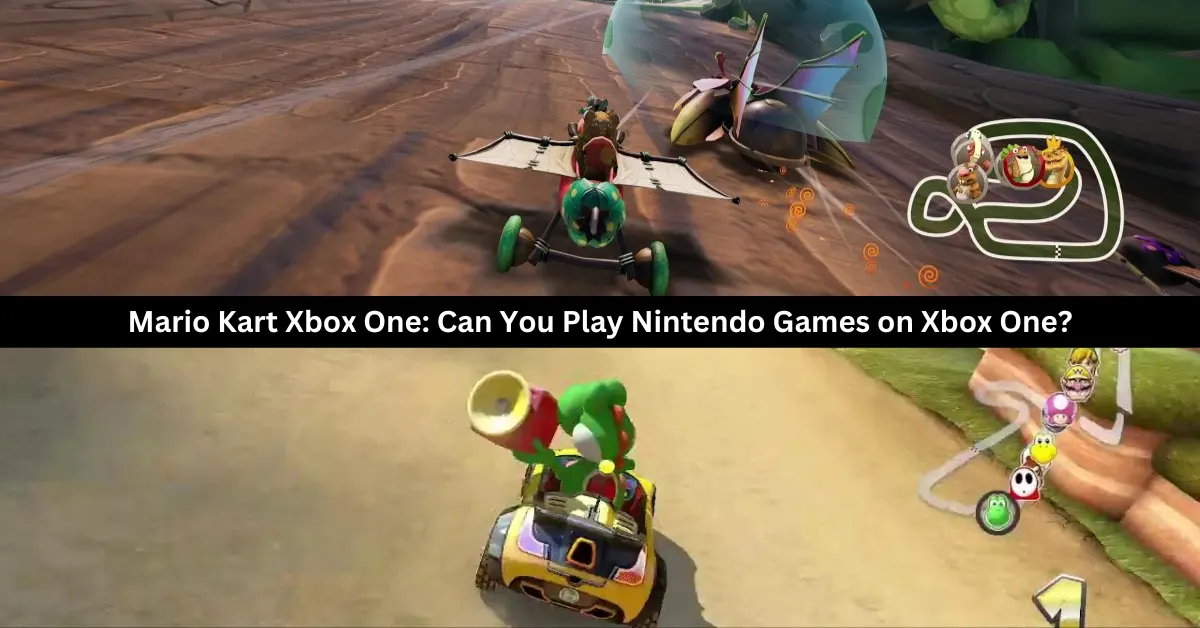
Players participate in go-kart races while using various power-up items in the Mario Kart racing games developed and distributed by Nintendo. Super Mario Kart was the original name for the 1992 Mario Kart game. In 1992, the game was launched in Japan and the US.
The European release came the following year, in 1993. You can play Mario Kart on a lot of different systems. This post will shed light on the process of playing Nintendo games on Xbox One, which is great news for Xbox owners who are interested in playing Mario or other Nintendo games.
In addition, you will find out whether Mario Kart is available for Xbox, what the Xbox version of the game is, and whether Mario Kart is playable on PlayStation. The solutions to these questions can be found if you continue reading.
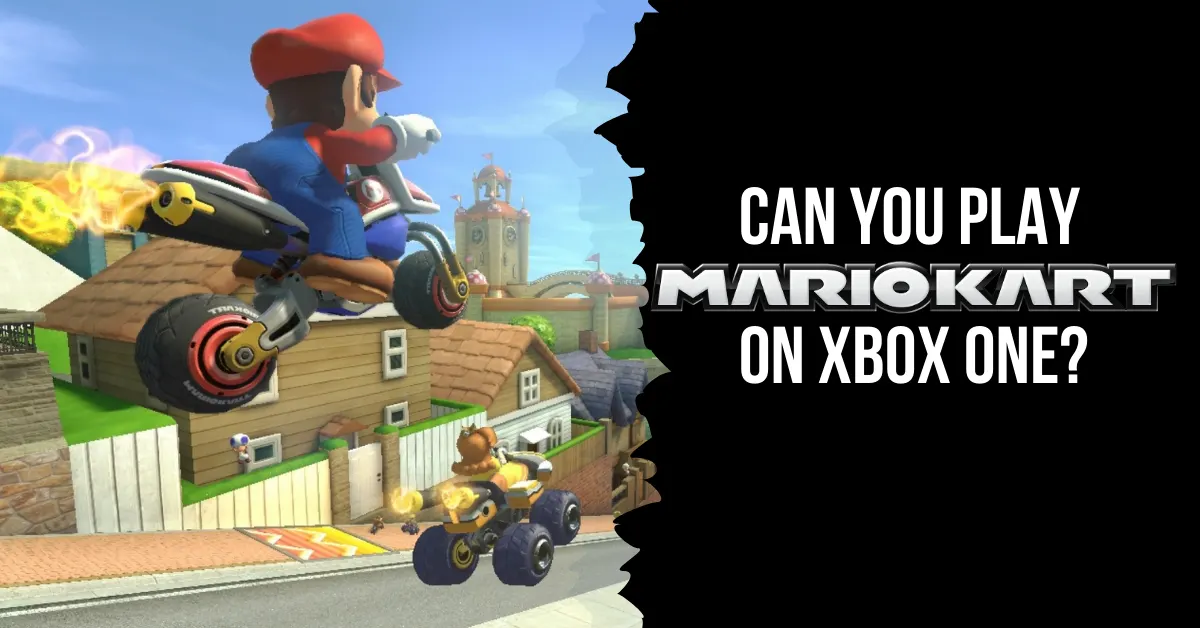
Can You Play Mario Kart on Xbox One?
Even though Mario Kart isn’t formally made for Xbox One, you can still play it with an emulator. So, there’s no payment at all to play Mario Kart on Xbox. The most recent Mario Kart game for Nintendo Switch, in both digital and physical forms, costs $59.99.
What Consoles Have Mario Kart?
Nintendo formally created and released the go-kart racing game Mario Kart. Here are the systems that can play Mario Kart:
Nintendo 64
Nintendo DS
Nintendo 3DS
Nintendo Switch
Super NES
iQue Player
Wii
Wii U
Arcade
Game Boy
GameCube
Even if your console doesn’t officially support Mario Kart, you can still play the game or find other versions of the game to play.
Can You Play Nintendo Games on Xbox One?
The answer is yes, Xbox One and previous Xbox versions are fully compatible with Nintendo games. You can play all your favorite old Nintendo games on your Xbox One through the emulator, even though Nintendo games aren’t officially available to download and play on the console.
You may download and play Nintendo games on your Xbox One by using the emulator, which lets your Xbox One mimic an Android or iOS smartphone.
Can You Play Mario Kart on PlayStation?
The PlayStation does not support Mario Kart. Mario Kart and other Nintendo video games were never released for the PlayStation by Nintendo. Sony PlayStation owners who want to play Mario Kart or any other Nintendo game will have to resort to using an emulator or come up with a different way to play the game.
Does Xbox Have Mario Games?
There aren’t any Mario games available for download on Xbox on the Microsoft Store. The Xbox Game Pass does not even include Mario games. There has been no official announcement regarding the availability of Mario games on Xbox. The emulator is the sole means by which Xbox users can enjoy Mario games.
What is the Xbox Version of Mario Kart?
Beach Buggy Racing is Mario Kart for Xbox. The Microsoft Store is home to a number of great go-kart racing games, including the widely played Beach Buggy Racing. Like Mario Kart, this game features go-kart racing and allows players to utilize power-up items to give themselves an advantage. Beach Buggy Racing, on the other hand, is Xbox-compatible, whereas Mario Kart isn’t.
This is everything you need to know about Mario Kart on Xbox One. Additionally, you can check our guide on Dragonflight Alchemy Guide and Diablo 4 Uber Lilith Guide. Stay connected with GameEmpress to get the latest news and guides about the gaming world.
The Ardent is a weaponized car that was added to GTA 5 Online as part of the Gunrunning update in 2017. The car is based on the Lotus Esprit, a classic sports car that featured in several James Bond movies.
The Ardent has two front-mounted machine guns that can be used to shoot enemies and vehicles. However, the Ardent also has some limitations and drawbacks that make it less effective than some other weaponized cars in the game. In this article, we will explain what the Ardent does in GTA 5, and how to use it properly.
How to Get the Ardent in GTA 5?
What Does The Ardent Do In GTA 5
To get the Ardent in GTA 5, you will need to follow these steps:
Buy the Ardent from the Warstock Cache & Carry website. The Ardent costs $1,150,000, and can be delivered to your garage or your Mobile Operations Center (MOC).
Customize the Ardent at the MOC or the Avenger Workshop. You can change the color, the wheels, the performance, and the armor of the car. You can also add some cosmetic features, such as spoilers, bumpers, or hoods. However, you cannot change the weapons or the windows of the car.
Use the Ardent in free mode or missions. You can drive the Ardent like any other car, and use the machine guns by pressing the right button on the controller or the keyboard. You can also store the Ardent in your garage or your MOC, and request it from the mechanic or the interaction menu.
How to Use the Ardent in GTA 5?
To use the Ardent in GTA 5, you will need to consider these tips and tricks:
Use the machine guns wisely. The machine guns can deal moderate damage to enemies and vehicles, but they have a limited range and accuracy. They are also not very effective against armored or weaponized vehicles, such as tanks, helicopters, or jets. You can use machine guns to fight enemy NPCs, such as gang members, cops, or mercenaries, or to fight enemy players on foot or in regular cars. However, you should avoid using machine guns against players with more powerful weapons or vehicles, as they can easily destroy your car or kill you.
Use the speed and agility of the car. The Ardent has good speed and acceleration, as well as decent handling and braking. You can use the speed and agility of the car to outrun or outmaneuver your pursuers, or to chase your targets. You can also use the speed and agility of the car to perform stunts, jumps, or drifts, and to explore the map. However, you should be careful not to crash or flip your car, as it can damage your car or expose you to enemy fire.
Use the stealth and appearance of the car. The Ardent has a stealthy and elegant appearance, which makes it blend in with other cars on the road. You can use the stealth and appearance of the car to surprise or deceive your enemies, or to avoid unwanted attention. You can also use the stealth and appearance of the car to infiltrate certain areas or missions, such as the casino heist or the import/export business. However, you should be aware that the stealth and appearance of the car can also make you a target for other players who want to steal or destroy your car.
Benefits and Drawbacks of the Ardent in GTA 5
The Ardent has some benefits and drawbacks in GTA 5, such as:
Benefits
You can get a rare and unique car that is not available in any other way. The Ardent is one of the few weaponized cars in the game, and it has a distinctive design and style. The Ardent can also be a great addition to your collection and your garage.
You can get a fun and versatile car that can perform well in different situations. The Ardent can be used for combat, racing, stunts, exploration, or stealth, and it can offer more variety and options than some other cars in the game.
You can get a classy and cool car that can impress your friends and rivals. The Ardent has a sleek and sophisticated appearance, and it can make you look like a spy or a millionaire. The Ardent can also be a great companion and a loyal friend, as it can protect you and help you in your adventures.
Drawbacks
You may have to spend a lot of money and resources to get and maintain the Ardent. The Ardent is very expensive, and it can be hard to afford or save up for. The Ardent also requires a lot of maintenance and repairs, as it can be easily damaged or destroyed by enemies or accidents.
You may have to deal with some limitations and challenges when using the Ardent. The Ardent has some flaws and weaknesses, such as weak weapons, fragile windows, and low armor. The Ardent can also be hard to control or maneuver, especially at high speeds or on rough terrain.
You may have to face some competition and hostility from other players when using the Ardent. The Ardent can attract a lot of attention and envy from other players, who may want to challenge, attack, or rob you. The Ardent can also be a liability or a hindrance, as it can make you a target or a suspect for the police or the enemies.
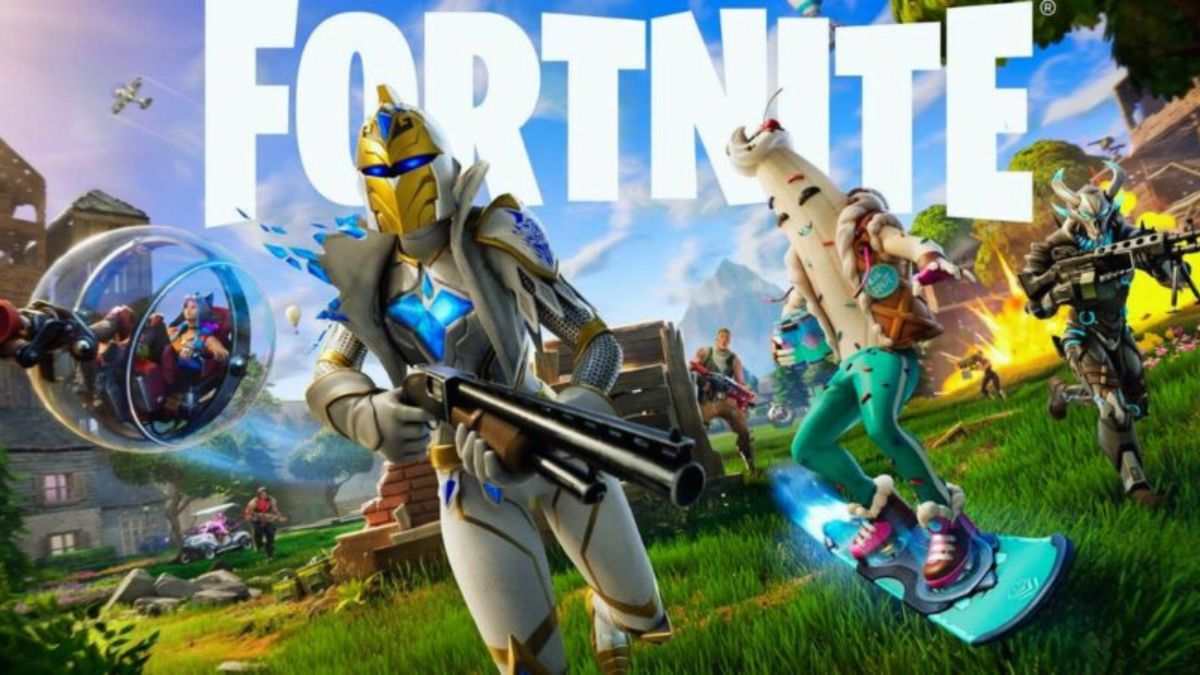
Fortnite is a popular battle royale game that offers a variety of modes, challenges, and rewards for players to enjoy. One of the main goals of the game is to level up your account and your Battle Pass, which unlocks new skins, items, and features.
However, levelling up in Fortnite can be a slow and tedious process, especially if you don’t know the best ways to earn XP. In this article, we will show you how to level up fast in Fortnite, and what are the best methods and strategies to get the most XP.
Complete Quests and Challenges
Fortnite Chapter 4 Season 5 Skin Leaks
One of the easiest and most reliable ways to level up fast in Fortnite is to complete quests and challenges, which are tasks that require you to perform certain actions or achieve certain goals in the game. Quests and challenges can reward you with large amounts of XP, as well as other bonuses, such as Battle Stars, V-Bucks, or cosmetics. There are different types of quests and challenges in Fortnite, such as:
Daily Quests: These are simple and random tasks that refresh every day, such as catching fish, dealing damage, or opening chests. You can have up to three daily quests at a time, and each one can reward you with 12,000 XP.
Weekly Quests: These are more complex and themed tasks that refresh every week, such as collecting alien artefacts, placing missing person signs, or destroying alien eggs. You can have up to seven weekly quests at a time, and each one can reward you with 30,000 XP.
Season Quests: These are special and story-related tasks that unlock throughout the season, such as finding clues, meeting characters, or discovering secrets. You can have up to 10 season quests at a time, and each one can reward you with 45,000 XP.
Milestone Quests: These are cumulative and long-term tasks that track your progress and achievements in the game, such as eliminating opponents, outlasting players, or travelling distance. You can have up to 40 milestone quests at a time, and each one can reward you with 15,000 XP.
You can check your quests and challenges in the Quests tab in the lobby, or in the Quests menu in the game. You can also see the quests and challenges that your friends have, and help them complete them. Completing quests and challenges with friends can give you extra XP, as well as more fun and variety.
Play Creative Mode and XP Maps
Another way to level up fast in Fortnite is to play Creative mode, which is a sandbox mode that lets you create, explore, and play custom maps and games made by other players or by yourself.
Creative mode can reward you with XP for simply spending time in it, as well as for completing certain objectives or achievements in some maps and games. Creative mode can also help you improve your skills, learn new strategies, and discover new content and features.
To play Creative mode, you need to go to the Creative Hub in the lobby and select the Play tab. There, you can browse and join different maps and games that are featured, popular, or recommended by Epic Games. You can also search and enter the codes of the maps and games that you want to play or create your maps and games using the tools and assets provided by the game.
One of the best types of maps and games to play in Creative mode to level up fast in Fortnite are the XP maps, which are designed to give you the maximum amount of XP possible in the shortest amount of time.
XP maps can have different themes, mechanics, and objectives, but they all have one thing in common: they have the Accolade Device enabled, which is a feature that allows the map creators to set up specific actions or goals that reward you with XP when you complete them.
Some of the most popular and effective XP maps in Creative mode are:
XP AFK Farm: This is a simple and easy map that requires no input or effort from you, as it automatically gives you XP for being on the map. You can get up to 12,000 XP every 15 minutes, and up to 60,000 XP every day. The code for this map is 1338-2469-6856.
XP Slide: This is a fun and fast map that requires you to slide down a slope and collect coins, which give you XP. You can get up to 15,000 XP every 5 minutes, and up to 75,000 XP every day. The code for this map is 5530-6235-0681.
XP Deathrun: This is a challenging and exciting map that requires you to complete a series of obstacles and traps, which give you XP. You can get up to 20,000 XP every 10 minutes, and up to 100,000 XP every day. The code for this map is 2778-3253-4171.
You can find more XP maps in Creative mode by looking for the XP logo in the map thumbnails, or by searching for the keyword “XP” in the map codes.
You can also use the Creative Playtime feature, which gives you XP for playing any map or game in Creative mode, regardless of the Accolade Device. You can get up to 12,000 XP every 15 minutes, and up to 60,000 XP every day, by using this feature.
Play Team Rumble and Other Modes
A third way to level up fast in Fortnite is to play Team Rumble and other modes, which are different variations of the battle royale mode that have different rules, objectives, and rewards.
Team Rumble and other modes can reward you with XP for participating, winning, and performing well in them, as well as for completing certain quests and challenges that are specific to them. Team Rumble and other modes can also offer more action, fun, and variety than the standard battle royale mode.
To play Team Rumble and other modes, you need to go to the Play tab in the lobby and select the Mode button. There, you can choose from different available modes, such as Team Rumble, Arena, Party Royale, or Limited Time Modes. You can also join or create custom matches with your own rules and settings, or join tournaments and events with prizes and rewards.
One of the best modes to play to level up fast in Fortnite is Team Rumble, which is a team-based mode that pits two teams of 20 players against each other on a large map. The goal is to eliminate as many opponents as possible, and the first team to reach 100 eliminations wins. Team Rumble is a great mode to level up fast in Fortnite because:
It gives you a lot of XP for each elimination, assists, and medal that you earn, as well as for winning the match.
It has a high spawn rate of chests, ammo boxes, and supply drops, which give you XP for opening them.
It has a fast respawn system, which allows you to get back into the action quickly and avoid losing XP for dying.
It has a low skill level, which makes it easier and more enjoyable to play and win.
Some of the other modes that are good to play to level up fast in Fortnite are:
Arena: This is a competitive mode that ranks you based on your performance and skill level. You can earn XP for each match that you play, as well as for reaching certain divisions and leagues. You can also earn Hype points, which are used to unlock tournaments and events.
Party Royale: This is a casual mode that lets you hang out and have fun with other players on a non-combat island. You can earn XP for participating in various activities and mini-games, such as races, concerts, or movies.
Limited Time Modes: These are special modes that change every week and offer different themes, mechanics, and objectives. You can earn XP for playing and completing these modes, as well as for fulfilling some quests and challenges that are related to them.
Vanillite is an ice-type Pokemon that resembles a snow cone or an ice cream cone. It was introduced in Pokemon Go in December 2020, as part of the Winter Holiday event. Vanillite can evolve into Vanillish and Vanilluxe, which are also ice-type Pokemon with similar appearances.
However, many players are wondering if Vanillite has a shiny form in Pokemon Go, and how to catch it. In this article, we will answer these questions and provide some tips and tricks to get the shiny Vanillite.
Is Vanillite Shiny In Pokemon Go?
The answer is yes, Vanillite does have a shiny form in Pokemon Go. Shiny Vanillite has a slightly different colour scheme than the regular Vanillite, with a pinkish hue instead of a bluish one.
Is Vanillite Shiny In Pokemon Go
Shiny Vanillite also has a different sparkle effect when it appears on the map or the encounter screen. Shiny Vanillite was released in Pokemon Go in December 2023, as part of the Winter Holiday Part 2 event. The event ran from December 25 to December 31, 2023, and featured increased spawns of Vanillite and other ice-type Pokemon.
How to Catch Shiny Vanillite in Pokemon Go?
Catching shiny Vanillite in Pokemon Go is not easy, as it is based on luck and probability. The shiny rate for Vanillite is not known for sure, but it is estimated to be around 1 in 500, which means that you have a 0.2% chance of encountering a shiny Vanillite in the wild. However, there are some ways to increase your chances of finding and catching a shiny Vanillite, such as:
Use incense, lures, or glacial lures to attract more Vanillite spawns to your location. These items can be bought from the shop or obtained from quests or rewards.
Participate in Vanillite raids, which can be found in one-star raid battles. Raids can give you a higher chance of encountering a shiny Vanillite, as well as more candies and rewards.
Complete field research tasks that reward you with Vanillite encounters. You can get these tasks from spinning PokeStops or Gyms, or from the Today View. Some of the tasks that can give you Vanillite encounters are: Catching 5 ice-type Pokemon, Using 3 berries to help catch Pokemon, or Winning a raid.
Use Pinap Berries, Ultra Balls, or Razz Berries to increase your chances of catching a shiny Vanillite once you encounter it. Pinap Berries can give you more candies, Ultra Balls can give you a higher catch rate, and Razz Berries can make the Pokemon easier to catch.
Check the IVs and CP of the shiny Vanillite before you catch it. IVs are the hidden stats that determine the potential of the Pokemon, and CP is the combat power that reflects the strength of the Pokemon. You can use an IV calculator app or website to check the IVs of the shiny Vanillite, and compare it to the CP chart below to see if it is a good one:
CP
IV (%)
376
100
373
98
371
96
369
93
368
91
366
89
364
87
363
84
361
82
359
80
358
78
356
76
355
73
353
71
351
69
350
67
348
64
347
62
345
60
343
58
342
56
340
53
339
51
337
49
335
47
334
44
332
42
331
40
329
38
327
36
326
33
324
31
323
29
321
27
319
24
318
22
316
20
315
18
313
16
311
13
310
11
308
9
307
7
305
4
303
2
302
0
Benefits and Drawbacks of Catching Shiny Vanillite in Pokemon Go
Catching shiny Vanillite in Pokemon Go has some benefits and drawbacks, such as:
Benefits
You can get a rare and unique Pokemon that is not available in any other way. Shiny Vanillite is one of the rarest and most exclusive Pokemon in Pokemon Go, and it can be a great addition to your collection and your Pokedex.
You can evolve shiny Vanillite into shiny Vanillish and shiny Vanilluxe, which are also rare and unique Pokemon with similar appearances. You can use 25 candies to evolve Vanillite into Vanillish, and 100 candies to evolve Vanillish into Vanilluxe.
You can use shiny Vanillite and its evolutions in battles, gyms, or raids, and show off your achievement and skill. Shiny Vanillite and its evolutions are not very strong or competitive in Pokemon Go, but they can still be fun and useful in some situations, especially against dragon-type Pokemon.
Drawbacks
You may have to spend a lot of time, resources, and effort to catch shiny Vanillite in Pokemon Go. The shiny rate for Vanillite is very low, and you may have to encounter hundreds or thousands of Vanillites before you find a shiny one. You may also have to use a lot of items, such as incense, lures, berries, or balls, to increase your chances and catch rate.
You may have to deal with some frustration and disappointment if you fail to catch shiny Vanillite in Pokemon Go. The shiny Vanillite may run away, break free, or disappear before you catch it, and you may lose the opportunity to get it. You may also encounter a shiny Vanillite with low IVs or CP, and you may regret catching it or not catching it.
You may have to face some jealousy and envy from other players if you catch shiny Vanillite in Pokemon Go. Some players may not be happy or supportive of your luck or achievement, and they may try to mock, insult, or harass you. You may also have to deal with some hackers or scammers who may try to steal or trade your shiny Vanillite.
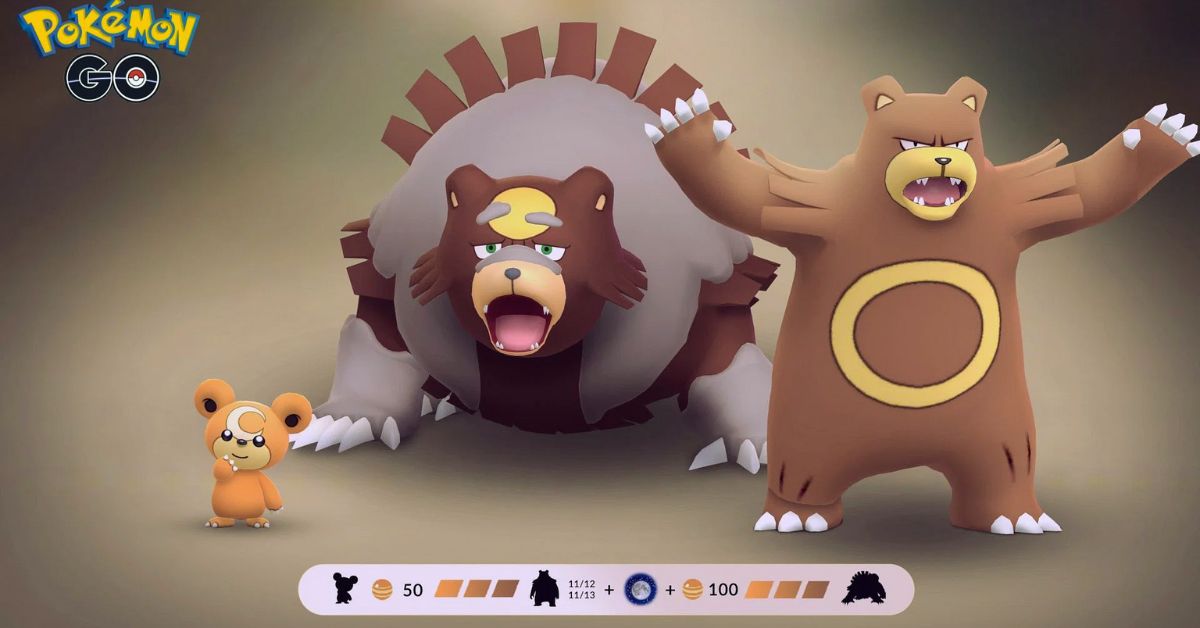
Ursaring is a normal-type Pokemon that evolves from Teddiursa, a cute bear cub that can be found in the wild or hatched from eggs. Ursaring is a powerful and bulky Pokemon that can deal a lot of damage with its claws and teeth.
However, Ursaring has another evolution that is even more impressive: Ursaluna, a dark-type Pokemon that resembles a giant black bear with glowing eyes and markings. Ursaluna is a rare and exclusive Pokemon that can only be obtained by evolving Ursaring under a special condition: a full moon night.
In this article, we will explain how to evolve Ursaring into Ursaluna in Pokemon Go, and what are the benefits and drawbacks of doing so.
How To Evolve Ursaring Pokemon Go?
How To Evolve Ursaring Pokemon Go?
To evolve Ursaring into Ursaluna in Pokemon Go, you will need the following:
An Ursaring that you have caught or evolved from Teddiursa. You can catch Teddiursa in the wild, especially in grassy or forested areas, or hatch it from 5 km eggs. You can evolve Teddiursa into Ursaring by using 50 Teddiursa candies.
100 Teddiursa candies to evolve Ursaring into Ursaluna. You can get Teddiursa candies by catching or hatching Teddiursa, transferring Teddiursa or Ursaring to Professor Willow, walking with Teddiursa or Ursaring as your buddy, or feeding Teddiursa or Ursaring berries in gyms.
A full moon night in Pokemon Go. This is the most important and tricky part of the evolution process. A full moon night in Pokemon Go is not necessarily the same as a full moon night in real life. The full moon in Pokemon Go is determined by the game’s internal clock, which may not always sync with the real-world lunar cycle. Therefore, you will need to check the sky in the game’s map view to see if there is a full moon or not. You can also use the Full Moon Calendar to see the predicted dates of the full moon in Pokemon Go.
Once you have all the requirements, you can evolve Ursaring into Ursaluna by following these steps:
Tap on the Pokeball icon at the bottom of the screen to open the menu.
Tap on the Pokemon icon to see your Pokemon collection.
Tap on the Ursaring that you want to evolve.
Tap on the Evolve button at the bottom of the screen. If there is a full moon in the game, you will see a message that says “Are you sure you want to evolve Ursaring into Ursaluna?” If there is no full moon, you will see a message that says “Ursaring can only evolve on a full moon night.”
Tap on Yes to confirm the evolution. You will see a cutscene of Ursaring transforming into Ursaluna, and you will receive 500 XP and a Pokedex entry for Ursaluna.
If you are interested in knowing more articles related to Pokemon Go, you can check Defit Pokemon Go and Shiny Oddish Pokemon Go. We appreciate your interest in our website! Make Gameempress.com your go-to site for gaming information. Share this:
NFS Heat is a racing game that was released in 2019 by Ghost Games and Electronic Arts. The game is the 24th installment in the Need for Speed series, and features a day and night cycle, a diverse open world, and various modes and customization options.
The game is set in Palm City, a fictional version of Miami, where players can participate in legal and illegal races, and evade the police.
Crossplay is a feature that allows players to play online games with or against other players on different platforms, such as PC, PlayStation, Xbox, and Nintendo Switch. Crossplay can enhance the gaming experience, as it can increase the player base, reduce the matchmaking time, and allow players to play with their friends and family regardless of their platform preference.
However, not all games support crossplay, and some games may have different levels or types of crossplay, depending on the developer’s decision and the platform’s policy. So, is NFS Heat crossplay? How can you play with your friends on different platforms? In this article, we will answer these questions and provide some facts and updates about NFS Heat crossplay.
Is NFS Heat Crossplay?
The short answer is yes, NFS Heat is crossplay. The game supports crossplay between all platforms, which means that players on PC, PlayStation 4, Xbox One, and Nintendo Switch can play with or against each other.
Is NFS Heat Crossplay?
The game also supports backward compatibility, which means that players on PlayStation 5 and Xbox Series X/S can play with or against players on PlayStation 4 and Xbox One.
NEW: The final NFS Heat update introduces cross-play between friends on Xbox One, PS4 and PC!
Need for Speed news also confirmed for next week’s EA PLAY event too… 🤔
The crossplay feature was added to NFS Heat in June 2020, as part of the game’s final update. The developer announced that they were moving on to work on the next Need for Speed game, and that they wanted to give the players a chance to enjoy NFS Heat with their friends on different platforms. The crossplay feature was well-received by the fans, who appreciated the developer’s effort and generosity.
How to Enable or Disable Crossplay in NFS Heat?
Crossplay in NFS Heat is enabled by default, but players can choose to disable it if they prefer. However, disabling crossplay may affect the matchmaking time and the availability of the servers, as the game will only search for players on the same platform as the player. To enable or disable crossplay in NFS Heat, players need to follow these steps:
From the main menu of the game, select the Settings option.
From the Settings menu, select the Privacy tab.
From the Privacy tab, toggle the Crossplay option on or off, depending on the player’s preference.
Players can also invite their friends to play with them in NFS Heat, regardless of their platform, as long as they have an EA account. To invite friends to play in NFS Heat, players need to follow these steps:
From the main menu of the game, select the Social option.
From the Social menu, select the Friends tab.
From the Friends tab, select the friend that the player wants to invite, and press the Invite button.
The invited friend will receive a notification and can accept or decline the invitation.
If the invited friend accepts the invitation, they will join the player’s party and can play with them in any mode.
Conclusion
NFS Heat is a crossplay game, and players can play with their friends on different platforms. The game supports crossplay between all platforms and also supports backward compatibility. The game enables crossplay by default, but players can disable it if they want. The game also allows players to invite their friends to play with them, as long as they have an EA account.
Titanfall 2 is a first-person shooter game that was released in 2016 by Respawn Entertainment and Electronic Arts. The game is a sequel to the 2014 game Titanfall and features a single-player campaign and a multiplayer mode. The game is set in a sci-fi universe, where players can control pilots and their giant robots called Titans, and engage in various modes and maps.
Titanfall 2 has received critical acclaim for its gameplay, story, and graphics, and has a loyal fan base. However, many players have also wondered if the game supports crossplay, which is the ability to play online with or against other players on different platforms, such as PC, PlayStation, Xbox, and Nintendo Switch.
Crossplay can enhance the gaming experience, as it can increase the player base, reduce the matchmaking time, and allow players to play with their friends and family regardless of their platform preference.
However, not all games support crossplay, and some games may have different levels or types of crossplay, depending on the developer’s decision and the platform’s policy. So, is Titanfall 2 crossplay? How can you play with your friends on different platforms? In this article, we will answer these questions and provide some facts and updates about Titanfall 2 crossplay.
Is Titanfall 2 Crossplay?
Is Titanfall 2 Crossplay?
No, Titanfall 2 is not crossplay. The game does not support crossplay between any platforms, which means that players on PC, PlayStation, Xbox, and Nintendo Switch cannot play with or against each other. The game is only available on PC, PlayStation 4, Xbox One, and Nintendo Switch via backward compatibility, and players can only join matches or connect with friends who use the same platform.
The reason for this lack of crossplay is that Titanfall 2 was released in 2016 when crossplay was not as common or popular as it is today. The game was developed with platform-specific multiplayer experiences in mind, and the developer did not prioritize crossplay functionality.
In addition, the developer has been focusing on their newer title, Apex Legends, which is a battle royale game that is set in the same universe as Titanfall 2, and which does support crossplay.
However, it is important to note that the gaming landscape is constantly evolving, and there is always a possibility that Titanfall 2 might receive crossplay support in the future. As more and more games embrace cross-play functionality, the demand for such a feature in older titles like Titanfall 2 may increase.
While there is no guarantee that Titanfall 2 will receive an update to enable crossplay, fans of the game can still hope that the developer might consider adding this feature to improve the gaming experience.
How to Play with Friends on Different Platforms?
Since Titanfall 2 does not support crossplay, you cannot play with your friends on different platforms. However, you can still play with your friends on the same platform, as long as you have the same version of the game. To play with your friends on the same platform, you need to follow these steps:
From the main menu of the game, select the Multiplayer option.
From the Multiplayer menu, select the Play option.
From the Play menu, select the Invite Friends option.
From the Invite Friends menu, select the friend that you want to invite, and press the Invite button.
The invited friend will receive a notification and can accept or decline the invitation.
If the invited friend accepts the invitation, they will join your party and can play with you in any mode.
You can also join your friends’ parties by following these steps:
From the main menu of the game, select the Multiplayer option.
From the Multiplayer menu, select the Play option.
From the Play menu, select the Join Friends option.
From the Join Friends menu, select the friend that you want to join, and press the Join button.
You will join your friend’s party and can play with them in any mode.
Conclusion
Titanfall 2 is not crossplay, and you cannot play with your friends on different platforms. You can only play with your friends on the same platform, and only if you have the same version of the game. This is because the game was released in 2016 and did not support crossplay functionality, and the developer has not updated or announced any plans to add crossplay support.