Category: Game Guides

In-depth game guides from Game Empress, with walkthroughs, tier lists, location maps, and step-by-step strategies to help you master the games you love.

  • Warlock Metamorphosis Rune Guide: How To Become A Demon Tank In WoW Classic Season Of Discovery?

    Warlock Metamorphosis Rune Guide: How To Become A Demon Tank In WoW Classic Season Of Discovery?

    The Warlock metamorphosis rune is a new feature in WoW Classic Season of Discovery that allows you to transform into a powerful demon and tank for your party. This rune is one of the most sought-after items in the game, as it gives you access to a unique and fun playstyle that was never possible before.

    However, getting this rune is not easy, as it requires you to complete a long and challenging questline that spans across multiple zones and dungeons.

    In this guide, we will show you how to get the warlock metamorphosis rune, what it does, and how to use it effectively in combat. We will also provide some tips and tricks on how to optimize your gear, talents, and rotation for demon tanking.

    What is Warlock Metamorphosis Rune?
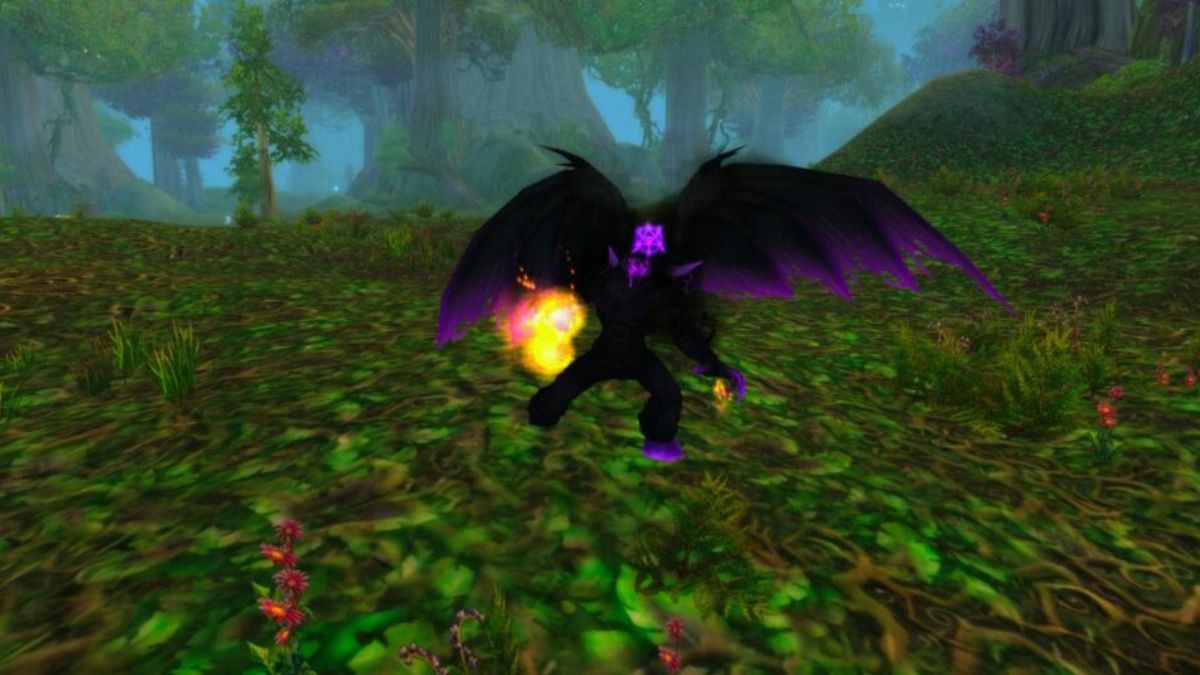
    Warlock Metamorphosis Rune Guide
    Warlock Metamorphosis Rune Guide

    The Warlock metamorphosis rune is a new item that was introduced in the WoW Classic Season of Discovery. It is a rune that can be engraved on your gloves, and it grants you the ability to cast Metamorphosis, a spell that transforms you into a demon for 30 seconds. While in demon form, you gain the following benefits:

    • Your armour is increased by 600%.
    • Your threat generation has increased by 500%.
    • Your melee attack power is increased by 20% of your spell power.
    • You gain access to new abilities, such as Demon Charge, Immolation Aura, and Demonic Slash.

    Metamorphosis has a 3-minute cooldown, and it consumes 50% of your maximum mana when cast. You can cancel the transformation at any time by right-clicking the buff icon.

    How to Get Warlock Metamorphosis Rune?

    To get the warlock metamorphosis rune, you need to complete a questline that starts in The Barrens and ends in Ashenvale. The questline is available for both Horde and Alliance players, and it involves collecting various items, killing enemies, and performing rituals. Here are the steps to get the warlock metamorphosis rune:

    Collect the Orb of Des and the Bough of Altek

    The first step is to collect two items that are hidden in two towers in different zones. The Orb of Des is located in the Tower of Ilgalar in Redridge Mountains, and the Bough of Altek is located in the Tower of Althalaxx in Darkshore. You need to climb to the top of each tower and loot the items from the chests. Be careful, as the towers are guarded by elite enemies that can be hard to solo.

    Start the Questline in the Barrens

    The next step is to go to The Barrens and find Doan Karhan, a human NPC that is located near Camp Taurajo [49, 57]. He will offer you the quest The Orb of Soran’ruk, which requires you to collect four items:

    • 3 Soran’ruk Fragments, which drop from Twilight Acolytes in Zoram Strand in Ashenvale or Blackfathom Deeps dungeon.
    • 1 Large Soran’ruk Fragment, which drops from Shadowfang Darksouls in Shadowfang Keep dungeon.

    After you collect the items, return to Doan Karhan and turn in the quest. He will then give you the next quest, which requires you to turn in the Orb of Des and the Bough of Altek that you collected earlier.

    Collect the Blood of the Legion and Perform the Ritual

    The third step is to collect 10 Blood of the Legion from various demons in Demon Fall Ridge in Ashenvale. The demons are Felguard Legionnaires, Legion Hounds, Mannoroc Lashers, and Searing Infernals. After you collect the blood, go to the summoning circle at [79, 80] and interact with it to start a ritual.

    You will need to use Drain Soul on each demon that spawns in the circle and finish off the Searing Infernal with a killing blow. A Mysterious Traveler will then appear and offer you the final quest.

    Return to Doan Karhan and Get the Rune

    The last step is to go back to The Barrens and turn in the quest to Doan Karhan. He will then reward you with the warlock metamorphosis rune. Right-click the rune to learn it and engrave it on your gloves. Congratulations, you can now become a demon tank!

    How to Use Warlock Metamorphosis Rune?

    To use the warlock metamorphosis rune, you need to cast Metamorphosis when you are in combat. You will transform into a demon and gain the benefits mentioned above. You can then use your new abilities to tank for your party and deal damage to your enemies. Here are some tips and tricks on how to use the warlock metamorphosis rune effectively:

    • Use Metamorphosis when you need to generate a lot of threats or survive a burst of damage. For example, you can use it at the start of a boss fight, when you pull a large group of mobs, or when you face a powerful enemy.
    • Use Demon Charge to close the gap with your target and stun them for 3 seconds. This is useful for interrupting casts, preventing escapes, or initiating combat.
    • Use Immolation Aura to deal fire damage to all enemies within 8 yards of you every second. This is useful for increasing your threat and damage output, especially against multiple enemies.
    • Use Demonic Slash to deal physical damage to your target and reduce their armour by 15% for 15 seconds. This is useful for increasing your damage and making your target more vulnerable to your attacks and your allies.
    • Use your normal spells and abilities when Metamorphosis is on cooldown. You can still use your curses, dots, drains, and nukes to deal damage and support your party. You can also use your demon pet to help you tank or deal extra damage.
    • Use your defensive cooldowns and consumables when needed. You can use Hearthstone, Soulstone, Shadow Ward, Death Coil, and other items and spells to heal yourself, avoid damage, or escape from danger. You can also use potions, elixirs, flasks, and food to boost your stats and performance.

    How to Optimize Your Gear, Talents, and Rotation for Demon Tanking?

    To optimize your gear, talents, and rotation for demon tanking, you need to focus on the following stats and skills:

    • Stamina: This is your most important stat, as it increases your health and survivability. You want to have as much stamina as possible, especially when you are tanking hard-hitting enemies or bosses.
    • Spell Power: This is your second most important stat, as it increases your damage and healing output. You want to have enough spell power to deal decent damage and threat, as well as to heal yourself with your drains and Hearthstone.
    • Armour: This is your third most important stat, as it reduces the physical damage you take. You want to have enough armour to mitigate some of the damage, especially when you are not in demon form. However, you don’t need to stack too much armour, as you will get a huge boost from Metamorphosis.
    • Hit Rating: This is your fourth most important stat, as it increases your chance to hit your enemies with your spells and abilities. You want to have enough hit rating to avoid missing your attacks, especially your Demonic Slash, which is your main source of damage and threat. You need a 9% hit rating to reach the cap for spells, and an 8% hit rating to reach the cap for melee attacks.
    • Critical Strike Rating: This is your fifth most important stat, as it increases your chance to deal double damage with your spells and abilities. You want to have some critical strike rating to increase your damage and threat output, as well as to procure some of your talents and effects. However, you don’t need to stack too much critical strike rating, as you will get a decent amount from your gear and buffs.
    • Other Stats: The other stats, such as intellect, spirit, haste, and resilience, are not very important for demon tanking, as they have little impact on your performance. You can ignore them or get them as secondary stats on your gear.

    You might also be interested in the following game guide:

    As for your talents, you want to follow a hybrid build that combines the best of the Affliction, Demonology, and Destruction trees. Here is an example of a 30/21/0 build that you can use for demon tanking:

    • Affliction: You want to get the following talents from the Affliction tree: Improved Corruption, Improved Curse of Agony, Suppression, Improved Drain Soul, Amplify Curse, Nightfall, Grim Reach, Empowered Corruption, Shadow Mastery, and Contagion. These talents will increase your damage and threat output with your curses and dots, as well as give you some mana and health regeneration and procs.
    • Demonology: You want to get the following talents from the Demonology tree: Improved Healthstone, Improved Imp, Demonic Embrace, Fel Intellect, Fel Domination, Fel Stamina, Master Summoner, Unholy Power, Improved Enslave Demon, Demonic Sacrifice, and Master Demonologist. These talents will increase your health and survivability, as well as your pet’s performance and utility. You can also use Demonic Sacrifice to sacrifice your pet and gain a passive bonus, such as increased damage, health regeneration, or resistance.
    • Destruction: You don’t need to get any talents from the Destruction tree, as they are not very useful for demon tanking. You can save your points for other trees or spend them on some

    We appreciate your interest in our website! Make Gameempress.com your go-to site for gaming information.
  • Is Killing Floor 2 Crossplay A Reality In 2023? Unveiling Cross-Platform Possibilities!

    Is Killing Floor 2 Crossplay A Reality In 2023? Unveiling Cross-Platform Possibilities!

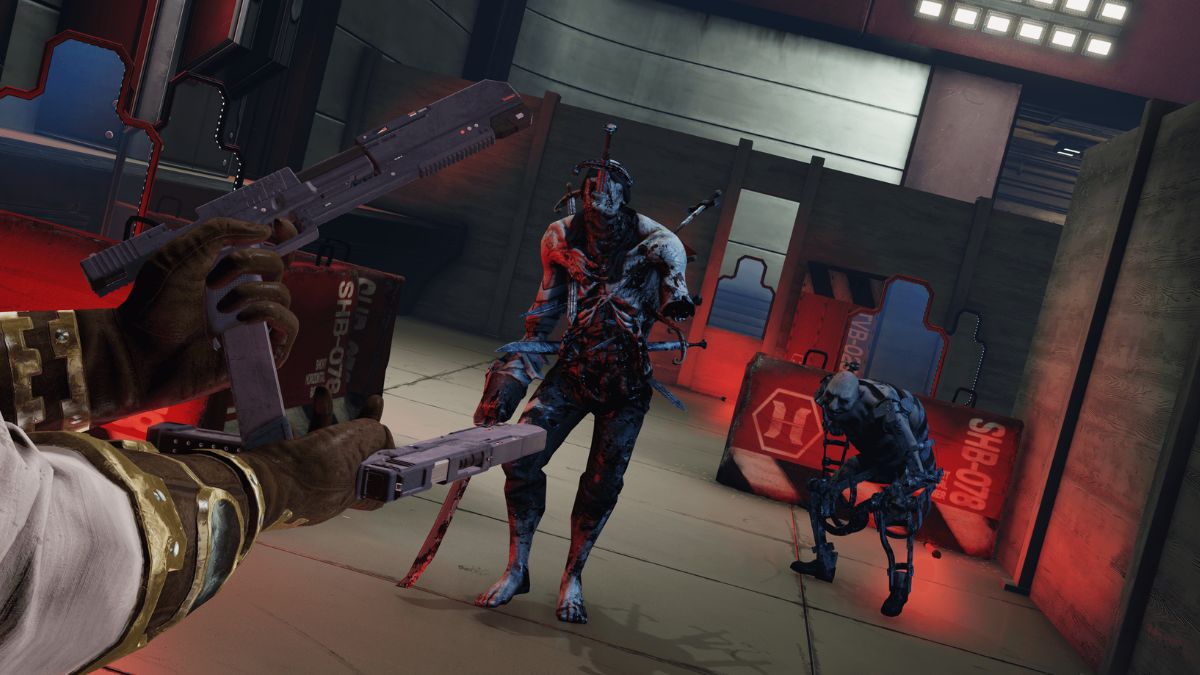
    Killing Floor 2 is a co-op shooter game that pits up to six players against hordes of mutated zombies, known as Zeds, in various locations and scenarios. The game was developed by Tripwire Interactive and was released in 2016 for PC, PlayStation 4, and Xbox One. The game has received several updates and expansions since then, adding new content, features, and improvements.

    One of the most requested features by the fans of Killing Floor 2 is crossplay, or the ability to play with other players across different platforms. Crossplay can enhance the multiplayer experience by increasing the player base, reducing the matchmaking time, and allowing friends to play together regardless of their devices. However, not all games support crossplay, and some games have limited or partial crossplay options.

    So, is Killing Floor 2 crossplay in 2023? The answer is yes, but only between PC players. In this article, we will explain what crossplay is, how it works in Killing Floor 2, and what are the benefits and drawbacks of crossplay in this game.

    Is Killing Floor 2 Crossplay?

    Crossplay, or cross-platform play, is a feature that allows players to play a multiplayer game with other players who are using different platforms, such as PC, PlayStation, Xbox, Nintendo, or mobile devices. Crossplay can be enabled or disabled by the game developers, depending on their technical and contractual capabilities and preferences.

    Is Killing Floor 2 Crossplay
    Is Killing Floor 2 Crossplay

    In Killing Floor 2, crossplay is only available between PC players who are using Steam or the Epic Games Store (EGS). This means that players who have the game on Steam can play with players who have the game on EGS, and vice versa.

    However, crossplay is not available between PC and console players, or between console players of different platforms. This means that players who have the game on PlayStation 4, Xbox One, or any other platform cannot play with players who have the game on PC, or on another console platform.

    To enable crossplay in Killing Floor 2, PC players need to follow these steps:

    • Launch the game and go to the Online Matchmaking menu.
    • Select the Crossplay option and toggle it on or off, depending on your preference.
    • If you toggle it on, you will be able to join or create matches with players who are using Steam or EGS, regardless of your platform.
    • If you toggle it off, you will only be able to join or create matches with players who are using the same platform as you, either Steam or EGS.

    What Are the Benefits and Drawbacks of Crossplay in Killing Floor 2?

    Crossplay in Killing Floor 2 can offer some benefits and drawbacks for the players, such as:

    Benefits

    • Crossplay can increase the number of players who are available for online matches, making it easier and faster to find and join matches that suit your preferences and skill level.
    • Crossplay can allow you to play with your friends who have the game on a different PC platform, either Steam or EGS, without having to buy or download the game again on another platform.
    • Crossplay can enhance the diversity and variety of online matches, as you can encounter and interact with players who have different playstyles, strategies, and personalities.

    Drawbacks

    • Crossplay can create some technical and performance issues, such as lag, glitches, or crashes, due to the different platforms and servers that are involved in the online matches.
    • Crossplay can cause some balance and fairness problems, as some platforms may have advantages or disadvantages over others, such as graphics, controls, or mods.
    • Crossplay can affect the communication and coordination of online matches, as some platforms may have different or limited chat and voice options, or different languages and cultures.

    You might also like to know about if these other games are cross-platform or not:

    Conclusion

    Killing Floor 2 is a co-op shooter game that supports crossplay, but only between PC players who are using Steam or EGS. Crossplay can offer some benefits and drawbacks for the players, depending on their preferences and expectations.

    Crossplay is not available between PC and console players, or between console players of different platforms, and there is no official announcement from the developers regarding the expansion of crossplay to include other platforms. Therefore, if you want to play Killing Floor 2 with other players across different platforms, you will have to wait and hope for the developers to implement it in the future.

    We appreciate your interest in our website! Make Gameempress.com your go-to site for gaming information.
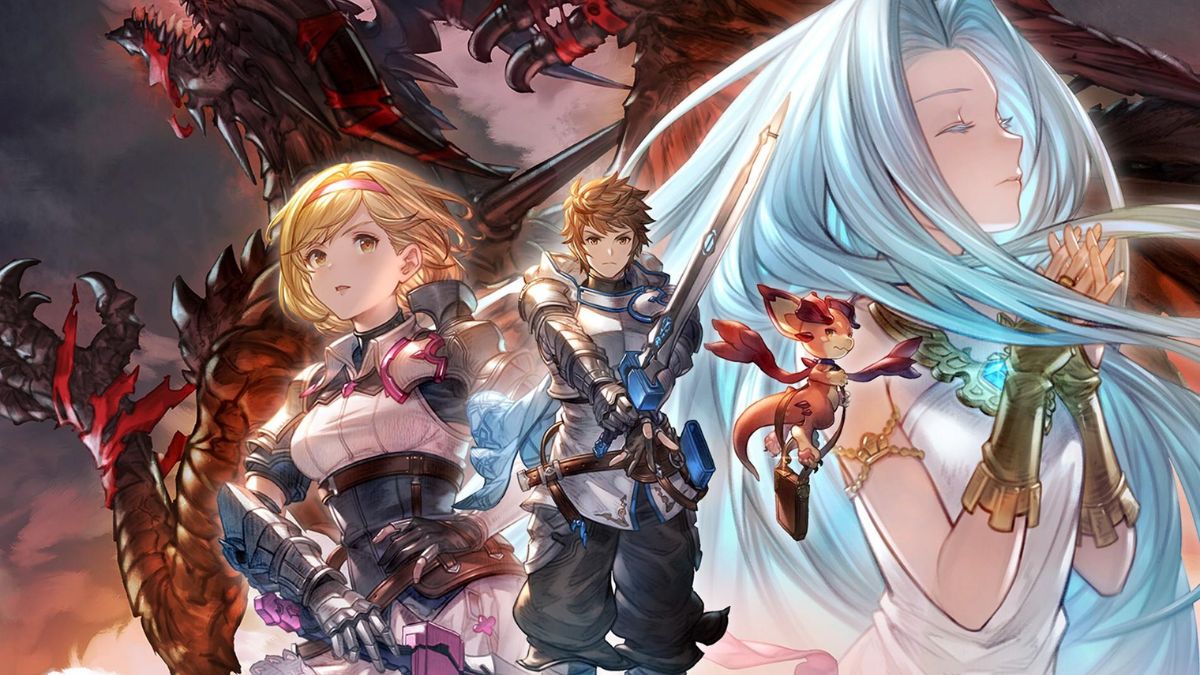
  • Is Granblue Fantasy Relink Crossplay? A Guide For PlayStation And PC Players

    Is Granblue Fantasy Relink Crossplay? A Guide For PlayStation And PC Players

    Granblue Fantasy Relink is an action RPG based on the popular mobile game Granblue Fantasy. The game features a vast open world, a rich story, and a diverse cast of characters, as well as a co-op mode that allows up to four players to team up and explore the world together. One of the most anticipated features of Granblue Fantasy Relink is crossplay, or the ability to play with other players across different platforms.

    Crossplay can enhance the multiplayer experience by increasing the player base, reducing the matchmaking time, and allowing friends to play together regardless of their devices. However, not all games support crossplay, and some games have limited or partial crossplay options.

    Is Granblue Fantasy Relink Crossplay?

    In Granblue Fantasy Relink, crossplay is only available between PC players who are using Steam or the Epic Games Store (EGS), and PlayStation players who are using PlayStation 4 or PlayStation 5.

    Is Granblue Fantasy Relink Crossplay?
    Is Granblue Fantasy Relink Crossplay?

    This means that players who have the game on Steam can play with players who have the game on EGS, PlayStation 4, or PlayStation 5, and vice versa. However, crossplay is not available between PC and Xbox players, between PC and Nintendo Switch players, or between console players of different platforms.

    This means that players who have the game on Xbox or Nintendo Switch cannot play with players who have the game on PC, PlayStation, or another console platform.

    To enable crossplay in Granblue Fantasy Relink, players need to follow these steps:

    • Launch the game and go to the Online Matchmaking menu.
    • Select the Crossplay option and toggle it on or off, depending on your preference.
    • If you toggle it on, you will be able to join or create matches with players who are using Steam, EGS, PlayStation 4, or PlayStation 5, regardless of your platform.
    • If you toggle it off, you will only be able to join or create matches with players who are using the same platform as you, either Steam, EGS, PlayStation 4, or PlayStation 5.

    What Are the Benefits and Drawbacks of Crossplay in Granblue Fantasy Relink?

    Crossplay in Granblue Fantasy Relink can offer some benefits and drawbacks for the players, such as:

    Benefits

    • Crossplay can increase the number of players who are available for online matches, making it easier and faster to find and join matches that suit your preferences and skill level.
    • Crossplay can allow you to play with your friends who have the game on a different PC or PlayStation platform, without having to buy or download the game again on another platform.
    • Crossplay can enhance the diversity and variety of the online matches, as you can encounter and interact with players who have different playstyles, strategies, and personalities.

    Drawbacks

    • Crossplay can create some technical and performance issues, such as lag, glitches, or crashes, due to the different platforms and servers that are involved in crossplay matches.
    • Crossplay can cause some balance and fairness problems, as some platforms may have advantages or disadvantages over others, such as graphics, controls, or mods.
    • Crossplay can affect the communication and coordination of online matches, as some platforms may have different or limited chat and voice options, or different languages and cultures.

    You might also like to know about if these other games are cross-platform or not:

    Conclusion

    Granblue Fantasy Relink is an upcoming action RPG that supports crossplay, but only between PC and PlayStation players. Crossplay can offer some benefits and drawbacks for the players, depending on their preferences and expectations.

    Crossplay is not available between PC and other console players, or between console players of different platforms, and there is no official announcement from the developers regarding the expansion of crossplay to include other platforms. Therefore, if you want to play Granblue Fantasy Relink with other players across different platforms, you will have to wait and hope for the developers to implement it in the future.

    We appreciate your interest in our website! Make Gameempress.com your go-to site for gaming information.
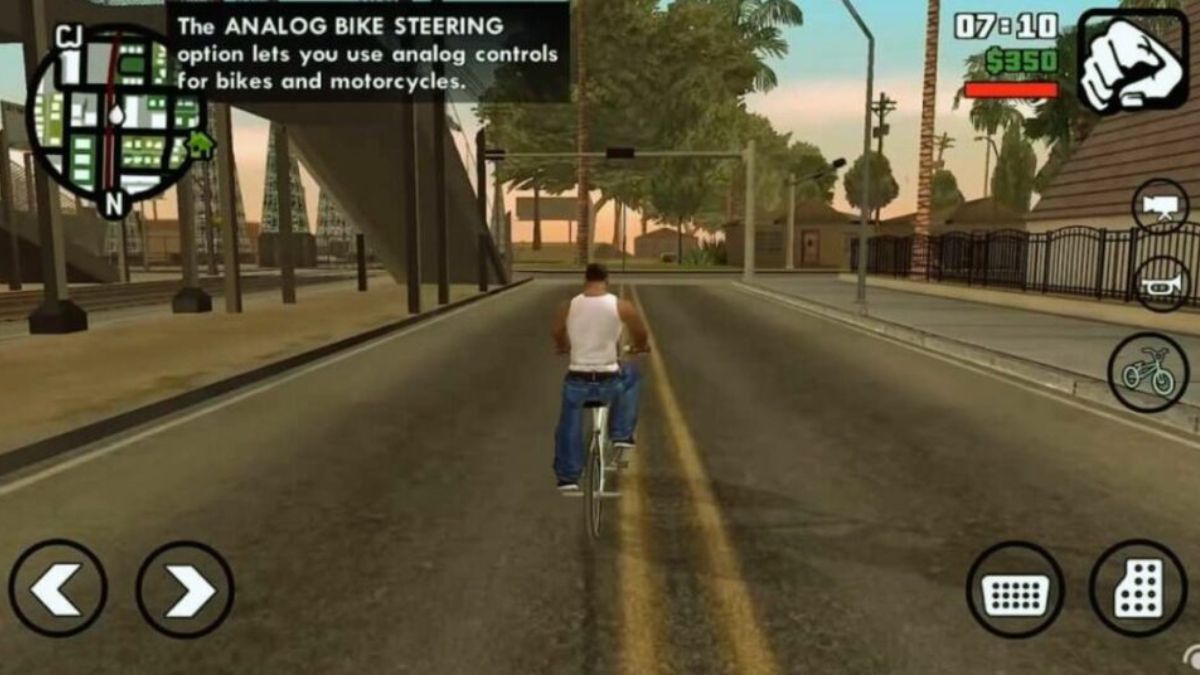
  • GTA San Andreas iOS Cheats: Master GTA’s Netflix Edition With These Killer Cheats

    GTA San Andreas iOS Cheats: Master GTA’s Netflix Edition With These Killer Cheats

    The GTA trilogy is available on Netflix, and GTA San Andreas, in my opinion, is incomplete without hacks. So, in this section, I’ll show you how to utilize hacks in Netflix GTA San Andreas on your mobile device.

    Netflix has made the Grand Theft Auto trilogy available on their mobile app, allowing users to play Grand Theft Auto III, Vice City, and San Andreas. I’m sure we’ve all played these games before, and revisiting them is just as much fun.

    How to Play GTA San Andreas on Your iPhone for Free Using Netflix?

    GTA Trilogy Definitive Edition Mobile Takes Over Netflix
    GTA Trilogy Definitive Edition Mobile Takes Over Netflix

    To play GTA San Andreas for free on your iPhone with Netflix, follow these steps:

    • Assume you have a Netflix subscription and the Netflix app on your iPhone. You will also require a reliable internet connection and sufficient storage space on your device.
    • Sign in to your Netflix account on your iPhone by opening the Netflix app.
      At the bottom of the screen, select the Games tab. You’ll see a list of titles available for your device, including GTA: The Trilogy – The Definitive Edition.
    • Select GTA San Andreas from the menu after tapping on GTA: The Trilogy – The Definitive Edition. You will see a description of the game, a trailer, and the opportunity to play it.
    • Wait for the game to load after pressing the Play button. You will be prompted to enable Netflix access to your Bluetooth and microphone. This is required for the game to function with your controller and voice chat.
    • Bluetooth is a suitable controller for your iPhone. You can utilize any iOS-compatible controller, such as the Xbox One, PlayStation 4, or MFi controllers. The game does not support touch controllers, thus you cannot play it with them.
    • Have fun with the game!

    GTA San Andreas iOS Cheats

    Action Name Code
    Get full health and armor, and $250,000 INEEDSOMEHELP HESOYAM
    Weapon Set 1, Thug Tools THUGSARMOURY LXGIWYL
    Weapon Set 2, Professional Tools PROFESSIONALSKIT KJKSZPJ
    Weapon Set 3, Nutter Tools NUTTERSTOYS UZUMYMW
    Infinite ammo FULLCLIP WANRLTW
    Adrenaline mode TAKEACHILLPILL MUNASEF
    Mega jump KANGAROO LFGMHAL
    Suicide GOODBYECRUELWORLD SZCMAWO
    Free weapon aiming in vehicles IWANNADRIVEBY OUIQDMW
    Hitman skill stats with all weapons PROFESSIONALKILLER NCSGDAG
    Infinite lung capacity MANFROMATLANTIS CVWKXAM
    Maxed vehicle stats NATURALTALENT VQIMAHA
    Maximum fat WHOATEALLTHEPIES BTCDBCB
    Maximum muscle BUFFMEUP JYSDSOD
    Maximum respect WORSHIPME OGXSDAG
    Maximum sex appeal HELLOLADIES EHIBXQS
    Maximum stamina ICANGOALLNIGHT VKYPQCF
    Never hungry IAMNEVERHUNGRY AEDUWNV
    Spawn Jetpack ROCKETMAN YECGAA
    Spawn Parachute LETSGOBASEJUMPING AIYPWZQP
    Semi-Infinite Health (bullets and fire) NOONECANHURTME BAGUVIX
    Super punch STINGLIKEABEE IAVENJQ
    Zero fat and muscle LEANANDMEAN KVGYZQK

    GTA San Andreas level cheats wanted on Netflix:

    Action Name Code
    Six star wanted level BRINGITON LJSPQK
    Decrease wanted level TURNDOWNTHEHEAT ASNAEB
    Raise wanted level TURNUPTHEHEAT OSRBLHH
    Lock wanted level IDOASIPLEASE AEZAKMI

    Netflix GTA San Andreas vehicle cheats:

    Action Name Code
    Cars have nitrous SPEEDFREAK COXEFGU
    Super jump on bikes CJPHONEHOME JHJOECW
    Boats can fly FLYINGFISH AFSNMSMW
    Cars can fly CHITTYCHITTYBANGBANG RIPAZHA
    Smash N’ Boom TOUCHMYCARYOUDIE JCNRUAD
    Cars float away when hit BUBBLECARS BSXSGGC
    Destroy all cars ALLCARSGOBOOM CPKTNWT
    Cars have perfect handling STICKLIKEGLUE PGGOMOY
    Spawn Bloodring Banger OLDSPEEDDEMON CQZIJMB
    Spawn Caddy 18HOLES RZHSUEW
    Spawn Dozer ITSALLBULL EEGCYXT
    Spawn Hotring Racer 1 VROCKPOKEY PDNEJOH
    Spawn Hotring Racer 2 JUSTTRYANDSTOPME VPJTQWV
    Spawn Monster Truck MONSTERMASH AGBDLCID
    Spawn Quad FOURWHEELFUN AKJJYGLC
    Spawn Rancher DOUGHNUTHANDICAP JQNTDMH
    Spawn Rhino TIMETOKICKASS AIWPRTON
    Spawn Romero WHERESTHEFUNERAL AQTBCODX
    Spawn Stretch CELEBRITYSTATUS KRIJEBR
    Spawn Stuntplane FLYINGTOSTUNT URKQSRK
    Spawn Tanker HITTHEROADJACK AMOMHRER
    Spawn Trashmaster TRUEGRIME UBHYZHQ
    Spawn Vortex IWANTTOHOVER KGGGDKP
    Spawn Hunter OHDUDE
    Spawn Hydra JUMPJET

    This is everything you need to know about the GTA San Andreas iOS Cheats. You can also read our guides on Moonlight Treasures Monopoly Go Cheats and Guitar Hero 2 Cheats. Stay up to date with GameEmpress.com for the most recent gaming news and guides.

  • How To Turn Off Crossplay 2K24? A Guide For PlayStation 5 And Xbox Series X|S Players

    How To Turn Off Crossplay 2K24? A Guide For PlayStation 5 And Xbox Series X|S Players

    Crossplay is a feature that allows players to play online games with other players who are using different platforms, such as PC, PlayStation, Xbox, Nintendo, or mobile devices. Crossplay can enhance the multiplayer experience by increasing the player base, reducing the matchmaking time, and allowing friends to play together regardless of their devices.

    However, not all players may want to use crossplay, for various reasons, such as technical issues, balance problems, communication difficulties, or personal preferences. Therefore, some games offer the option to turn off crossplay and play only with players who are using the same platform.

    One of the games that support crossplay and also allows players to turn it off is NBA 2K24, the latest instalment of the popular basketball simulation game series. NBA 2K24 introduced crossplay for the new generation consoles, PlayStation 5 and Xbox Series X|S, enabling players to play with each other across these platforms. However, some players may prefer to play only with players who are using the same console, either PlayStation 5 or Xbox Series X|S.

    In this article, we will show you how to turn off crossplay 2K24 for both PlayStation 5 and Xbox Series X|S players and explain the advantages and disadvantages of doing so.

    How to Turn Off Crossplay 2K24 for PlayStation 5 Players?

    NBA 2K24 PS5
    NBA 2K24 PS5

    To turn off crossplay 2K24 for PlayStation 5 players, follow these simple steps:

    • Launch NBA 2K24 on PS5.
    • Select Features on the main menu.
    • Hit Settings.
    • Scroll down to Crossplay.
    • Turn Crossplay off.

    By turning off crossplay, you will only be able to join or create online matches with players who are using PlayStation 5, and you will not be able to play with players who are using Xbox Series X|S.

    How to Turn Off Crossplay 2K24 for Xbox Series X|S Players?

    To turn off crossplay 2K24 for Xbox Series X|S players, follow these simple steps:

    • Press the Xbox button on your controller to open the guide menu.
    • Navigate to Settings, and then Online Safety & Family under the General tab.
    • Select Privacy & Online Safety, and then Xbox Privacy.
    • Select View Details & Customize, and then Communication & Multiplayer.
    • Select Block under Cross-Network Play.

    By turning off crossplay, you will only be able to join or create online matches with players who are using Xbox Series X|S, and you will not be able to play with players who are using PlayStation 5.

    Advantages and Disadvantages of Turning Off Crossplay 2K24

    Turning off crossplay 2K24 can have some advantages and disadvantages for the players, depending on their situation and preference. Here are some of them:

    Advantages

    • Turning off crossplay can reduce the risk of encountering technical or performance issues, such as lag, glitches, or crashes, due to the different platforms and servers that are involved in crossplay matches.
    • Turning off crossplay can improve the balance and fairness of the matches, as some platforms may have advantages or disadvantages over others, such as graphics, controls, or mods.
    • Turning off crossplay can enhance the communication and coordination of the matches, as some platforms may have different or better chat and voice options, or languages and cultures.

    Disadvantages

    • Turning off crossplay can decrease the number of players who are available for online matches, making it harder and slower to find and join matches that suit your preferences and skill level.
    • Turning off crossplay can prevent you from playing with your friends who have the game on a different console, either PlayStation 5 or Xbox Series X|S unless you buy or download the game again on another platform.
    • Turning off crossplay can reduce the diversity and variety of the matches, as you will encounter and interact with players who have similar playstyles, strategies, and personalities.

    You might also like to know about if these other games are cross-platform or not:

    Conclusion

    Crossplay is a feature that allows players to play online games with other players who are using different platforms, and it is supported by NBA 2K24 for the new generation consoles, PlayStation 5 and Xbox Series X|S.

    However, some players may want to turn off crossplay and play only with players who are using the same console. In this article, we showed you how to turn off crossplay 2K24 for both PlayStation 5 and Xbox Series X|S players, and explained the advantages and disadvantages of doing so.

    We appreciate your interest in our website! Make Gameempress.com your go-to site for gaming information.
  • Codes for Blox Fruits Update 20: How To Get Free Rewards In The Roblox Game?

    Codes for Blox Fruits Update 20: How To Get Free Rewards In The Roblox Game?

    Blox Fruits is a popular Roblox game that is inspired by the anime and manga series One Piece. In this game, players can choose to be a pirate or a marine, and explore a vast open world filled with islands, enemies, and treasures. Players can also find and eat Devil Fruits, which grant them special abilities and powers.

    One of the ways to enhance your gameplay and progress faster in Blox Fruits is to use codes. Codes are special strings of letters and numbers that can be redeemed for various rewards, such as Beli, experience, stat resets, and more. Codes are usually released by the game’s developer or publisher, or by other sources such as YouTube channels or websites.

    Codes for Blox Fruits Update 20
    Codes for Blox Fruits Update 20

    However, codes are not always easy to find, and they may expire or change over time. Therefore, it is important to know where and how to get the latest working codes for Blox Fruits, especially for the new Update 20, which added new features and content to the game.

    In this article, we will provide you with a list of all the active codes for Blox Fruits Update 20, as well as a guide on how to redeem them and what rewards you can get from them.

    Active Codes for Blox Fruits Update 20

    As of December 2023, these are the active codes for Blox Fruits Update 20 that you can use to get free rewards. We have verified and tested these codes, but they may expire or change at any time, so use them as soon as possible.

    • SECRET_ADMIN: Redeem for 20 minutes of 2x EXP Boost (New)
    • KITT_RESET: Redeem for a Stat Reset (New)
    • Sub2CaptainMaui: Redeem for 20 minutes of 2x EXP Boost
    • DEVSCOOKING: Redeem for 20 minutes of 2x EXP Boost
    • kitgaming: Redeem for 20 minutes of 2x EXP Boost
    • Sub2Fer999: Redeem for 20 minutes of 2x EXP Boost
    • Enyu_is_Pro: Redeem for 20 minutes of 2x EXP Boost
    • Magicbus: Redeem for 20 minutes of 2x EXP Boost
    • JCWK: Redeem for 20 minutes of 2x EXP Boost
    • Starcodeheo: Redeem for 20 minutes of 2x EXP Boost
    • Bluxxy: Redeem for 20 minutes of 2x EXP Boost
    • fudd10_v2: Redeem for 2 Beli
    • SUB2GAMERROBOT_EXP1: Redeem for 30 minutes of 2x EXP Boost
    • Sub2OfficialNoobie: Redeem for 20 minutes of 2x EXP Boost
    • StrawHatMaine: Redeem for 20 minutes of 2x EXP Boost
    • SUB2NOOBMASTER123: Redeem for 15 minutes of 2x EXP Boost
    • Sub2UncleKizaru: Redeem for a Stat Reset
    • Sub2Daigrock: Redeem for 15 minutes of 2x EXP Boost
    • Axiore: Redeem for 20 minutes of 2x EXP Boost
    • TantaiGaming: Redeem for 15 minutes of 2x EXP Boost
    • BIGNEWS: Redeem for an in-game title
    • THEGREATACE: Redeem for 20 minutes of 2x EXP Boost

    How to Redeem Codes for Blox Fruits Update 20?

    To redeem codes for Blox Fruits Update 20, you need to follow these simple steps:

    • Launch the Blox Fruits game on Roblox.
    • On the left side of your screen, you will see a blue Twitter icon. Click on it to open the codes menu.
    • In the codes menu, you will see a text box where you can enter the code. Type or copy and paste the code that you want to use, and click on the Try button.
    • If the code is valid and working, you will see a green message that says “Success!” and the reward that you got. If the code is invalid or expired, you will see a red message that says “Invalid Code!” or “Code Expired!”.

    What Rewards Can You Get from Codes for Blox Fruits Update 20?

    The rewards that you can get from codes for Blox Fruits Update 20 vary depending on the code that you use. However, most of the codes will give you one of the following rewards:

    • Beli: Beli is the currency of the game, which you can use to buy items, weapons, fruits, and more. Beli can also be earned by defeating enemies, completing quests, or selling items.
    • EXP Boost: EXP Boost is a temporary buff that will double the amount of experience that you gain from defeating enemies, completing quests, or eating fruits. EXP Boost can help you level up faster and unlock new skills and abilities.
    • Stat Reset: Stat Reset is a one-time item that will allow you to reset your stats and redistribute your points. Stat Reset can be useful if you want to change your build or try a different playstyle.

    You might also be interested in the following game Cheats:

    Conclusion

    Codes for Blox Fruits Update 20 are a great way to get free rewards and enhance your gameplay in the Roblox game. By using the codes that we have provided, you can get Beli, EXP Boost, Stat Reset, and more. However, codes may expire or change at any time, so be sure to use them as soon as possible.

    We appreciate your interest in our website! Make Gameempress.com your go-to site for gaming information.

  • WoW Classic Winter Veil Guide: How To Celebrate The Holiday Season In Azeroth?

    WoW Classic Winter Veil Guide: How To Celebrate The Holiday Season In Azeroth?

    Winter Veil is one of the oldest and most festive holidays in World of Warcraft, and it is also available in WoW Classic. During this event, players can enjoy various activities, quests, and rewards that are themed around the winter season and the spirit of giving.

    Whether you are a new or veteran player, there is something for everyone to enjoy during Winter Veil. In this article, we will provide you with a comprehensive guide on how to participate in Winter Veil in WoW Classic, and what you can expect from this holiday event.

    When and Where is Winter Veil?

    Winter Veil is a seasonal event that lasts for about two weeks, from December 15th to January 2nd. The main hub of the event is in Ironforge for the Alliance, and Orgrimmar for the Horde, where you can find the Smokywood Pastures vendors, the Winter Veil trees, and the quest givers.

    However, you can also find some Winter Veil activities and NPCs in other major cities, such as Stormwind, Darnassus, Thunder Bluff, and Undercity, as well as some neutral towns, such as Booty Bay and Everlook.

    What are the Winter Veil Activities and Quests?

    There are many things to do during Winter Veil, from collecting presents to fighting the Abominable Greench to dressing up as a gnome. Here are some of the main activities and quests that you can enjoy during the event:

    • Collecting Presents: Under the Winter Veil trees in Ironforge and Orgrimmar, you can find various presents that you can open once a day, from December 25th to January 2nd. These presents can contain different items, such as toys, pets, food, drinks, and even the rare mechanical Greench pet. Some of the presents are only available for certain levels, so make sure to check the level requirements before opening them.
    • Fighting the Abominable Greench: The Abominable Greench is a level 36 elite yeti that spawns in the Alterac Mountains, near Growless Cave. He is the main antagonist of the Winter Veil event, as he tries to steal the treats and gifts from the Smokywood Pastures. You can get a quest to defeat him from the Smokywood Pastures vendors in Ironforge or Orgrimmar, and you will need a group of players to take him down. Once you kill him, you can loot his sack and return it to the quest giver, and you will receive a reward of either a Snowman Kit, a Preserved Holly, or a Mistletoe.
    • Dressing up as a Gnome: If you want to have some fun and look festive, you can use the PX-238 Winter Wondervolt machines that are located in Ironforge, Orgrimmar, Stormwind, and Booty Bay. These machines will transform you into a gnome with a red or green outfit and a winter hat, for a limited time. You can also use the Fresh Holly or the Preserved Holly items to turn your mount into a reindeer, for a more complete look.
    • Completing the Metzen the Reindeer Quest: Metzen the Reindeer is a special reindeer that belongs to Greatfather Winter, the main NPC of the Winter Veil event. However, he has been kidnapped by the Dark Iron Dwarves or the Boulderfist Ogres, depending on your faction. You can get a quest to rescue him from the Smokywood Pastures vendors in Ironforge or Orgrimmar, and you will need to travel to either Searing Gorge or the Arathi Highlands and use the provided reindeer dust on him. Once you free him, you will receive a reward of either a Snowman Kit, a Preserved Holly, or a Mistletoe.

    What Are the Winter Veil Rewards and Achievements?

    Winter Veil offers many rewards and achievements for players who participate in the event, such as:

    • Winter Hats: These are cosmetic items that you can wear on your head, and they come in four colours: red, green, blue, and purple. You can get them from various sources, such as the presents under the trees, the Smokywood Pastures vendors, or some dungeon bosses, such as Grand Magus Telestra in The Nexus, or Prince Taldaram in Ahn’kahet: The Old Kingdom.
    • Winter Clothes: These are cosmetic items that you can wear on your chest and feet, and they come in two colours: red and green. You can get them from the Tailoring profession, by using the Pattern: Winter Boots and the Pattern: Red Winter Clothes or the Pattern: Green Winter Clothes, which you can buy from the Smokywood Pastures vendors. You can also buy the ready-made clothes from the Auction House, or trade them with other players.
    • Winter Veil Cookie: This is a food item that you can eat, and it will restore some health and mana, as well as grant you a buff that increases your spirit by 2 for 15 minutes. You can get it from the Cooking profession, by using the Recipe: Winter Veil Cookie, which you can buy from the Smokywood Pastures vendors. You can also buy the ready-made cookies from the Auction House, or trade them with other players.
    • Winter Veil Achievements: These are special feats that you can accomplish during the Winter Veil event, and they will grant you some points and titles, as well as some bragging rights. Some of the achievements are:
    1. On Metzen!: Complete the Metzen the Reindeer quest.
    2. Scrooge: Throw a snowball at King Magni Bronzebeard in Ironforge, or Cairne Bloodhoof in Thunder Bluff, during the Feast of Winter Veil.
    3. With a Little Helper from My Friends: Earn 50 honourable kills as a Little Helper from the Winter Wondervolt machine.
    4. Fa-la-la-la-Ogri’la: Complete the Bomb Them Again! quest while mounted on a flying reindeer during the Feast of Winter Veil.
    5. Simply Abominable: Complete the quest to stop the Abominable Greench.
      Let It Snow: During the Feast of Winter Veil, use a Handful of Snowflakes on each of the race/class combinations listed.
    6. Bros. Before Ho Ho Ho’s: Use Mistletoe on the Alliance “Brothers” during the Feast of Winter Veil.
    7. He Knows If You’ve Been Naughty: Open one of the presents underneath the Winter Veil tree once they are available.
    8. A Frosty Shake: During the Feast of Winter Veil, use your Winter Veil Disguise kit to become a snowman and then dance with another snowman in Dalaran.
    9. Merrymaker: Complete the Winter Veil achievements listed above.

    You might also be interested in the following game guide:

    Conclusion

    Winter Veil is a fun and festive event that you can enjoy in WoW Classic, and it offers many activities, quests, rewards, and achievements for players of all levels and interests. Whether you want to collect presents, fight the Greench, dress up as a gnome, or complete the achievements, there is something for everyone to do during Winter Veil.

    We appreciate your interest in our website! Make Gameempress.com your go-to site for gaming information.

  • Destiny 2 Emblem Codes: How To Get Free Emblems For Your Guardian?

    Destiny 2 Emblem Codes: How To Get Free Emblems For Your Guardian?

    Destiny 2 is a sci-fi shooter game that lets you customize your character, or Guardian, with various gear, weapons, and cosmetics. One of the cosmetic items that you can use to personalize your Guardian is an emblem, which is a symbol or logo that appears on your profile, nameplate, and in-game UI. Emblems can also show your achievements, rank, clan, or affiliation.

    There are many emblems that you can obtain in Destiny 2 by playing the game, completing activities, or joining events. However, there are also some emblems that you can get for free by using special codes that Bungie, the developer of Destiny 2, occasionally releases or hides in various places.

    These codes can be redeemed on Bungie’s website or app, and grant you access to exclusive emblems that are not available in the game.

    In this article, we will show you how to redeem Destiny 2 emblem codes and provide you with a list of all the active codes that you can use right now.

    Destiny 2 Emblem Codes List

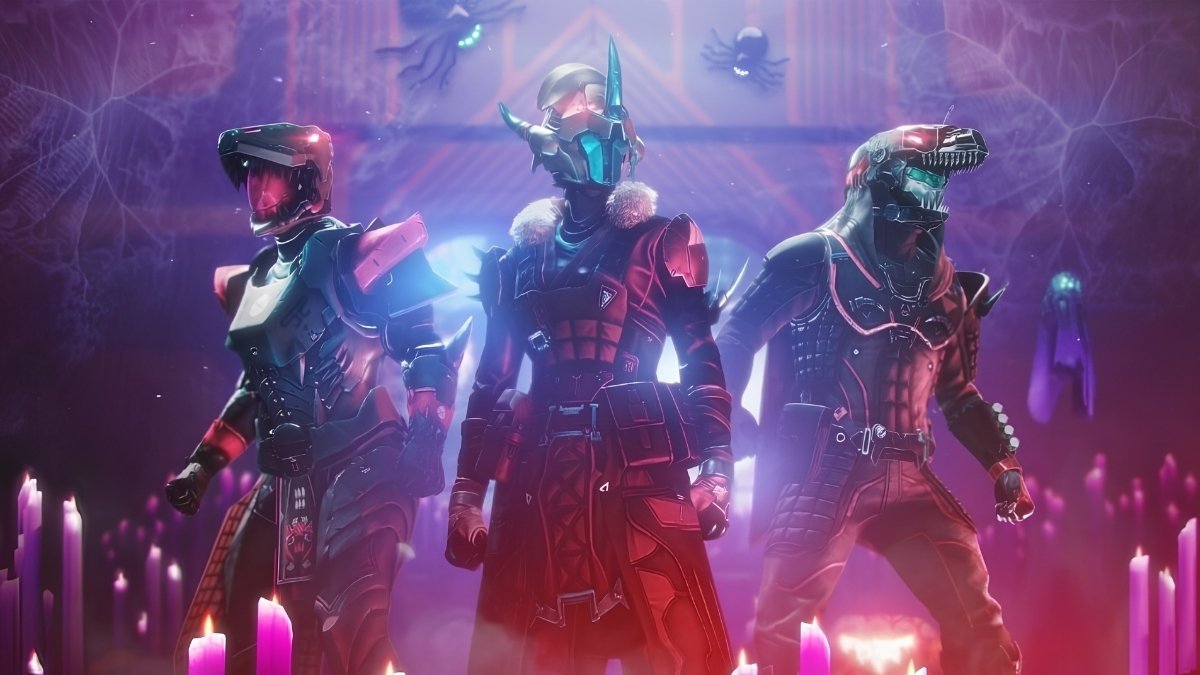
    Destiny 2 Festival of the Lost Rewards
    Image Source Bungie

    Here is a list of all the currently active Destiny 2 emblem codes that you can redeem for free emblems. These codes have been checked and verified as of December 2023, but they may expire or change at any time, so use them as soon as possible.

    Code Emblem
    A67-C7X-3GN Bulbul Tarang
    TK7-D3P-FDF Rainbow Connection
    JND-HLR-L69 Marathon ARG
    VXN-V3T-MRP Harmonic Commencement
    HN3-7K9-93G Airlock Invitation
    TNN-DKM-6LG Year of The Rabbit
    9LX-7YC-6TX Telesto
    R9J-79M-J6C National Coming Out Day
    ML3-FD4-ND9 Trans Pride
    JVG-VNT-GGG Ukraine Support
    D97-YCX-7JK Crushed Gamma
    L7T-CVV-3RD Heliotrope Warren
    PKH-JL6-L4R Tangled Web
    6LJ-GH7-TPA Sneer of the Oni
    PHV-6LF-9CP Countdown to Convergence
    F99-KPX-NCF Shadow’s Light
    VA7-L7H-PNC Liminal Nadir
    7D4-PKR-MD7 Sequence Flourish
    7F9-767-F74 Sign of the Finite
    X9F-GMA-H6D The Unimagined Plane
    XFV-KHP-N97 The Visionary
    A7L-FYC-44X Flames of Forgotten Truth
    JDT-NLC-JKM Ab Aeterno
    N3L-XN6-PXF The Reflective Proof
    7CP-94V-LFP Lone Focus, Jagged Edge
    FJ9-LAM-67F Binding Focus
    X4C-FGX-MX3 Note of Conquest
    JD7-4CM-HJG Illusion of Light
    JNX-DMH-XLA Field of Light
    3VF-LGC-RLX Insula Thesauraria
    RA9-XPH-6KJ Cryonautics
    JYN-JAA-Y7D Galilean Excursion

    How to Redeem Destiny 2 Emblem Codes?

    Once you have found a Destiny 2 emblem code, you can redeem it on Bungie’s website or app, and claim the emblem for your Guardian. To redeem a code, you need to follow these steps:

    • Visit Bungie’s redemption page on your browser, or open the Bungie app on your device.
    • Log in with your Bungie account, or create one if you don’t have one already.
    • Enter the code in the text box, and click Redeem, or tap Submit.
    • You will see a confirmation message that shows the emblem that you have unlocked and the platform that you have linked to your Bungie account.
    • Launch Destiny 2 on your platform, and go to the Collections tab in the menu.
    • Select Flair, then Emblems, and find the emblem that you have redeemed.
    • Select the emblem, and click Equip, or tap Apply, to use it for your Guardian.

    You might also be interested in the following game Cheats:

    Conclusion

    Destiny 2 emblem codes are a great way to get free emblems for your Guardian and show off your style, personality, or achievements. By following the steps and tips in this article, you can find and redeem codes for various emblems, and customize your Guardian’s appearance.

    We appreciate your interest in our website! Make Gameempress.com your go-to site for gaming information.
  • Grasp Of Avarice Loot Table: How To Get The Best Gear From The Dungeon?

    Grasp Of Avarice Loot Table: How To Get The Best Gear From The Dungeon?

    Grasp of Avarice is a new dungeon that was added to Destiny 2 as part of the 30th Anniversary event. It is a challenging and rewarding activity that takes players to a mysterious vault where they have to face various enemies and puzzles.

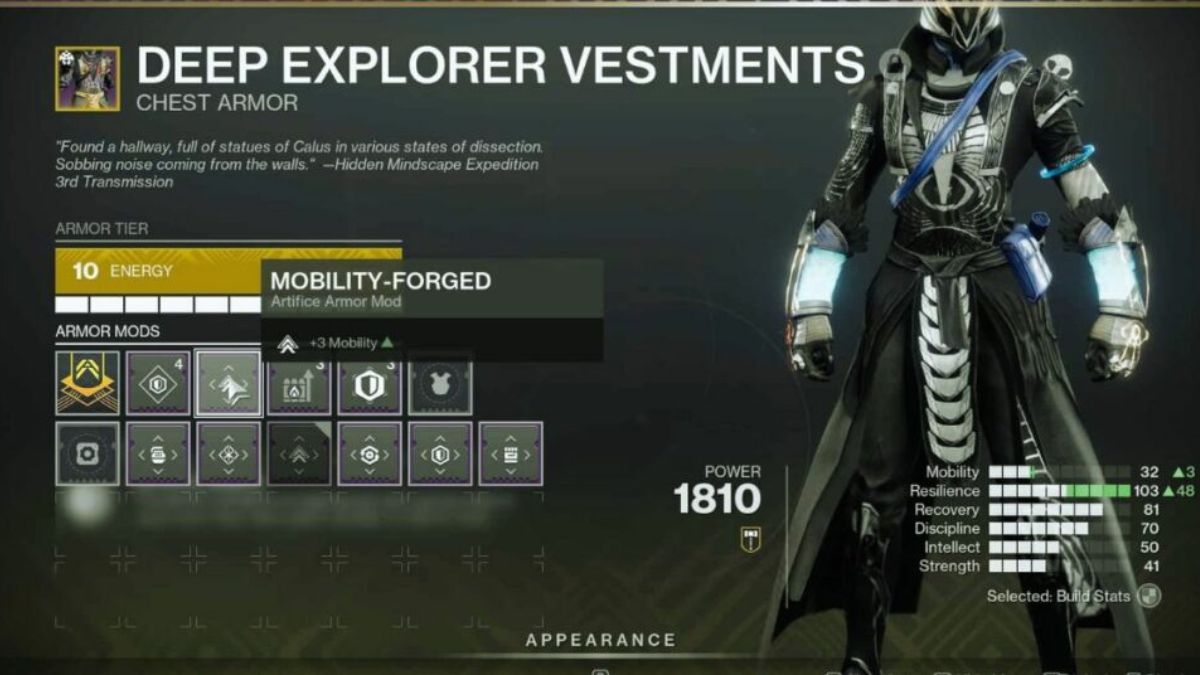
    The dungeon also offers some exclusive loot, such as the Gjallarhorn exotic rocket launcher, the Eyasluna legendary hand cannon, and the Artifice armor set.

    But how can you get the best gear from the dungeon? What are the loot drops for each encounter? And how can you optimize your chances of getting the god rolls? In this article, we will answer these questions and more.

    Grasp of Avarice Loot Table

    Grasp Of Avarice Loot Table
    Grasp Of Avarice Loot Table

    The Grasp of Avarice loot table consists of five weapons and one armour set that can be obtained from the dungeon. The weapons are:

    • Gjallarhorn: An exotic rocket launcher that fires tracking rockets that split into smaller explosives. It is the most coveted weapon in the dungeon, and can only be obtained from the final boss, Captain Avarokk, the Covetous.
    • Eyasluna: A legendary hand cannon that has high impact and stability. It is one of the best weapons for PvP, and can be obtained from any encounter in the dungeon.
    • 1000 Yard Stare: A legendary sniper rifle that has high range and precision. It is a great weapon for PvE, and can be obtained from any encounter in the dungeon.
    • Matador 64: A legendary shotgun that has high damage and rate of fire. It is another excellent weapon for PvP, and can be obtained from any encounter in the dungeon.
    • Hero of Ages: A legendary sword that has high speed and efficiency. It is a decent weapon for PvE, and can be obtained from any encounter in the dungeon.

    The armor set is:

    • Artifice: A legendary armor set that has a unique mod slot that can accept any mod from any season. It is the best armor set in the game, and can only be obtained from the Master difficulty of the dungeon.

    The following table shows the loot drops for each encounter in the dungeon, as well as the recommended power level and the requirements for each difficulty:

    Encounter Normal Loot Master Loot Recommended Power Requirements
    First Encounter: Phry’zia, the Insatiable Matador 64, Hero of Ages, Legs Matador 64, Hero of Ages, Artifice Legs, Enhancement Prisms 1600 Ownership of the 30th Anniversary Pack
    Second Encounter: Fallen Shield Matador 64, Hero of Ages, Arms, Class Item Matador 64, Hero of Ages, Artifice Arms, Artifice Class Item, Enhancement Prisms 1610 Ownership of the 30th Anniversary Pack
    Third Encounter: Captain Avarokk, the Covetous Matador 64, Hero of Ages, Eyasluna, 1000 Yard Stare, Chest, Head Matador 64, Hero of Ages, Eyasluna, 1000 Yard Stare, Artifice Chest, Artifice Head, Enhancement Prisms, Ascendant Shards, Gjallarhorn 1620 Ownership of the 30th Anniversary Pack

    How to Get the Best Gear From the Dungeon?

    To get the best gear from the dungeon, you will need to follow some tips and tricks, such as:

    • Run the Master difficulty first each week. This will ensure that the Artifice armor drops at Pinnacle levels, and that you have a higher chance of getting the Gjallarhorn.
    • Run the dungeon multiple times each week. This will allow you to farm for more weapons and armor, and to try different rolls and perks.
    • Use the Coin Bag feature. The Coin Bag is a special item that can lure Gimmighoul, a rare enemy that can drop Gimmighoul Coins. Gimmighoul Coins can be used to evolve Gimmighoul, a Ghost and Steel type Pokemon that can be obtained from the dungeon, into Gholdengo, a powerful Exotic Pokemon.
    • Check the compatibility list of the weapons. Some weapons may not work well or at all on some platforms or devices, while others may benefit from higher or lower specifications.
    • Experiment with different weapons and armor. Some weapons and armor may offer more features and options, while others may offer better compatibility and performance. You can also use multiple weapons and armor for different encounters, depending on their requirements and characteristics.

    If you want to check out more articles related to other games table. You can check the link below:

    Conclusion

    Grasp of Avarice is a dungeon that offers a lot of loot and fun for Destiny 2 players. By following the loot table and the tips and tricks, you can get the best gear from the dungeon, such as the Gjallarhorn, the Eyasluna, and the Artifice armor set.

    We appreciate your interest in our website! Make Gameempress.com your go-to site for gaming information.

  • Where Are The Bosses In Fortnite Chapter 5? A Guide To Finding And Defeating Them

    Where Are The Bosses In Fortnite Chapter 5? A Guide To Finding And Defeating Them

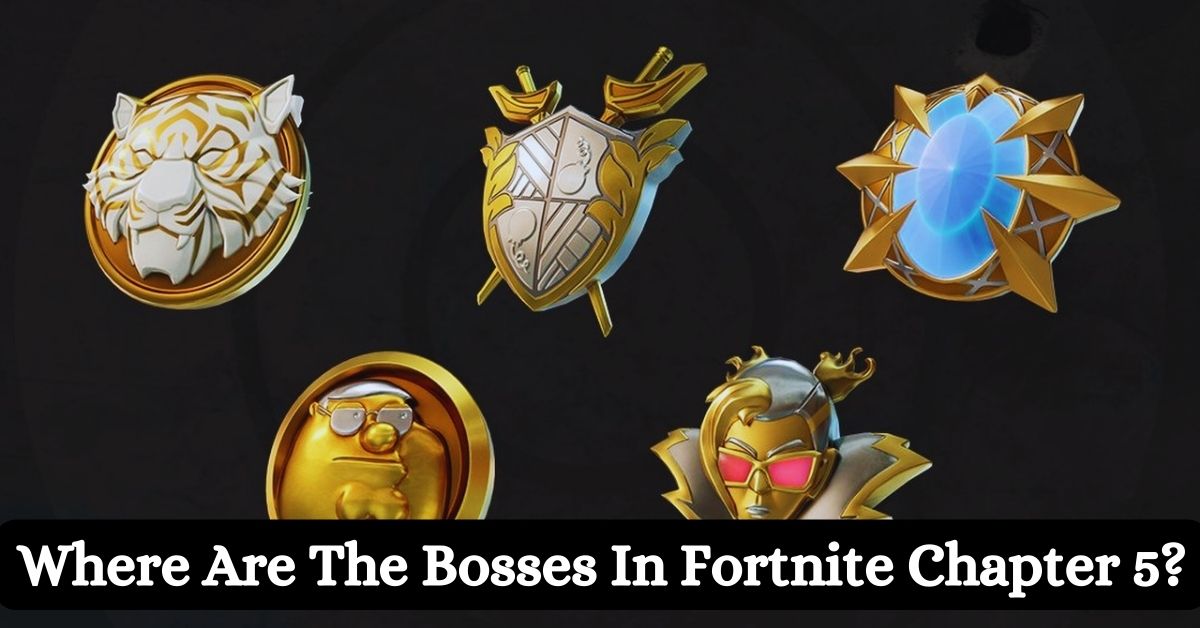
    Fortnite Chapter 5 is the latest season of the popular battle royale game, and it introduces a new feature called Society Medallions, which are powerful items that grant passive shield regeneration to the players who carry them.

    However, these items are not easy to obtain, as they are only dropped by the bosses, which are special NPC enemies that spawn in certain locations on the map. These bosses are not only stronger and tougher than regular enemies, but they also have unique weapons and abilities that can pose a serious threat to the players.

    In this article, we’ll show you where to find and how to defeat the bosses in Fortnite Chapter 5, and what rewards you can get from them.

    Who Are the Bosses in Fortnite Chapter 5 and What Are Their Abilities?

    Fortnite Chapter 4 Season 5 Skin Leaks
    Fortnite Chapter 4 Season 5 Skin Leaks

    There are five bosses in Fortnite Chapter 5, and each of them has a name, a location, a weapon, and an ability. They are:

    • Peter Griffin: He is located at Snooty Steppes, a new POI in the northwest corner of the map. He is armed with a Hammer Pump Shotgun, which is a powerful close-range weapon that can deal massive damage. He also has an ability called Family Guy, which allows him to summon his family members as allies, such as Lois, Meg, Chris, Stewie, and Brian. These allies will fight alongside him and distract the players.
    • Oscar: He is located at Lavish Lair, a new POI in the southeast corner of the map. He is armed with a Golden Pistol, which is a fast-firing and accurate weapon that can deal decent damage. He also has an ability called Academy Award, which allows him to throw his Oscar statue as a projectile, which can stun and knock back the players.
    • Montague: He is located at Grand Glacier, a new POI in the south-west corner of the map. He is armed with a Frosty Crossbow, which is a long-range weapon that can shoot icy arrows that can slow down and freeze the players. He also has an ability called Ice Age, which allows him to create a large ice dome around him, which can protect him and damage the players who touch it.
    • Nisha: She is located at Fencing Fields, a new POI in the northeast corner of the map. She is armed with a Rapier, which is a melee weapon that can deal high damage and pierce through the players’ shields. She also has an ability called En Garde, which allows her to dash and lunge at the players, which can catch them off guard and deal critical damage.
    • Valeria: She is located at Reckless Railways, a new POI in the centre of the map. She is armed with a Dynamite Launcher, which is an explosive weapon that can shoot sticks of dynamite that can stick to the players and the environment and detonate after a few seconds. She also has an ability called Train Wreck, which allows her to summon a train that can run over the players and destroy the structures.

    How to Find and Defeat the Bosses in Fortnite Chapter 5 and What Are Their Rewards?

    To find and defeat the bosses in Fortnite Chapter 5, you need to follow these steps:

    • Locate the boss: The bosses are marked on the map and the compass with a red skull icon, and they can be tracked and viewed in the menu. The bosses are not always in the same spot, and they can move around their POI. The bosses are also guarded by their henchmen, who are weaker enemies who can alert the boss and attack the players.
    • Engage the boss: The bosses are hostile and will fight back once they spot the players. The bosses have a lot of health and shields, and they can deal a lot of damage with their weapons and abilities. The bosses are also immune to headshots and critical hits, and they can heal themselves over time. The bosses are also aware of their surroundings, and they can use cover, dodge, and counter the players’ attacks.
    • Defeat the boss: The bosses are not invincible, and they can be defeated with enough firepower and strategy. The best way to defeat the bosses is to use the appropriate weapons and items, such as assault rifles, sniper rifles, grenades, and shields. The best way to defeat the bosses is also to use the environment and the structures, such as buildings, trees, and vehicles. The best way to defeat the bosses is also to work as a team and coordinate and communicate with your squadmates.
    • Claim the reward: The bosses will drop their Society Medallion and their weapon once they are defeated. The Society Medallion is a special item that can grant passive shield regeneration to the player who carries it. The more Society Medallions the player has, the faster the shield regeneration. The Society Medallion can also be dropped and picked up by other players. The weapon is a unique and powerful weapon that can only be obtained from the boss. The weapon can also be dropped and picked up by other players.

    If you want to check out more articles related to Fortnite. You can check the link below:

    Conclusion

    The bosses are a new and challenging feature in Fortnite Chapter 5, and they can offer a lot of fun and rewards for the players who can find and defeat them. The bosses are located in certain POIs on the map, and they have unique weapons and abilities that can pose a serious threat to the players.

    The bosses will drop their Society Medallion and their weapon once they are defeated, which are powerful items that can grant passive shield regeneration and high damage to the players who carry them.

    We appreciate your interest in our website! Make Gameempress.com your go-to site for gaming information.
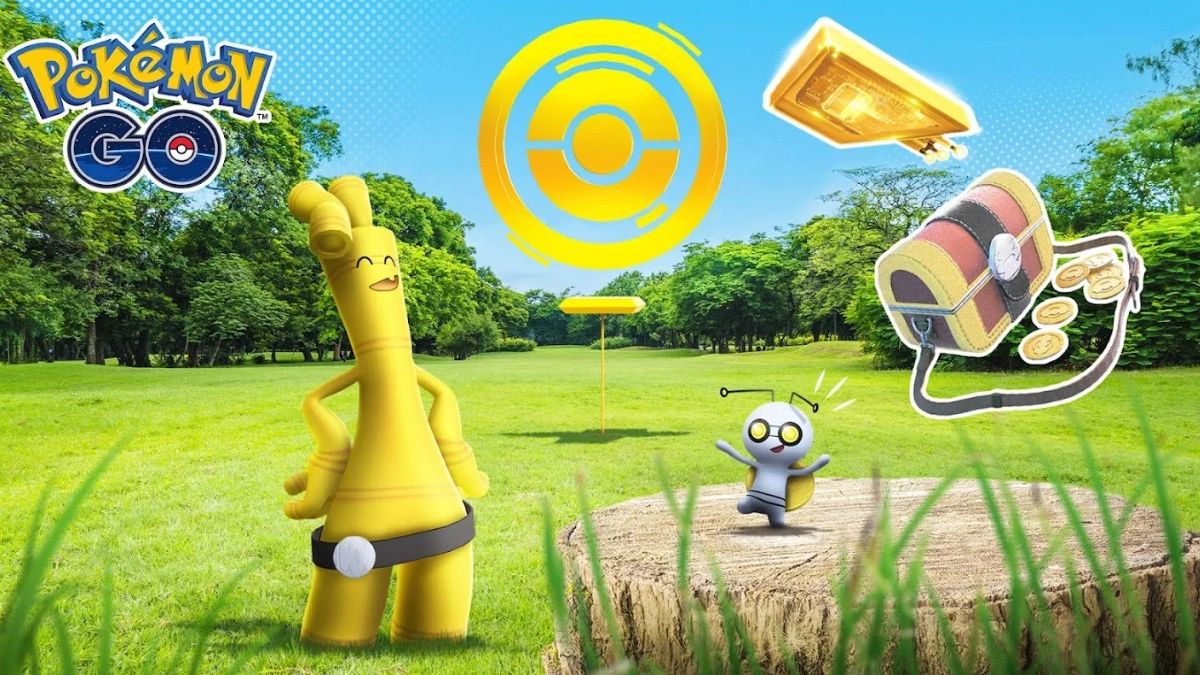
  • Unlock The Gold Rush: How To Get Gimmighoul In Pokemon Go!

    Unlock The Gold Rush: How To Get Gimmighoul In Pokemon Go!

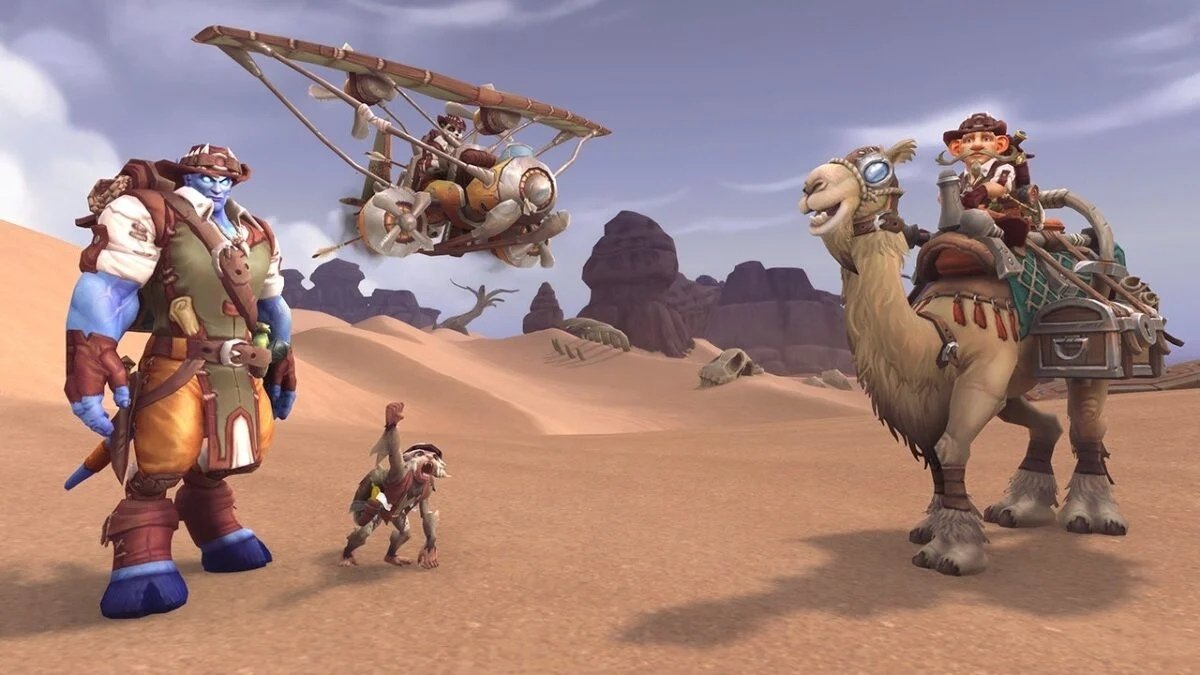
    Gimmighoul is a new Pokemon that was introduced in Pokemon Go as part of a crossover event with Pokemon Scarlet and Pokemon Violet, two games for the Nintendo Switch.

    Gimmighoul is a Ghost and Steel-type Pokemon that has a unique Roaming Form, which can evolve into Gholdengo with enough Gimmighoul Coins. But how can you get Gimmighoul in Pokemon Go? In this article, we will explain the steps and requirements to catch and evolve this elusive Pokemon.

    How to Get Gimmighoul in Pokemon Go?

    How To Get Gimmighoul In Pokemon Go
    How To Get Gimmighoul In Pokemon Go

    Connect Pokemon Go to Pokemon Scarlet and Violet

    The first step to getting Gimmighoul in Pokemon Go is to connect your Pokemon Go account to your Pokemon Scarlet or Pokemon Violet game on your Nintendo Switch. This will allow you to send and receive Postcards between the games, which are essential for encountering Gimmighoul. To connect your games, you need to follow these steps:

    • Open Pokemon Go and Pokemon Scarlet or Pokemon Violet on your devices.
    • In Pokemon Scarlet or Pokemon Violet, go to the PokePortal and select Mystery Gift, then select Pokemon Go.
    • In Pokemon Go, go to Settings and select Nintendo Switch, then select Connect to Nintendo Switch.
    • The two devices will search and find each other, and you will see a confirmation message on both screens.

    Send Postcards to Pokemon Scarlet and Violet

    Once your games are connected, you can start sending Postcards from Pokemon Go to Pokemon Scarlet or Pokemon Violet. Postcards are images of the locations that you visit in Pokemon Go, and they have different effects on both games. To send a Postcard, you need to follow these steps:

    • In Pokemon Go, go to Items and select Postcard Book, then select a Postcard that you want to send.
    • You will see a preview of the Postcard, and you can add a message or a sticker if you want.
    • Tap Send to Nintendo Switch, and the Postcard will be sent to your Pokemon Scarlet or Pokemon Violet game.

    Use the Coin Bag to Encounter Gimmighoul

    By sending a Postcard to Pokemon Scarlet or Pokemon Violet, you will unlock the Coin Bag feature in Pokemon Go. The Coin Bag is a special item that can lure Gimmighoul to appear near you for a limited time. Gimmighoul is attracted by the treasure chest-like appearance and the sound of coins jingling inside the Coin Bag. To use the Coin Bag, you need to follow these steps:

    • In Pokemon Go, go to Items and select Coin Bag, then tap Use.
    • You will see a notification that Gimmighoul is nearby, and you will hear a coin sound.
    • Look around your map and find Gimmighoul, which will have a yellow aura around it.
    • Tap on Gimmighoul to start the encounter, and try to catch it with a Poke Ball.

    Collect Gimmighoul Coins to Evolve Gimmighoul

    To evolve Gimmighoul into Gholdengo, you will need 999 Gimmighoul Coins. Gimmighoul Coins are special items that you can collect by catching Gimmighoul, transferring Gimmighoul, or spinning Golden PokeStops.

    Golden PokeStops are special PokeStops that you can create by using Golden Lure Modules, which you can obtain by sending multiple Postcards to Pokemon Scarlet or Pokemon Violet. To evolve Gimmighoul, you need to follow these steps:

    • In Pokemon Go, go to Pokemon and select Gimmighoul, then tap Evolve.
    • You will see a confirmation message that shows how many Gimmighoul Coins you have and how many you need to evolve Gimmighoul.
    • If you have enough Gimmighoul Coins, tap Yes to evolve Gimmighoul into Gholdengo.
    • If you don’t have enough Gimmighoul Coins, tap No to cancel the evolution, and try to collect more Gimmighoul Coins.

    You might also be interested in the following game guide:

    Conclusion

    Gimmighoul is a rare and exclusive Pokemon that you can get in Pokemon Go by connecting your game to Pokemon Scarlet or Pokemon Violet on your Nintendo Switch.

    By sending Postcards, you can unlock the Coin Bag and the Golden Lure Module, which can help you encounter and catch Gimmighoul. By collecting Gimmighoul Coins, you can evolve Gimmighoul into Gholdengo.

    We appreciate your interest in our website! Make Gameempress.com your go-to site for gaming information.
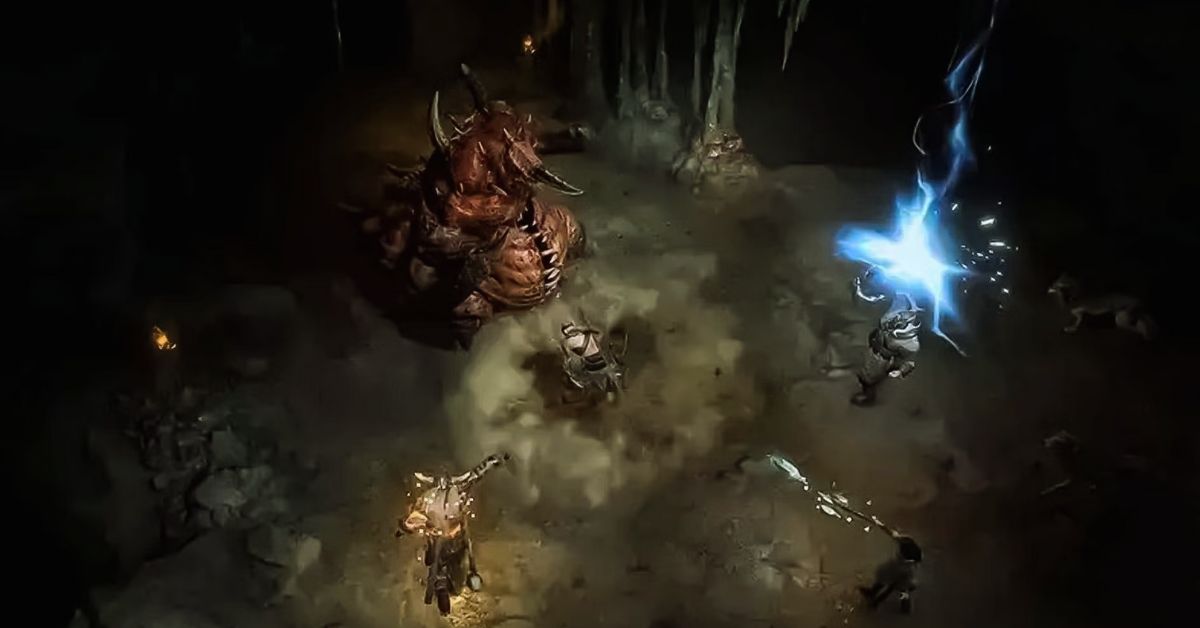
  • Diablo 4 Waypoint Map: How To Find And Use The Fast Travel System?

    Diablo 4 Waypoint Map: How To Find And Use The Fast Travel System?

    Diablo 4 is a highly anticipated action role-playing game that will take players to the dark and dangerous world of Sanctuary, where they will face hordes of demons, undead, and other horrors. The game will feature a vast and open world, where players can explore various regions, dungeons, and secrets.

    However, travelling across the world can be time-consuming and risky, especially when enemies and events are constantly spawning and changing. That’s why the game will also feature a waypoint map, which is a fast travel system that will allow players to teleport between major locations in the game.

    In this article, we’ll explain how to find and use the waypoint map, and what are the benefits and limitations of the system.

    Diablo 4 Waypoint Map

    The waypoint map is a feature that will enable players to travel instantly between waypoints, which are portals that appear on the map at fixed locations in towns and major locations. These waypoints, once activated, will be marked on the map and the compass, and they can be tracked and viewed in the menu.

    Diablo 4 Season 2 Boss Loot Table
    Diablo 4 Season 2 Boss Loot Table

    The waypoints are not linear, and they can be accessed in any order, as long as the previous waypoints are activated. The waypoints are also not missable, and they can be revisited at any time, even after finishing the main story.

    To access the waypoint map, players will need to press a button on their keyboard or controller, which will open the map screen. From there, players can select a waypoint that they have already activated, and confirm their choice.

    The game will then load the destination, and the players will appear near the waypoint. The process will take a few seconds, depending on the distance and the region. The game will also save the progress and the position of the players before and after the teleportation.

    What Are the Benefits and Limitations of the Waypoint Map?

    The waypoint map is a useful and convenient feature that will offer several benefits and advantages for the players, such as:

    • Saving Time and Effort: The waypoint map will save players a lot of time and effort, as they have to travel long distances by foot or by mount, which can be tedious and exhausting. The waypoint map will also allow players to skip some areas and enemies that they have already cleared or that they are not interested in, and focus on the ones that they want to explore or challenge.
    • Exploring and Discovering: The waypoint map will also encourage players to explore and discover the world, as they will be able to access different regions and locations easily and quickly. The waypoint map will also help players to find and collect various items, secrets, and events that are scattered and hidden in the world, and that may require some backtracking and revisiting.
    • Completing and Progressing: The waypoint map will also assist players to complete and progress the game, as they will be able to follow and finish the main story and the side quests more efficiently and effectively. The waypoint map will also enable players to participate and join various activities and features that are available in the game, such as world bosses, legion events, PvP, and co-op. will not

    However, the waypoint map will also have some limitations and drawbacks that players will need to consider and be aware of, such as:

    • Breaking Immersion and Challenge: The waypoint map may break the immersion and the challenge of the game, as it will reduce the sense of exploration and adventure, and the risk and reward of travelling and fighting in the world. The waypoint map may also make the game too easy and convenient, and lower the difficulty and the tension of the game.
    • Consuming Resources and Restrictions: The waypoint map may also consume some resources and have some restrictions that will limit its usage and availability. The waypoint map may require some currency or items to activate or use, and it may have some cooldowns or timers that will prevent players from spamming or abusing it. The waypoint map may also be disabled or blocked in some areas or situations, such as dungeons, boss fights, or PvP zones.

    If you want to check out more articles related to Diablo 4. You can check the link below:

    Conclusion

    The waypoint map is a feature that will allow players to travel instantly between waypoints, which are portals that appear on the map at fixed locations in towns and major locations. The waypoint map will offer several benefits and advantages for the players, such as saving time and effort, exploring and discovering, and completing and progressing the game.

    However, the waypoint map will also have some limitations and drawbacks that players will need to consider and be aware of, such as breaking immersion and challenge, consuming resources and restrictions.

    We appreciate your interest in our website! Make Gameempress.com your go-to site for gaming information.
  • Is Ready Or Not Crossplay? Your Guide To Multiplayer Across Platforms

    Is Ready Or Not Crossplay? Your Guide To Multiplayer Across Platforms

    Ready or Not is a realistic and tactical first-person shooter that simulates the experience of a SWAT team. The game features a single-player campaign, a co-op mode, and a multiplayer mode, where players can choose to play as either law enforcement or criminals.

    The game is currently available on PC via Steam and has received positive reviews from critics and players alike. But is Ready or Not crossplay? Can players from different platforms play together in the same game? And will the game ever come to consoles? In this article, we will answer these questions and more.

    Is Ready Or Not Crossplay?

    Unfortunately, the answer is no. Ready or Not does not support crossplay, meaning that players from different platforms cannot play together in the same game. This applies to both online and offline modes, such as the campaign, the co-op, and the multiplayer.

    Ready Or Not 1.0 Patch Notes
    Ready Or Not 1.0 Patch Notes

    The only exception is the Nintendo Switch version, which supports cross-play with the PC version, but not with the PlayStation or Xbox versions. This means that players on Nintendo Switch can play with players on PC, but not with players on PlayStation or Xbox.

    The reason for this exception is that the Nintendo Switch version is based on the PC version, and uses the same servers and code. However, the PlayStation and Xbox versions are different and use separate servers and code.

    Why is Ready Or Not Not Crossplay?

    The main reason why Ready or Not is not crossplay is that it requires a lot of technical and logistical challenges to implement. According to VOID Interactive, the developer of Ready or Not, crossplay is not as simple as some saying ‘Go ahead guys’ it’s tough. We would need big technology updates to support it, so right now we’re focusing on the quality of our gameplay.

    Some of the challenges and difficulties of implementing crossplay include:

    • The compatibility and optimization of the game across different platforms and devices. The game needs to run smoothly and consistently on different hardware and software specifications and ensure that there are no bugs, glitches, or crashes.
    • The balance and the fairness of the game across different platforms and devices. The game needs to account for the different input methods, such as controllers, keyboards, and touchscreens, and ensure that there are no advantages or disadvantages for any platform or device.
    • The cooperation and the agreement of the different platform holders and publishers. The game needs to follow the rules and the policies of the different platform holders and publishers, such as Sony, Microsoft, Nintendo, and Team17, and ensure that there are no conflicts or disputes.

    Will Ready Or Not Ever Be Crossplay?

    There is no definitive answer to this question, as the developer and the publisher have not made any official announcements or confirmations about crossplay for Ready or Not. However, there is some hope and possibility that crossplay could be added in the future.

    According to VOID Interactive, crossplay is a possibility but nothing we can promise right now. But what I can promise is if we start working on it, we will let the community know. This means that the developer and the publisher are aware of the demand and the potential of crossplay, and are open to the idea of working on it if the conditions and the resources allow it.

    However, this also means that crossplay is not a priority or a guarantee for Ready or Not and that many factors and obstacles could prevent or delay it. Therefore, players should not expect or rely on crossplay for Ready or Not and should enjoy the game as it is.

    You might also like to know about if these other games are cross-platform or not:

    Conclusion

    Ready or Not is a thrilling and immersive game that offers a lot of modes and maps for players to enjoy. However, it does not support crossplay, meaning that players from different platforms cannot play together in the same game.

    This is due to the technical and logistical challenges of implementing crossplay, which require a lot of time and effort from the developer and the publisher. Crossplay is not impossible or improbable for Ready or Not, but it is also not certain or imminent.

    The developer and the publisher have not ruled out the possibility of adding crossplay in the future, but they have also not promised or confirmed it. Therefore, players should be patient and realistic about crossplay for Ready or Not and should appreciate the game for what it is.

    We appreciate your interest in our website! Make Gameempress.com your go-to site for gaming information.
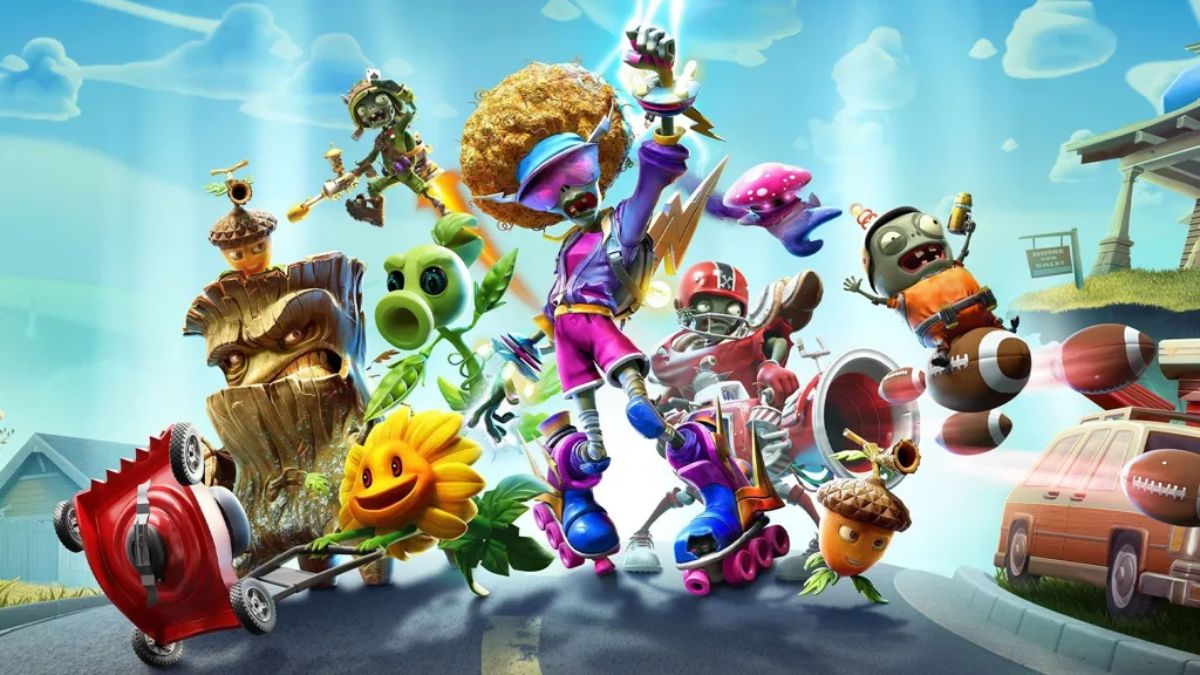
  • Is Plants Vs Zombies Battle For Neighborville Crossplay? The Answer You Seek!

    Is Plants Vs Zombies Battle For Neighborville Crossplay? The Answer You Seek!

    Plants vs Zombies Battle for Neighborville is a multiplayer shooter game that pits plants and zombies against each other in various modes and maps. The game is available on PlayStation 4, Xbox One, PC, and Nintendo Switch. But can players from different platforms play together? Is Plants vs Zombies Battle for Neighborville crossplay?

    In this article, we will answer these questions and explain what crossplay is, why it is important, and what are the challenges and benefits of implementing it.

    Is Plants vs Zombies Battle for Neighborville Crossplay?

    Unfortunately, the answer is no. Plants vs Zombies Battle for Neighborville does not support crossplay, meaning that players from different platforms cannot play together in the same game. This applies to both online and offline modes, such as Turf Takeover, Team Vanquish, Garden Ops, and Battle Arena.

    Is Plants Vs Zombies Battle For Neighborville Crossplay
    Is Plants Vs Zombies Battle For Neighborville Crossplay

    The only exception is the Nintendo Switch version, which supports cross-play with the PC version, but not with the PlayStation 4 or Xbox One versions. This means that players on Nintendo Switch can play with players on PC, but not with players on PlayStation 4 or Xbox One.

    The reason for this exception is that the Nintendo Switch version is based on the PC version, and uses the same servers and code. However, the PlayStation 4 and Xbox One versions are different and use separate servers and code.

    Why is Plants vs Zombies Battle for Neighborville Not Crossplay?

    The main reason why Plants vs Zombies Battle for Neighborville is not crossplay is that it requires a lot of technical and logistical challenges to implement. According to Shaun Laker, the Live Producer for Plants vs Zombies, crossplay is not as simple as some saying ‘Go ahead guys’ it’s tough. We would need big technology updates to support it, so right now we’re focusing on the quality of our gameplay.

    Some of the challenges and difficulties of implementing crossplay include:

    • The compatibility and optimization of the game across different platforms and devices. The game needs to run smoothly and consistently on different hardware and software specifications and ensure that there are no bugs, glitches, or crashes.
    • The balance and the fairness of the game across different platforms and devices. The game needs to account for the different input methods, such as controllers, keyboards, and touchscreens, and ensure that there are no advantages or disadvantages for any platform or device.
    • The cooperation and the agreement of the different platform holders and publishers. The game needs to follow the rules and the policies of the different platform holders and publishers, such as Sony, Microsoft, Nintendo, and EA, and ensure that there are no conflicts or disputes.

    Will Plants vs Zombies Battle for Neighborville Ever Be Crossplay?

    There is no definitive answer to this question, as the developers and the publishers have not made any official announcements or confirmations about crossplay for Plants vs Zombies Battle for Neighborville. However, there is some hope and possibility that crossplay could be added in the future.

    According to Shaun Laker, crossplay is a possibility but nothing we can promise right now. But what I can promise is if we start working on it, we will let the community know. This means that the developers and the publishers are aware of the demand and the potential of crossplay, and are open to the idea of working on it if the conditions and the resources allow it.

    However, this also means that crossplay is not a priority or a guarantee for Plants vs Zombies Battle for Neighborville and that many factors and obstacles could prevent or delay it. Therefore, players should not expect or rely on crossplay for Plants vs Zombies Battle for Neighborville and should enjoy the game as it is.

    You might also like to know about if these other games are cross-platform or not:

    Conclusion

    Plants vs Zombies Battle for Neighborville is a fun and exciting game that offers a lot of modes and maps for players to enjoy. However, it does not support crossplay, meaning that players from different platforms cannot play together in the same game.

    This is due to the technical and logistical challenges of implementing crossplay, which require a lot of time and effort from the developers and the publishers. Crossplay is not impossible or improbable for Plants vs Zombies Battle for Neighborville, but it is also not certain or imminent.

    The developers and the publishers have not ruled out the possibility of adding crossplay in the future, but they have also not promised or confirmed it. Therefore, players should be patient and realistic about crossplay for Plants vs Zombies Battle for Neighborville and should appreciate the game for what it is.

    We appreciate your interest in our website! Make Gameempress.com your go-to site for gaming information.
  • PS2 Emulator For PC: How To Play PS2 Games On Your Computer?

    PS2 Emulator For PC: How To Play PS2 Games On Your Computer?

    The PlayStation 2 (PS2) is one of the most successful and beloved video game consoles of all time, with a library of thousands of games across various genres and categories. However, if you want to play PS2 games on your computer, you will need a PS2 emulator for your PC.

    A PS2 emulator for PC is a software program that mimics the PS2’s hardware and software, allowing you to run PS2 games on your PC. With a PS2 emulator for PC, you can enjoy PS2 games in higher resolution, better performance, and more customization options than on the original console.

    However, not all PS2 emulators for PC are created equal. Some are more compatible, stable, and user-friendly than others. Some also require more configuration, installation, and troubleshooting than others. Therefore, it is important to choose the best PS2 emulator for PC for your needs and preferences.

    In this article, we will introduce you to some of the best PS2 emulators for PC, and guide you through the steps of downloading, installing, and using them. We will also provide you with some tips and tricks to optimize your PS2 emulation experience.

    Best PS2 Emulator For PC

    There are many PS2 emulators for PCs available on the internet, but not all of them are reliable and reputable. Some may contain viruses, malware, or spyware, while others may have poor compatibility, performance, or functionality.

    PS2 Emulator For PC
    PS2 Emulator For PC

    Therefore, it is advisable to download PS2 emulators for PC from trusted and verified sources, such as official websites or reputable platforms.

    Based on our research and testing, we have selected the following PS2 emulators for PC as the best ones in terms of compatibility, performance, features, and user-friendliness. These are:

    • PCSX2: PCSX2 is the most popular and widely used PS2 emulator for PC, with over 90% compatibility for the PS2 library. It is also the most advanced and feature-rich PS2 emulator for PC, with options such as custom resolutions, anti-aliasing, texture filtering, save states, cheats, and more. PCSX2 is free and open-source and supports Windows, Linux, and Mac OS.
    • DamonPS2: DamonPS2 is the fastest and most efficient PS2 emulator for PC, with over 80% compatibility with the PS2 library. It is also the easiest and simplest PS2 emulator for PC, with a user-friendly interface and minimal configuration. DamonPS2 is a paid software and supports Windows and Android.
    • NSX2: NSX2 is the newest and most updated PS2 emulator for PC, with over 70% compatibility for the PS2 library. It is also the most stable and smooth PS2 emulator for PC, with a high-performance engine and resource consumption. NSX2 is free and open-source and supports Windows and Linux.

    How To Download and Install PS2 Emulators For PC?

    To download and install PS2 emulators for PC, you will need to follow these general steps:

    • Visit the official website or the reputable platform of the PS2 emulator for the PC that you want to use, and download the latest version of the software. Make sure to choose the correct version for your operating system and system specifications.
    • Extract the downloaded file to a folder of your choice, and run the executable file to launch the PS2 emulator for PC. You may need to install some additional components or dependencies, such as DirectX, Visual C++, or BIOS, depending on the PS2 emulator for the PC that you are using.
    • Configure the PS2 emulator for PC according to your preferences and needs, such as the graphics, audio, controller, and language settings. You may also need to adjust some advanced settings, such as the emulation mode, speed hacks, or plugins, depending on the PS2 emulator for the PC that you are using.
    • Load the PS2 game that you want to play on the PS2 emulator for PC, either from a disc, an ISO file, or a folder. You may need to mount the disc or the ISO file to a virtual drive or convert the folder to an ISO file, depending on the PS2 emulator for the PC that you are using.
    • Enjoy playing the PS2 game on your PC, and save your progress as you wish. You can also use some additional features, such as screenshots, recording, streaming, or online multiplayer, depending on the PS2 emulator for the PC that you are using.

    Tips and Tricks for PS2 Emulation on PC

    To optimize your PS2 emulation experience on PC, you can follow these tips and tricks:

    • Check the compatibility list of the PS2 emulator for the PC that you are using, and see if the PS2 game that you want to play is supported or not. Some PS2 games may not work properly or at all on some PS2 emulators for PC, while others may require some specific settings or patches to run smoothly.
    • Update your PC’s drivers, software, and hardware, and make sure that they meet the minimum or recommended requirements of the PS2 emulator for the PC that you are using. Some PS2 emulators for PCs may not work well or at all on outdated or incompatible systems, while others may benefit from higher or lower specifications.
    • Backup your PS2 game files, save files, and configuration files, and store them in a safe and accessible location. This way, you can avoid losing your data or settings in case of any errors, crashes, or corruption, and you can also transfer them to another PC or PS2 emulator for PC if needed.
    • Experiment with different PS2 emulators for PC, and see which one suits your preferences and needs the best. Some PS2 emulators for PCs may offer more features and options, while others may offer better compatibility and performance. You can also use multiple PS2 emulators for PC for different PS2 games, depending on their requirements and characteristics.

    You might also be interested in the following game guide:

    Conclusion

    PS2 emulation on PC is a great way to enjoy PS2 games on your computer, with many advantages and benefits. However, it also requires some preparation and knowledge, as well as some trial and error, to achieve the best results.

    Therefore, it is important to choose the best PS2 emulator for PC for your needs and preferences and to follow the steps and tips that we have provided in this article.

    We appreciate your interest in our website! Make Gameempress.com your go-to site for gaming information.
  • Can Seel Be Shiny In Pokemon Go? Your Guide To Finding This Rare Seal!

    Can Seel Be Shiny In Pokemon Go? Your Guide To Finding This Rare Seal!

    Pokemon GO is a mobile game that allows players to catch and collect various Pokemon in the real world. The game also features shiny Pokemon, which are rare and alternate-colored versions of the regular Pokemon. Shiny Pokemon are highly sought after by many players, as they are unique and valuable.

    One of the Pokemon that has a shiny form in Pokemon GO is Seel, the Sea Lion Pokemon. In this article, we’ll answer the question: can Seel be shiny in Pokemon GO? We’ll also explain how to find and catch a shiny Seel, and what are the chances and benefits of getting one.

    What is a Shiny Seel And How Does it Look Like?

    A shiny Seel is a Seel that has a different colour scheme than the normal Seel. A normal Seel has a white body with a black horn and eyes. A shiny Seel has a beige or cream-coloured body with a brown horn and eyes. The difference is subtle but noticeable. A shiny seal also has a shiny sparkle effect when it appears on the map or the encounter screen.

    A shiny Seel looks like this:

    Can Seel Be Shiny In Pokemon Go
    Can Seel Be Shiny In Pokemon Go

    How to Find And Catch a Shiny Seel in Pokemon GO?

    To find and catch a shiny Seel in Pokemon GO, you need to encounter a Seel in the wild, in raids, in eggs, or research tasks. There is a small chance that any Seel that you encounter will be shiny, regardless of the source. However, some sources may have higher or lower chances of spawning a shiny Seel, depending on the event or the situation.

    The best way to find and catch a shiny Seel is to look for it in the wild, especially in areas where Seel spawns frequently, such as near water or in snowy or icy biomes.

    You can also use items such as incense, lures, or mystery boxes to attract more Seel to your location. You can also check the nearby or sightings tab to see if there is a Seel nearby, and follow the footsteps to find it.

    Another way to find and catch a shiny Seel is to participate in raids, where Seel may appear as a one-star raid boss. You can join or create a raid lobby, and battle the Seel with other players. If you defeat the seel, you will have a chance to catch it, and it may be shiny.

    Another way to find and catch a shiny Seel is to hatch it from eggs, where Seel may be one of the possible Pokemon that can hatch from a 5 km egg. You can obtain eggs from spinning PokeStops or Gyms, or from gifts from friends. You can then place the egg in an incubator, and walk a certain distance to hatch it. The Pokemon that hatches from the egg may be shiny.

    Another way to find and catch a shiny Seel is to complete research tasks, where Seel may be one of the possible rewards for completing certain field or special research tasks. You can obtain research tasks from spinning PokeStops or Gyms, or from the Professor or the Team Leaders.

    You can then complete the tasks by performing certain actions, such as catching, battling, or evolving Pokemon. The reward for completing the task may be a Seel encounter, and it may be shiny.

    What are The Chances and Benefits of Getting a Shiny Seel in Pokemon GO?

    The chances of getting a shiny Seel in Pokemon GO are not officially confirmed, but they are estimated to be around 1 in 500 for a wild encounter, 1 in 50 for a raid encounter, 1 in 50 for an egg hatch, and 1 in 20 for a research task encounter.

    These changes may vary depending on the event or the situation, as some events may increase or decrease the shiny rates of certain Pokemon.

    The benefits of getting a shiny Seel in Pokemon GO are mainly cosmetic, as a shiny Seel does not have any advantage or disadvantage over a normal Seel in terms of stats, moves, or performance.

    However, a shiny Seel is rare and valuable, as it can be used to show off, trade, or collect. A shiny Seel can also be evolved into a shiny Dewgong, which is the evolved form of Seel and has a blue body with a white horn and eyes.

    You might also be interested in the following game guide:

    Conclusion

    Seel is one of the Pokemon that can be shiny in Pokemon GO, and it has a beige or cream-coloured body with a brown horn and eyes. To find and catch a shiny Seel, you need to encounter a Seel in the wild, in raids, in eggs, or research tasks, and hope that it is shiny.

    The chances of getting a shiny Seel are low, but they may vary depending on the event or the situation. The benefits of getting a shiny Seel are mainly cosmetic, but it can also be used to show off, trade, or collect.

    We appreciate your interest in our website! Make Gameempress.com your go-to site for gaming information.